
From Shift 3 onward Animal Hospital Anomaly throws timed emergencies at you — fainting visitors, the death ritual, burning patients, room fires, the bed monster and the ambulance rush — and each has one specific fix you must reach before its countdown hits zero, or the patient dies and counts toward your run-ending death limit.
Once you push past the early shifts, treating walk-in patients stops being the whole job. The hospital starts spawning timed crises that can wipe a clean run in seconds if you freeze up, and every one of them has a single correct response. Below is the full set — what each emergency looks like, how long you have, and exactly what to do — with the finer details on a few of them flagged where players still disagree.
- How emergencies trigger and why each one matters
- Every emergency at a glance
- Collapsed or fainting patient near check-in
- Ambulance event: six patients at once
- Death ritual: extinguish every candle
- Burning patient running into the hospital
- Room fires that drain your sanity
- Bed monster dragging a patient down
- Staying alive when emergencies pile up
- Frequently Asked Questions
How emergencies trigger and why each one matters
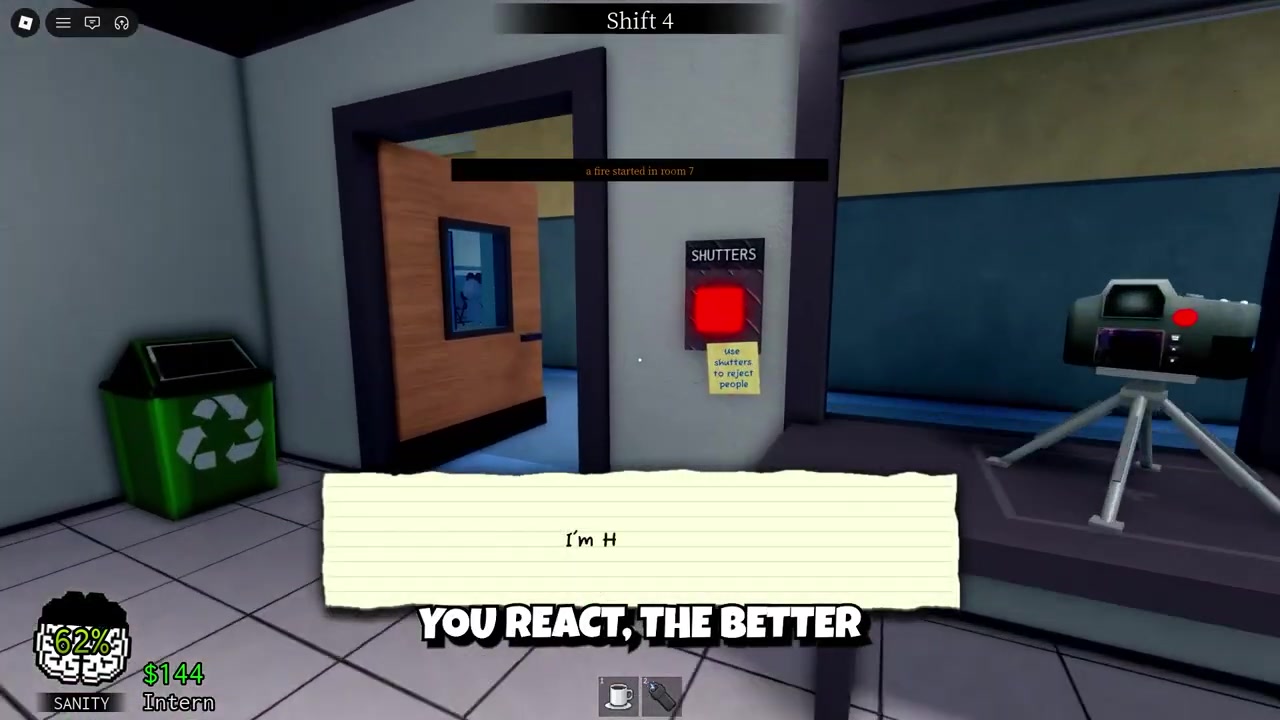
Emergencies begin appearing after you complete Shift 3, and from then on they can fire at almost any moment — usually while you’re mid check-in, mid treatment, or busy hunting an anomaly. The game gives you two signals: a notification on the right side of the screen and arrows on your HUD that point straight at the patient who needs help. The moment either shows up, drop whatever you’re holding and follow the arrow.
These are not optional side events. Every failed emergency is a full patient death, and those deaths stack toward a game-over limit — players widely report that three total deaths in a run ends the playthrough, though treat that exact figure as community-reported rather than confirmed. The timers are short and unforgiving, so deliberating over which bed to use or finishing one last task is how runs end.
If you’re playing with others, coordinate. The smart move is for everyone to converge on the active emergency rather than keep grinding normal anomaly checks — more hands means a candle-filled room or a six-patient ambulance flood gets cleared inside the timer instead of just outside it.
Every emergency at a glance
| Emergency | When / where it appears | Timer | How to resolve |
|---|---|---|---|
| Fainting patient | Near check-in, a hallway or a room — often right after they get an ID, or after a burning visitor runs in | 60s | Carry them to their assigned bed, then treat normally |
| Ambulance event | Around Shift 4–5, after Dr. Harlo’s anomaly-attack warning; recurs every 5 shifts | Shift-long set-piece (no single countdown) | Treat all six arrivals — fire first, then photo-check for anomalies |
| Death ritual | An occupied patient room; room darkens, patient floats above the bed | ~30–40s (sources conflict) | Extinguish every candle (hold E), or Taser the patient to break it instantly |
| Burning patient | A patient runs into the hospital on fire, usually near the lobby | 60s | Put out the flames by hand (then apply ointment) or with the extinguisher |
| Room fire | Flames break out in a room itself — any shift | Until extinguished (1 sanity/sec while you stand in it) | Use the fire extinguisher from the glass case outside check-in |
| Bed monster | A monster appears under a patient’s bed and drags them down | 30s | Equip Maple Syrup and step into the red area to banish it |
That’s the complete list to plan around. Worth noting up front: the fainting patient, the ritual and the fire emergencies are the most heavily corroborated, while the bed monster, standalone room fires and the ambronulance event’s specifics are documented mostly from gameplay footage — so take the finer numbers on those three as early-player reports rather than settled fact.
Collapsed or fainting patient near check-in
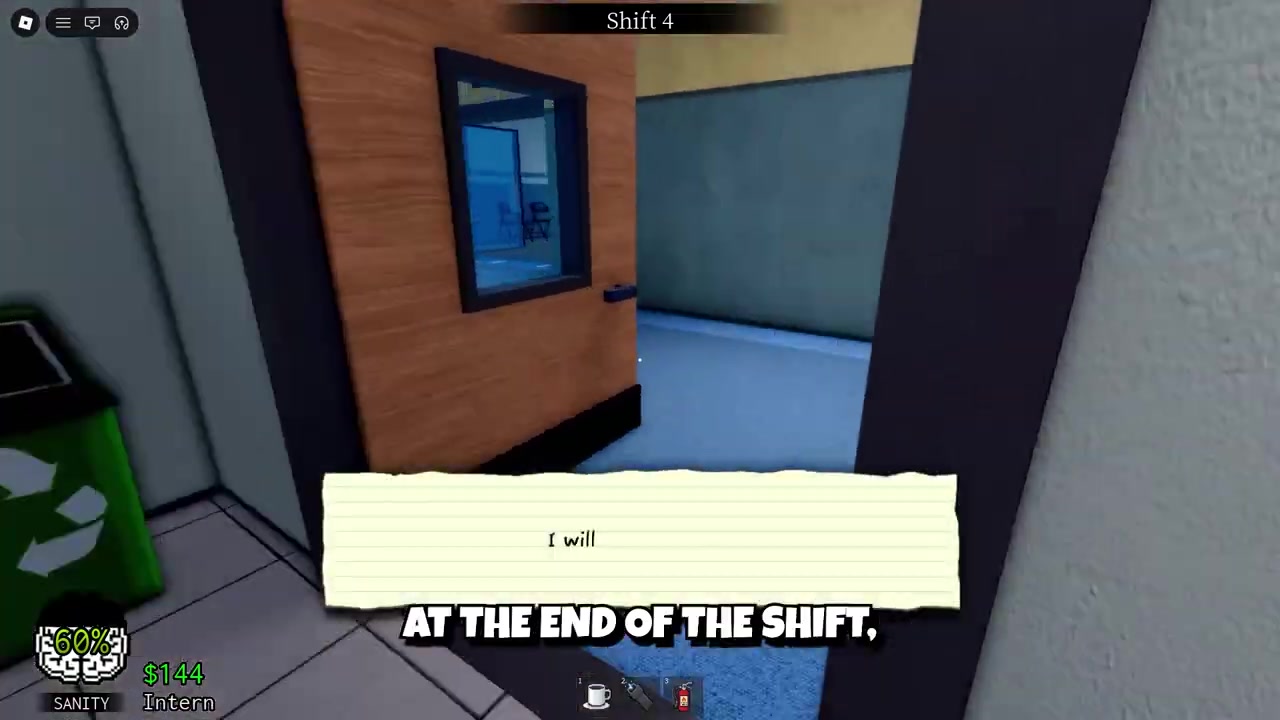
This is one of the most common emergencies and one of the easiest to fail by overthinking. A checked-in visitor passes out — sometimes right after receiving their ID near the check-in window, sometimes in a hallway or their assigned room, and sometimes after a burning visitor runs in and triggers the collapse. You have 60 seconds from the alert.
The fix is to pick the patient up and carry them to their assigned hospital bed, then begin treatment as normal once they’re down. The mistake that costs people the run is trying to interact with the patient where they lie — that doesn’t work. You must carry them, so don’t waste seconds tapping at a body on the floor or debating which room is theirs; follow the arrow and move.
One edge case floats around the community: that you can throw a fainted patient in the trash to skip treatment without it counting as a death. This is single-source and reads like an exploit rather than intended behavior, so treat it as unverified — not a tactic to rely on.
Ambulance event: six patients at once
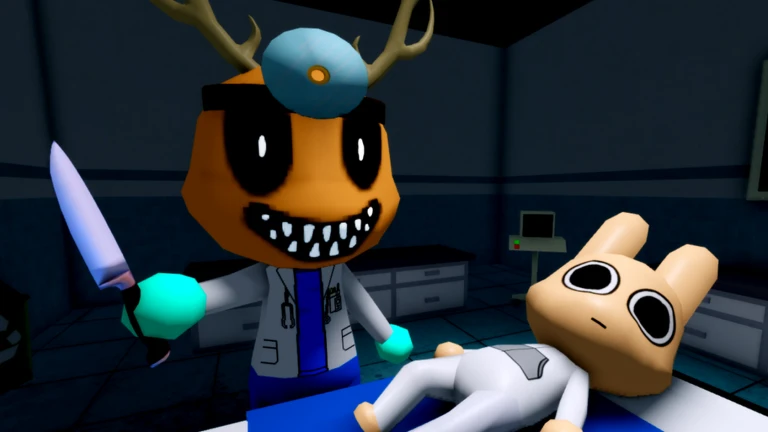
This is the largest set-piece in the game. It’s introduced in the later shifts — reports put its first appearance at around Shift 4–5 (accounts differ on the exact shift, so don’t bank on a hard number) — and it opens with Dr. Harlo warning that an anomaly attack has left multiple animals injured. Shortly after, an ambulance arrives and patients flood directly into the hospital.
A total of six patients fill different treatment rooms at once. Some are suffering severe burns, others are in critical condition, and — to make it genuinely dangerous — some of the arrivals are secretly anomalies or skinwalkers. For the burning ones, deal with the fire first and only then take the photo and check them for anomaly signs; photographing before you’ve treated the burns can ruin the anomaly photo. If an arrival turns out to be an anomaly, handle it with your normal combat tools — Taser, gun or fists.
Clear the whole batch and the event pays out bonus money at the end of the shift. It then returns every five shifts, so once you’ve survived the first one you know the rhythm of every one after.
Death ritual: extinguish every candle
The ritual is the creepiest emergency and one of the most punishing. In an occupied room, the patient floats above the bed, the room darkens, and the door is slow to open — and crucially, you cannot treat the patient directly while it’s happening. Trying to heal them is wasted time.
Instead, focus on the ritual itself. Several candles spawn around the room, and you have to extinguish every single one by holding E on each before the timer runs out. If even one candle is still lit when it hits zero, the patient dies. The classic failure is missing a candle tucked away in a corner, so sweep the whole room, not just the obvious spots. The faster shortcut is to use a Taser on the patient, which instantly breaks the ritual and drops them back onto the bed to recover.
On the timer: accounts put it at either 40 seconds or 30 seconds, and it may well have shifted in a patch. Either way, assume you have very little time — roughly 30–40 seconds — and respond the instant the alert appears.
Burning patient running into the hospital
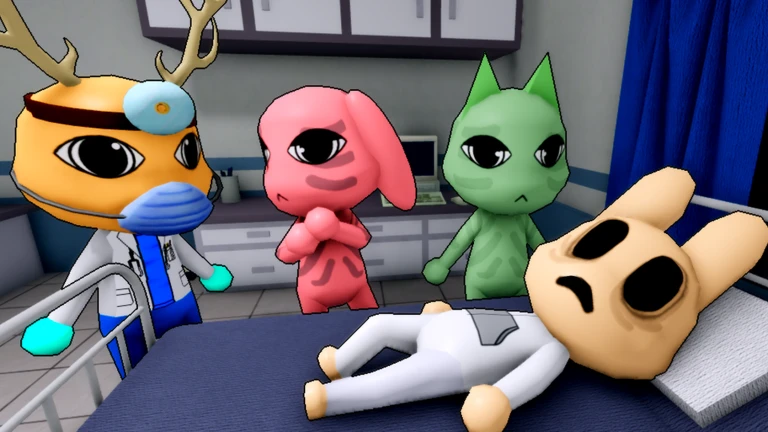
Separate from the ritual, you’ll get patients who are literally on fire. A burning patient runs into the hospital and needs help fast — you have 60 seconds to put out the flames before the burns do lasting damage. And be careful: anomalies can disguise themselves as burning patients, so don’t drop your guard once the fire’s out.
There are two ways to handle the flames, and here the accounts diverge slightly. You can put the fire out by hand, which is slower and, by one account, still leaves the patient needing ointment to treat the burns afterward. Or you can use a fire extinguisher from the glass case outside the check-in booth. One account says the extinguisher fully heals the patient with no follow-up; another says to apply ointment first regardless, and warns that photographing a burning patient before treating them ruins the anomaly photo. Since the sources don’t fully agree, the safe habit is to treat the fire first, apply ointment if the patient still looks hurt, and only photo-check for anomalies after they’re stable.
Room fires that drain your sanity
Sometimes the fire isn’t on a patient — it’s in the room itself. Room fires can break out during any shift, and unlike a burning patient, this one hurts you: standing inside the flames drains 1 sanity point every second.
Grab the fire extinguisher from the glass case outside check-in and put it out with the proper tool. You can extinguish a room fire by hand, but it takes longer and bleeds far more sanity in the process — so unless the extinguisher is genuinely out of reach, the tool is the safer call every time.
Bed monster dragging a patient down
This one catches new players off guard more than any other. A monster appears beneath a patient’s bed and starts dragging the patient downward; left alone, the patient can faint or even die. You only have 30 seconds to act.
The solution is specific: equip Maple Syrup, then step into the red area near the monster. That banishes the creature and lets the patient recover. The single biggest wipe here is rushing into the red zone without Maple Syrup actually equipped — you’ll burn the short timer doing nothing. If the monster grabs you instead of the patient, mash E to break free; you’ll lose sanity while it holds you, so get loose quickly.
Before you hit the later shifts, keep a fire extinguisher and Maple Syrup ready — two of the deadliest emergencies (room fires and the bed monster) are unbeatable in time if you have to go fetch the right item after the timer starts.
Staying alive when emergencies pile up
The thing that makes these events so dangerous is that they almost always fire while you’re already busy — checking a patient in, treating an illness, or scanning for an anomaly. There’s no warm-up. The players who survive long shifts aren’t the ones who memorize timers; they’re the ones who follow the arrow immediately instead of deliberating, keep an extinguisher and Maple Syrup on hand, and stay calm enough to react. Every emergency here has one clear, learnable solution — once you know which fix goes with which alert, the late shifts stop being a coin flip.
Frequently Asked Questions
When do emergencies start appearing in Animal Hospital Anomaly?
They begin after you complete Shift 3, and from that point can trigger at almost any moment — usually while you’re mid-task. Watch for the right-side notification and the HUD arrows pointing to the patient who needs help.
What happens if you fail an emergency, and how many deaths end your run?
A failed emergency is a full patient death, not a minor setback. Those deaths accumulate toward a game-over limit — players widely report that three total deaths end the run, though that exact number is community-reported rather than officially confirmed.
How many seconds do you have to stop the death ritual?
Accounts conflict: some say 40 seconds, others 30 seconds, likely depending on the game version. Assume you have very little time — roughly 30–40 seconds — and start extinguishing candles the instant the room darkens.
Where do you find the fire extinguisher?
It’s in the glass case outside the check-in booth. Grab it for both burning patients and room fires — using the extinguisher is faster and costs far less sanity than putting flames out by hand.
Do burning patients still need treatment after you put out the fire?
It depends on how you do it. If you put the fire out by hand, the patient still needs ointment for the burns. Using the fire extinguisher reportedly heals them fully with no follow-up — though one account recommends applying ointment regardless and reminds you not to photo-check for anomalies until after treatment, since photographing first can ruin the anomaly photo.
More questions⤵
What do you need equipped to beat the bed monster?
Maple Syrup. Equip it first, then step into the red area near the monster to banish it. Entering the red zone without Maple Syrup equipped wastes the 30-second timer, which is the most common way players lose this one.
Video help



Leave a Reply