
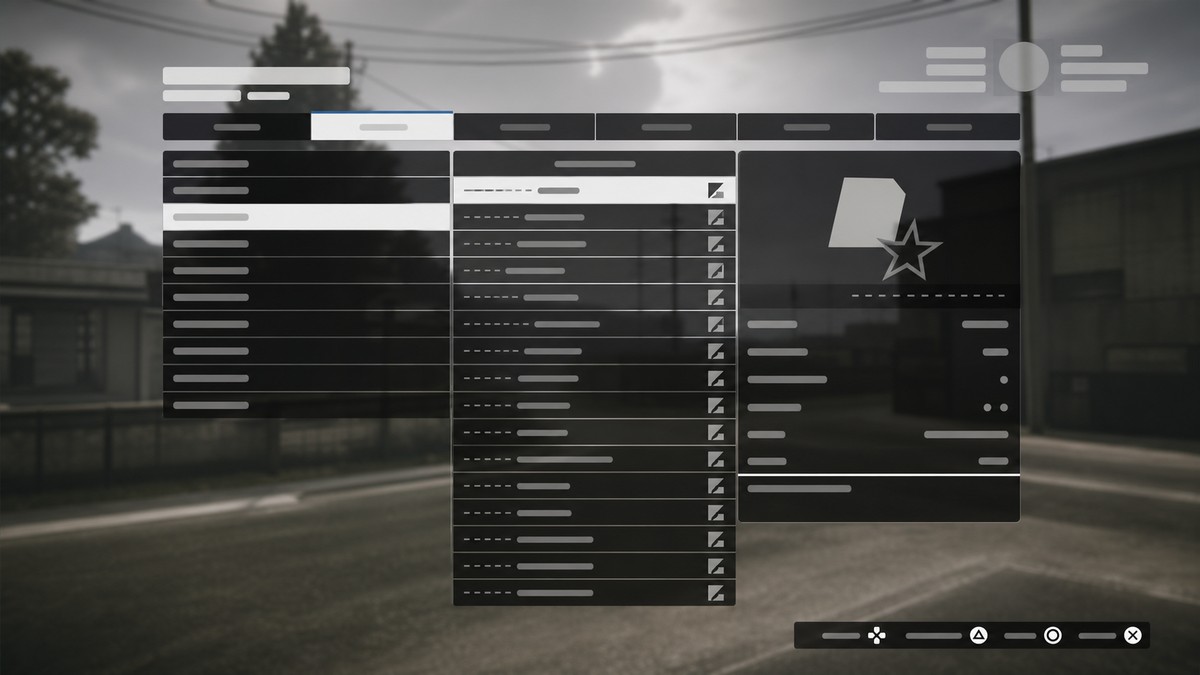
In GTA Online, you can nominate up to 16 player-created jobs from the Jobs menu by highlighting a job and pressing Triangle on PlayStation or Y on Xbox, which adds it to the pool that can appear on the Next Job Voting Screen.
Nominated Jobs gives custom jobs a better chance of showing up after an Online job ends, especially races and bookmarked player-created jobs you want other players to see. It is a voting-screen pool, not a forced queue, so the final choices still depend on the players in the session and the game’s random selection.
- What Nominated Jobs does in GTA Online
- Nominate a job from the Jobs menu
- How to nominate a job for the voting screen in GTA Online
- Nominate a job after finishing a job
- Where nominated jobs are listed
- How nominated jobs reach the voting screen
- Common Nominated Jobs mistakes
- Frequently Asked Questions
What Nominated Jobs does in GTA Online
Nominated Jobs is a way to flag player-created jobs so they can be pulled into the Next Job Voting Screen after a job finishes. It is aimed at custom content: jobs you made, recently played, or bookmarked, depending on what appears in your Jobs menu.
KEY!You can keep up to 16 nominated jobs at a time. Think of those 16 slots as your personal pool of custom jobs you want surfaced after regular Online activities.
It is not a playlist. A playlist is an ordered set of jobs you start directly; nominated jobs simply become eligible to appear as voting options after another job ends.
How to nominate a job for the voting screen in GTA Online
Use the Jobs menu to pick a custom job and add it to your nominated pool.
STEP 1/5
Open the Jobs page
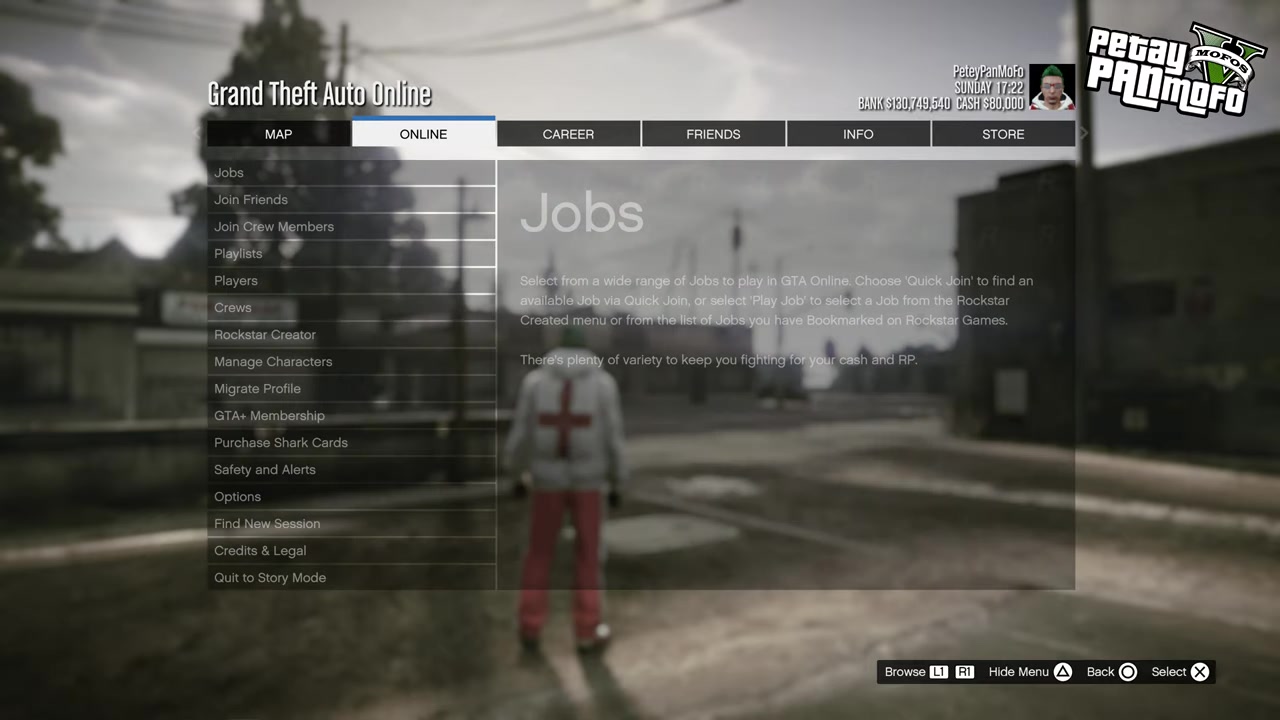
Go to the Jobs page where your available job lists are shown.
STEP 2/5
Pick a job source
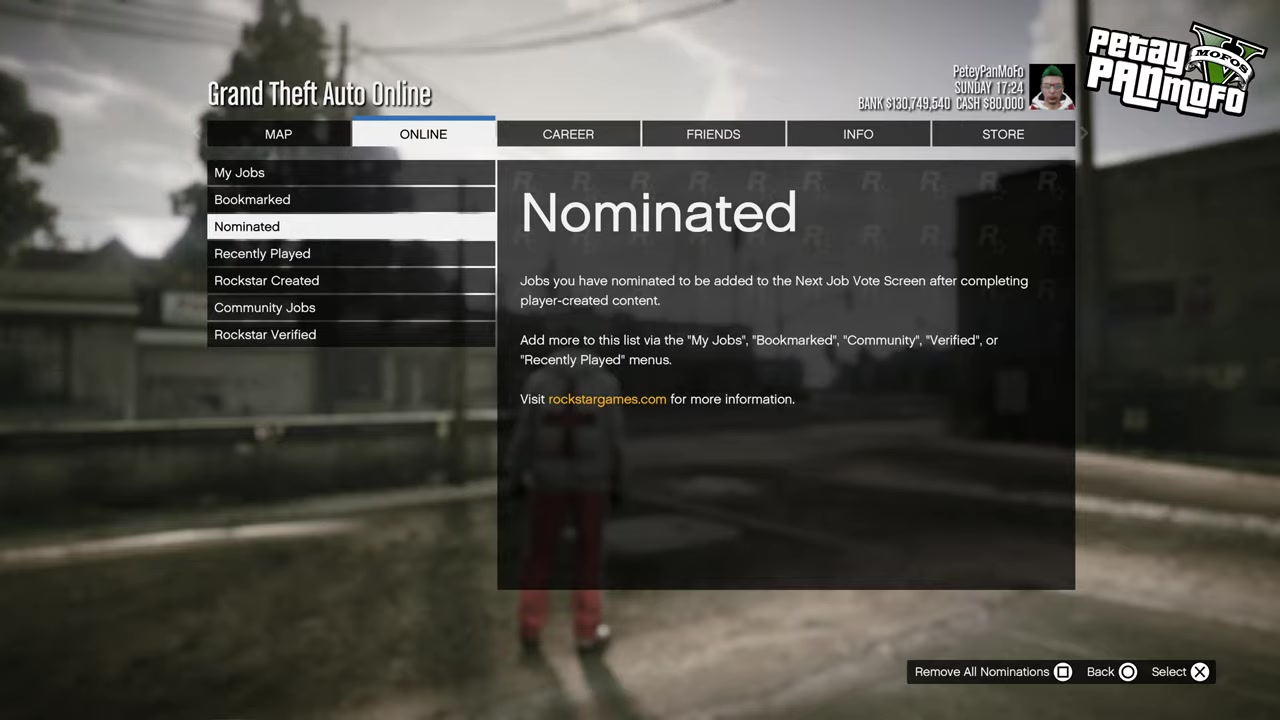
Choose a job from Recently Played, My Jobs, or Bookmarked Jobs.
STEP 3/5
Highlight the job
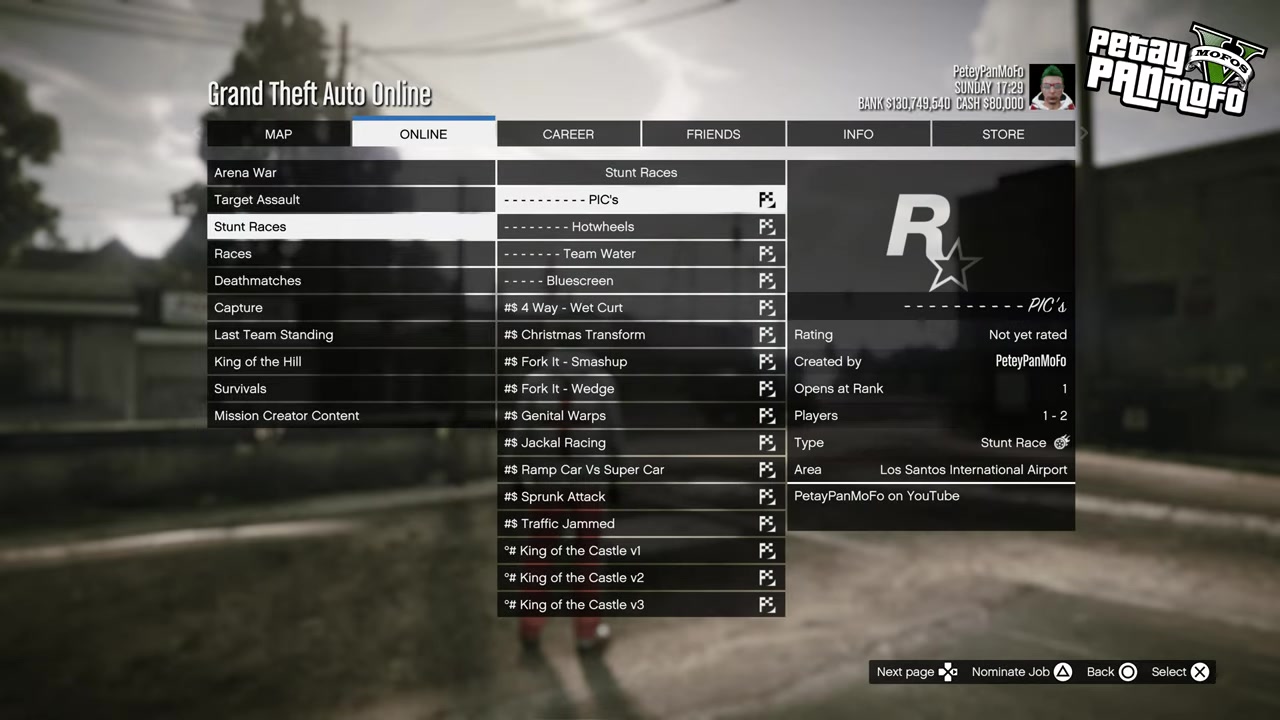
Move to the specific job you want to add to the voting-screen pool.
STEP 4/5
Nominate it on PlayStation
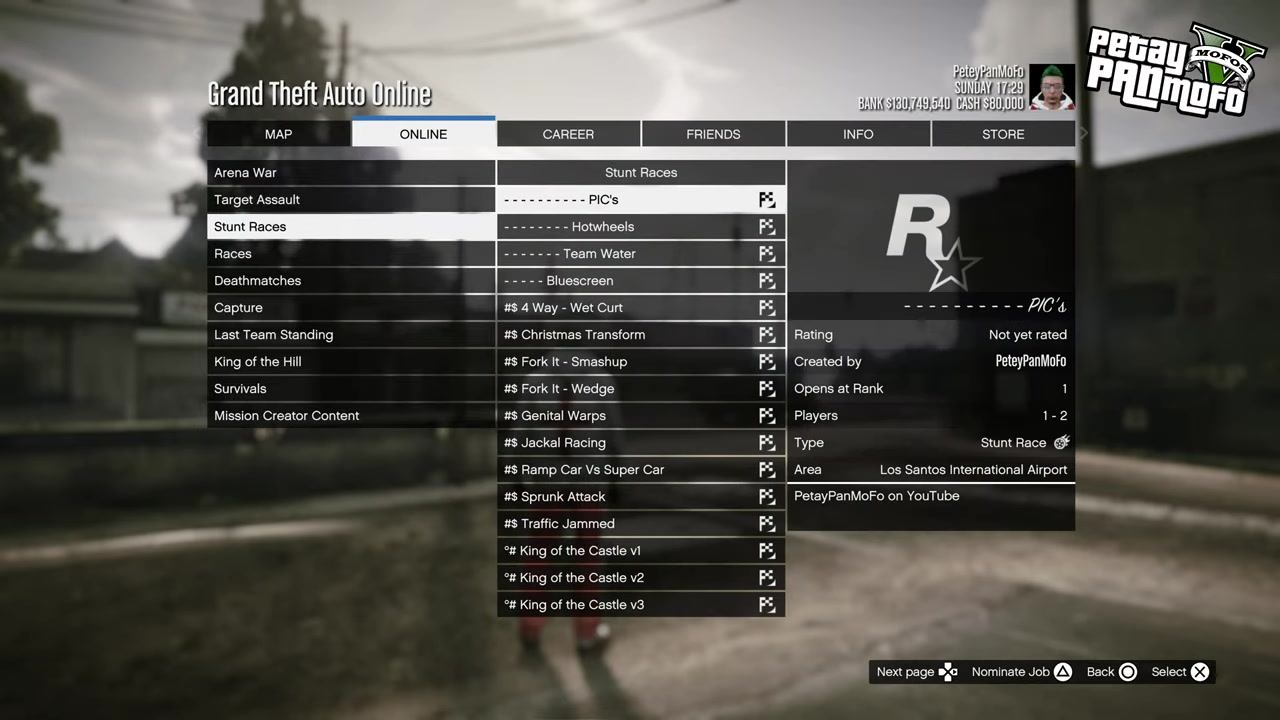
Press Triangle while the job is highlighted to nominate it.
STEP 5/5
Nominate it on Xbox
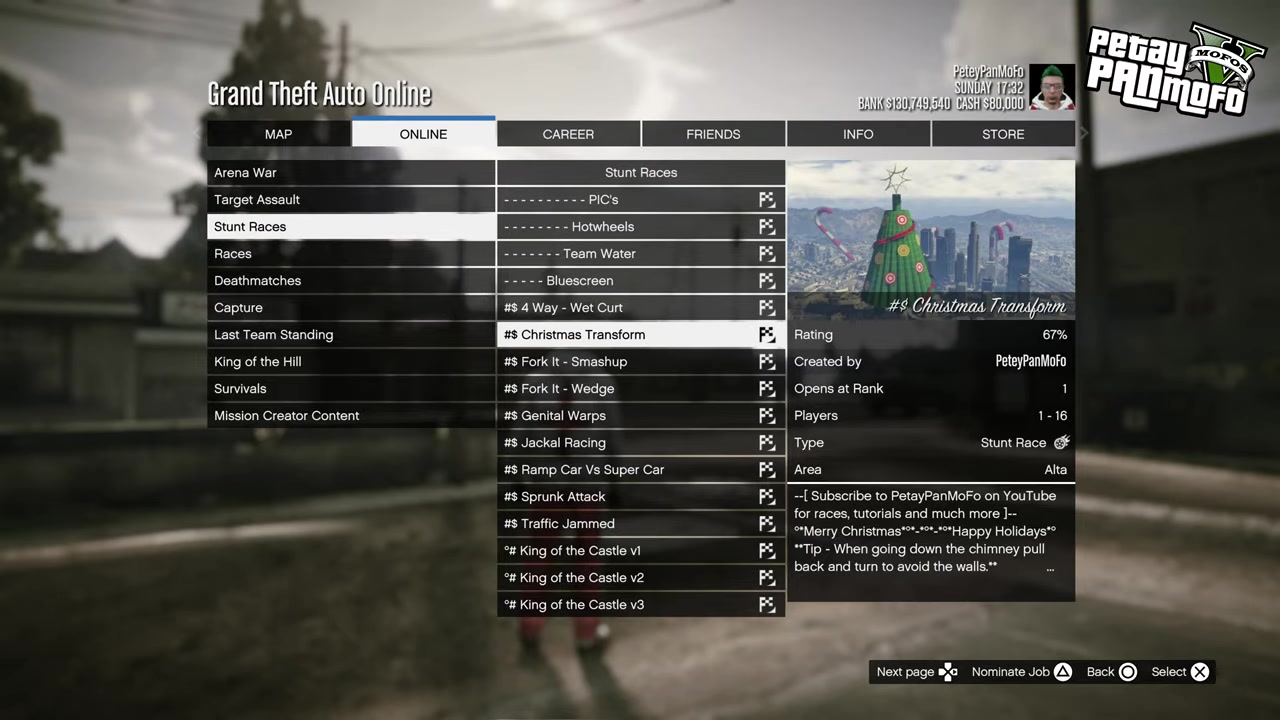
Press Y while the job is highlighted to nominate it.
Use your 16 slots for jobs you actually want public lobbies to vote on, then clear weaker entries from the Nominated section when your list fills up.
Video help
Nominate a job after finishing a job
You can also add a nomination from the end-of-job flow. After a job ends, use the Like/Vote screen area where you would normally rate or bookmark the job, then use the nominate option if it appears for that job.
This is useful when you just played something worth saving for future voting screens. The exact menu wording can vary by platform, but the option belongs in that post-job voting area rather than inside a separate playlist tool.
Where nominated jobs are listed
The Jobs menu now includes a Nominated section. Open it to see the jobs you have already nominated.
That same section is where you manage the pool. If you no longer want a job taking one of your 16 slots, remove it there and replace it with another custom job from your available lists.
How nominated jobs reach the voting screen
| Feature | How it works |
|---|---|
| Nomination cap | Up to 16 jobs. |
| Supported job sources | Recently Played, My Jobs, and Bookmarked Jobs. |
| Controller buttons | Triangle on PlayStation, Y on Xbox. |
| Where they appear | The Next Job Voting Screen after an Online job. |
| Guaranteed appearance | No; the screen uses a random selection from players present. |
When a job ends in GTA Online, nominated jobs can be selected into the Next Job Voting Screen from the nomination pools of the players present. That means your choice is added into the shared mix; it does not override the whole screen or guarantee your job appears every time.
The practical benefit is visibility. Custom jobs are easier for regular players to find and vote for, especially when multiple players in the lobby have nominated strong community-made jobs.
Common Nominated Jobs mistakes
The first mistake is treating nominations like a queue. Adding a job does not make it the next job; it only places it into the pool that can feed the voting screen.
The second mistake is filling all 16 slots and expecting new nominations to keep stacking. Once the pool is full, remove older entries from the Nominated section before adding more.
The third mistake is assuming this covers every standard Rockstar-created job. The feature is focused on player-created jobs, while the menu sources also include recently played and bookmarked jobs, so use it mainly for custom jobs you want to promote.
Frequently Asked Questions
Can I nominate bookmarked jobs in GTA Online?
Yes. Bookmarked Jobs are one of the supported places to pick a job from when adding nominations.
How many jobs can I nominate?
You can nominate up to 16 jobs at once.
Does nominating a job make it appear after every job?
No. Nominated jobs are pulled through random selection from the players in the session, so they can appear without being guaranteed every time.
Where do I remove nominated jobs?
Use the Nominated section in the Jobs menu to review your nominated jobs and remove entries.
Is Nominated Jobs the same as a playlist?
No. A playlist is launched as a set of jobs, while Nominated Jobs only affects what can appear on the post-job voting screen.






Leave a Reply