Streaming isn’t everyone’s cup of tea. But for audiophiles with FLACs to spare, the difficulty can be choosing which music player to use for their audio treasure. Most make do with the apps that are available. But those who can, sometimes end up creating their own.
Such was the case with a Redditor named Boof2015 who took matters into their own hands and built ‘Astra’ after no existing music player met their needs for minimalist design with meter-like visuals. What began as a side project over the past month has grown into a robust, audiophile-grade tool. Cross-platform support makes it accessible whether you’re on Linux, Windows, or macOS.
Astra – Core features
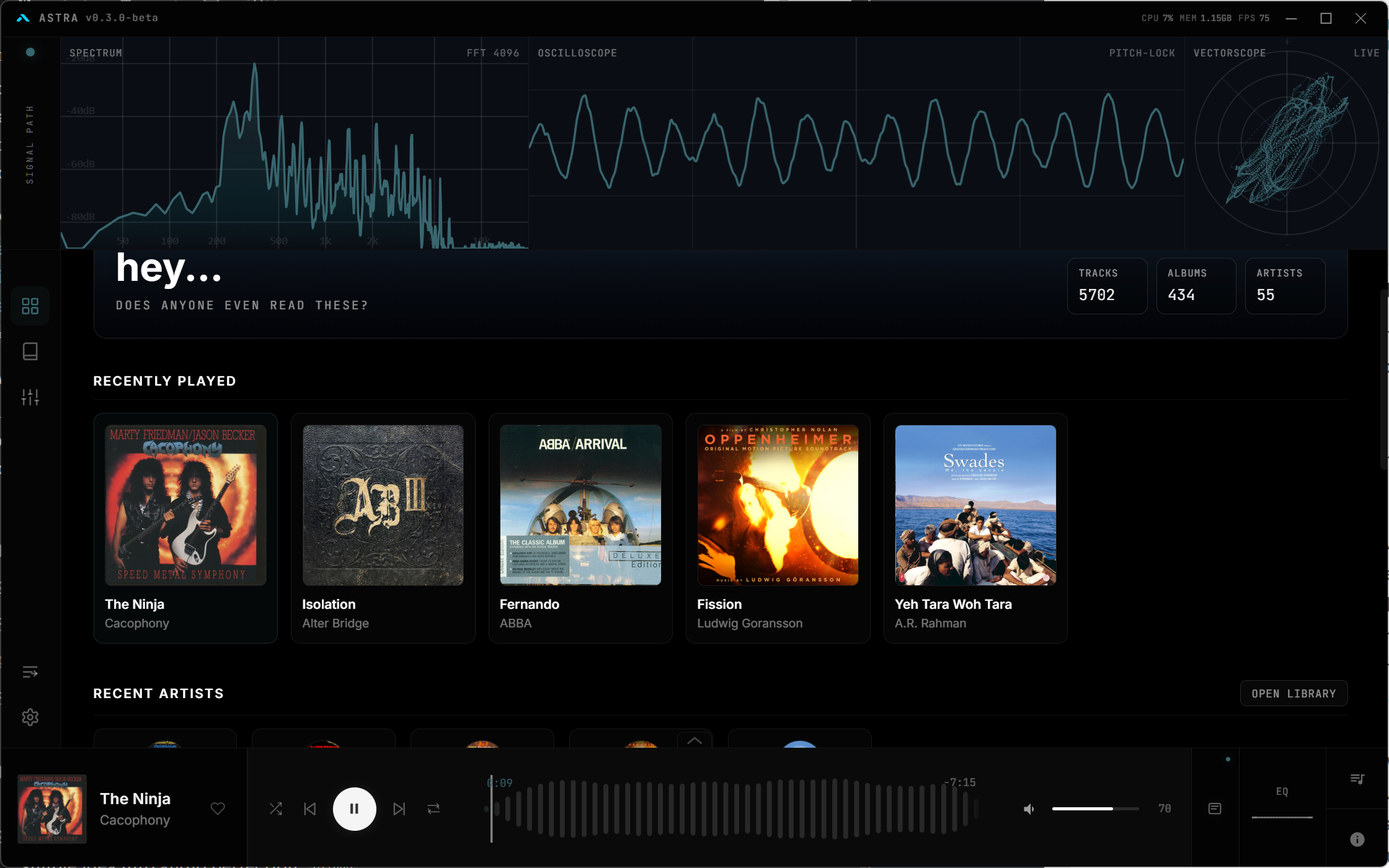
Astra shines with tools tailored for serious listeners. It handles all audio formats, including multichannel decoding for immersive playback. Built-in DSP and EQ let you fine-tune sound natively, while a metadata editor keeps your library organized.
| Feature | Description |
|---|---|
| Native DSP & EQ | Onboard processing for precise audio adjustments without external plugins. |
| Metadata Editor | Edit tags directly in-app for seamless library maintenance. |
| Multichannel Audio | Remap channels customly, supporting full surround decoding. |
| Custom API | Integrate with other tools via unique API endpoints. |
| Auto Library Management | Scans and organizes local collections effortlessly. |
Gapless playback ensures uninterrupted flow, perfect for albums or long sessions.
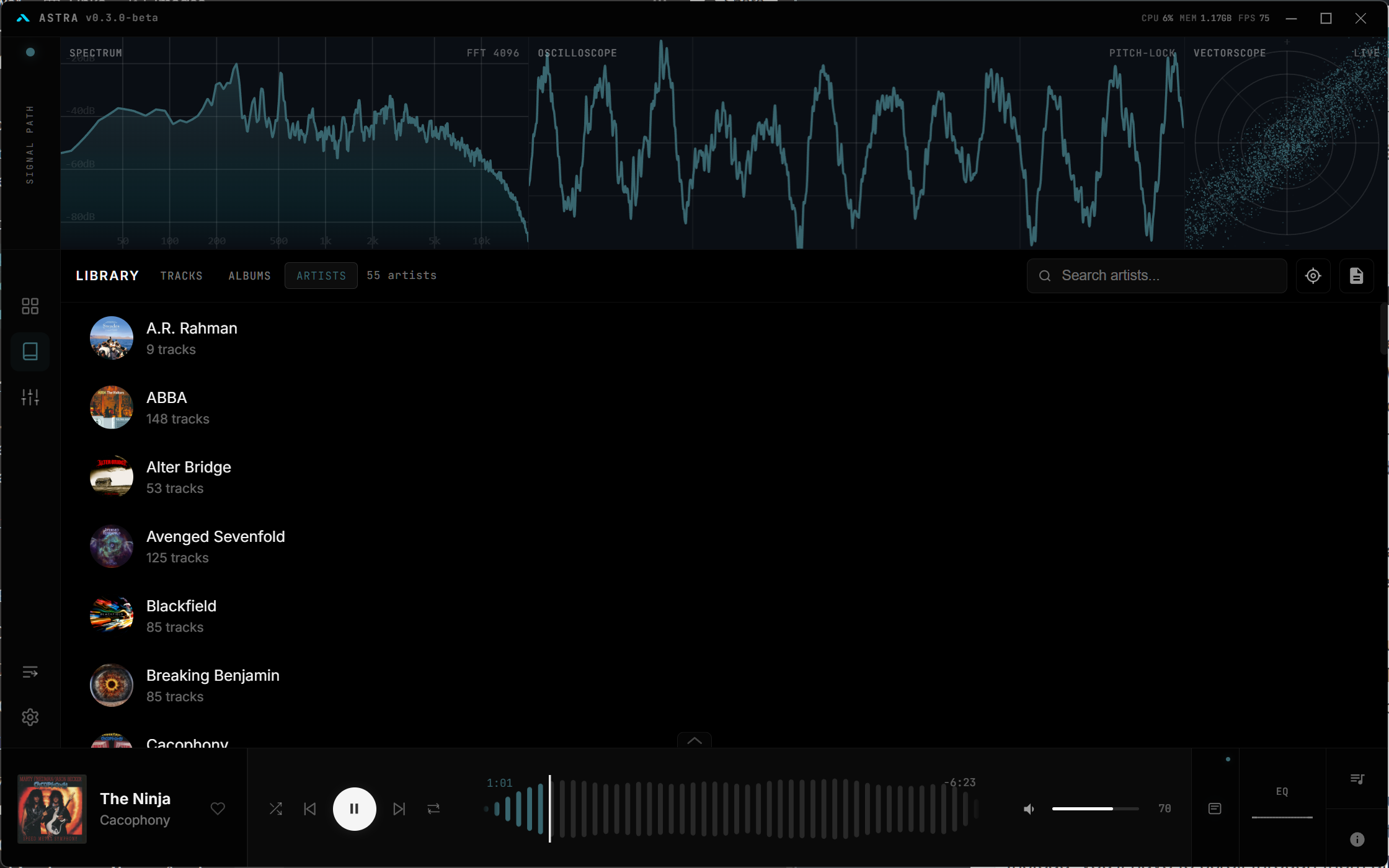
Cross-platform reach and setup
You’ll find Astra running smoothly on your preferred OS—no compromises. Linux gets native priority, but Windows and macOS users join the fun too. Installation is straightforward. Simply go to its GitHub release page and download the exe file. The recent beta update polishes performance, making it ready for daily use.
What sets Astra apart
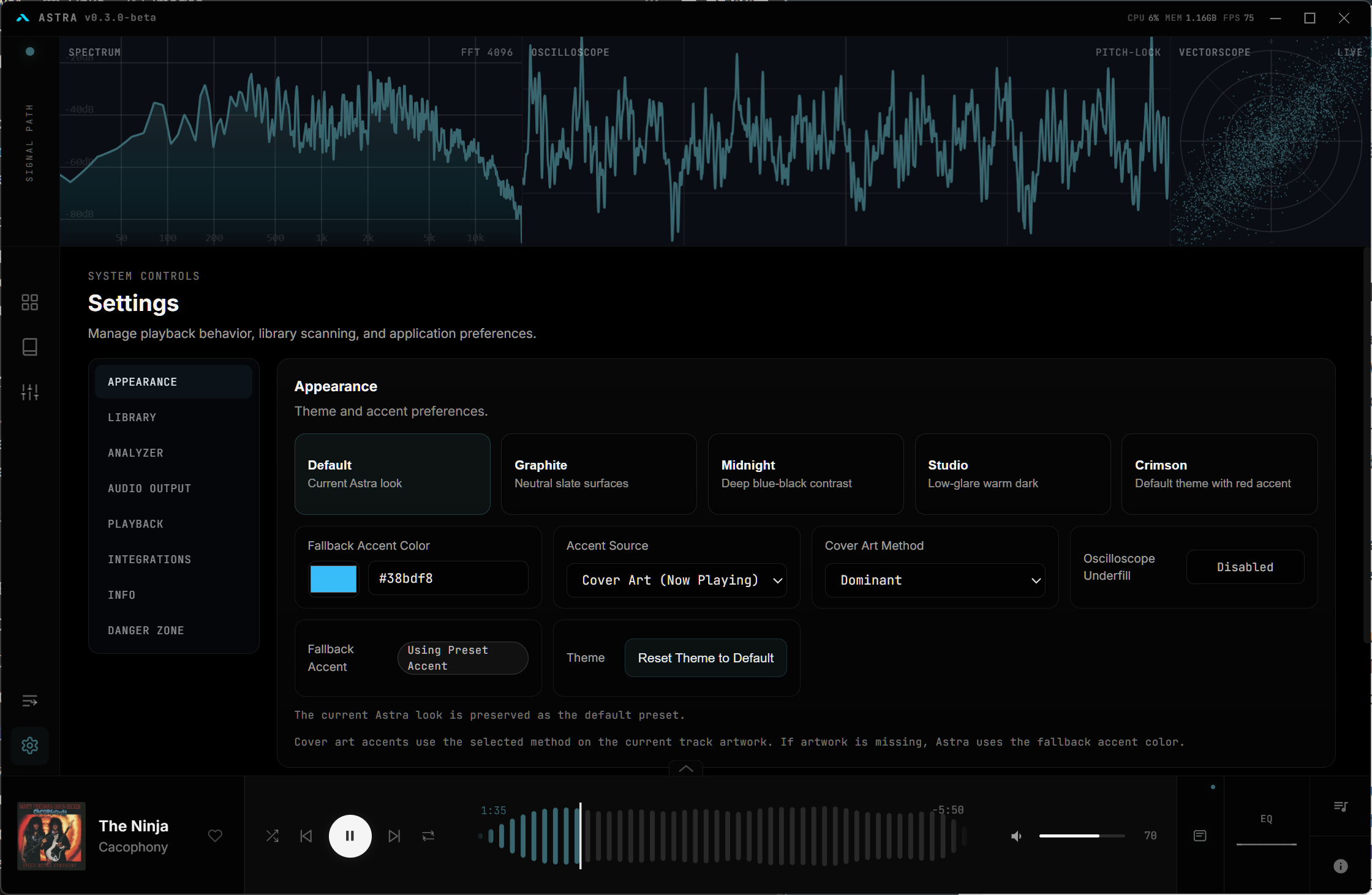
There are several things going for Astra. It has Spectrum, Oscilloscope, and Vectorscope panels at the top, an easy to get to equalizer, track info panels, and a clean and modern UI. You can set the accent color to change based on the album art, change channel routing, integrate Discord, and much more.
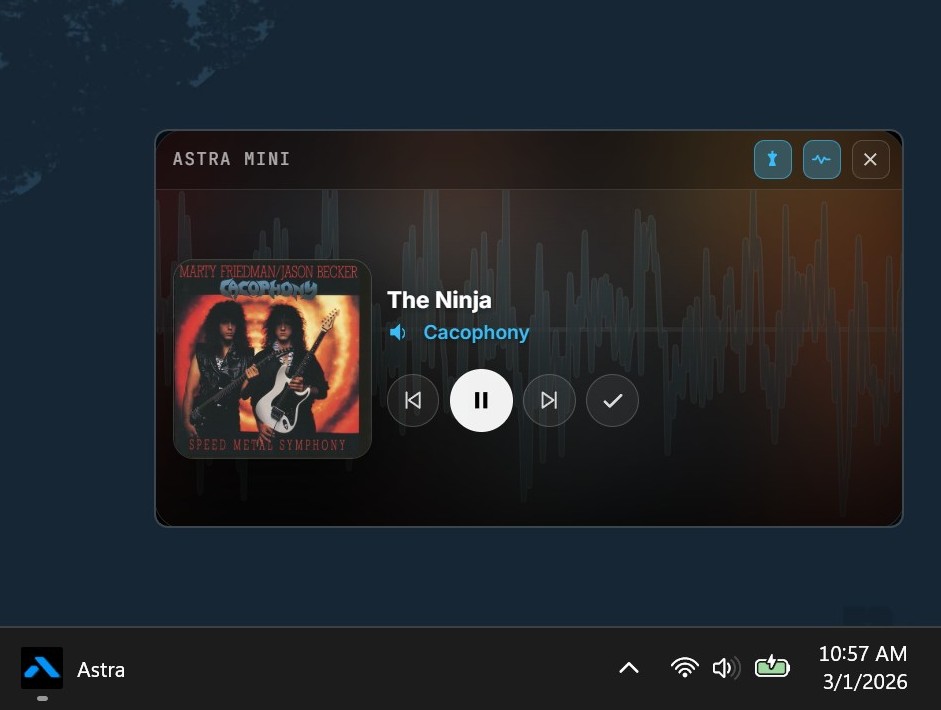
The mini player is also pretty good, with a spectrum dancing in the background.
One thing we didn’t particularly like was that there was no way to turn off the signal analyzers at the top. Also, if you’re the kind of listener who listens by Artist, you’ll find the songs not sorted into Albums. Instead, you’ll have to scroll through them all.
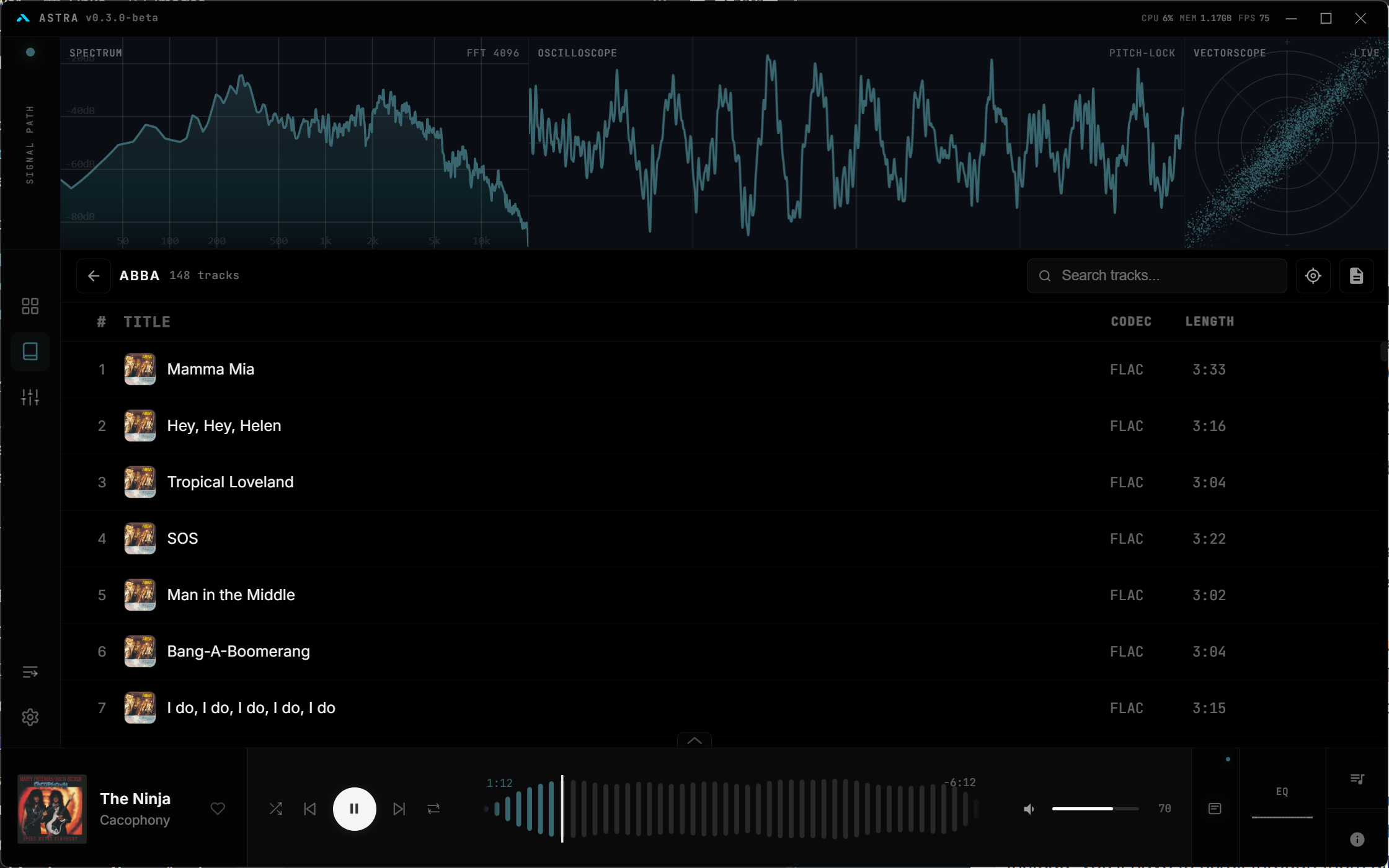
This can get cumbersome if a particularly artist has a lot of albums.
But the app is still in beta and new updates are on the way. We expect these small wrinkles to get ironed out easily. If you like what you see, we do recommend checking it out and giving feedback to the creator.