To make days longer or shorter in Paralives, change the “Duration of Life Stages” setting to Short, Normal, or Long in the Custom Storyteller menu. Alternatively, you can also adjust days with the “Minutes Per Real-Life Seconds” slider. Or, on the main screen, click fast forward in the bottom right corner.
How to Change Day Length in Paralives
Step 1: Open the Options Menu
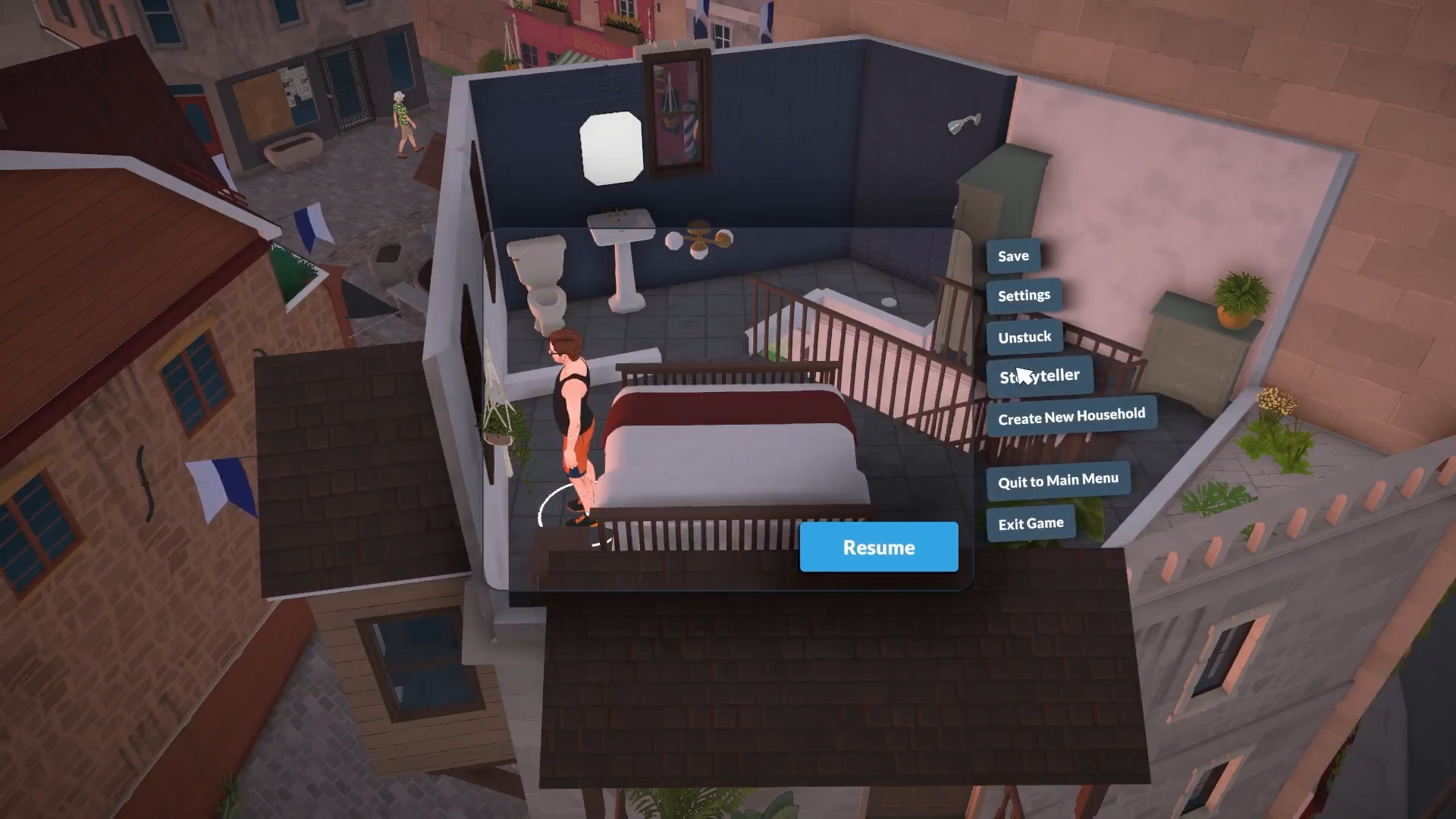
Click the three white dots in the top-right corner of your screen (or press Esc) to open the Options menu.
Step 2: Navigate to Storyteller
Select Storyteller from the Options menu list. This opens the Storyteller selector with your current settings visible.
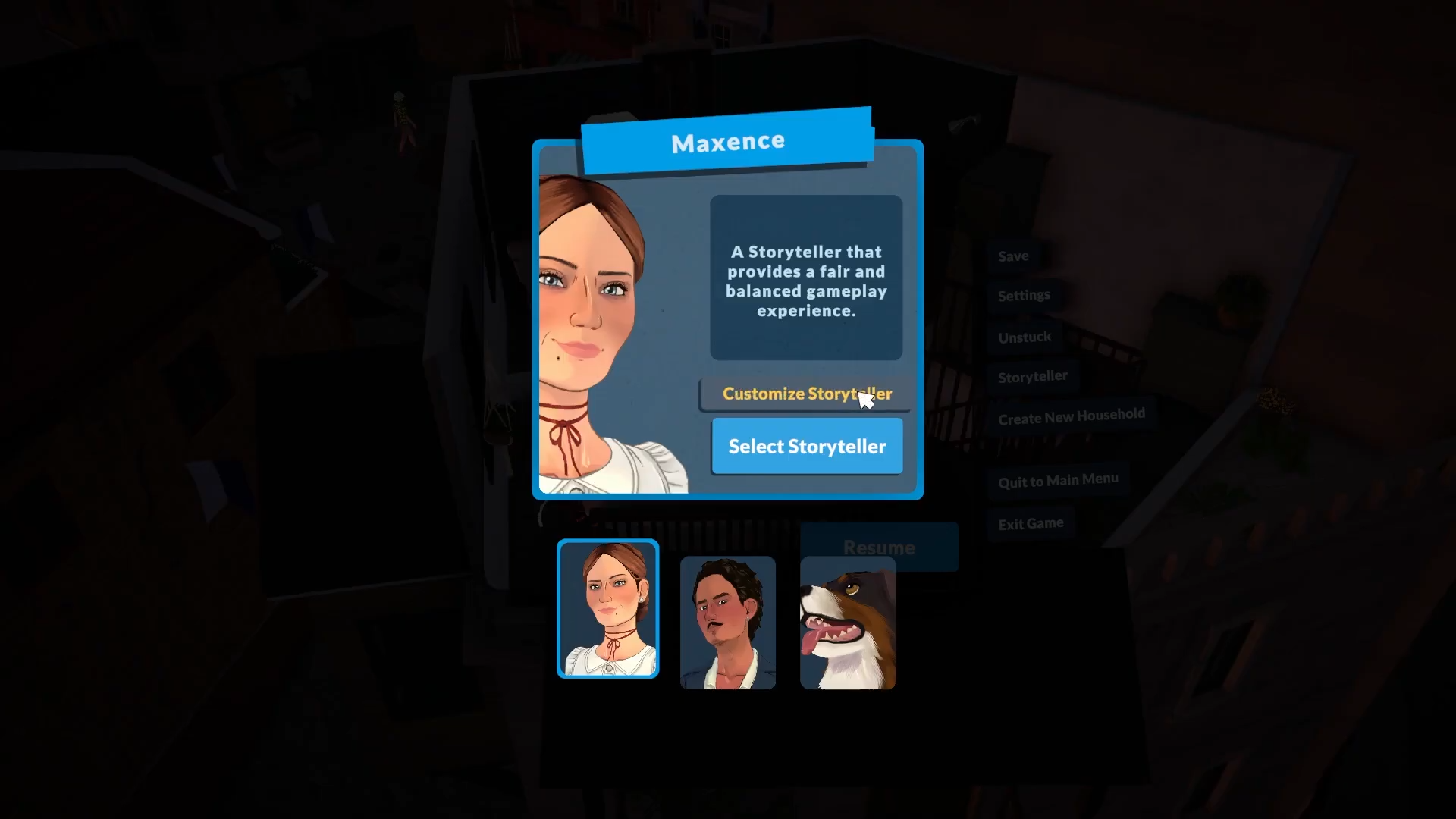
Step 3: Click Customize Storyteller
Click Customize Storyteller to access the full settings panel where you can adjust time settings.
Step 4: Find the Duration Setting
Under the Time subheading, locate the “Duration of Life Stages” setting (also called “Duration of Life Stages” or “Life Stage Duration”).
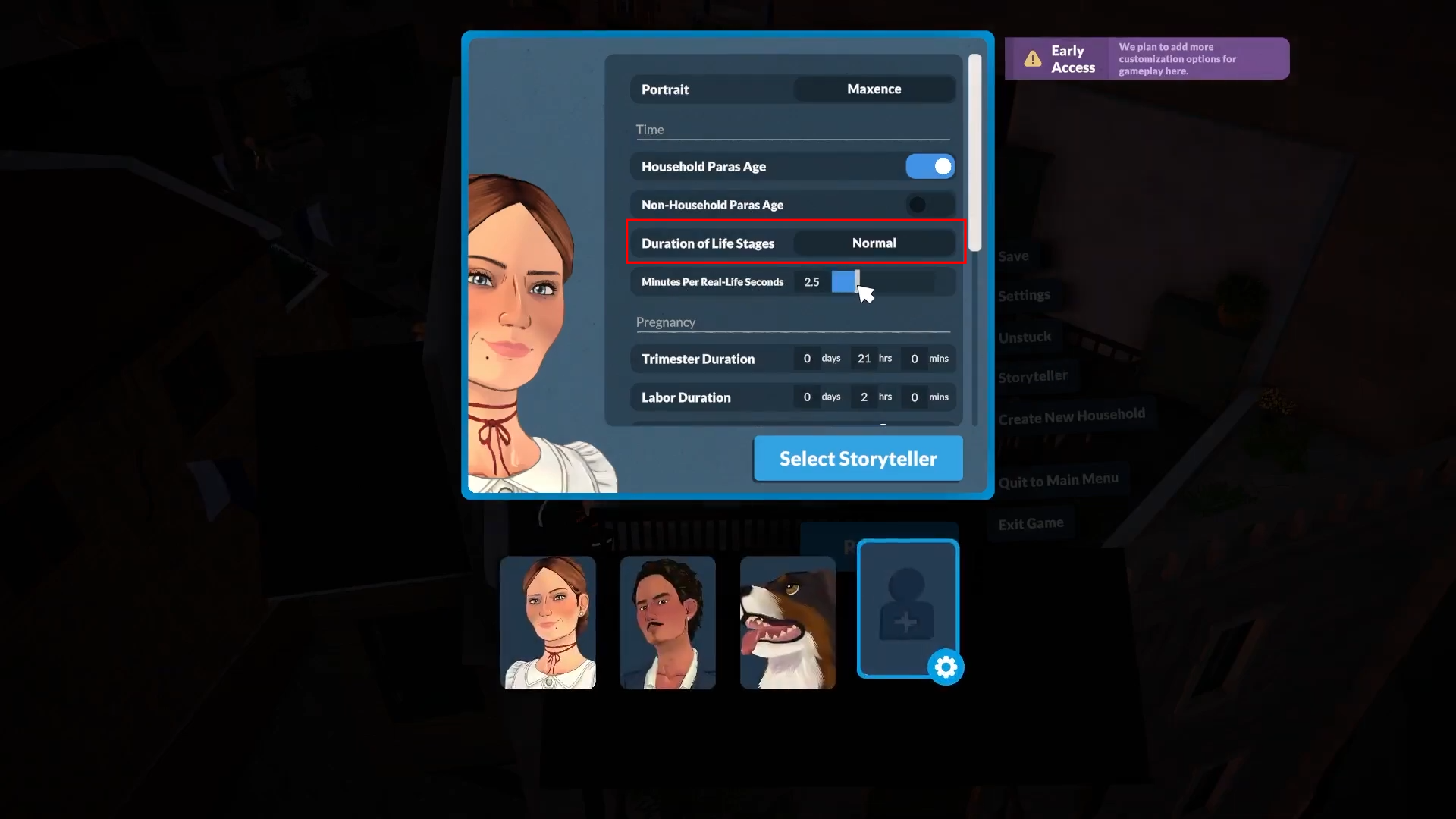
Step 5: Select Short, Normal, or Long
Choose your preferred setting:
-
Short → Makes days shorter (paras age faster)
-
Normal → Default day length
-
Long → Makes days longer (paras age slower)
The change saves automatically when you select it. Close the menu to return to gameplay.
Bonus: Adjust Game Clock Speed
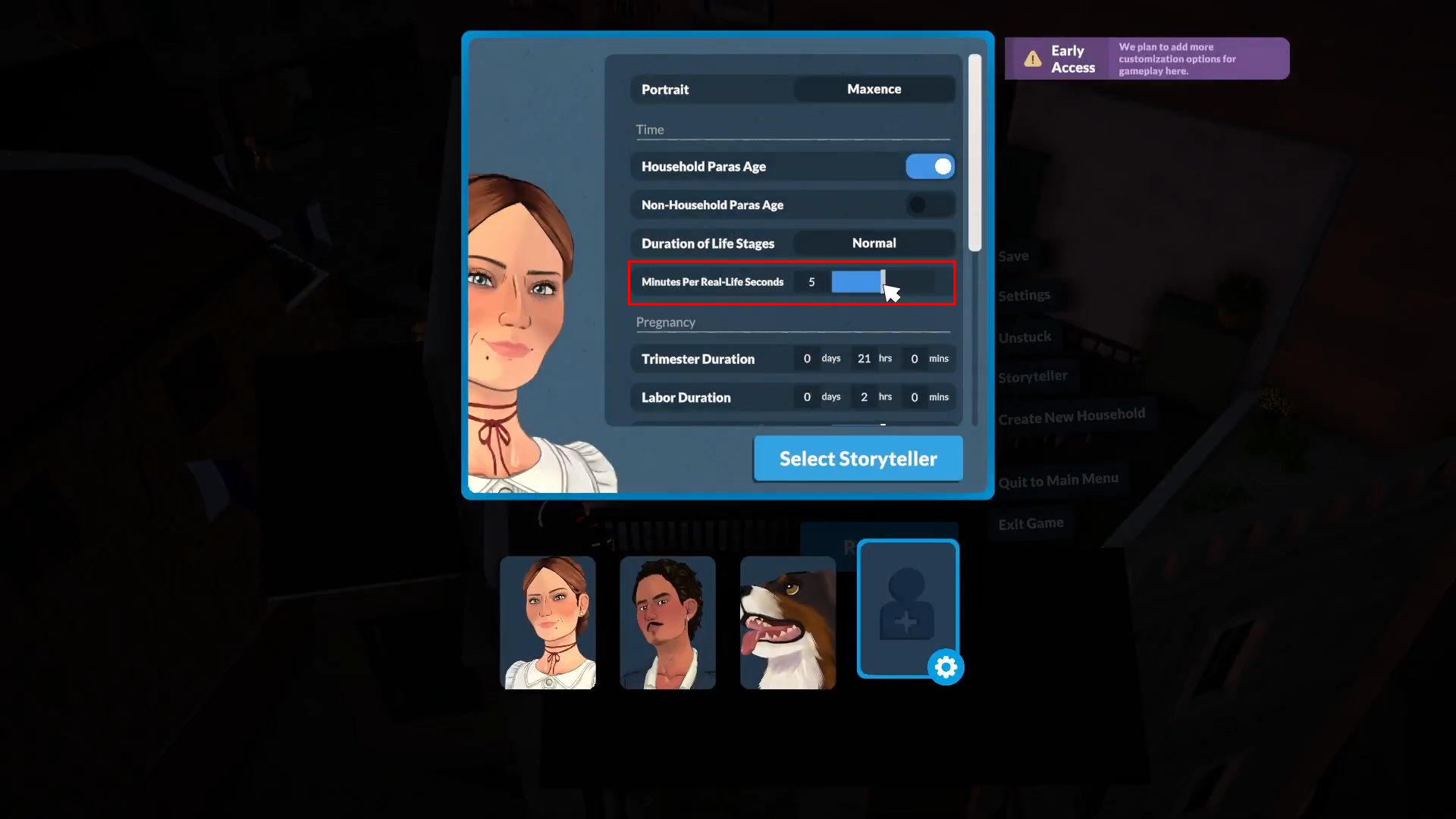
While in the same Custom Storyteller menu under Time, you can also adjust the “Minutes Per Real-Life Seconds” slider. This changes how fast the game clock runs, making individual days last significantly longer or shorter in real time.
-
Move slider right → Slower clock → Days last longer in real time.
-
Move slider left → Faster clock → Days pass shorter in real time.
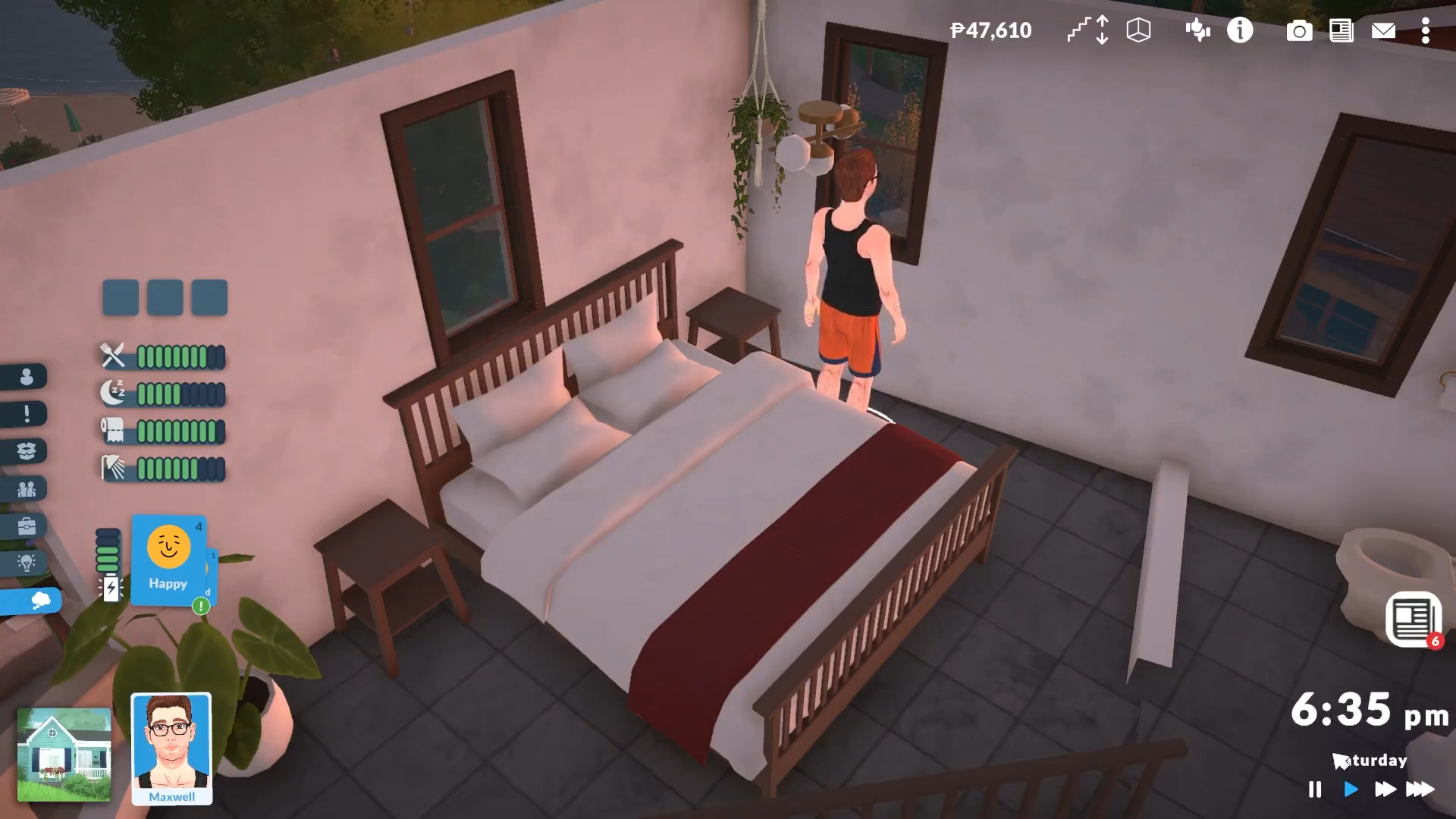
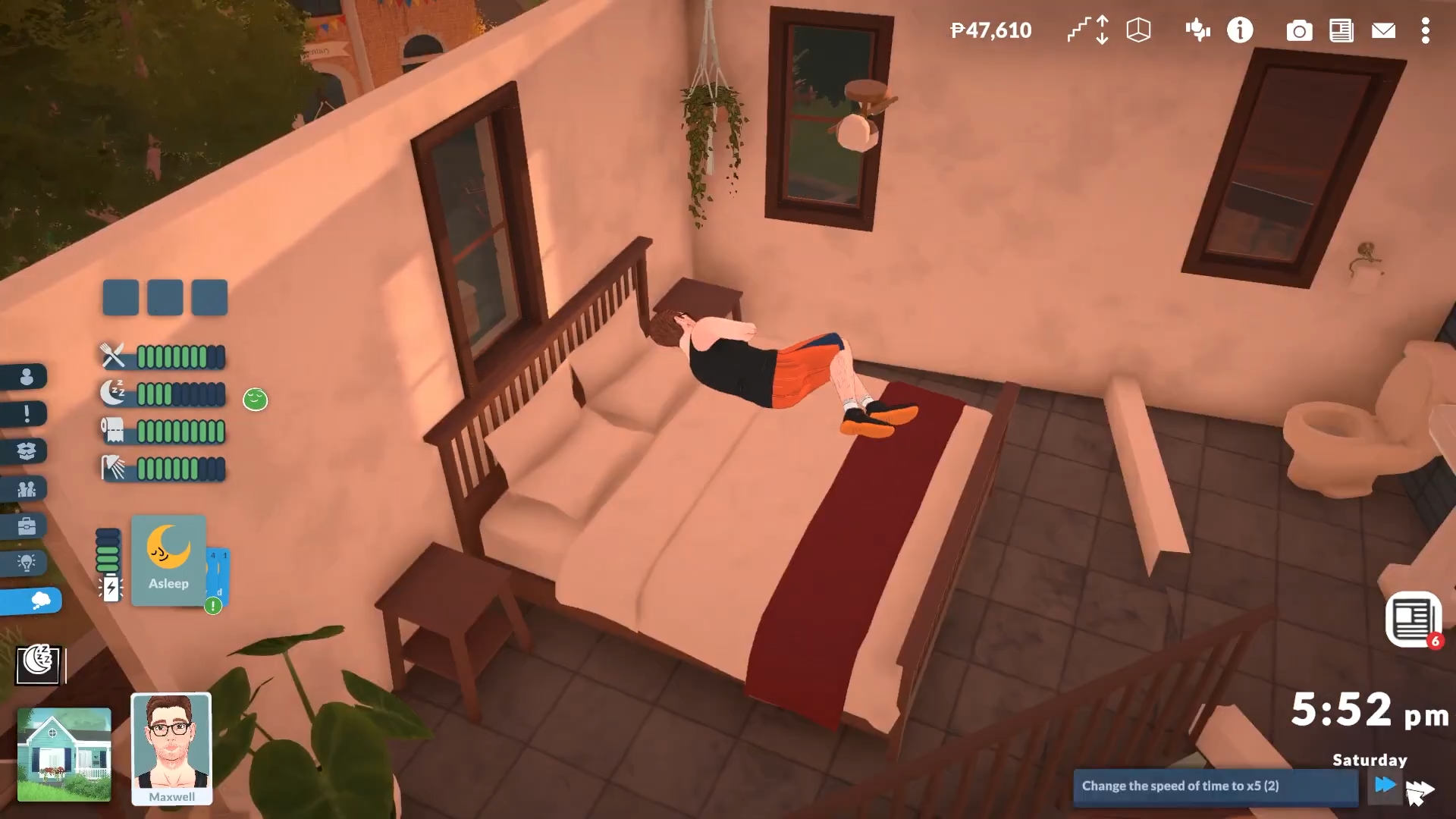
Additionally, there’s also a time speed changer at the bottom right of your screen.
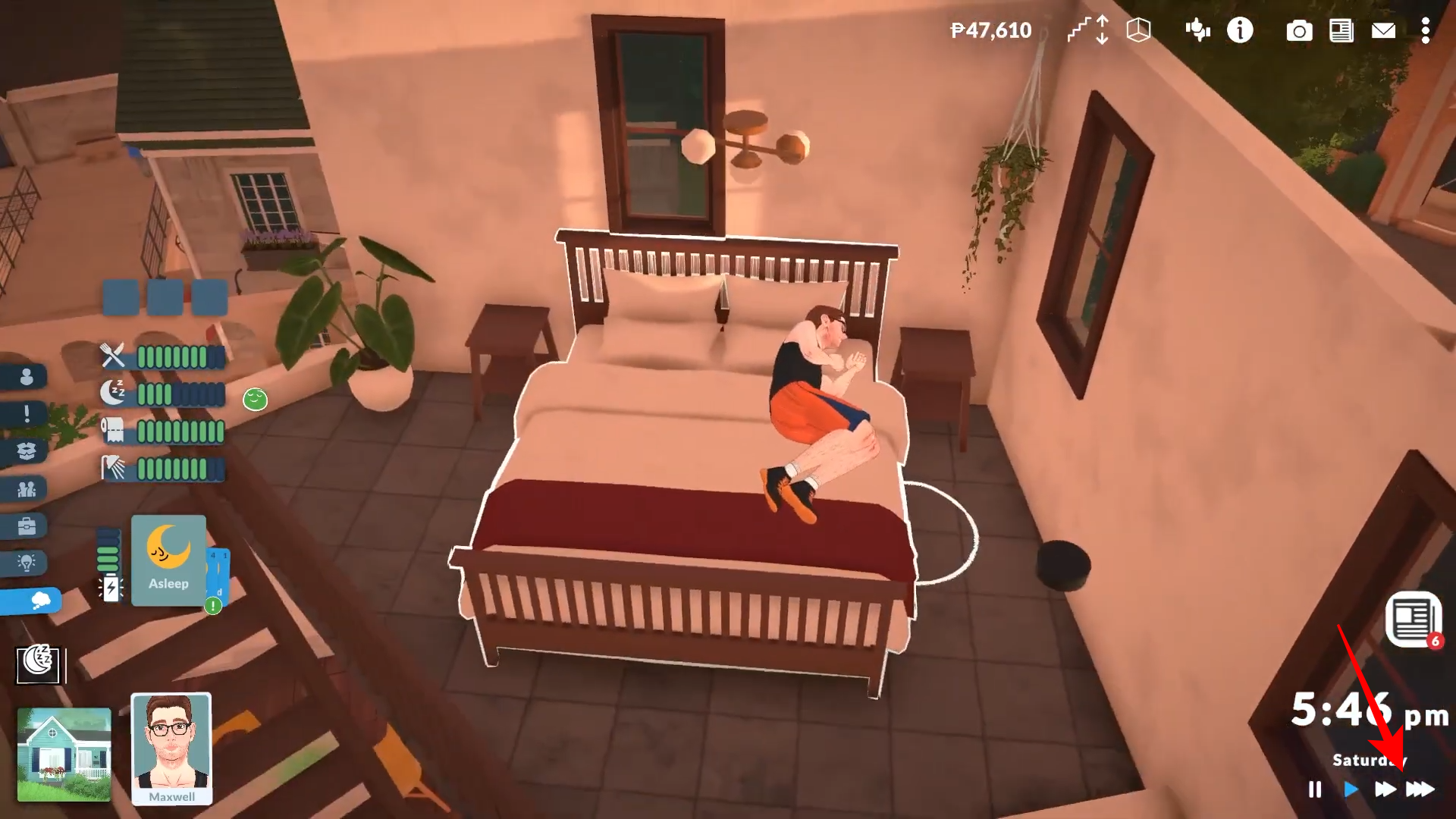
Simply click on the fast-forward button to speed up time.
Critical Mistakes to Avoid
-
Don’t confuse “Duration of Life Stages” with “Minutes Per Real-Life Seconds” — the first changes how many in-game days each life stage lasts, while the second changes real-time speed.
-
All values are in-game days, not real-world hours.
-
Young Adults get the longest lifespan at 87 days on the Long setting.
-
If you want to stop aging completely, toggle “Household Paras Age” off instead.
Making days longer gives you more time to build careers, relationships, and skills before your para ages out of their life stage — especially valuable if you want to maximize the 87-day Young Adult lifespan on Long settings.