What to know
- iOS 27 now automatically generates captions for videos.
- Auto captions appear in Photos app as well as the Messages app, and appear to be a system-wide implementation.
- Simply tap on the captions button while watching a video to turn it on or off, change the language, or change the style.
- Auto captions don’t require the new Siri.
iOS 27 is full of surprises! One of its lesser talked about features is the automatic generation of captions in videos. And the best part is that you don’t need the new Siri, confirmed by users who are on the waitlist but still have this feature.
On the Photos app on your iPhone, simply open a video with someone talking and make sure to turn on captions from the button to the left of the volume icon.
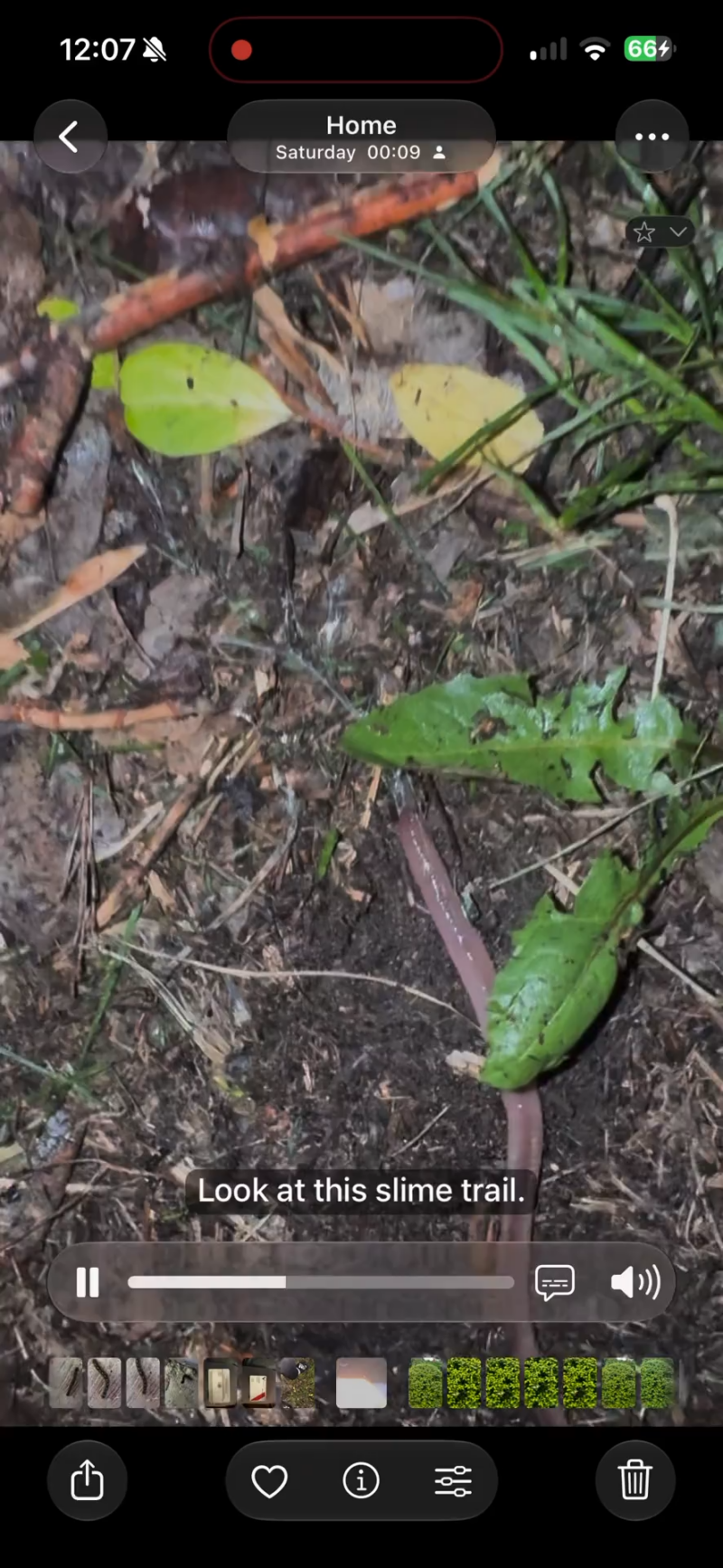
Image Credits: UnlikelyCandid (Reddit) 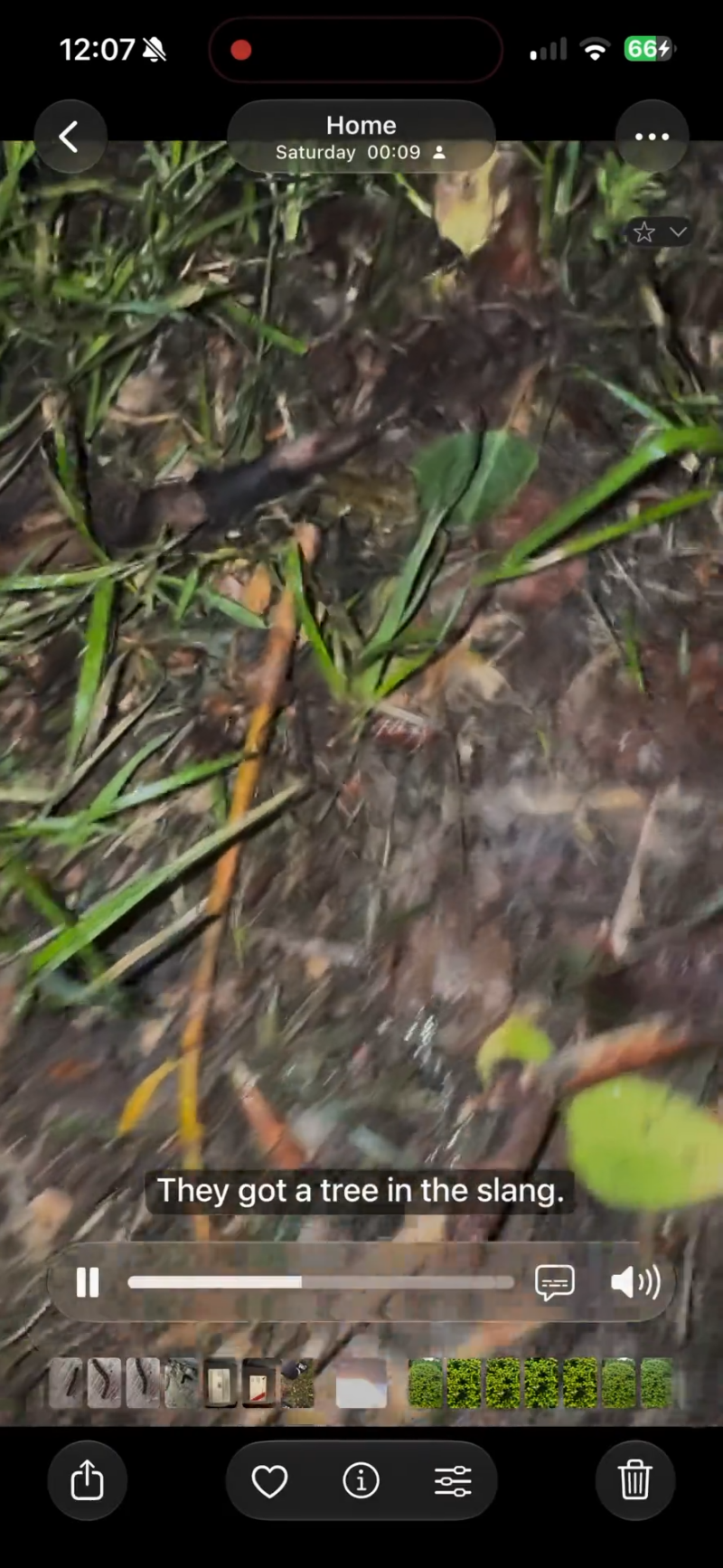
Image Credits: UnlikelyCandid (Reddit)
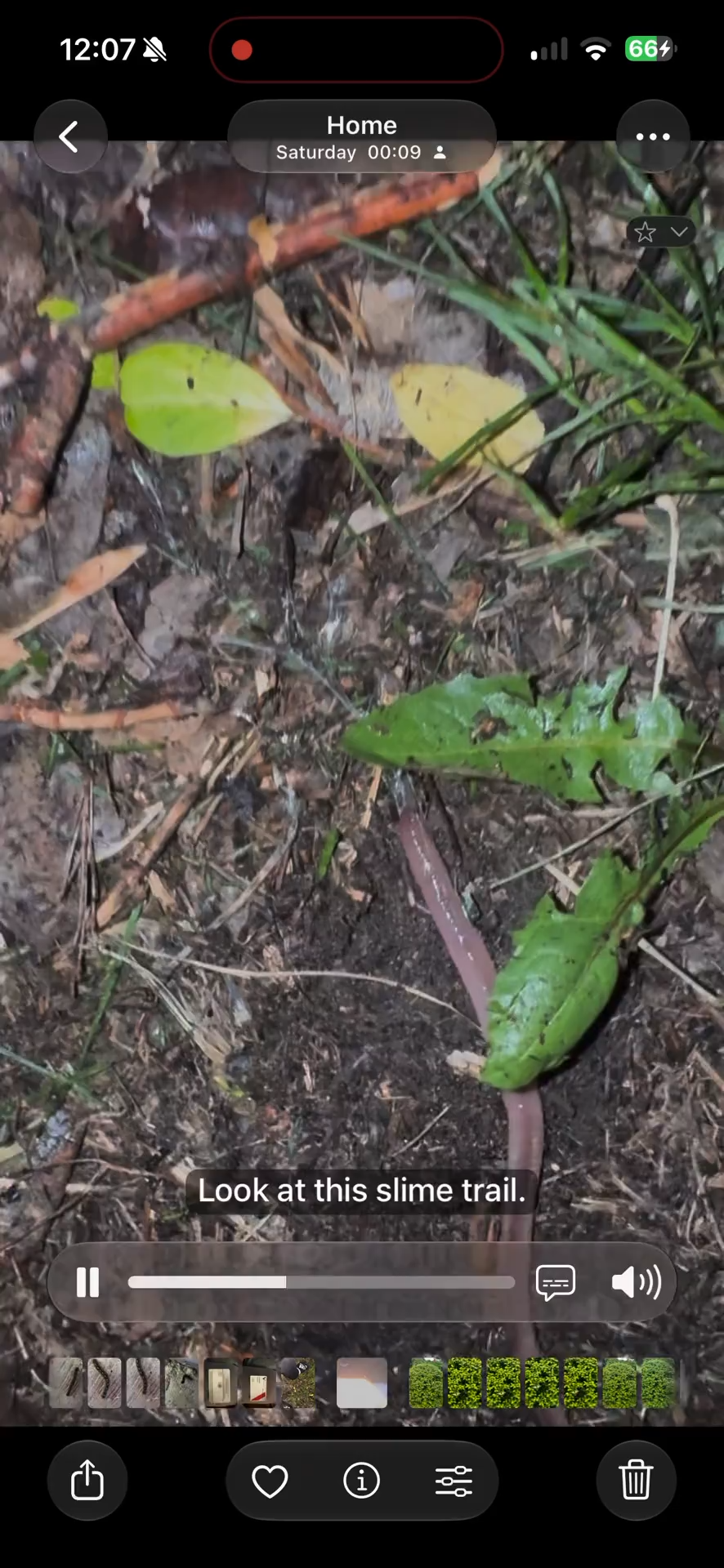
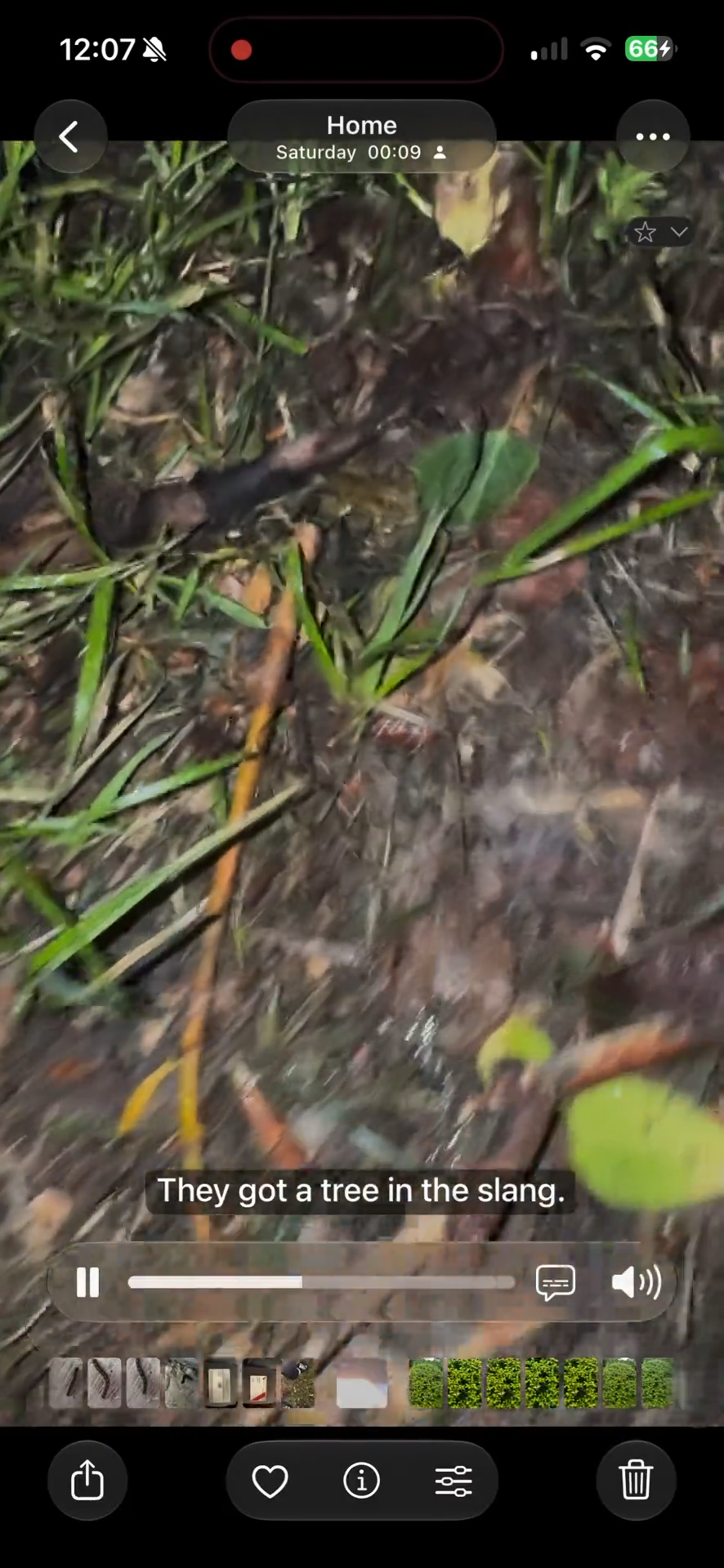
Note: Auto-captions are not restricted to the Photos app. They seem to be consistent across the OS and will show up in the Messages app as well.
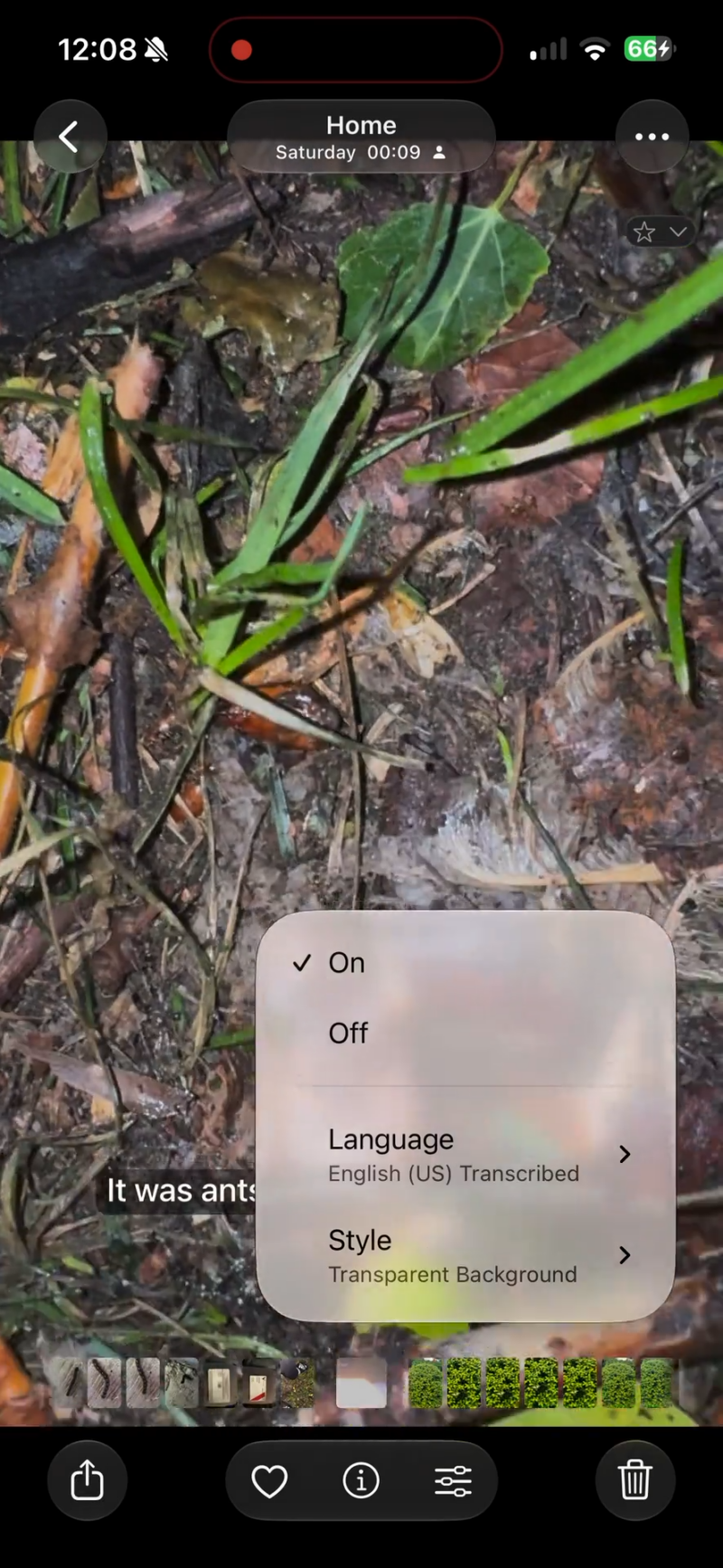
Image Credits: UnlikelyCandid (Reddit) 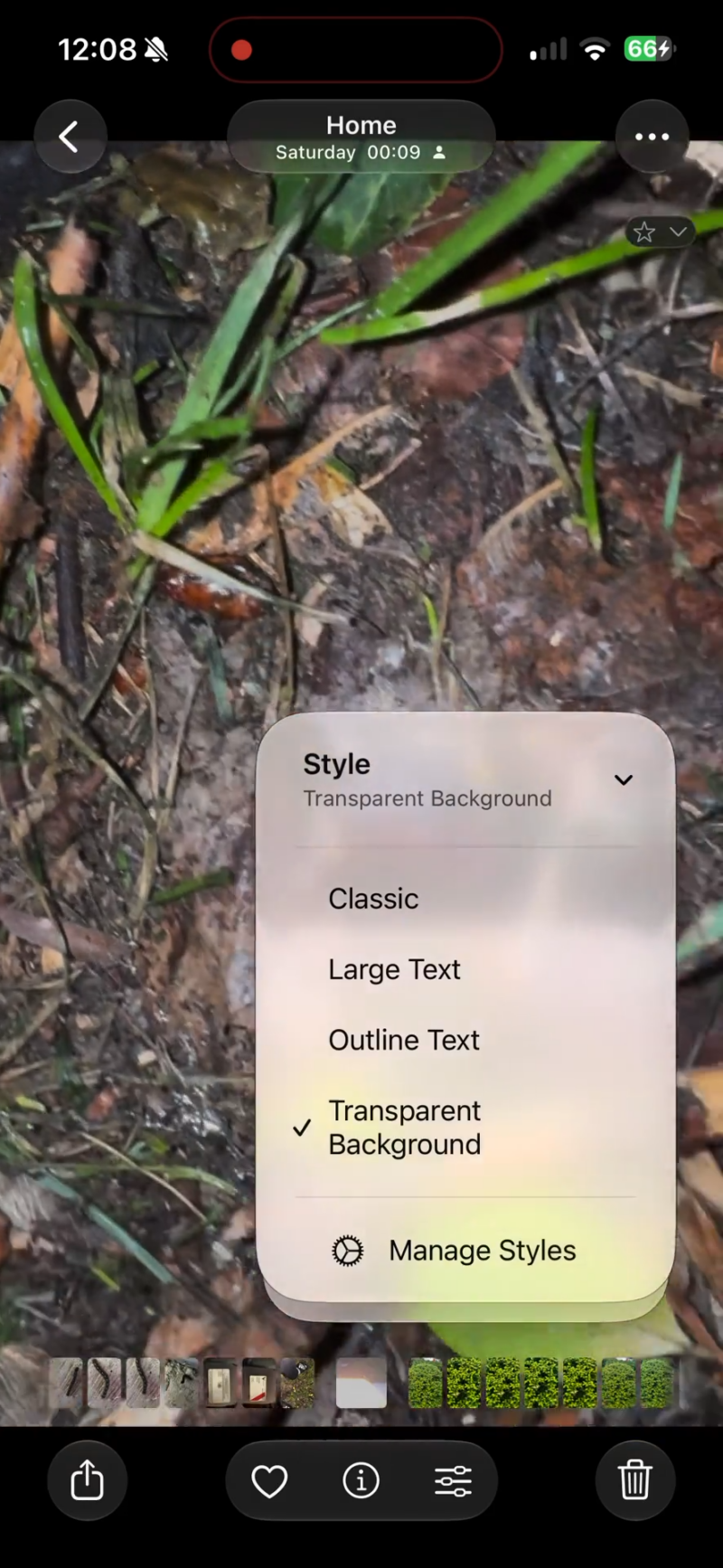
Image Credits: UnlikelyCandid (Reddit)
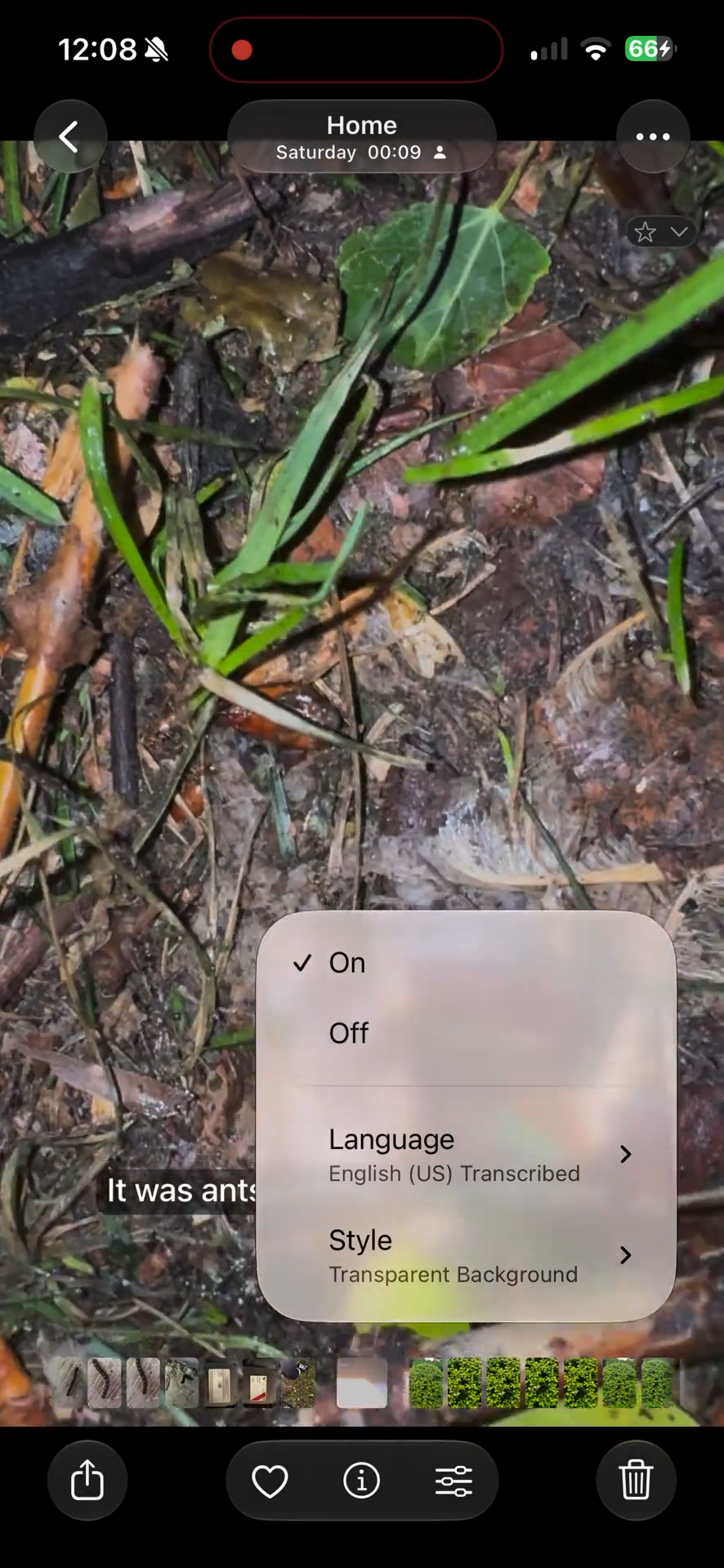
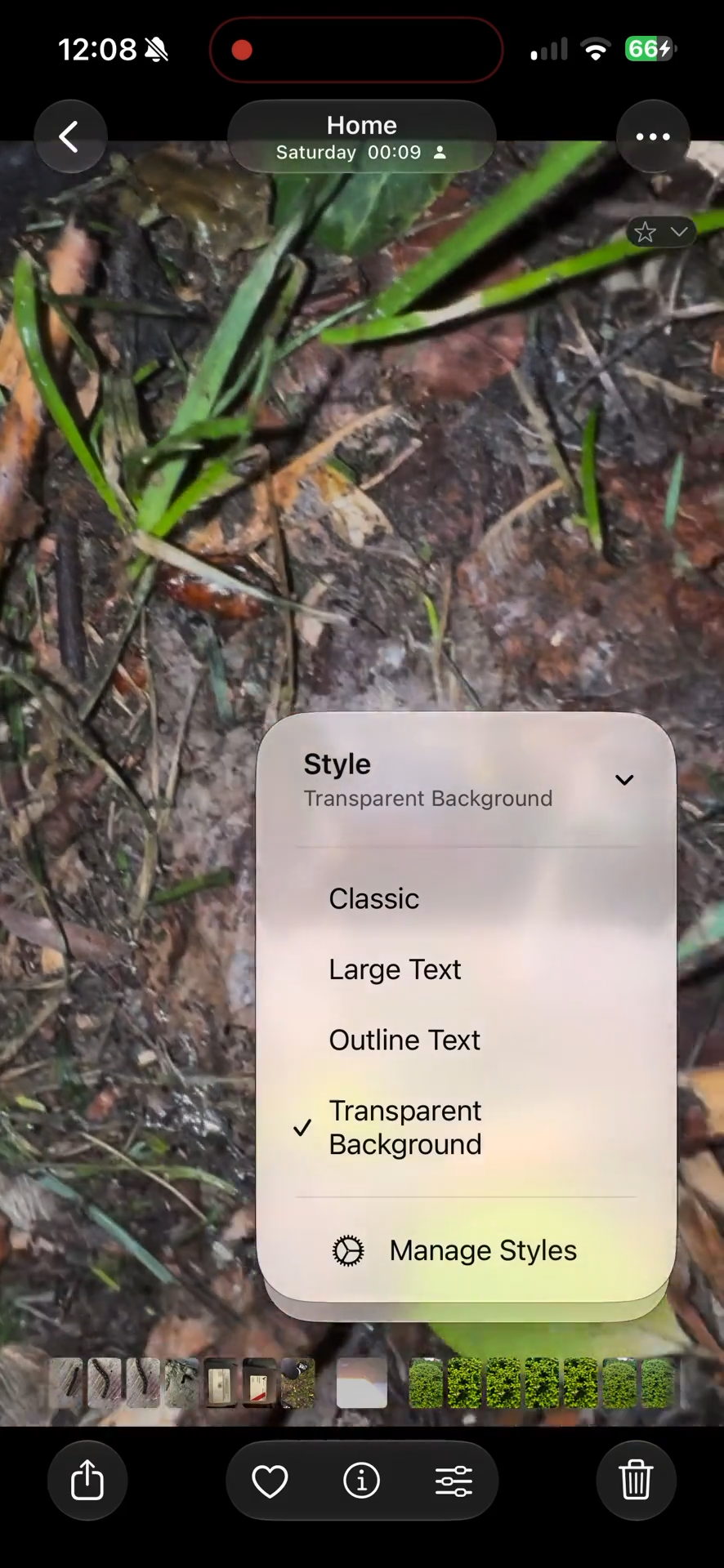
The same button also offers different Languages for transcription as well as styles. The styles include Classic, Large Text, Outline Text, and Transparent Background. You can further manage these styles by tapping on Manage Styles.
One user noted that the captions can change between watch-throughs as well. That means it will generate new captions every single time. However, there shouldn’t be too much difference from one watch-through to the next.