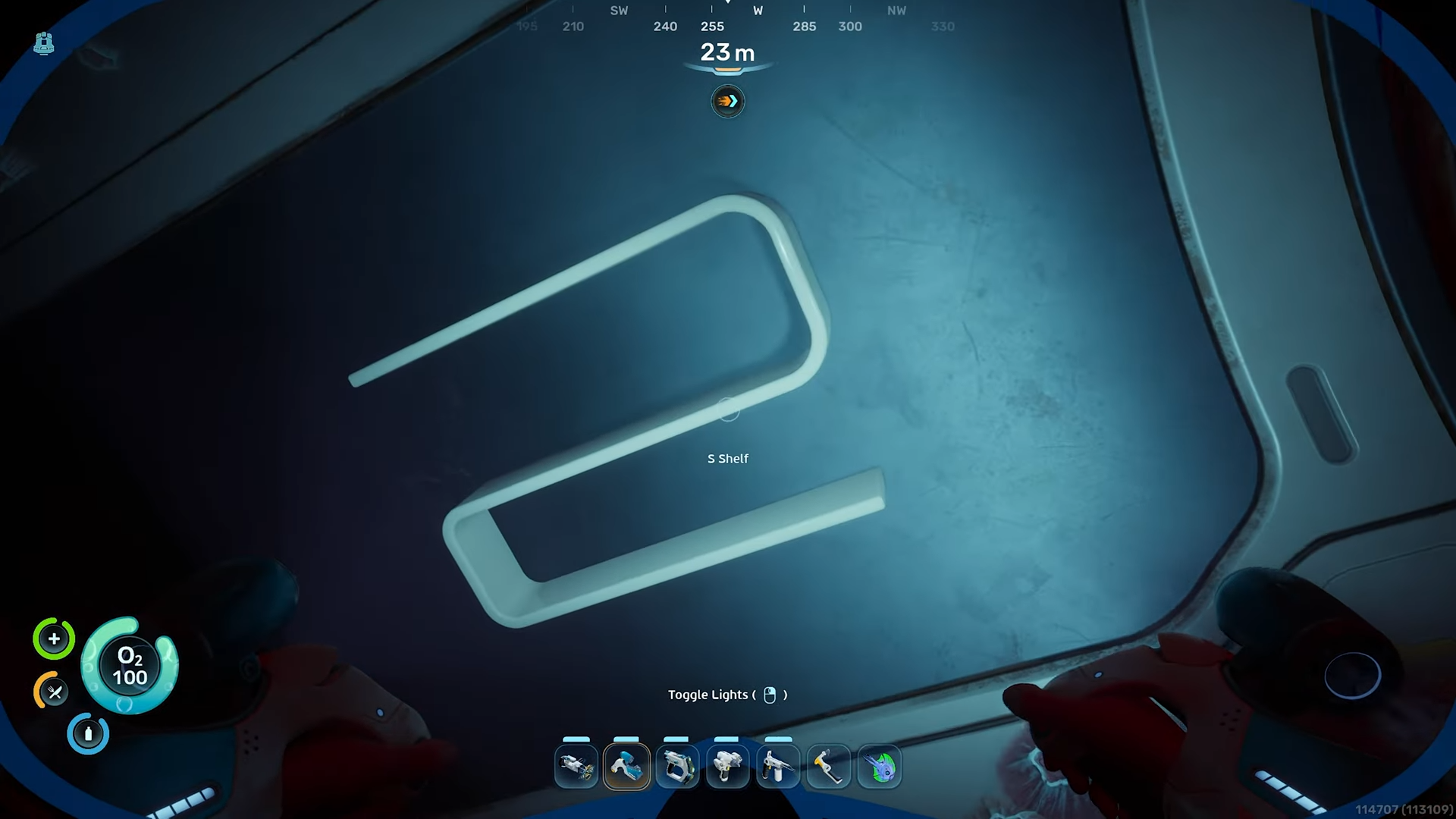
In Subnautica 2, the S-Shaped Shelf blueprint is found by scanning fragments inside a wreck located southwest of your Lifepod.
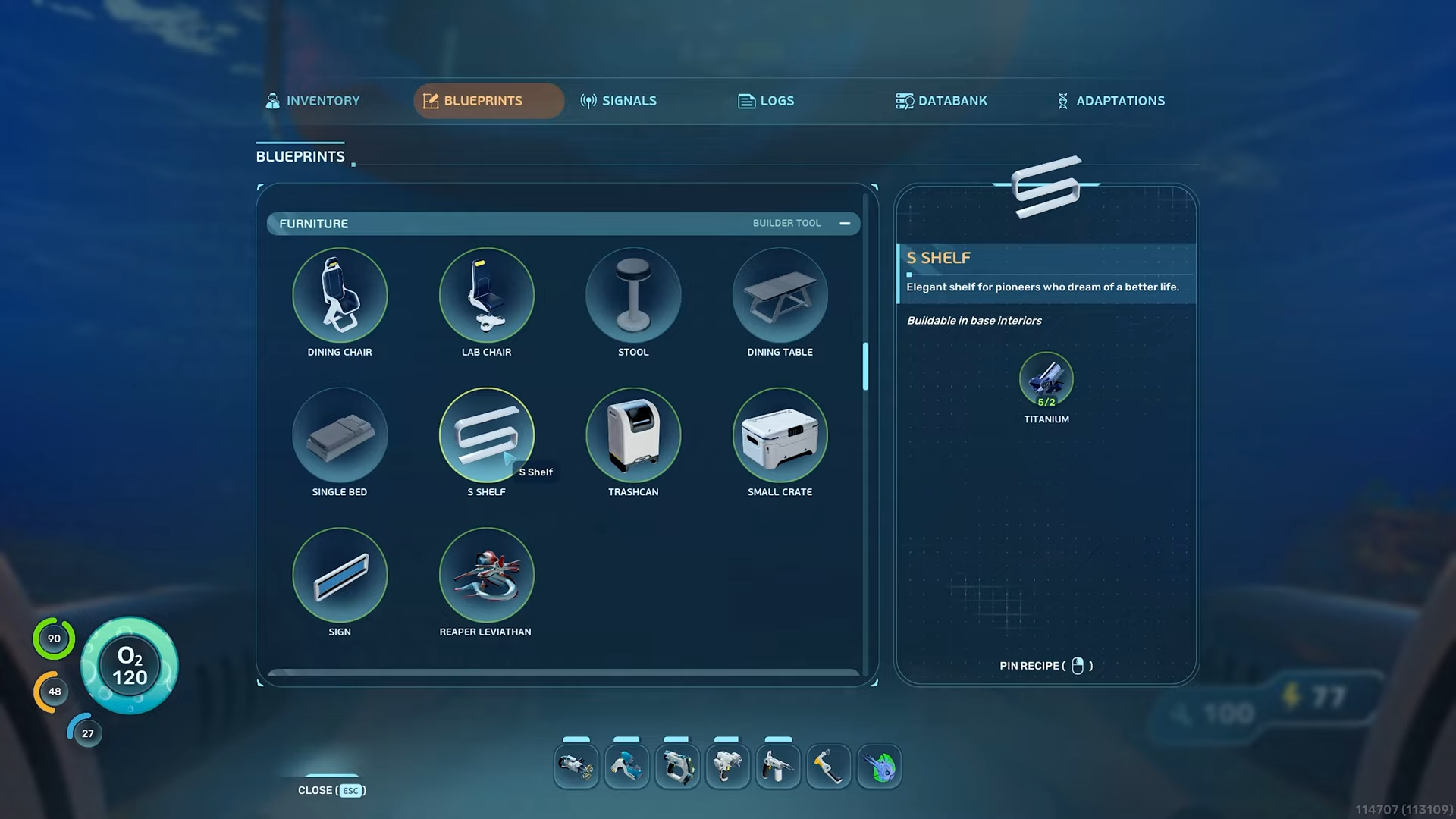
S-Shaped Shelf details
How to Find S-Shaped Shelf Fragments
Step 1: Head Southwest from Lifepod
From your Lifepod, swim in a southwest direction. Keep your compass set between 220-230 degrees.
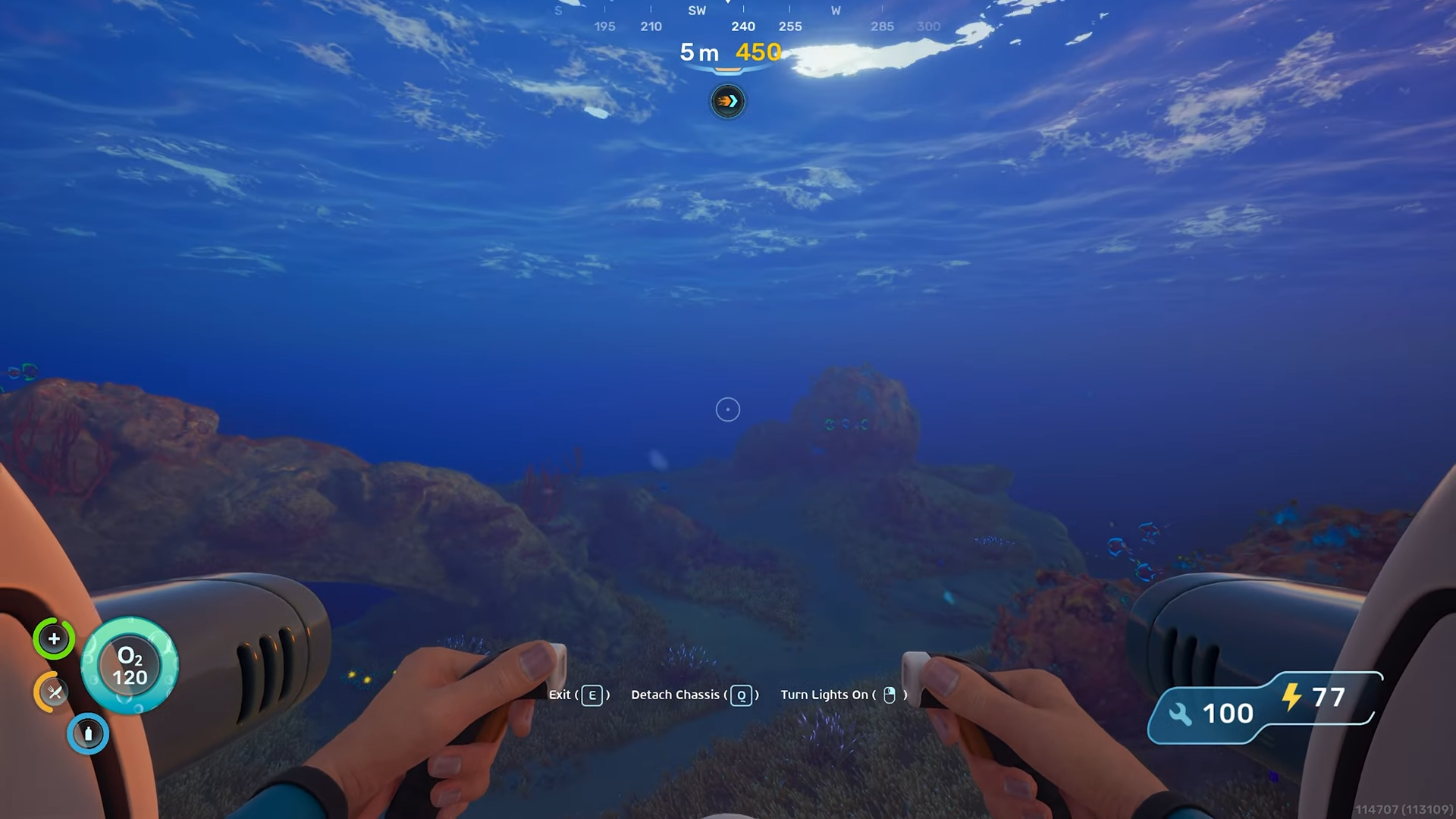
You’ll pass by coral formations and eventually spot wreckage in the distance.
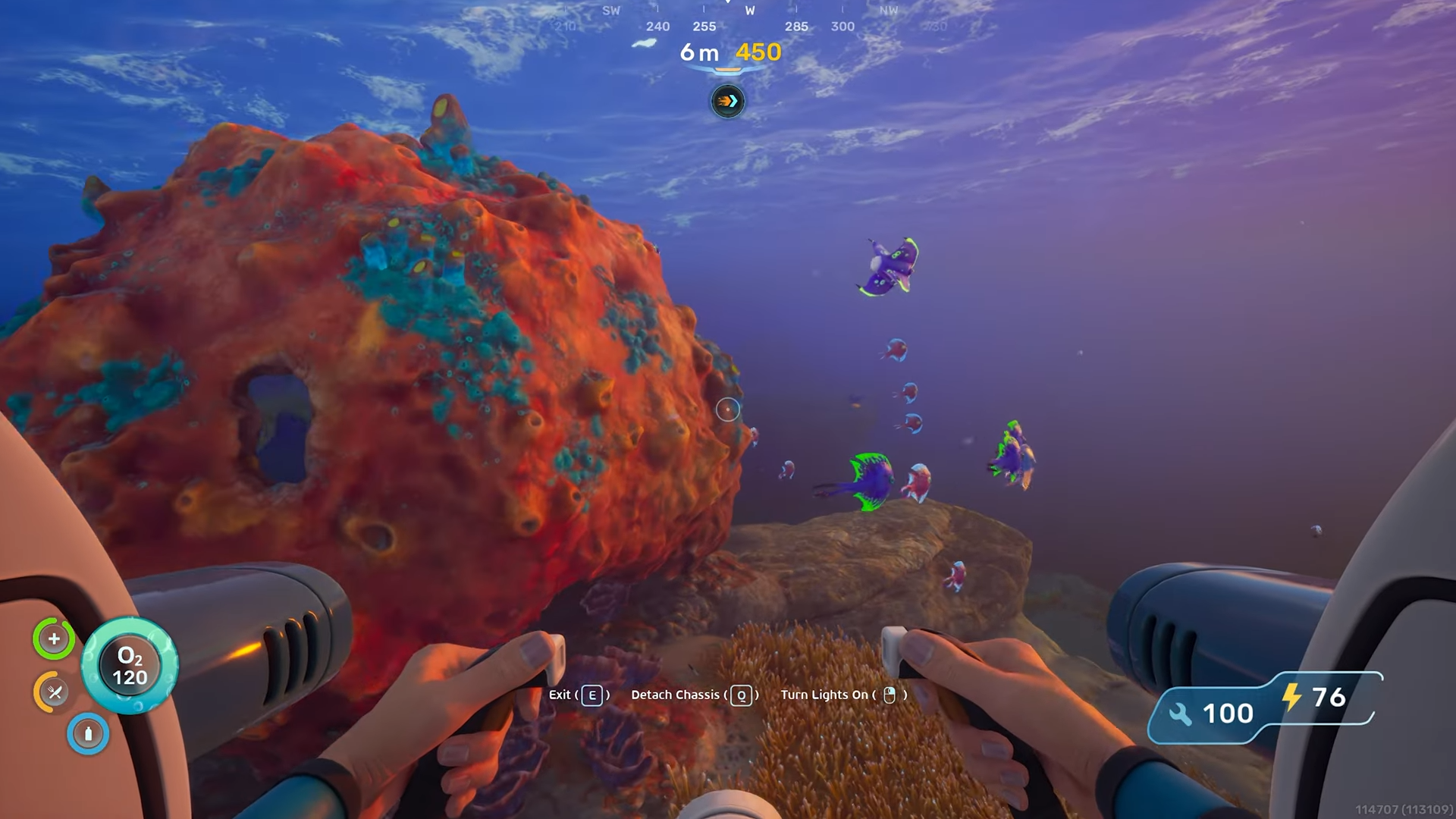
Step 2: Locate the wreck
You’ll find a large spire on the seabed.
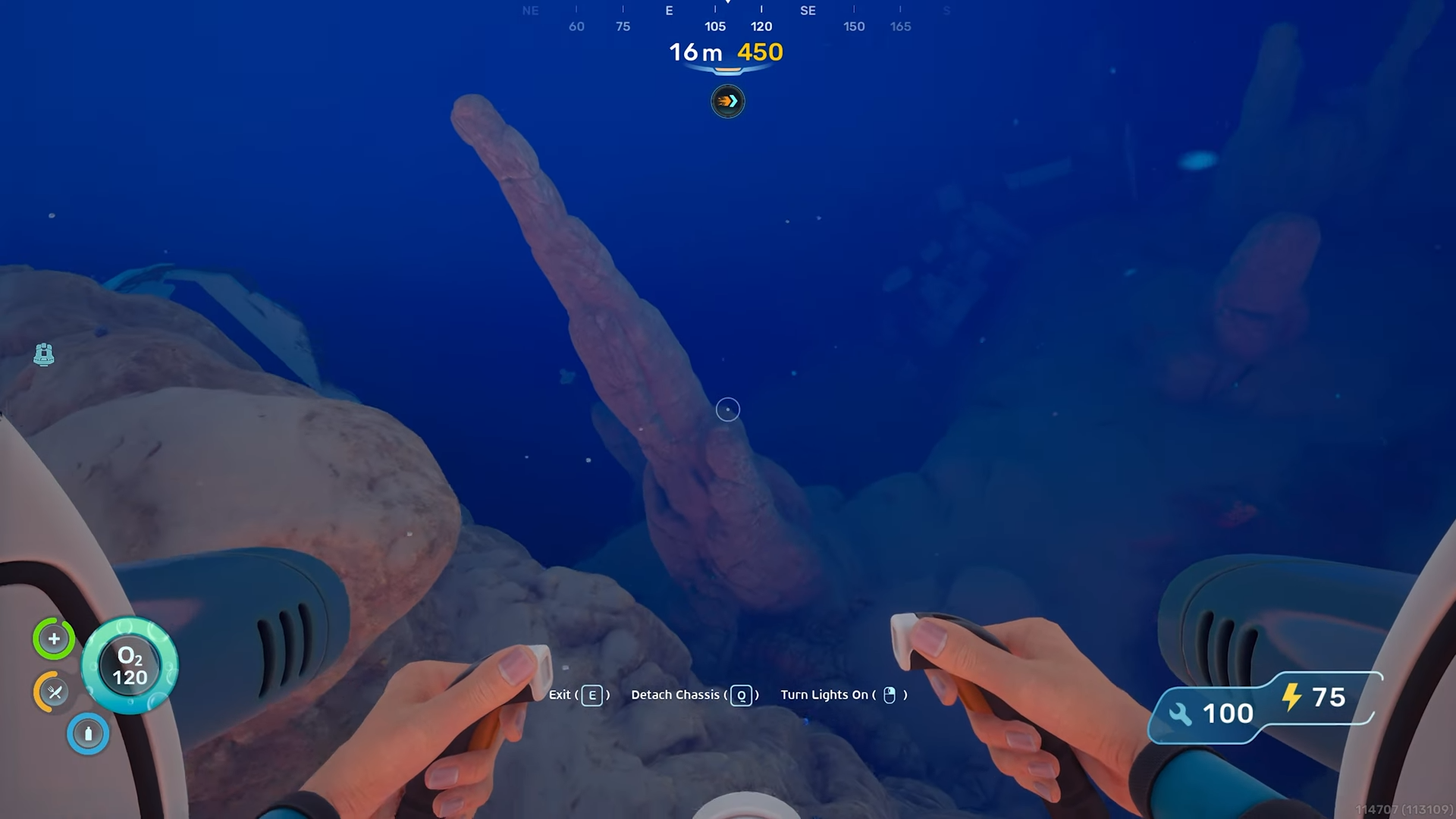
Look for these visual markers:
-
Blue light indicating something valuable nearby
-
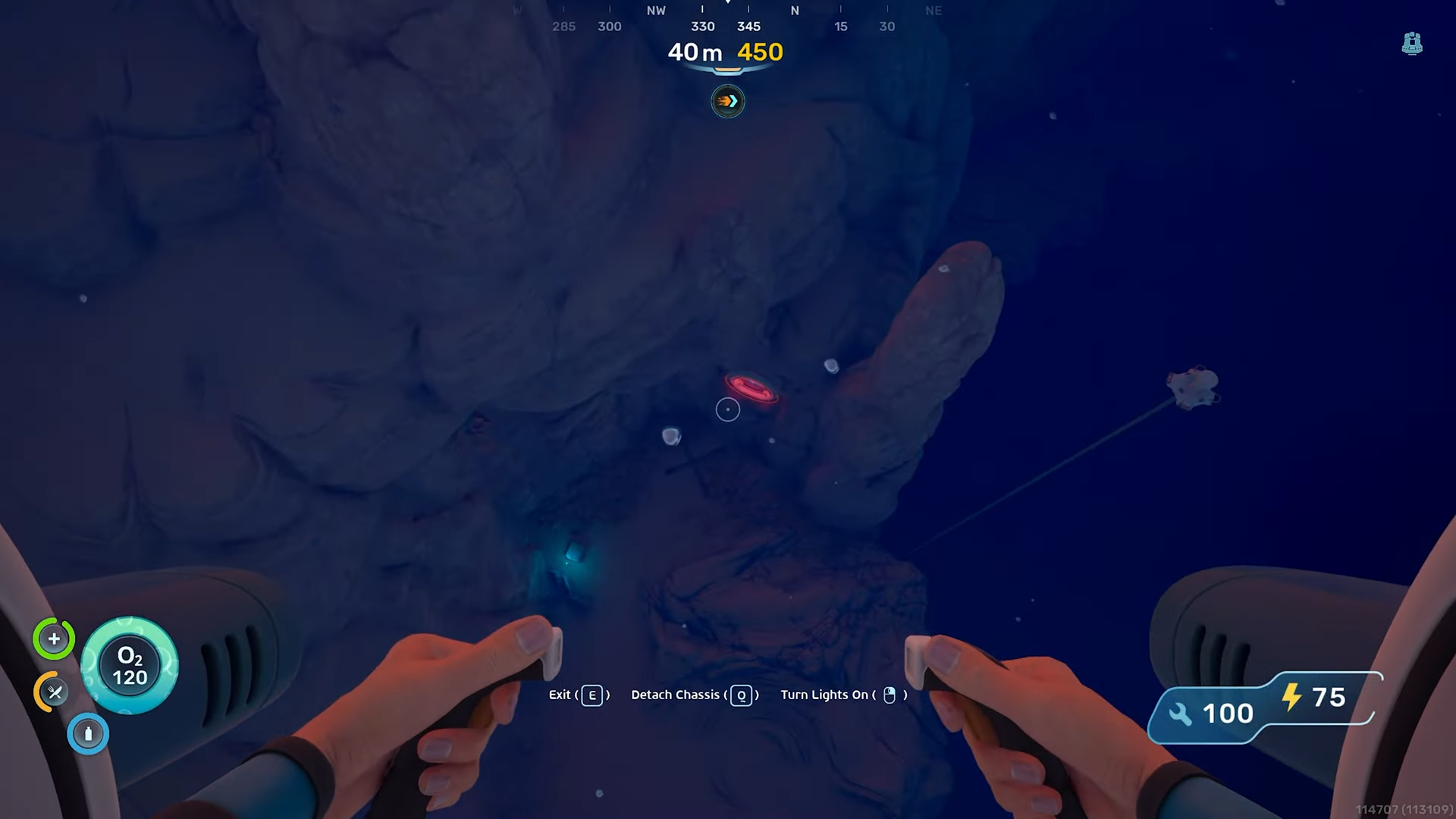
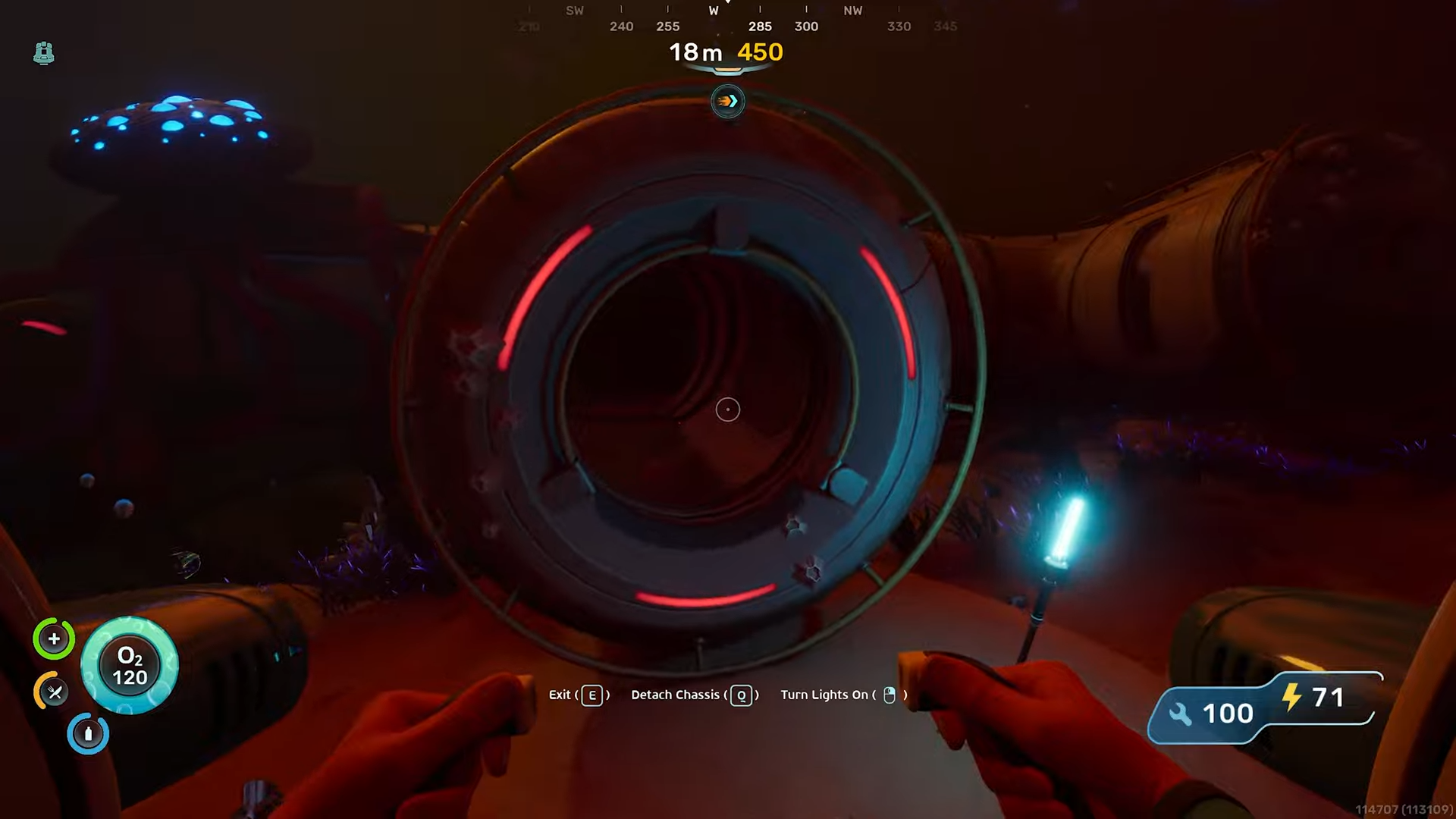
The wreck has a visible hatch you can enter.
-
There’s a light at the bottom of the drop-down area leading to it.
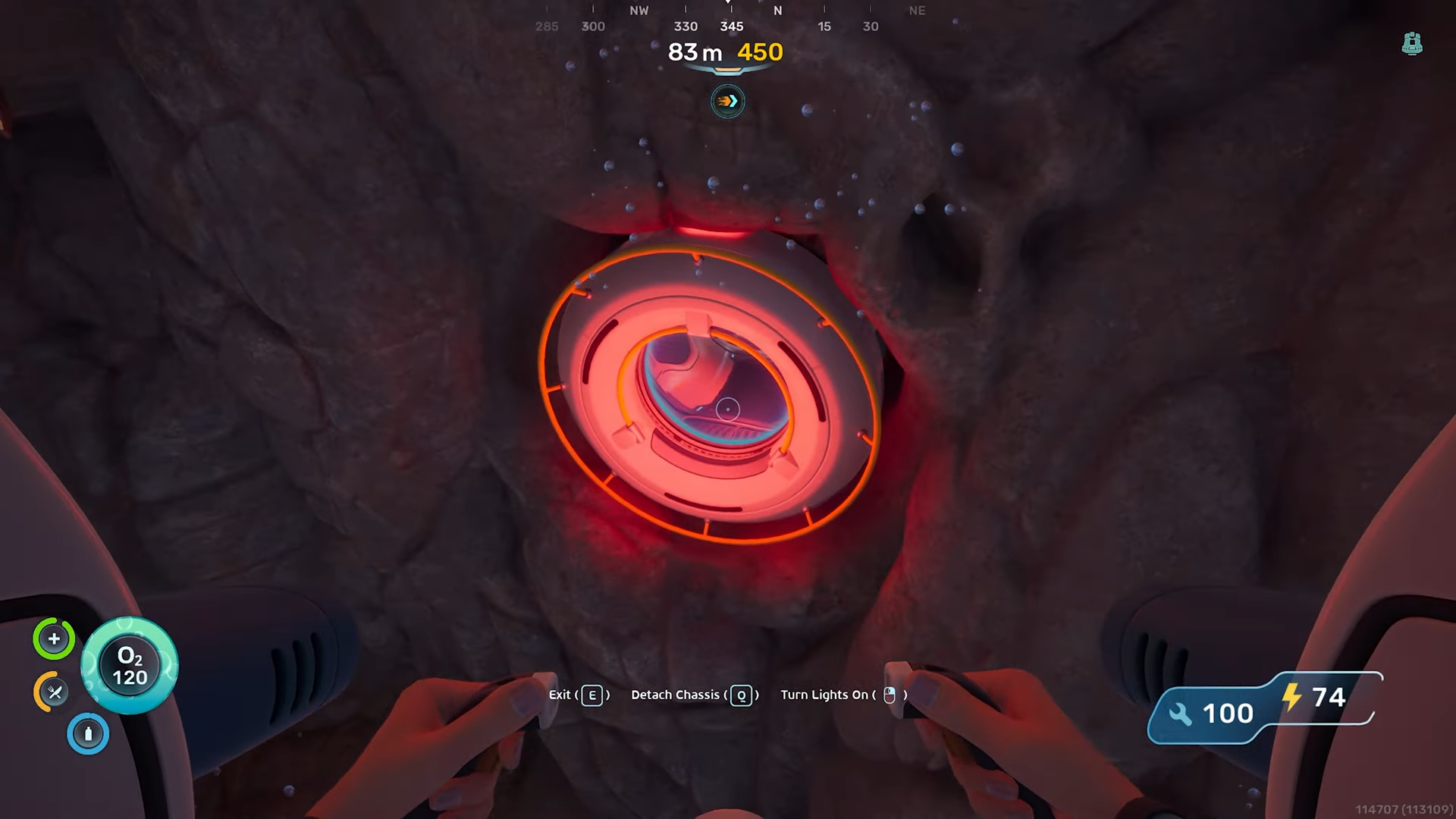
Step 3: Enter Through the Hatch
Once you reach the wreck:
-
Look for the hatch on the wall that you can enter.
-
Swim through the hatch entrance into the wreck’s interior.
-
You’re now inside the wreck structure where furniture fragments are located.
Here are the coordinates.
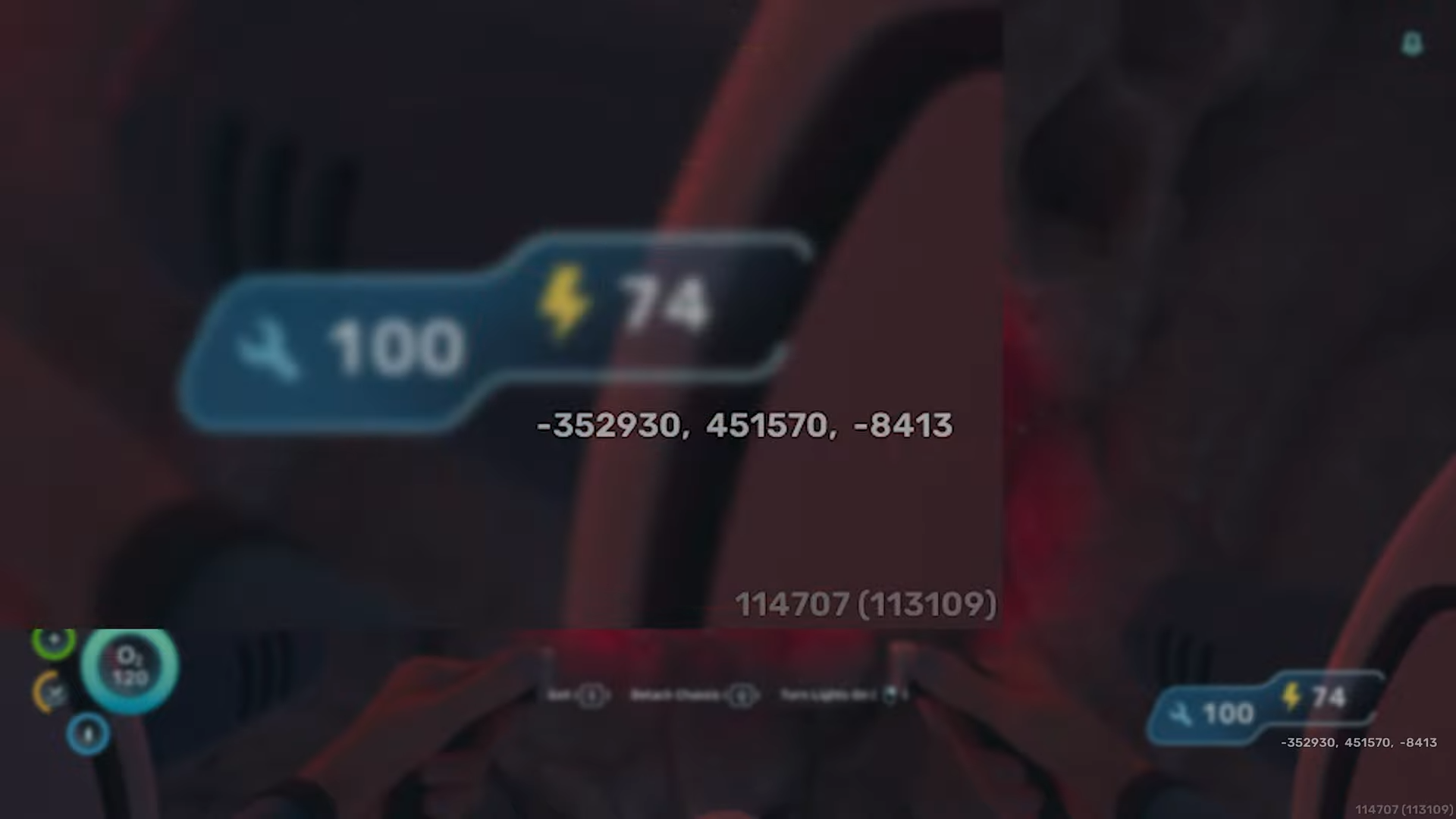
Step 4: Find and Scan the S-Shelf Fragment
Inside the wreck:
-
Look on the wall inside the wreck structure.
-
The S-Shaped Shelf fragment is mounted on the interior wall.
-
Use your Scanner (default scan button) to scan the fragment.
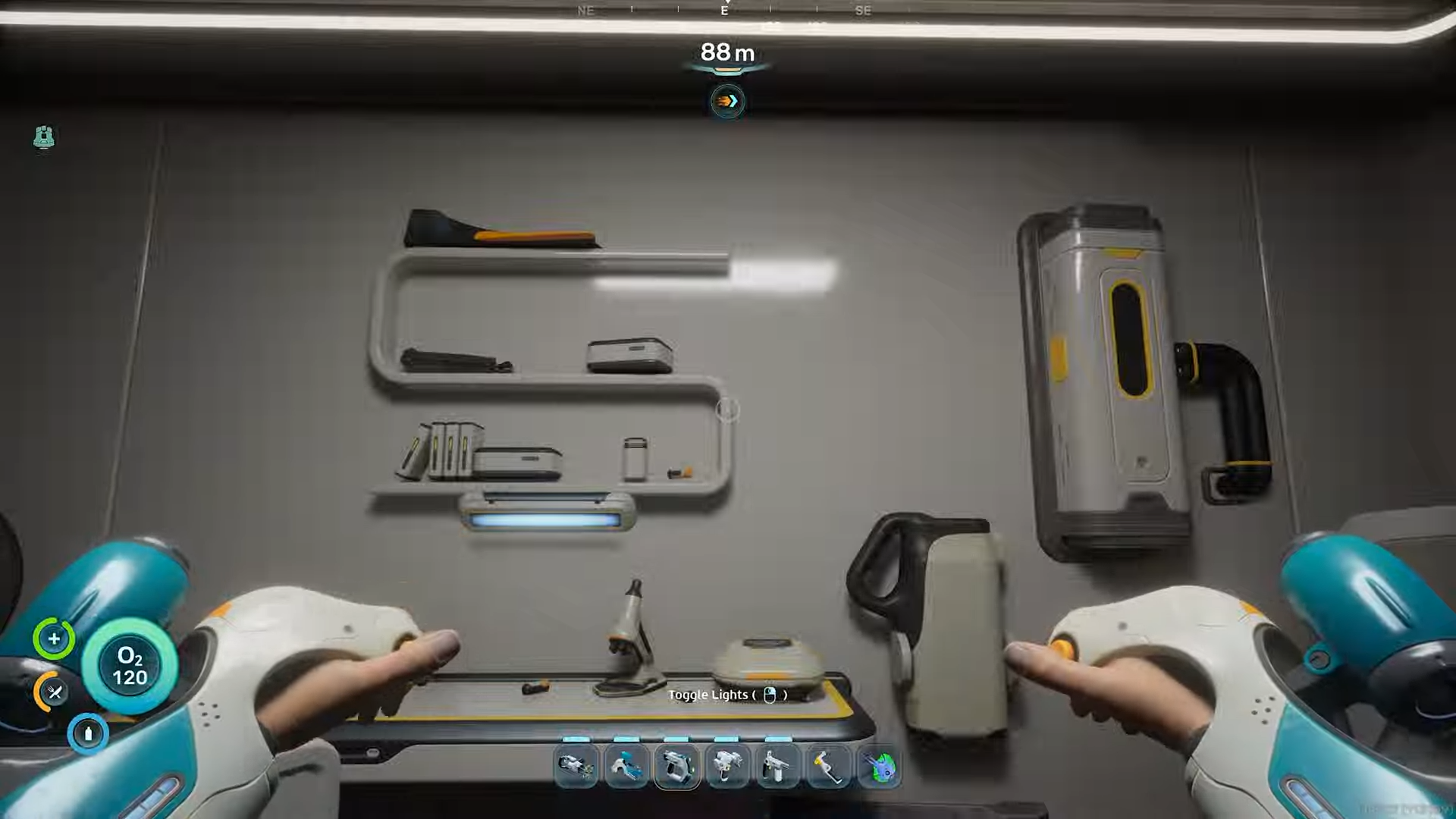
-
You’ll hear the scan confirmation and see the blueprint progress in your PDA.
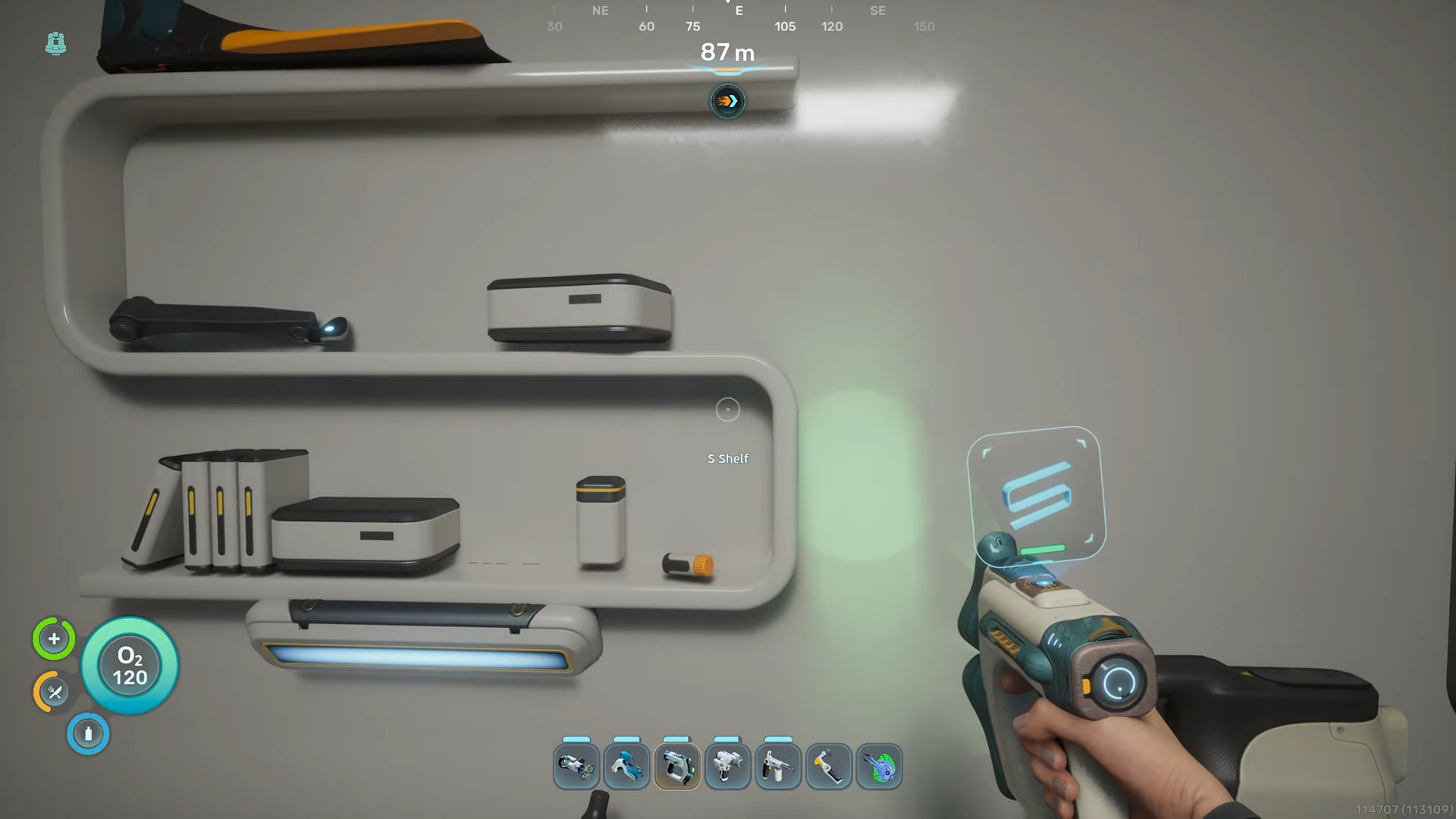
Step 5: Find Additional Fragments
You need 3 total fragments to unlock the complete blueprint. Additional S-Shelf fragments can be found:
-
Inside random labs scattered throughout the map.
-
Other wreck interiors in deeper biomes
-
The Old Habitat POI (400m north of Lifepod) has ruined furniture including similar shelf fragments.
Critical Tips for Completion
-
Bring your Scanner – Make sure the Scanner is in your inventory before entering the wreck
-
Watch your oxygen – The wreck is at ~80-120m depth; consider bringing oxygen tanks or a SeaGlide
-
Check multiple walls – Fragments can be mounted on different interior walls inside the wreck
-
Use the biobed – The same wreck contains a Biobed you can use to regain inventory slots if needed
-
Fragments are pseudo-random – While the wreck location is fixed, specific fragment positions inside may vary slightly between playthroughs.
S-Shelf Crafting Recipe
Once you’ve scanned 3 fragments and unlocked the blueprint:
Craft the S-Shelf using the Habitat Builder tool in the Furniture & Decor menu.
Common Mistakes to Avoid
-
Don’t skip the hatch – You must enter through the hatch; fragments are inside, not outside the wreck
-
Don’t forget depth adaptation – If going deeper than 100m, ensure you have appropriate depth modules
-
Don’t scan only one fragment – You need 3 fragments total, not just one
-
Don’t look in shallow water – The wreck is deeper than the starting Safe Shallows area.
The S-Shaped Shelf adds stylish storage to your underwater base. Once you scan those 3 fragments southwest of spawn, you’ll have this decorative shelf ready to craft for your habitat!