

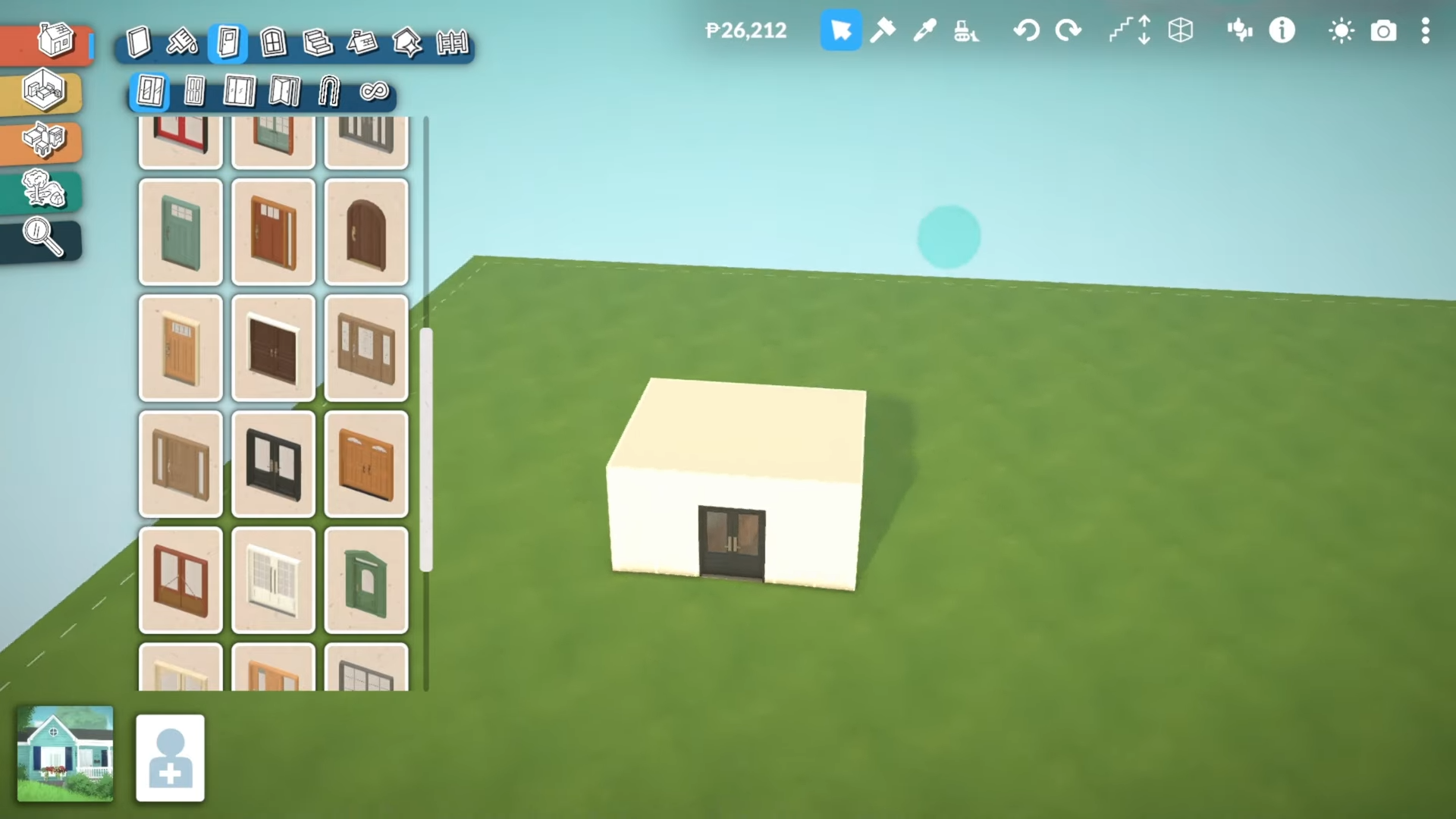
To build a basement in Paralives, use the terrain editor to sink a room into the ground, build your main floor above it, then flatten the terrain and adjust wall/floor/stair heights.
Build a Basement details
How to Build a Basement in Paralives
Step 1: Open the Terrain Editor
Go to the left-hand side of the screen and click on the terrain icon. Then select the second option.
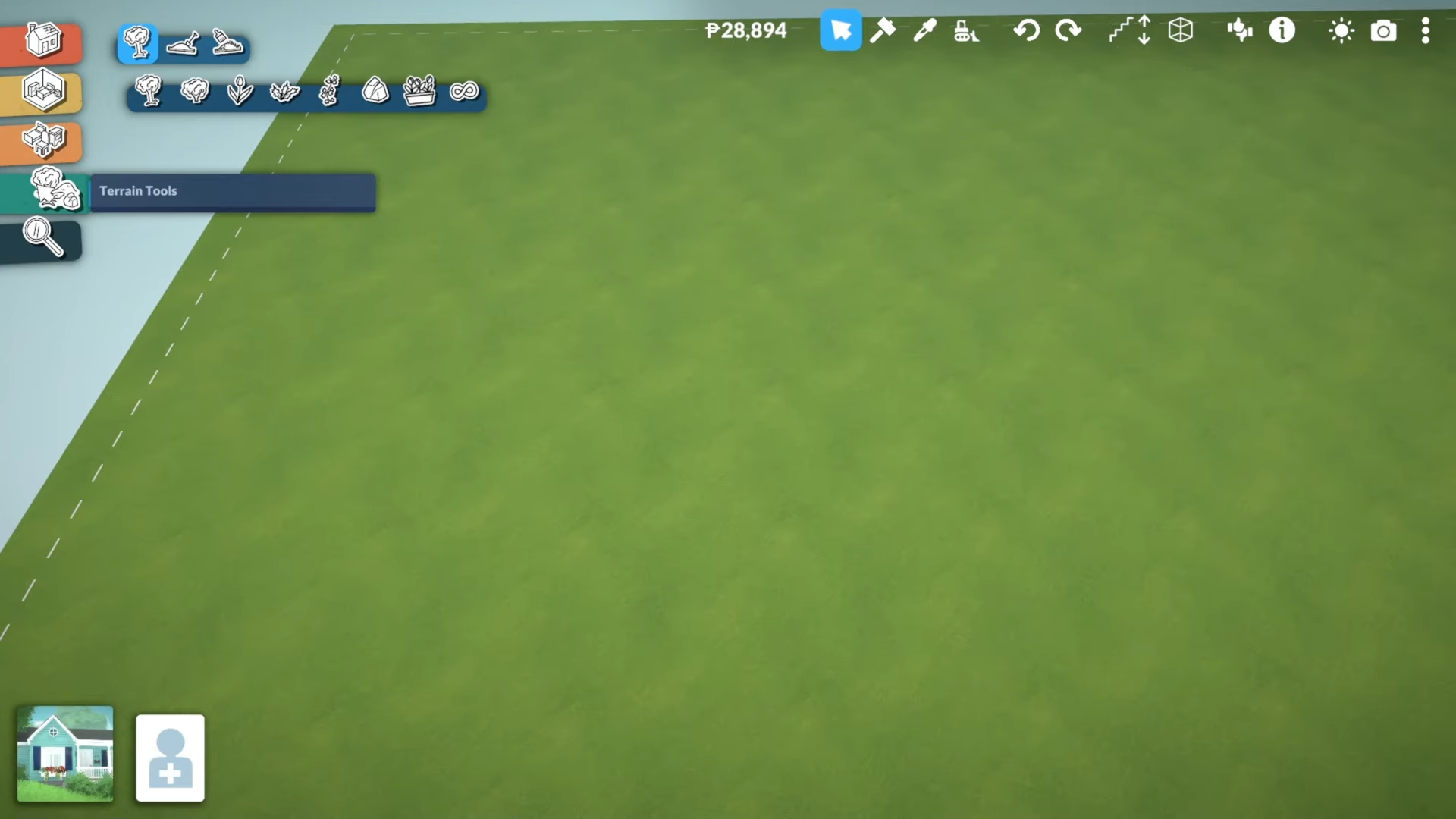
And then select the second option again to access the terrain editor.
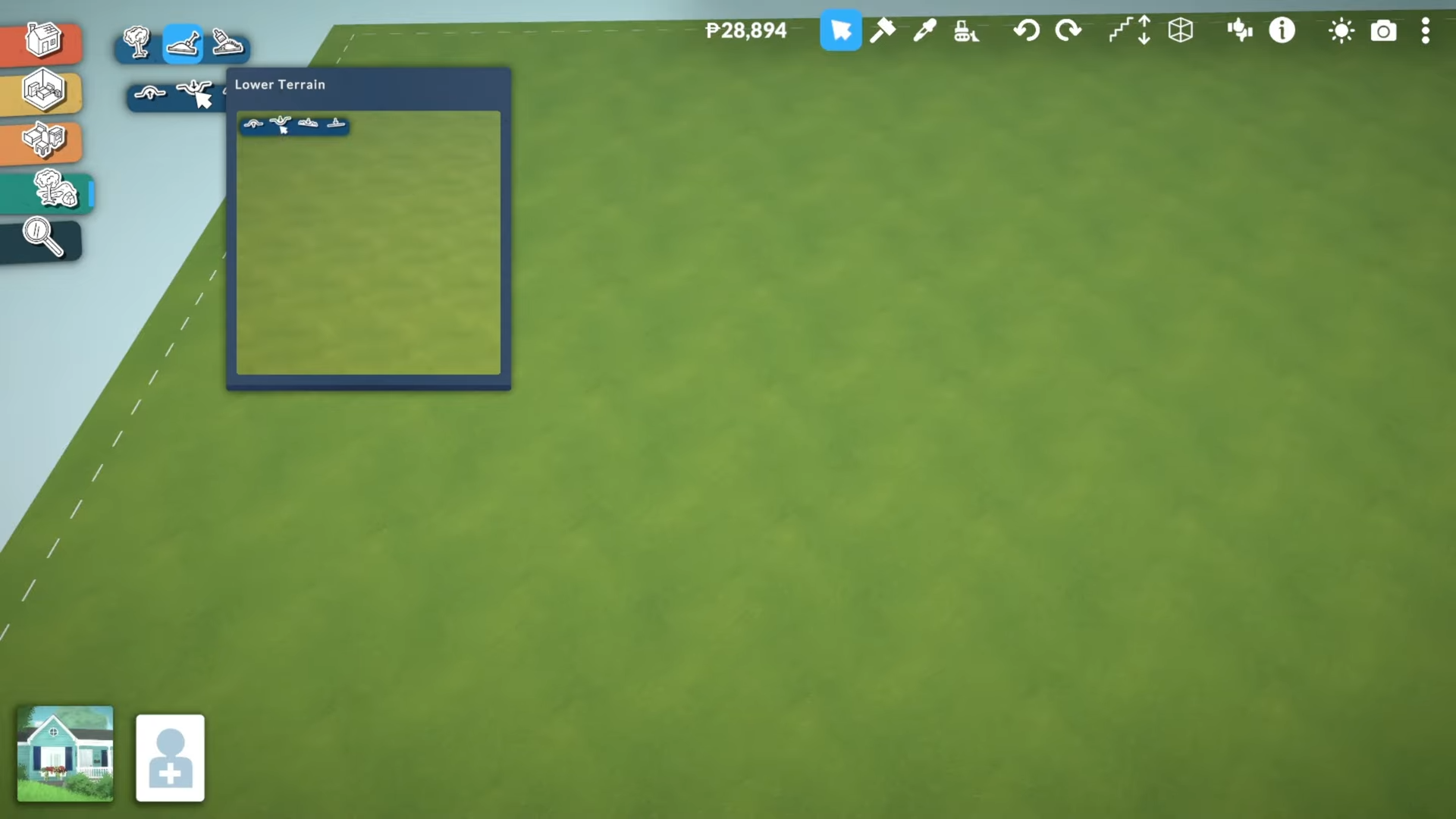
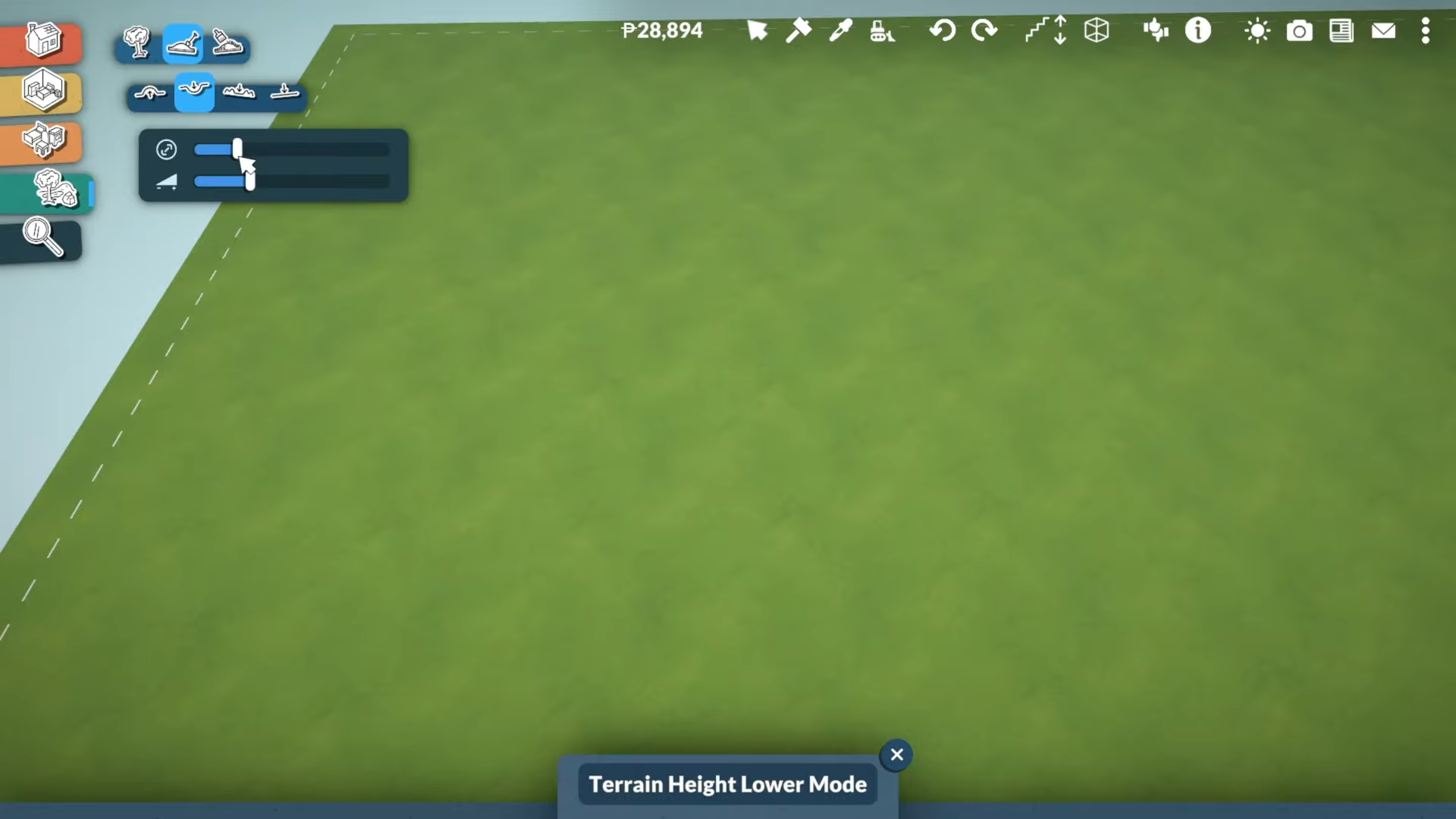
Make sure to choose your desired brush size for editing.
Step 2: Create the Sunk Room
Start by drawing a small circle with the terrain tool, then build out your room from there.
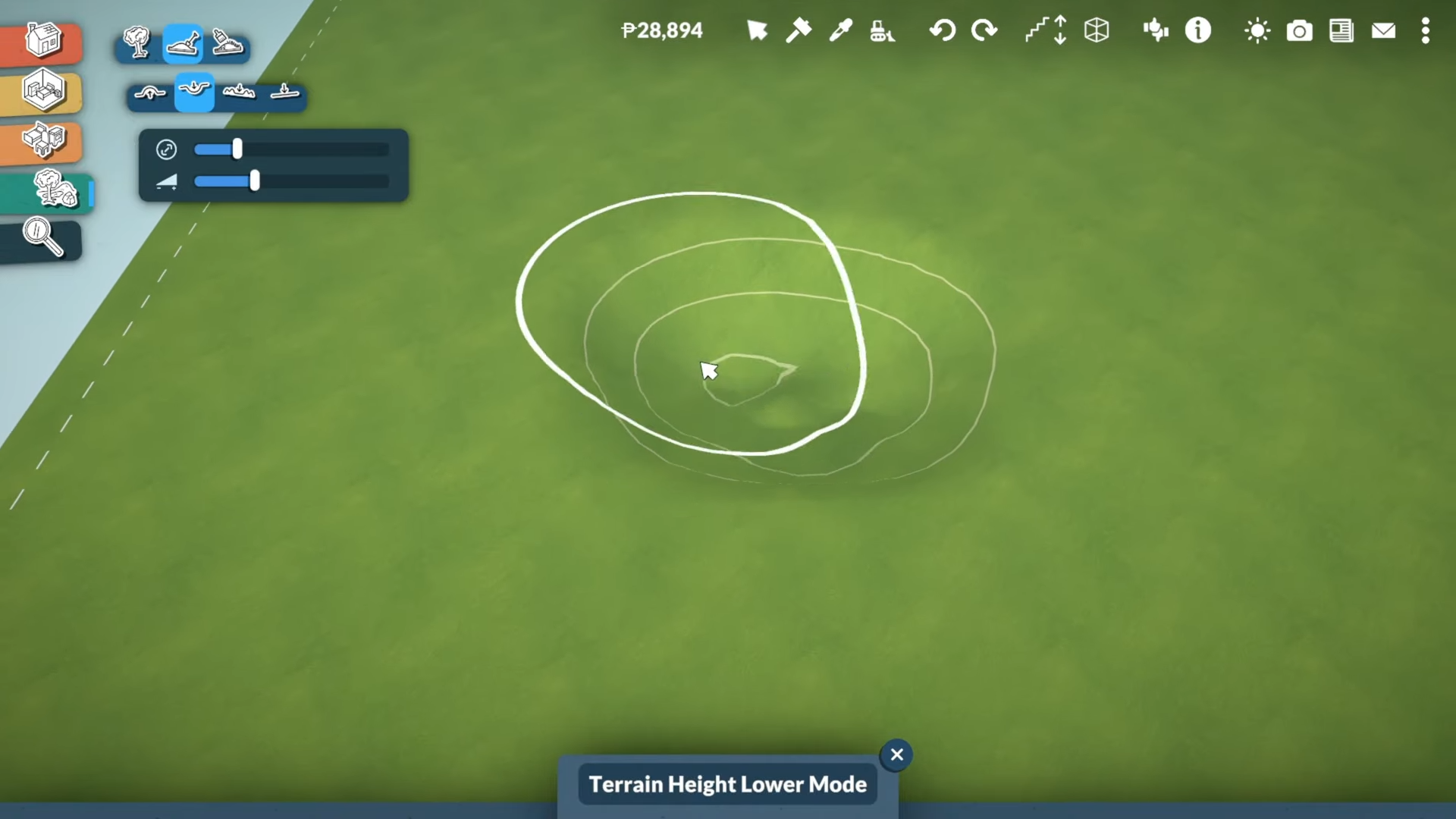
This room will automatically sink into the ground, creating your basement space. Make sure your room is big enough to fit a set of stairs.
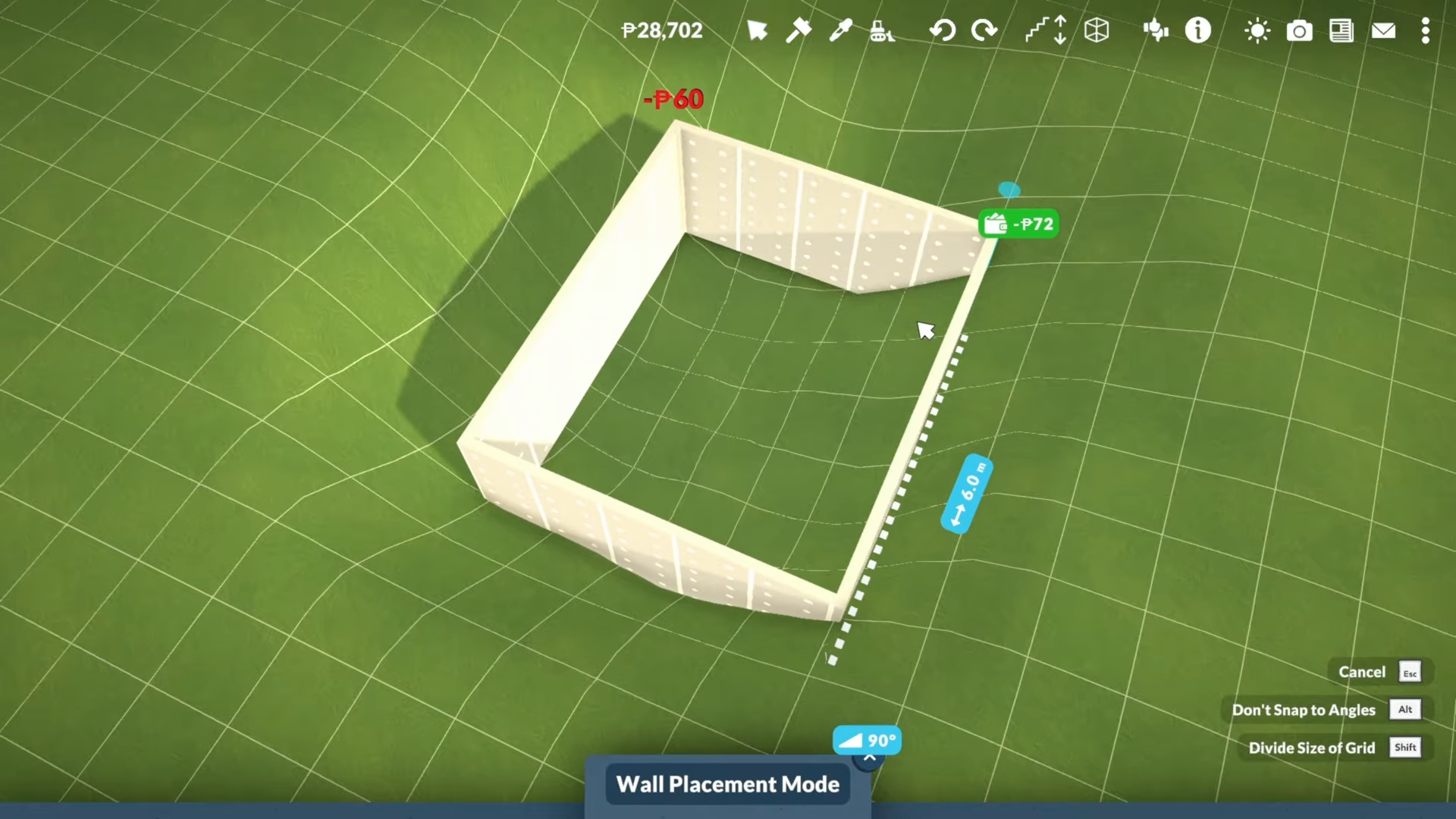
Step 3: Build Your Main Floor
Switch to the second floor and build your main floor above the sunk basement room.
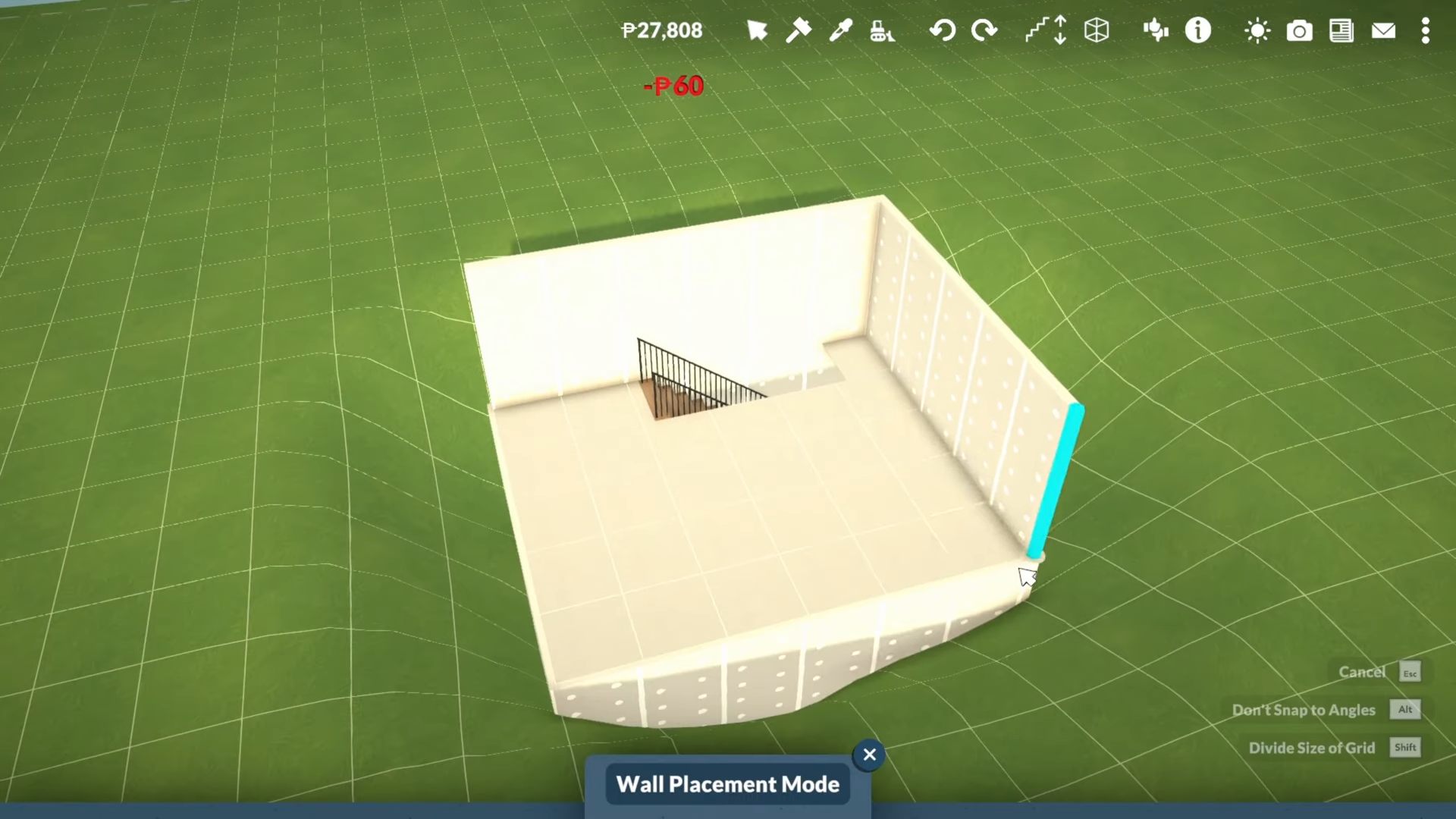
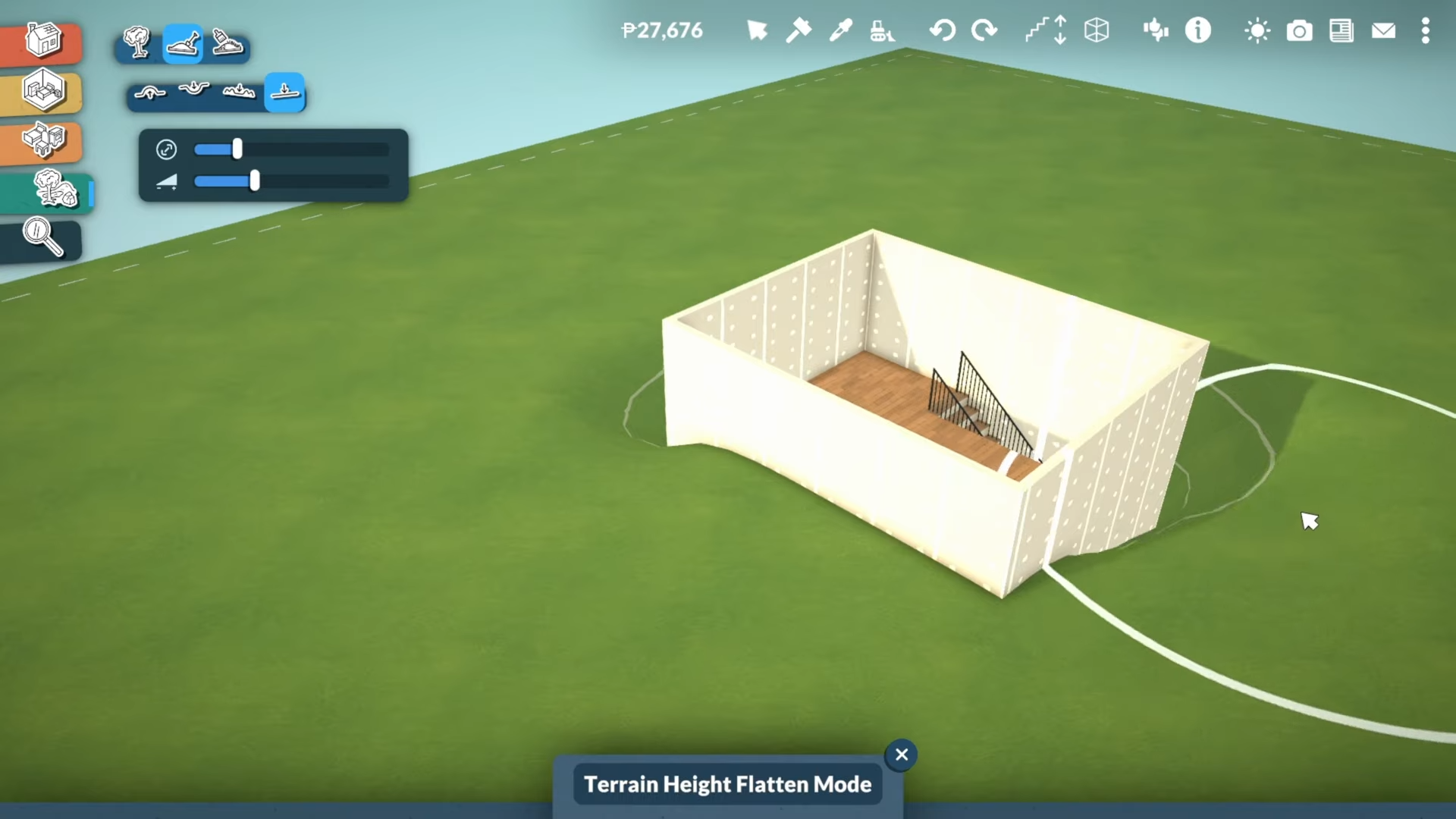
Step 4: Level the Terrain
Return to the terrain tools and flatten everything, starting from the highest point. Go around the entire area to level it out completely.
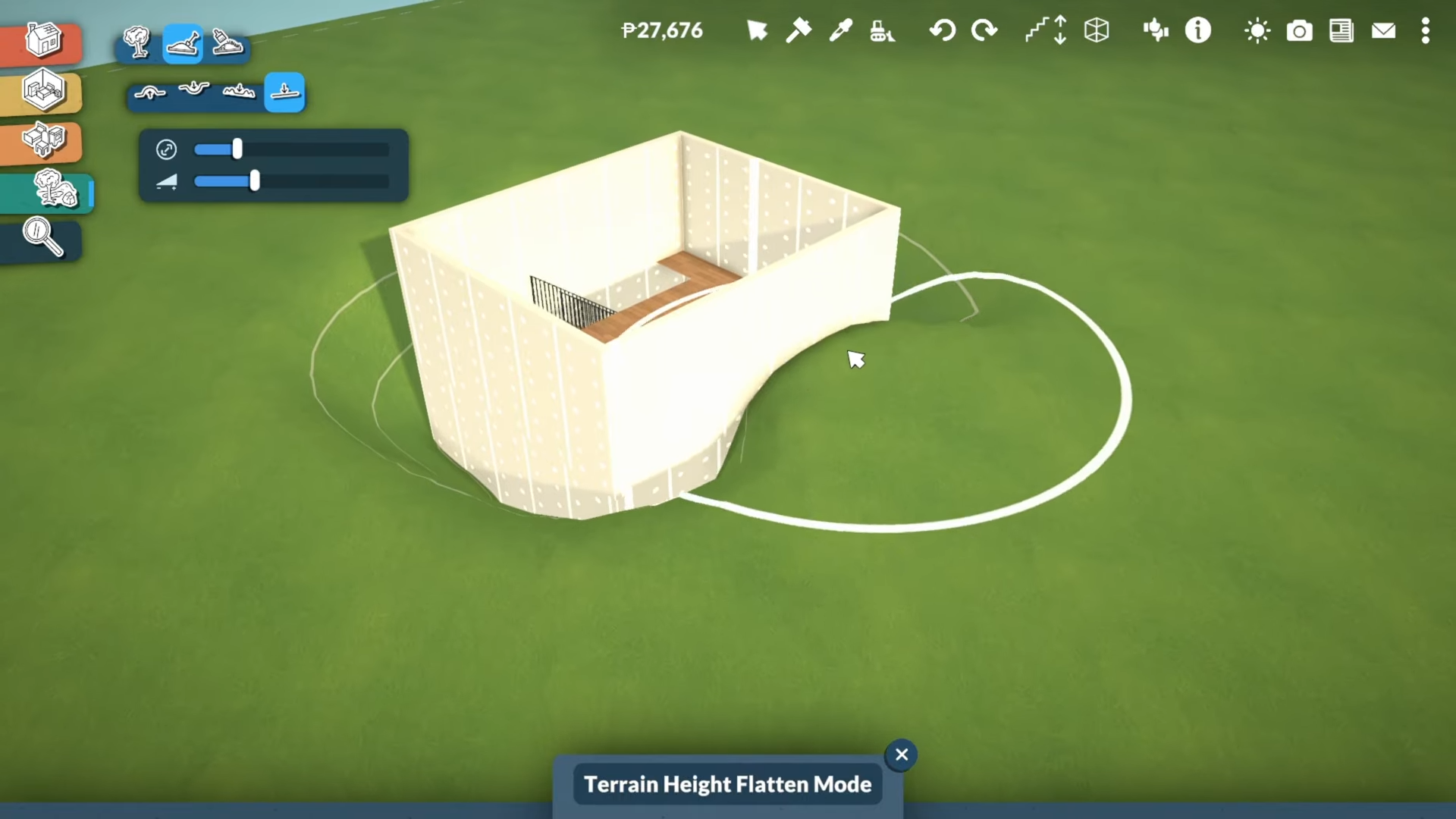
You’ll notice the walls appear to shrink suddenly because you’re now at a higher terrain level.
Step 5: Fix Wall and Floor Heights
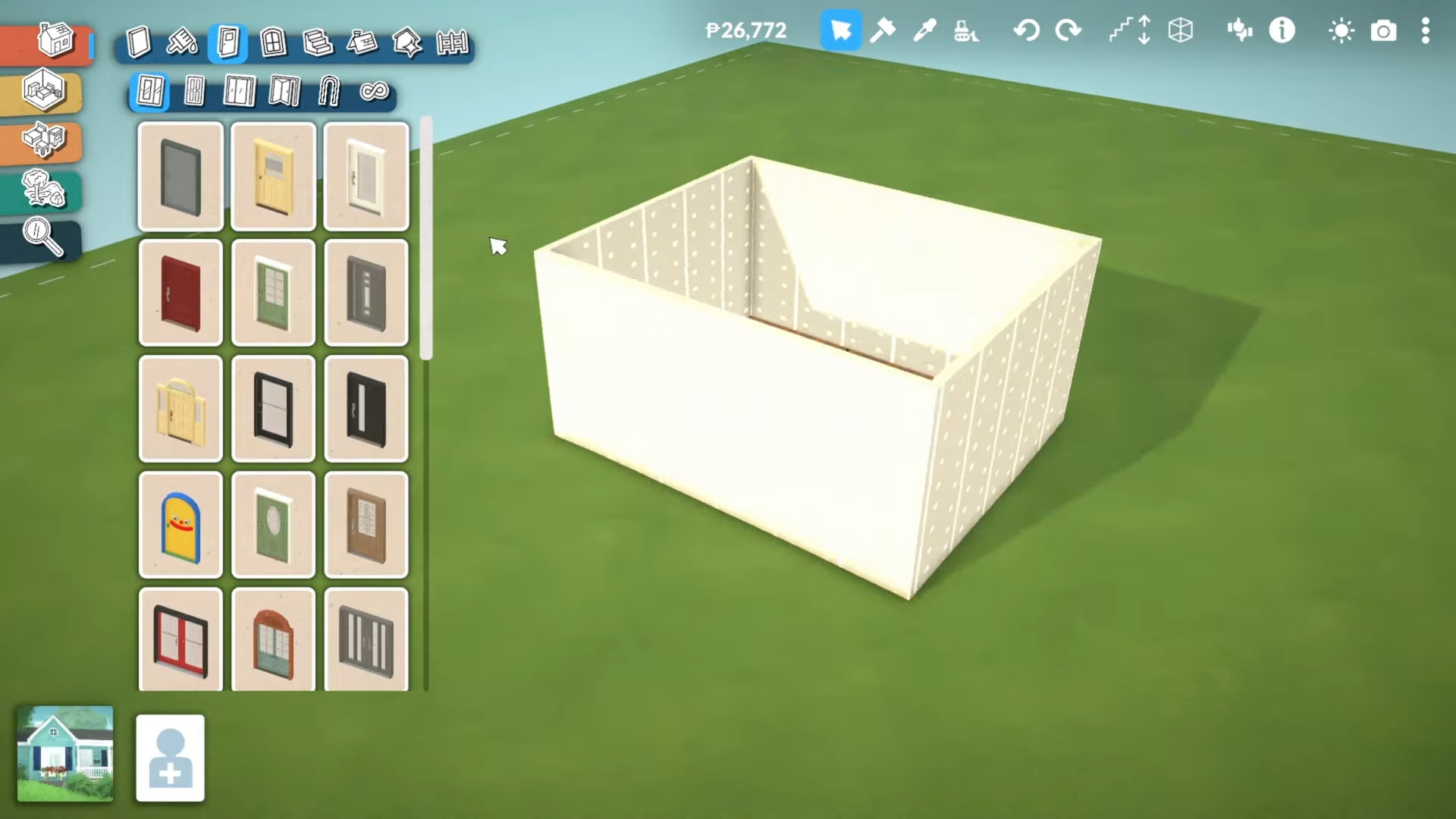
To fix the shrunken walls:
-
Use the arrows to increase the wall height.
-
Click on the floor and increase the floor height.
Step 6: Add Door and Adjust Stairs
-
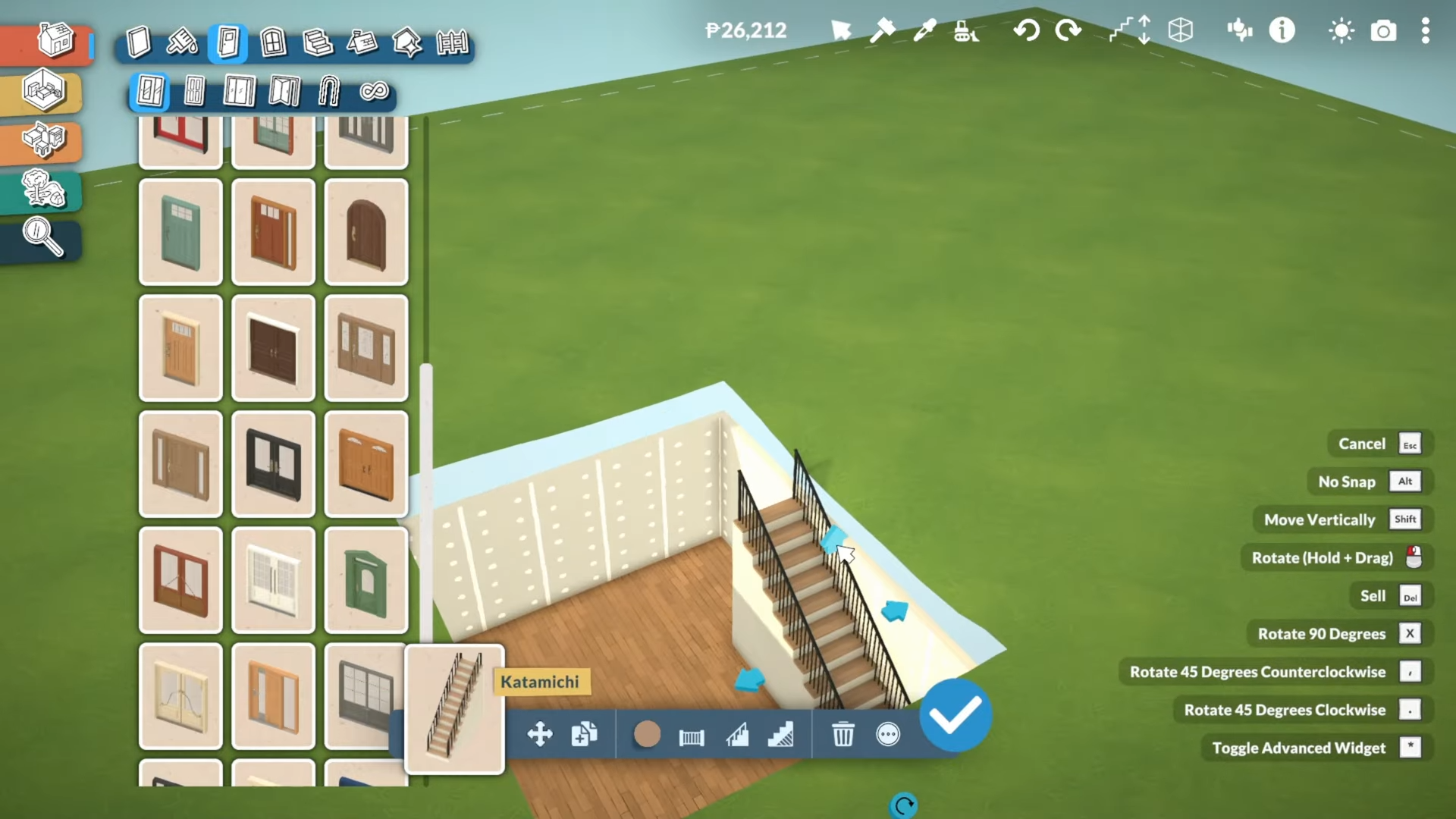
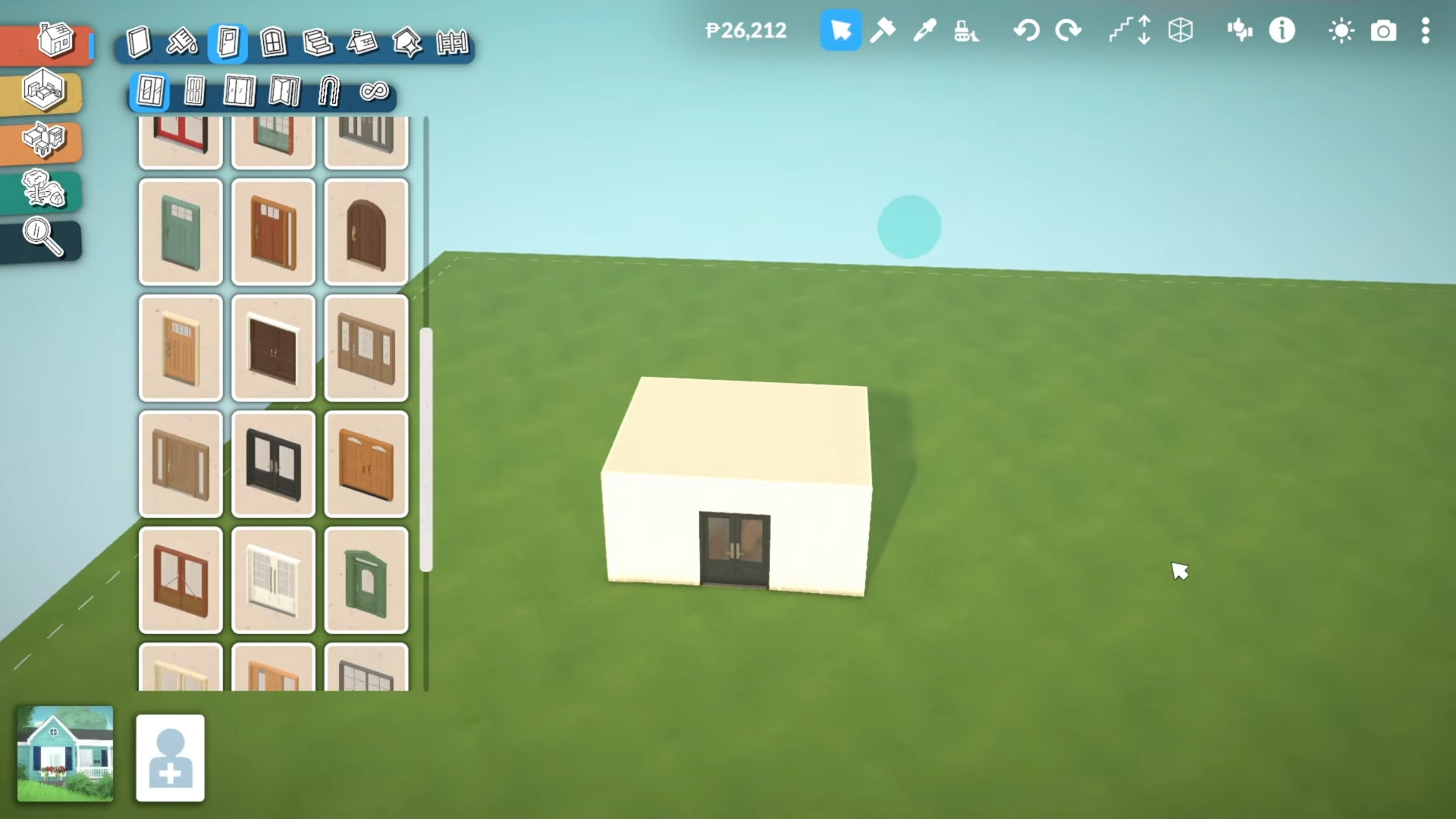
Add a door to make sure everything is properly leveled.
-
Increase the height of your stairs so they’re actually usable.
Step 7: Expand or Customize
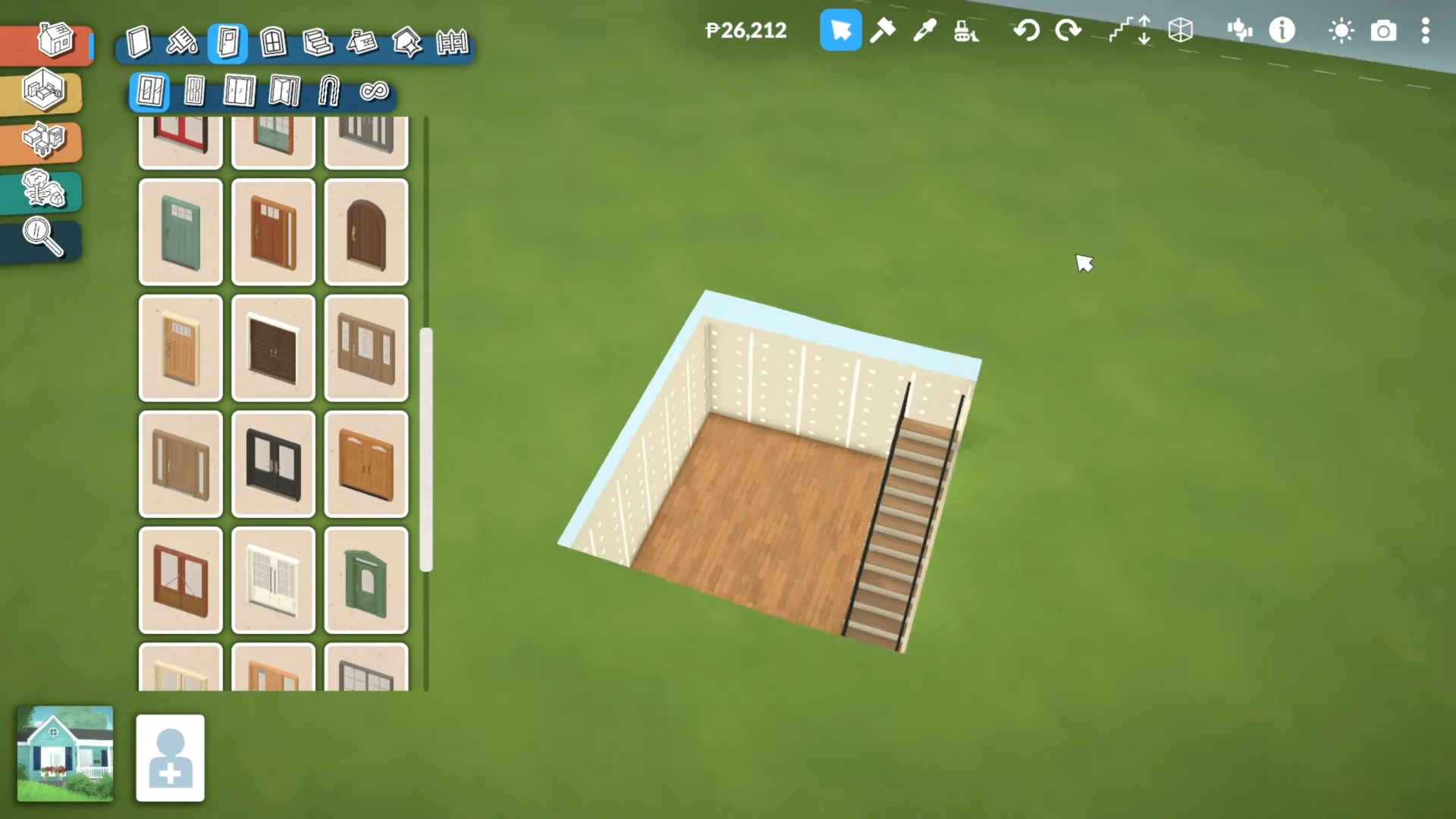
From here, you can expand the basement further or customize it however you’d like.
Critical Tips for Success
-
Room size matters: Ensure your basement room is large enough before adding stairs.
-
Level from highest point: Always start flattening terrain from the highest point for best results.
-
Wall height adjustment is essential: The terrain leveling will make walls appear shorter, so adjusting them is mandatory.
-
Stair height must be adjusted: Stairs won’t be usable without increasing their height after terrain leveling.
-
No advanced placement needed: This is an easy method that doesn’t require advanced building skills.
Common Mistakes to Avoid
-
Skipping terrain leveling: Your basement won’t connect properly without flattening the terrain.
-
Forgetting to adjust wall height: Walls will look oddly short if you don’t increase them.
-
Not making room big enough: If your room is too small, stairs won’t fit.
-
Ignoring stair height: Stairs remain unusable if you don’t increase their height.
Once you complete these steps, your basement will be fully functional and ready for furniture, decorations, and further expansion.

Building a basement sounds like such a task. Did you come across any challenges during the process?