What to know
-
Glide is unlocked during the Wayne Tower portion of the main story after the Batcave setup and the trip to Lucius Fox.
-
You do not need a separate side quest to get it, since it is tied to story progression.
-
Once unlocked, the game gives you a short movement tutorial with glide, glide boost, glide cancel, and glide launch.
-
The same section also teaches you how to use the glider in combat and movement, so it is worth paying attention before moving on.
Glide is one of the most important movement tools in LEGO Batman: Legacy of the Dark Knight, and the game introduces it as part of the main story rather than hiding it behind an optional upgrade.
Glide details
How to unlock glide
Step 1
Progress through the early story until you finish the Batcave and Wayne Industries setup. This is the part where you restore power, use the gadget bench, and get the Batcave running.
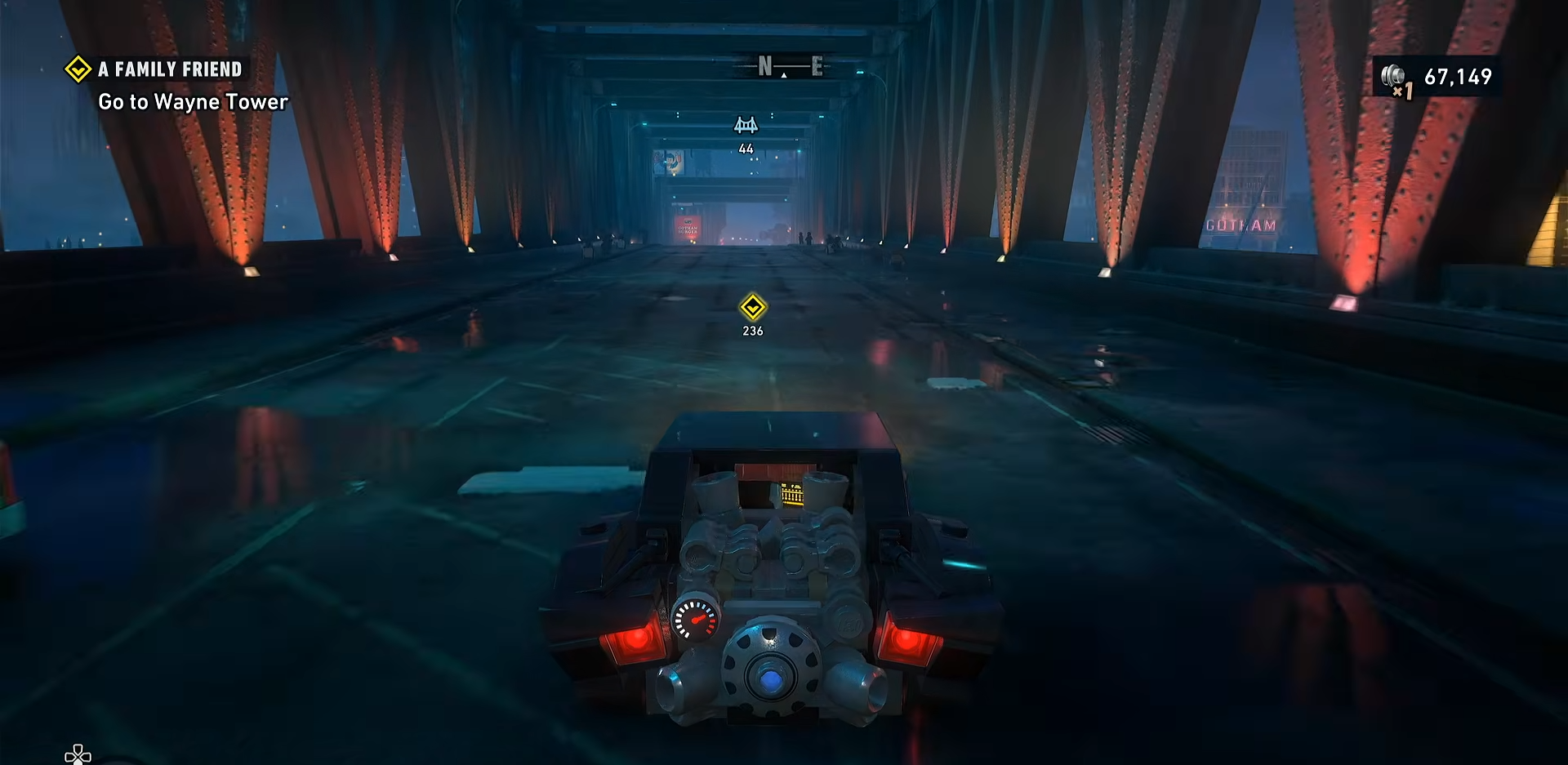
Step 2
Continue to Wayne Tower and speak with Lucius Fox. During this section, Bruce receives a compact glider for Gordon. This is the moment the glide system becomes available.
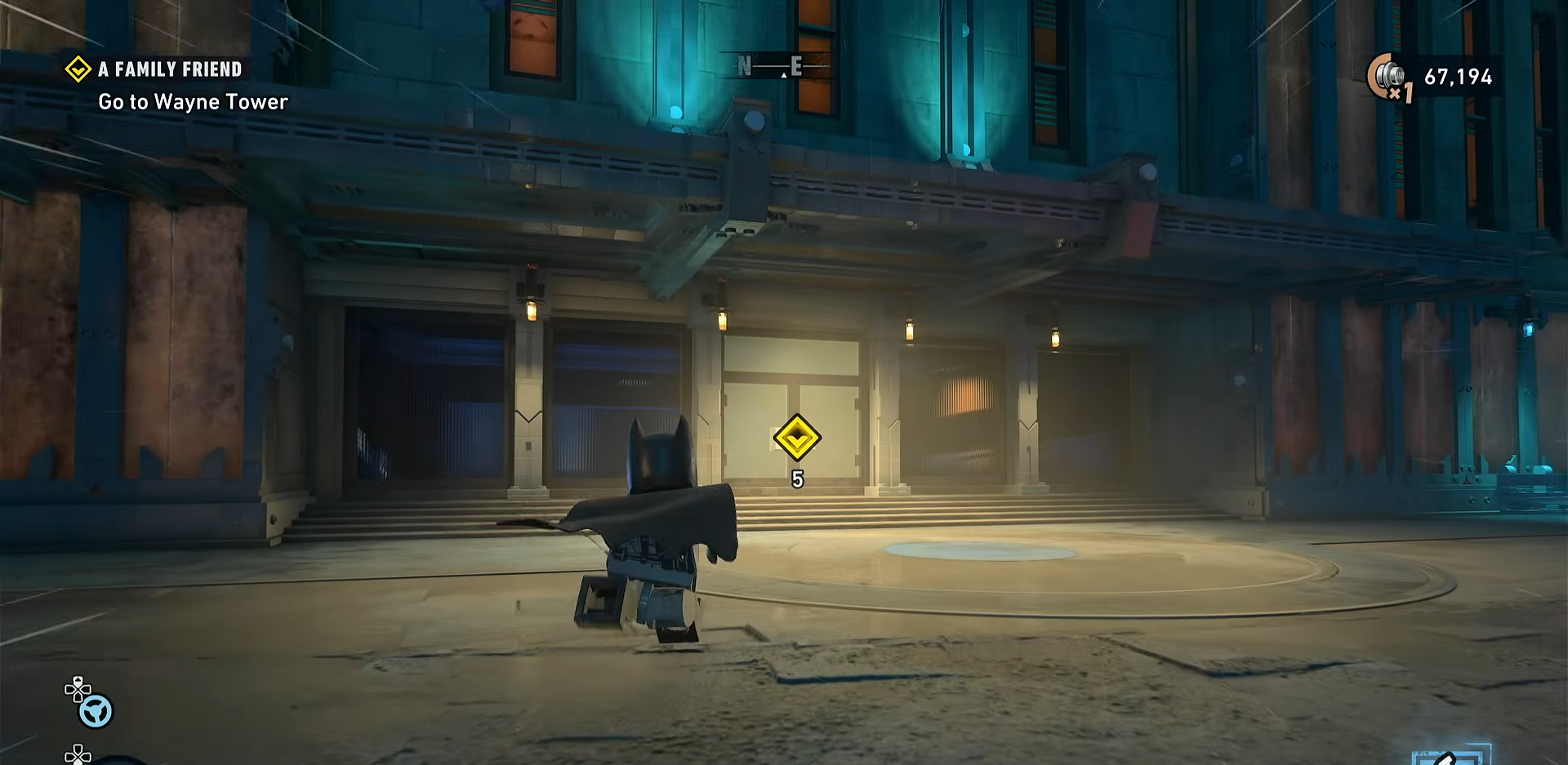
Step 3
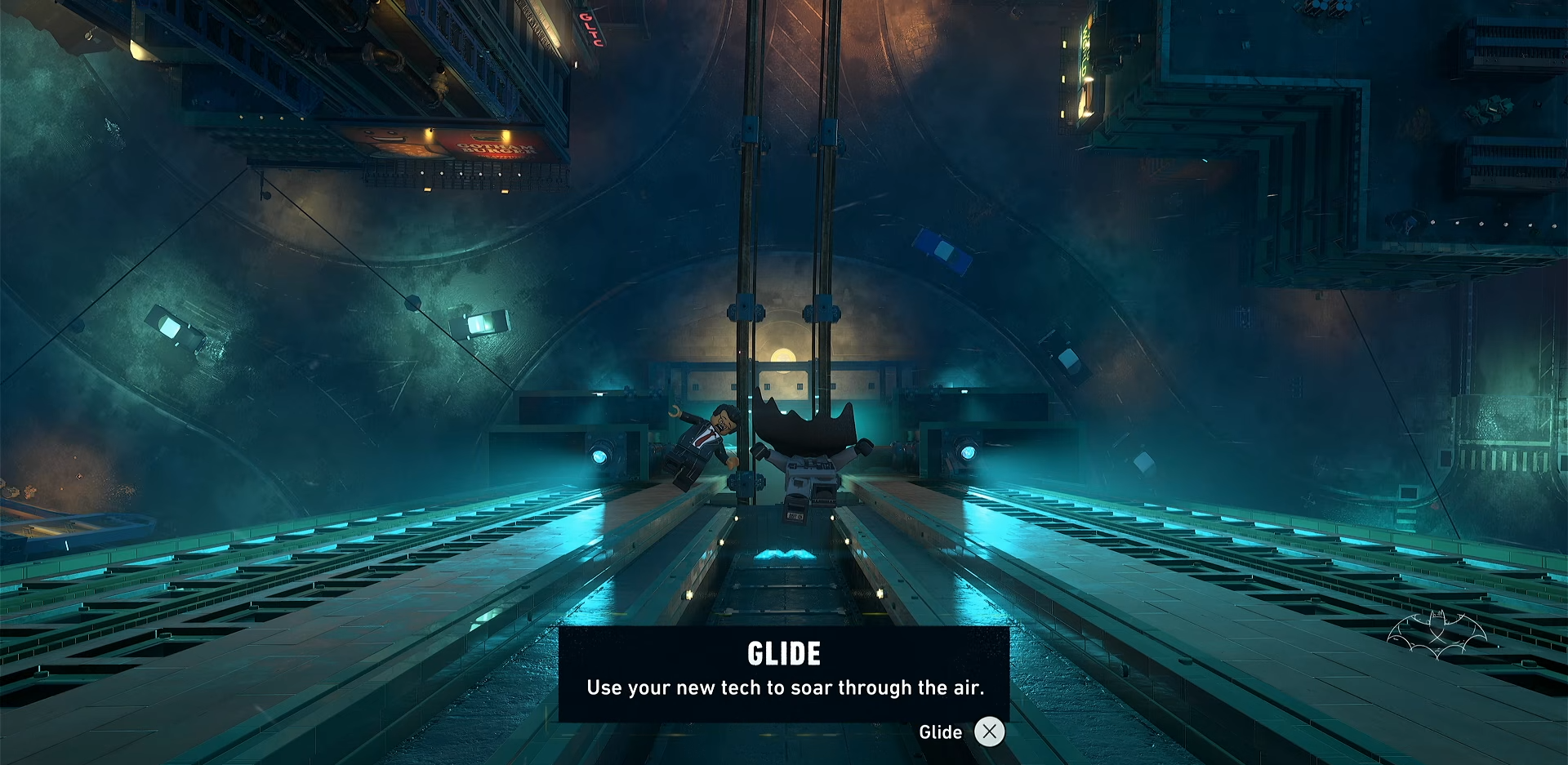
Follow the on-screen tutorial prompts when the game asks you to test the glider.

You will be guided through the first glide flight, so there is no hidden requirement beyond reaching this story point.
Step 4
Practice the movement prompts that follow. The game teaches glide boost, glide cancel, and glide launch immediately after the unlock, so these are part of the same tutorial sequence.
Location involved
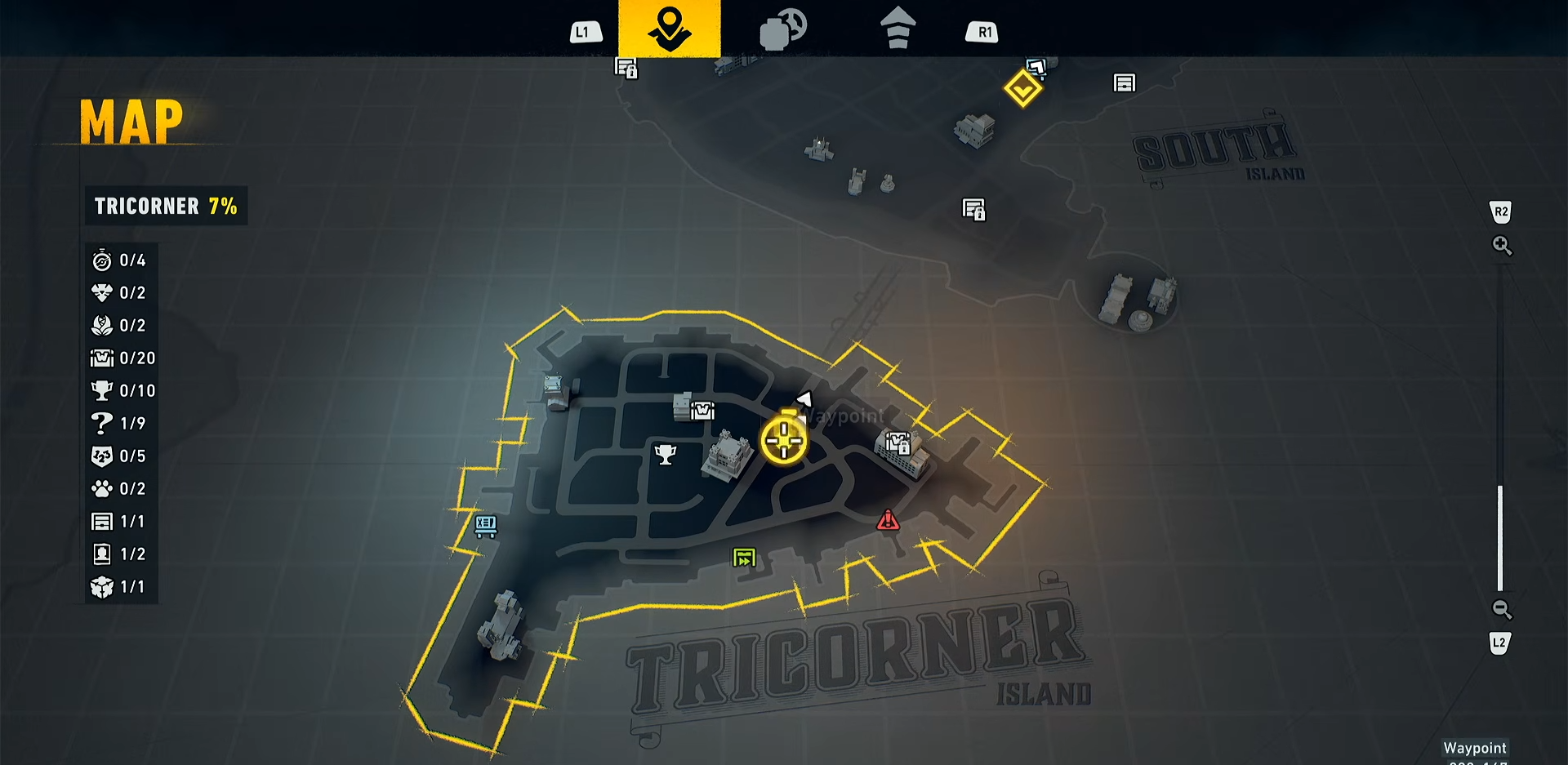
The unlock takes place in Wayne Tower, after the story sends you through the Batcave and back into Gotham. The game uses this location as the first major test area for the glider, with rooftop movement and nearby combat that make the tutorial feel integrated into the mission flow.
What glide lets you do
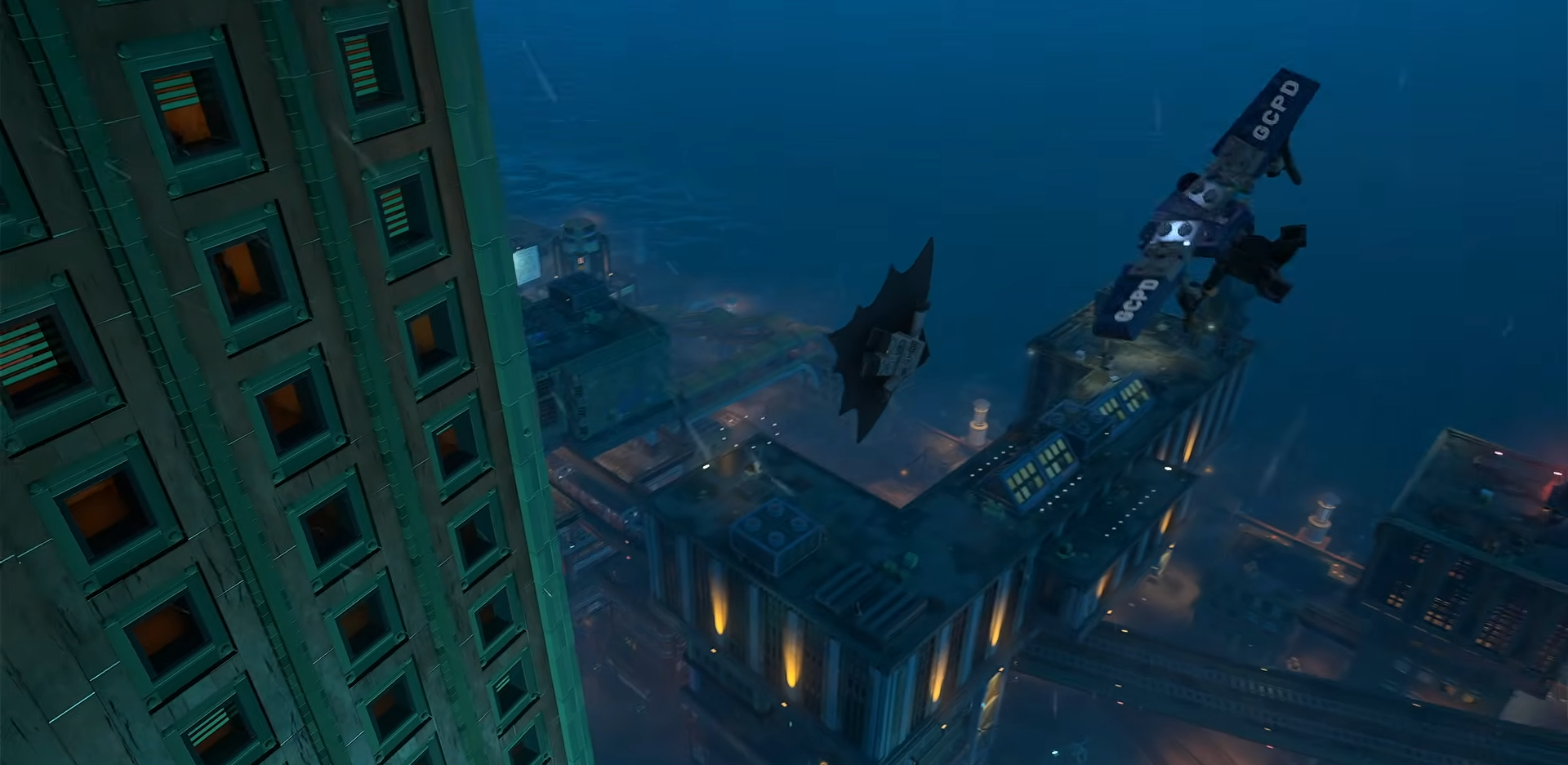
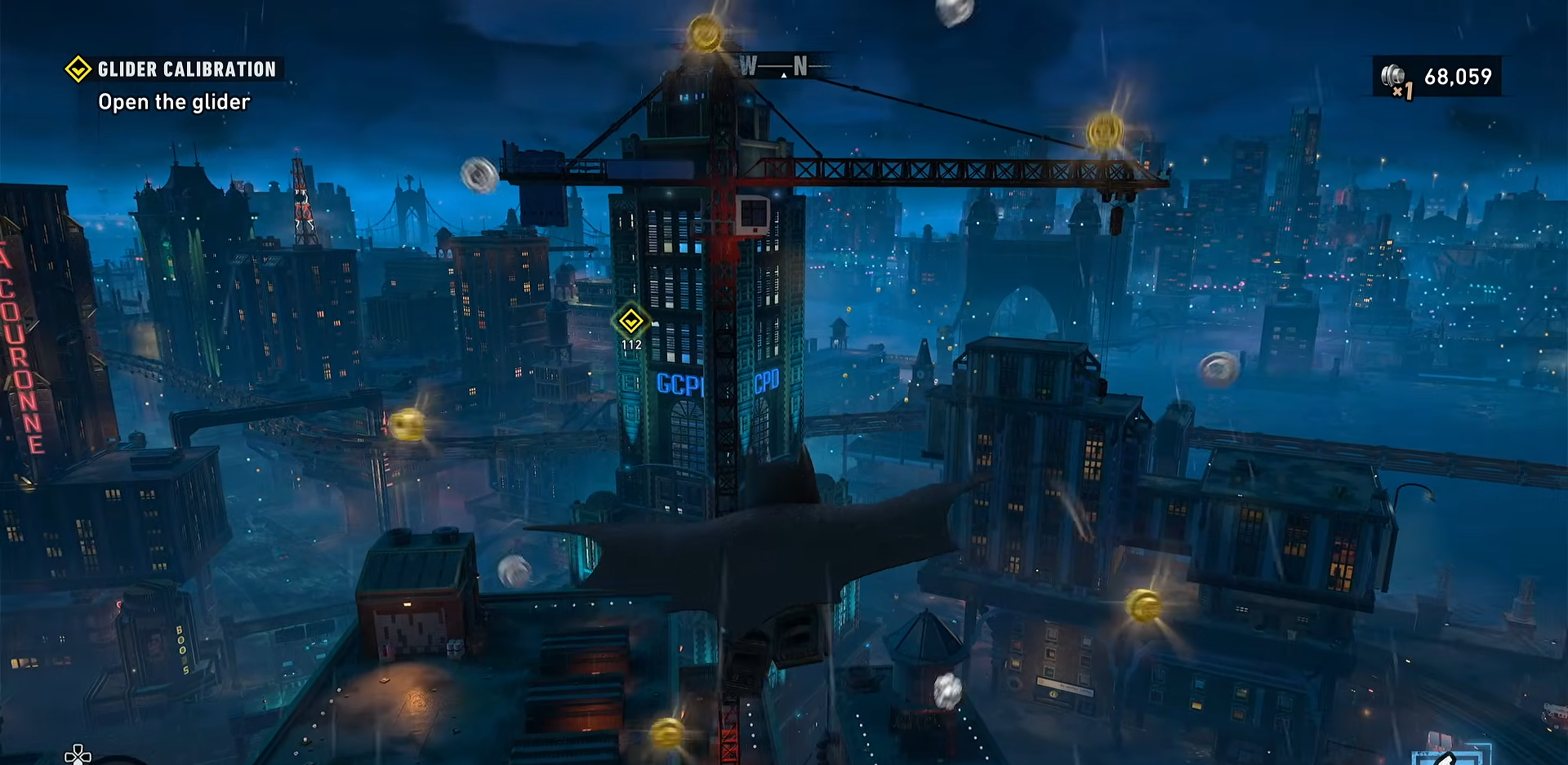
Glide opens up much faster movement across Gotham City and makes rooftop travel much smoother. It also ties directly into aerial traversal and later combat options, since the game supports gliding as part of Batman’s core movement kit. In practical terms, this means you can cover gaps, keep momentum, and reach higher or farther areas without relying only on ground routes.
Glide moves explained
Glide
This is the basic aerial movement you use after jumping or launching from height. It lets you stay airborne and cover distance across open spaces.
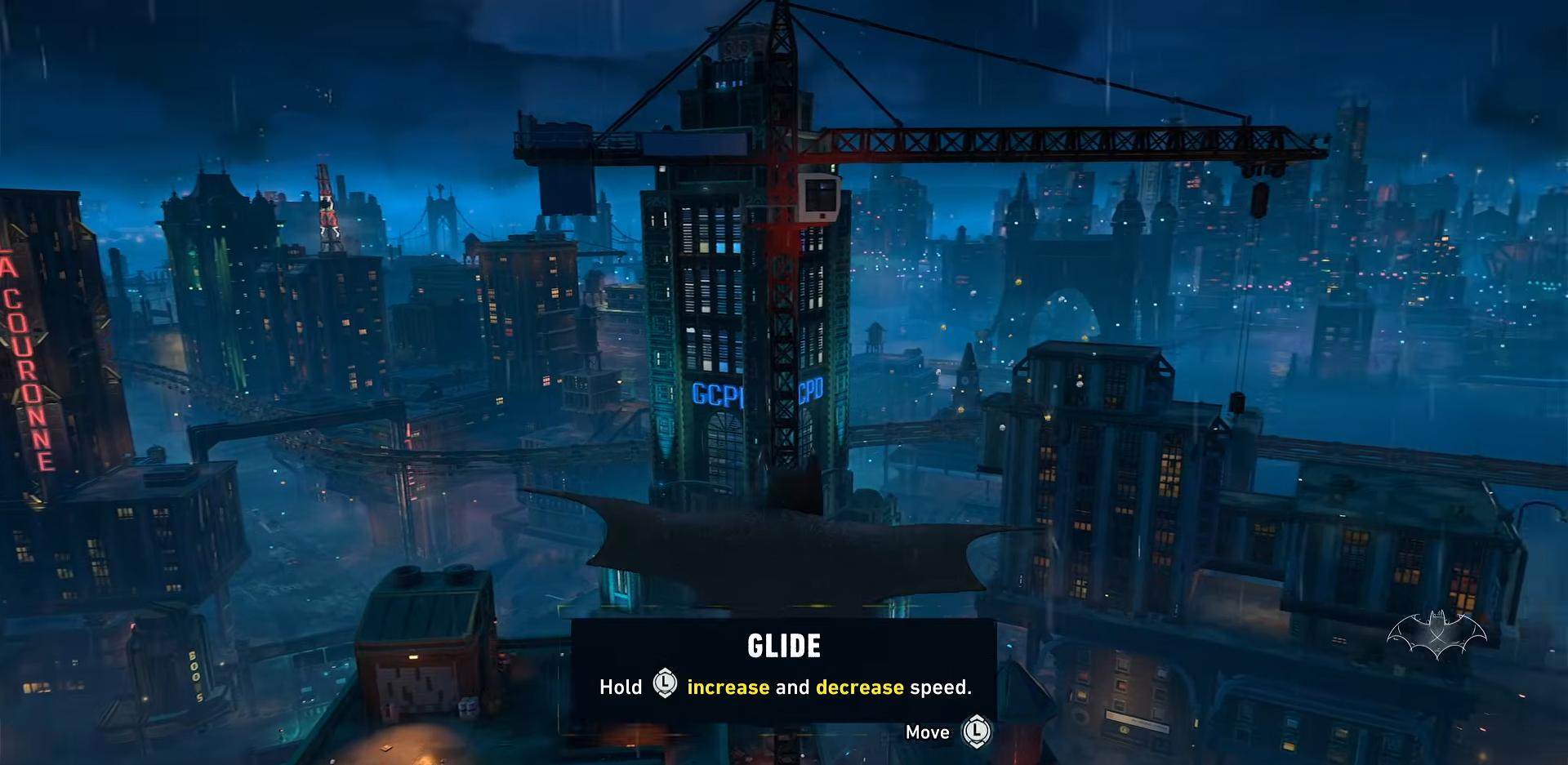
Glide boost
The boost gives you extra forward speed while in the air. It is useful when you want to cross larger gaps or keep momentum between rooftops.
Glide cancel
Canceling a glide lets you stop the motion cleanly and reposition more quickly. This helps when you overshoot a landing spot or want to switch to another move.
Glide launch
Glide launch is the stronger follow-up move that sends you into the air with more force after using a launch point. The tutorial uses it to show how glide can chain into vertical movement as well as horizontal movement.
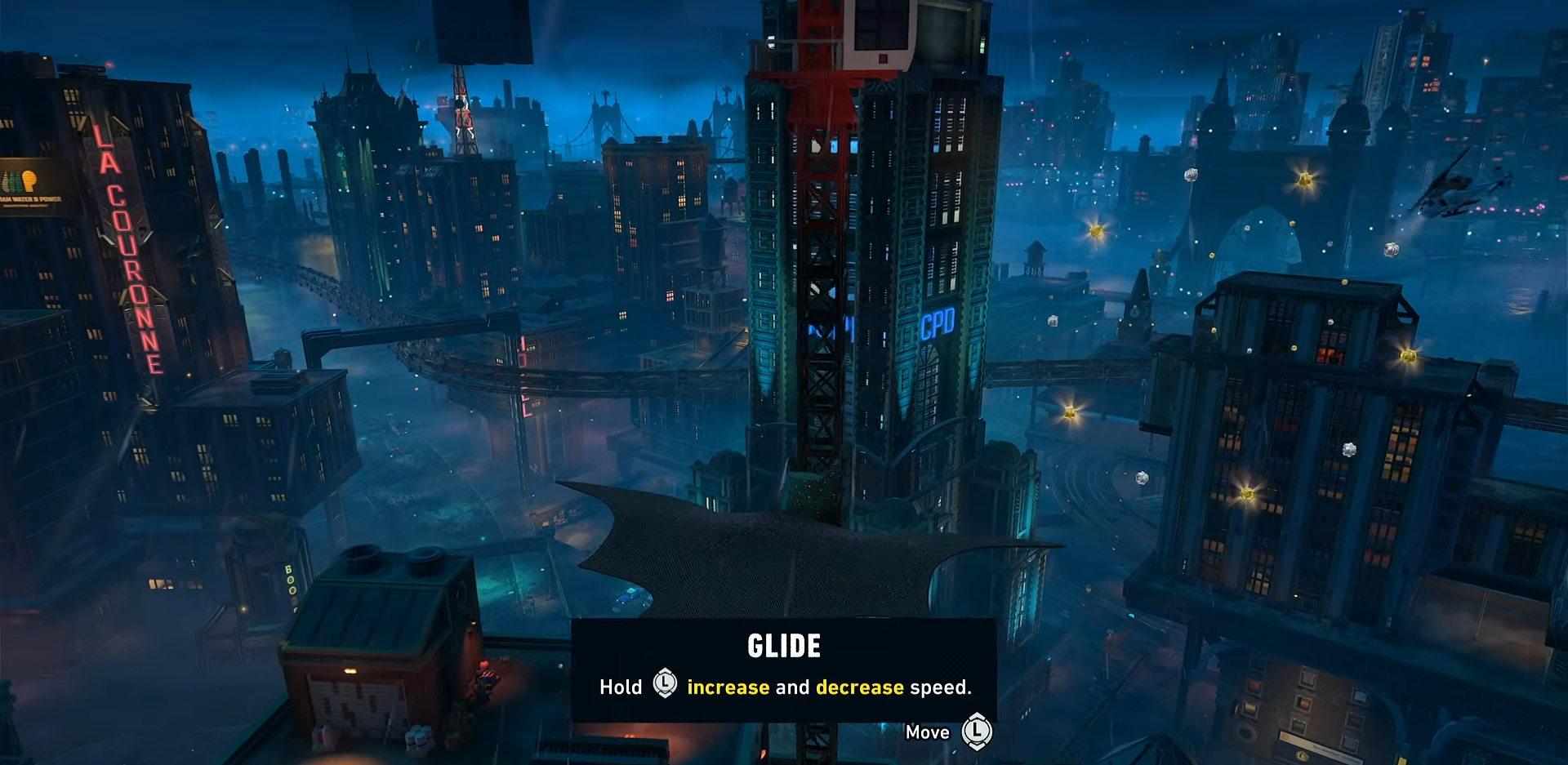
Once you have glide, use the tutorial area to get comfortable with height control and distance. The game quickly follows the unlock with action, so learning how to steer and land accurately will save time in later missions. It is also worth revisiting older locations after the unlock, since the game’s open world includes secrets and rewards that are easier to reach with aerial movement.