What to know
-
You can switch between your owned horses at any stable location found throughout the game map.
-
Stable masters allow you to manage, heal, or retrieve horses if they are not currently nearby.
-
Horse gear can be adjusted through your personal inventory menu by tabbing over to the mount section.
-
Taming wild horses provides additional options for mounts, which can then be registered and managed at stables.
Managing your mounts effectively is essential for exploring the vast world of Crimson Desert, and knowing how to swap between your horses or update their equipment ensures you always have the best companion for your journey.
Understanding mount management
As you progress, you will naturally acquire various mounts. While you start your journey with a default horse, the world is filled with opportunities to obtain different types of horses by taming them in the wild or interacting with stable systems.
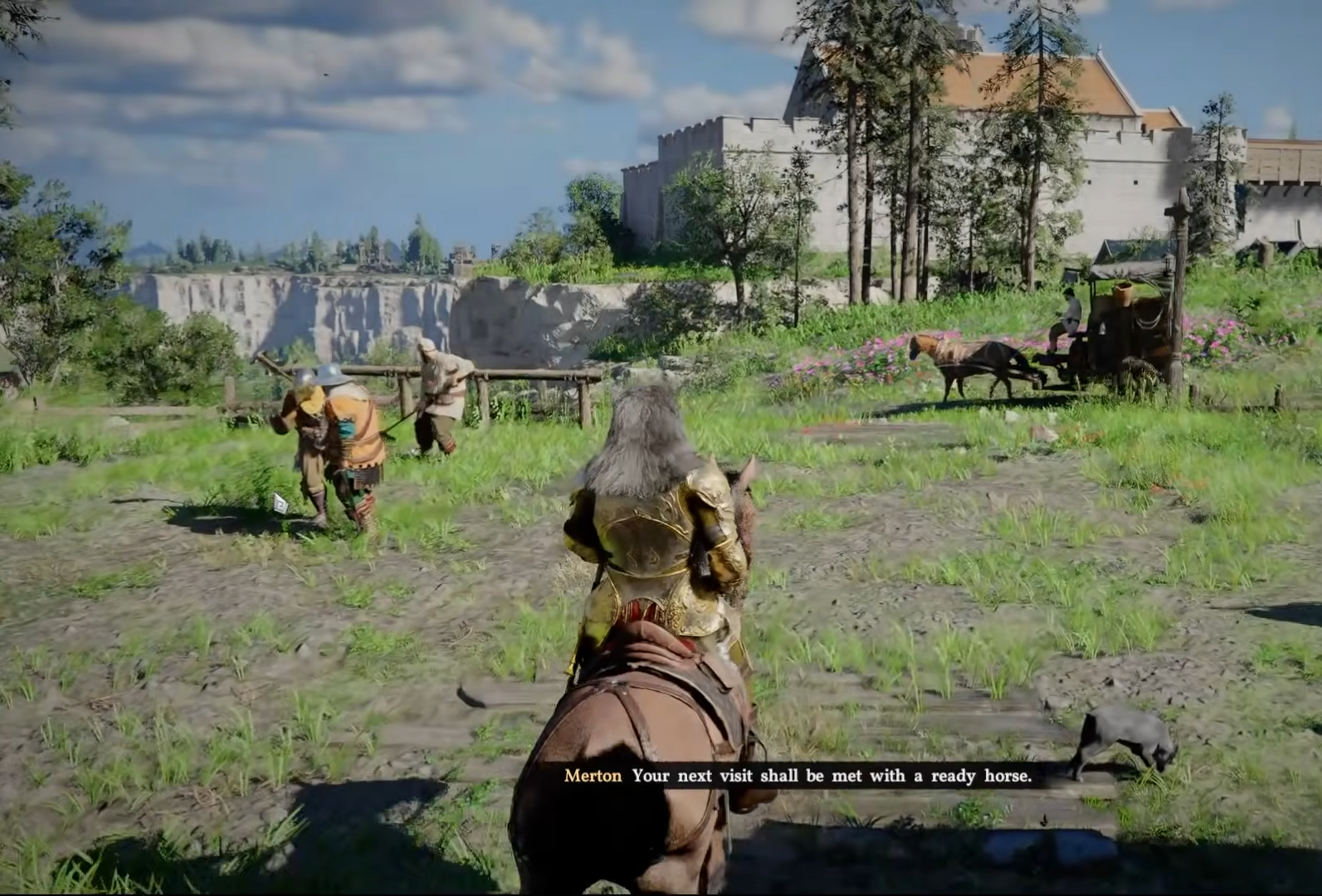
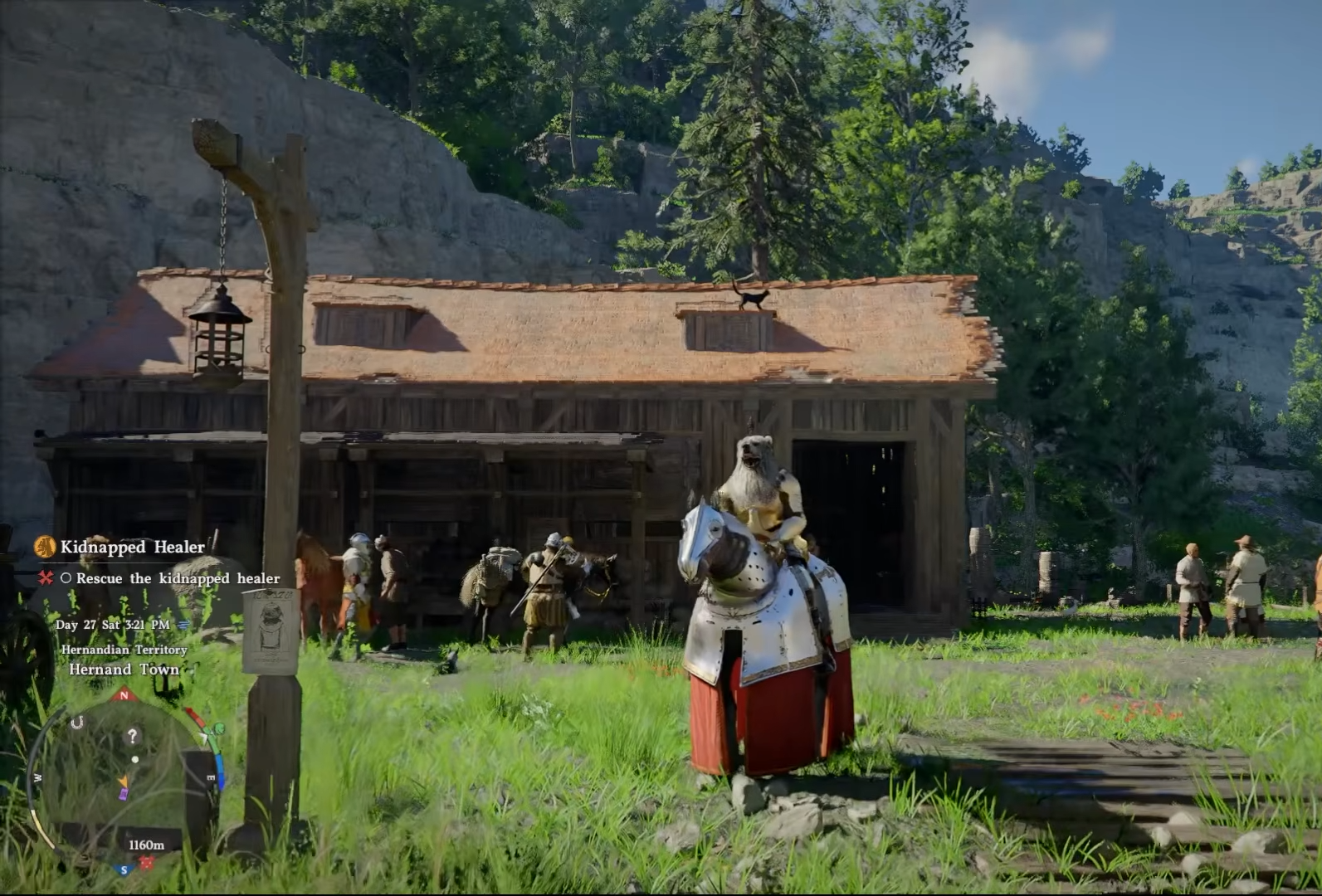
To maintain your mounts, visiting a stable is required, especially if you need to switch between the horses you have collected, heal them after long journeys, or retrieve a mount that is not currently following you.
Horse switching and management details
How to manage your stable and switch horses
To change which horse you are currently using, you must locate a stable master.
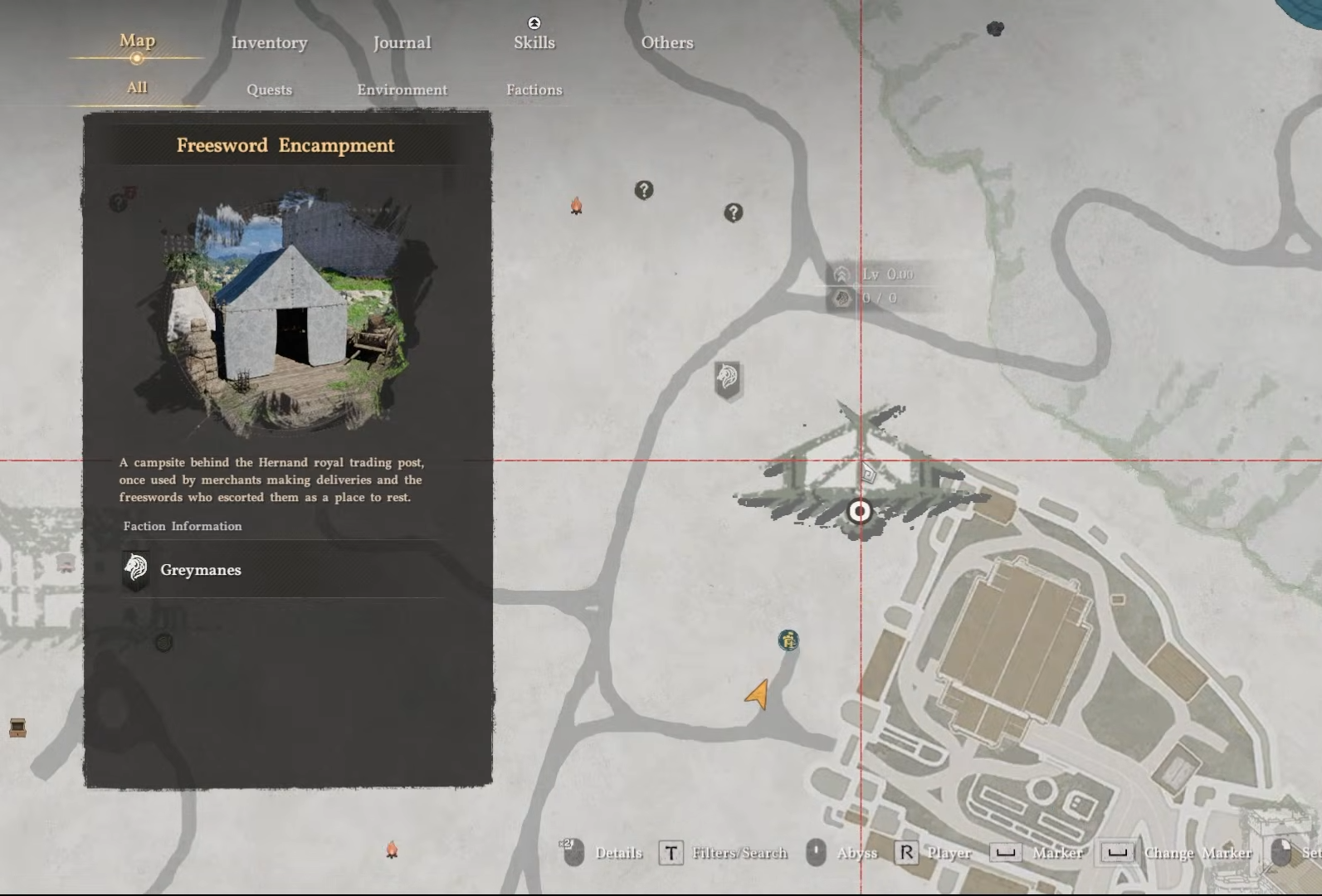
These NPCs are typically found in major camps or settlements. Once you have located the stable master, interact with them to open the management interface.
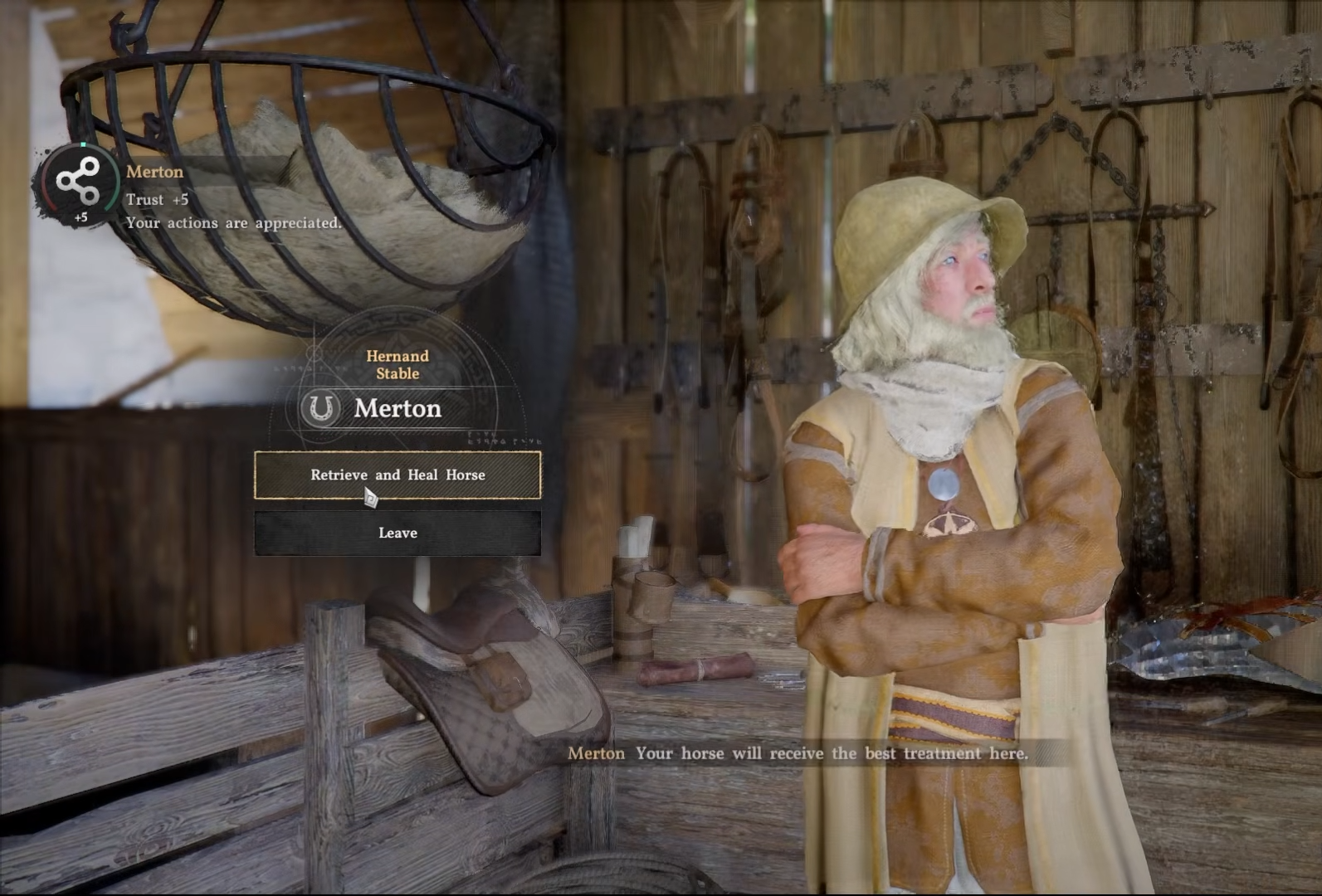
From here, you can view all the horses you have tamed or purchased, select the one you wish to make your active mount, and confirm the switch. If your preferred horse is not immediately available, use the option to retrieve it from the stable.
How to equip and change horse gear
You do not need to be at a stable to change your horse’s equipment. Access your main inventory menu while in the game world.
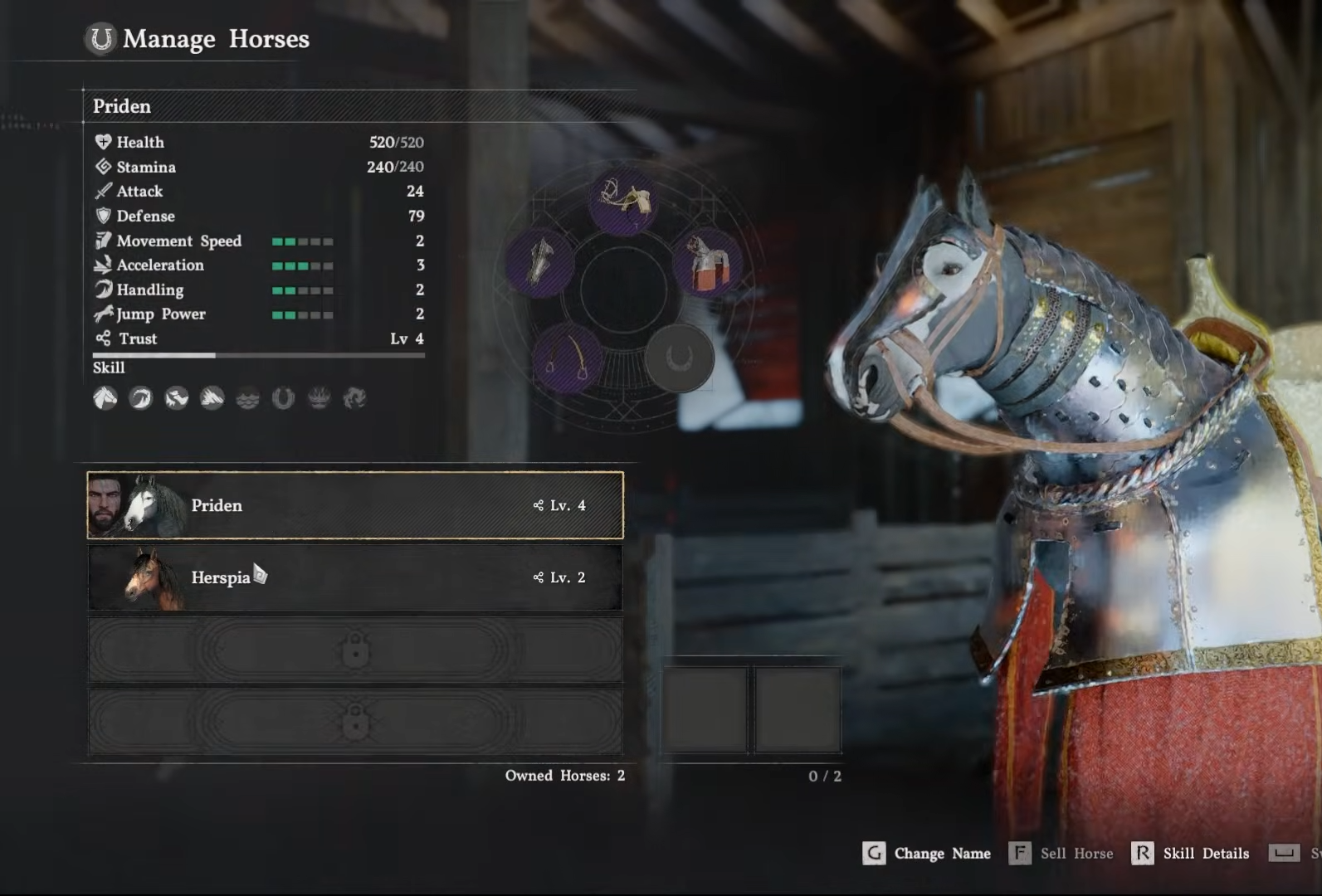
Look for the tabs or navigation options at the top of the interface, which allow you to switch the view from your character to your current mount.
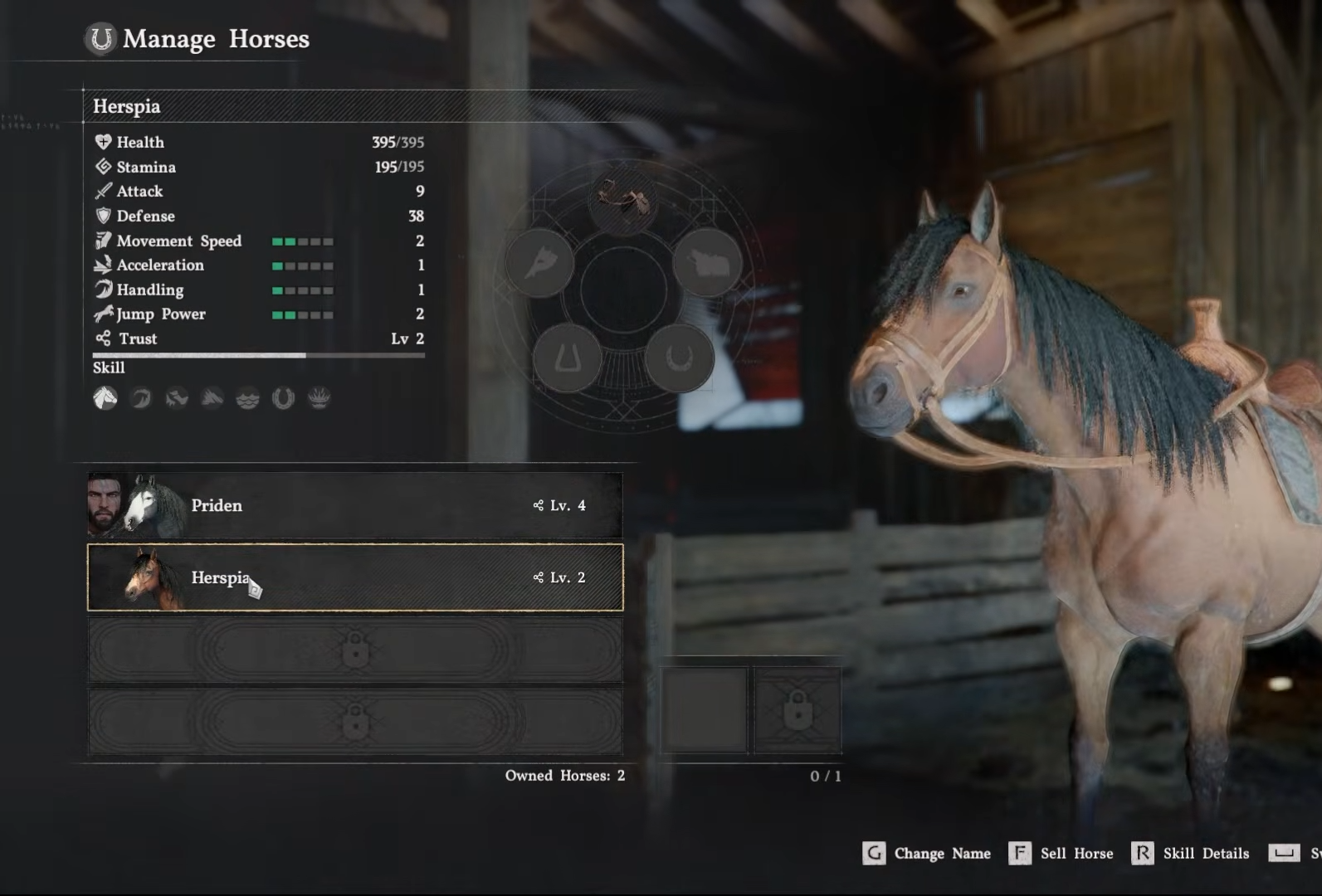
Once you have selected your horse’s tab, you can view its current equipment, such as saddles or shoes, and swap them out for better items found during your adventures.
How to tame wild horses for your collection
Taming is the primary way to acquire new mounts beyond the initial horse provided at the start of your journey. When you encounter a wild horse, approach it stealthily to avoid scaring it off. Once you are close enough, interact with the horse to begin a taming sequence. Success often depends on maintaining your position and stamina, so be prepared to adjust your approach based on the horse’s movements.
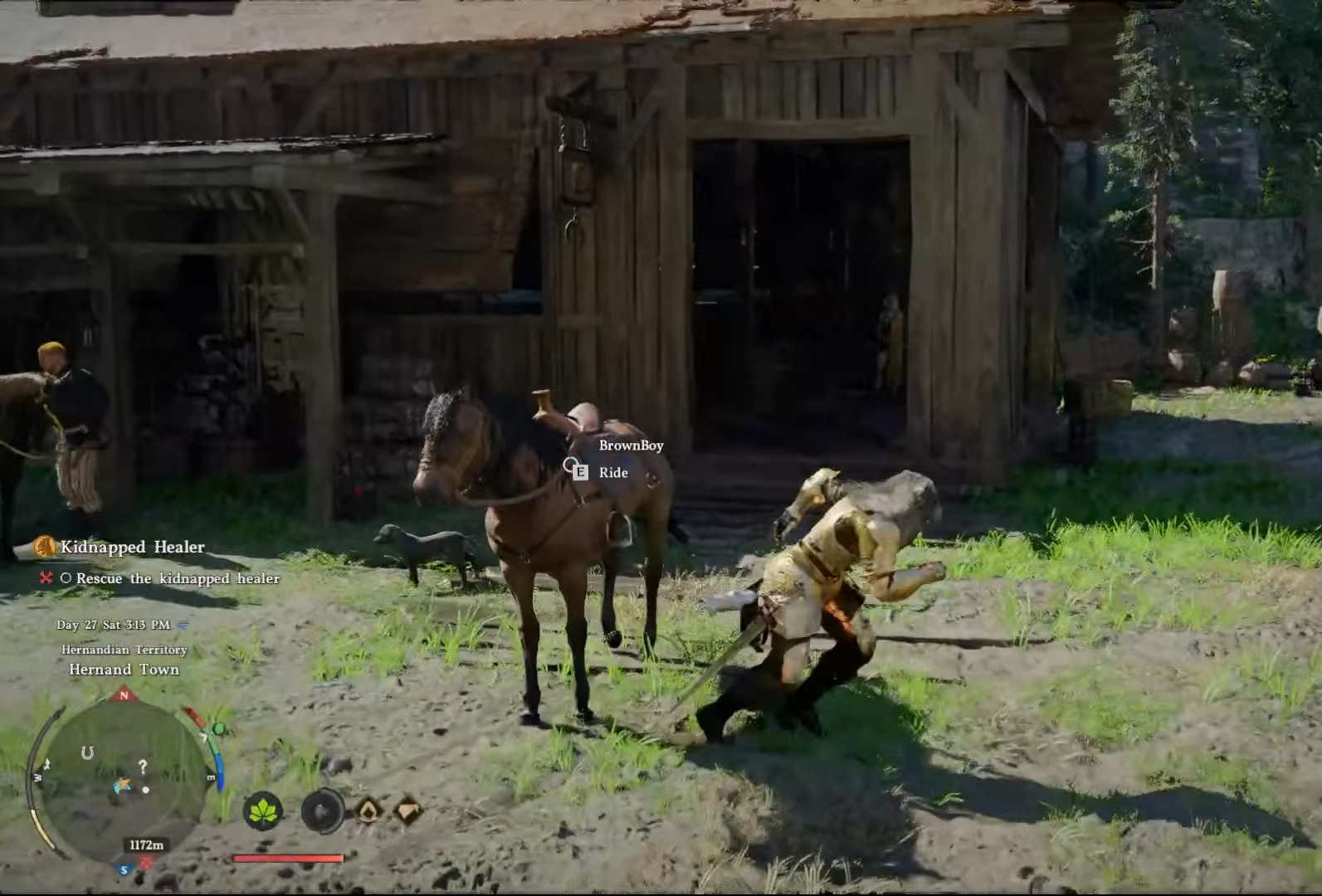
After successfully taming a horse, you must take it to a stable to register it officially before it can be used as a permanent member of your mount collection.
How to optimize your horse’s potential
Taking care of your mounts through consistent equipment upgrades and regular maintenance at stables allows you to travel faster and safer across the terrain. By keeping your gear updated and ensuring your preferred horse is always ready for travel, you maximize the efficiency of your exploration and travel between regions.