

What to know
- Preorder bonuses unlock after your first non-scripted death in Saros.
- The Primary hub is where you access and equip all armor skins.
- Hands of Shore comes with any preorder, while Deluxe adds Astra, Onryo, and Midgard.
- All armor sets are cosmetic and do not affect gameplay stats.
If you’ve preordered Saros, you might expect your bonus armor to appear instantly—but the game takes a more immersive approach. You actually need to progress slightly before unlocking access to cosmetic armor systems, and once you do, everything becomes easy to manage from the hub.
Below, you’ll find a complete breakdown of how it works, what each armor set includes, and exactly how you can equip them without confusion.
| Feature | Details |
|---|---|
| Unlock Requirement | First non-scripted death |
| Access Point | Primary hub (between runs) |
| Default Bonus | Hands of Shore Armor |
| Deluxe Edition Extras | Astra, Onryo, Midgard |
| Gameplay Impact | Cosmetic only |
| Early Access | 48 hours (April 28, 2026) |
| Full Release | April 30, 2026 |
Understanding when armor unlocks in Saros
The game intentionally locks cosmetic systems behind your first real failure. This means you won’t see your preorder armor immediately after starting the game.
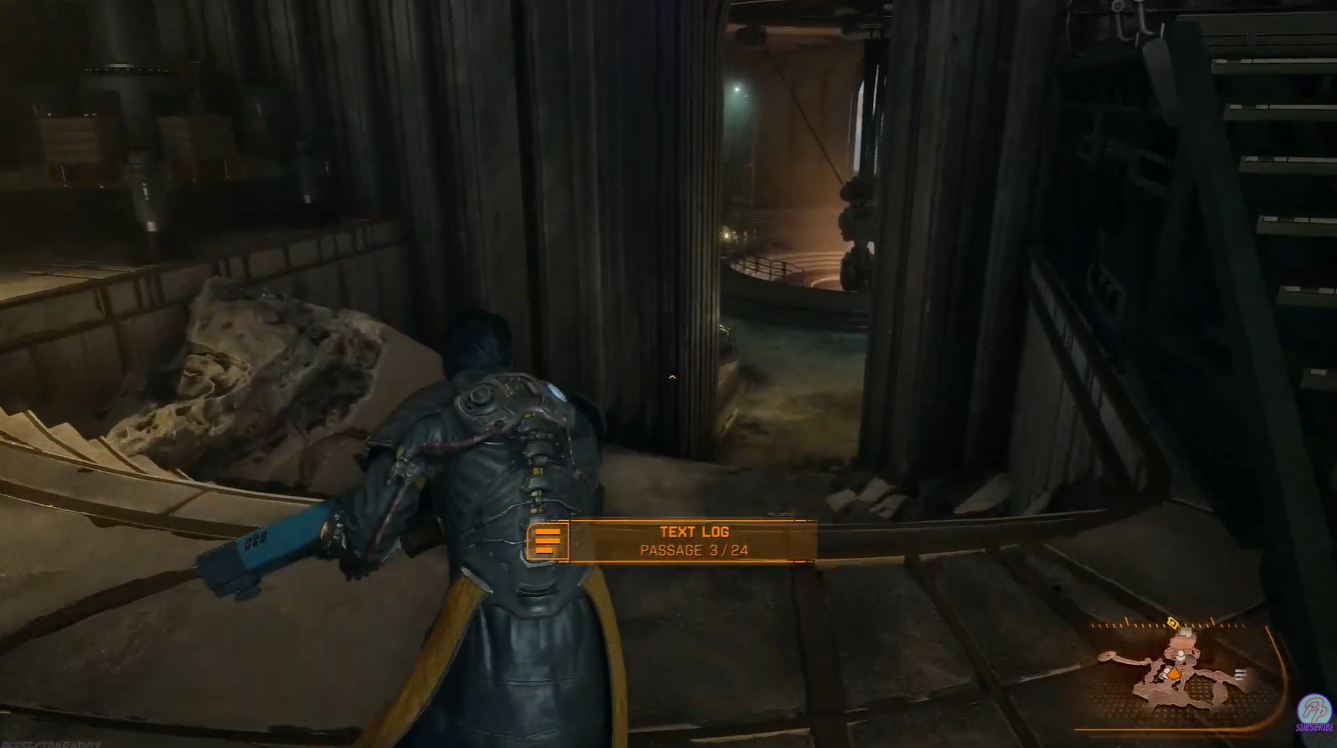
Instead, you must experience your first proper non-scripted death, which is part of the game’s progression loop. Once that happens, the system expands, and you gain access to additional features—one of which is the armor customization menu.
This design ensures that you understand Saros’ core loop before introducing customization, keeping the early experience focused and immersive.
After unlocking the system, you’ll spend time in what the game calls the Primary hub. This is your central space between runs, where you prepare, upgrade, and customize your character.
The armor system is located inside this hub, and it becomes available anytime you return after a run. Here is how to get and use preorder armor and skins in Saros:
Step 1
Progress through the game until your first non-scripted death occurs. This is mandatory and cannot be skipped.
Step 2
Respawn and enter the Primary hub area. This acts as your base of operations between runs.
Step 3
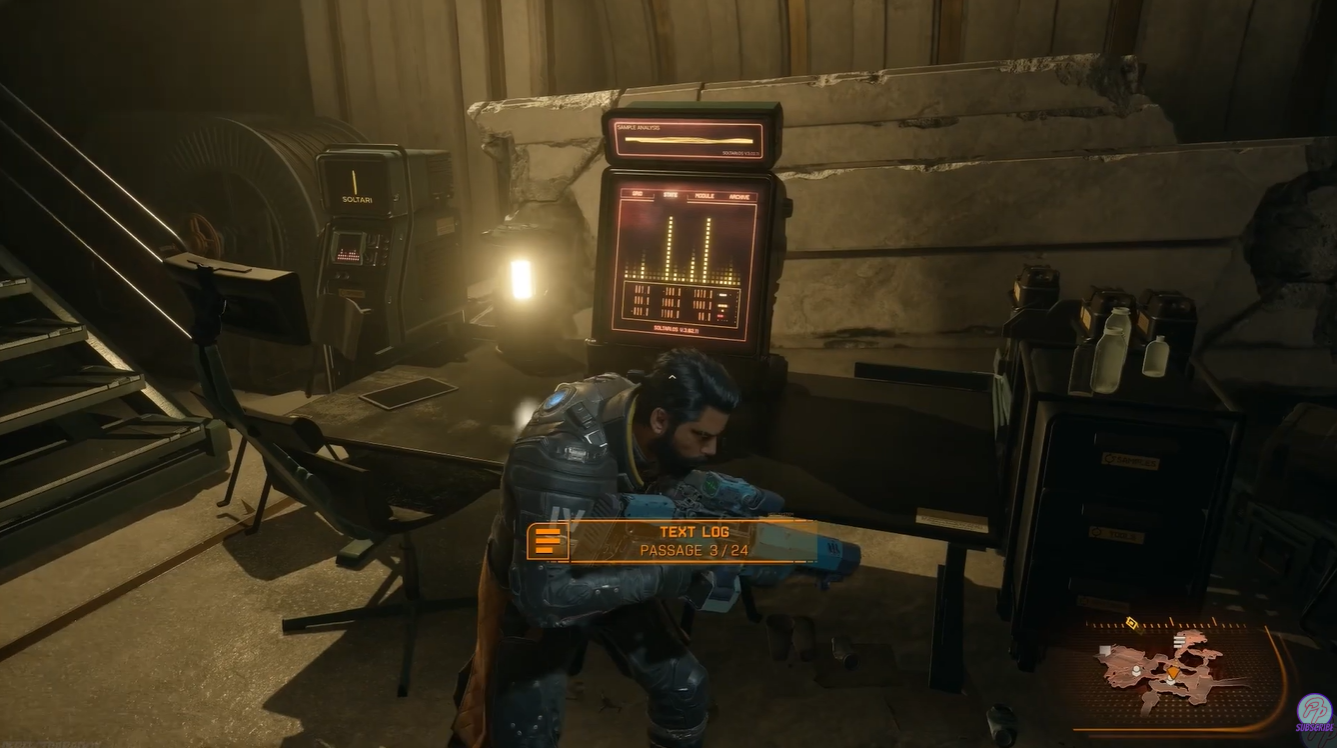
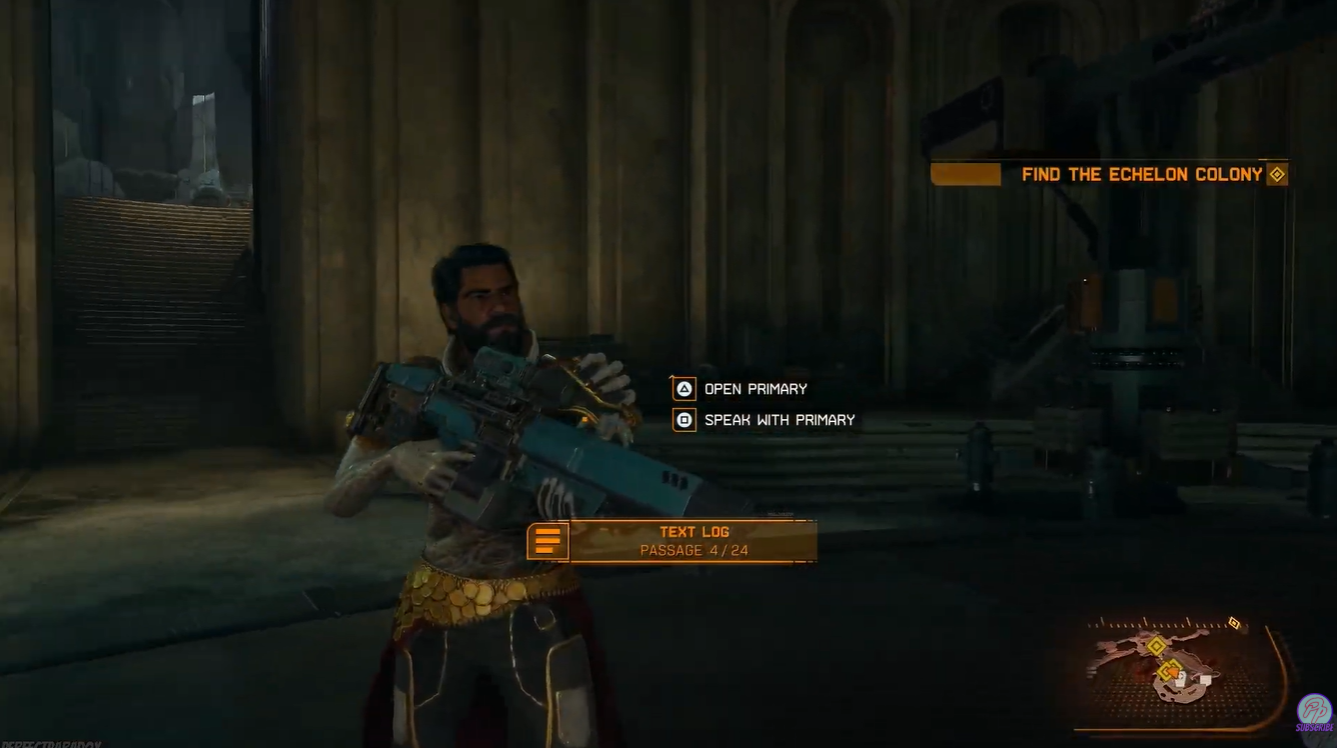
Locate and interact with the “Primary” interface or terminal. This is where multiple systems are managed.

Step 4
Navigate to the “Armours” section within the menu. You’ll see available cosmetic sets listed here. Select your unlocked preorder armor (Hands of Shore or Deluxe skins).
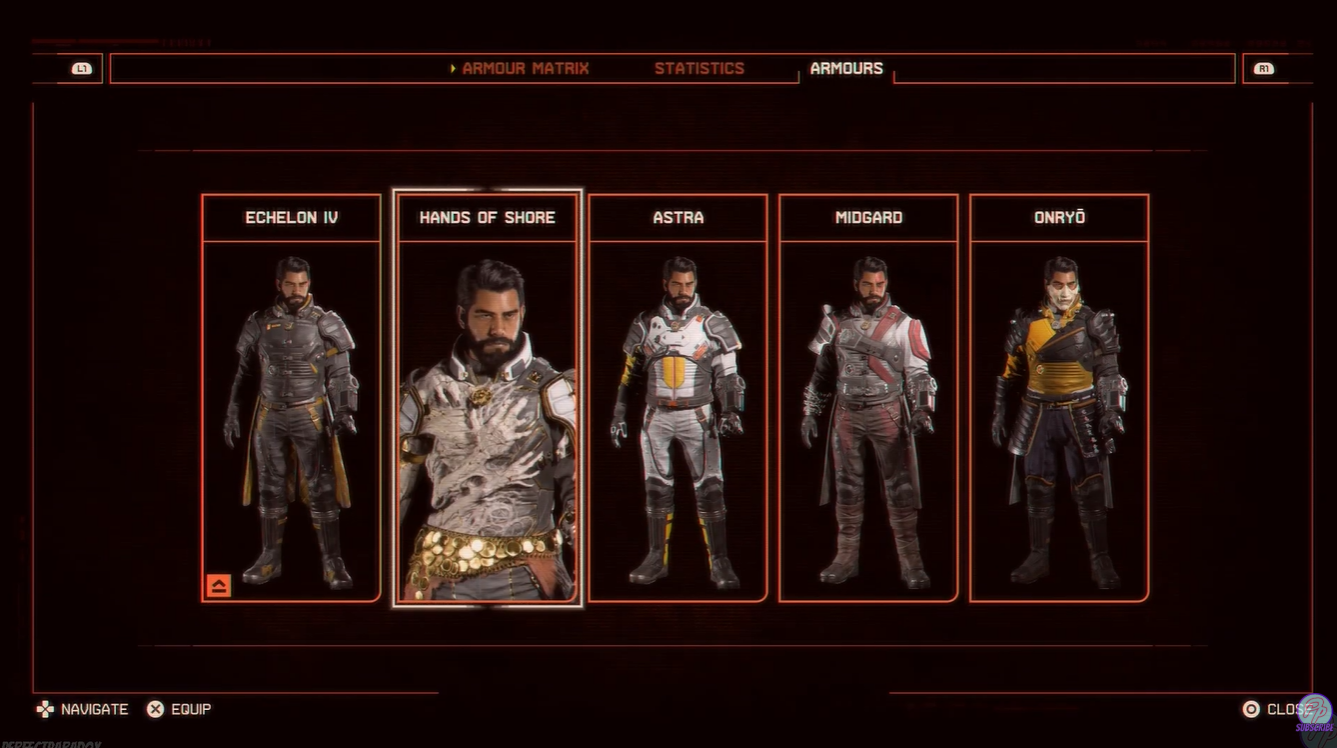
Equip the armor to apply the visual changes instantly. Once equipped, your armor will remain active across runs unless manually changed.
What each preorder armor set includes
The preorder and Deluxe Edition bonuses are entirely cosmetic but visually distinct. Each set draws inspiration from different themes and iconic styles, giving you a unique look during gameplay.
- Hands of Shore armor (preorder bonus). This is the standard bonus for all preorder versions of Saros. It features a grounded, sci-fi aesthetic that aligns closely with the game’s core design.
- Astra armor (Digital Deluxe). Inspired by Returnal-like aesthetics, Astra emphasizes sleek, futuristic elements with a clean, high-tech finish.
- Onryo armor (Digital Deluxe) This set draws from Ghost of Yōtei-inspired themes, offering a darker, more mysterious visual tone with subtle cultural design cues.
- Midgard armor (Digital Deluxe) Heavily inspired by God of War-style armor, Midgard delivers a rugged, mythic look with bold detailing and a heavier visual presence.
Rewards and bonuses breakdown
| Edition | Rewards |
|---|---|
| Standard Preorder | Hands of Shore Armor |
| Digital Deluxe | Hands of Shore + Astra + Onryo + Midgard |
| Digital Deluxe Bonus | 48-hour early access |
Why your armor might not appear immediately
While the armor system looks important, it is purely cosmetic and does not affect stats, abilities, or performance. This means you can freely switch between styles without worrying about builds or optimization.
If you’re not seeing your preorder armor, the issue is almost always progression-related rather than a bug. The most common reasons include:
- You haven’t reached your first non-scripted death yet
- You haven’t accessed the Primary hub after unlocking it
- You haven’t navigated to the Armours menu
Once those conditions are met, all eligible skins should appear automatically. This design encourages personalization without compromising gameplay balance, letting you focus on aesthetics while maintaining your preferred playstyle.
Using preorder armor in Saros is simple once you unlock the system, but the game deliberately delays access to maintain its progression flow. After your first real death, everything opens up, and you can fully customize your character’s appearance through the Primary hub.
Whether you stick with the Hands of Shore or experiment with Astra, Onryo, and Midgard, the system is flexible and purely visual, making it easy to switch styles as you play.






Leave a Reply