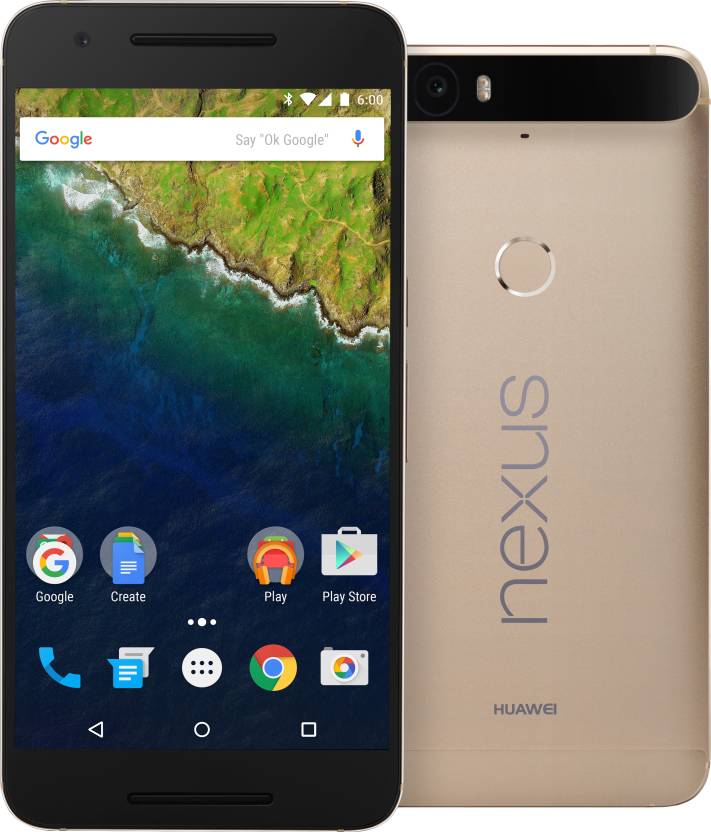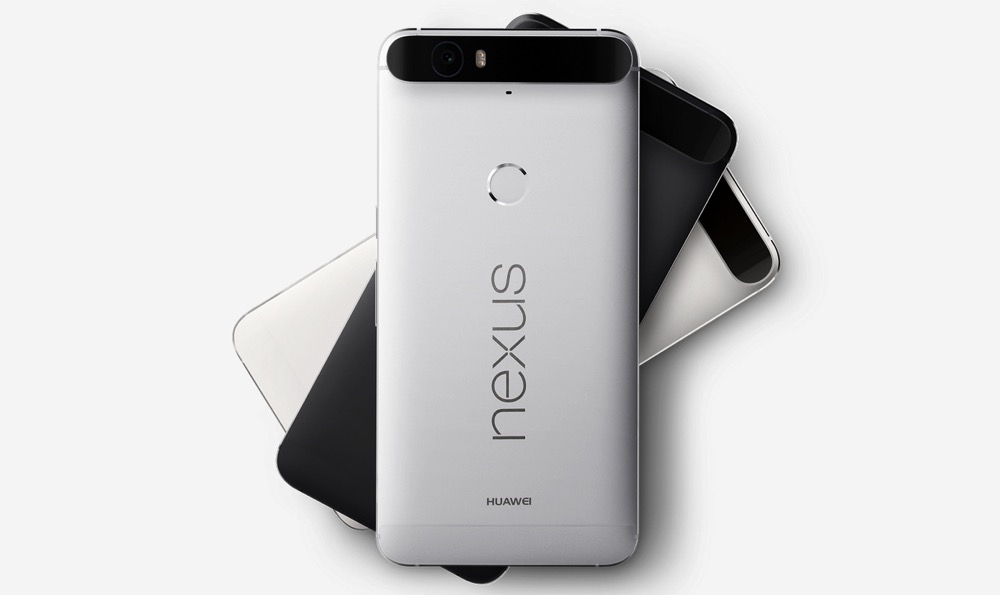
Google just released the factory images for Nexus 6P, and they come with with build MDA89D and MDB08K. You can download them right away and keep a copy of one of these images as backup on your PC for later use if you plan to buy a Nexus 6P.
Factory images come really handy when your device is soft-brick. When looking to fix a soft-bricked device, it’s simple to recover them by flashing the facotry image, which comes with a one-click installation.
Find the links to download the Nexus 6P factory images below. The build are of course based on Android 6.0, also called Marshmallow.
Downloads
For a guide on installation, look below. This allows you to get the Nexus 6P back to stock, including stock recovery.
How to Install
- Power off the device.
- Press and hold both Volume Down and Power button together until you see anything on screen. Fastboot should be written at top.
- If you’re in Linux or Mac, use this command in terminal: sh ./flash-all.sh
That’s it. Once all files installed, your Nexus device will have the MRA58K build running.
Let us know if you face any difficulty with this.