
- What to Know
- 1. Global Illumination and Lumen
- 2. Ray Traced Reflections
- 3. NPC Density
- 4. Vehicle Traffic
- 5. Public Transport Life
- 6. Texture Resolution
- 7. Draw Distance and Asset Pop-in
- 8. Shadow Quality
- 9. Physics and Destruction
- 10. Particle Effects and Volumetrics
- 11. Frame Rate and Resolution Scaling
What to Know
-
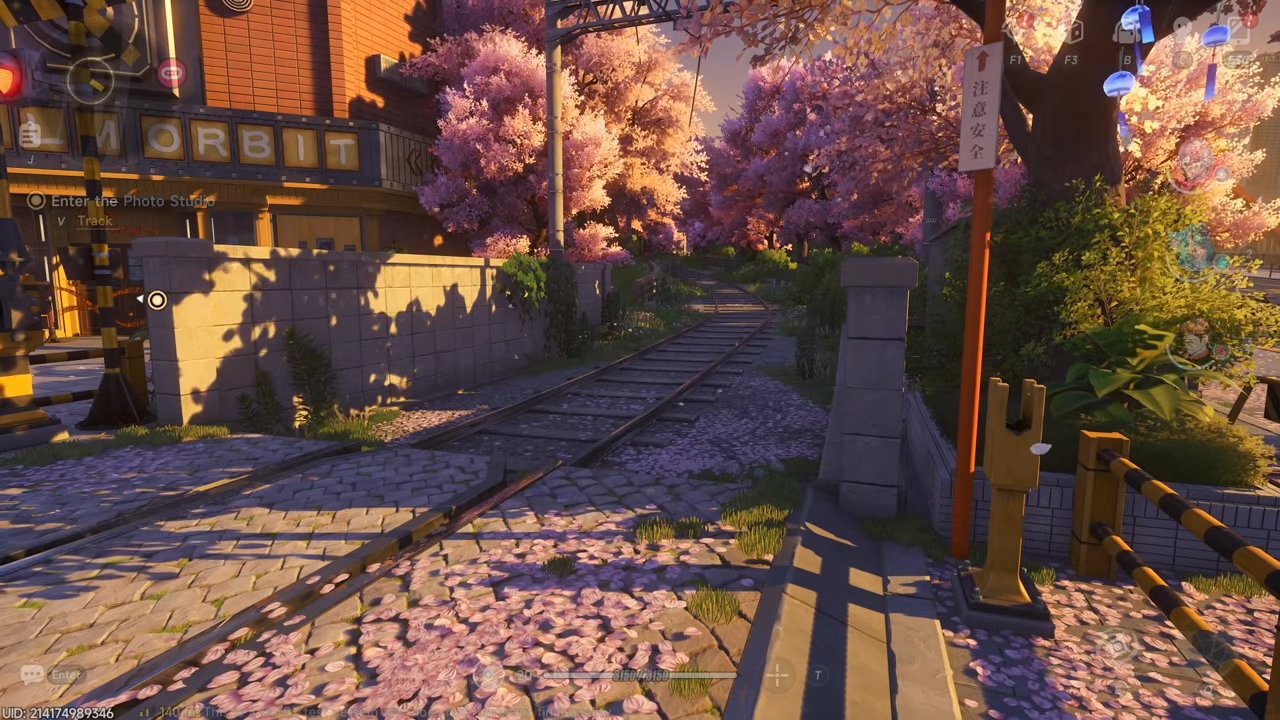
While both versions run on Unreal Engine 5, the PC version is a showcase of high-end features like Ray Tracing and Lumen that are heavily optimized or removed on mobile.
-
The PC version offers a much “busier” world with significantly higher NPC and vehicle density, making Hethereau feel like a true metropolis.
-
Mobile users will notice more asset “pop-in” and lower texture resolutions, particularly on environmental objects and distant buildings.
-
PC allows for uncapped frame rates and native 4K, whereas mobile is generally capped at 60 FPS with dynamic resolution scaling to manage battery and heat.
-
Small details—like passengers in public transport or physics-based debris—are simplified on mobile to prioritize smooth combat gameplay.
The technical transition of Neverness to Everness from high-end PC hardware to mobile devices highlights the scalability of Unreal Engine 5. While the core supernatural urban experience remains intact, several significant adjustments have been made to ensure performance across varying hardware capabilities. These changes touch on everything from visual fidelity to the overall density of the city environment.
1. Global Illumination and Lumen
The PC version utilizes the full power of the Lumen global illumination system, allowing light to bounce naturally off surfaces and color the surrounding environment in real-time.
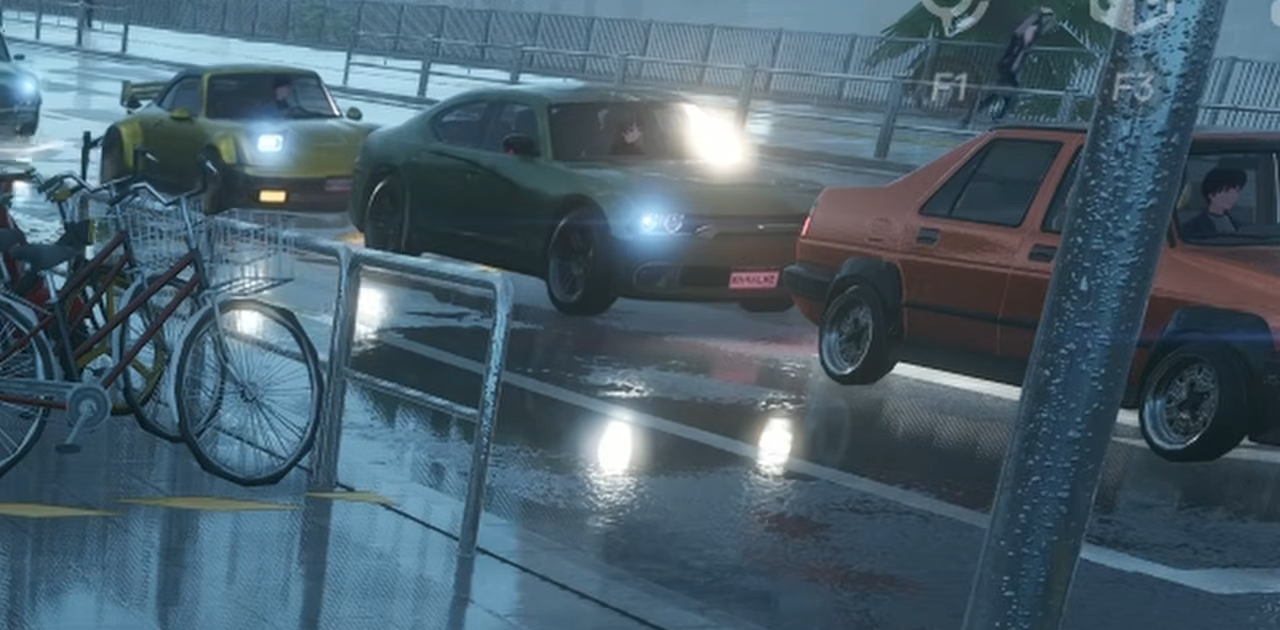
On mobile, this is significantly scaled back. The lighting appears flatter, and the secondary light bounces are either simplified or replaced with baked lighting to save on processing power.
2. Ray Traced Reflections
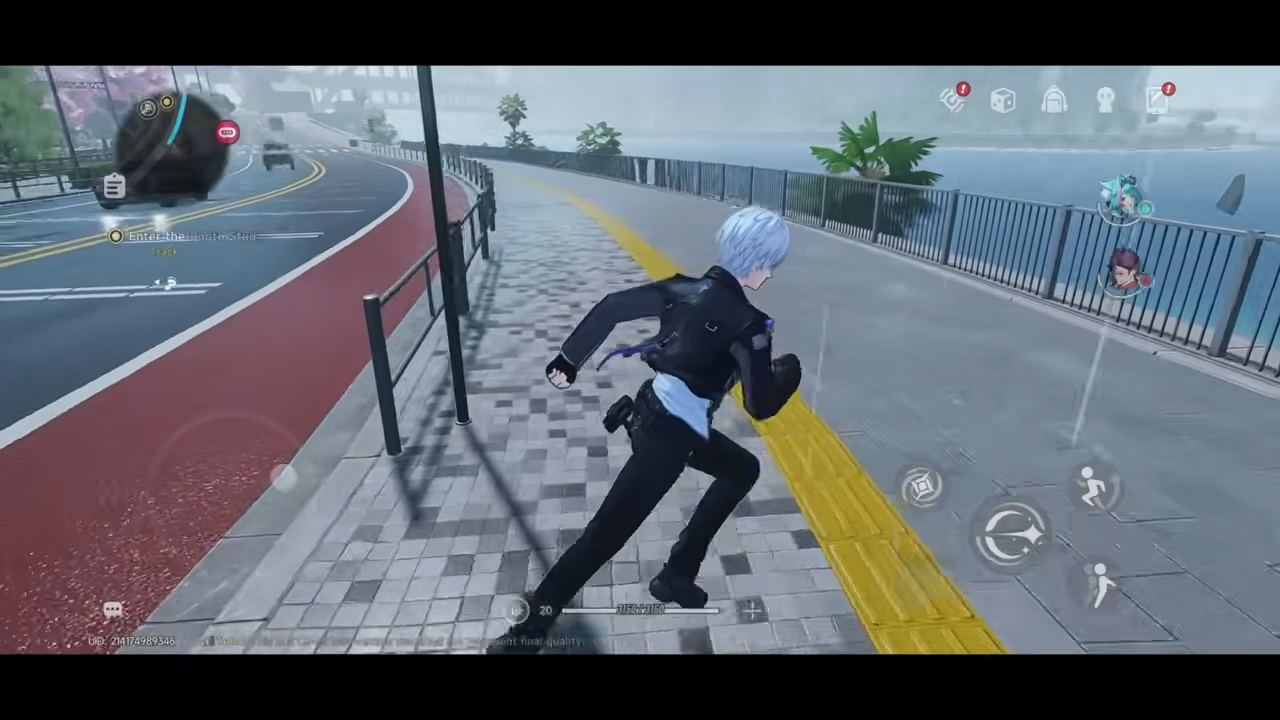
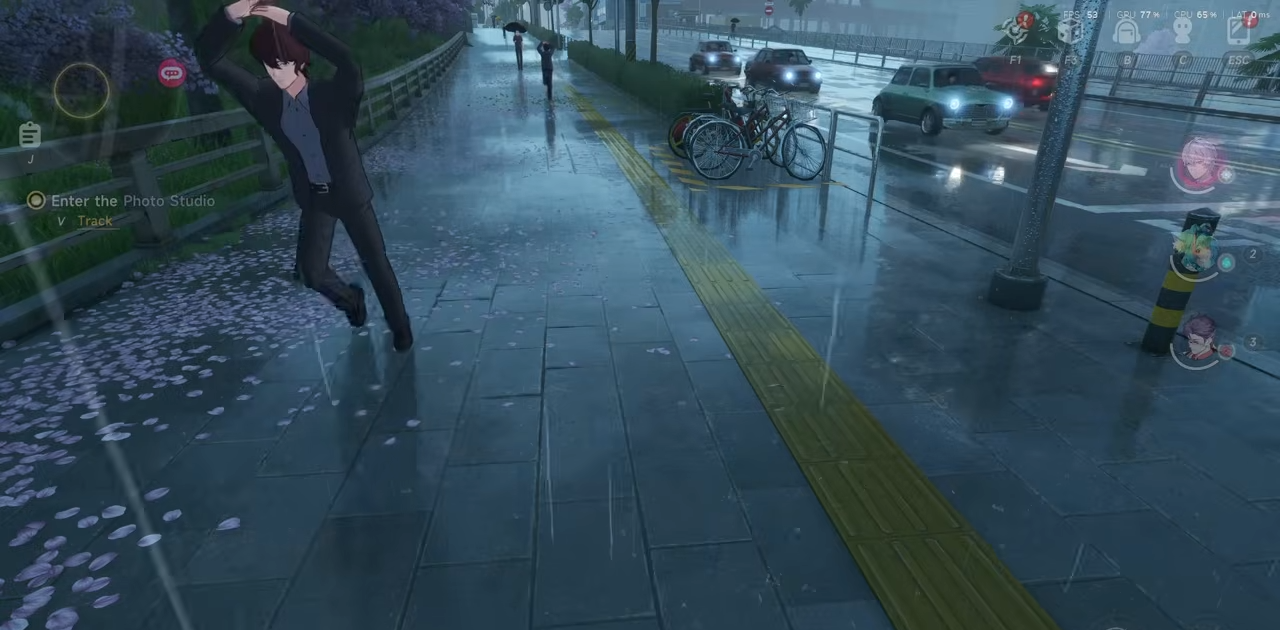
One of the most striking visual elements on PC is the use of ray-traced reflections on glass buildings and wet asphalt. These provide perfect, real-time mirrors of the city’s neon lights.
Mobile devices use screen-space reflections or static cube-maps. This results in reflections that can disappear when an object moves off-screen or appear less detailed.
3. NPC Density
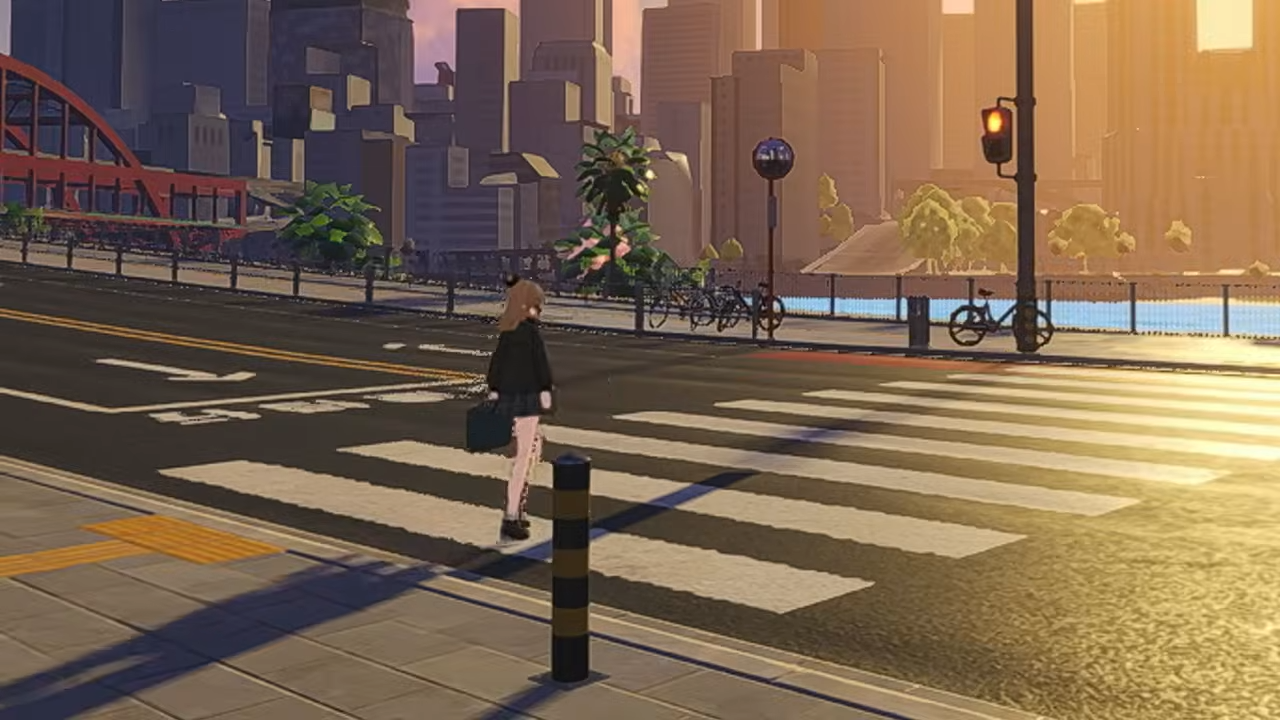
The streets of Hethereau feel significantly more populated on PC. There is a much higher number of pedestrians walking the sidewalks and interacting with the world. NPCs will also follow traffic rules.
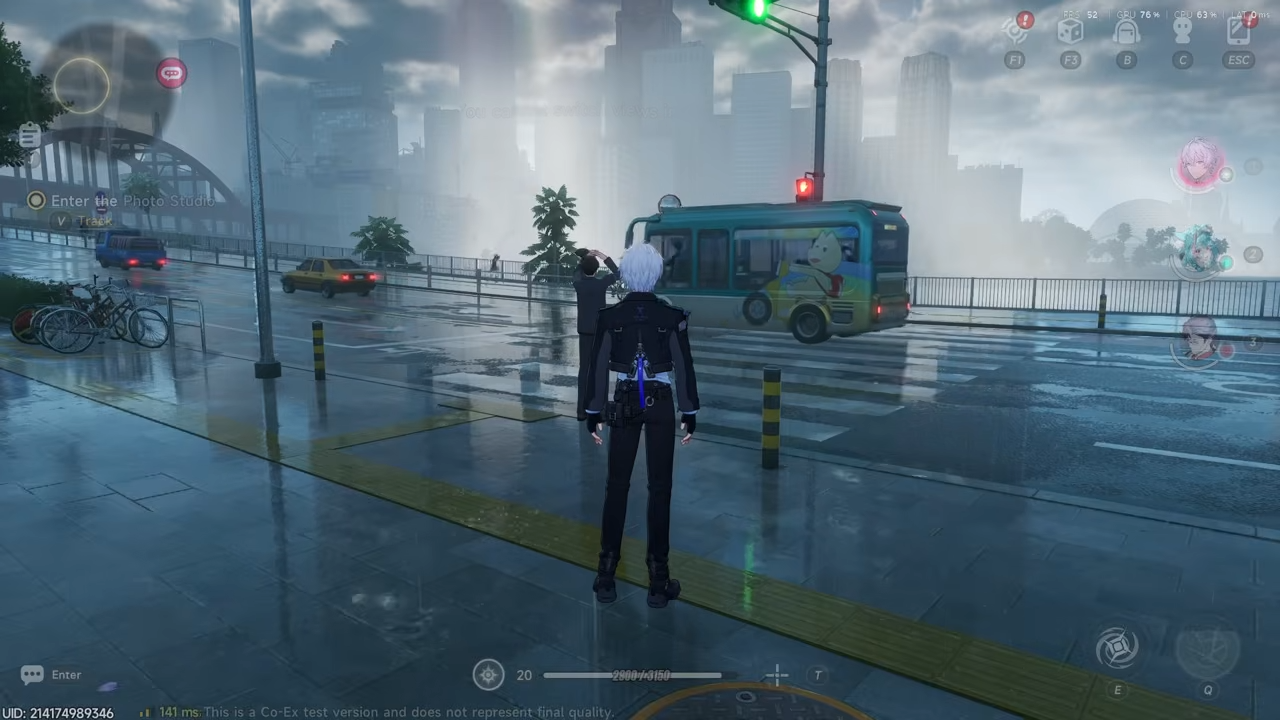
On mobile, the NPC count is noticeably reduced. Many streets that appear crowded on PC may only have a few scattered individuals on mobile to maintain a stable frame rate. NPCs will also jaywalk.
4. Vehicle Traffic
Similar to NPC density, the amount of traffic on the roads is much higher on PC. You will see lines of cars and varied vehicle models filling the lanes. The mobile version features much lighter traffic, with fewer cars rendered at any given time, which simplifies the environment during high-speed driving sequences.
5. Public Transport Life
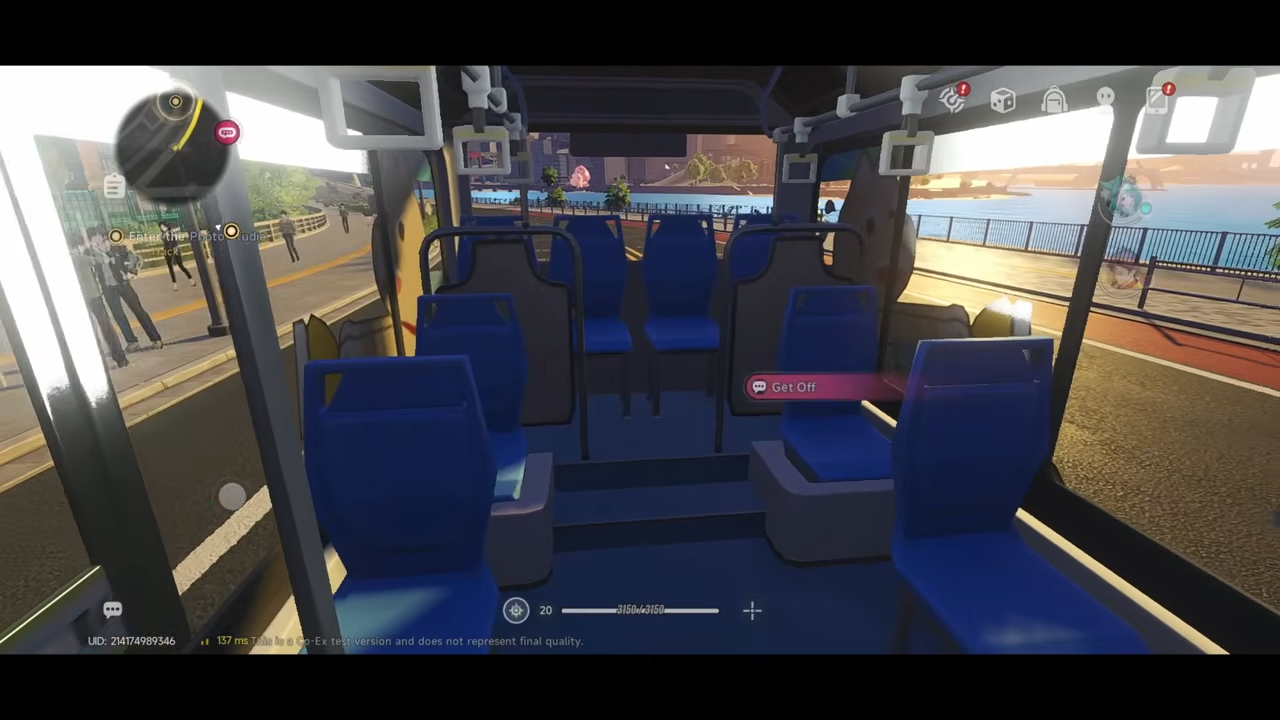
On PC, public transport such as buses and trains are filled with passengers, making the world feel inhabited.
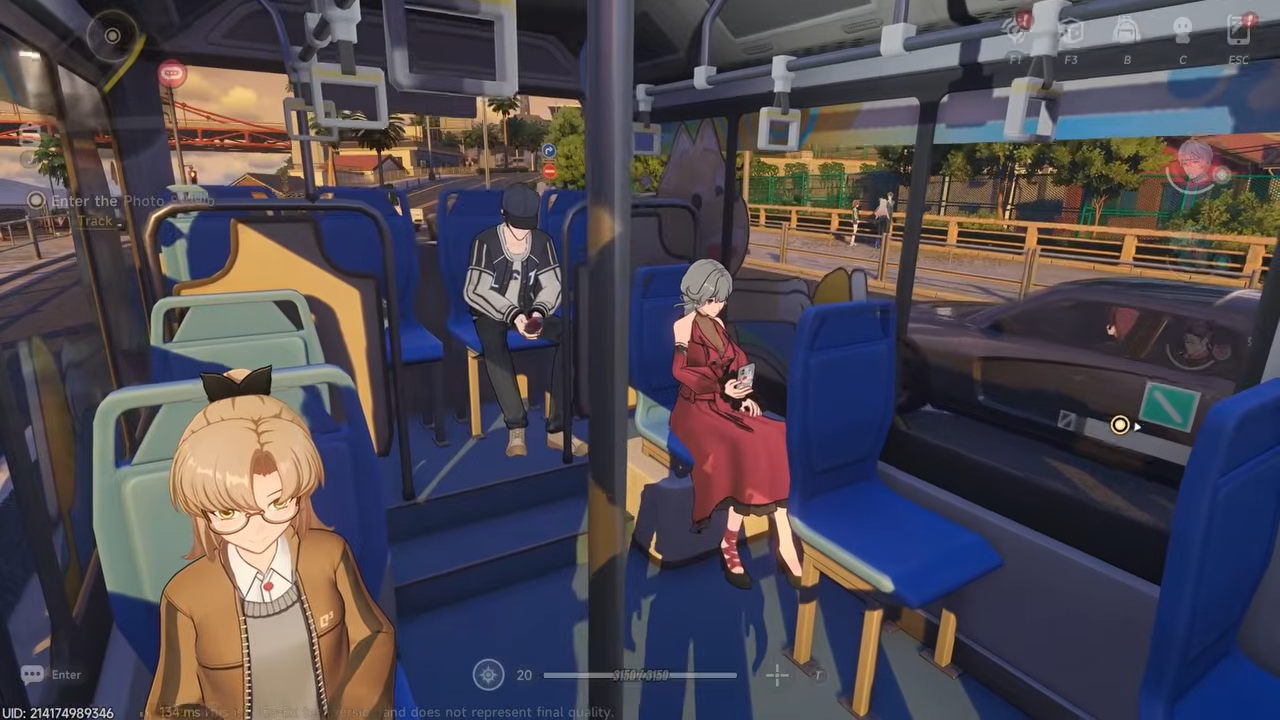
In the mobile version, these vehicles are often empty. This removes a layer of urban simulation, though it allows the hardware to focus on rendering the player character and immediate combat effects.
6. Texture Resolution
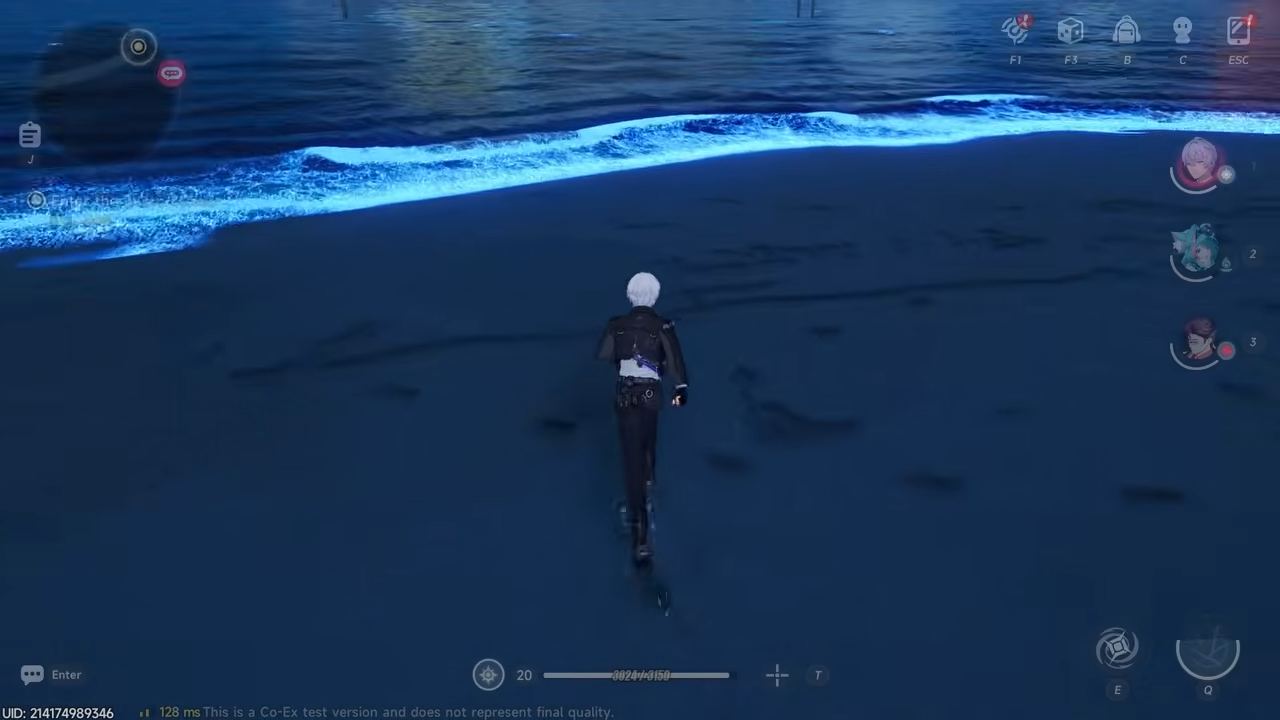
High-resolution textures on PC ensure that surfaces like clothing fabrics, skin pores, and metallic car finishes remain sharp even when viewed closely. You can even see the marks left on the sand.
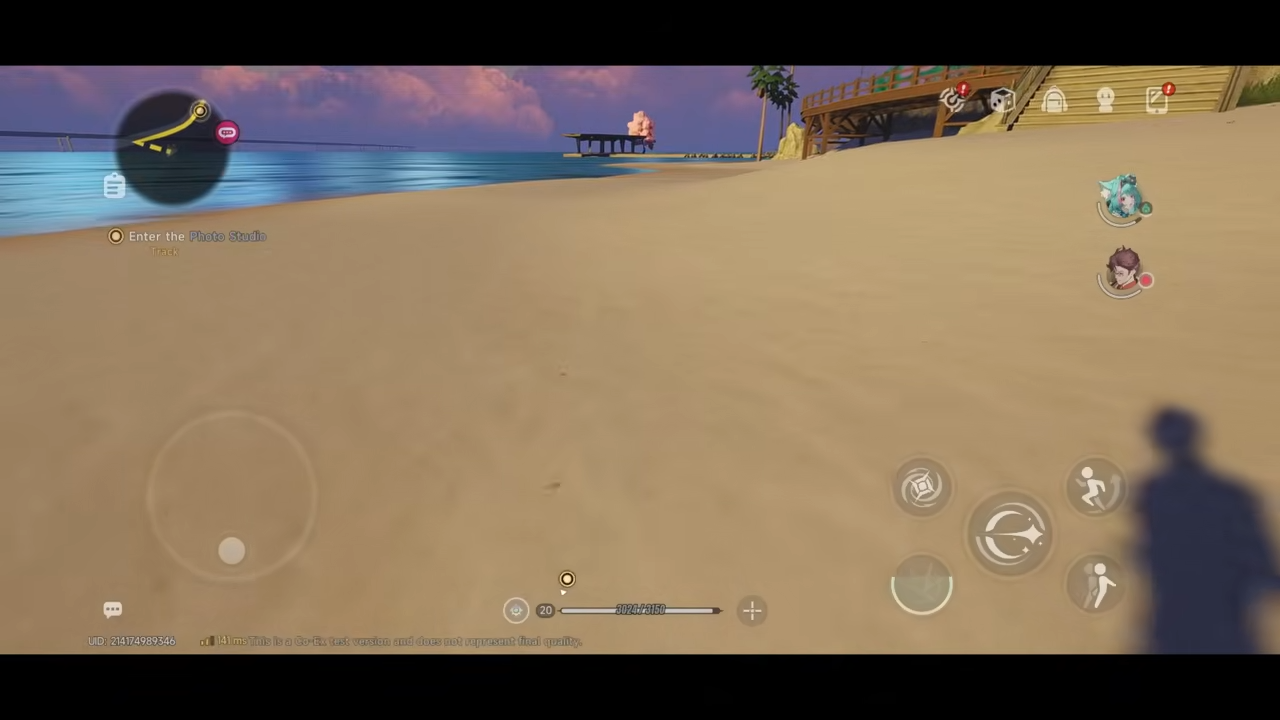
Mobile textures are heavily compressed. This is most apparent in the environmental assets and background buildings, which can appear blurry or pixelated compared to their PC counterparts. This also means you don’t leave any footprints in the sand.
7. Draw Distance and Asset Pop-in
PC players enjoy a vast draw distance where buildings and landmarks miles away remain highly detailed. The mobile version utilizes an aggressive level-of-detail system. This results in visible asset pop-in, where objects like trees, benches, or building details suddenly appear or increase in quality as the player approaches.
8. Shadow Quality
Shadows on PC are sharp, dynamic, and react realistically to multiple light sources like streetlamps and car headlights.
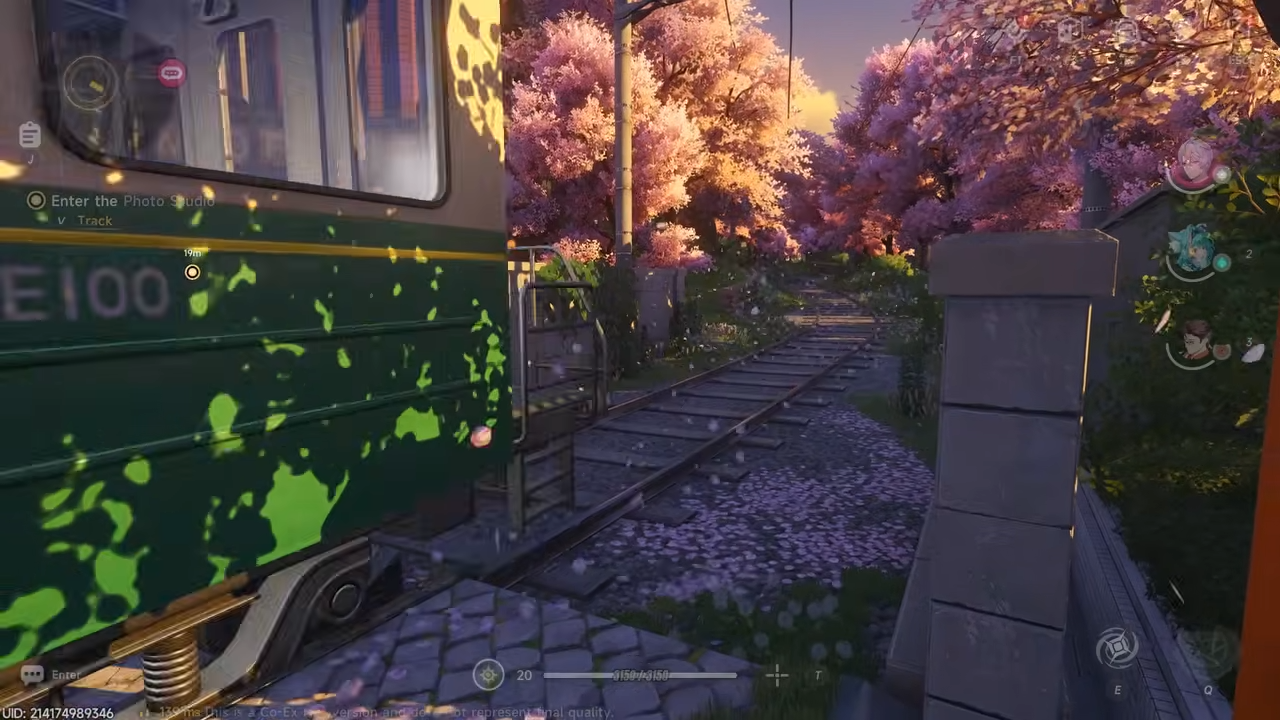
On mobile, shadows are softened or lower in resolution. In some cases, dynamic shadows from smaller objects are removed entirely, leaving only the primary shadows for the player and major environmental structures.
9. Physics and Destruction
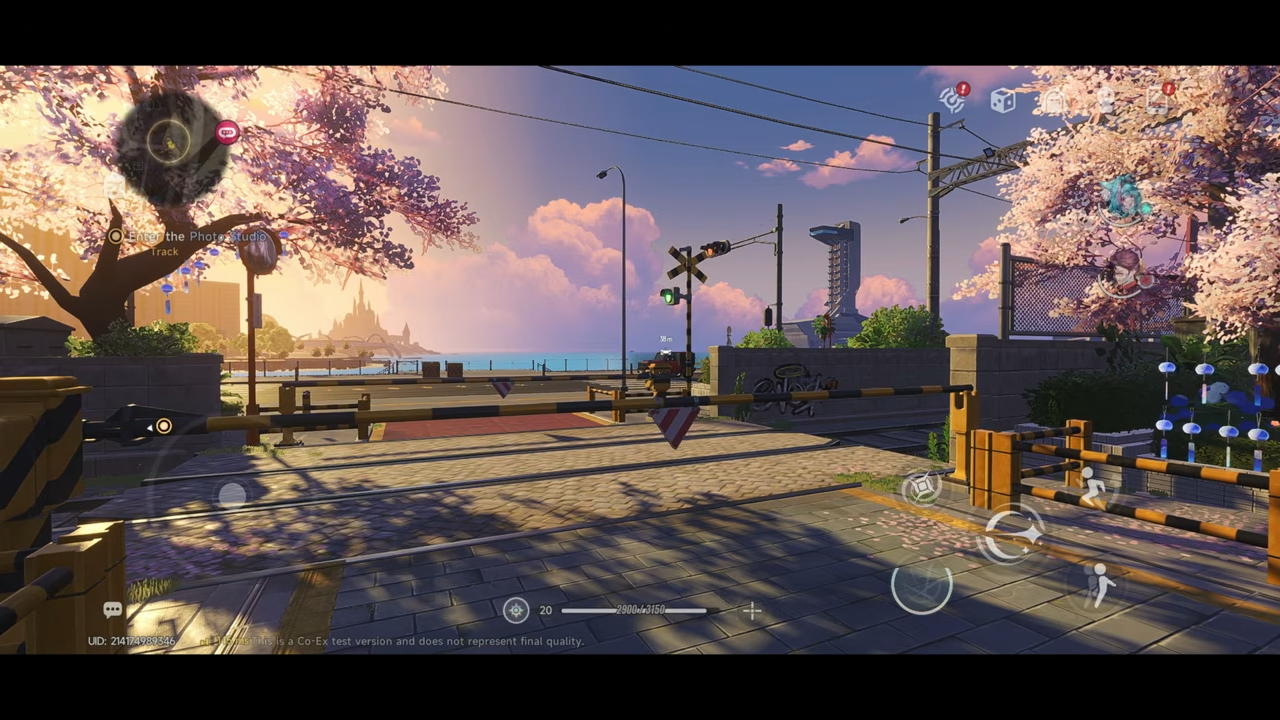
The PC version features more robust physics interactions, particularly during combat or vehicle collisions. Debris from broken objects and environmental destruction is more detailed and stays on the ground longer. For example, Sakura leaves will fly when a train passes by.
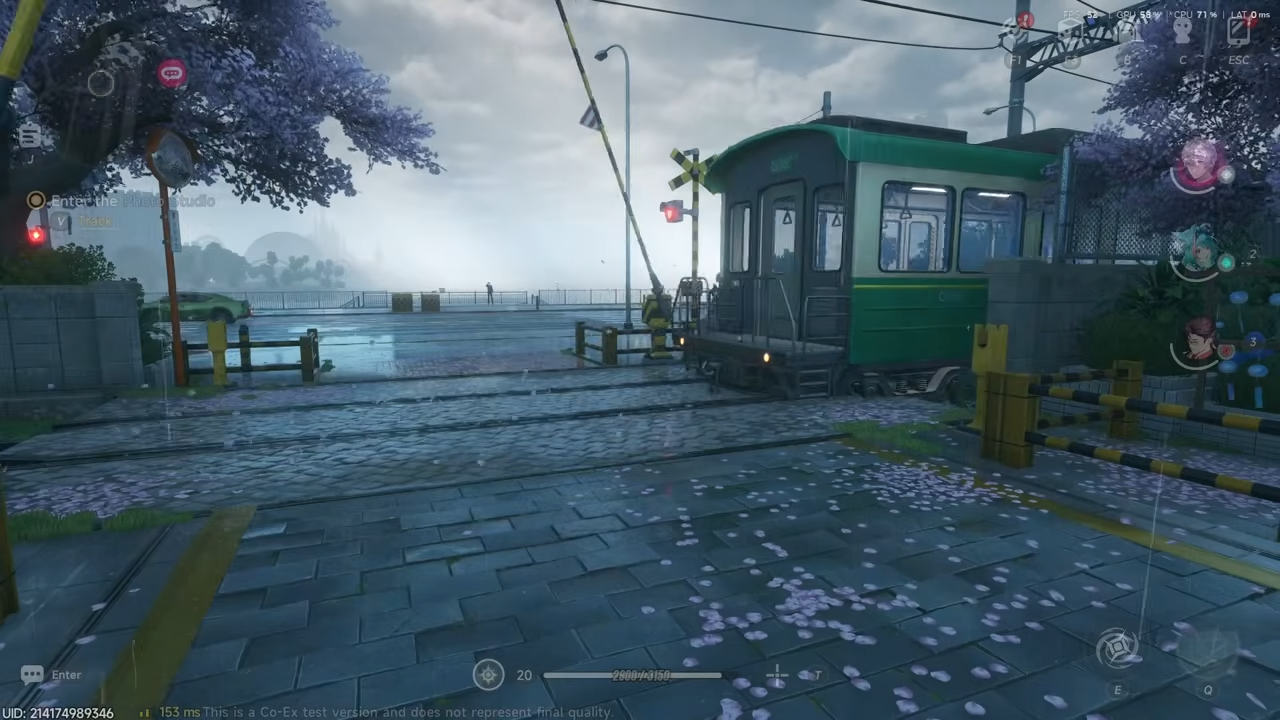
On mobile, physics interactions are simplified, and debris often disappears almost instantly to free up system resources.
10. Particle Effects and Volumetrics
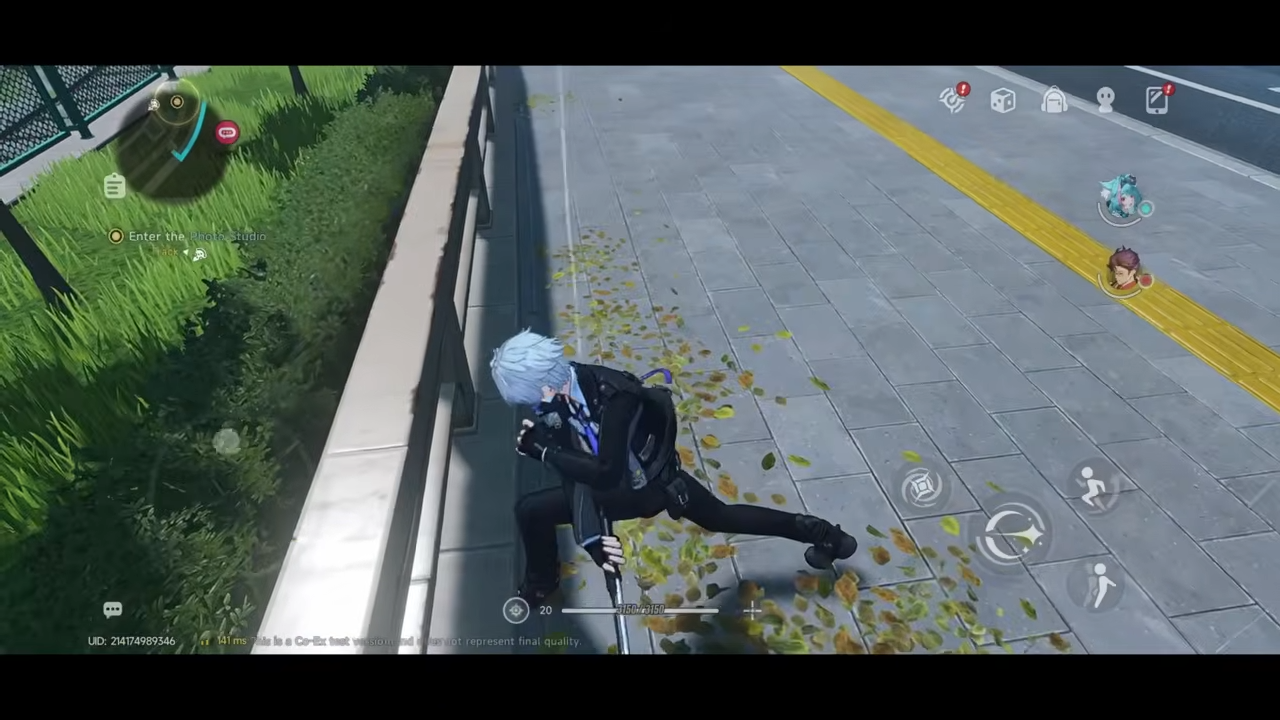
Supernatural abilities and weather effects like fog and rain are more voluminous on PC. Smoke and sparks from combat have more individual particles and interact with the lighting. Leaves on the road move when you swing your weapons. The same happens when a train passes by.
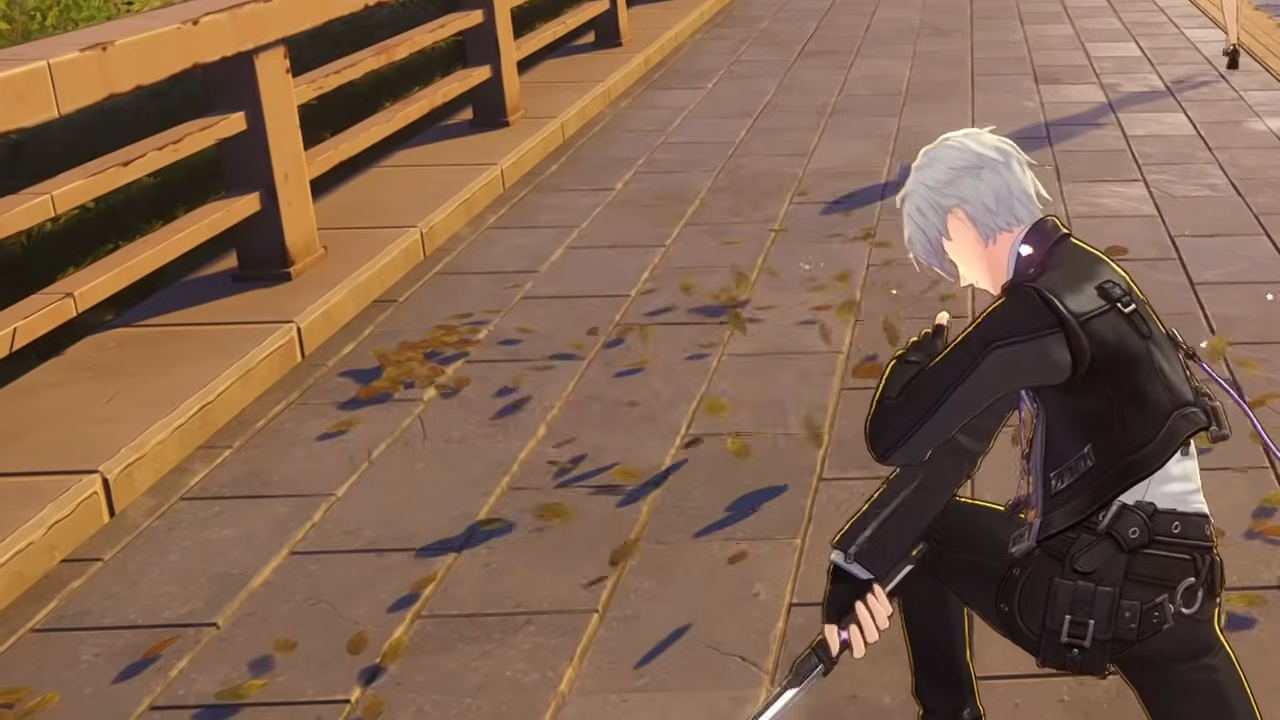
Mobile versions reduce the density of these effects, making them appear thinner or less complex during intense action sequences. Swinging your weapon has no effect on the leaves.
11. Frame Rate and Resolution Scaling
PC supports uncapped frame rates and 4K native resolution with advanced upscaling like DLSS. Mobile is typically capped at 30 or 60 frames per second. Furthermore, mobile often uses aggressive dynamic resolution scaling, which can cause the image to become noticeably softer during fast movement or heavy combat to prevent overheating and lag.
While the PC version offers the definitive visual experience, the mobile version remains a technical achievement that brings the complex world of Hesperia to portable devices through clever optimization.




Leave a Reply