
What to know
-
Orbis Origins is a Hytale mod distributed through CurseForge’s official Hytale mod ecosystem.
-
Its core feature is changing your playable species (your character’s species choice).
-
You’ll typically manage it the same way you manage other Hytale mods: via CurseForge-supported installs/modpacks.
If you’ve ever wanted to change your playable species in Hytale, you’re in luck. Orbis Origins is a Hytale mod designed to let you swap your character’s playable species, so you can roleplay Orbis with a different body, vibe, and identity. It fits especially well if you’re building a server where “who you are” matters as much as your gear.
| Item | Quick details |
|---|---|
| Mod name | Orbis Origins |
| Game | Hytale (Early Access era with active modding support) |
| Main feature | Change the player’s playable species |
| Best for | Roleplay servers, themed survival runs, custom character progression |
| Install method | Via CurseForge’s Hytale mod support/app/modpacks flow |
Because Orbis is a “living world” with zones, creatures, and civilizations, character identity systems tend to matter more than cosmetics—you’re not just in a sandbox, you’re in a setting with recognizable peoples and monsters.
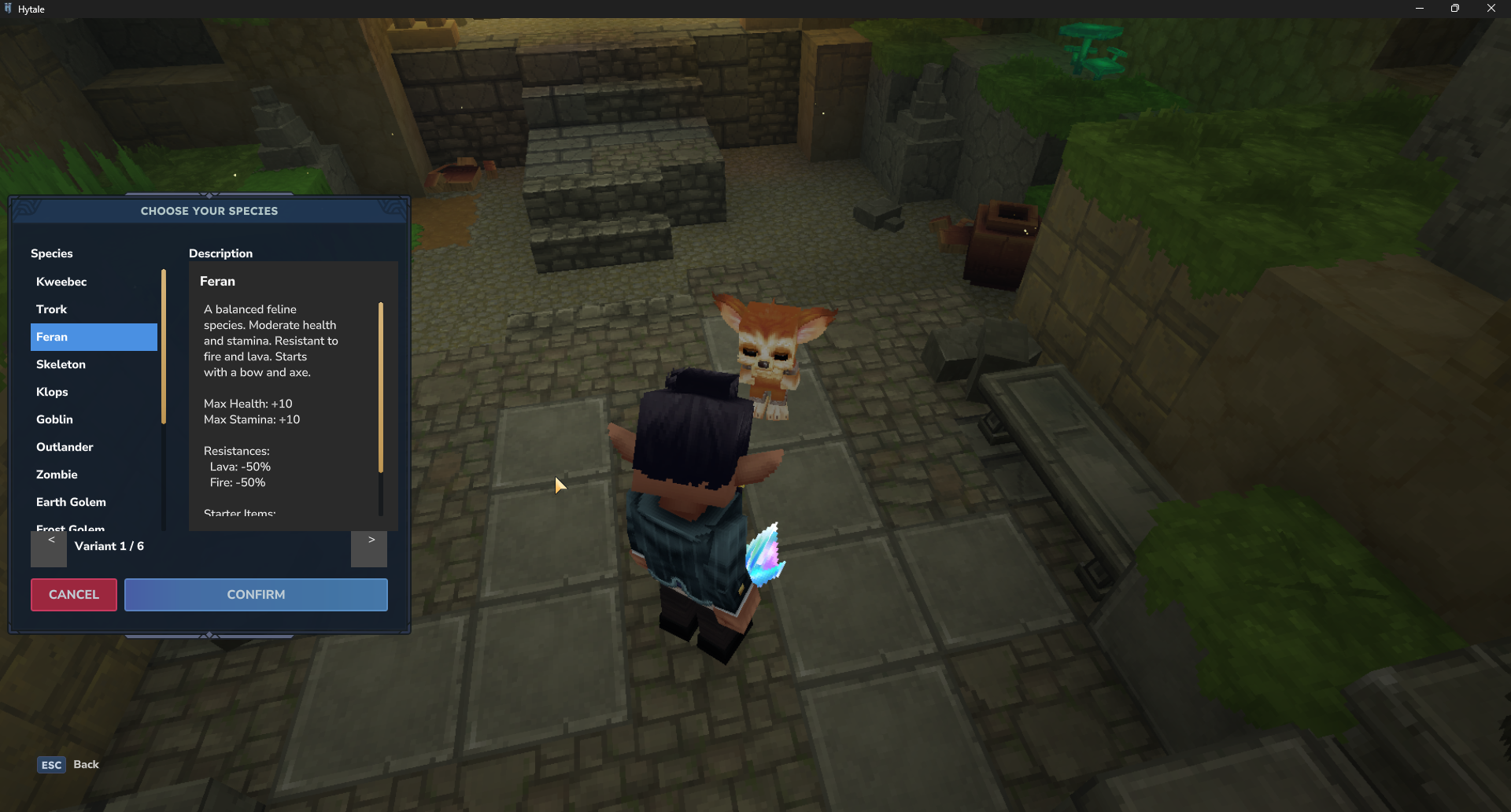
If your server or group leans into faction storytelling, changing your species can become a gameplay choice that shapes how you explore, build, and present your character in the world.
How to install Orbis Origins through CurseForge
Step 1
Install and open the CurseForge app, since Hytale mod installs are designed to work through CurseForge from day one.
Step 2
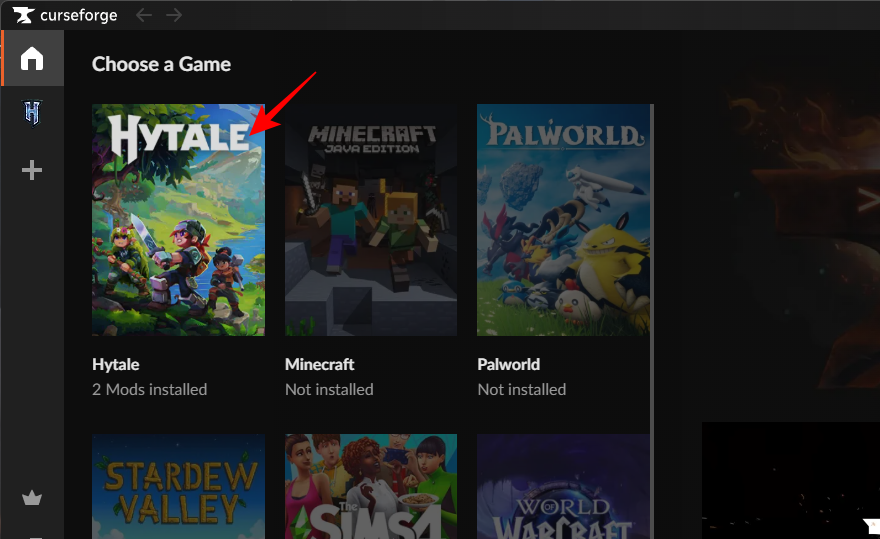
Navigate to the Hytale section in CurseForge.
Step 3
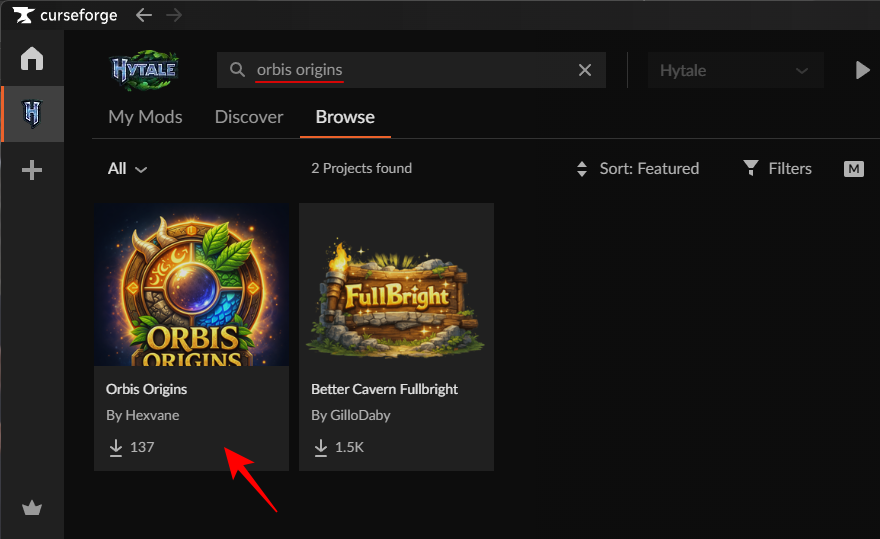
Locate the Orbis Origins mod listing.
Step 4
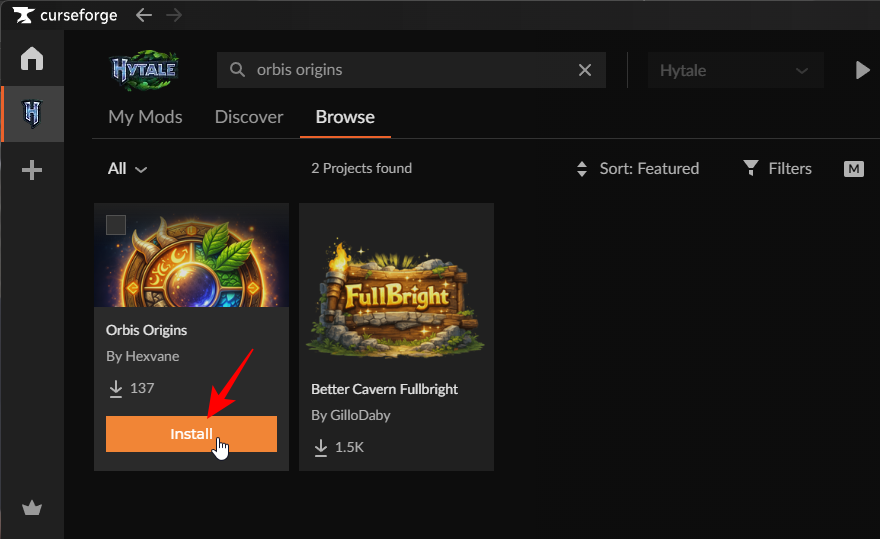
Hover over the ‘Orbis Origins’ mod and click Install.
Step 5
Launch Hytale using that modded profile.
Step 5
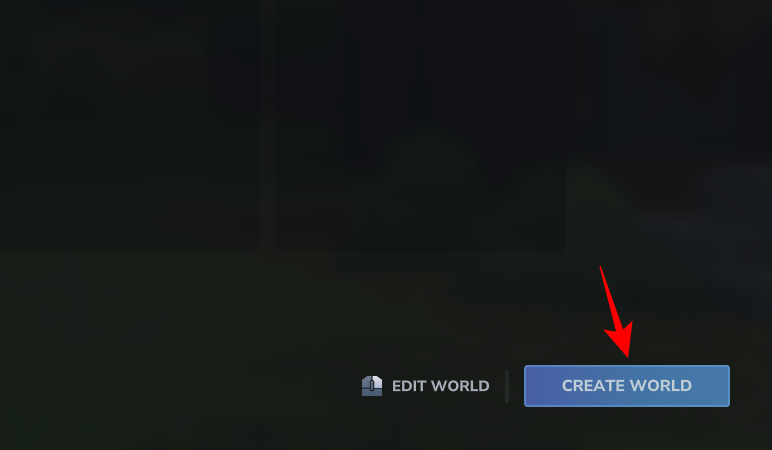
Go to Worlds and create a new World (you’ll be able to choose your species only when you start on a new world)
Step 6
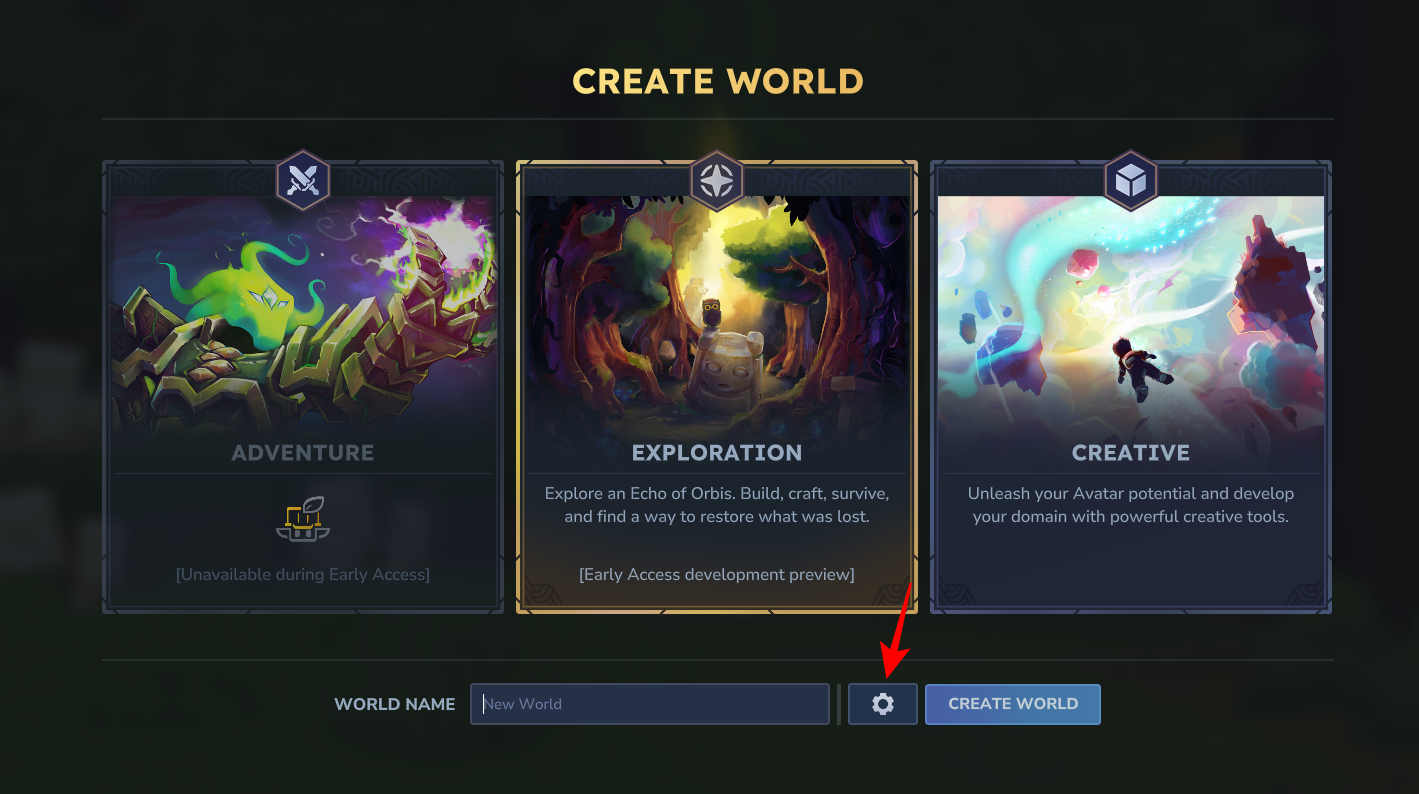
Click on the Gear icon (Settings).
Step 7
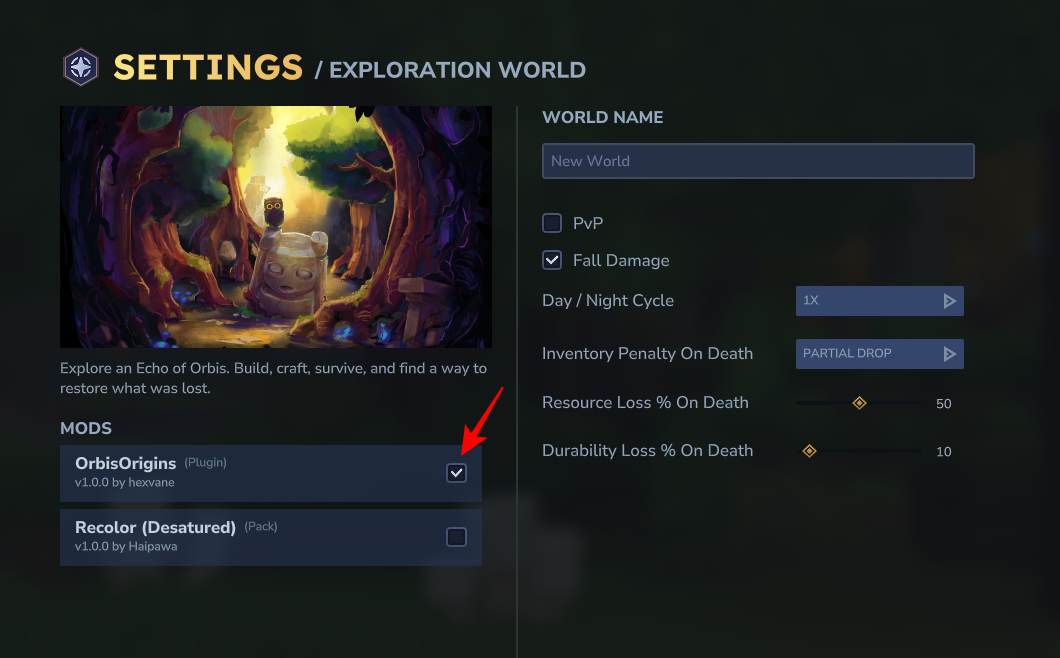
Select OrbisOrigins under “Mods”.
Step 8
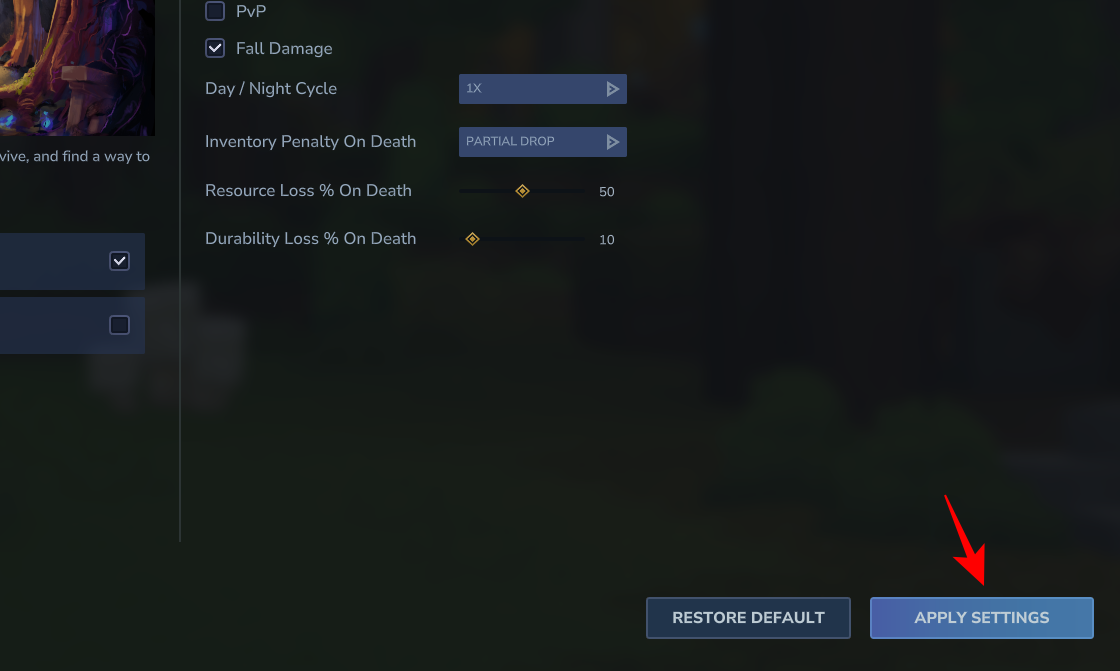
Click Apply Settings.
Step 9
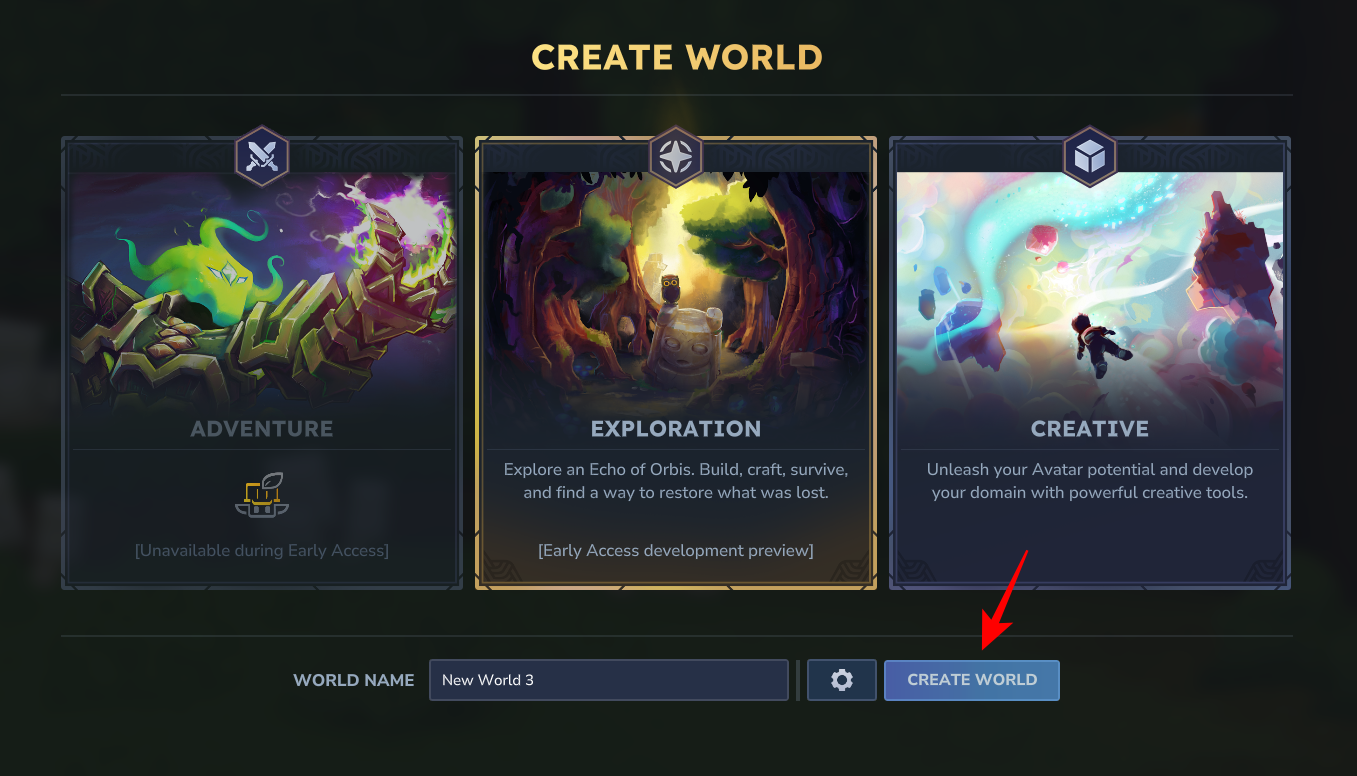
Give your world a name and click Create World.
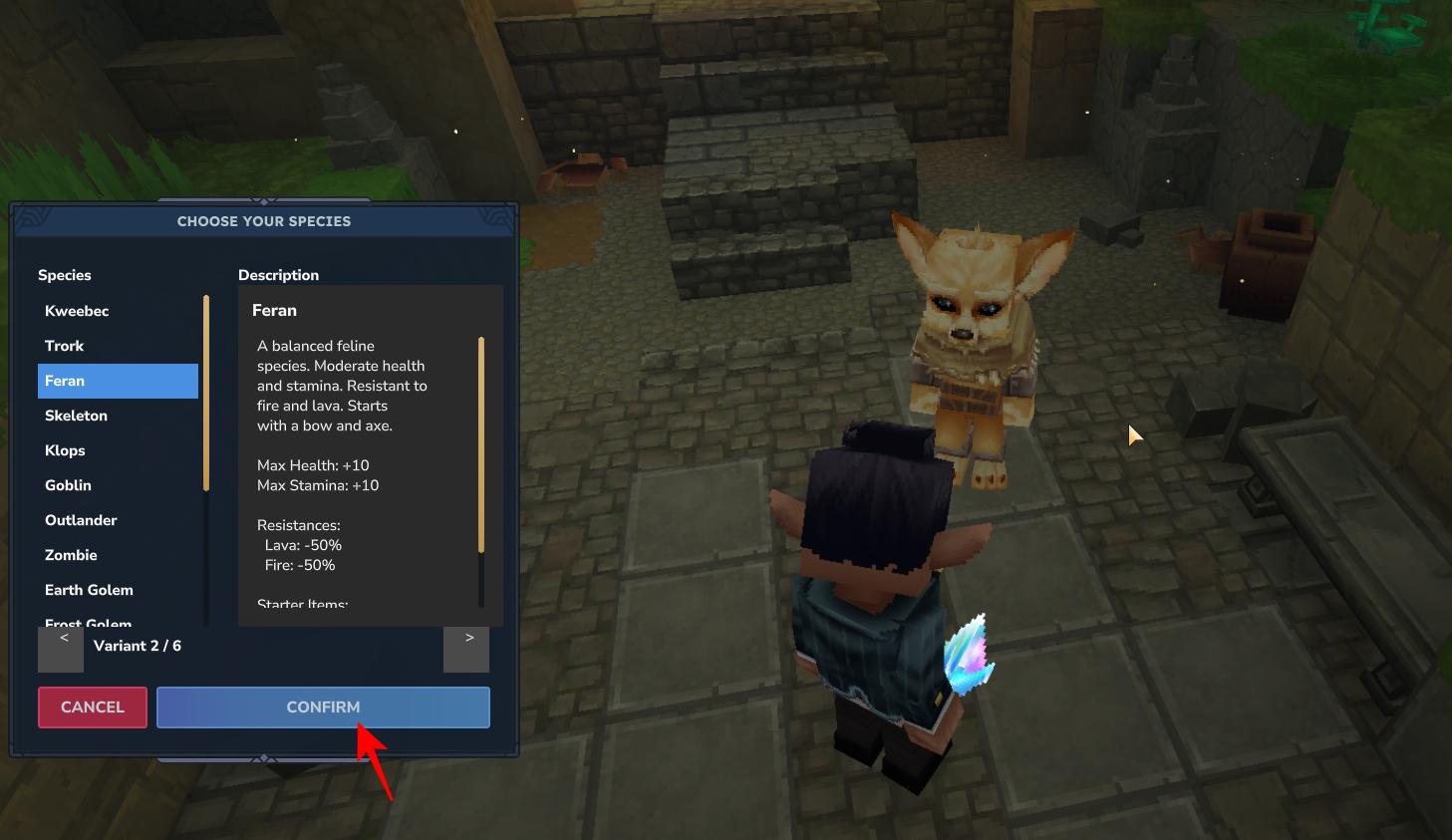
When you’re dropped in the new world, you’ll have a Species Selector item to begin with.
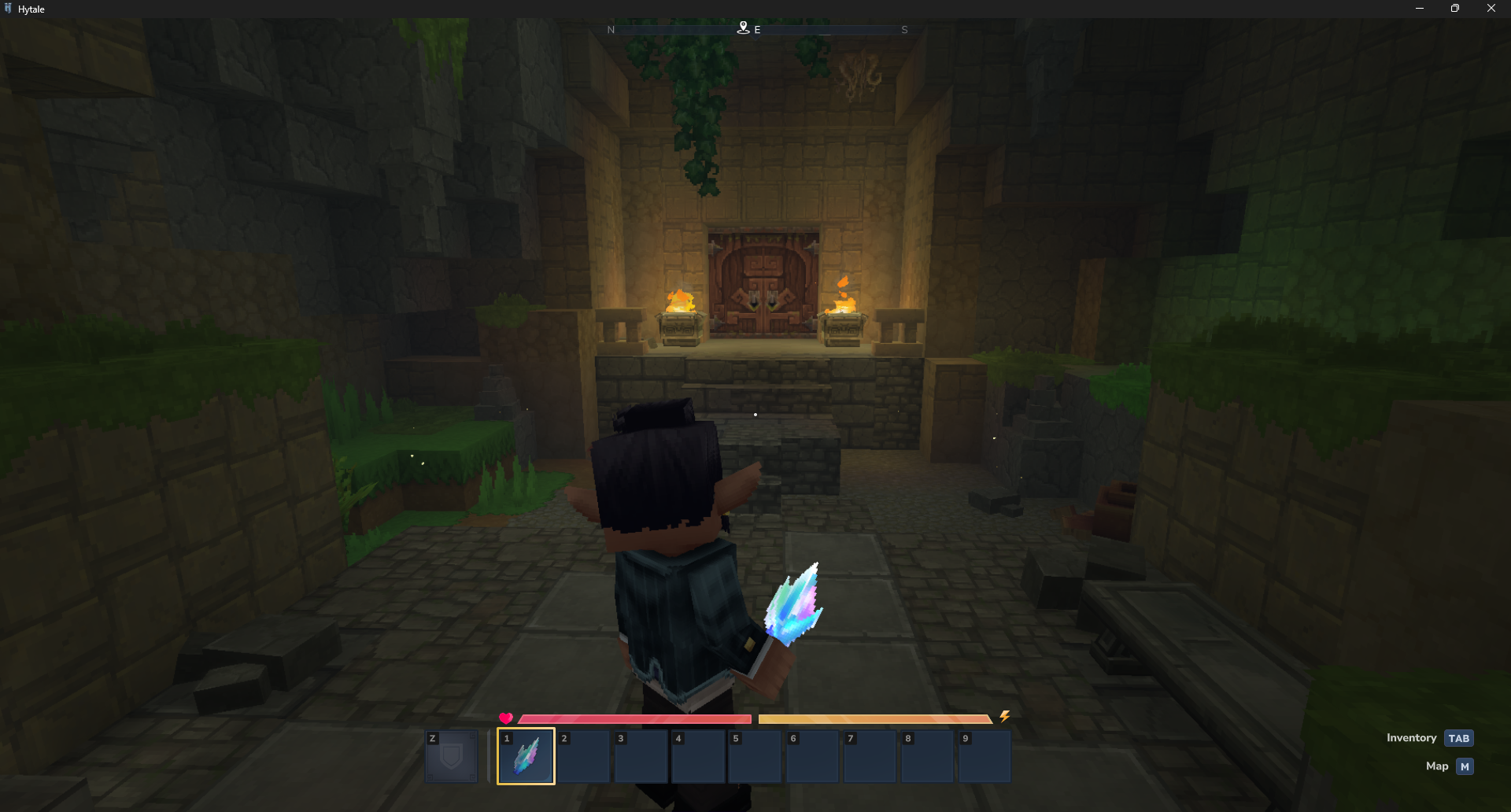
Use it to open the custom GUI.
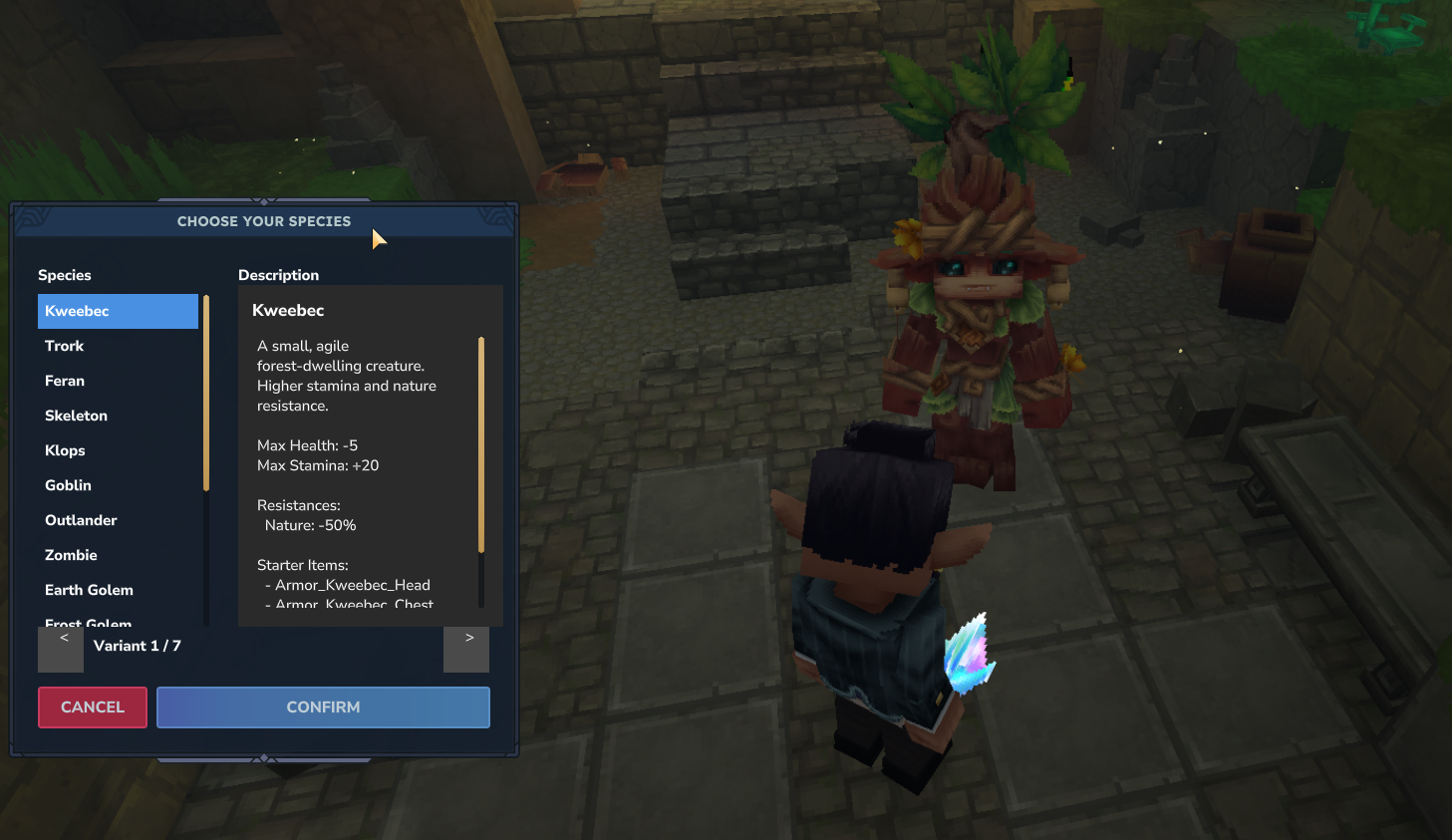
Here, you’ll get a bunch of species to select from, all with several different variants.
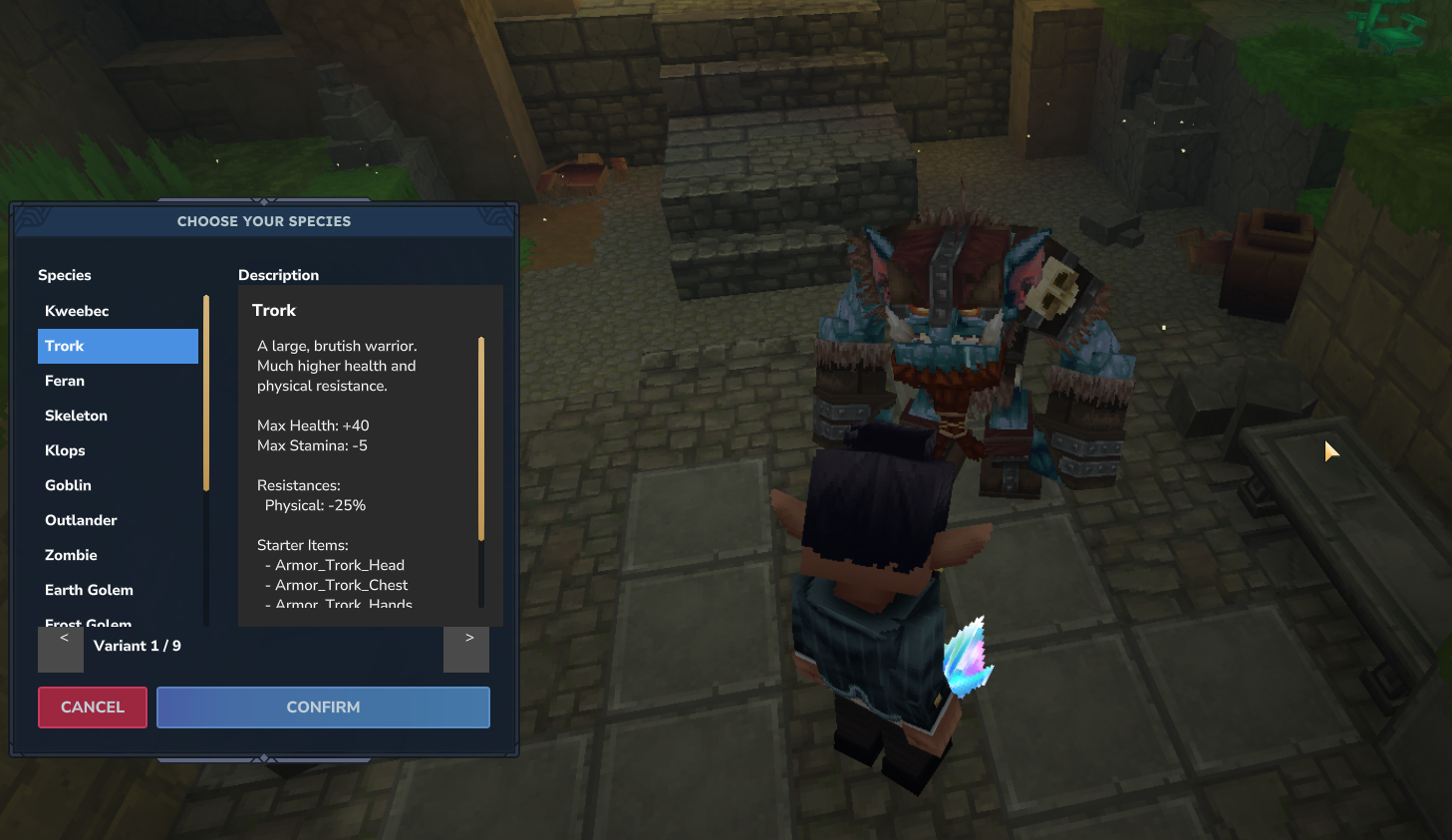
Each species has unique stats and advantages as well as starter items. Click Confirm once you find the species you want to start with.
If you want your Hytale character to feel more like a “race/class fantasy” than a default avatar, Orbis Origins is the kind of mod that changes how you approach the entire run—especially in a social server context. It also aligns neatly with Hytale’s broader focus on community creation and modding through CurseForge.





