The Samsung Galaxy Grand 2 won’t get the Marshmallow update officially from Samsung, ever, but you can still breathe easy as the developer community is gonna bring the the 6.0 update via CM13 custom ROM.
CM13 for Galaxy Grand 2 is under development right now, and the developers have also shared a progress chart showing what stuff is working, and what not with current CM13 build.
For a device that is 2 years old now, you have to rely on unofficial updates. Which is why the Marshmallow update for Grand 2 via CM13 is the best bet.
Another old device that got a swing at Android 6.0 thanks to custom ROMs scene is a Tab 7.7 from 2011 (yup!).
Read: Galaxy Tab 7.7 Marshmallow Update via OmniROM
Let’s see the Marshmallow installation on Galaxy Grand 2, but before that, let’s give a quick eye to Bugs list.
Bugs!
Working:
- Audio
- Camera
- Sdcard
- Sensors
- MTP
- Offline charging
Not working (as on October 30, 2015):
- Radio (RIL) — calls and messages
- FM
- video playback
- Wi-Fi
- Other stuff
Downloads
- Marshmallow custom ROM (Link not available at the moment)
- Google Apps (Marshmallow Gapps) — Link |File: Slim_zero_gapps.BETA.6.0.build.0.x-20151024.zip (114.4 MB)
→ Check out source page (by mukulsoni) for download links of the latest release, and what’s working and what’s not in that release.
Supported devices
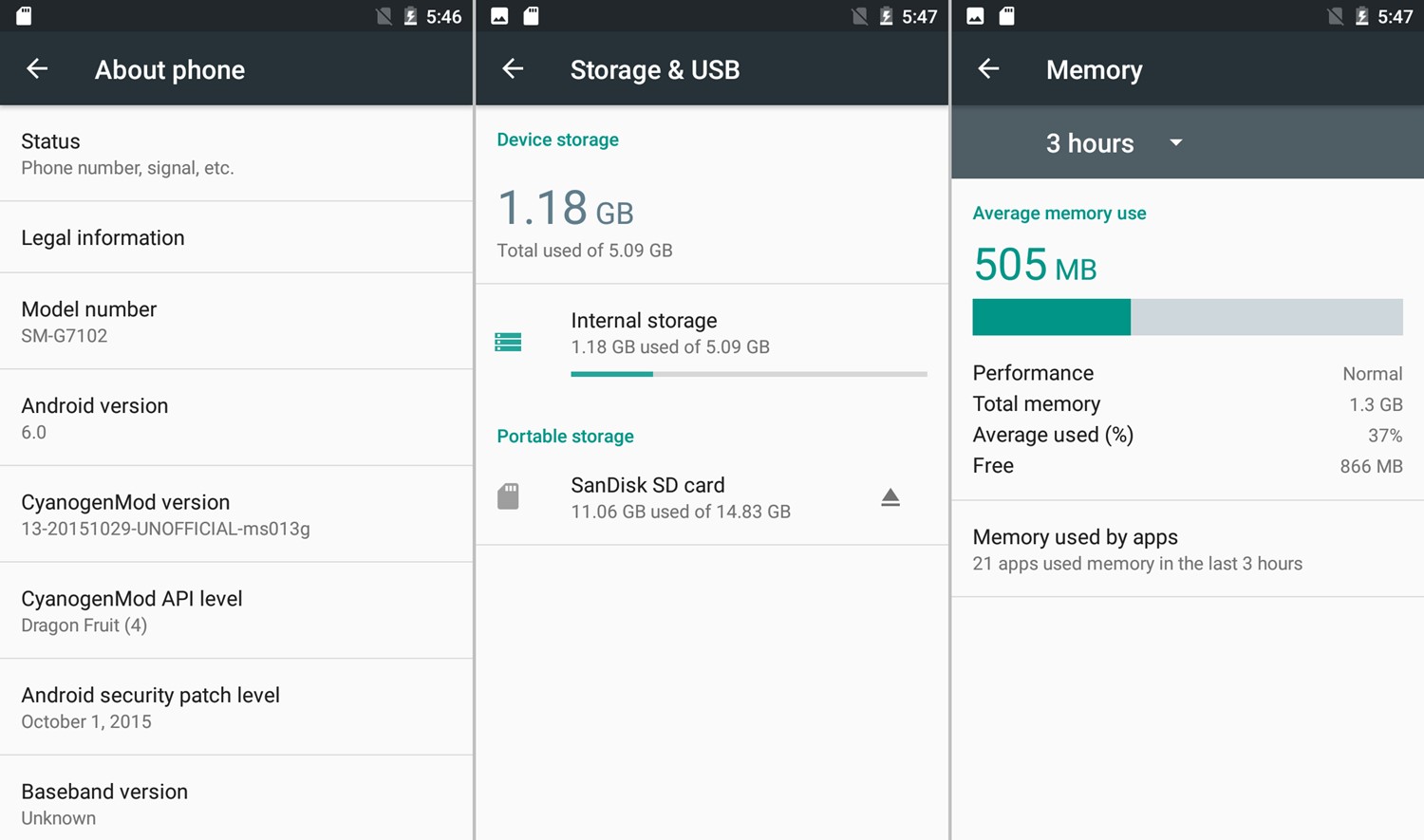
- Samsung Galaxy Grand 2, model no. SM-G7102 (NOT for SM-G7105)
- Don’t try this on any other device whose model no. is different than the one specified above.
Use the Droid Info app to determine the model no. of your device. If it is exactly the one specified above, then it should be compatible with the 6.0 custom ROM we have here.
Warning!
Warranty may be void of your device if you follow the procedures given on this page. You only are responsible for your device. We won’t be liable if any damage occurs to your device and/or its components.
Backup!
Backup important files stored on your device before proceeding with the steps below, so that in case something goes wrong you’ll have backup of all your important files.
How to Install Galaxy Grand 2 CM13
Required: You will need to have TWRP recovery installed on your device to be able to install Marshmallow custom ROM and Google Apps (Gapps). Check out our page on Galaxy Grand 2 TWRP recovery for this.
- Power off your device and wait for 5-10 seconds until the device is fully switched off.
- Press and hold Volume Up + Home + Power button together until you see anything on screen. You’ll enter recovery mode.
You will enter recovery mode soon, and should see TWRP recovery. If you see an Android with an exclamation mark, then you need to install TWRP recovery for this (linked above).
See here to fix force closes or errors with Google Play services.
That’s it.
BTW, if you face force closes on apps, or Google Play services error, then install the ROM as said above again, but do not flash Gapps for now.
Need help?
Let us know if you need any help with this via comments below.