


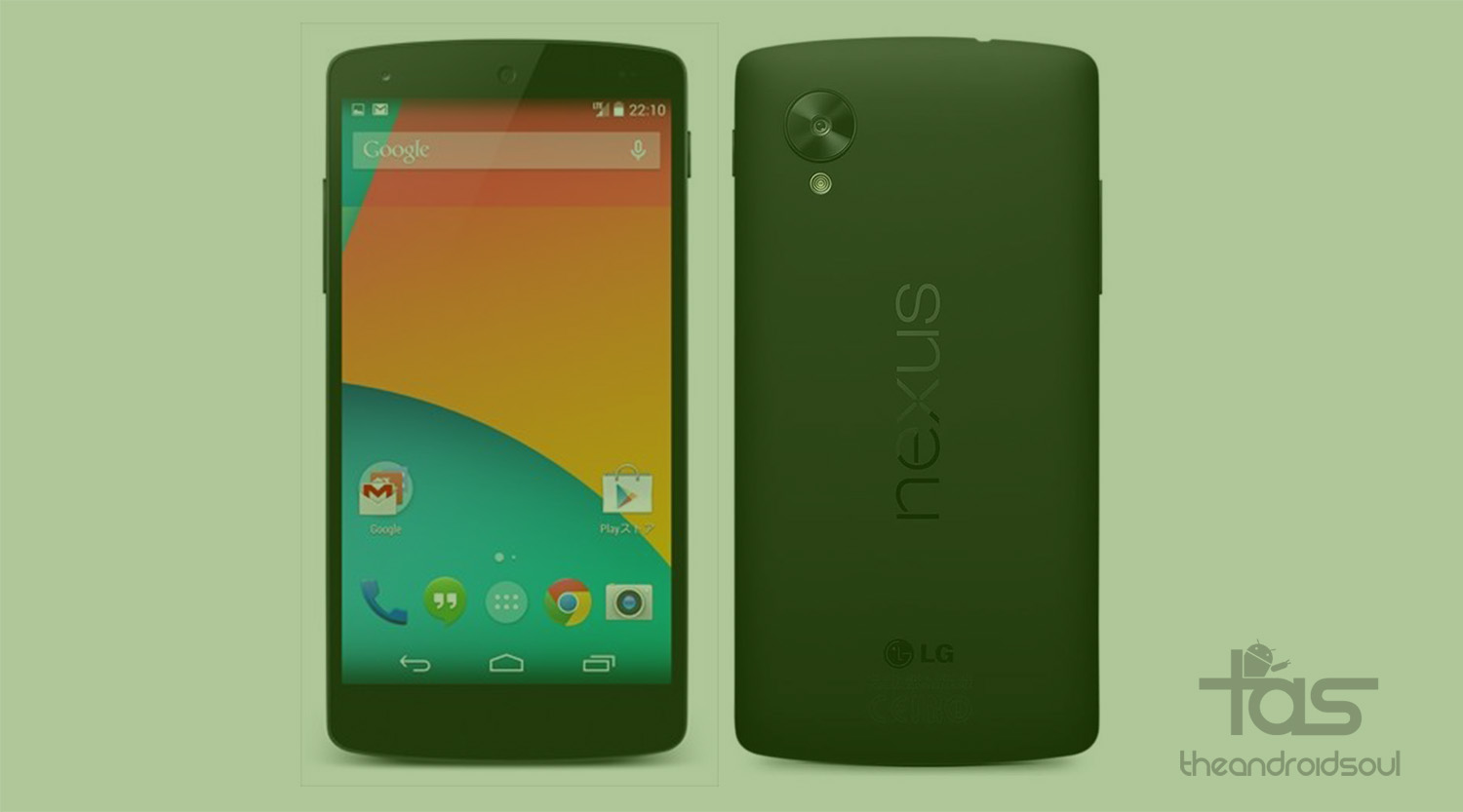
Google just released the MRA58K Android 6.0 update for its Nexus devices, almost all except the Nexus 4, Nexus 10 and Nexus 7 2012. That means if you own a Nexus 5, Nexus 6, Nexus 9, Nexus 7 2013 (WiFi or LTE) or Nexus Player, then you can install Android 6.0 update right away.
Below you will find the download link and installation guide on how to install Android 6.0 update.
Downloads
- Nexus 5 — Link | File: hammerhead-mra58k-factory-52364034.tgz
- Nexus 6 — Link | File: shamu-mra58k-factory-5b07088c.tgz
- Nexus 9 WiFi — Link | File: volantis-mra58k-factory-cc430962.tgz
- Nexus 9 3G/LTE– Link | File: volantisg-mra58k-factory-de7a6ff6.tgz
- Nexus 7 2013 WiFi — Link | File: razor-mra58k-factory-300dc903.tgz
- Nexus 7 2013 3G — Link | File: razorg-mra58k-factory-7221a6d9.tgz
- Nexus Player — Link | File: fugu-mra58k-factory-61ac65bc.tgz
How to Install
Make sure you’ve the proper drivers installed, see here for help.
Also make sure you’ve ADB drivers installed and properly working, it’s very important to have this. Click here for help.
Unlock bootloader of your Nexus device, if you haven’t done this already. Help is here.
- Power off the device.
- Press and hold both Volume Down and Power button together until you see anything on screen. Fastboot should be written at top.
Double click the flash-all.bat file on Windows — it’s in the folder where you extracted all contents of the downloaded file.
- If you’re in Linux or Mac, use this command in terminal: sh ./flash-all.sh
That’s it. Once all files installed, your Nexus device will have the MRA58K build running.
Let us know if you face any difficulty with this.


2 responses to “Download MRA58K Android 6.0 Marshmallow update released for Nexus 5, Nexus 6, Nexus 9, Nexus 7 2013 and Nexus Player”
archive does not contain boot.sig
archive does not contain recovery.sig
error update package missing system.img
archive does not contain boot.sig
archive does not contain recovery.sig
error update package missing system.img