


What to know
- You can change difficulty anytime through the Gameplay settings menu after the 1.04 update.
- Easy mode reduces enemy strength and gives you wider reaction windows.
- Normal mode offers the default, balanced experience.
- Hard mode significantly increases combat intensity and enemy aggression.
Adjusting difficulty in Crimson Desert has become much more flexible after the 1.04 update, allowing you to tailor the experience to your skill level or playstyle at any point during your journey. Whether you want a relaxed exploration-focused run or a punishing combat challenge, the game gives you clear options that directly affect how fights feel and unfold.
Crimson Desert difficulty settings explained
| Difficulty | Combat Impact | Enemy Behavior | Player Advantage | Best For |
|---|---|---|---|---|
| Easy | Low damage intake | Slower, less aggressive | Wider dodge/parry windows | Beginners, story focus |
| Normal | Balanced damage | Standard AI behavior | Standard timing | Default experience |
| Hard | High damage intake | Faster, aggressive, complex | Tight timing windows | Skilled players, challenge seekers |
Easy mode – chill playtime
Easy mode is designed to make combat more forgiving and accessible, especially if you’re still learning mechanics or want to focus on exploration and story progression. When you enable it, you’ll notice enemies dealing significantly less damage while also becoming slower and less aggressive overall.
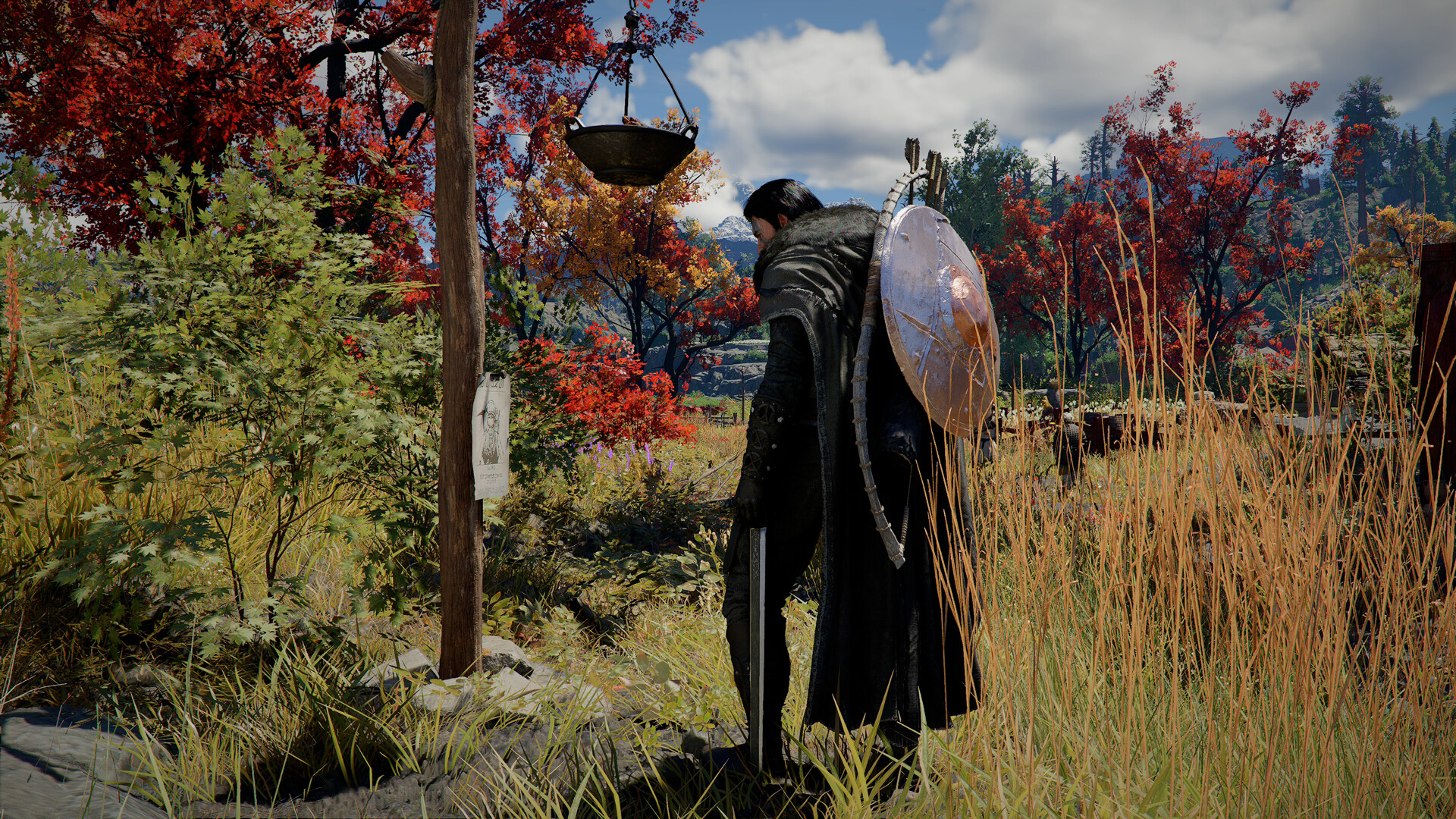
Enemy health pools are reduced, meaning fights end faster and require less sustained effort. At the same time, your defensive capabilities feel stronger due to extended timing windows for parrying and dodging, giving you more room for error.
Boss encounters also become more manageable because counterattacks and escape mechanics are less frequent, allowing you to maintain control of the fight without constant pressure.
Normal mode – what you’ve been playing so far
Normal mode represents the intended balance of Crimson Desert’s combat system. It keeps enemy stats, speed, and aggression at standard levels, ensuring that fights feel fair without leaning too heavily toward ease or difficulty.
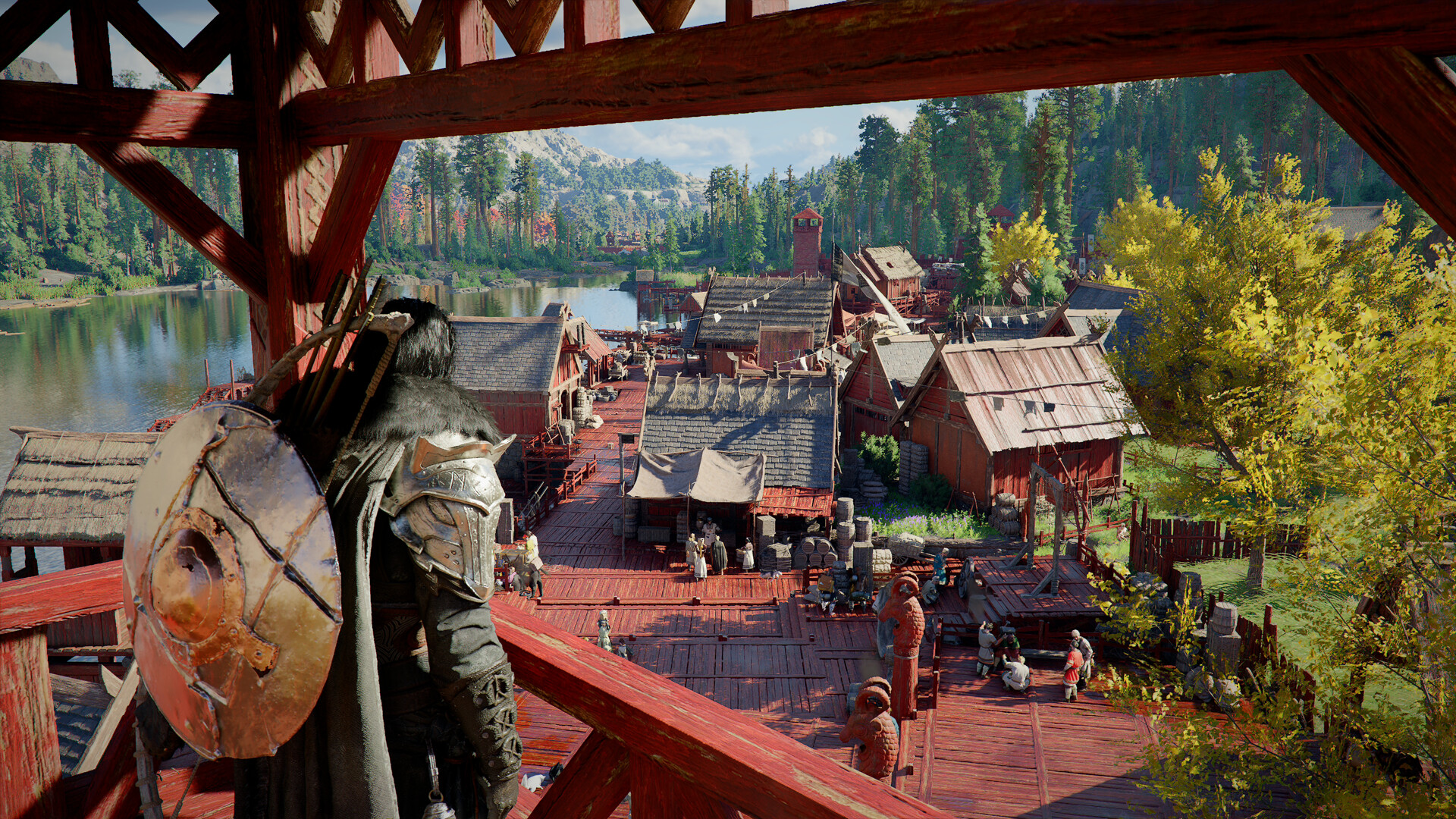
If you’ve been playing since launch, this is the familiar experience you’re used to, with no additional modifiers affecting timing, damage, or AI complexity.
It’s the best choice if you want to experience the game as originally designed without any assistance or added challenge.
Hard mode – the real deal of challenges
Hard mode transforms Crimson Desert into a far more demanding experience where every decision in combat matters. Enemies hit harder, move faster, and behave more aggressively, forcing you to stay constantly alert.
One of the most noticeable changes is that your margin for error shrinks significantly, as parry and dodge windows become tighter, requiring near-perfect timing.

Healing and buffs also become riskier, since food item effects only activate after the full consumption animation finishes, leaving you vulnerable mid-combat.
Enemy AI also evolves, with bosses using more frequent counterattacks and escape moves, and in some cases, new combat patterns are introduced, making fights less predictable and more punishing.
Additionally, your evasive abilities are slightly nerfed, as roll-based invisibility durations are reduced, limiting your ability to disengage safely.
How to switch difficulty settings in-game
Here is how to access and change difficulty options in Crimson Desert:
Step 1
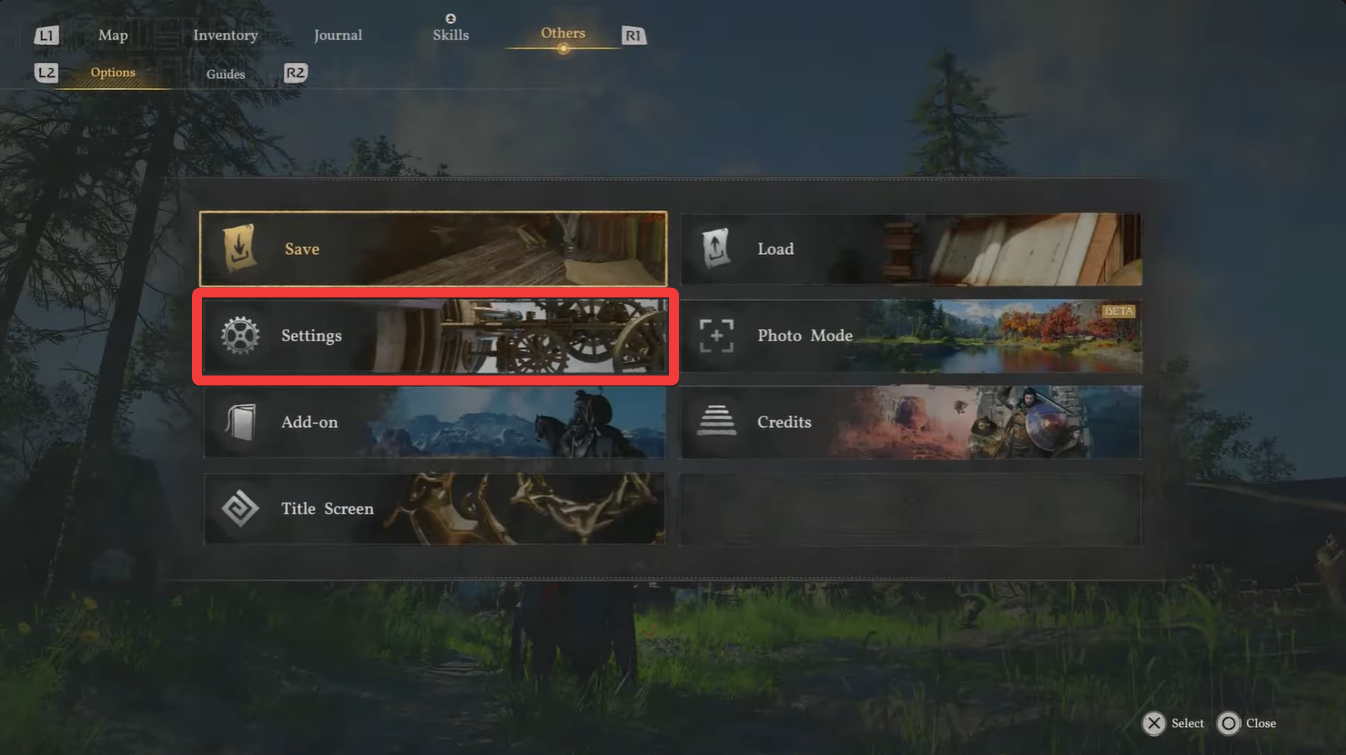
Open the main menu while in-game and navigate to the Settings section.
Step 2
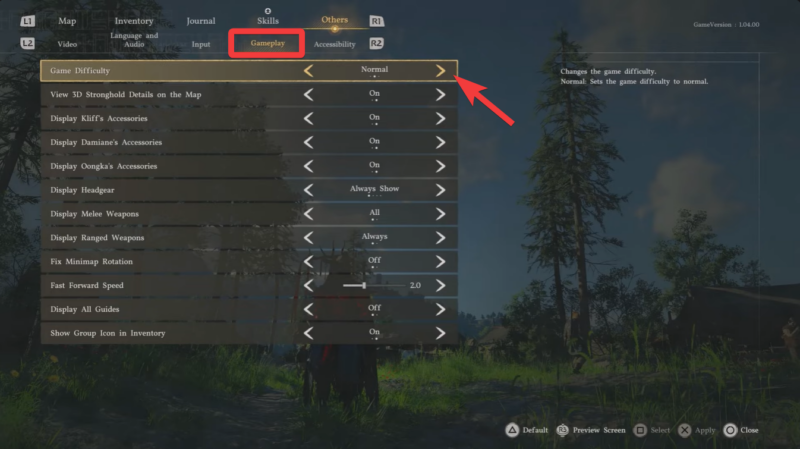
Scroll to the “Gameplay” tab where core combat and difficulty options are located.
Step 3
Locate the difficulty setting and choose between Easy, Normal, or Hard. Confirm your selection by applying the changes before exiting the menu.
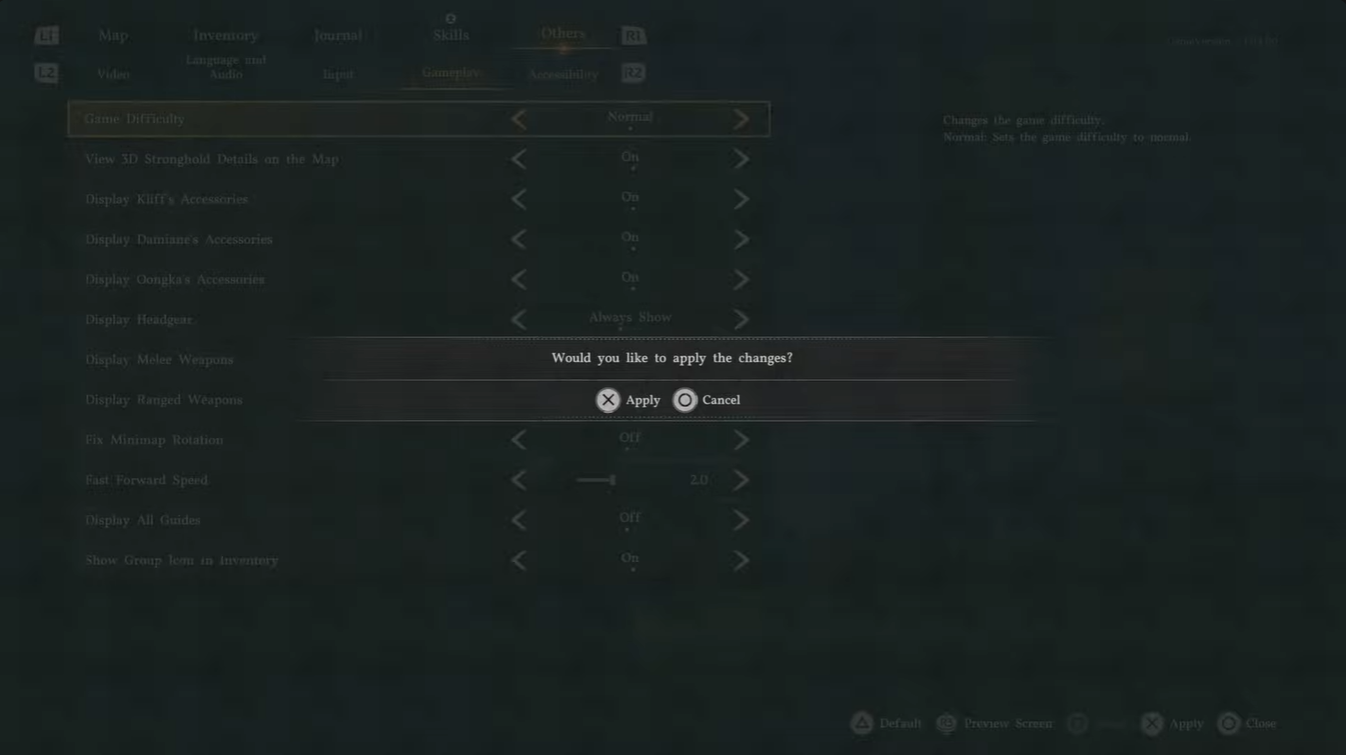
You don’t need to restart your game or reload a save, making it easy to experiment with different difficulty levels on the fly.
How to choose the right difficulty for your playstyle
Your ideal difficulty depends on what you want out of the game. If you’re more interested in the story, world-building, or learning mechanics at your own pace, Easy mode provides a smooth and stress-free experience.
If you prefer a balanced approach where skill matters but mistakes aren’t overly punished, Normal mode remains the safest and most consistent option.
However, if you enjoy mastering combat systems and adapting to aggressive AI, Hard mode offers a deeply rewarding challenge that pushes your reflexes and strategy to their limits.
The ability to switch difficulty anytime makes Crimson Desert far more adaptable than many action RPGs. You can start on Easy to learn mechanics, move to Normal for balance, and eventually test yourself on Hard without committing permanently.
This flexibility ensures that the game remains engaging regardless of your skill level, letting you shape the experience exactly how you want it.




Leave a Reply