
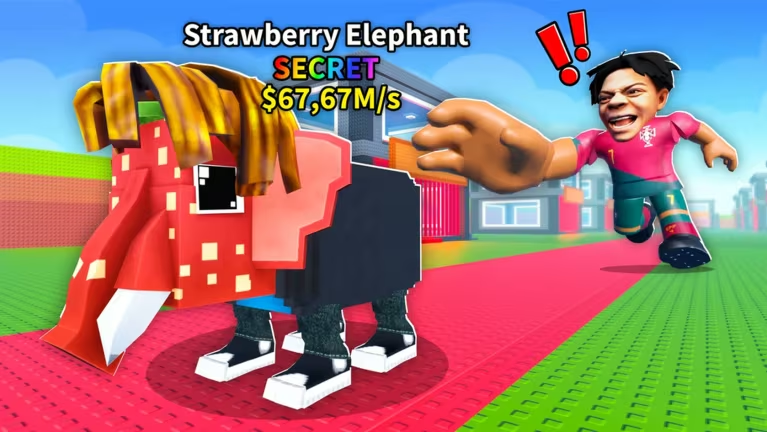
Be a Brainrot is a Fortnite experience built around collecting brainrot characters and lucky blocks, and codes are the fastest way to add rare spawns to your game without grinding for them.
Working Be a Brainrot codes
Type these in exactly as shown, since codes are case- and character-sensitive.
87778
Spawns an Admin Brainrot
093841
Spawns an Eternal Mythic Lucky Block
01101
Spawns a God Lucky Block
84124
Skips the Fuse Factory machine timer
How to redeem codes in Be a Brainrot
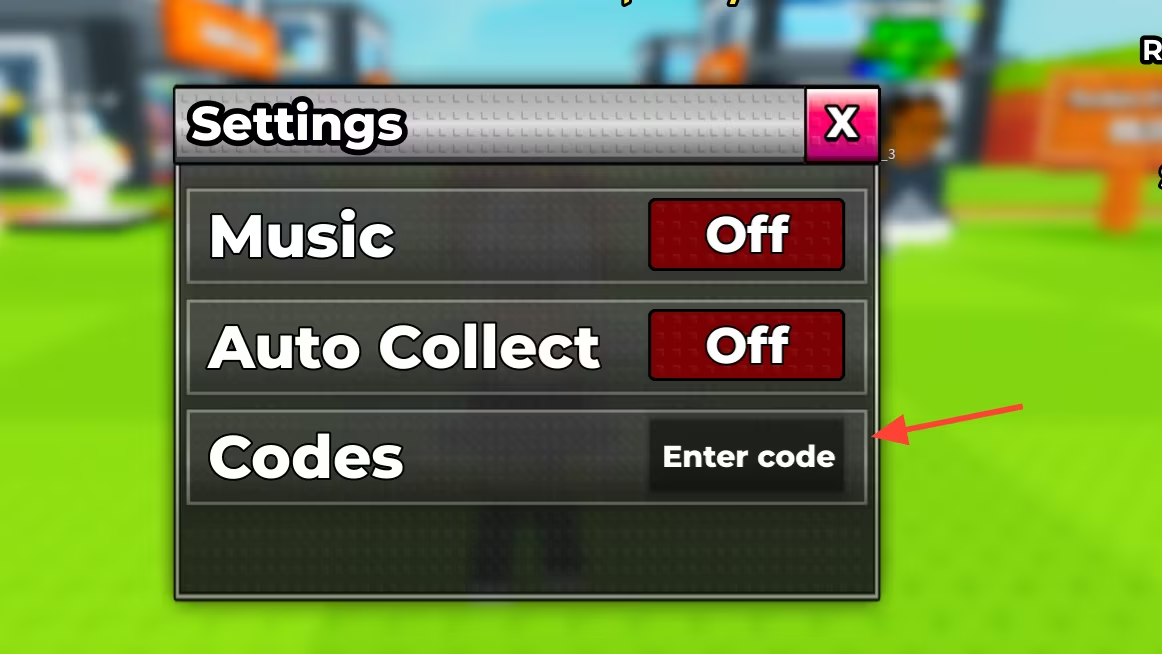
Codes in Be a Brainrot are entered through an in-game code redemption point rather than a settings menu, since most of the rewards spawn directly into the world or affect a specific machine like the Fuse Factory.
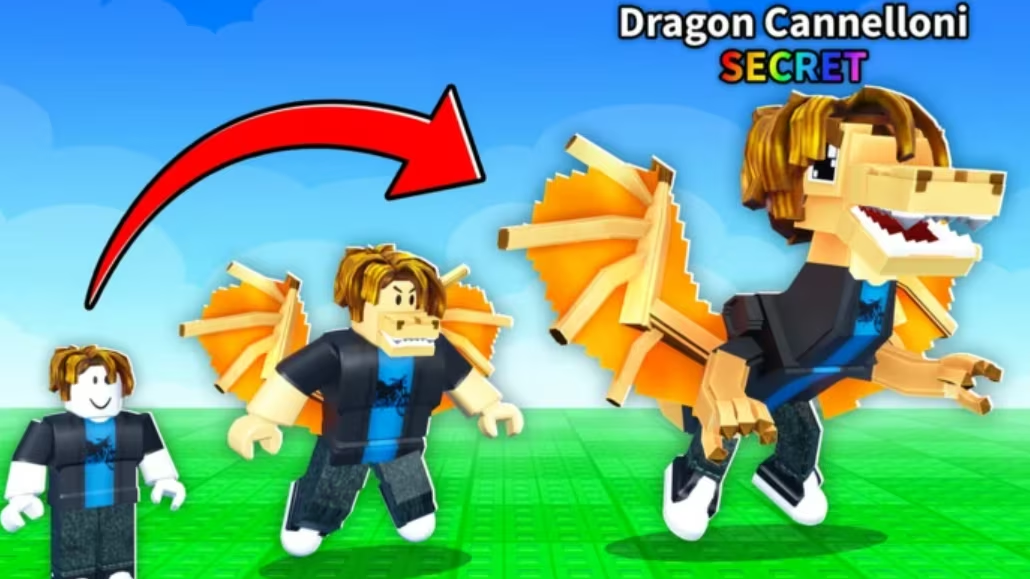
If nothing spawns and no confirmation appears, the code was likely mistyped or has already expired.
How to get more Be a Brainrot codes
New codes for Be a Brainrot typically go out through the developer’s official social channels and in-game announcements, often tied to updates, new machines, or milestone celebrations. Checking back regularly is the best way to catch fresh codes before they run out, since spawn-based rewards like these don’t usually stay active for long once a large number of players start redeeming them.
Why didn’t my code work?
The most common reasons are a typo in the code or an entry that has already expired. Since these codes trigger a direct spawn or timer skip, redeeming a valid code should give you an immediate, visible result with no extra steps needed.
Keep this list bookmarked and run through it whenever you load into Be a Brainrot, since claiming an Admin Brainrot, an Eternal Mythic Lucky Block, or a God Lucky Block early can give your collection a real head start.
Leave a Reply