To use the Meat Cleaver in Palworld, equip it, place the target Pal in your active party, summon it, press 4 to open the command wheel, and select the Butcher option to permanently harvest its drops.
The Meat Cleaver is a unique tool that lets you harvest a Pal’s drops a second time at the cost of permanently killing it. Normally, catching a Pal gives you its drop pool once. Butchering gives you that same pool again, making it a powerful farming tool for rare materials. It unlocks at Level 12 and serves a very specific purpose in your base progression.
Meat Cleaver specifications and crafting costs
| Attribute | Value |
|---|---|
| Unlock Requirement | Level 12, Technology Tier 12 |
| Technology Point Cost | 2 Points |
| Crafting Materials | 5 Ingots, 20 Wood, 5 Stone |
| Crafting Station | High Quality Workbench (Workload: 50) |
| Damage | 25 |
| Durability | 300 |
| Weight | 10 |
| Vendor Buy Prices | 100 Gold |
| Vendor Sell Prices | 10 Gold |
You unlock the Meat Cleaver at Level 12 in the Technology menu. It costs 2 Technology Points to unlock, though some details on exact costs remain slightly inconsistent across early player reports, so defer to your in-game Technology menu for confirmation. You can craft it at a High Quality Workbench.
How to butcher a Pal in Palworld
STEP 1/5
Equip the Meat Cleaver
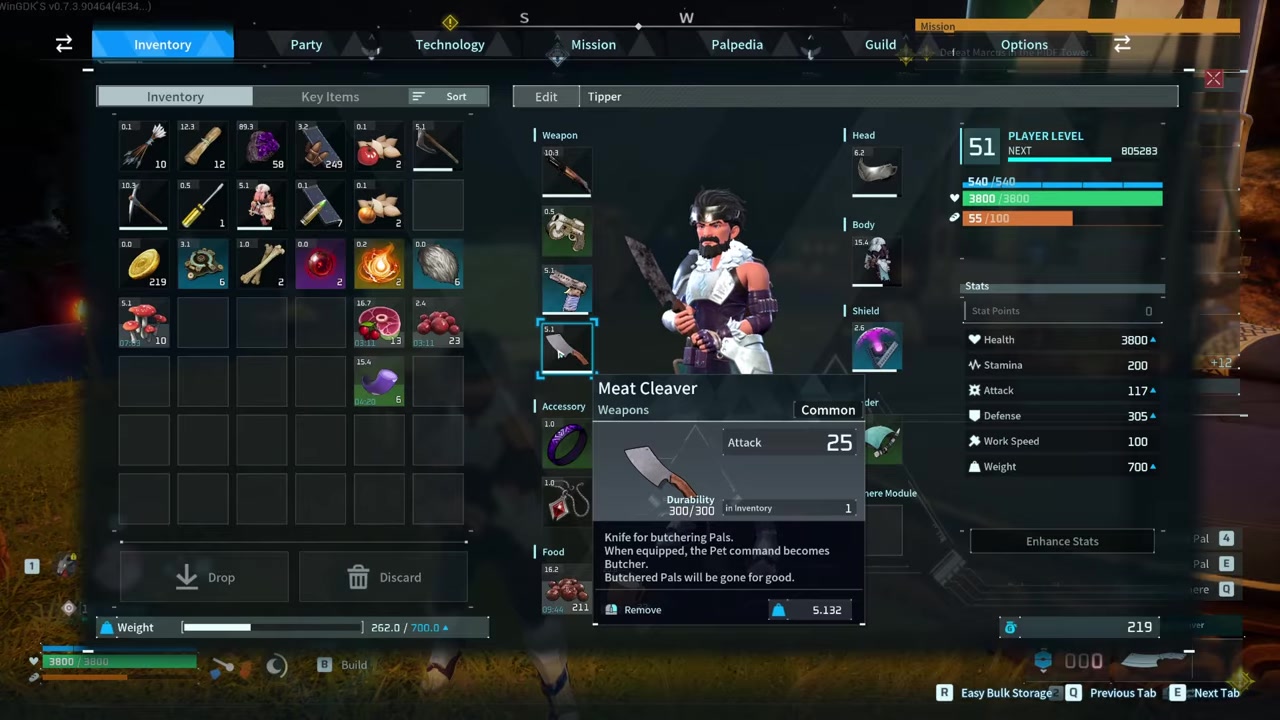
Place the Meat Cleaver into your weapon slot and ensure it is actively equipped before interacting with any Pals.
STEP 2/5
Put the target Pal in your party
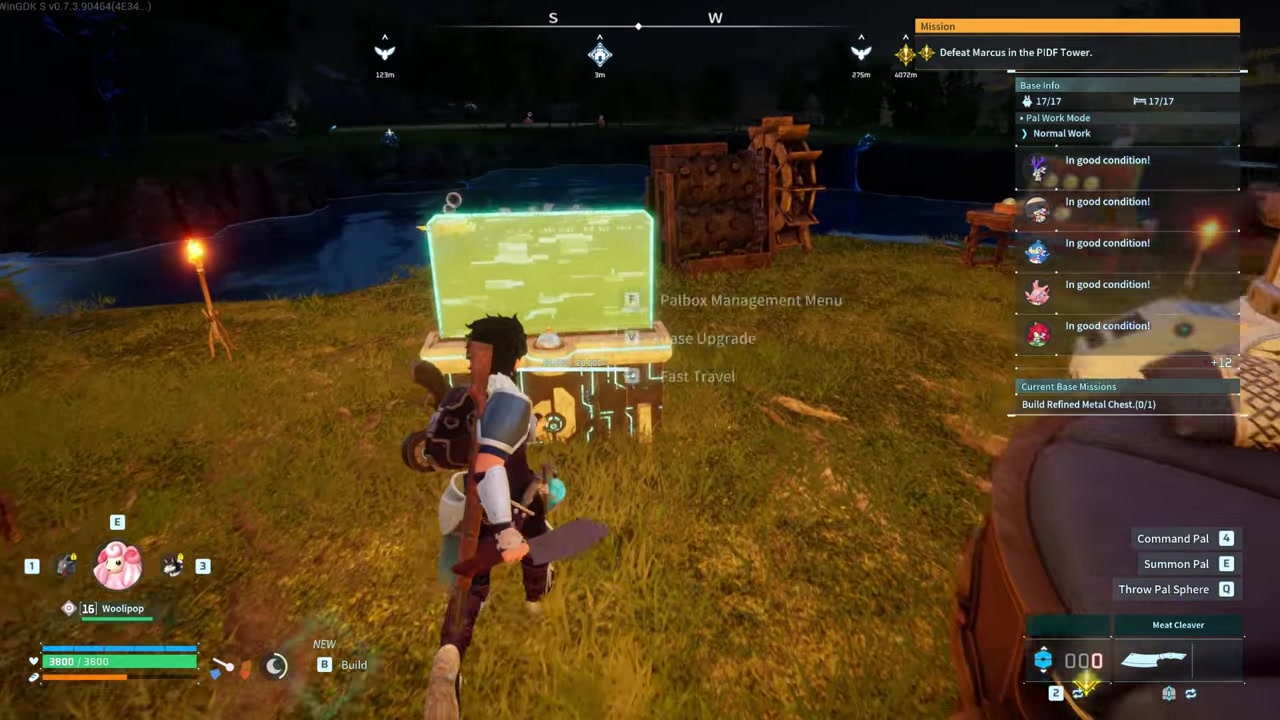
Open your Palbox interface and move the Pal you want to butcher into your active party.
STEP 3/5
Summon the Pal
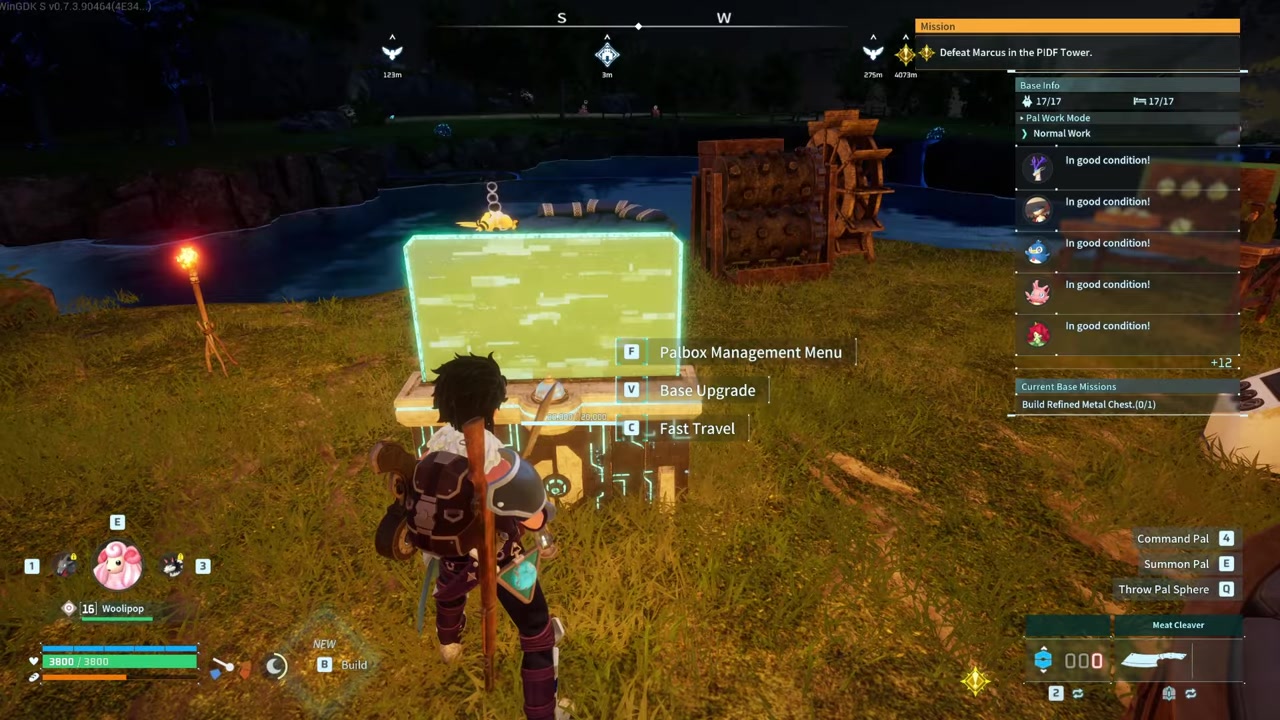
Bring the target Pal out into the game world so it is physically present near you.
STEP 4/5
Open the command wheel
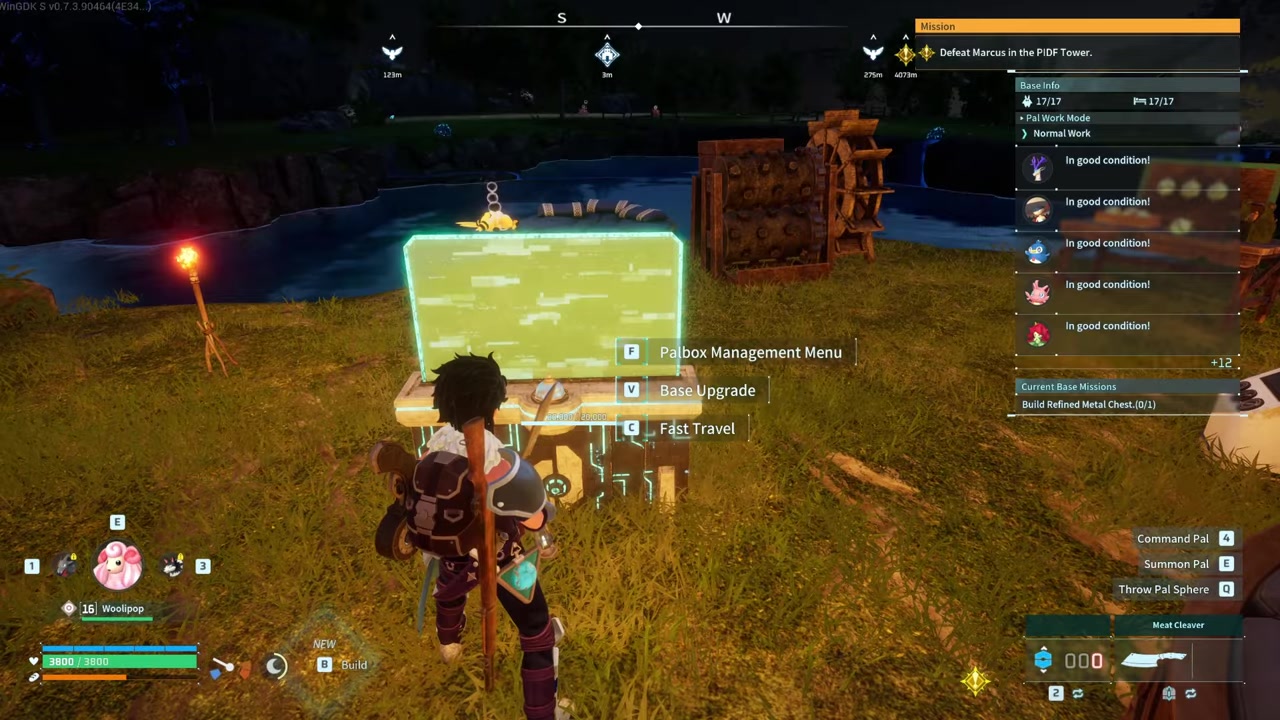
Press 4 on your keyboard to bring up the Pal interaction menu.
STEP 5/5
Select the Butcher option
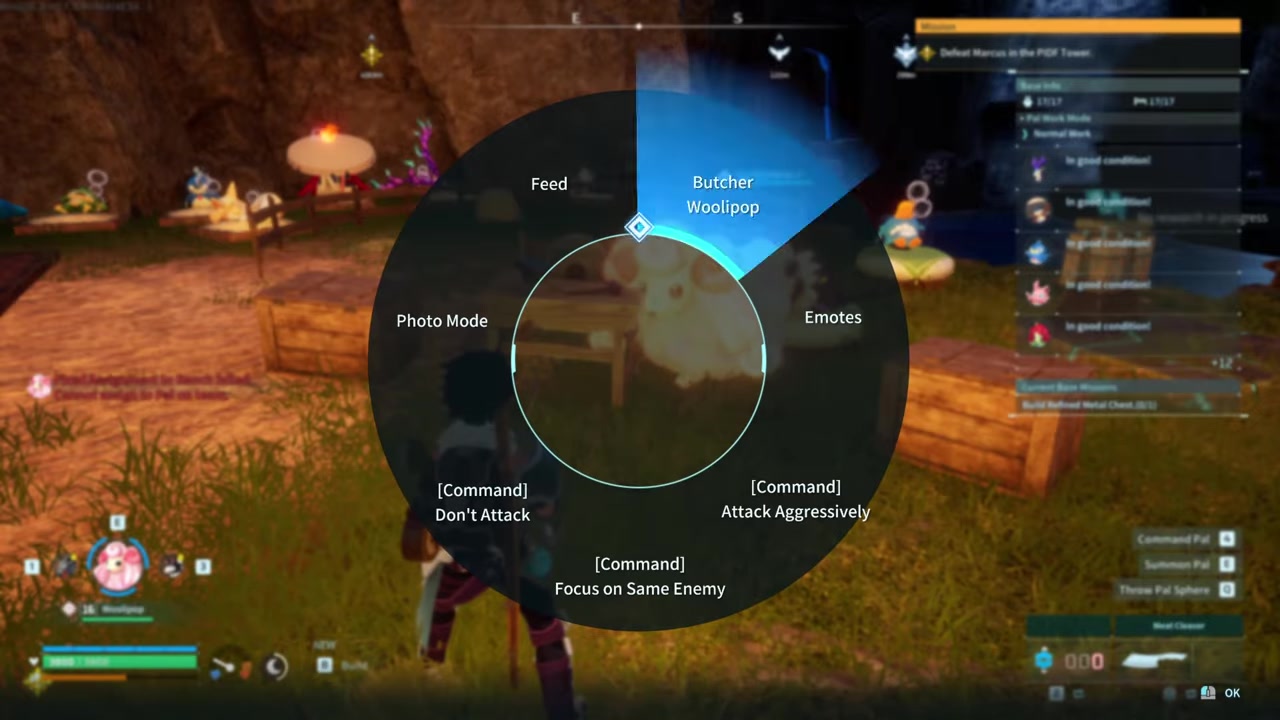
Choose the Butcher command from the wheel to permanently harvest the Pal’s drops.
Video help
Common mistakes players make when butchering Pals
The most frequent error is trying to butcher a Pal that is still assigned to work at your base. You cannot butcher base-assigned Pals directly. The target must be in your active party, even if you are standing inside your base boundaries when you perform the action. Similarly, if you forget to equip the Meat Cleaver before opening the command wheel, the Butcher option simply will not appear on the menu.
If the command wheel still reads Pet with the Meat Cleaver equipped, select it anyway. The action performs a butcher even if the on-screen label does not update clearly.
Strategic applications for Alpha Pal farming and automation
Butchering is highly lucrative for farming Alpha Pals. When you catch an Alpha Pal, you receive its drop pool once. Butchering that same Alpha yields the drop pool again, giving you a second chance at rolling low-drop-rate legendary-tier Schematics. Players often set up dedicated breeding farms to mass-produce specific Alpha Pals, like Frostallion Noct, specifically to butcher them for high-tier loot.
Frequently Asked Questions
Can I butcher a Pal that is assigned to work at my base?
No. You cannot butcher Pals that are assigned to base work. You must move the target Pal into your active party from your Palbox before you can butcher it, though you can perform the action while standing inside your base.
Is butchering a Pal reversible? Can I get it back?
No. Butchering a Pal is irreversible. The Pal is permanently deleted from your collection and cannot be revived or recovered through any means.
Does the Meat Cleaver work as a regular combat weapon?
It functions as a melee weapon but is highly ineffective for combat. It deals less damage than a Stone Spear, so you should rely on other weapons for fighting wild Pals.
Why doesn’t the Butcher option appear when I press 4?
The Butcher option only appears on the command wheel if you have the Meat Cleaver actively equipped in your weapon slot. If you have any other weapon equipped, the option will not show up.
Can I butcher captured humans or humanoid enemies?
Some players report that the Meat Cleaver can be used on captured humans or humanoid enemies for resources. However, this behavior is patch-dependent, so you should check your current game build to see if it is still supported.