To change your server region in SAND: Raiders of Sophie, press Escape from the lobby, choose Change Region, then pick a new server from the selection option in the bottom-left of the start screen.
How to change your multiplayer server region in SAND: Raiders of Sophie
STEP 1/5
Open the menu
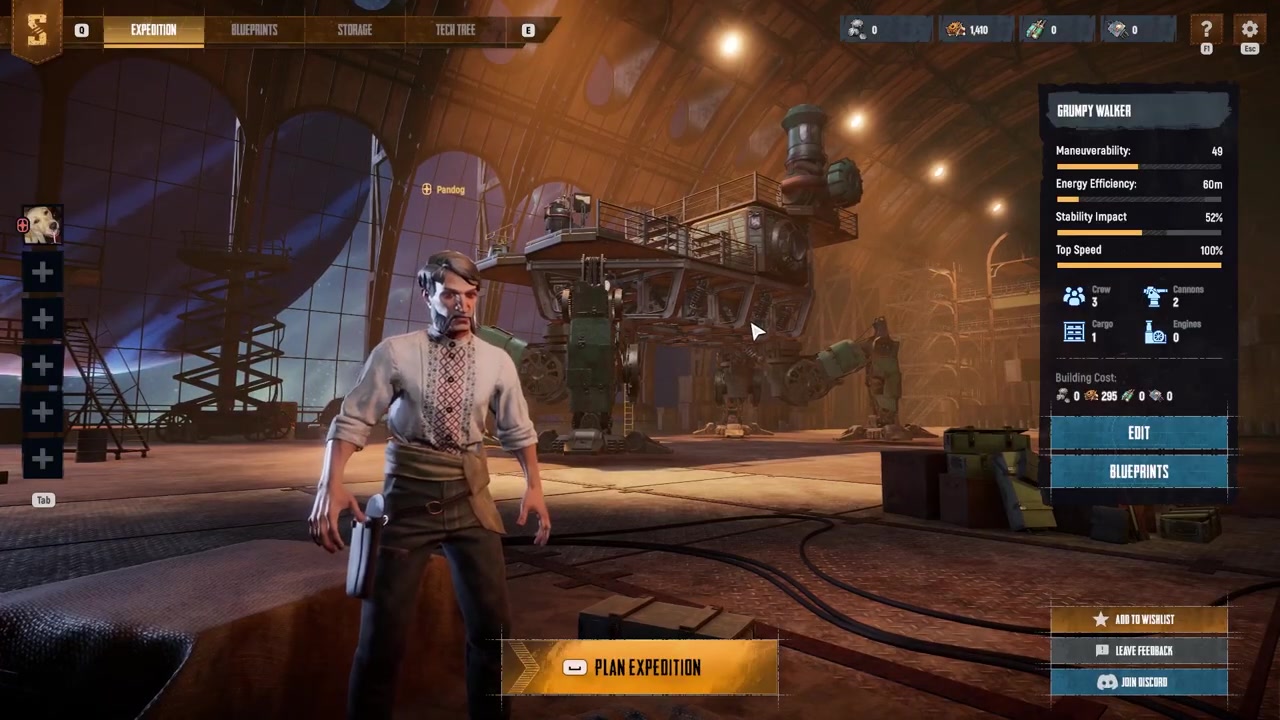
Start from the lobby and press Escape on your keyboard to open the menu.
STEP 2/5
Select Change Region
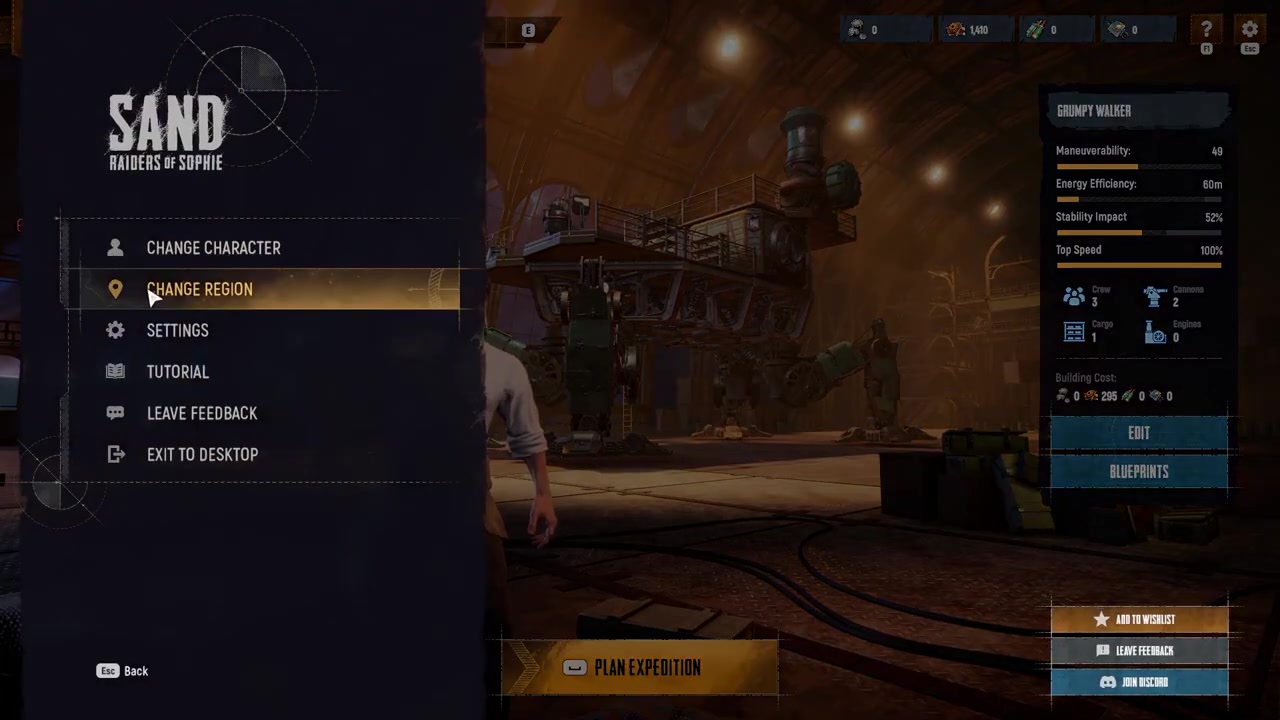
Click the Change Region option, which will return you to the game start screen.
STEP 3/5
Open server selection
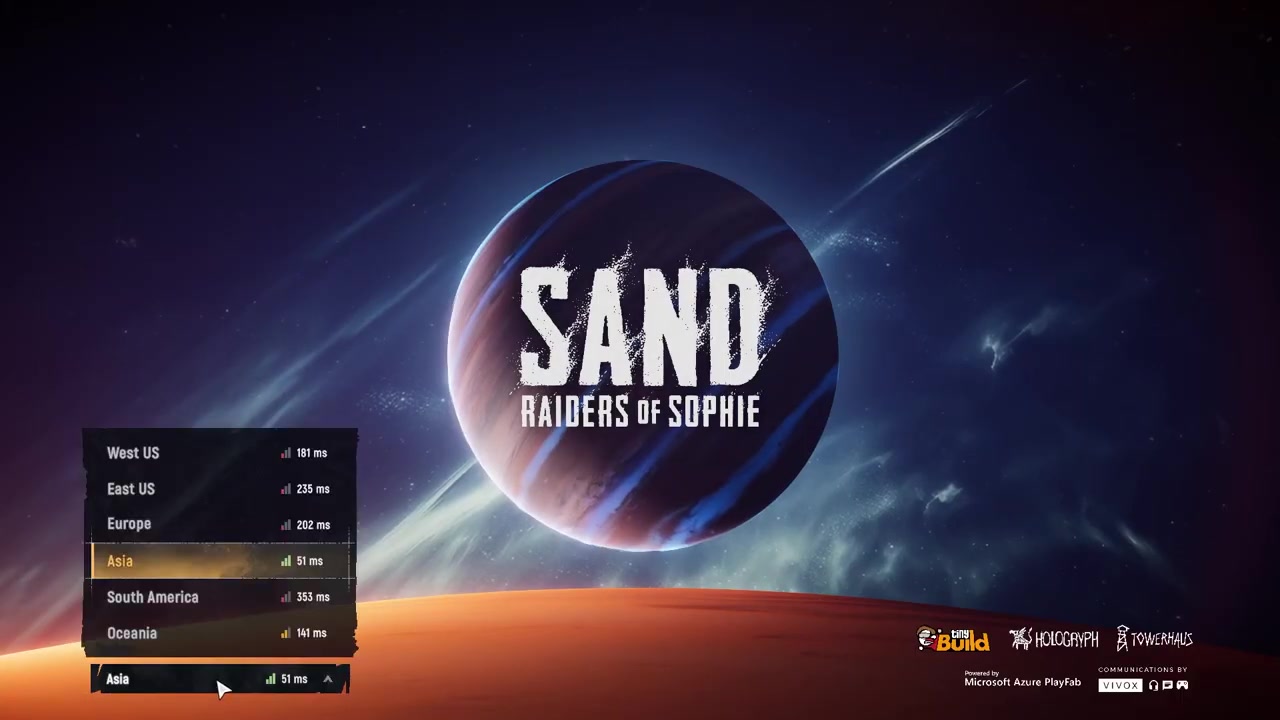
Look at the bottom-left corner of the start screen and click the server selection option to view all available regions.
STEP 4/5
Choose the best server
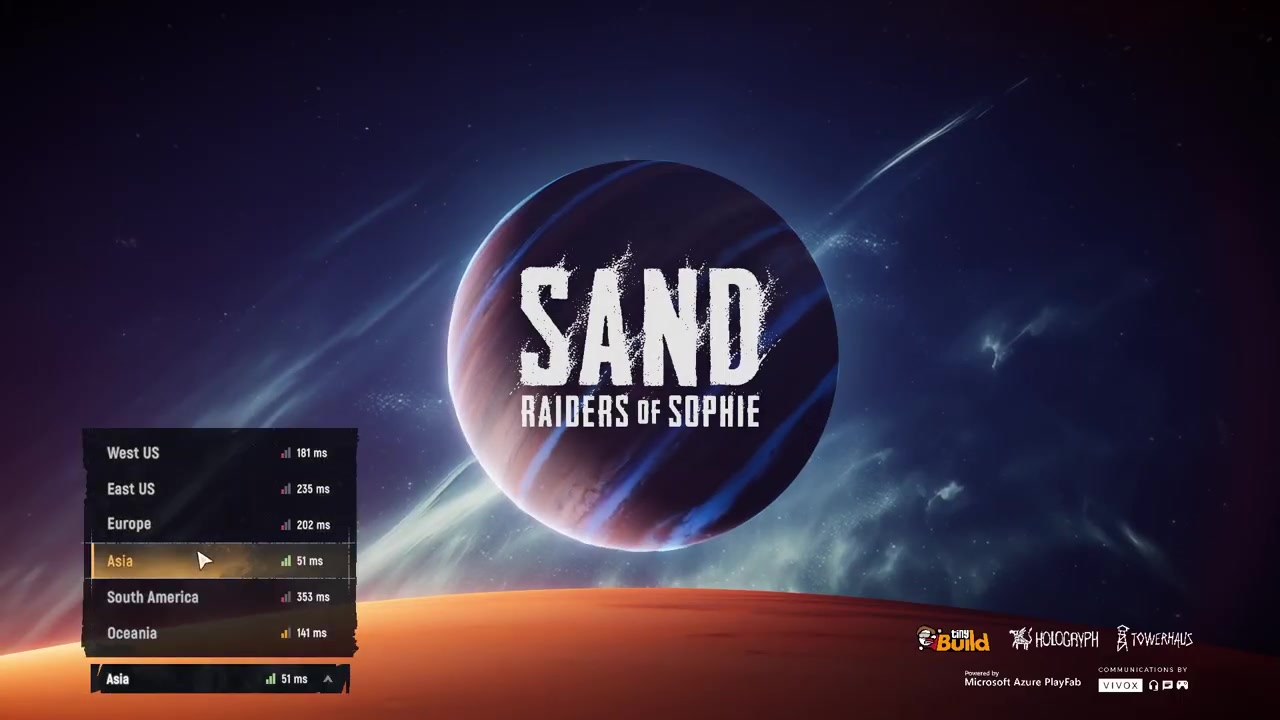
Pick the server with the lowest ping and the strongest signal bars for the smoothest online experience.
STEP 5/5
Start the game
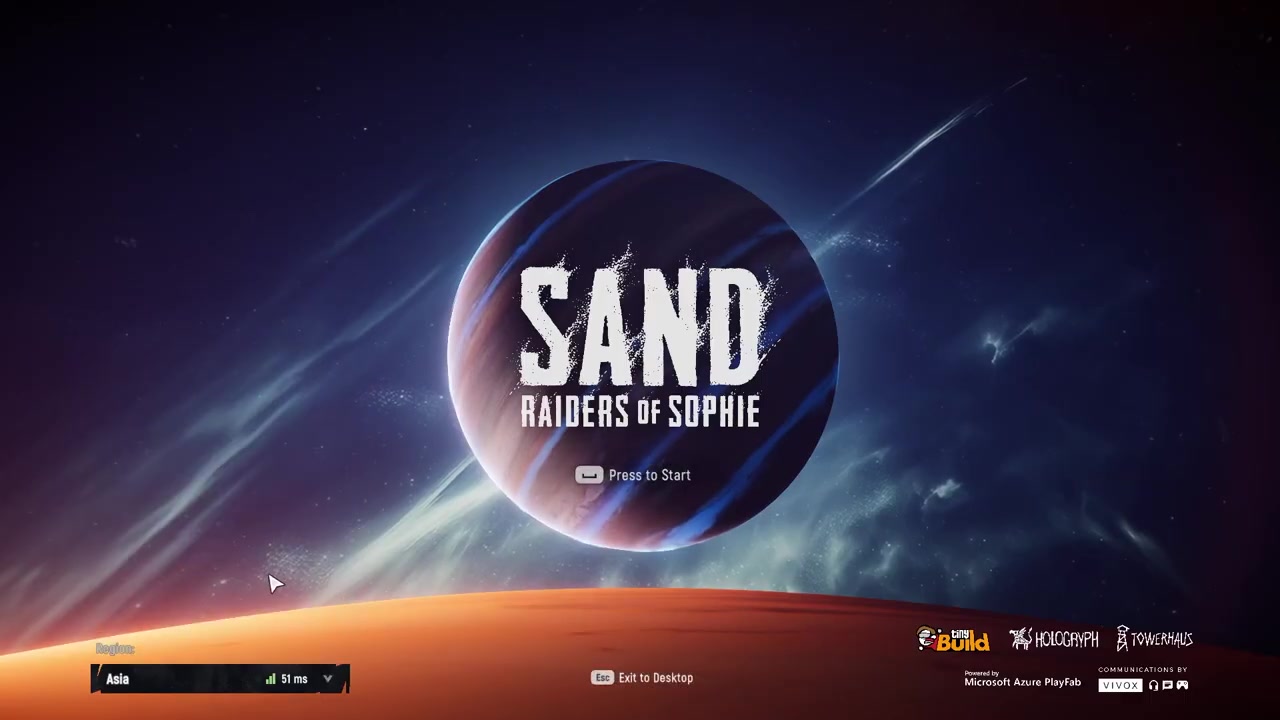
After selecting your preferred region, start the game again and join a match.
Always pick the server with the lowest ping and strongest signal bars rather than the one labeled closest to you—actual connection quality matters more than geographic proximity.
Video help
Picking the right region for a stable connection
When you open the server selection list, you will see every available region along with its current ping and a set of signal bars. Your goal is to find the server that offers the most stable connection, which usually means choosing the one with the lowest ping and a full set of green bars. A low-ping server reduces input delay and makes combat encounters feel responsive, while a high-ping server can cause rubber-banding, delayed hit registration, and frequent disconnects.
Frequently Asked Questions
Why am I experiencing lag, high ping, or frequent disconnects in SAND: Raiders of Sophie?
You are likely connected to a server region that is far from your physical location or has poor routing to your internet provider. The game does not always auto-select the best server, so you may need to manually switch to a region with lower ping to resolve the connection issues.
Where is the server selection option on the start screen?
The server selection option is located in the bottom-left corner of the game start screen. You can reach it by pressing Escape from the lobby and selecting Change Region to return to the start screen.
What should I do if changing my region doesn’t fix my connection problems?
If switching to the closest region does not resolve your lag or disconnects, try selecting another nearby region and joining a match to test its performance. Since actual server routing can be unpredictable, testing a few different regions is the best way to find the most stable connection for your specific setup.