Learn how to fly the airship in Solarpunk, dock it safely, recover it if lost, and extend its range for smoother travel between floating islands.
To fly the airship in Solarpunk, board it and press E to take the controls, then hold Space to ascend and Shift to descend, hold W to accelerate and S to cut power, steer the nose with your mouse, and ease off with S as you approach a dock before pressing E to dock automatically.
This is the airship in Solarpunk, the early-access survival-and-building game, not a Grow a Garden 2 feature. Once you own one, flying it is genuinely simple — there are only a handful of inputs to learn, and most of the skill is just matching your altitude to whichever floating island you want to reach. Below is the full flight procedure, the build path that gets you airborne in the first place, and how to land, recover, and eventually extend the ship’s range.
Building the airship and its dock first
| Build step | Materials / requirement |
|---|---|
| Reach the dock recipe | Craft a Research Table and progress it to tier 3 (currently) |
| Unlock the Airship Dock blueprint | Reportedly 5 wood, 5 iron, 5 cloth |
| Craft the dock at the crafting table | Reportedly 40 wood, 20 iron, 3 cloth (cloth from cotton, iron from smelting ore) |
| Place the dock | On the edge of the island |
| Collect the Airship component | Up by the starter spawn, reached via ladders |
| Craft the airship | Build it at the dock using the component |
You can’t fly anything until you’ve built the Airship Dock and crafted the ship itself, and that sits a fair way into the early progression. At the time of writing the recipe opens up once you’ve pushed your Research Table to its third tier, which is what unlocks the dock blueprint in the first place. Because Solarpunk is still in early access, treat the material counts below as the current values rather than fixed costs — they’re the kind of thing a patch can change.
Place the finished dock on the edge of the island so the ship has clear air to launch into. The one part that trips people up is the Airship component: it isn’t crafted at the dock, it’s collected back up near the starter island’s spawn area. Head to that higher ground, climb up using the ladders, grab the component, and then return to the dock to craft the airship around it.
How to fly the airship in Solarpunk
| Input | What it does |
|---|---|
| E | Board and take the controls, and dock automatically when you’re at a pad |
| Space | Hold to ascend |
| Shift | Hold to descend |
| W | Hold to apply power and accelerate |
| S | Hold to cut the power; tap to slow down near a dock |
| Mouse | Pull back to raise the nose, push forward to drop it, move sideways to turn |
| L | Toggle the night light on and off |
Take the controls
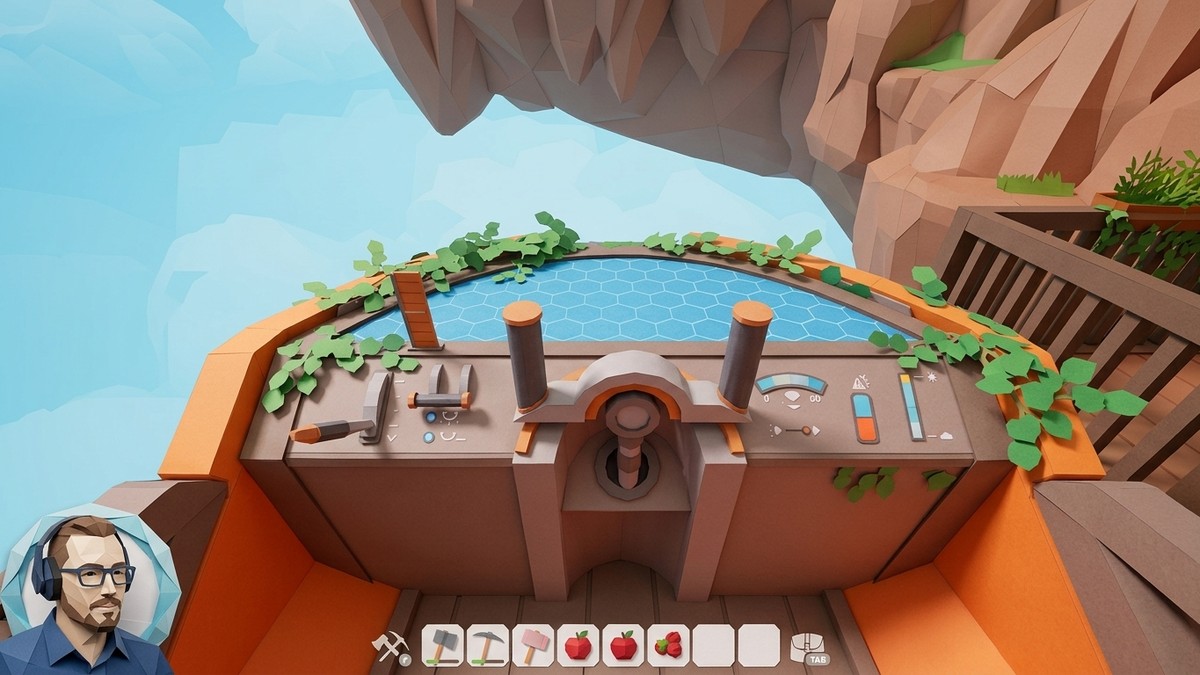
Board the airship and press E at the front to grab the controls and ready it for flight.
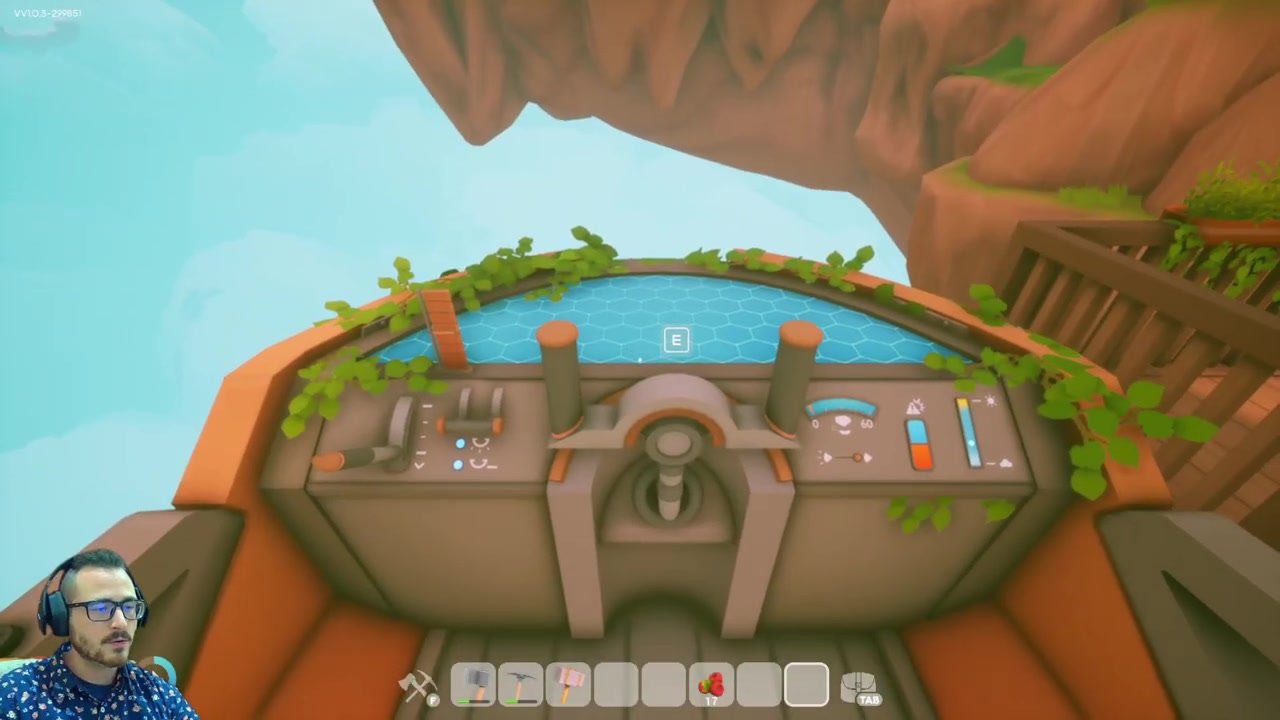
Hold Space to ascend
Hold Space to climb straight up toward any island sitting above you.
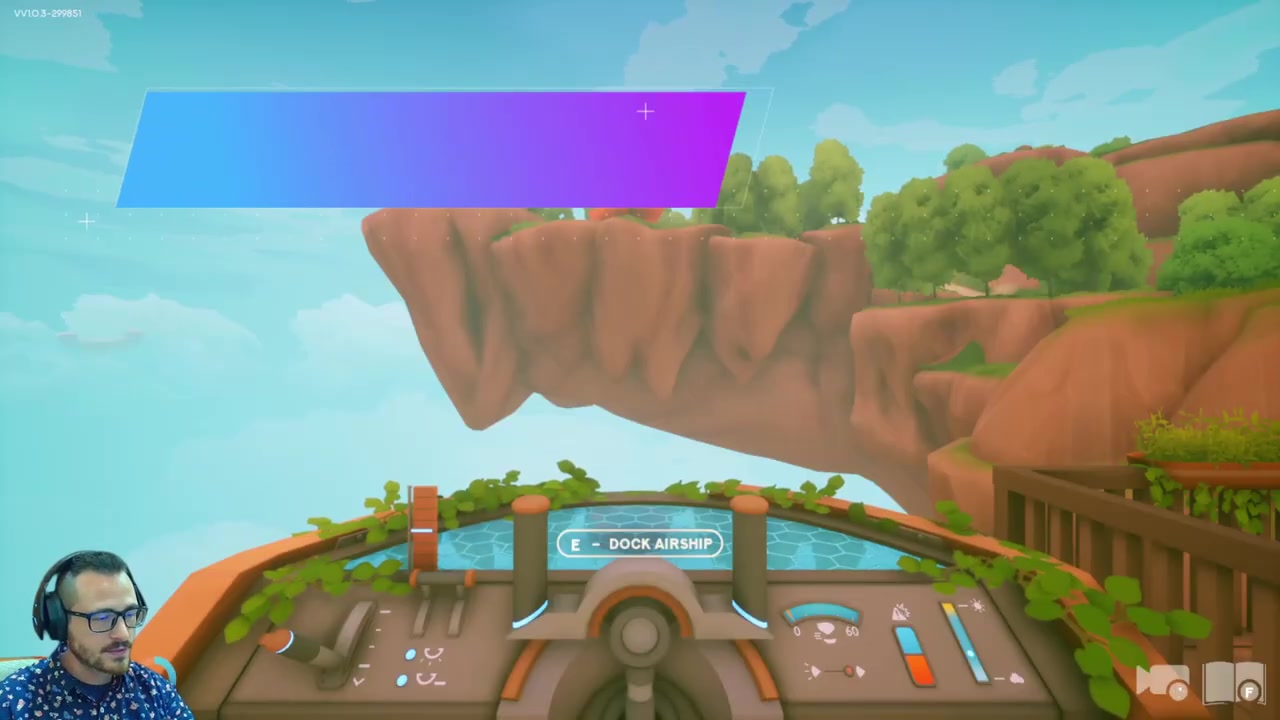
Hold Shift to descend
Hold Shift to drop down and meet an island that sits below your altitude.
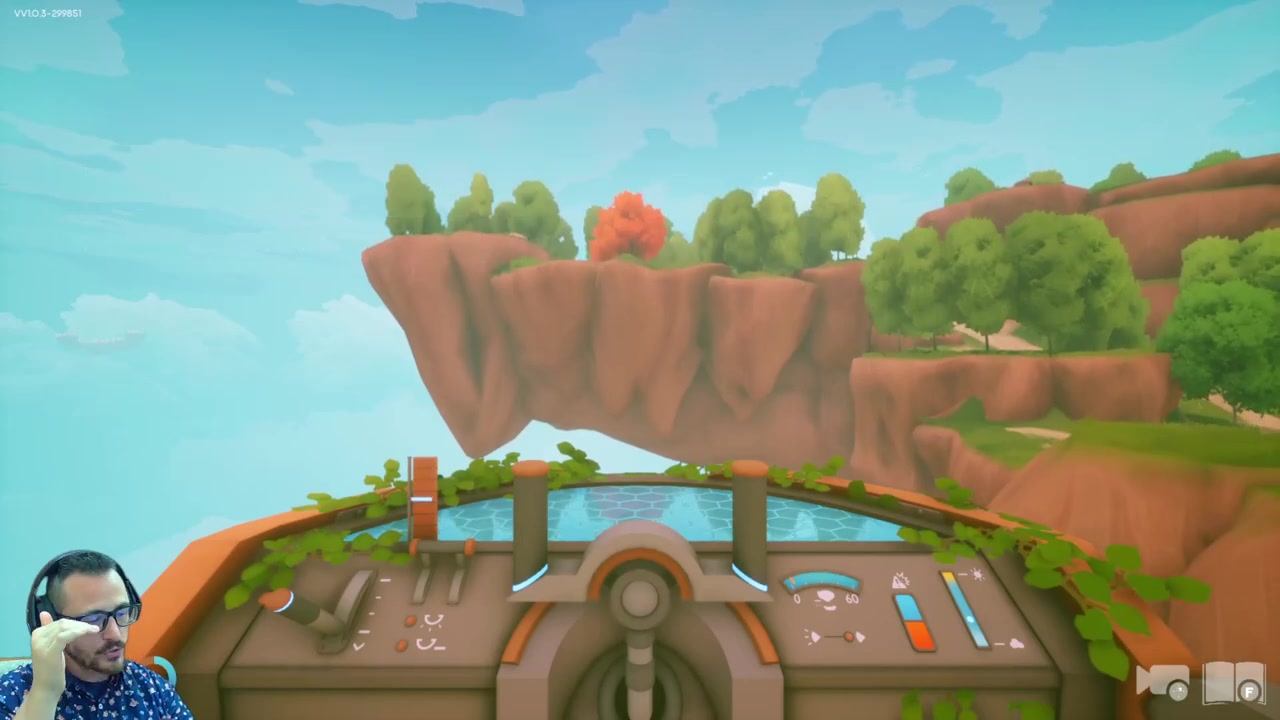
Pull the nose up
Pull back on the mouse to tilt the nose into the air before you add power.
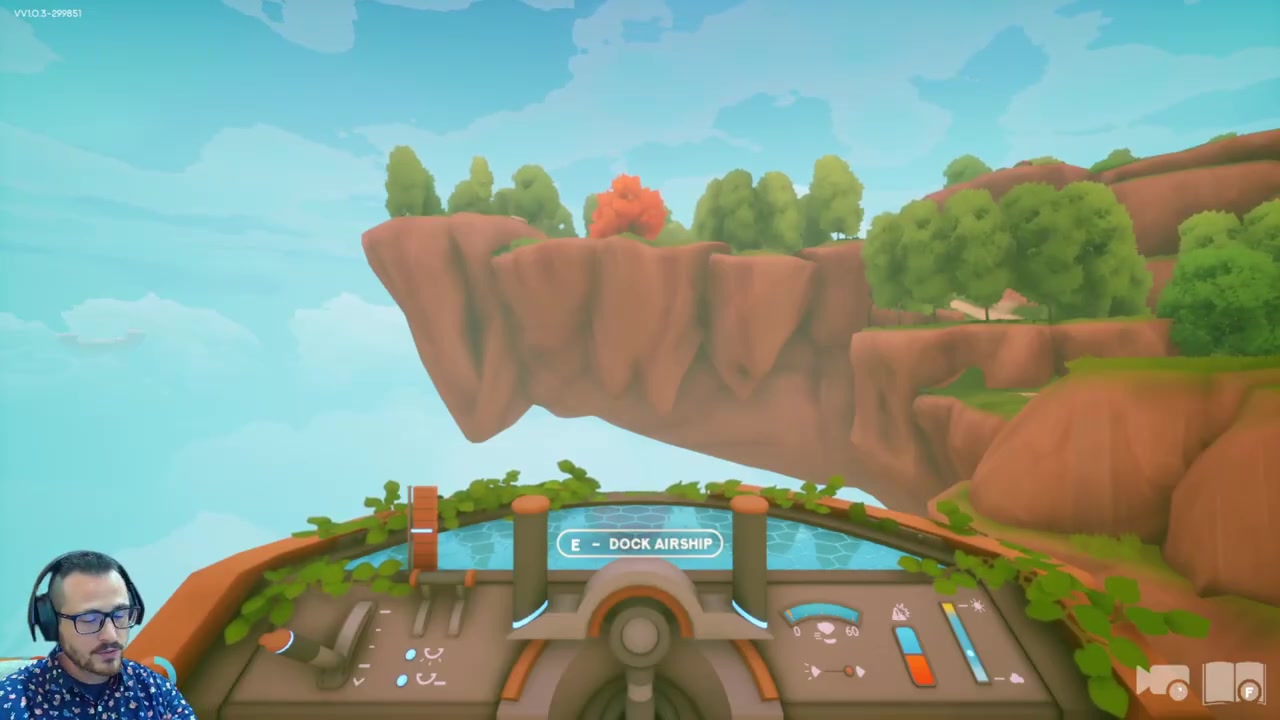
Apply power with W
Hold W to accelerate in whatever direction the nose is pointing.
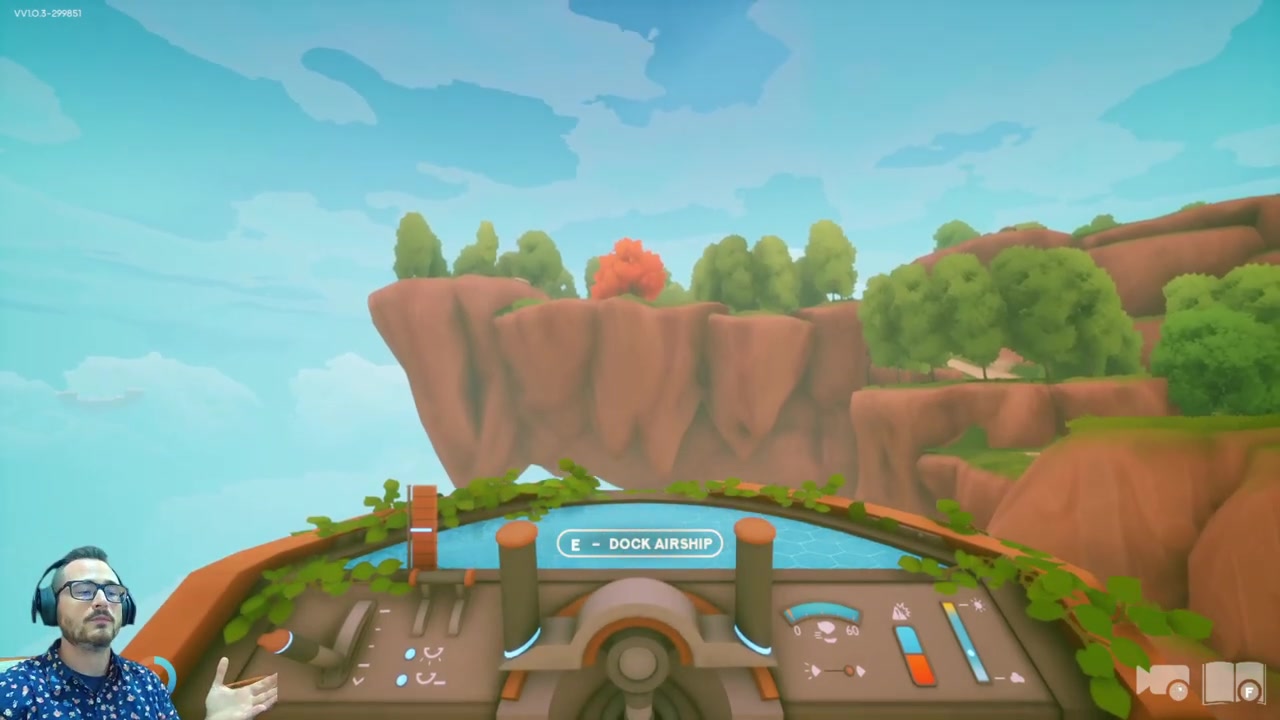
Cut the power with S
Hold S to pull the throttle all the way back and stop accelerating.
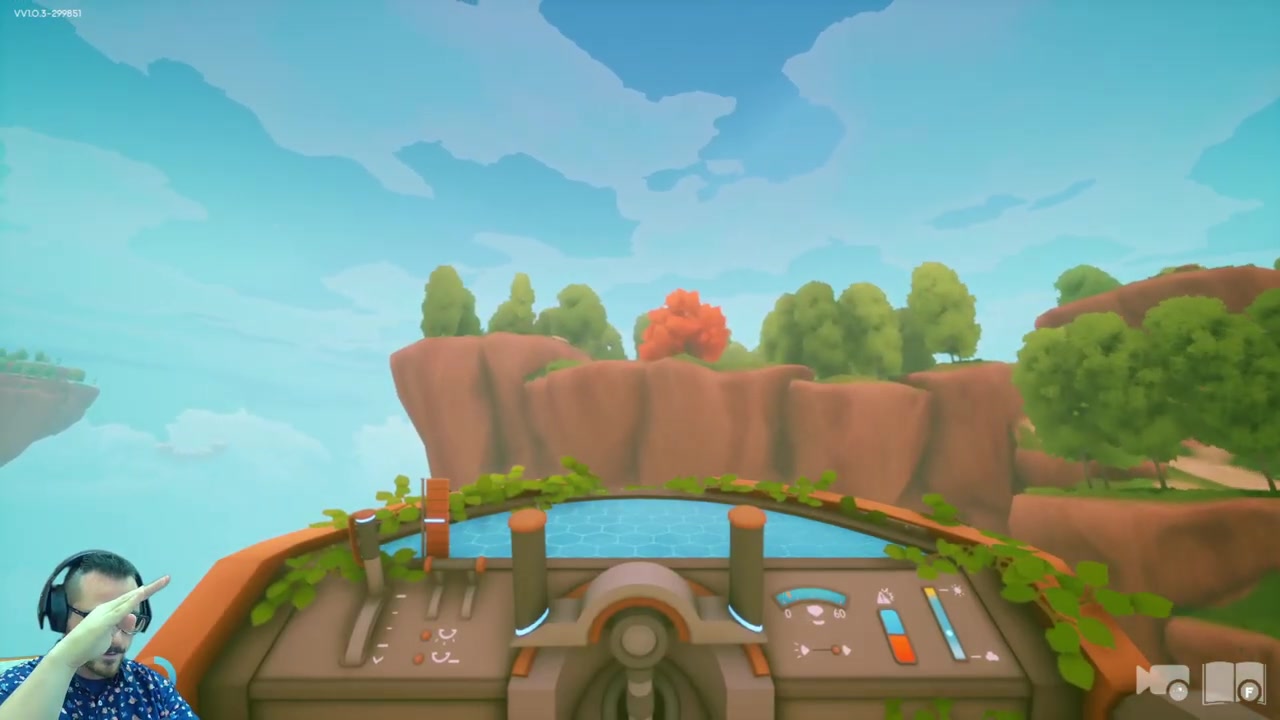
Push the nose down
Push forward on the mouse to point the nose down when you need to lose height.
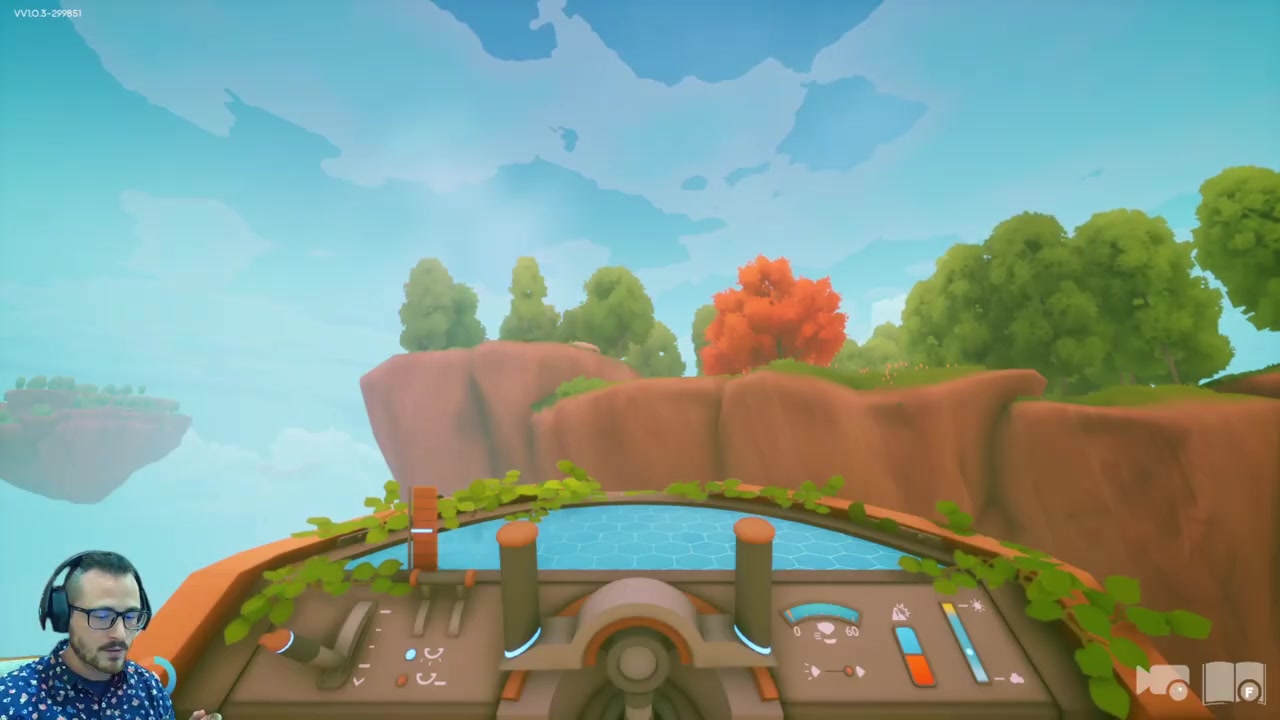
Turn the ship
Move the mouse left or right to swing the nose and steer toward your target island.
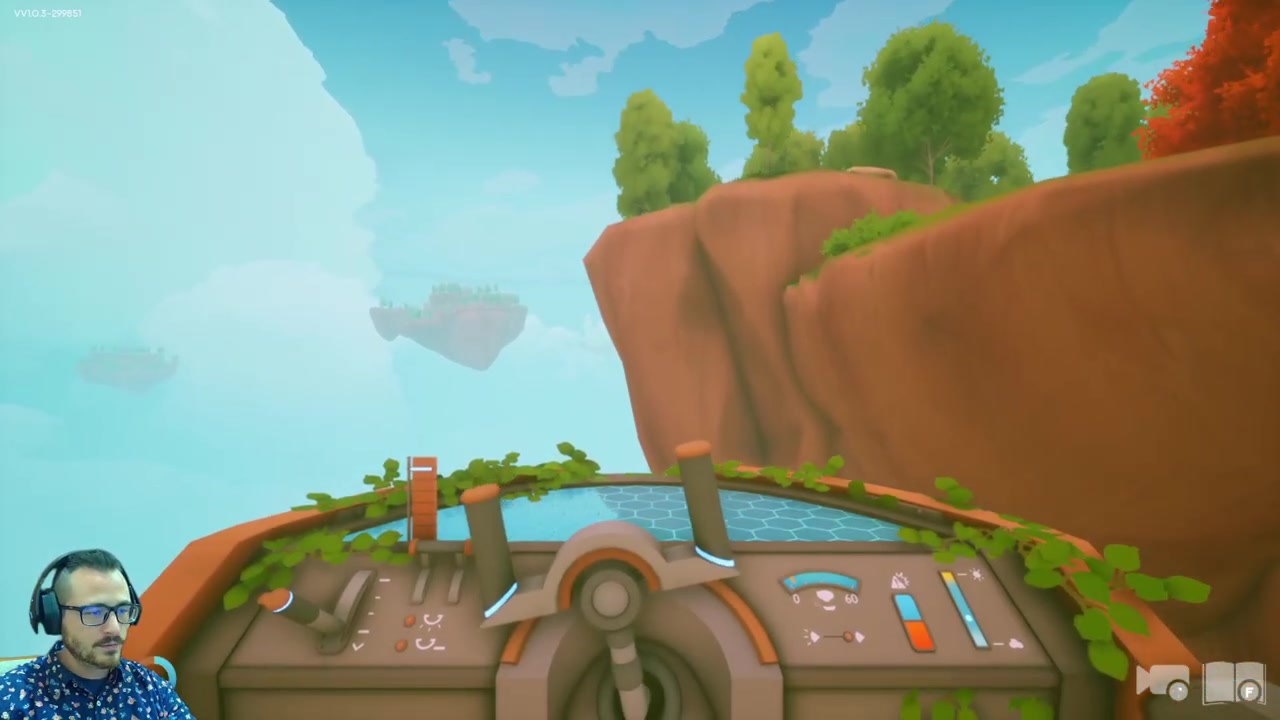
Switch on the night light
Press L to toggle the light on and off for flying after dark.
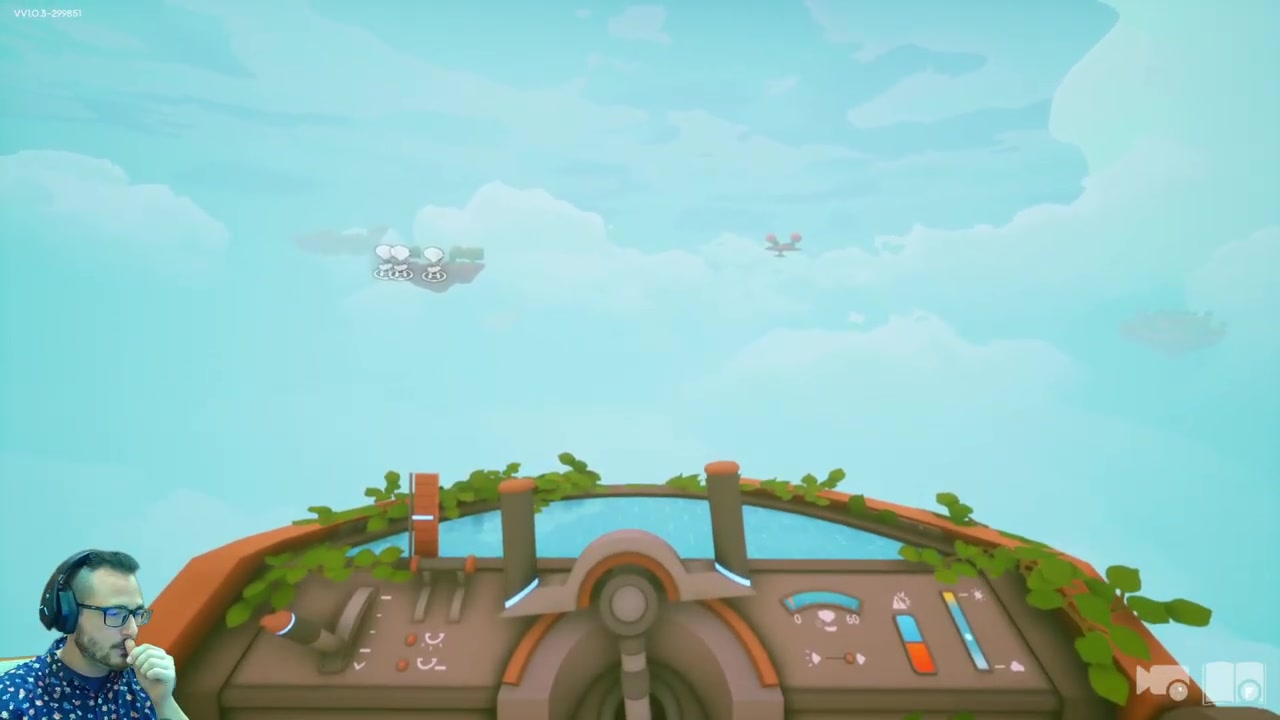
The thing to internalize is that Space and Shift change your height directly, while the mouse changes where the nose points — so you can either climb flat with Space or pitch the nose up and power into the climb with W. Both work; flat ascent is just the calmer option when you only need a small altitude correction.
Video help
Landing on a dock and getting a lost airship back
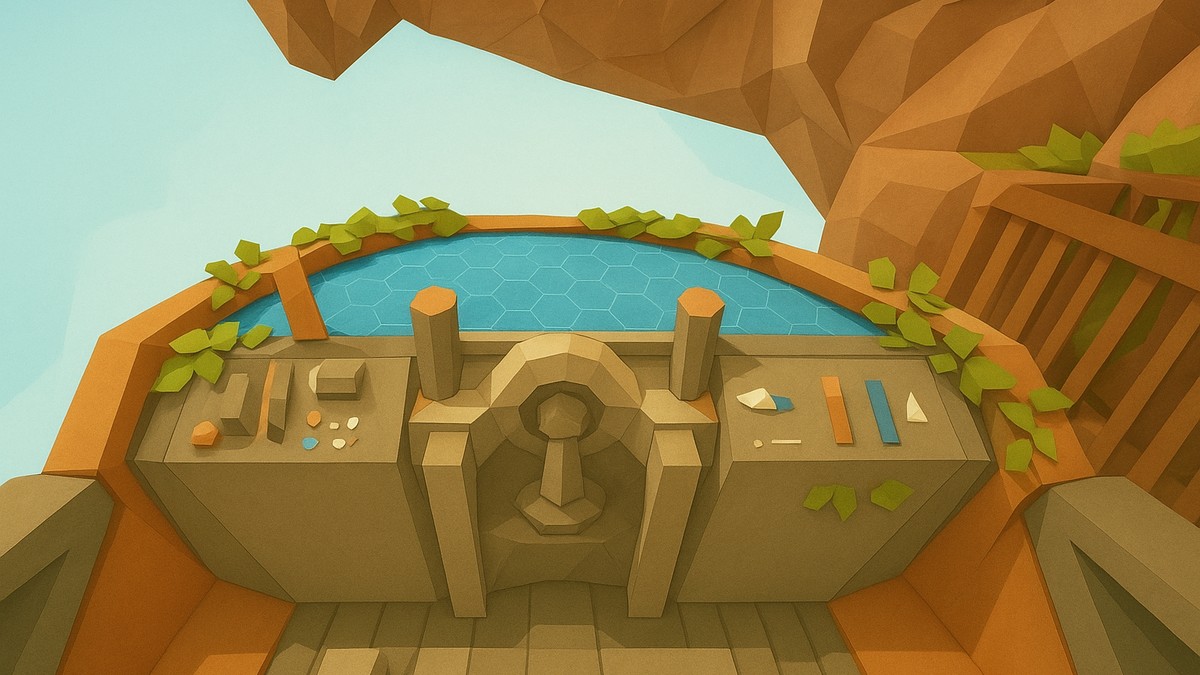
Landing is where speed control matters. As you near the dock, tap S rather than barreling in — that bleeds off momentum so you don’t overshoot the pad. Once you’re lined up and slow, hold S to settle, then press E and the ship docks automatically. You never need to set down on the grass; the air dock does the precise part for you, which is exactly why it’s worth building.
If you ever get stranded — your ship is across the map, or it’s been destroyed outright — walk up to any dock and choose retrieve airship. The ship flies itself back to that dock, and this works even if it’s been destroyed; once it arrives you can patch it up with a repair kit. Because of that, building docks on several islands pays off fast: you can summon the ship wherever you happen to be, and getting on and off cleanly makes exploring far less fiddly.
Build extra docks on the islands you visit most — you can summon the airship to any of them with “retrieve airship,” even after a crash, so you’re never stuck far from your ride.
Extending the airship’s travel range
Your first airship can’t reach every island — the world map shows a circular travel range, and the starter ship is limited to what’s inside it. To widen that circle, head to the Tradebot (the robot merchant reportedly sitting north of the starter island) and trade items for the upgrade blueprints. Each upgrade pushes the range out a little further, which is how you eventually reach the islands carrying resources like wheat, quartz, and silicon. As with the build costs, this is early-access territory, so the exact upgrade requirements may shift over time.
Related Solarpunk guides
Frequently Asked Questions
How do I repair the airship if it takes damage?
Head to your crafting table and make a repair kit, then use it on the ship. If you fly carefully you’ll rarely need one — the main thing that’ll catch you out is a lightning bolt hitting you mid-flight.
What do I do if my airship is destroyed or I get stranded away from it?
Go to any dock and select retrieve airship. The ship flies back to that dock on its own — even if it was destroyed — and you can then repair it with a repair kit.
Do I have to land on a dock, or can I land on the ground?
You don’t have to land on the grass at all. Approach a dock, tap S so you don’t come in too fast, then press E to dock automatically. The dock handles the landing for you, so it’s far cleaner than trying to set down manually.
Why can’t my airship reach a particular island?
The first airship has a limited travel range, shown as a circle on the map. Islands outside that circle are out of reach until you upgrade the ship through the Tradebot, which expands how far you can fly.
Is this airship part of Grow a Garden 2 or Solarpunk?
It’s the Solarpunk airship. There’s no verified Grow a Garden 2 airship mechanic — the flying ship, the docks, and the build path described here all belong to Solarpunk, so don’t expect these exact controls in a different game.