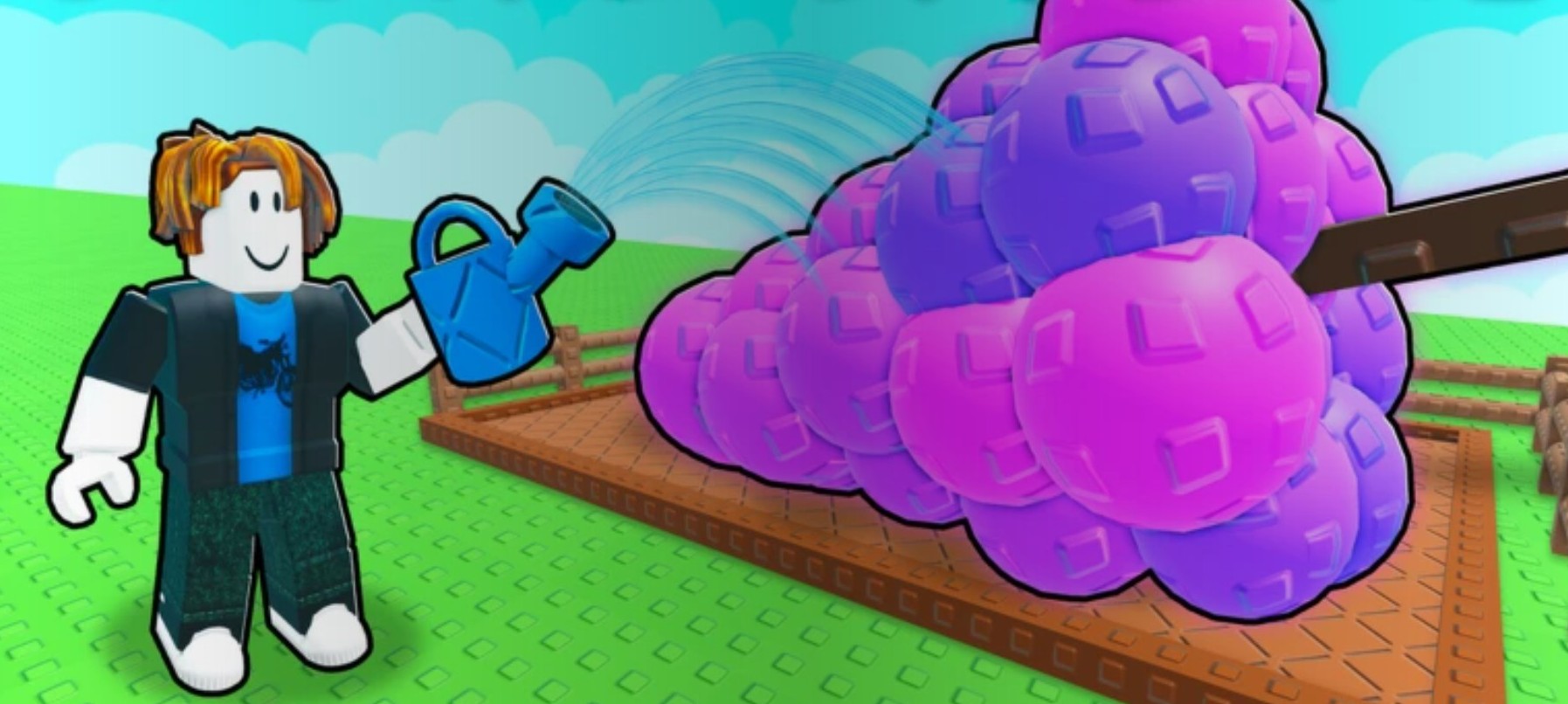
Learn how to increase inventory space in Grow a Garden 2, what backpack limits exist right now, and the best ways to manage a fixed bag efficiently.
Because the original Grow a Garden had inventory upgrades, many players go looking for one. But in the sequel Grow a Garden 2, that machinery isn’t live yet. Below is how the backpack actually behaves right now, why it can’t be enlarged, and the space-management routine that keeps a fixed bag from clogging.
As of the current version of Grow a Garden 2, there is no confirmed way to permanently expand your backpack — you cannot buy slots, upgrade it with currency, or use an item to enlarge it — so the real fix is disciplined space management (sell often, avoid clutter) while waiting for a future update.
- Can you actually increase inventory space right now?
- How the backpack and its tabs work
- Why expansion isn’t available, and what carried over from the first game
- Managing a fixed bag: sell often and keep a tight loop
- Garden plot size versus backpack space
- How to open your inventory and upgrade pets in Grow a Garden 2
- Frequently Asked Questions
Can you actually increase inventory space right now?
The honest answer is no, not yet. There is currently no way to permanently grow your backpack in Grow a Garden 2 — you can’t buy extra slots, you can’t pay coins to upgrade them, and there’s no special item or pass that enlarges the bag.
You’ll see a common belief that upgrading your pets raises your “overall space.” That isn’t borne out by wider testing: pet upgrades give growth, harvest, and movement-speed benefits, not extra inventory capacity. It’s easy to conflate the two because both live a menu apart, but they’re separate systems — don’t treat pet upgrades as a way to expand storage.
The only forward path is a future patch. Until the developers add an actual upgrade option, the size you have is the size you’ve got.
How the backpack and its tabs work
You open the menu by selecting the backpack icon at the top of the screen, and your full inventory shows up immediately. TAB on keyboard opens it as well.
Inside, the view is tabbed so you can flip between seeds, fruits, gear, pets, and a food/all-items section, and you can drag anything down to your hotbar. New accounts start with a basic shovel already in the bag.
Stacking is the part that quietly eats your space. Most ordinary items stack into a single slot, but harvested crops, pets, and rods and staffs do not — each one takes its own slot. That’s why a good harvest run can fill the bag far faster than the slot count suggests, and it’s the main reason space feels tight even when you’re playing efficiently.
Why expansion isn’t available, and what carried over from the first game
Most of the “how to expand inventory” advice floating around is really describing the first Grow a Garden, not the sequel. In game one, you could buy inventory upgrades from a shop, the Pack Bee was reported to raise capacity, and you could craft Pet Pouches for extra pet slots. None of those expansion mechanics are confirmed live in Grow a Garden 2 based on current footage.
The capacity numbers get borrowed the same way. Figures like a 200-item bag limit and a 60-pet cap come from material that largely describes the original game, and community reports conflict — some players cite 250 or even 350 fruits. Treat every one of these as unverified for the sequel rather than a hard rule.
| Inventory mechanic | Original Grow a Garden | Grow a Garden 2 (current) |
|---|---|---|
| Paid slot upgrade (shop) | Available | Not available |
| Pack Bee capacity boost | Reported to raise capacity | Unconfirmed / not verified |
| Pet Pouch slots | Craftable for pet slots | Not available |
| Stated item cap | ~200 items (game one) | Unverified — community figures vary |
| Stated pet cap | ~60 pets | Unverified for the sequel |
The takeaway from the table is the contrast itself: the systems people remember belong to game one, and porting their names — or their numbers — onto the sequel is where the confusion starts.
Managing a fixed bag: sell often and keep a tight loop
Since there’s no upgrade to chase, inventory becomes a small management game, and playing it well is the actual fix. The single most effective habit is to sell often instead of hoarding — clearing the bag back at the shop is your only real way to free slots, so do it constantly rather than letting items pile up.
Cut your travel time with the teleport buttons at the top of the screen: jump straight to the shop or sell area, offload, then bounce back to your garden. Be ruthless about low-value clutter too — don’t carry stacks of cheap leftovers “just in case.” Prioritize high-value crops and the gear you’ll actually use, and dump the rest.
Tie it together into a loop: buy seeds on restock, plant them all, harvest, sell immediately, repeat. Run that rhythm and your inventory rarely gets the chance to fully clog, which matters most while harvested crops are still taking a slot apiece.
Sell after every harvest instead of stockpiling — a tight buy-plant-harvest-sell loop keeps a fixed bag from ever filling up.
Garden plot size versus backpack space
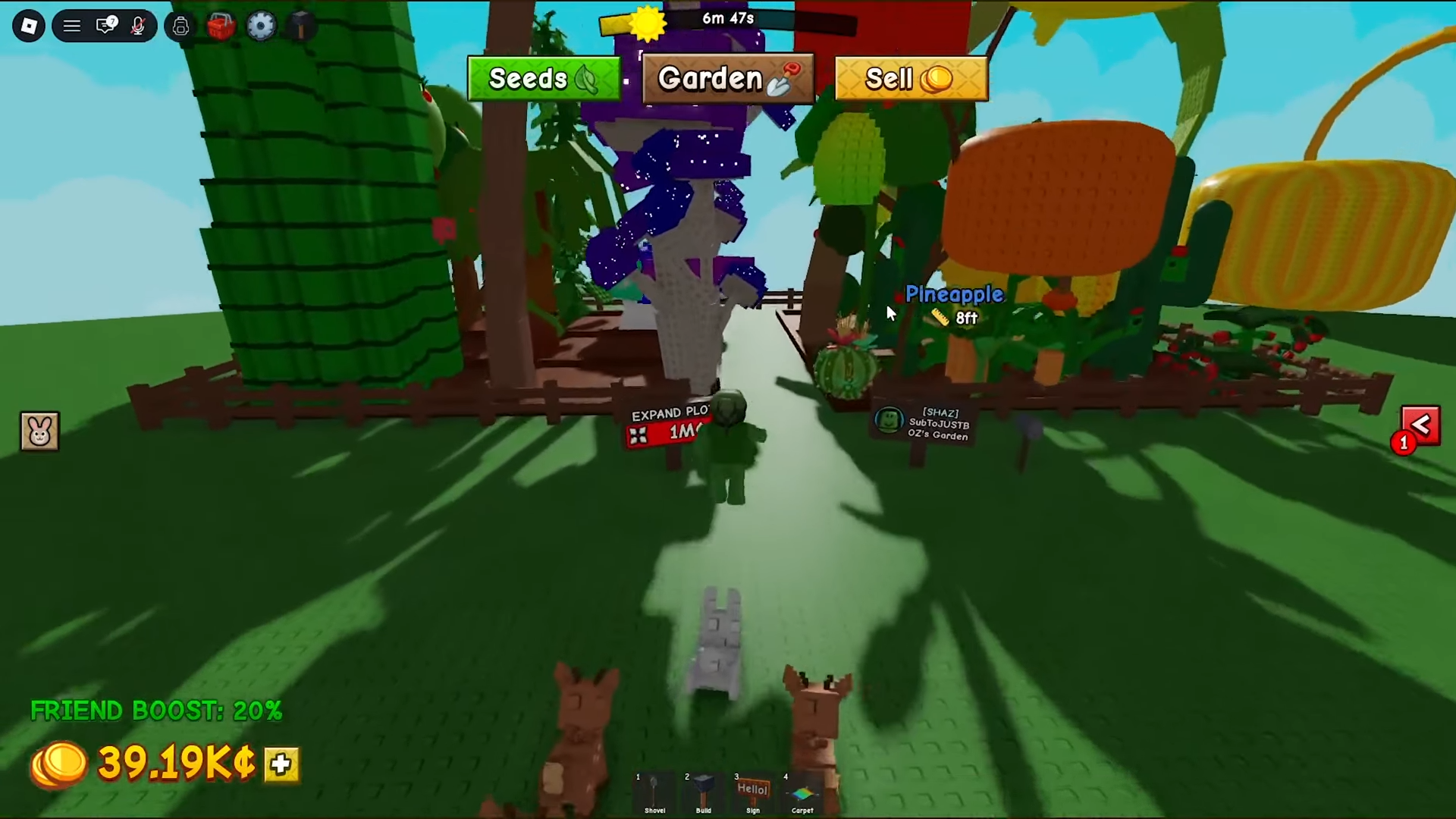
One trap is worth calling out on its own: expanding your garden plot is not the same as expanding your inventory. You can pay at the Expand Garden sign next to your land — the cost is around 250 million of the main currency, but that only buys more planting room. Your backpack capacity stays exactly where it was.
The recurring mistakes all come back to the same roots: assuming the first game’s upgrade methods work here, assuming every item stacks (harvested crops, pets, and rods don’t), and hoarding low-tier items instead of selling them, which forces constant trips back to clear space.
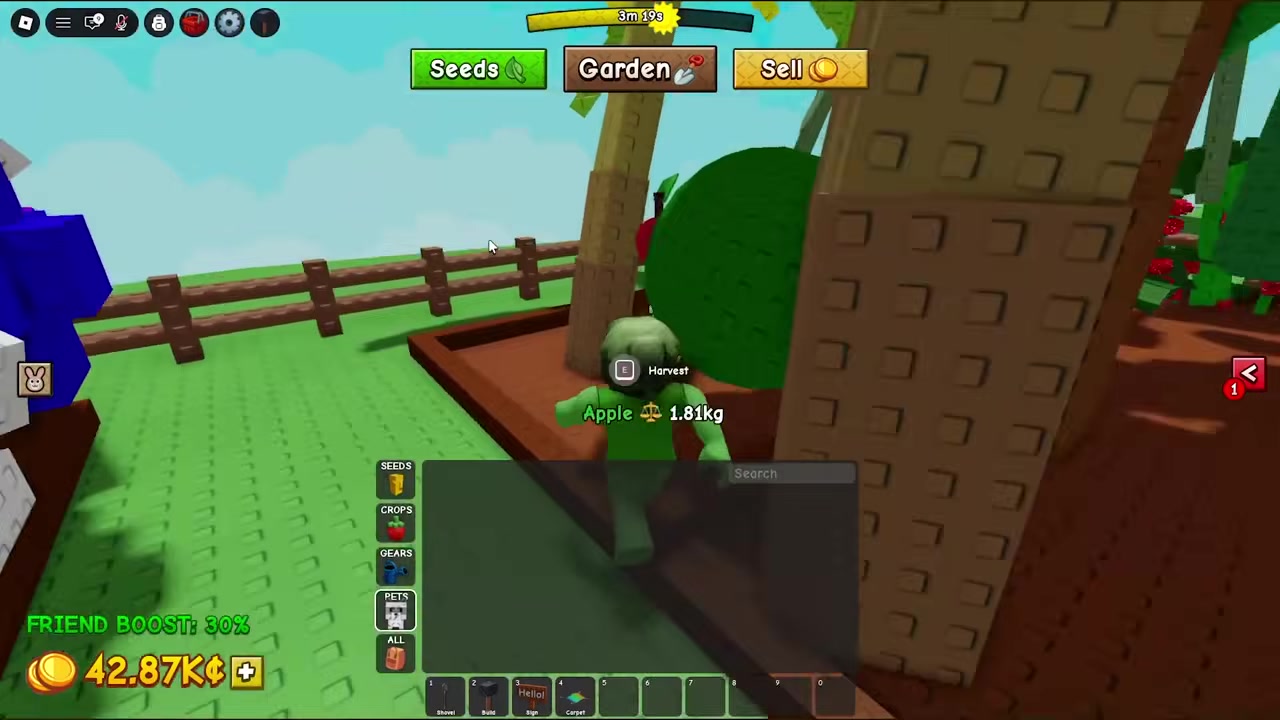
How to open your inventory and upgrade pets in Grow a Garden 2
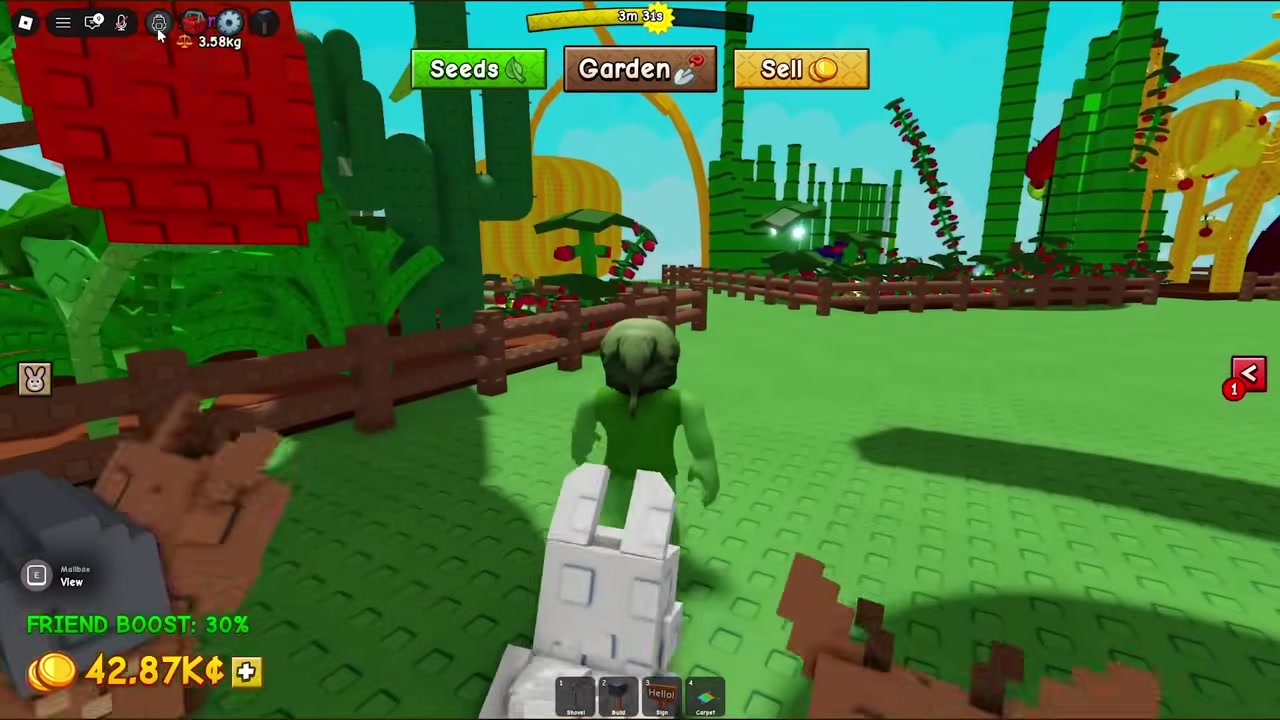
Open the backpack
Select the backpack icon at the top of the screen to bring up the menu.
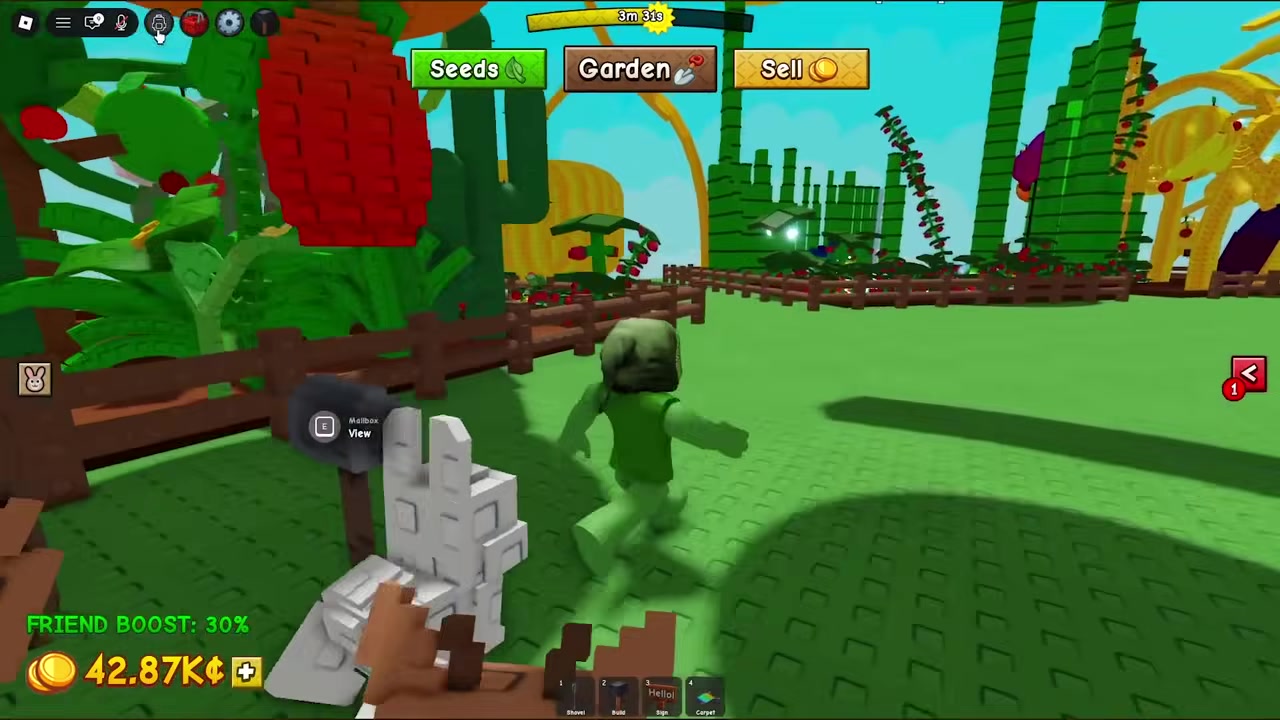
Check your inventory
Your full inventory space shows here, and there’s no slider or button to enlarge this section.
Open the pets menu
Close the inventory and select the pets option instead.
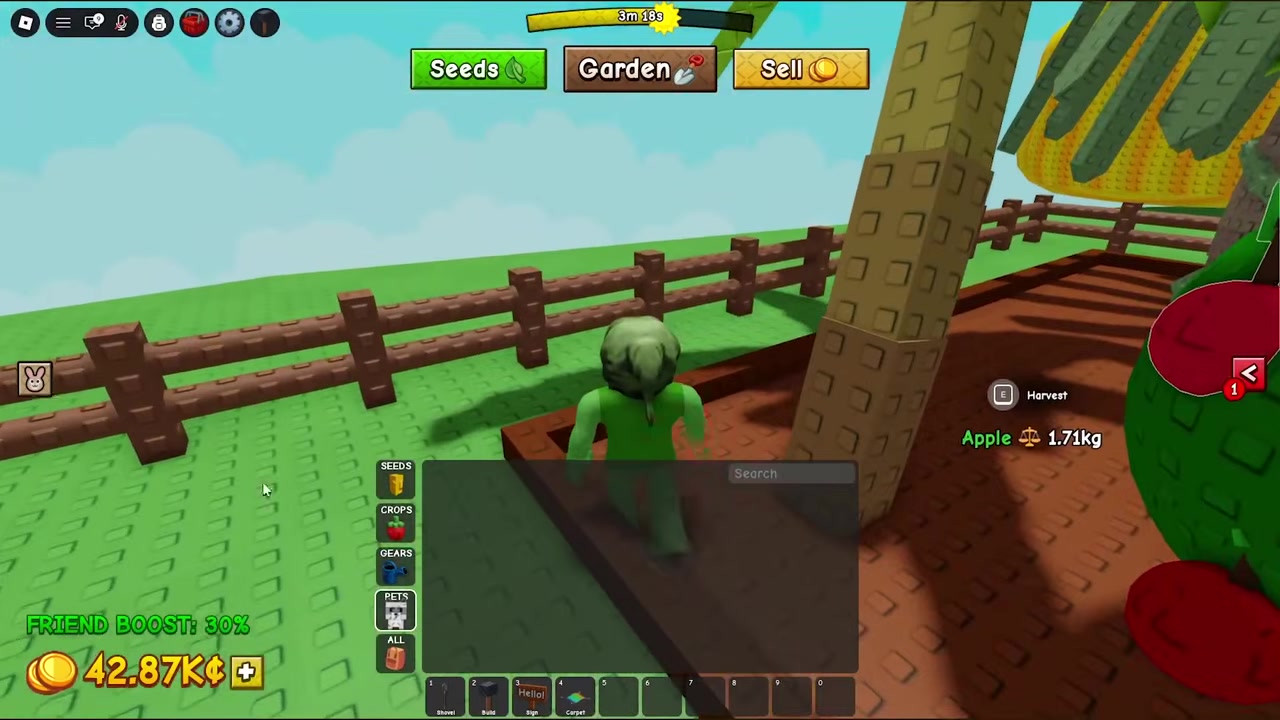
Upgrade your pets
Pay to upgrade pets for added growth, harvest, and speed benefits — not confirmed backpack capacity.
Frequently Asked Questions
Can you buy more inventory or backpack slots in Grow a Garden 2?
No. As of the current version there’s no way to buy extra slots, no coin upgrade, and no item or pass that enlarges the backpack. The size is fixed until the developers add an upgrade option.
Does the Pack Bee increase inventory space in Grow a Garden 2?
The Pack Bee was a first-game system reported to raise capacity there. Whether it’s even obtainable in the sequel — let alone whether it boosts inventory — is not confirmed, so don’t count on it as an expansion method here.
How many items can you hold in Grow a Garden 2?
There’s no verified number for the sequel. Figures like 200 items and a 60-pet limit come from material describing the original game, and community reports conflict with claims of 250 or 350 fruits. Treat all of these as unverified for now.
Does expanding your garden plot add inventory space?
No. Paying at the Expand Garden sign adds physical planting room to your land only. It does nothing to your backpack capacity.
What should you do when your inventory is full?
Sell. Use the teleport buttons at the top of the screen to reach the shop fast, offload your crops and clutter, then head back. Building a steady plant-harvest-sell loop is the most reliable way to keep space open.