Learn how to sell your inventory in Grow a Garden 2 on Roblox using Steven’s stand or the Sell shortcut, plus what to watch before cashing out crops.
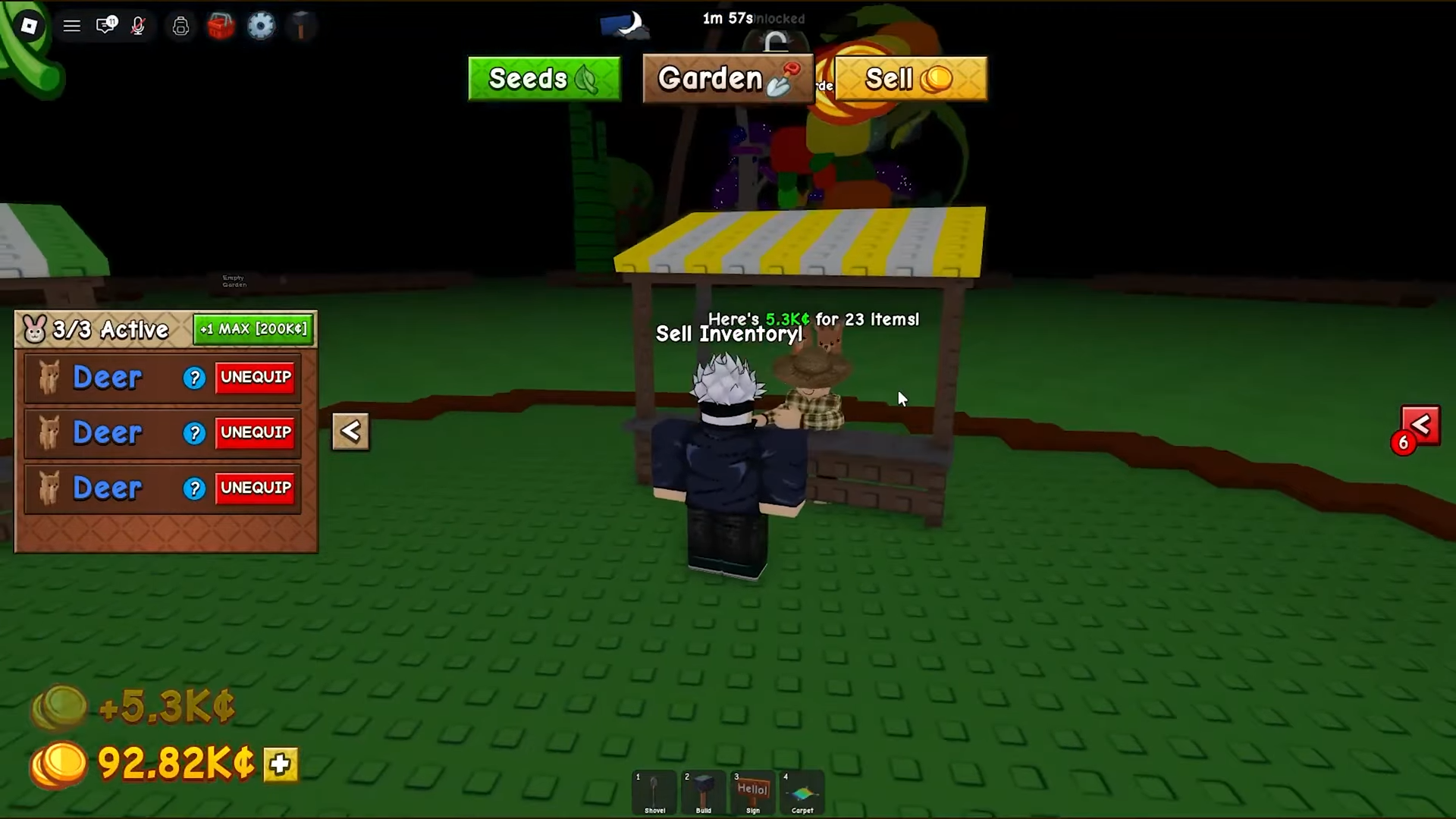
Selling in Grow a Garden 2 is one of the first things you’ll do once your garden starts producing, and the loop is short: collect what’s ripe, get to the seller, and cash out. There are two ways to reach that seller — the Sell shortcut button pinned to the top of your screen, which jumps you straight to the stand, or a walk over to Steven at his Sell Stuff stand near the seed shop. Either route opens the same menu, and the bulk option dumps your whole crop haul in one tap.
To sell your inventory in Grow a Garden 2, harvest your crops, tap the Sell button at the top of the screen (or walk to Steven’s stand), interact with Steven, and choose Sell Inventory to bulk-sell every crop you’re holding for cash.
How to sell your inventory at Steven’s stand in Grow a Garden 2
STEP 1/5
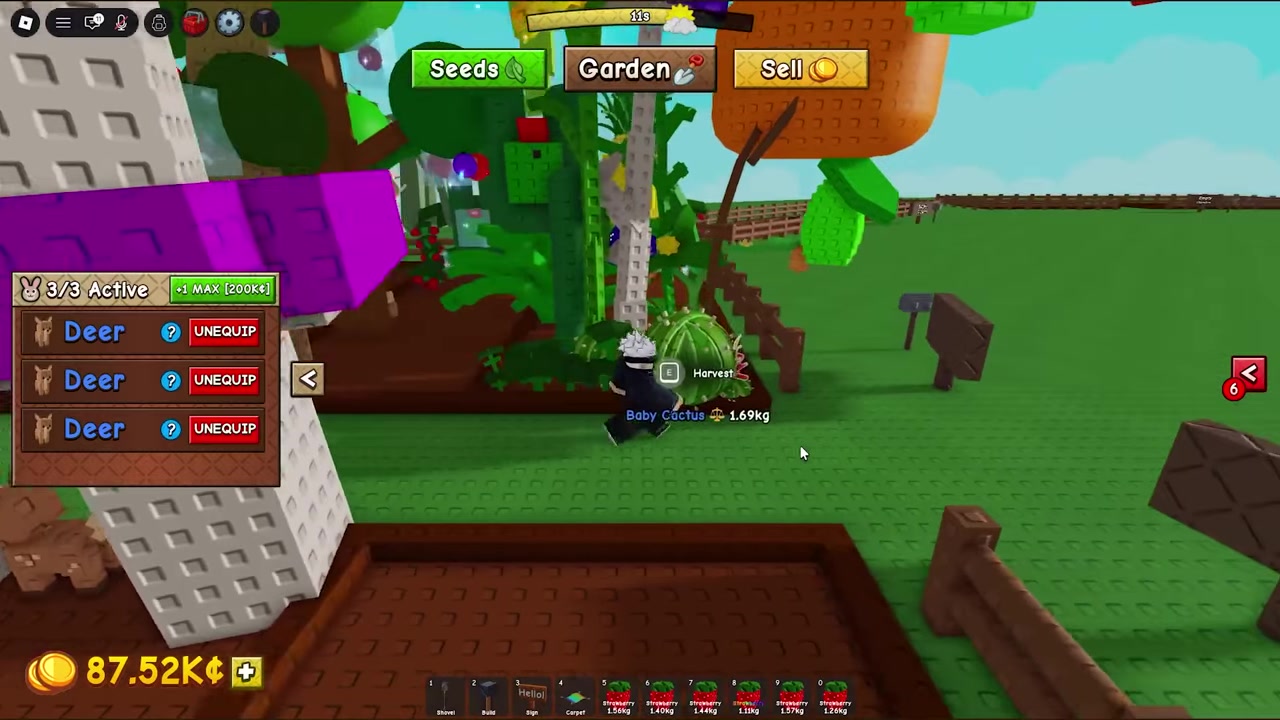
Collect the crops you want to sell
Walk up to your ripe plants and collect everything you intend to sell — strawberries, a baby cactus, whatever you’ve grown.
STEP 2/5
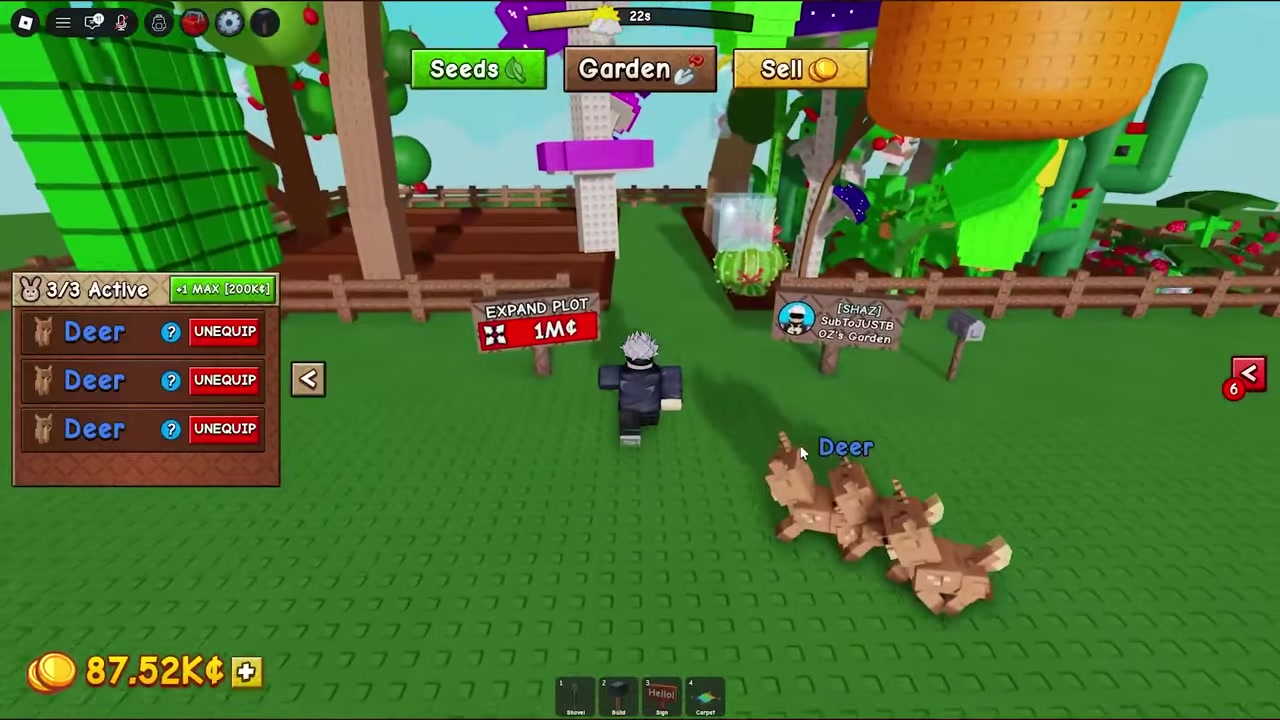
Tap Sell at the top of the screen
Hit the Sell button pinned at the very top, which routes you straight to the seller, or walk to the stand yourself.
STEP 3/5
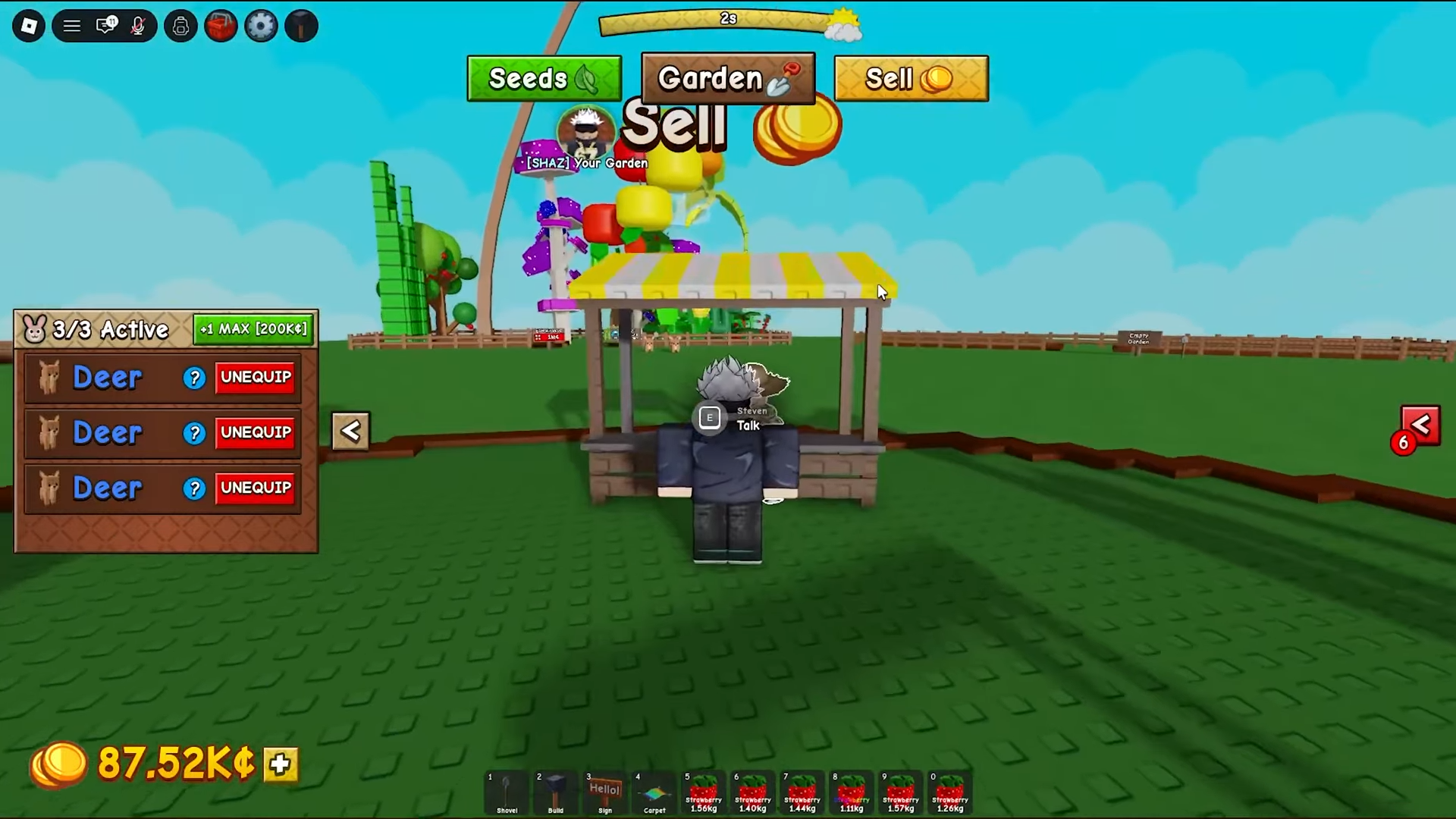
Make your way to Steven
Head over to Steven at the Sell Stuff stand sitting near the seed shop.
STEP 4/5
Interact with Steven
Press E on keyboard or tap the on-screen E prompt to open his sell menu.
STEP 5/5
Choose Sell Inventory
Pick Sell Inventory to sell every crop you’re holding at once — you get cash for each one, then you’re free to buy more seeds.
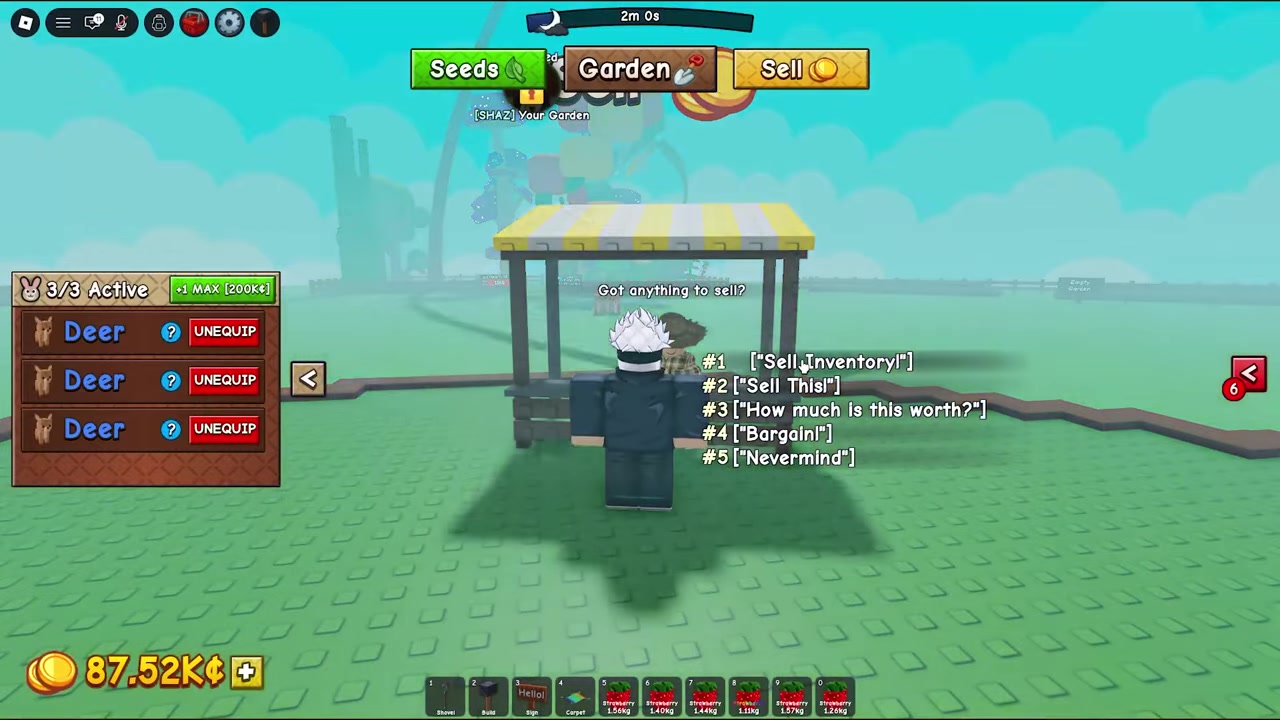
Steven’s menu isn’t a single button — it’s a few choices, and picking the wrong one is the most common way people either sell nothing or sell too much. The big distinction is between the bulk crop sale and selling a single held item. The bulk option only touches crops. Pets and food don’t go through it at all, and neither does a single fruit you’d rather sell on its own — those all run through the held-item option while you’re holding them. A third choice just quotes you a price without selling, which trips up players who expect it to complete the sale.
| Menu option | What it sells | Notes / catch |
|---|---|---|
| Sell Inventory (sell all crops) | Every crop you’re holding, in one go | Crops only — skips pets, food, and any favorited fruits. |
| Sell held item | The single fruit, pet, or food item you’re currently holding | The only way to sell pets and food, or to offload one specific fruit. |
| How much is this worth? | Nothing — it only quotes a value | Checks the held item’s price and reports it back; no sale happens. |
| Cancel | Nothing | Closes the menu with no sale. |
Favorited fruits, the inventory cap, and a money bug to watch
Because Sell Inventory wipes your entire crop haul at once, it’s easy to accidentally clear out something you were saving. The protection players lean on is favoriting — in the first game, favorited fruits are spared from the bulk sale, and that behavior is carries into Grow a Garden 2. If you have a crop you don’t want gone, favorite it before you hit the bulk option rather than trusting the sale to skip it.
There’s also no way to expand your inventory as of now — no purchasable slots, no upgrade item. That makes selling often the practical move; hoarding low-value crops just clogs space you can’t grow. And if you sell and your balance doesn’t seem to climb, simply rejoin the server and check again.
Favorite any fruit you want to keep before you tap Sell Inventory — favorited crops are reportedly skipped by the bulk sale, so favoriting is your safety net against wiping a crop you were saving.
What to grow next to actually make money
Selling is only half the picture — what you grow decides how much each sale is worth. Early on, tulips work as a cheap, fast starter to get income moving, but they’re not where the real money is. The usual progression points players toward bamboo as the main moneymaker, especially once you add sprinklers to cut down on manual watering and keep a high-value plot productive while you’re busy elsewhere.
Two things stretch the value of whatever you sell: mutations and crop size. A larger crop or a mutated one sells for more than a plain one, so it’s often worth letting a high-tier plant develop rather than selling the moment it’s ripe.
Frequently Asked Questions
Why didn’t my money go up after I sold?
Two things could be happening. Some players report a glitch where the balance doesn’t appear to rise after a sale — there’s no confirmed official fix, but rejoining the server is the common workaround and usually shows the correct total. The other possibility is that nothing’s broken: early-game income is deliberately slow, so a small bump can just be normal progression rather than a bug.
Can I sell pets or food with Sell Inventory?
No. The bulk Sell Inventory option only sells crops. To sell a pet or a food item, hold it and choose the sell held item option instead — that’s the route for fruits, pets, and food sold one at a time.
How do I protect crops from being sold?
Favorite the crops you want to keep. Favorited fruits are spared from the bulk sale, the same way they are in the first game, so favoriting before you hit Sell Inventory is the way to avoid clearing out something you wanted to hang onto. It’s presumed but not yet fully confirmed for Grow a Garden 2.
Can I make my inventory bigger?
Not right now. As of now there’s no way to increase inventory size — no purchasable slots or upgrades. The fix is to sell often and avoid hoarding low-value crops so you don’t run out of room.
What’s the best crop to sell for money?
Tulips are a solid cheap starter to get income flowing, then most players move to bamboo as the main earner, paired with sprinklers for less manual watering. Mutations and a larger crop size both raise what a crop sells for, so those are the multipliers to chase once you’re established.