What to know
- Transport Drones unlock through Tier 4 Research after progressing far enough in the game’s technology tree.
- Each drone requires Cobalt, Iron, Copper, and Silicon crafted at the Energy Crafting Table.
- Drone pads must be powered and named before they can be assigned to remote resource locations.
- Once assigned, drones continuously collect and deliver resources automatically, reducing manual travel.
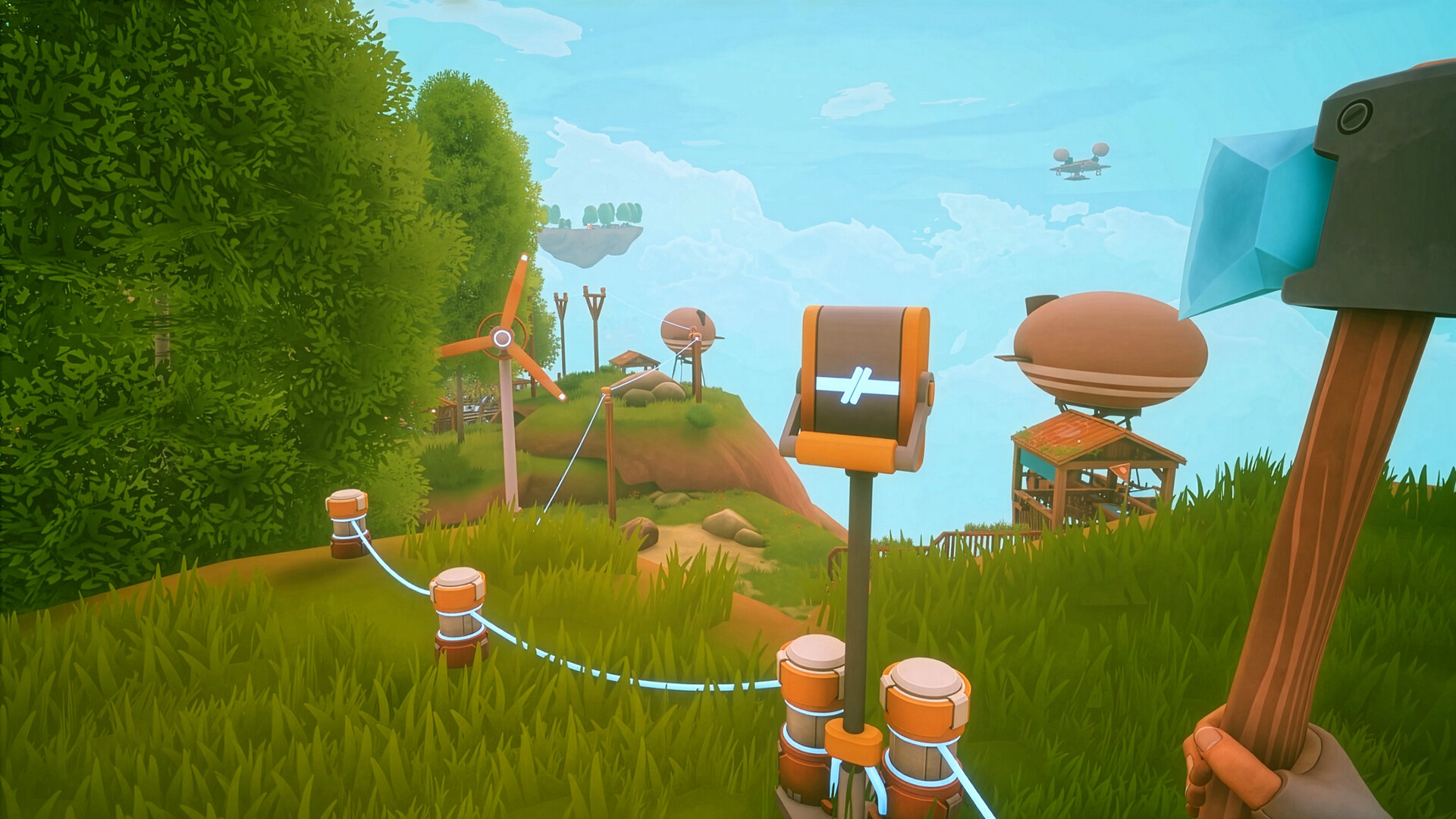
If you are expanding your automation network in Solarpunk, Transport Drones are one of the most useful upgrades available. They allow you to move resources from distant islands, mining operations, and storage systems back to your main base without constant player involvement. This makes large-scale production significantly easier as your world grows.
Quick overview of Transport Drones
| Feature | Details |
|---|---|
| Unlock Requirement | Tier 4 Research |
| Blueprint Source | Merchant |
| Crafting Station | Energy Crafting Table |
| Primary Purpose | Automated resource transportation |
| Power Required | Yes |
| Assignment Method | Through drills or storage chests |
| Resource Collection | Automatic and continuous |
| Can Be Disabled | Yes, using a lever-controlled power system |
How to unlock the Transport Drone in Solarpunk
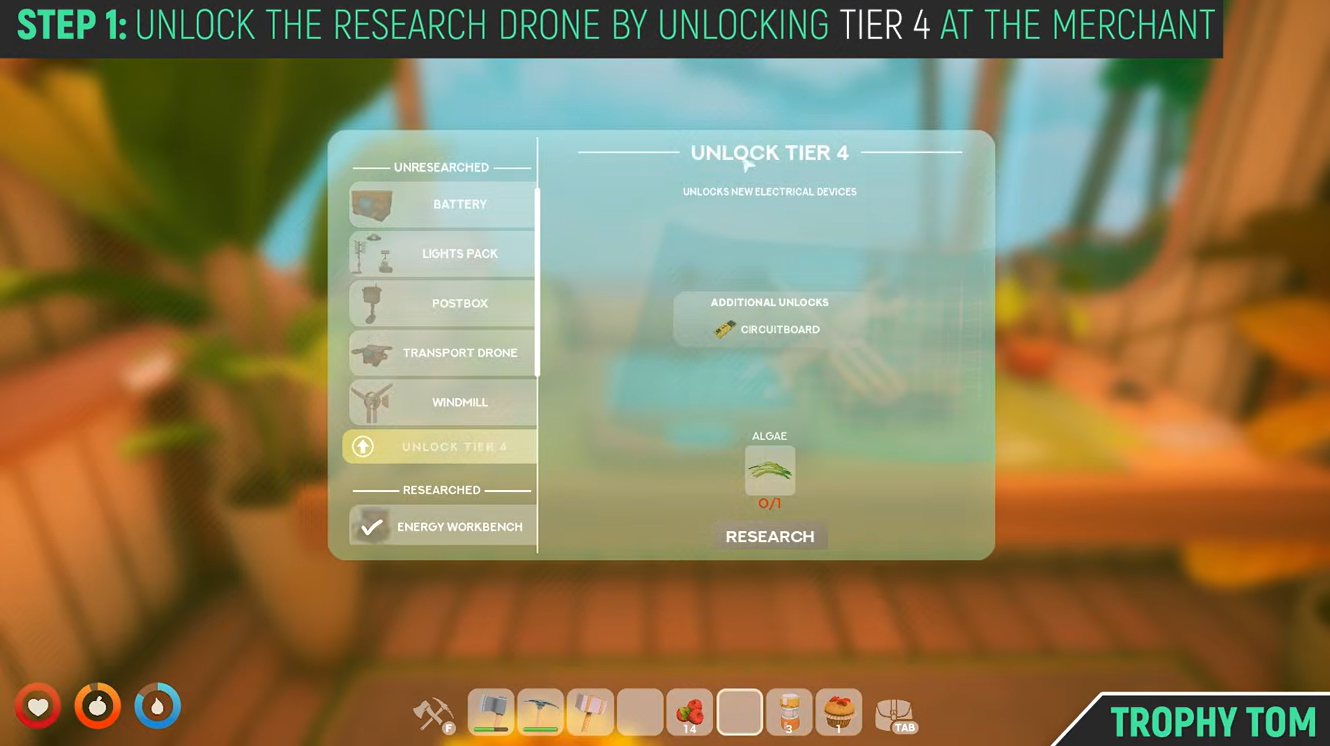
Before you can craft a Transport Drone, you must gain access to Tier 4 Research.
Step 1
Visit the merchant and purchase or unlock the Tier 4 Research tier. Once unlocked, the Transport Drone blueprint becomes available for crafting.
Crafting requirements
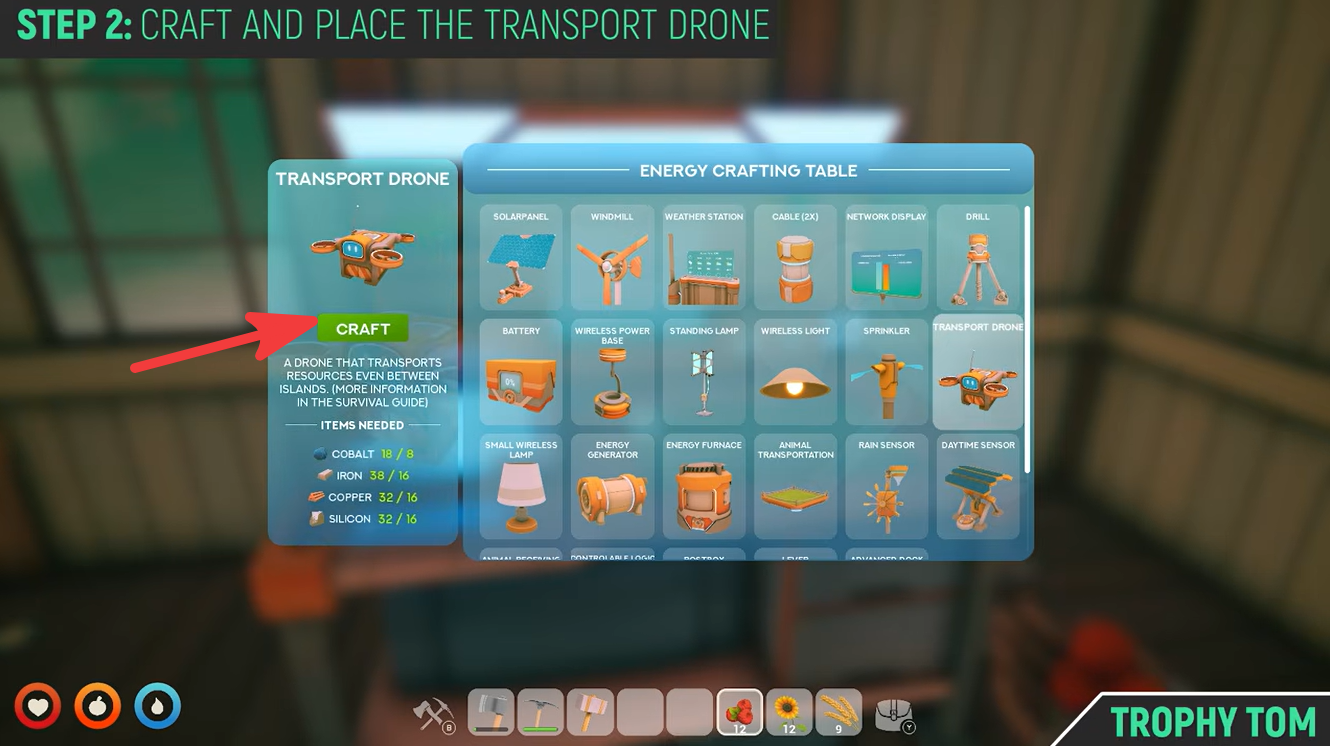
After unlocking the blueprint, head to your Energy Crafting Table and gather the following materials:
| Material | Quantity |
|---|---|
| Cobalt | 16 |
| Iron | 32 |
| Copper | 16 |
| Silicon | 16 |
Step 2
Open the Energy Crafting Table and craft the Transport Drone Pad using the required resources.
How to set up a Transport Drone
Once crafted, the drone must be properly configured before it can start transporting resources.
Step 3
Place the drone pad somewhere at your base.
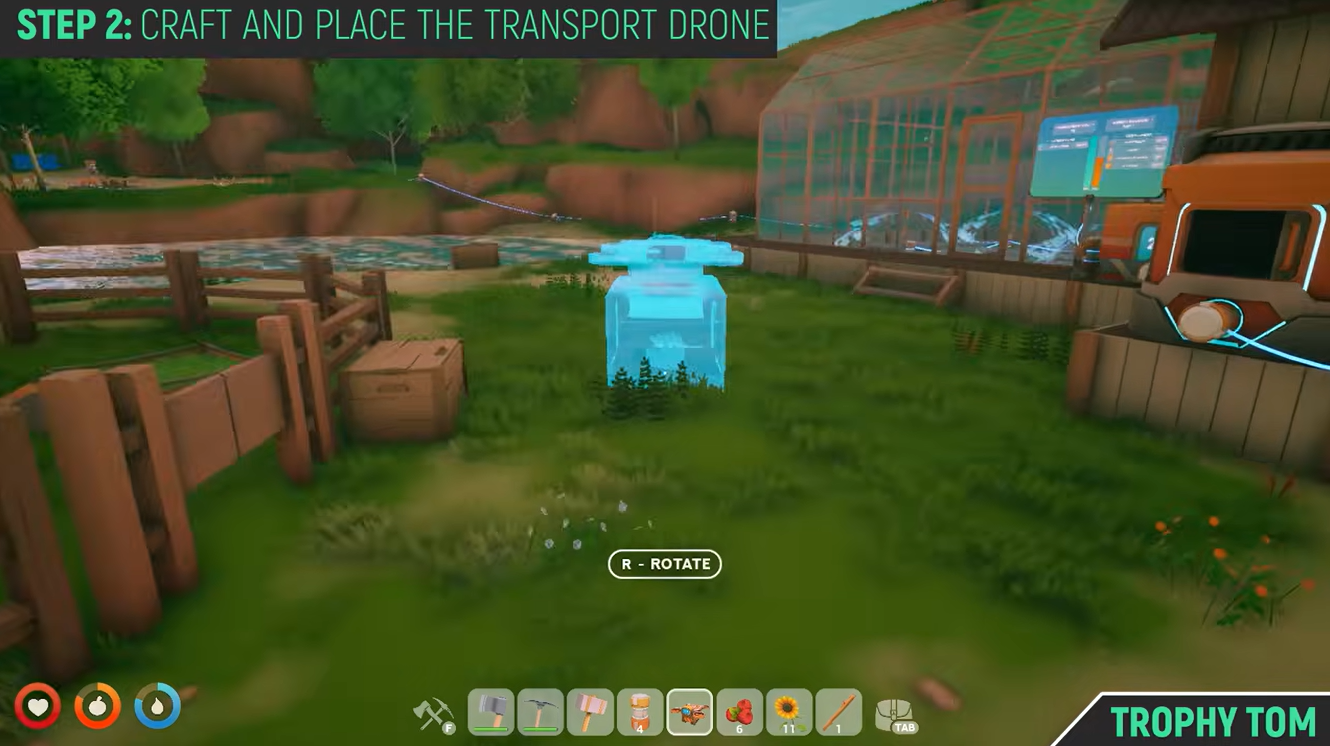
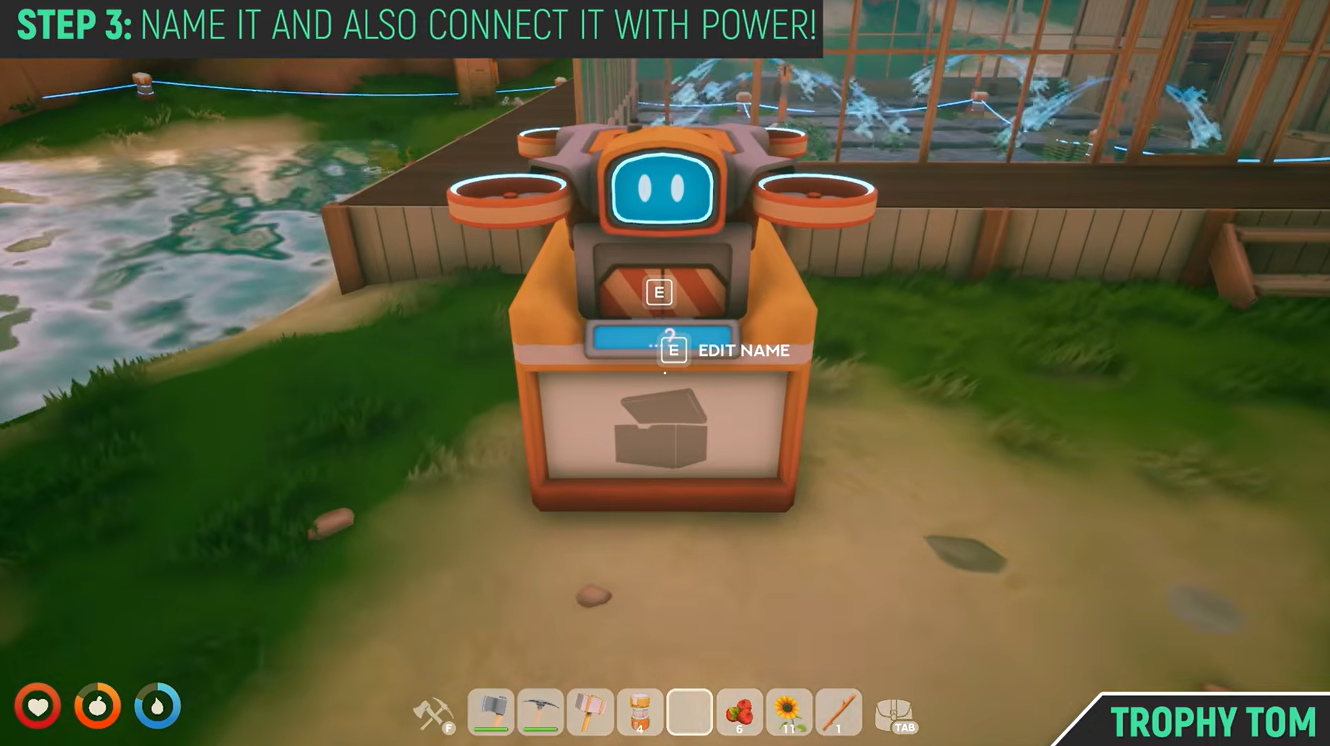
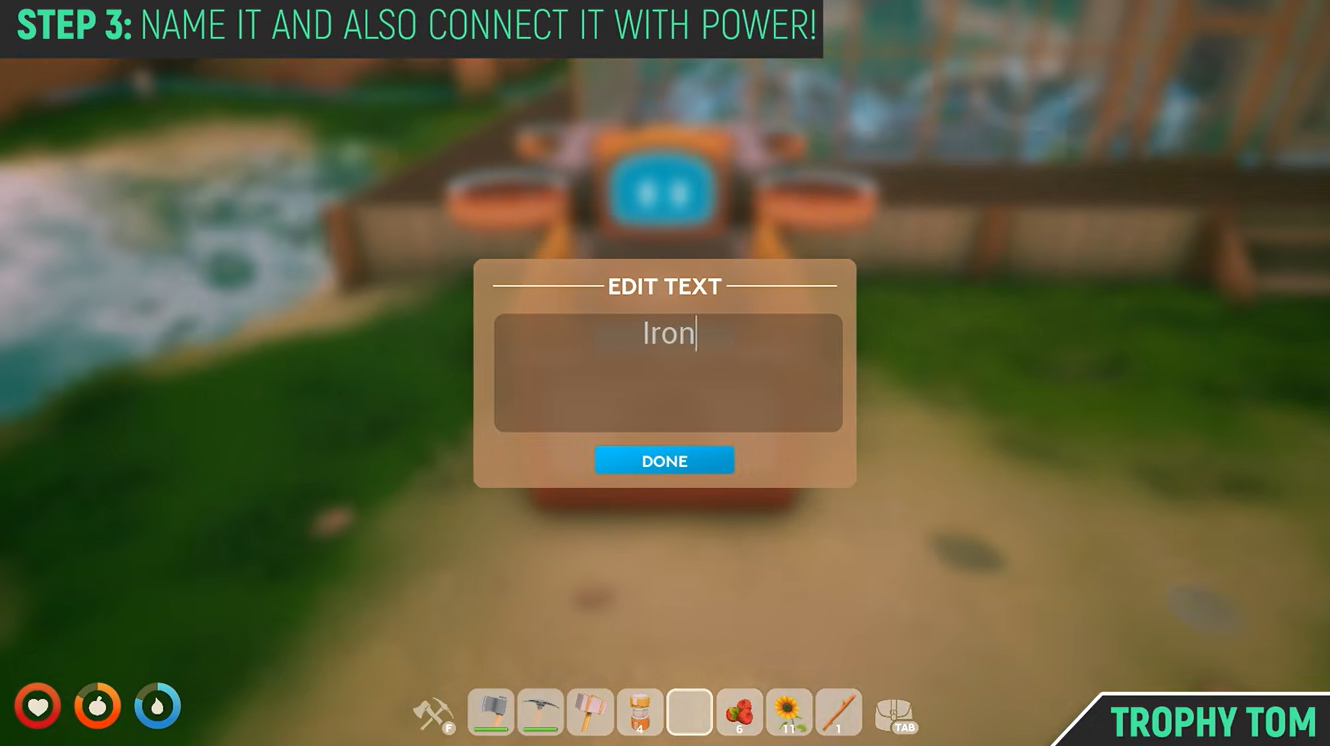
Give the pad a name based on the resource you want it to handle. For example:
| Resource | Suggested Drone Name |
|---|---|
| Iron Ore | Iron |
| Copper Ore | Copper |
| Coal | Coal |
| Silicon | Silicon |
Naming helps identify the correct drone when assigning it to remote locations.
Step 4
Connect the drone pad to a power source using electrical cables. Without power, the drone will not operate.
You can connect multiple drone pads into your existing power grid or automation network.
How to assign a drone to a remote drill
After the drone pad is powered and named, travel to the drill, miner, or storage chest you want the drone to service.
Step 5
Interact with the remote drill or storage chest.
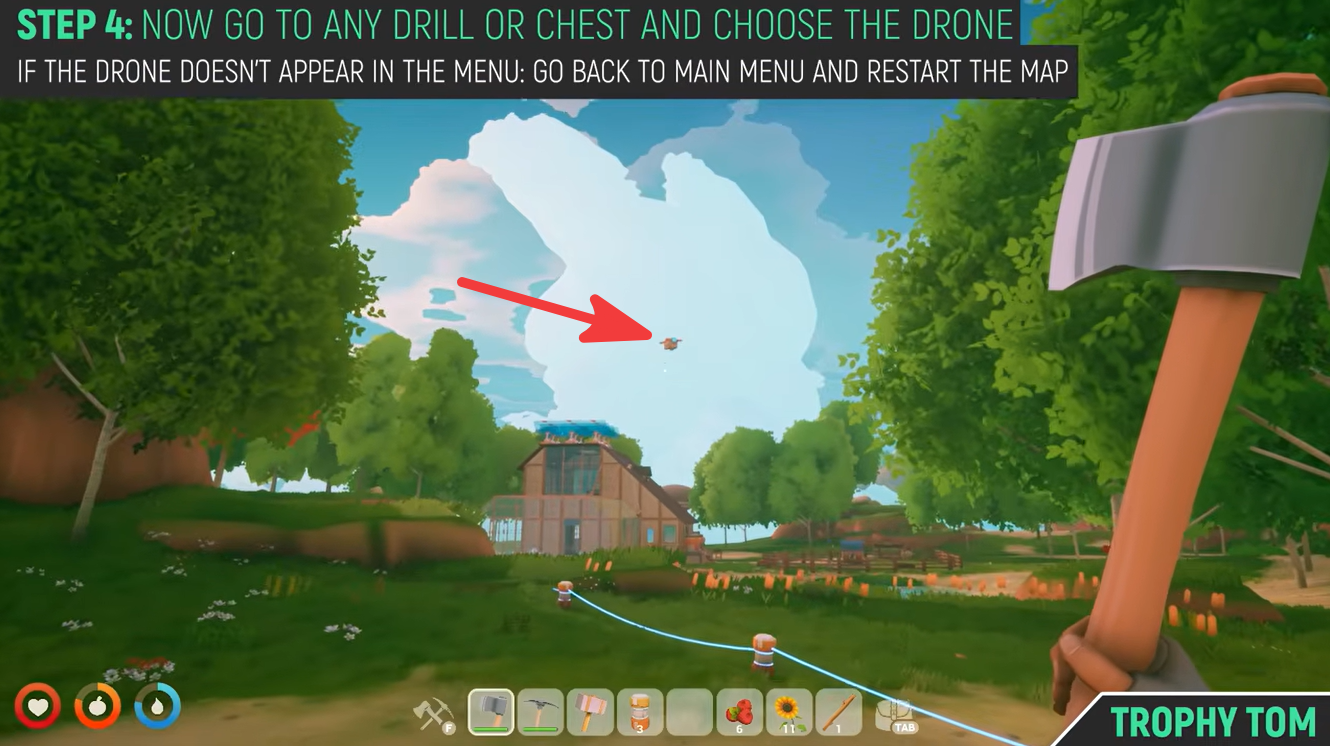
A menu will appear showing available drones.
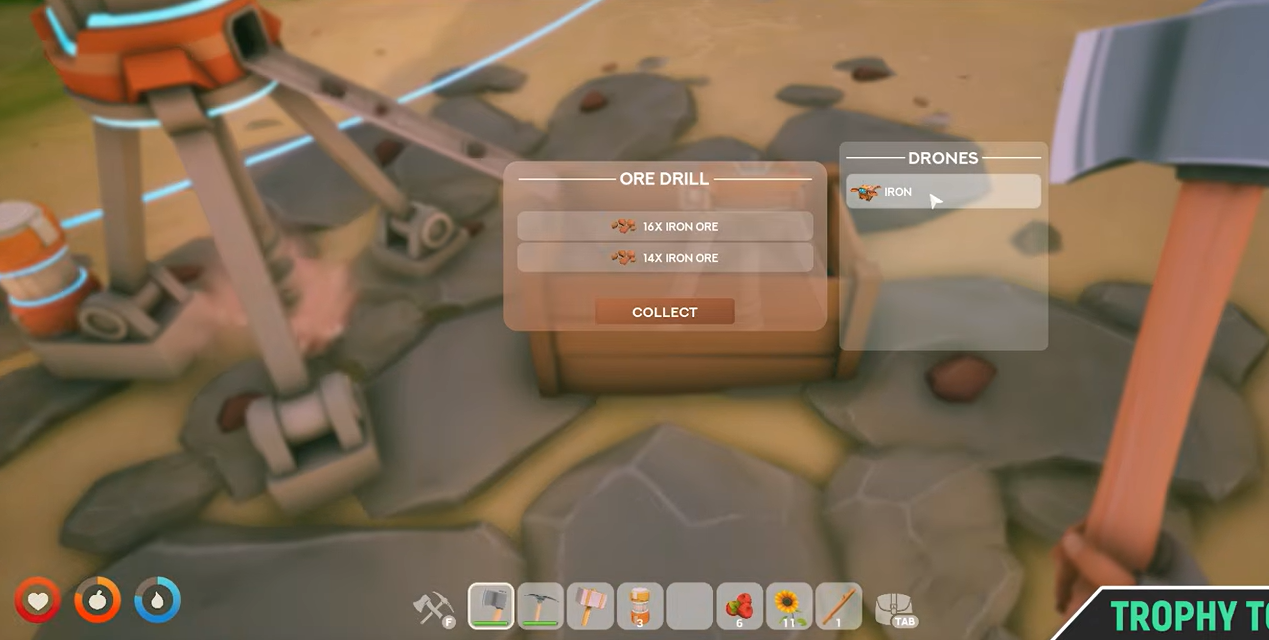
Select the drone whose name matches the resource you want transported.
Once assigned, the drone begins operating automatically.
What happens after assignment
The Transport Drone creates a fully automated logistics loop. The drone will:
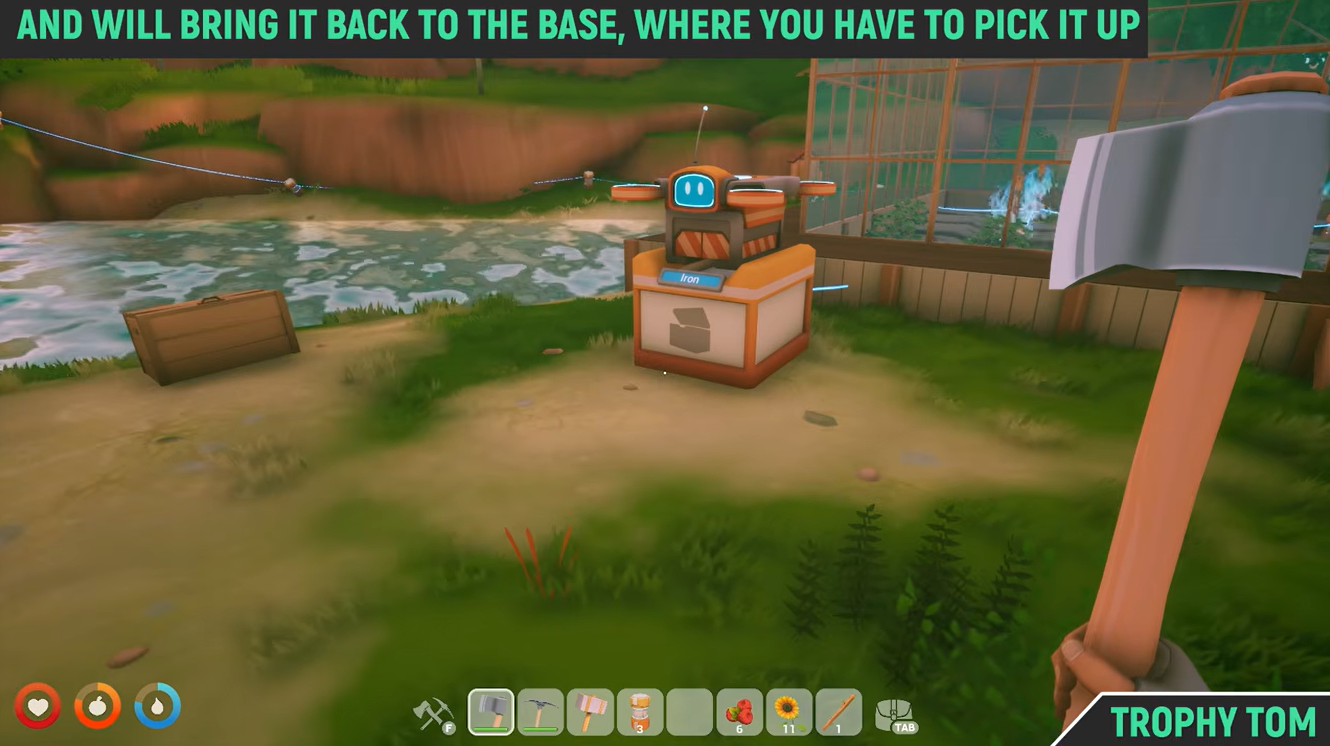
- Fly from its pad at your base.
- Travel to the assigned drill or storage location.
- Collect available resources.
- Return to its home pad.
- Deposit the resources.
- Repeat the cycle indefinitely.
As long as power remains available and resources continue to be produced, the drone will keep working without further input.
Managing power efficiently
Transport Drones consume energy while operating, so managing your power network becomes important as your automation system grows.
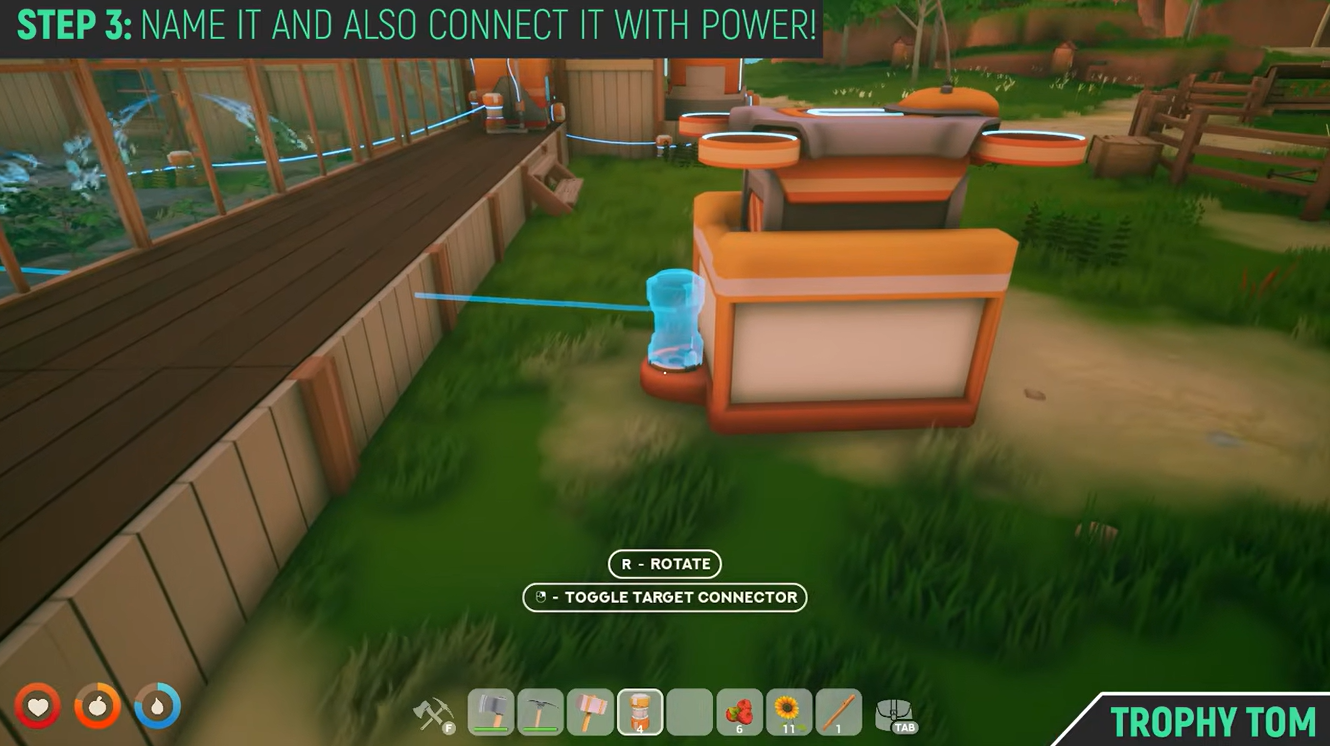
A useful strategy is connecting drone pads to levers or switches.
For larger bases, creating separate power circuits for different resource types can help improve efficiency.
Fixing common Transport Drone issues
Sometimes the drone may not appear in the assignment menu when interacting with a chest or drill. If this happens:
- Save your game.
- Exit to the main menu.
- Reload your world.
- Return to the drill or chest.
- Check the assignment menu again.
This refresh usually resolves the issue and makes the drone available for selection.
Why Transport Drones are worth using
Transport Drones become increasingly valuable once your resource operations spread across multiple islands. Instead of manually ferrying materials between locations, you can create a fully automated supply chain that continuously delivers resources back to your production hub.
They are especially useful for gathering high-demand materials such as Iron, Copper, Silicon, and Cobalt while you focus on building, researching, and expanding your floating settlement.
| Stage | Action |
|---|---|
| Production | Drill mines resource |
| Storage | Resource enters drill inventory/chest |
| Collection | Drone travels to location |
| Transport | Drone carries resources |
| Delivery | Resources arrive at drone pad |
| Repeat | Cycle continues automatically |
Transport Drones are one of the biggest quality-of-life upgrades in Solarpunk. After unlocking Tier 4 Research and crafting a drone pad, you can automate resource transportation across your world and eliminate much of the manual hauling required in the early game. Proper naming, power management, and assignment setup ensure your logistics network runs smoothly and efficiently.