What to know
- Solarpunk supports co-op multiplayer through hosted game sessions.
- You must host your world first before inviting anyone.
- Invites are sent through your Steam friends list.
- Friends can join directly from the Steam invitation notification.
After spending time building sky islands, automating farms, and upgrading your airship, you may want to share the experience with friends. Solarpunk includes a straightforward multiplayer system that allows you to host your existing world and invite Steam friends into your game.
| Feature | Details |
|---|---|
| Multiplayer Type | Co-op Multiplayer |
| Platform Requirement | Steam Friends |
| Host Needed | Yes |
| World Progress | Uses the host’s world |
| Maximum Players | Depends on game version and host performance |
| Invite Method | Steam Friend Invitations |
| Menu Access | Escape (ESC) Menu |
How multiplayer works in Solarpunk
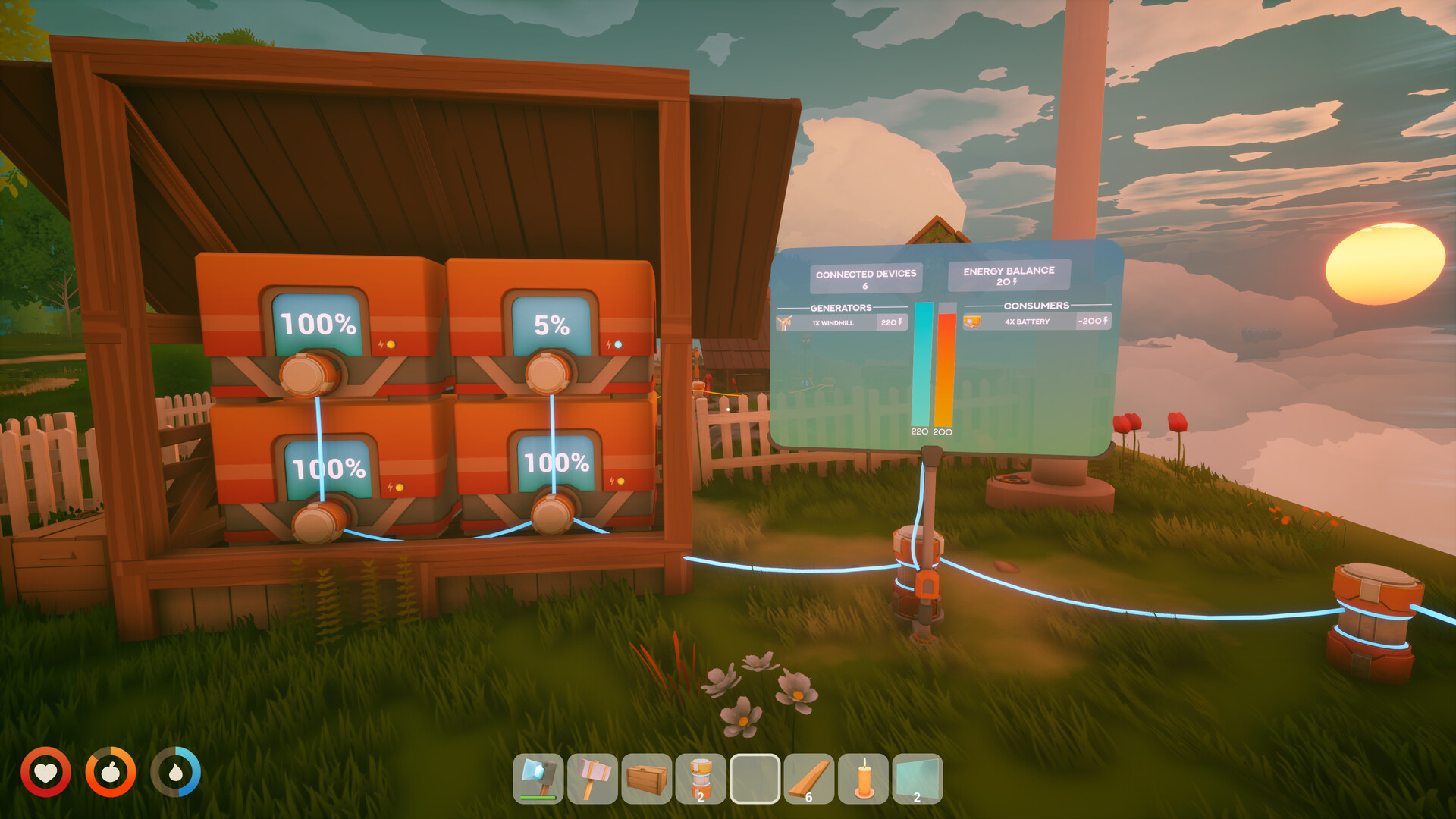
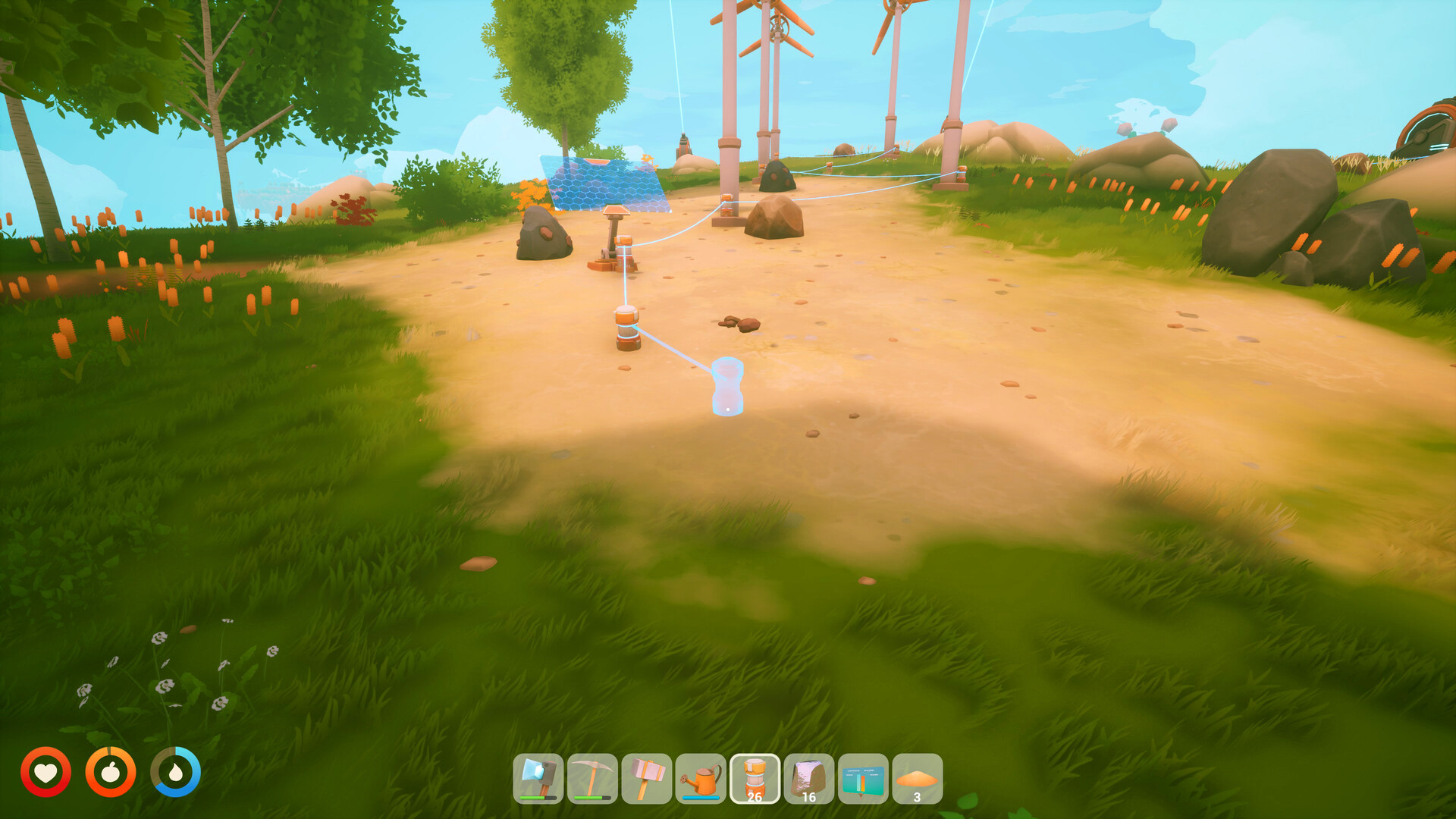
In Solarpunk, one player acts as the host and opens their world for multiplayer. Other players join the host’s world through Steam invitations. All players share the same environment, allowing them to build structures, explore islands, gather resources, and work on automation projects together.
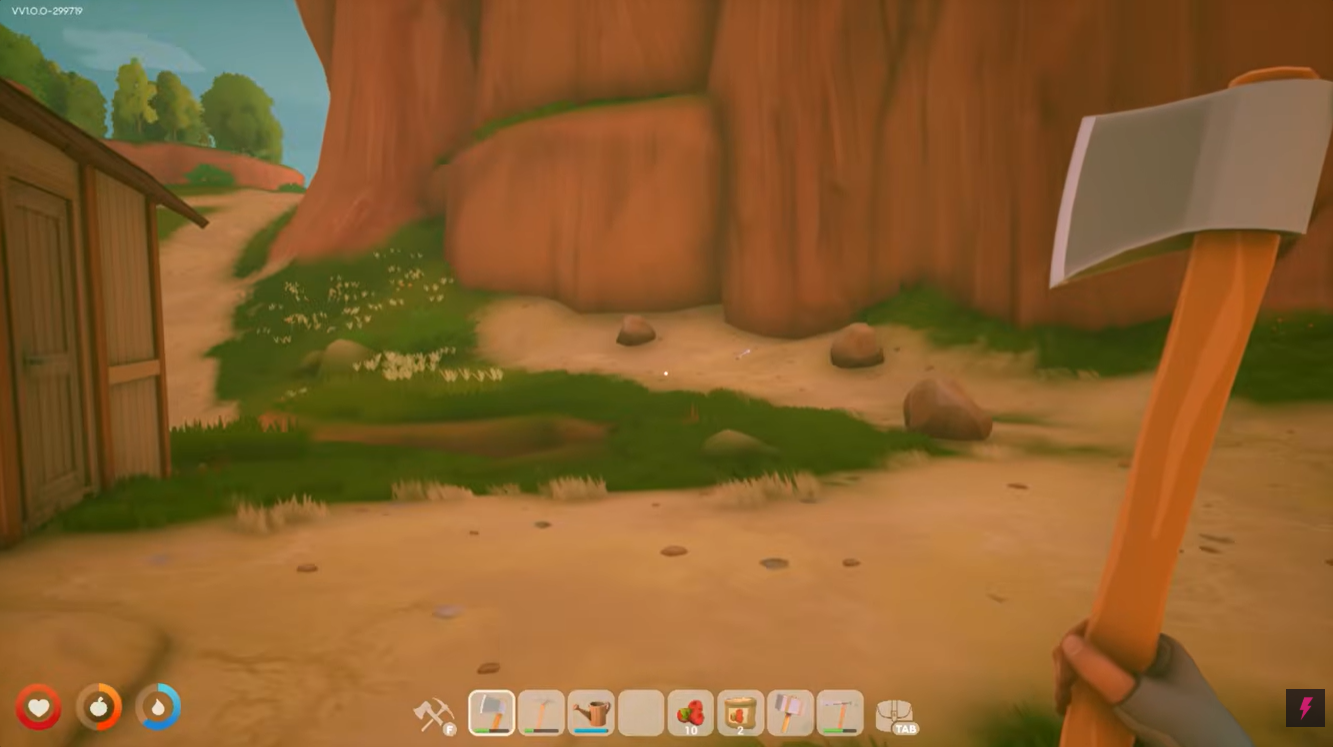
The world progression remains tied to the host’s save file, meaning any changes made during the session are saved to the host’s world.
How to invite friends in Solarpunk
Step 1
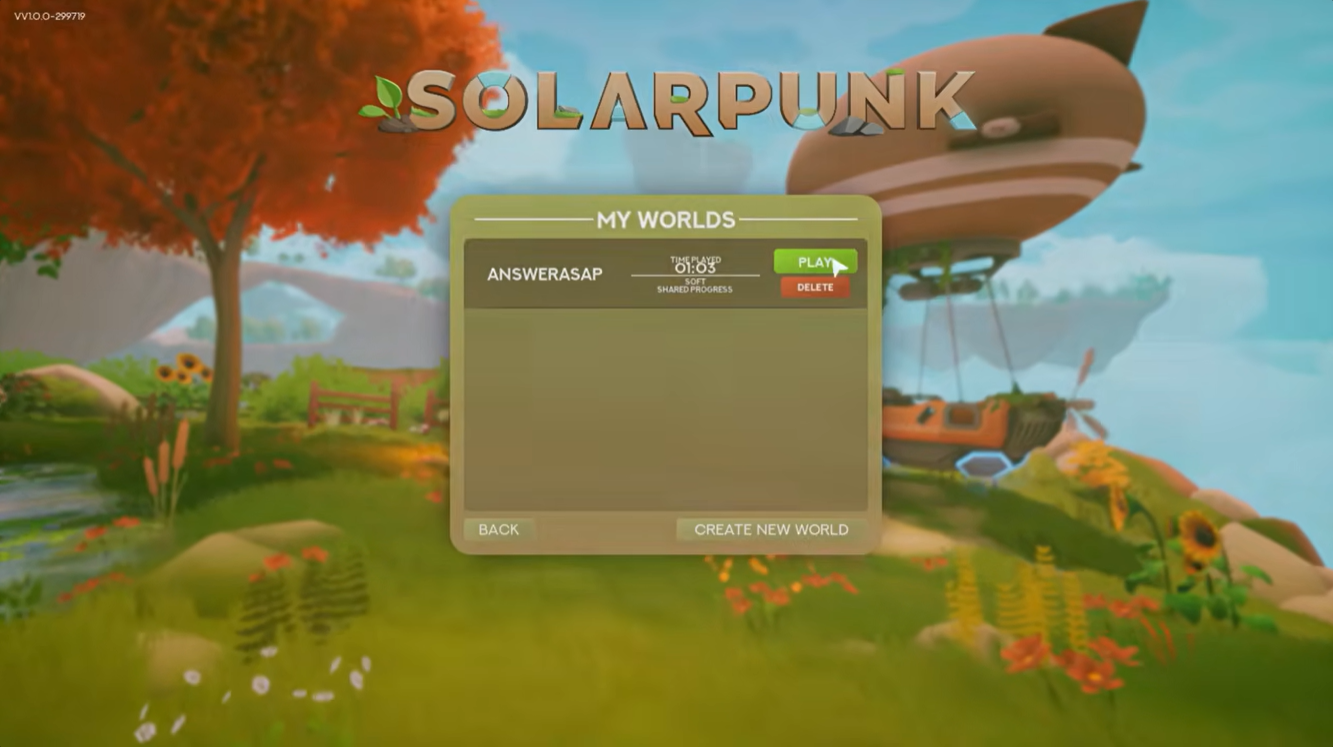
Launch Solarpunk and load the world you want to play in.
From the main menu, click Play and enter your existing save or create a new world.
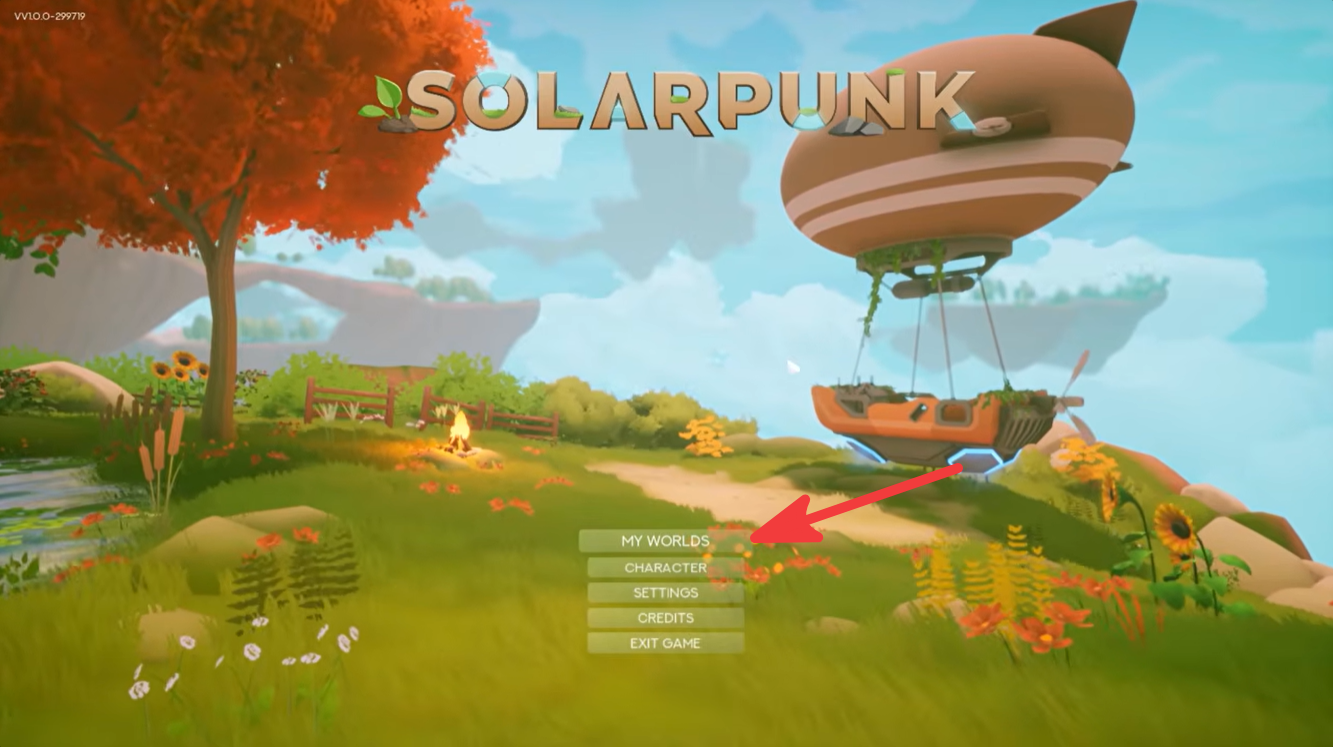
Step 2
Once you are inside the game world, press the ESC key on your keyboard.
This opens the pause menu where multiplayer options are located.
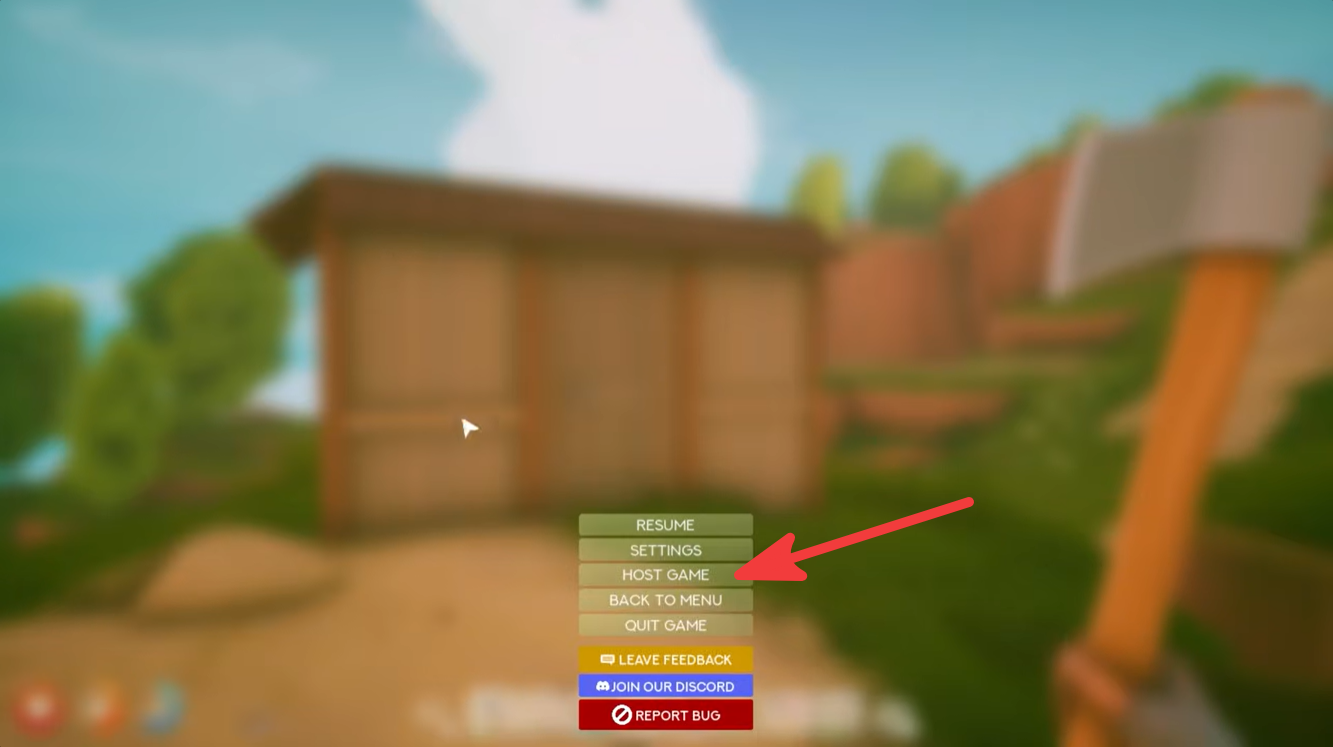
Select Host Game.
The game will activate multiplayer mode and turn your current world into a joinable session.
Step 3
Press ESC again after hosting.
You should now see an Invite Friends option in the menu.
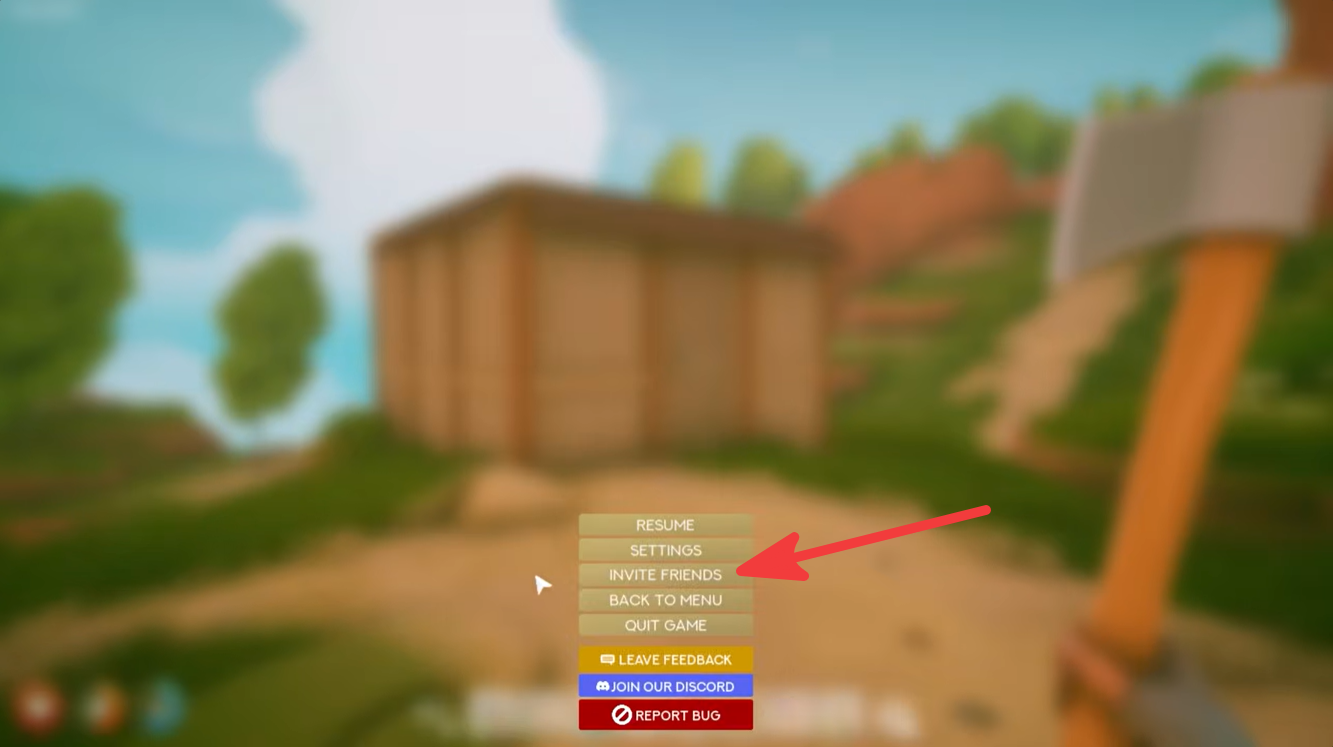
Click Invite Friends.
A Steam friends list window will appear showing players currently available on your friends list.
Step 4
Select the friends you want to play with and send the invitations.
Your friends will receive a Steam invite notification that allows them to join your hosted world directly.

Wait for your friends to connect.
Once they accept the invitation, they will spawn into your world and can begin playing alongside you.
What friends can do in your world
Players who join your session can participate in most core gameplay activities, including:
| Activity | Available in Co-op |
|---|---|
| Building Structures | Yes |
| Gathering Resources | Yes |
| Farming | Yes |
| Exploring Islands | Yes |
| Airship Travel | Yes |
| Automation Systems | Yes |
| Crafting | Yes |
Working together can significantly speed up progression, especially when gathering rare materials, constructing large bases, or expanding automation networks.
Troubleshooting multiplayer issues
Friend cannot see the invite
Make sure both players are friends on Steam and have Steam running online. Restarting Steam can also refresh invitation services.
Invite option does not appear
Verify that you selected Host Game first. The Invite Friends button typically becomes available only after the world has been hosted.
Friend cannot join
Check that both players are running the same game version and that the host’s internet connection is stable. Firewall or antivirus software may occasionally interfere with multiplayer connections.
Session disconnects
Network instability is usually the cause. Having the host restart the session and send a new invitation often resolves the problem.
Solarpunk’s multiplayer system is intentionally simple: load your world, host the game, and invite friends through Steam. Once connected, everyone can collaborate on farming setups, automated factories, airship adventures, and massive floating island projects. If you’re planning large-scale builds or resource-heavy upgrades, co-op play can make progression much faster and more enjoyable.