What to know
- Wireless Lights work automatically when placed within the coverage area of a powered Wireless Power Base.
- The Wireless Power Base must be connected to your electricity network and linked to a Controllable Logic Block.
- Wireless lighting is ideal for greenhouses, crop farms, workshops, and large bases.
- Using wireless power eliminates the need for complex cable layouts and keeps builds cleaner.
If you are tired of running cables across every room in Solarpunk, the Wireless Power Base and Wireless Light system offers a much cleaner solution. Once configured correctly, a single powered base can control multiple lights within its coverage radius, making it especially useful for greenhouses and larger structures.
Quick overview of the wireless power system
| Feature | Details |
|---|---|
| Main Device | Wireless Power Base |
| Secondary Device | Wireless Light |
| Purpose | Wirelessly powers lights within range |
| Power Source | Connected generator or electrical grid |
| Additional Requirement | Controllable Logic Block |
| Best Use Cases | Greenhouses, farms, workshops, houses |
| Direct Wiring Needed for Lights | No |
| Coverage Area | Blue radius around Power Base |
Crafting requirements
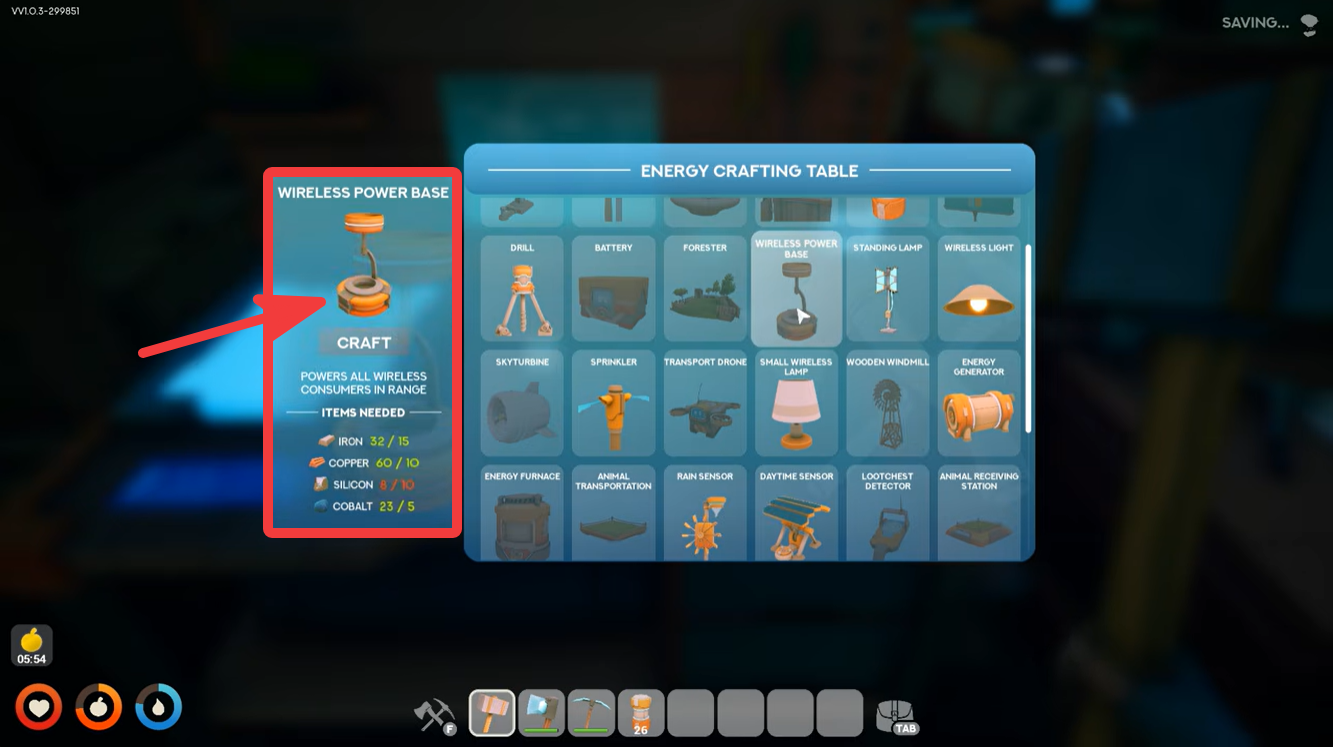
Before setting up the system, you must craft both components at the Energy Crafting Table.
| Item | Materials Required |
|---|---|
| Wireless Light | 32 Iron, 40 Copper, 23 Cobalt |
| Wireless Power Base | 52 Iron, 80 Copper, 15 Silicon, 12 Cobalt |
Because the Wireless Power Base is significantly more expensive than a single light, it is generally best to place it in a central location where it can cover as many lights as possible.
How the wireless lighting system works
The Wireless Power Base acts as a transmitter. Instead of connecting cables directly to every light fixture, you only need to power the base itself. Any Wireless Light placed within the base’s active radius will automatically receive power.
When powered, the base displays a blue coverage ring. Any compatible wireless device inside this area can connect without additional wiring.
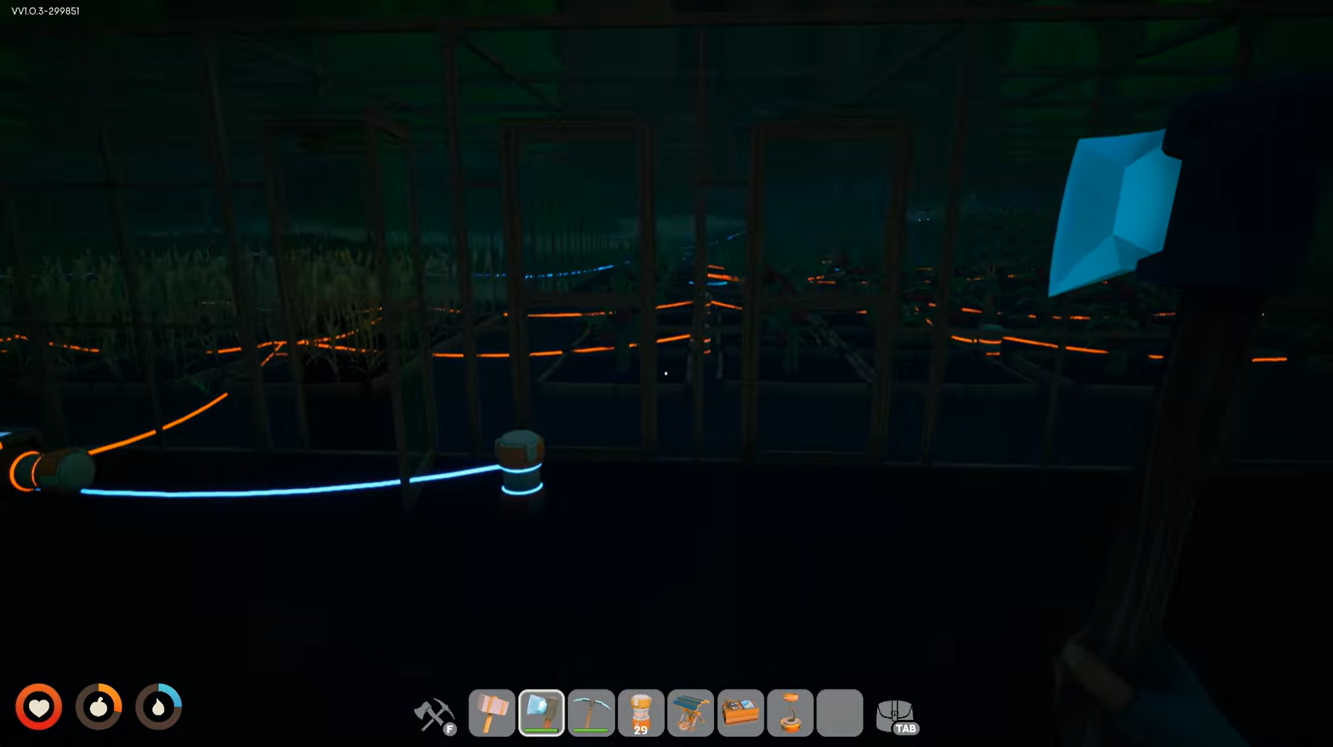
This setup dramatically reduces cable clutter and makes expanding your base much easier.
How to set up Wireless Power Base and Wireless Lights
Step 1
Place the Wireless Power Base in the area you want to illuminate.
For greenhouses, placing it near the center usually provides the best coverage. For large bases, choose a location that covers the most rooms possible.
Step 2
Connect the Wireless Power Base to your power network.
Run a cable from your generator, battery system, or main electrical grid directly into the base’s power input. Without this connection, the wireless system cannot function.
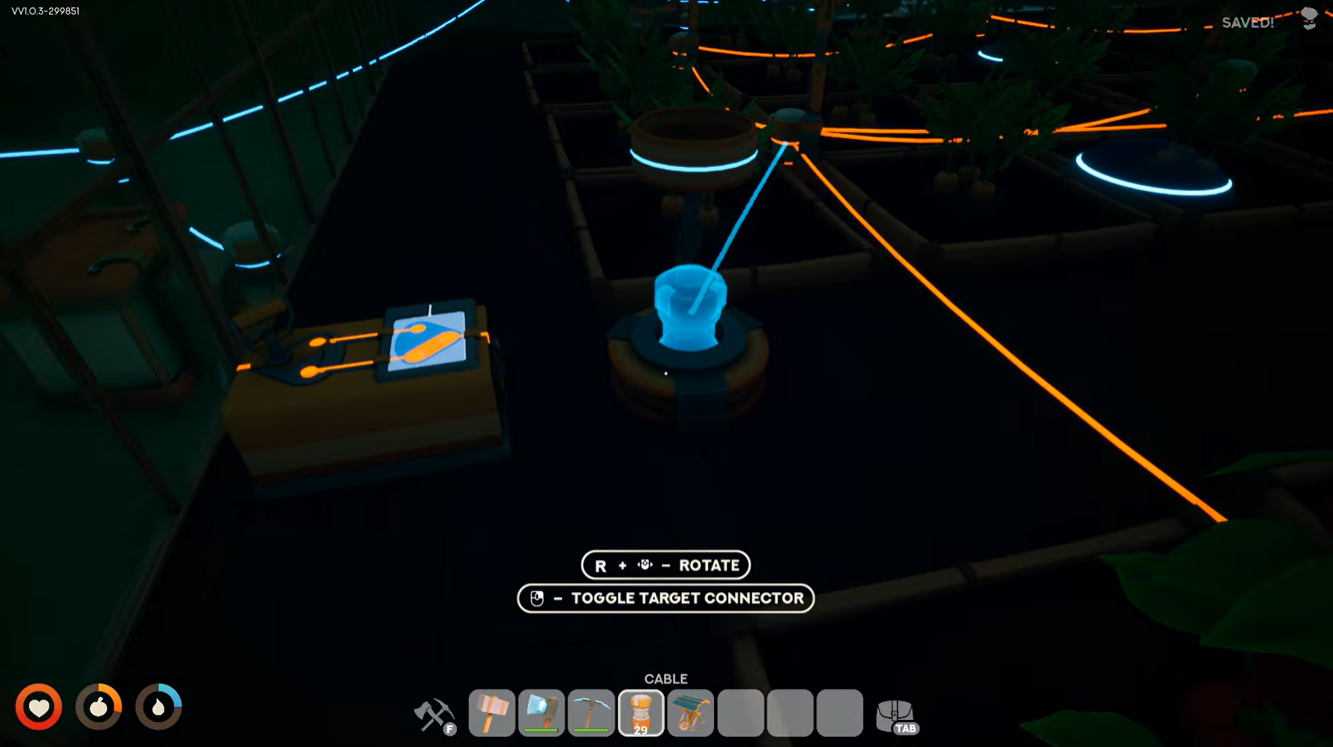
Step 3
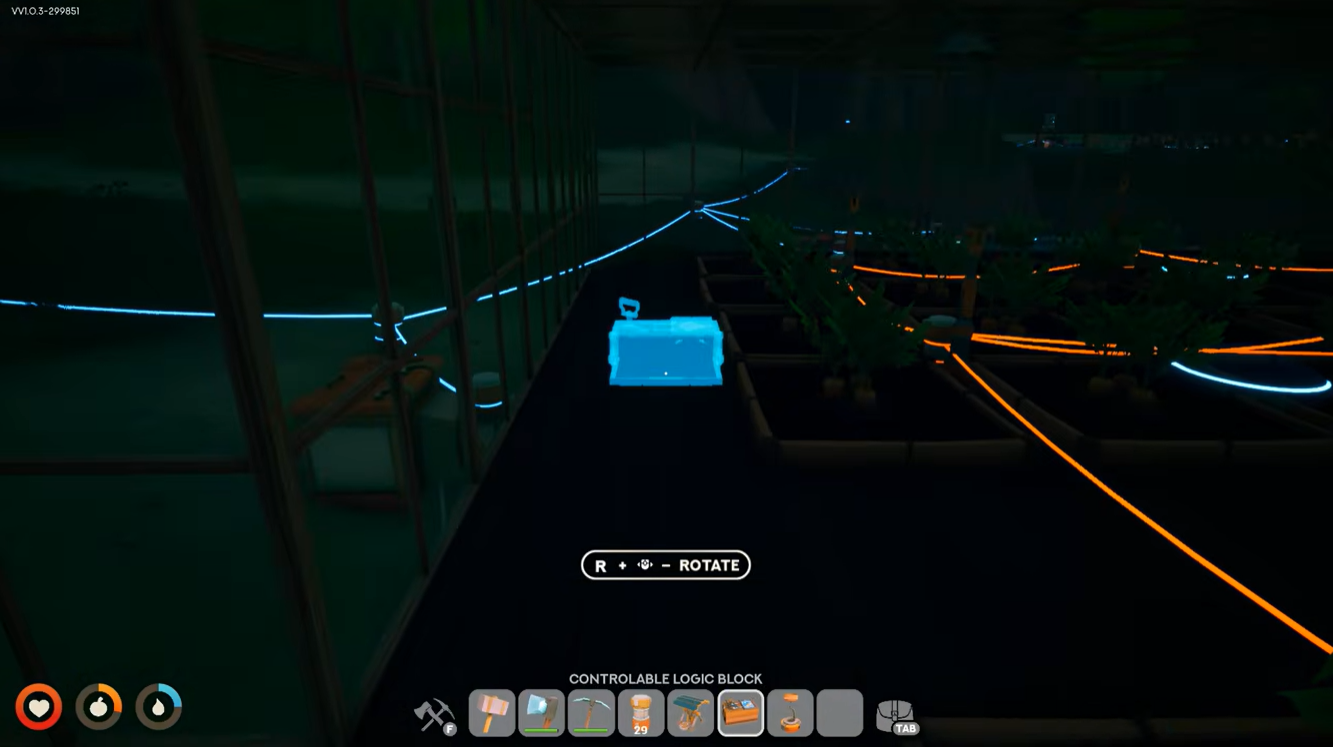
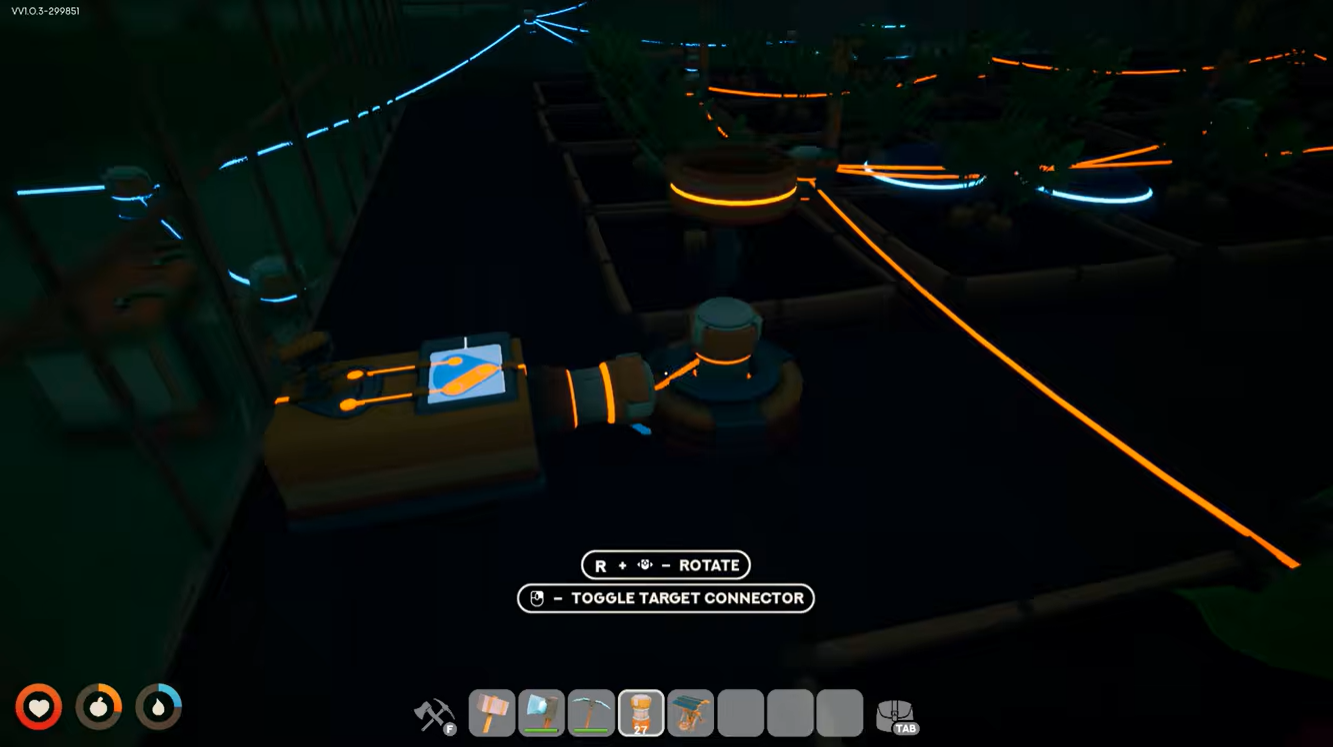
Connect the Wireless Power Base to a Controllable Logic Block.
Using your cable tool, create a connection between the base and a Controllable Logic Block. This allows the system to receive control signals and activate properly.
Many players miss this step and assume the device is broken when it does not power nearby lights.
Step 4
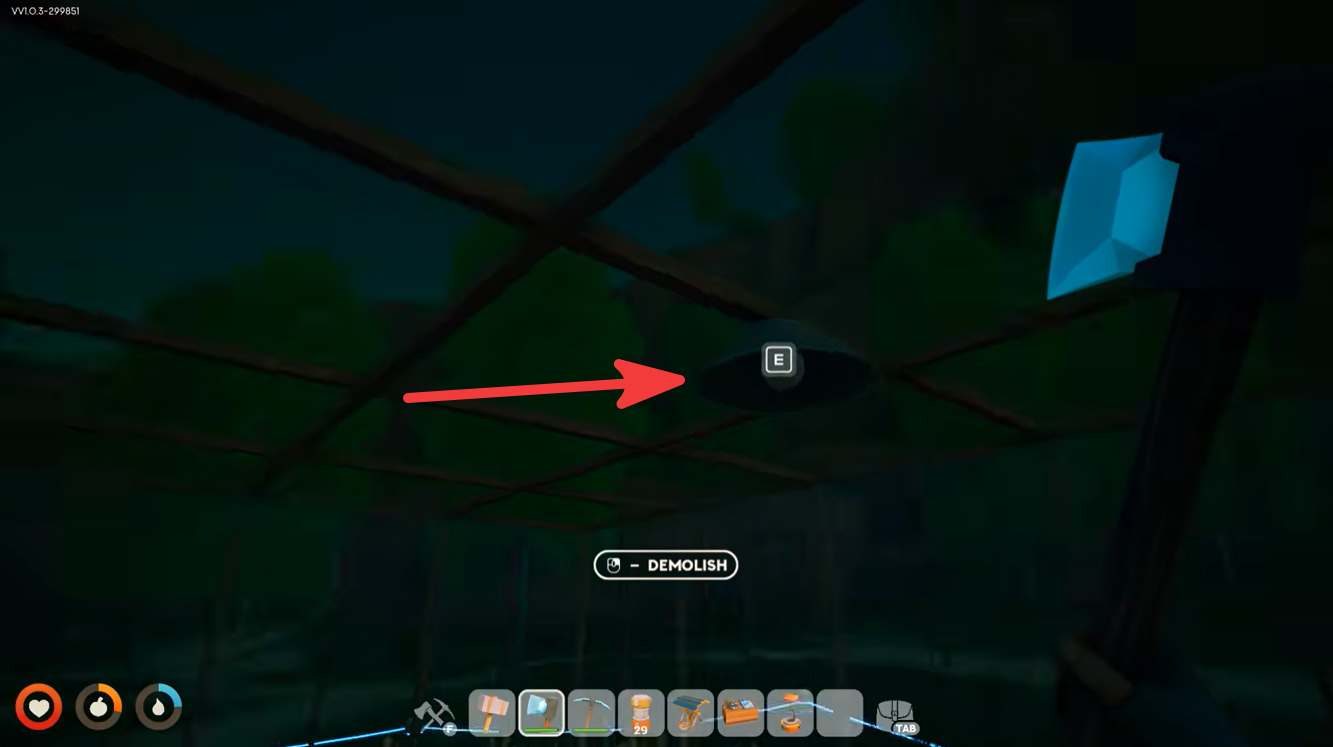
Open the build menu and select Wireless Lights.
Place them on ceilings, greenhouse roofs, walls, or wherever lighting is needed. Unlike standard lights, no power cables are required.
Step 5
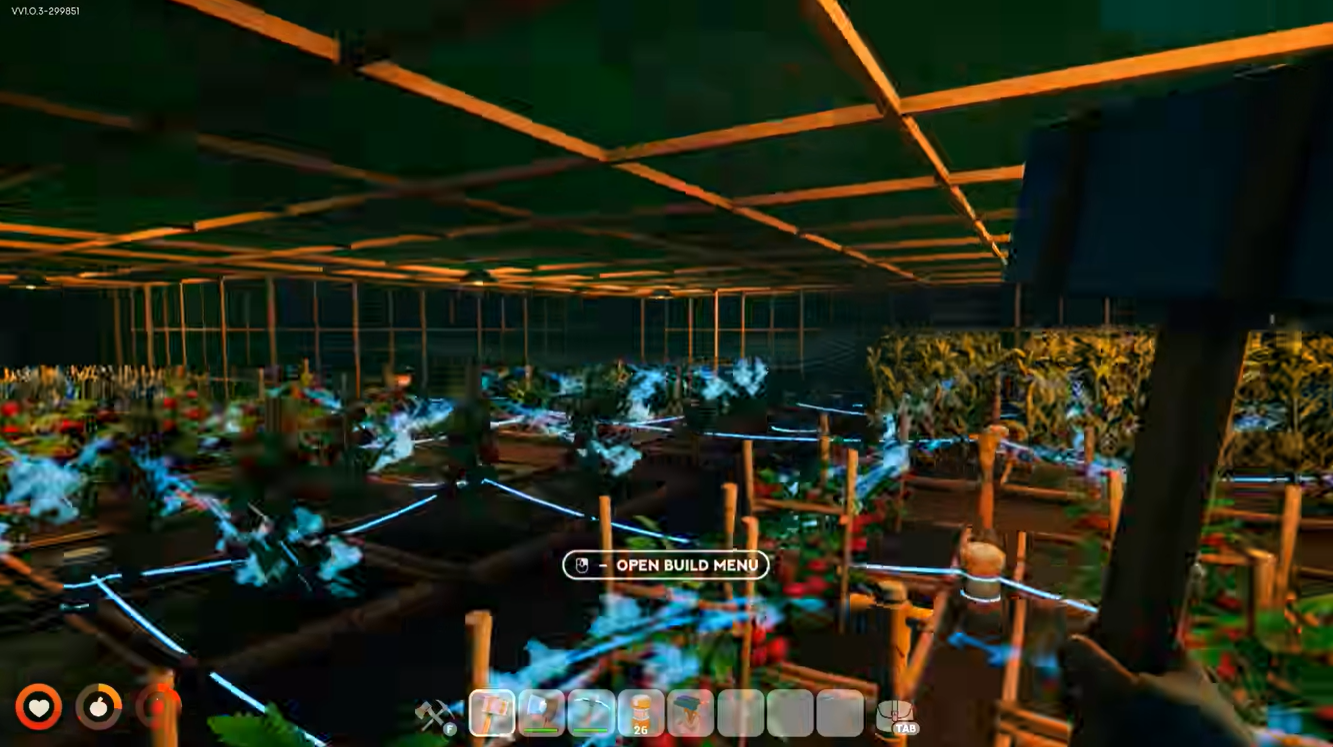
Verify the lights are inside the blue radius.
As long as the Wireless Lights remain within the active coverage area of the Wireless Power Base, they will automatically synchronize and switch on.
If a light does not activate, move it closer to the base or reposition the base itself.
Best locations for wireless lights
Wireless lighting is particularly useful in areas where traditional wiring becomes messy or difficult to manage.
| Location | Benefits |
|---|---|
| Greenhouses | Easy crop illumination without cables |
| Workshops | Clean and organized workspaces |
| Multi-floor Houses | Fewer wires between floors |
| Storage Buildings | Quick lighting coverage |
| Large Bases | Simplified electrical management |
For crop-growing operations, wireless lights make greenhouse layouts much cleaner while ensuring plants remain properly illuminated.
Common issues and fixes
Lights are not turning on
Check that the Wireless Power Base is receiving electricity from your generator or grid.
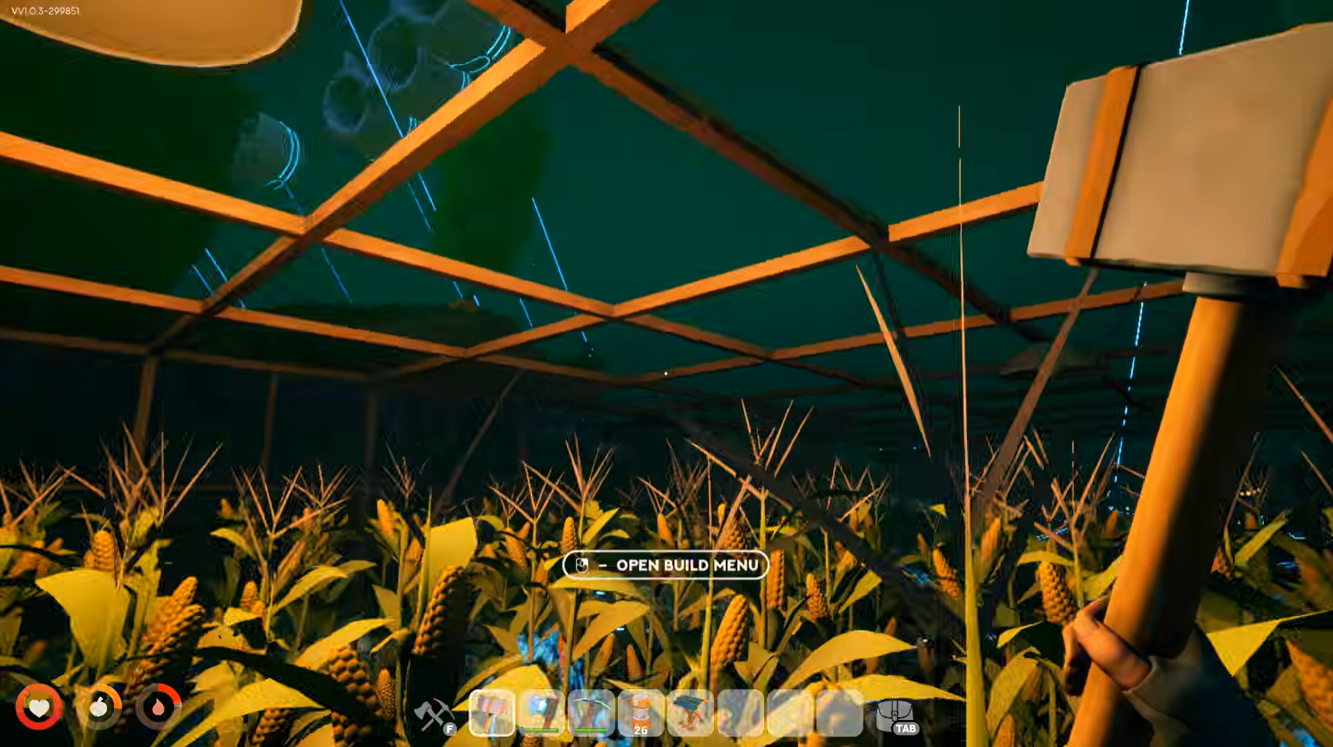
Base has power but lights stay off
Make sure the Wireless Power Base is connected to a Controllable Logic Block. This is the most commonly missed setup requirement.
Some lights work while others do not
Verify that every Wireless Light is located within the blue coverage radius of the base.
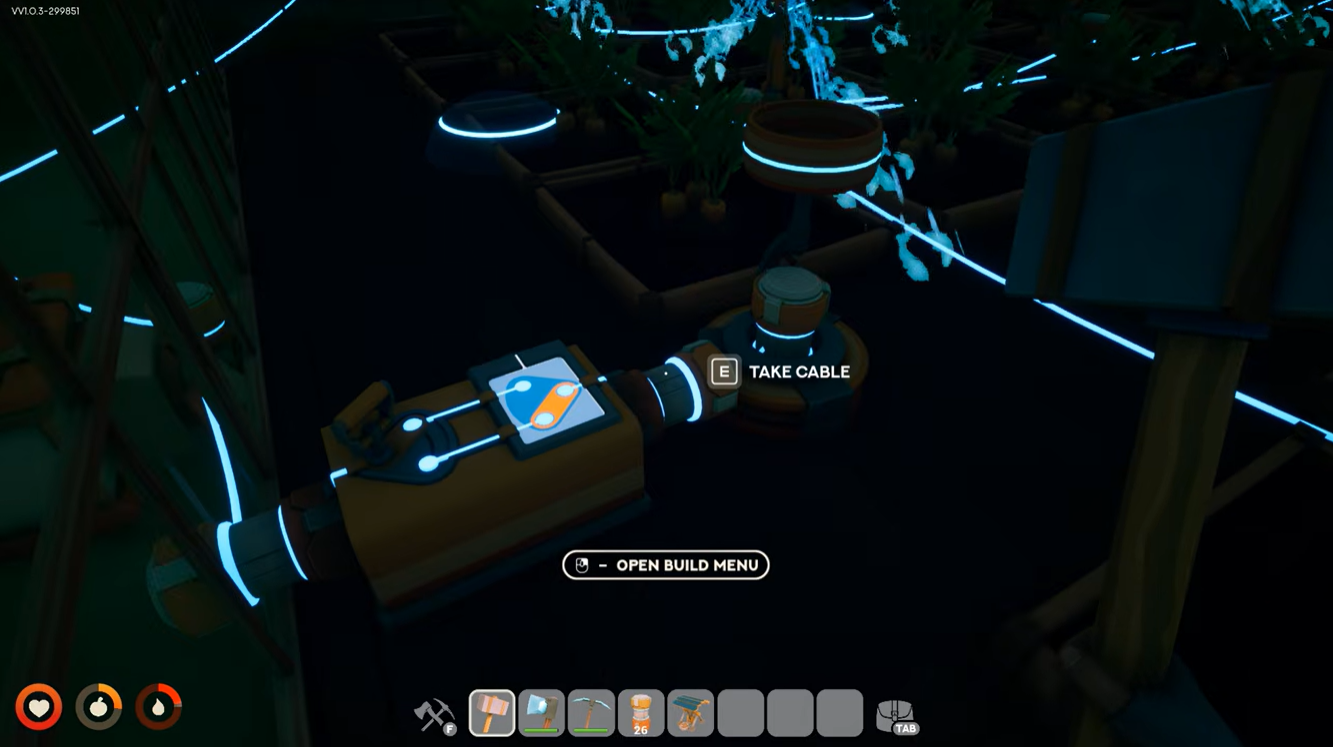
Coverage area is too small
Consider relocating the base to a more central location or using additional Wireless Power Bases to cover larger structures.
Why wireless lighting is worth using
The wireless system is one of the most convenient late-game quality-of-life upgrades in Solarpunk. Instead of spending time routing cables through walls, ceilings, and greenhouses, you can simply power a single Wireless Power Base and place lights wherever they are needed.
For players building large farms or elaborate bases, wireless lighting saves time, reduces clutter, and makes future expansions much easier to manage.
Once crafted, the setup is straightforward: power the Wireless Power Base, connect it to a Controllable Logic Block, and place Wireless Lights within its blue radius. After that, your lights will automatically receive power without any direct wiring, making it one of the cleanest and most efficient electrical systems available in Solarpunk.