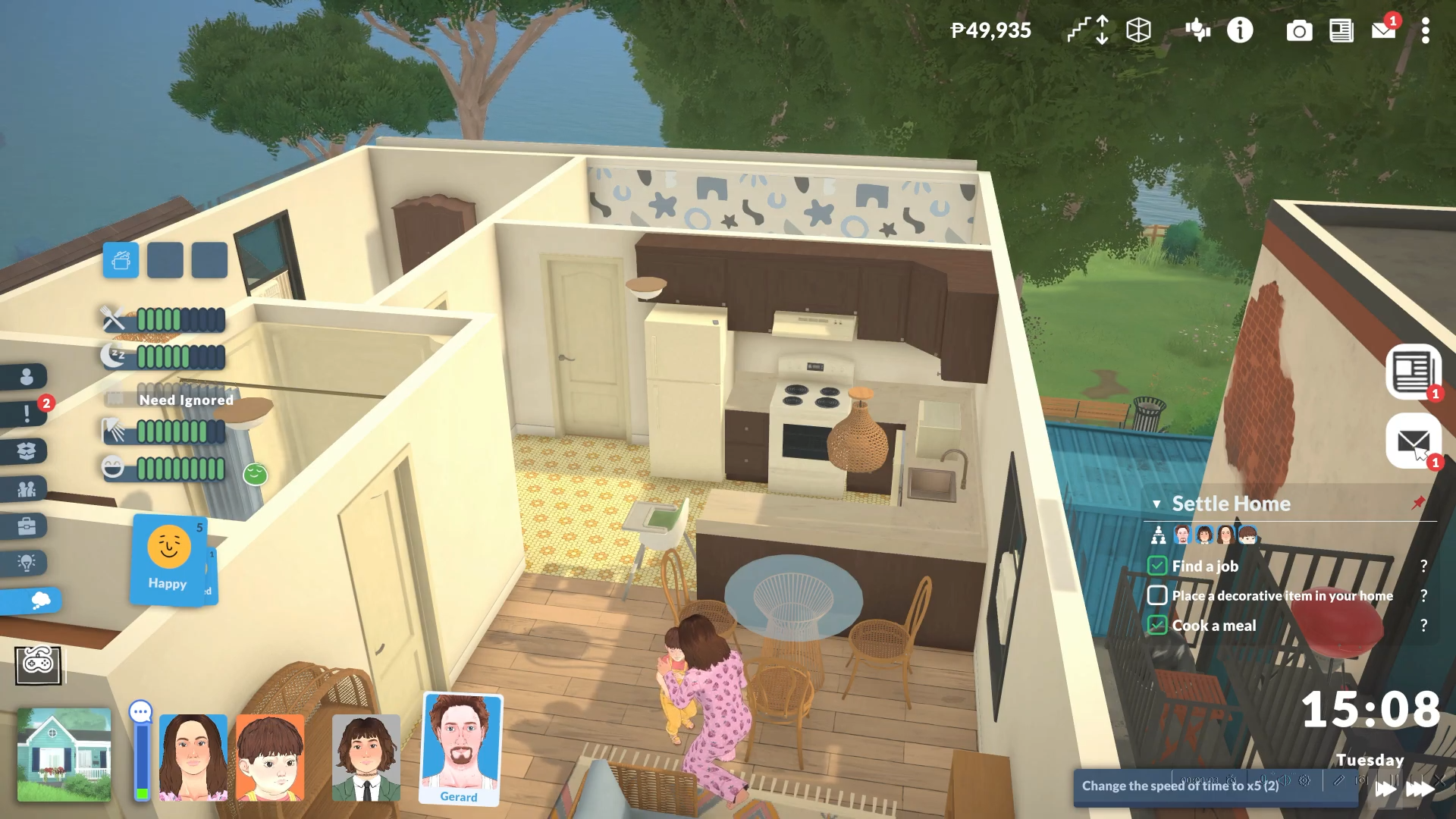
Eliminate your household’s monthly bills instantly in Paralives using the CLEARBILLS cheat command. This console command removes all pending billing statements from your mailbox without deducting any Paradimes from your household funds.
How to Access Bill Cheats in Paralives
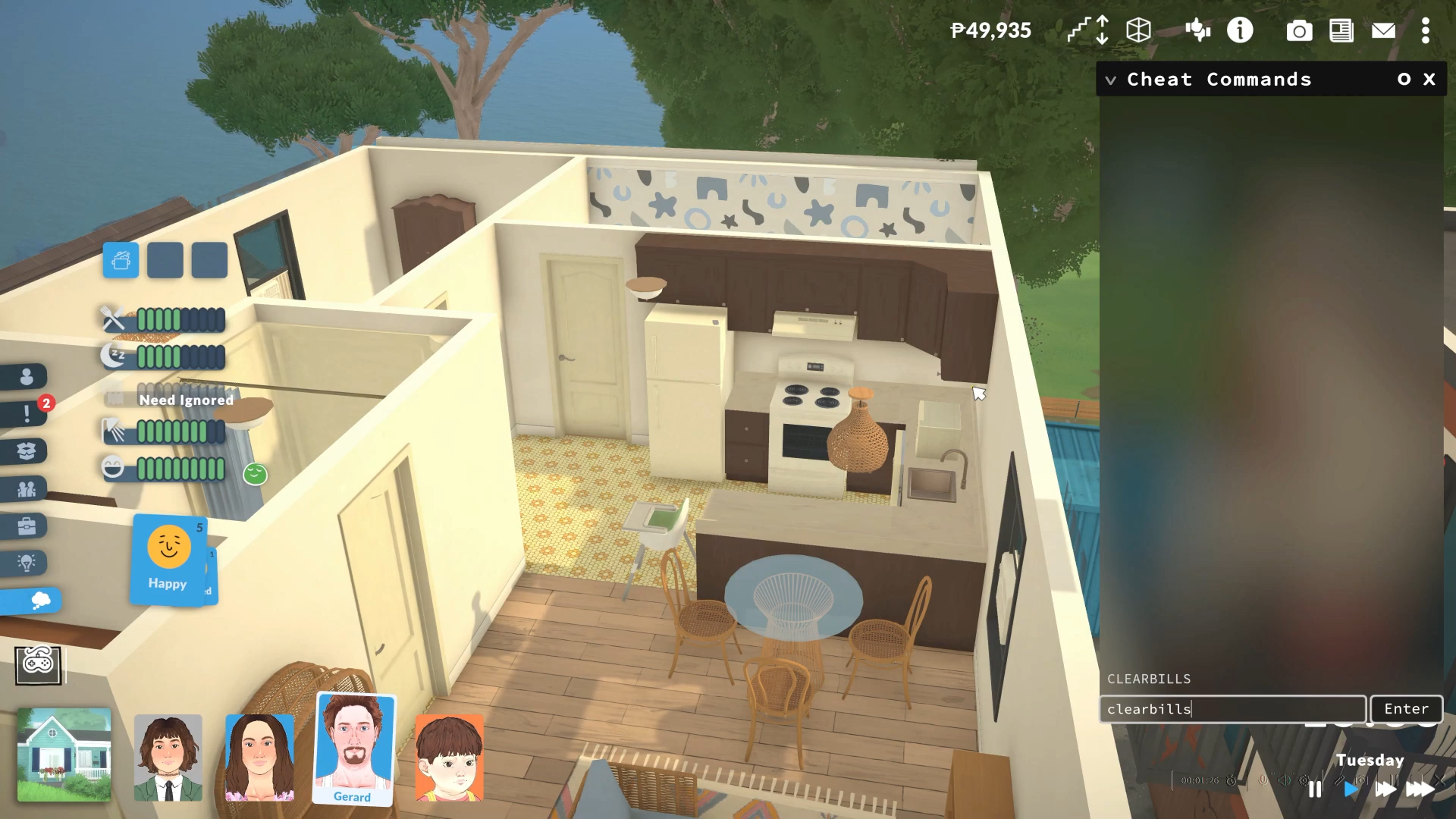
Step 1: Open the Cheat Console
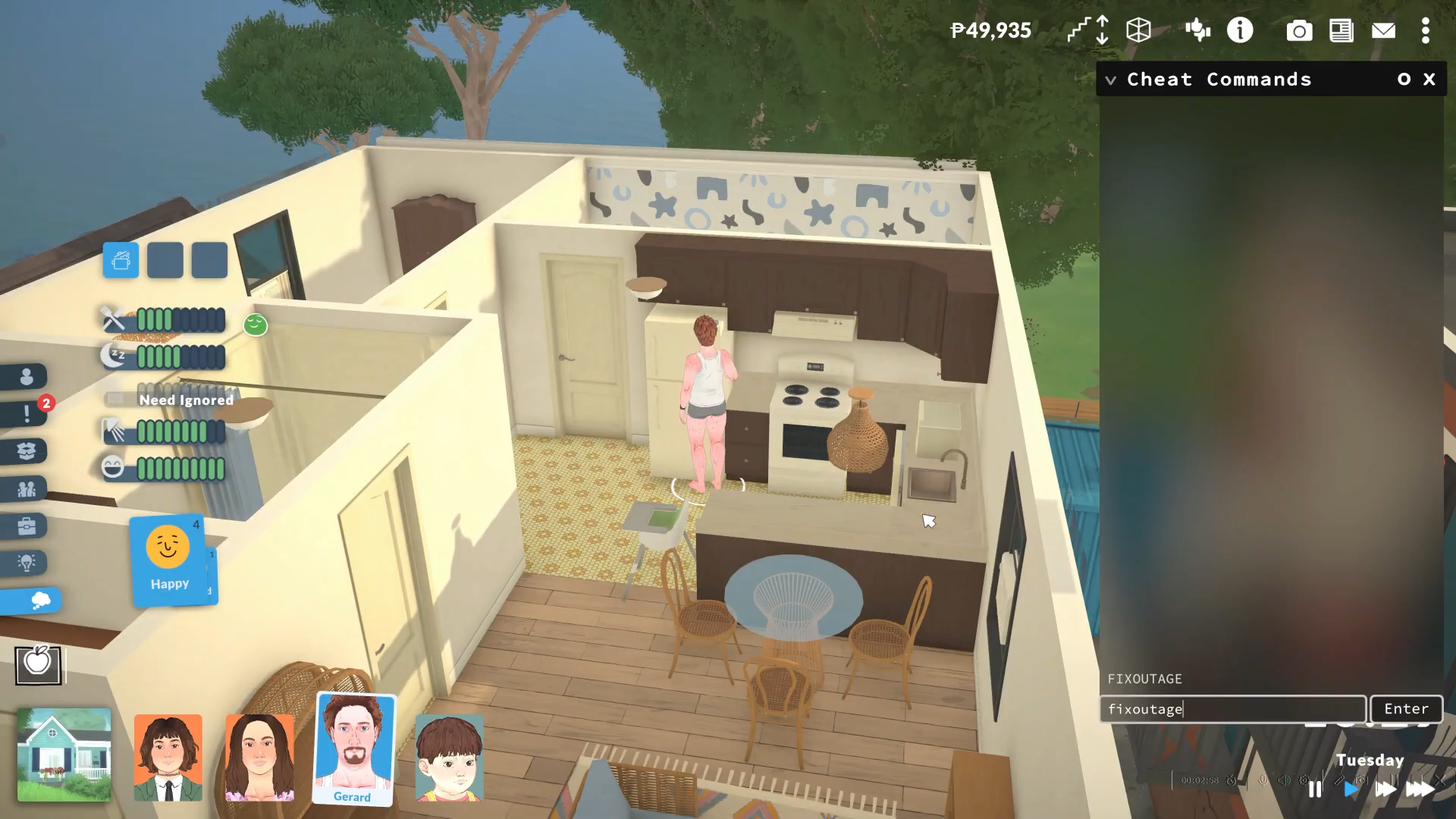
Press CTRL + F1 (or CTRL + SHIFT + C on some systems) simultaneously to activate the Cheat Commands window on the right side of your screen.
Step 2: Type Your Bill-Clearing Command
Enter CLEARBILLS into the text field and press Enter—this instantly removes every billing statement currently sitting in your household’s mailbox, effectively erasing all outstanding debts.
Step 3: Verify Bill Removal
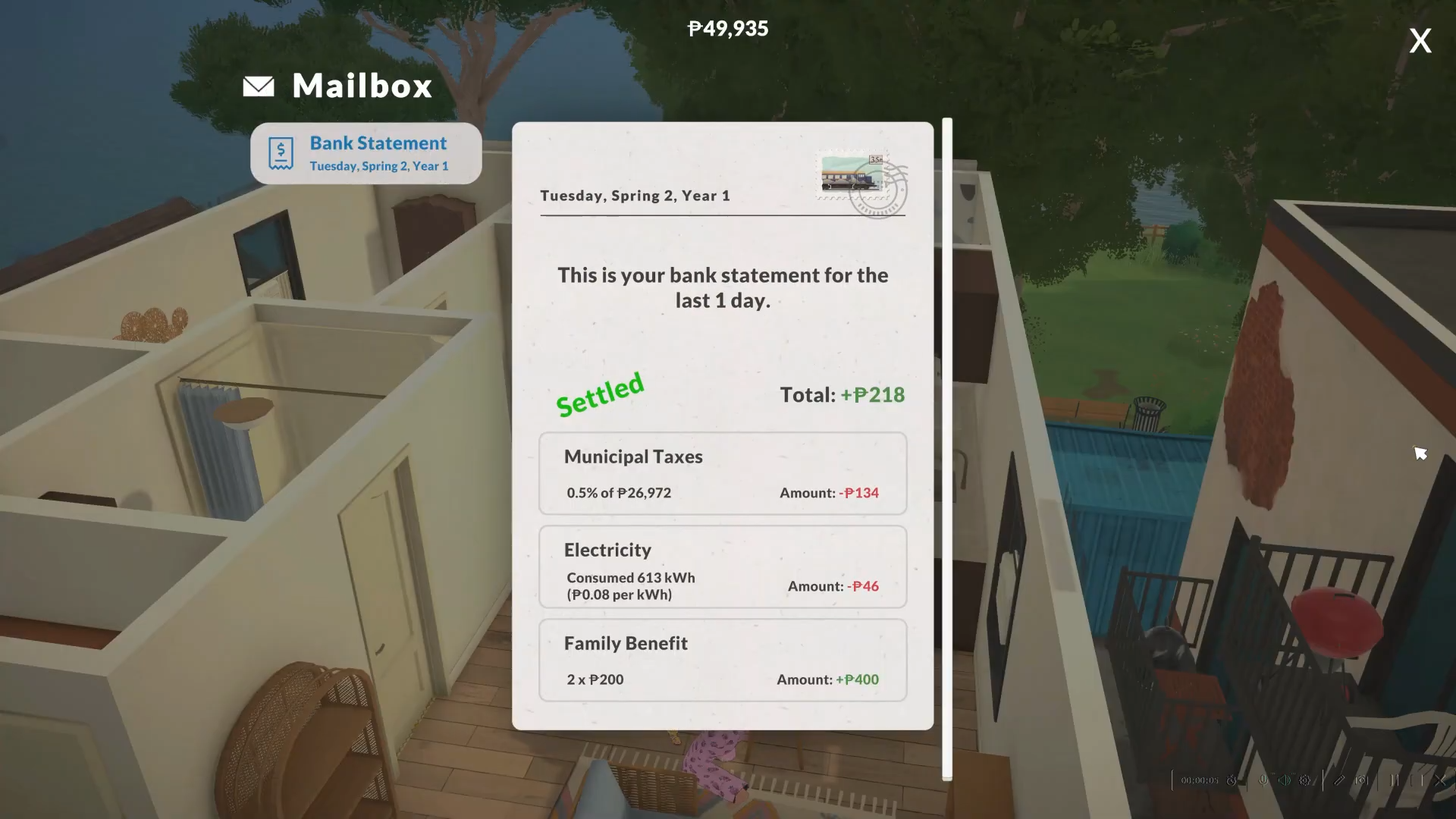
Check your in-game mailbox to confirm that all bill envelopes have disappeared—you can also use the RESETMAILBOX command afterward to completely clear your mailbox of any remaining mail items.
Step 4: Target Individual Para Bills (Optional)
Select a specific Parafolk, then use CLEARSELECTEDCHARACTERSBILLS if you only want to remove bills associated with that particular character rather than the entire household.
Step 5: Prevent Future Bill Stress
Combine bill cheats with money commands like JACKPOT (50,000 Paradimes) or SETMONEY to ensure your household always has enough funds to cover weekly bills that arrive every Monday.
Critical Mistakes to Avoid When Cheating Bills
-
Don’t confuse CLEARBILLS with RESETMAILBOX—RESETMAILBOX removes all mail including newspapers and letters, not just bills, which could delete important in-game correspondence.
-
Avoid using GENERATEBILL repeatedly—this forces new bills to spawn, which defeats the purpose of clearing them and can create billing chaos.
-
Never use bill cheats while paused—cheats may sometimes not register properly when the game is paused, so ensure Live Mode is running.
-
Watch out for premade house bugs—certain pre-built homes (especially the one above the train station) can generate abnormally high water bills (2k Paradimes), so clear bills immediately after moving in.
Alternative Money Cheats for Bill Management
Advanced Bill Manipulation Tactics
If/Then Logic for Power Bills: If you’re experiencing high utility costs due to lot issues, use CAUSEOUTAGE to cut power temporarily, then FIXOUTAGE to restore it—this can sometimes reset bugged billing calculations.
Household-Specific Bill Clearing: When managing multiple households in rotation, bills accumulate for inactive households—use CLEARSELECTEDCHARACTERSBILLS before switching households to prevent surprise debt when you return to that family.
Pre-Emptive Bill Prevention: Bills in Paralives arrive weekly on Mondays —schedule your CLEARBILLS cheat every in-game Monday morning using the SETHOUR 8 command to advance time, then immediately clear bills before they impact your gameplay.
Rather than constantly worrying about weekly bills draining your household funds, strategic use of CLEARBILLS combined with occasional JACKPOT infusions lets you focus on the creative and relationship-building aspects of Paralives. The beauty of the Paralives cheat system is its simplicity—no “testingcheats true” prerequisite like in competitor life sims, just press CTRL+F1 and start typing.