The objective is to disable Black Mas’s three security terminals.
Use stealth and non-lethal gadget interactions to avoid alarms.
Each terminal requires a short multi-stage puzzle sequence that uses nearby interactables.
After all terminals are down, destroy the uplink node to finish the objective.
Disabling Black Mask’s security system in LEGO Batman: Legacy of the Dark Knight can be done without raising any alarms. All you need is some stealth, clear, precise steps and the exact actions to finish the mission without unnecessary backtracking. Here’s how:
How to Disable Black Mask’s security system
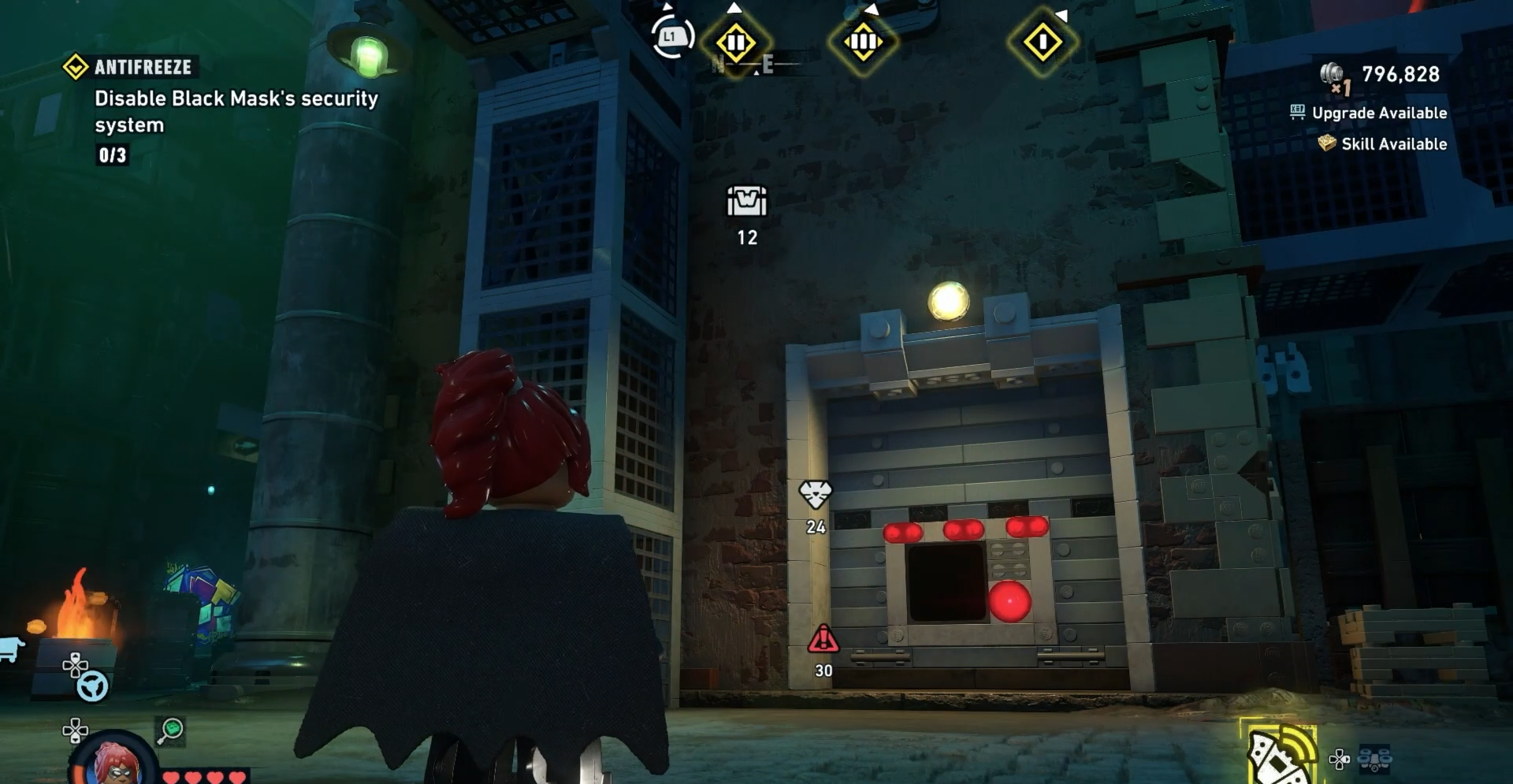
You should be on the street below Black Mask’s security system building.
Image credit: TT Games / YouTube – Trophy Tom
Deactivate the first security terminal
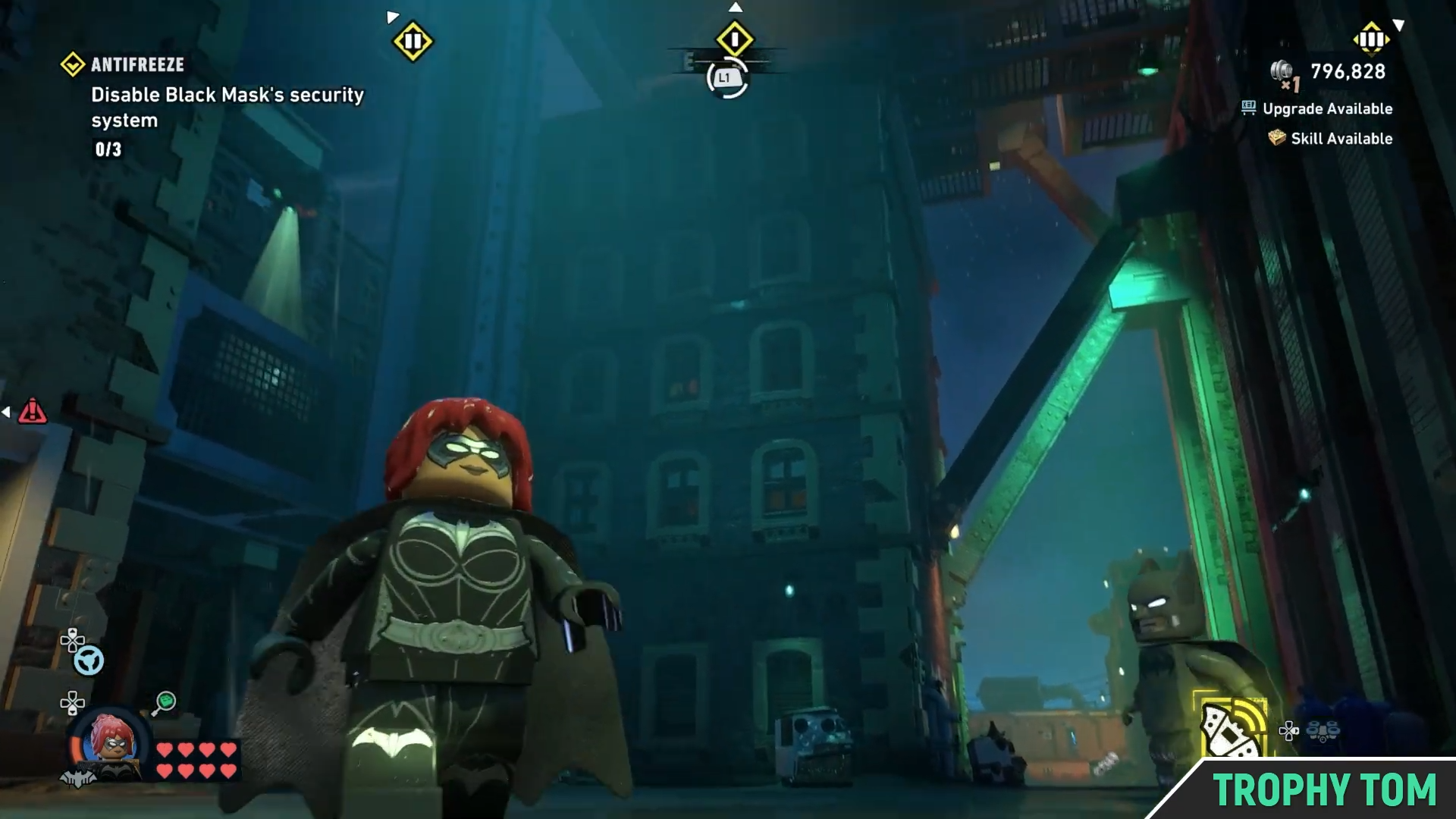
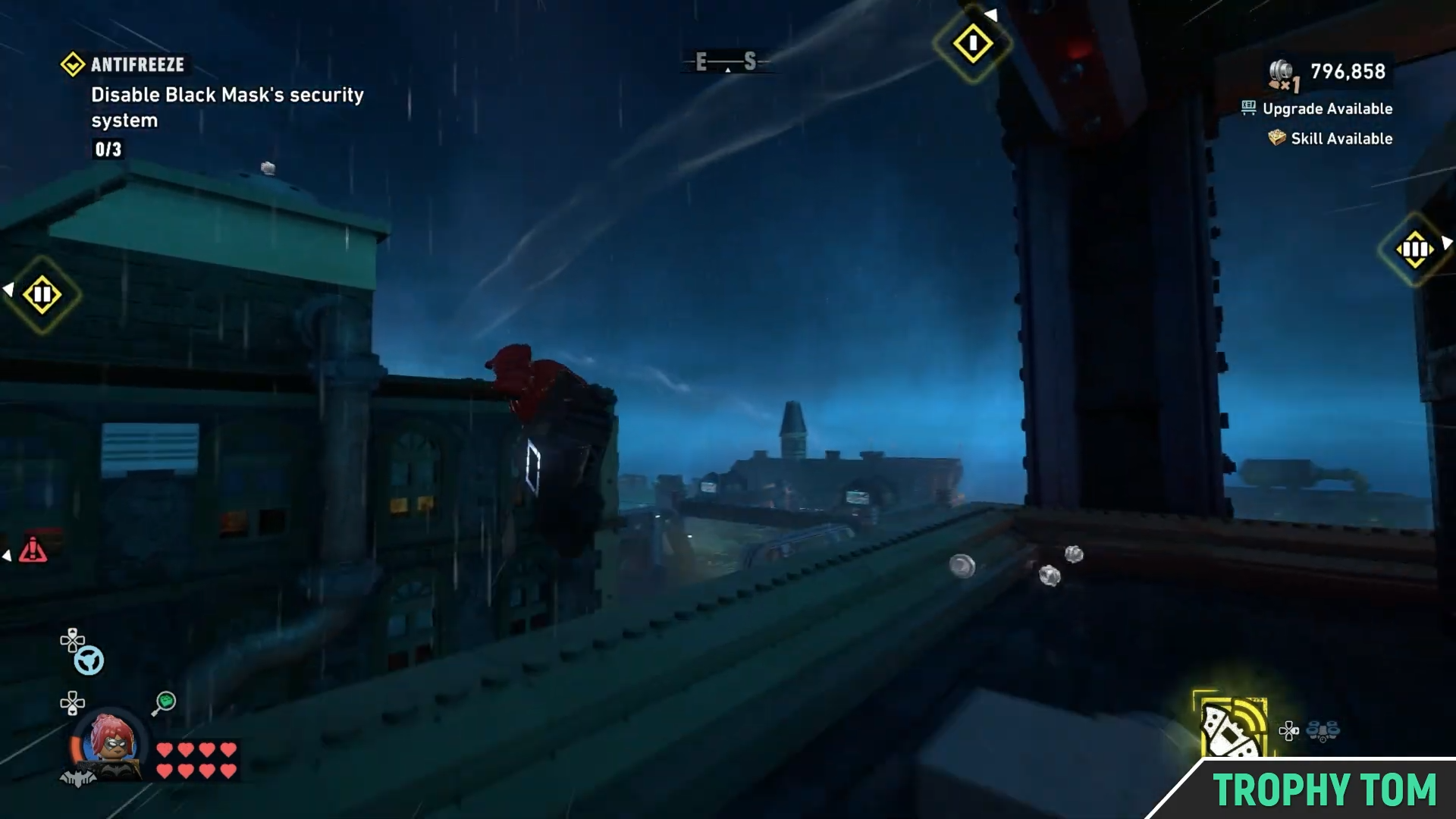
Firstly, you need to make your way to the security systems at the top. To do so, grapple your way to the closest platform.
Image credit: TT Games / YouTube – Trophy Tom
Grapple to the building straight ahead.
Image credit: TT Games / YouTube – Trophy Tom
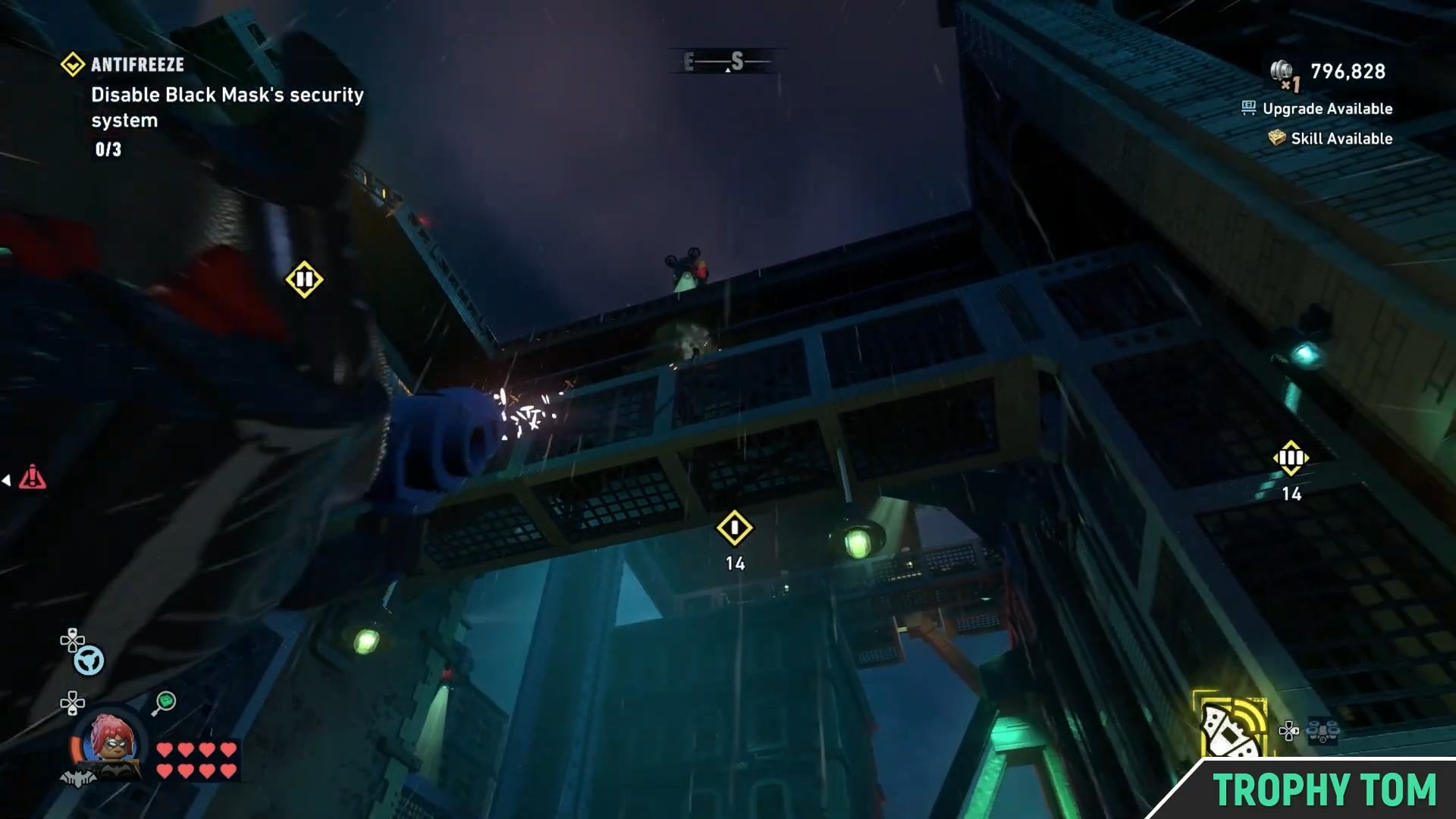
Next, grapple to the building on the left.
Image credit: TT Games / YouTube – Trophy Tom
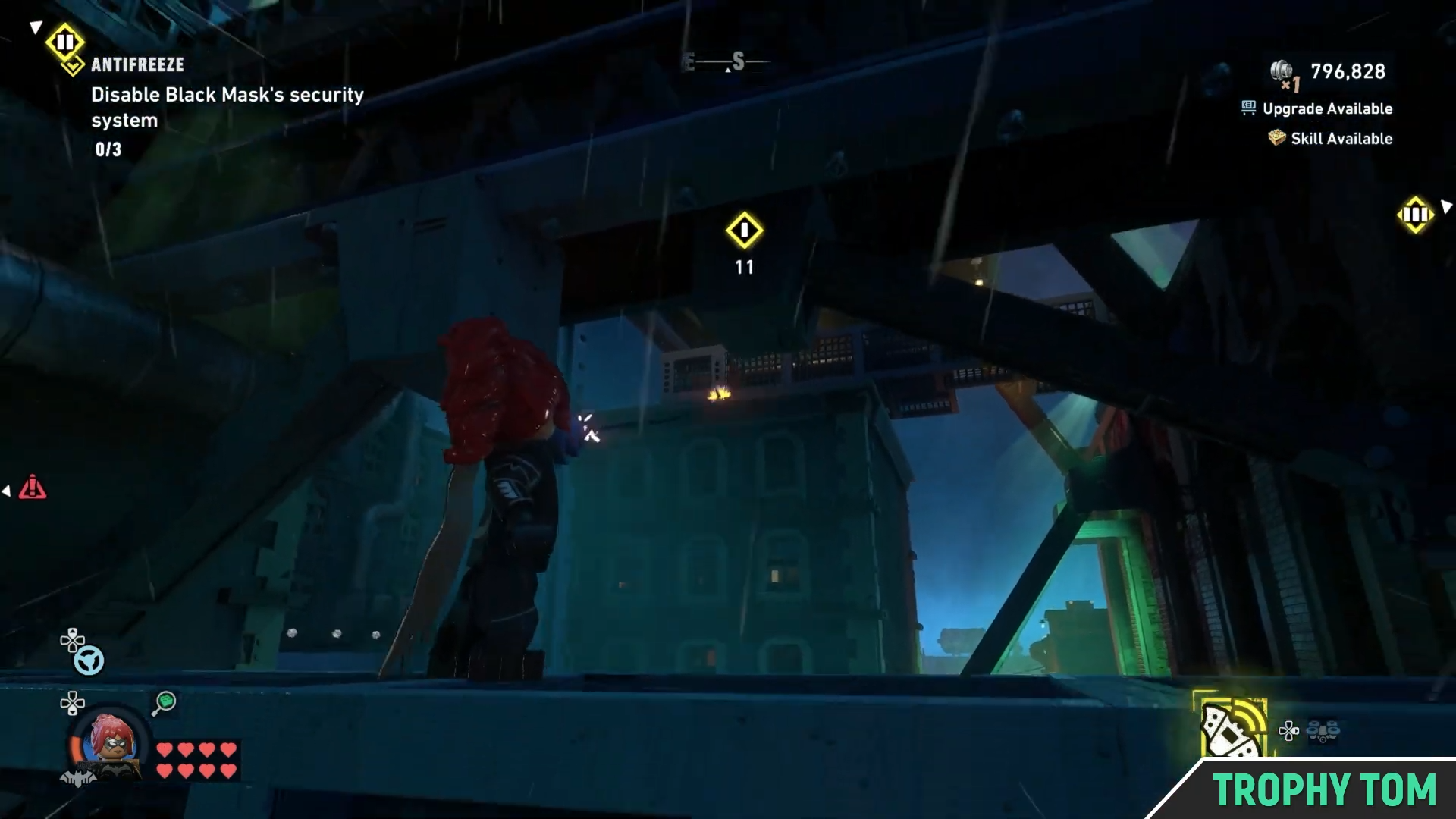
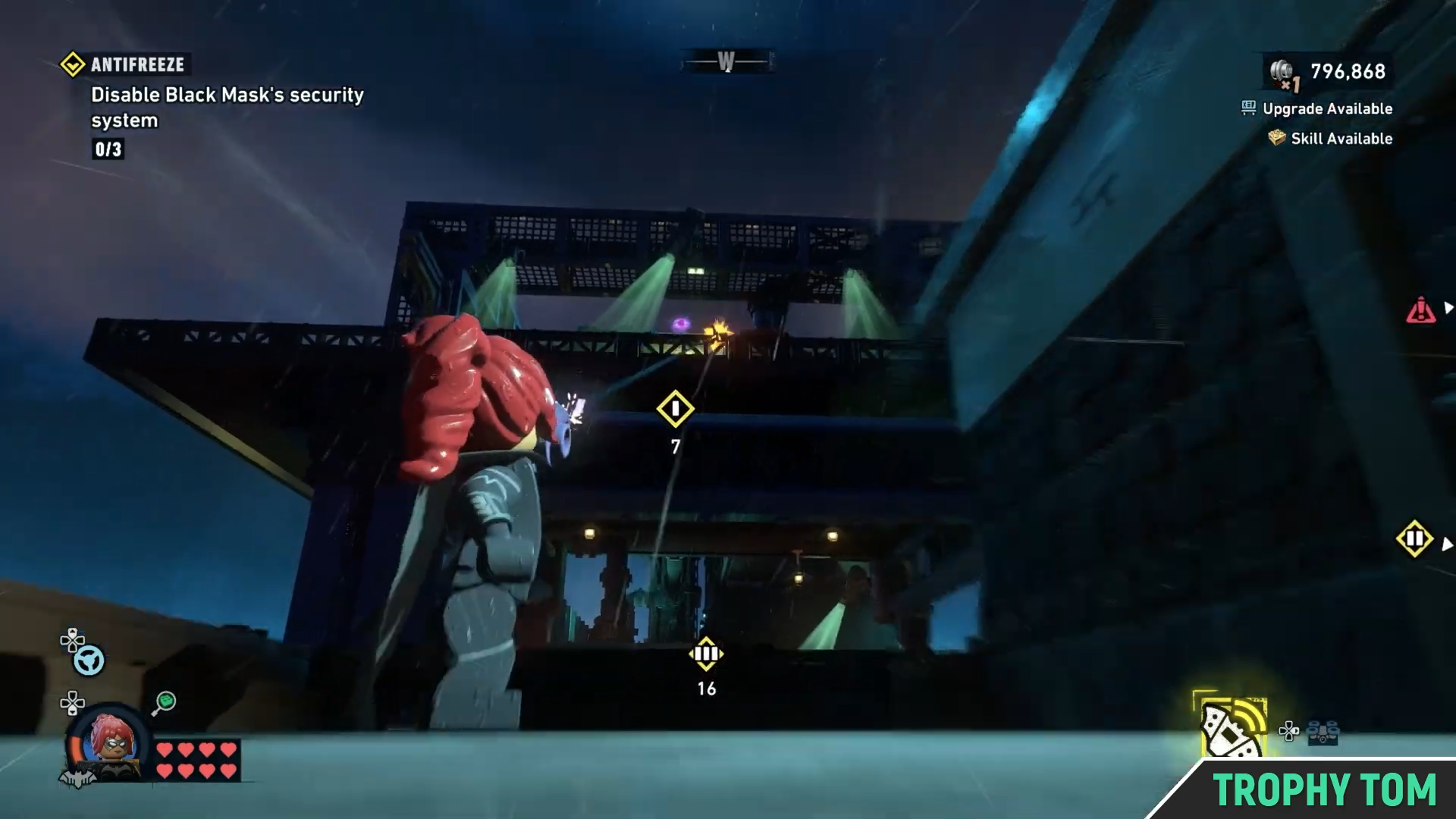
Now, you have to grapple to the upper floor of the building from where you came.
Image credit: TT Games / YouTube – Trophy Tom
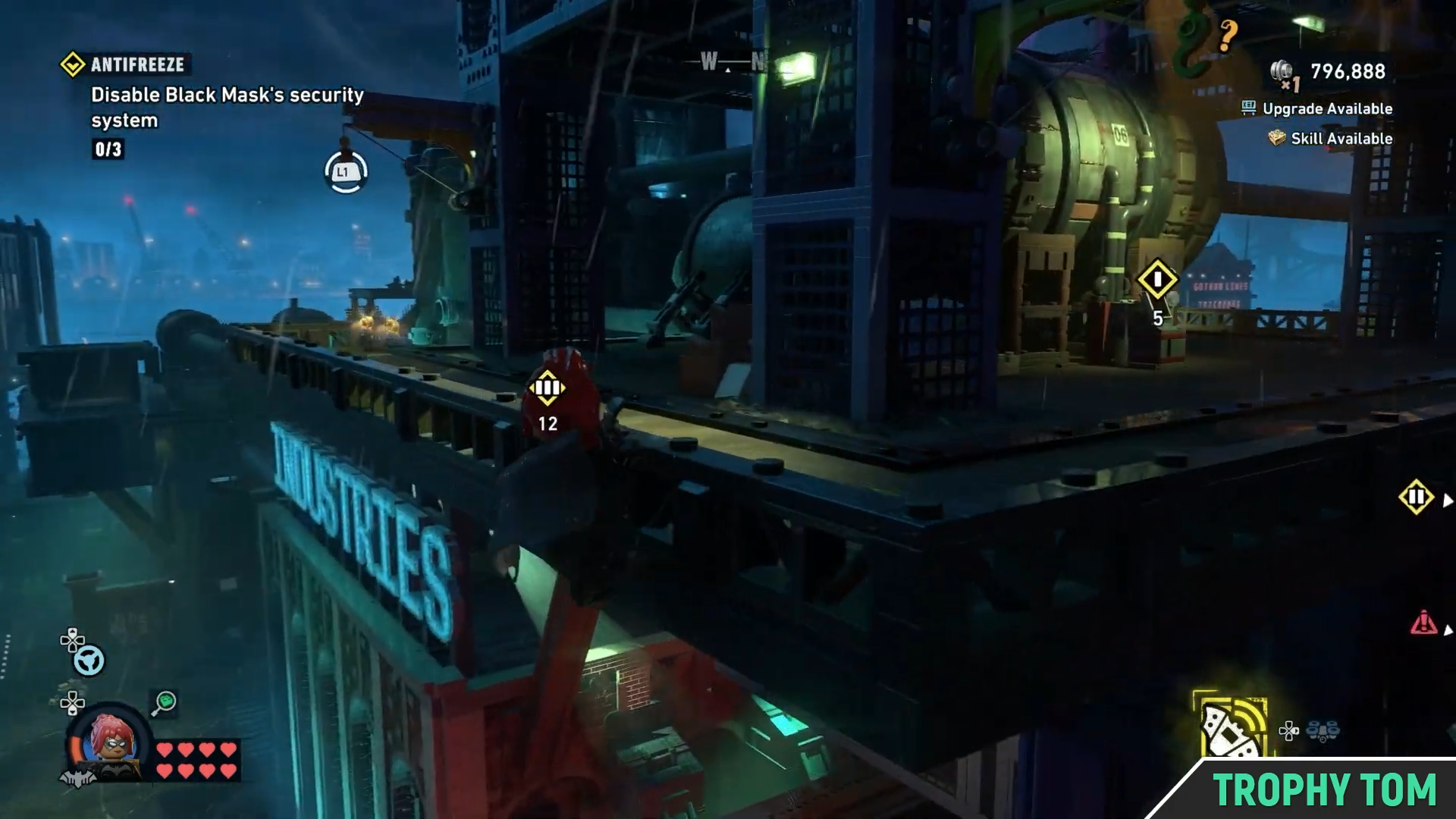
Once you do, make sure to stay hidden. Shimmy your way to the left quickly, avoiding detection.
Image credit: TT Games / YouTube – Trophy Tom
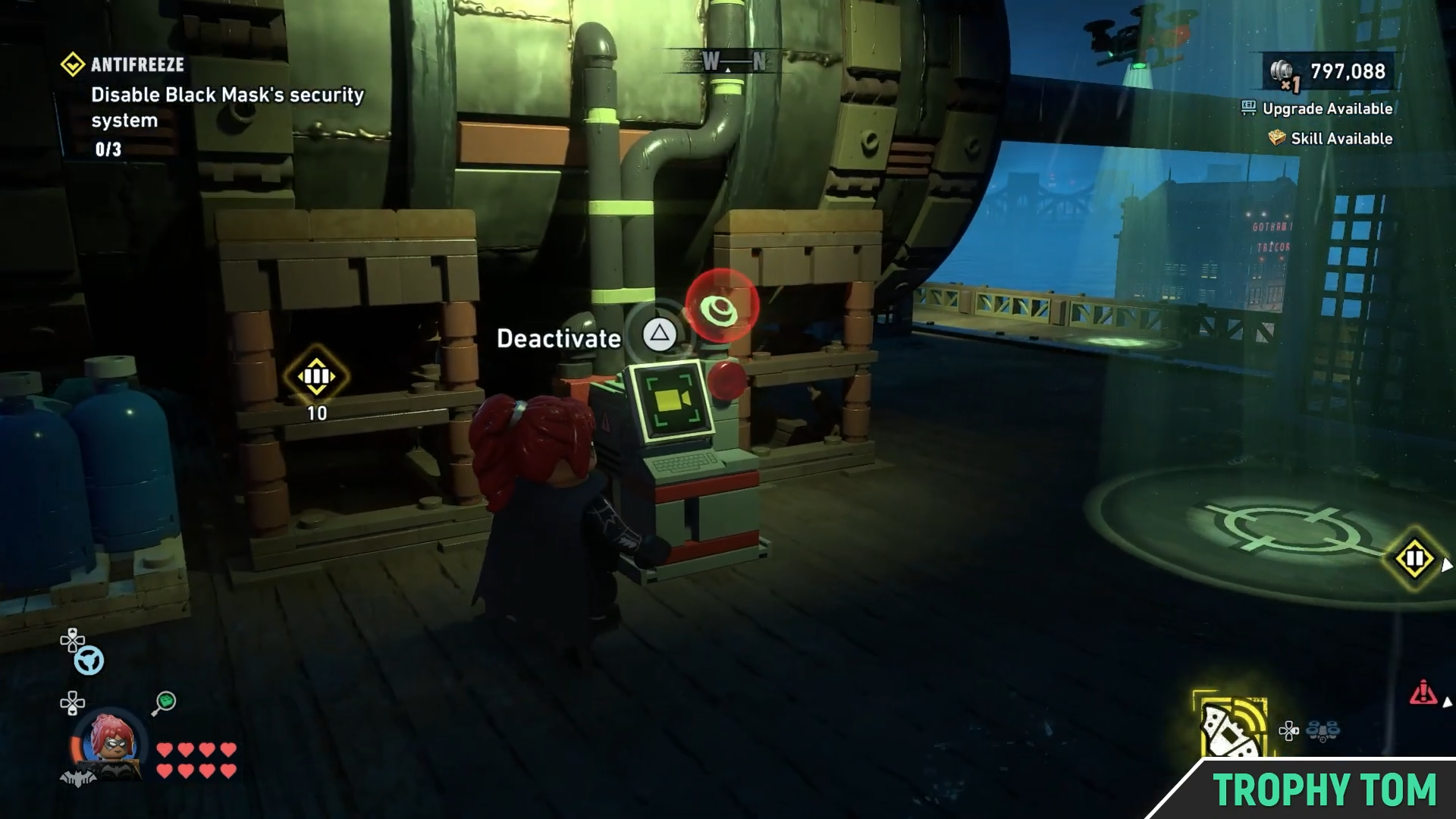
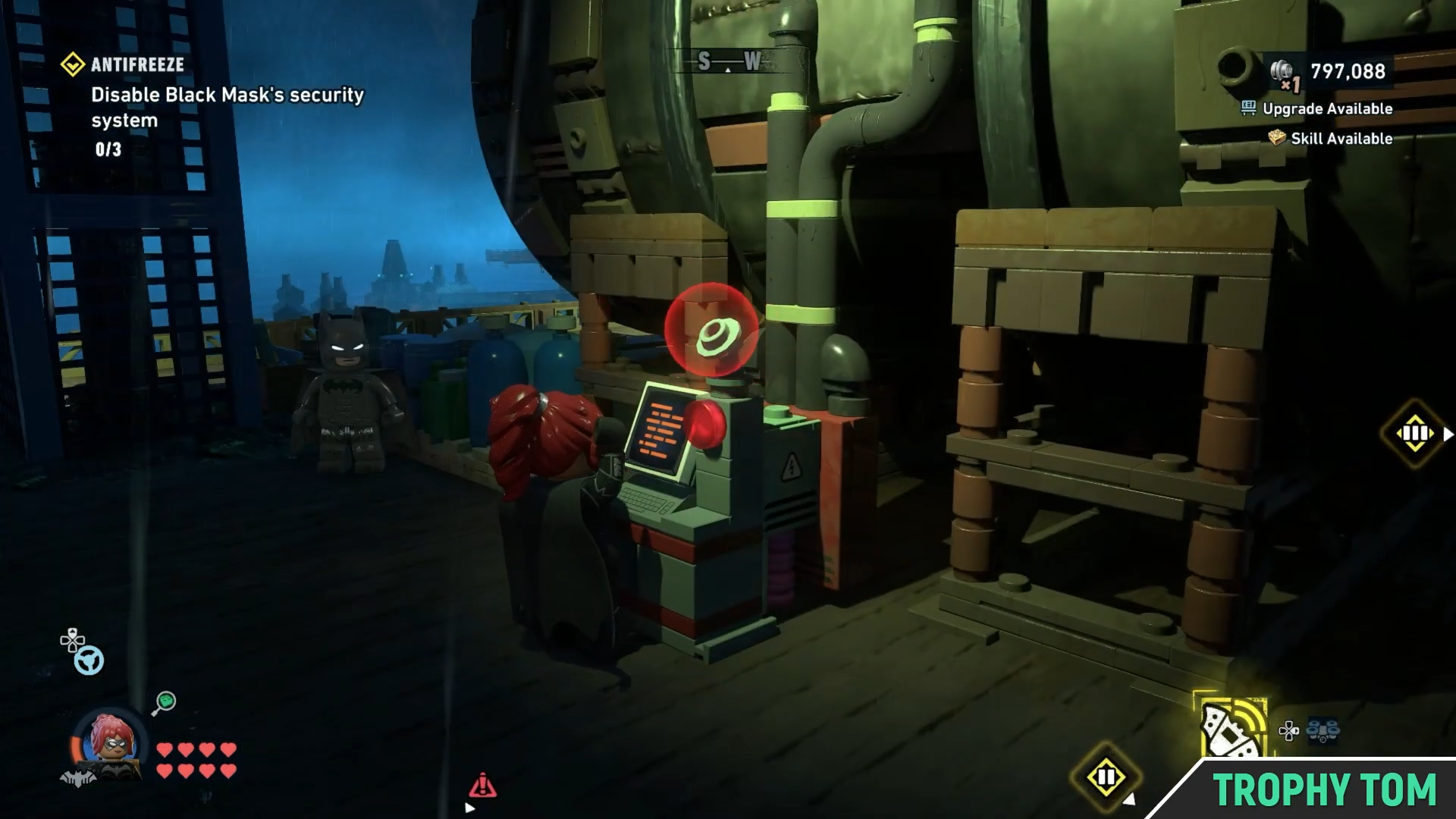
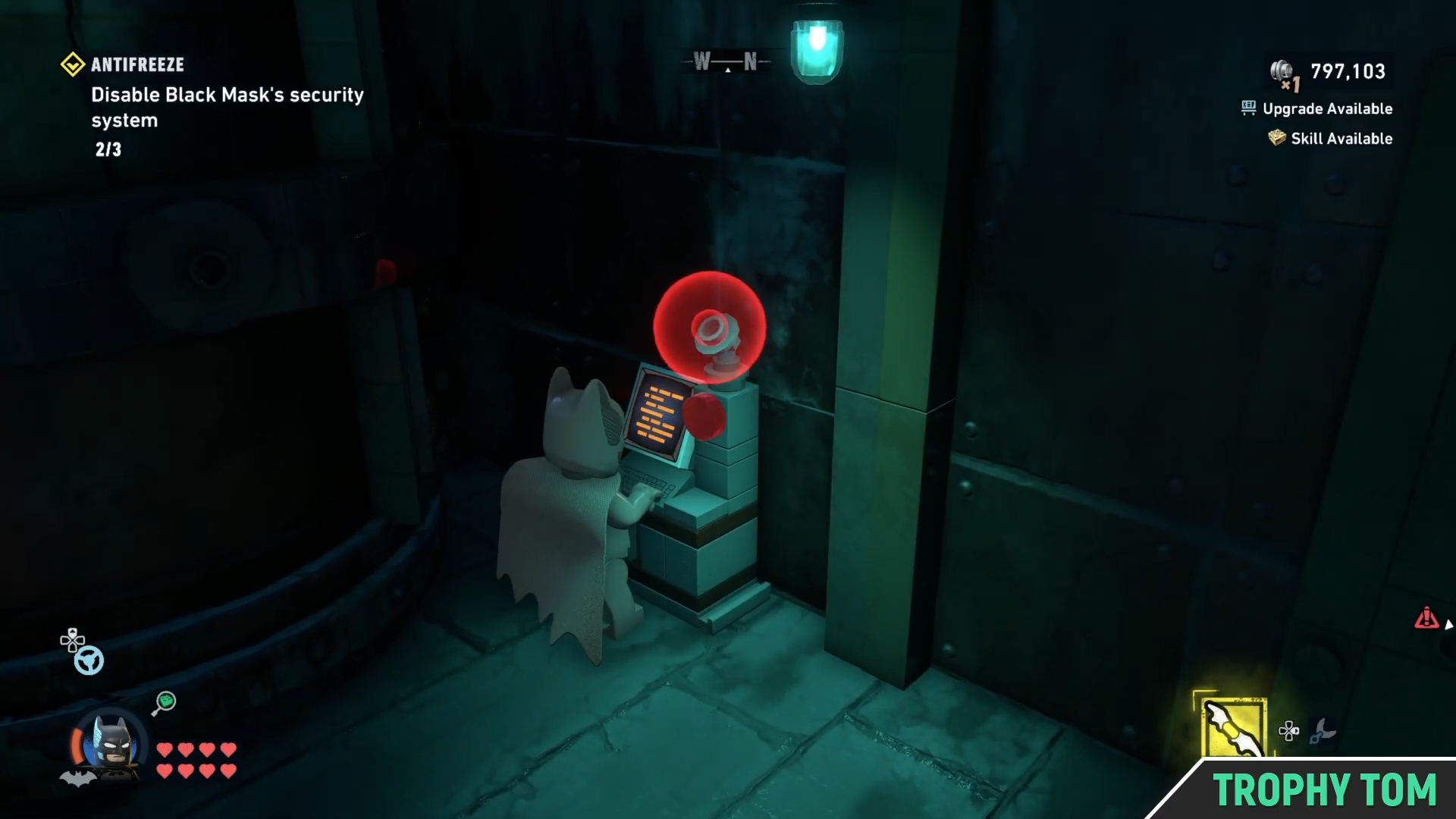
From the side, make your way to the first terminal.
Image credit: TT Games / YouTube – Trophy Tom
And deactivate it.
Image credit: TT Games / YouTube – Trophy Tom
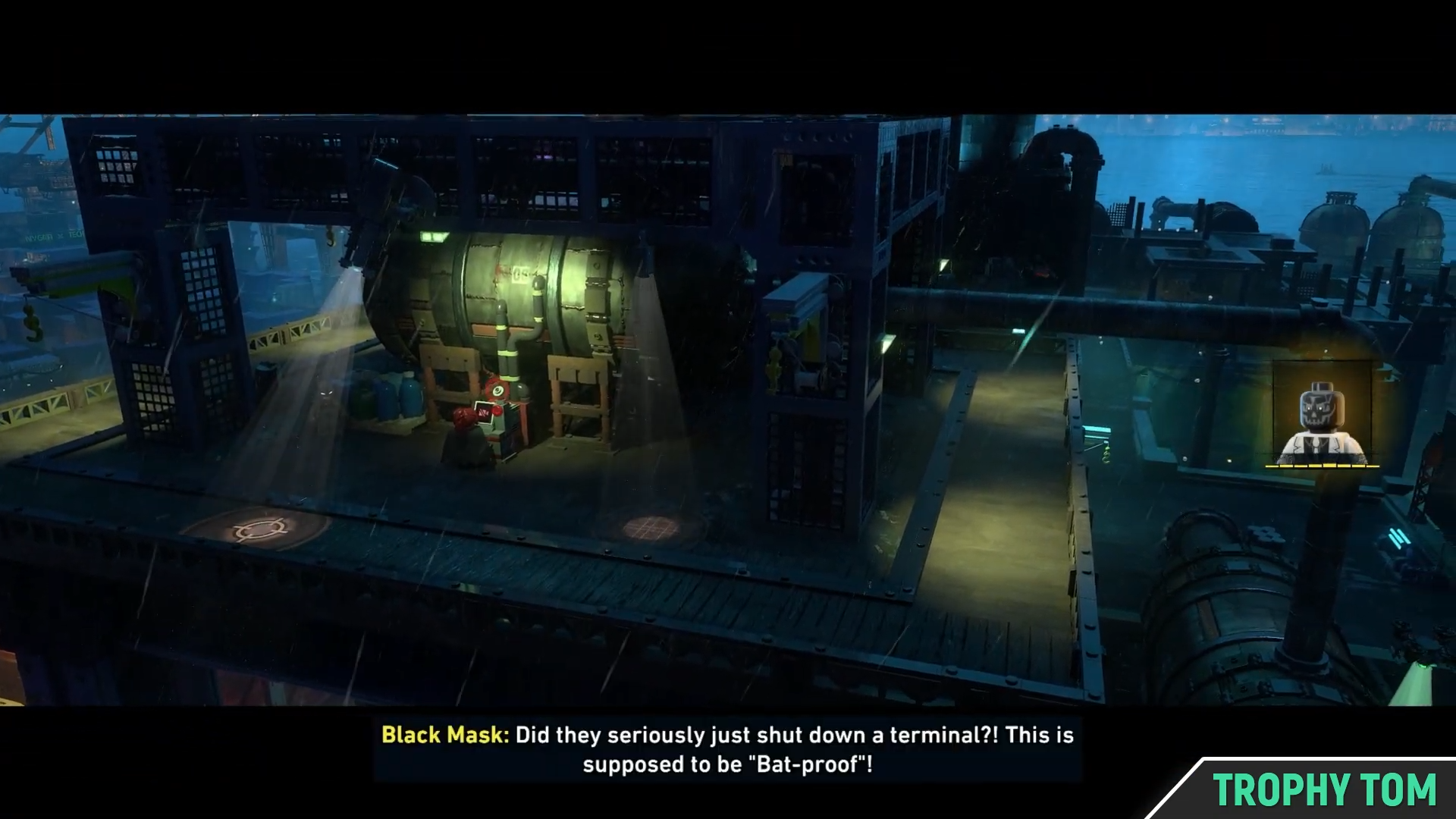
A small cutscene will show Black Mask getting angry.
Image credit: TT Games / YouTube – Trophy Tom
Deactivate the second security terminal
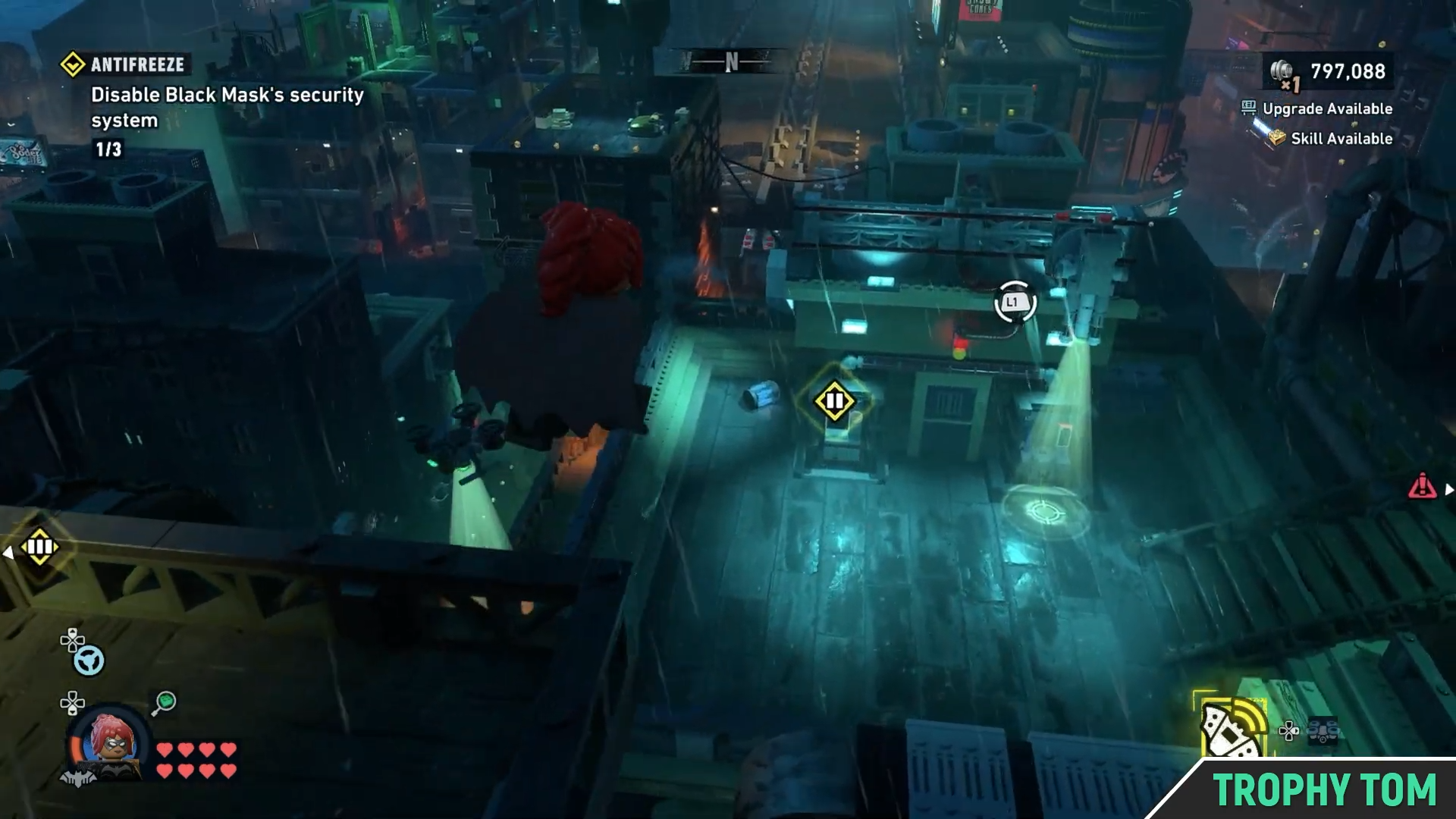
From the first terminal, go right and glide your way to the second terminal.
Image credit: TT Games / YouTube – Trophy Tom
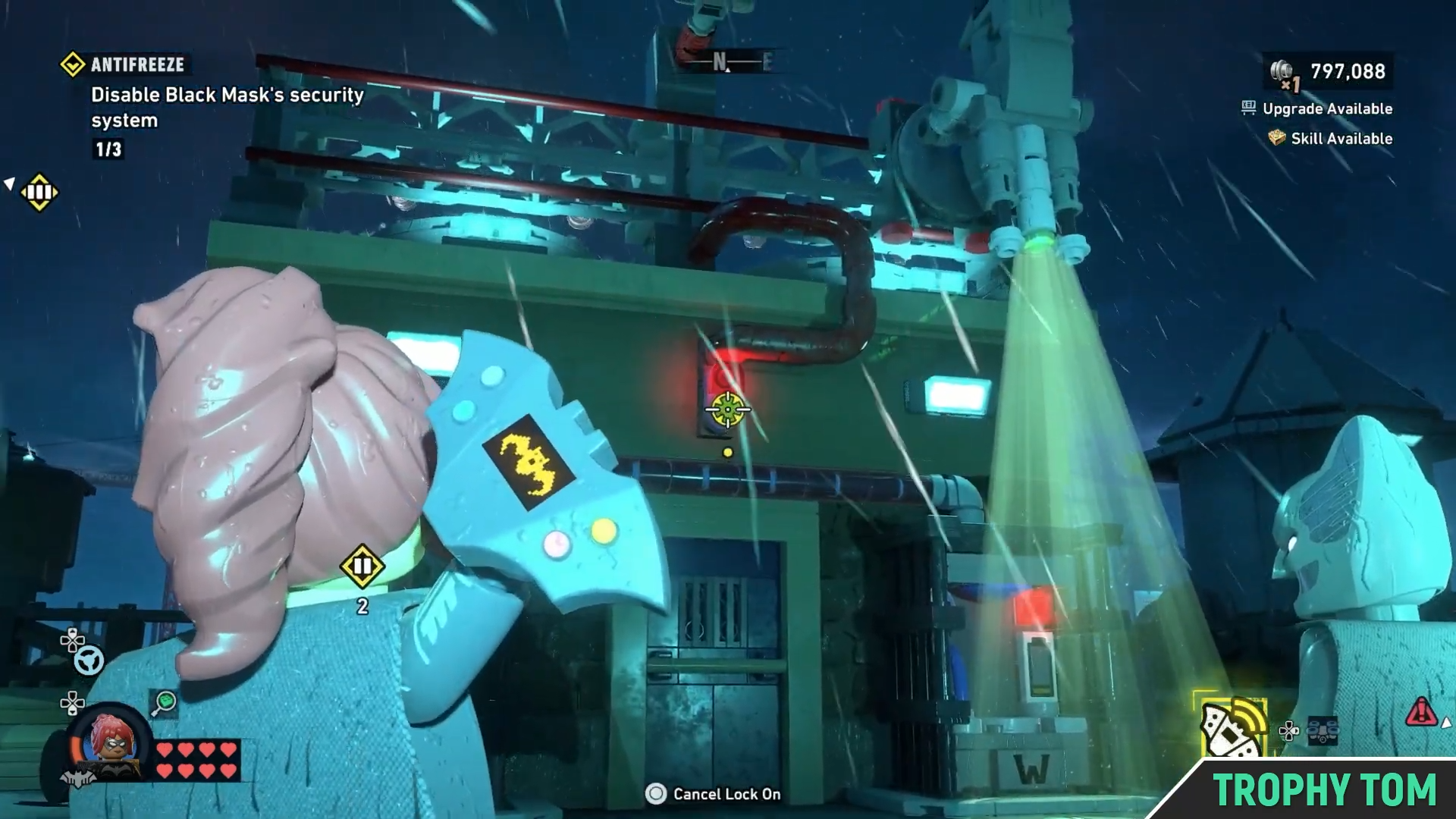
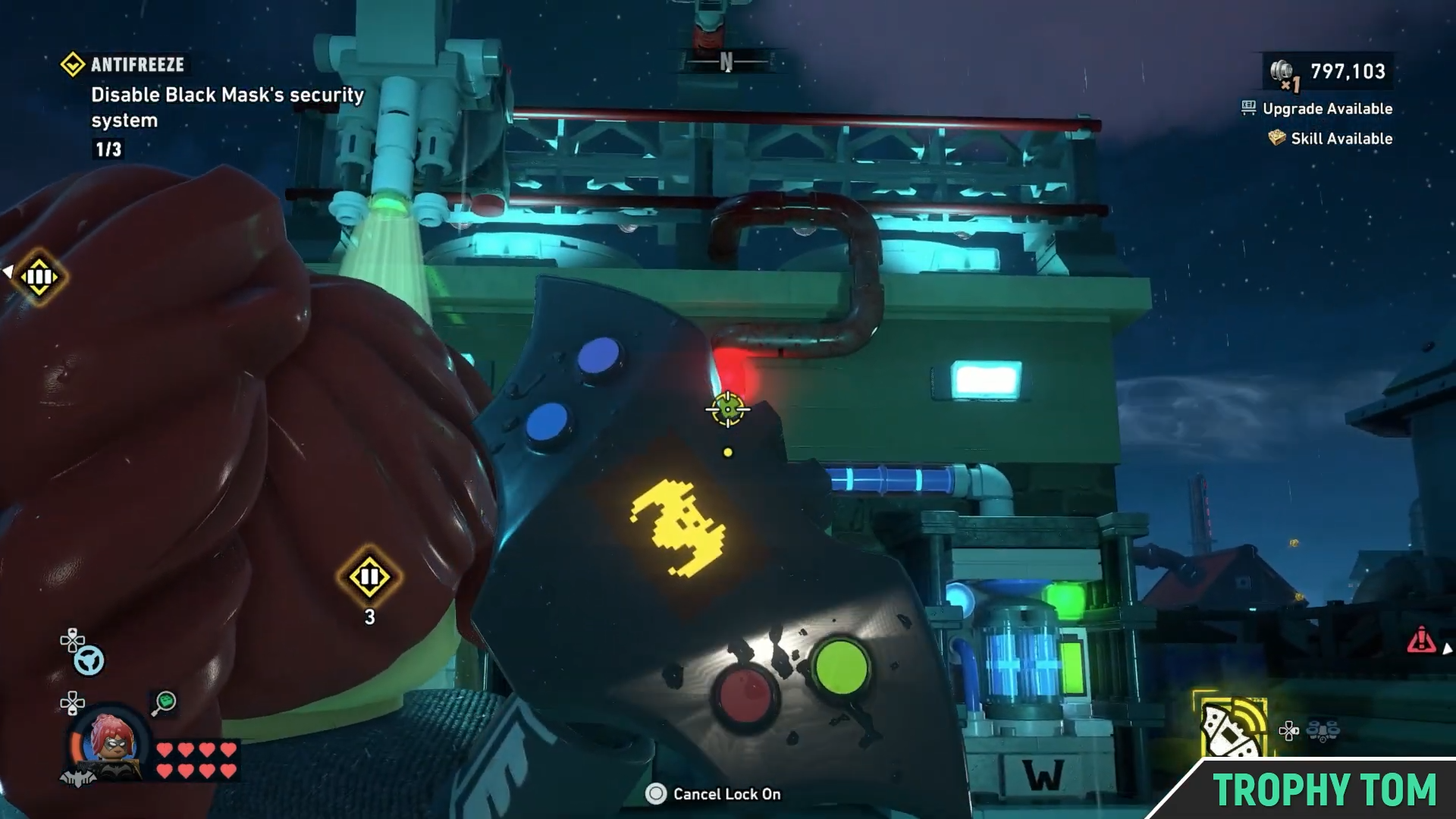
Use your batarang to hit the button above the door.
Image credit: TT Games / YouTube – Trophy Tom
This will cause the spotlight to shift to the left.
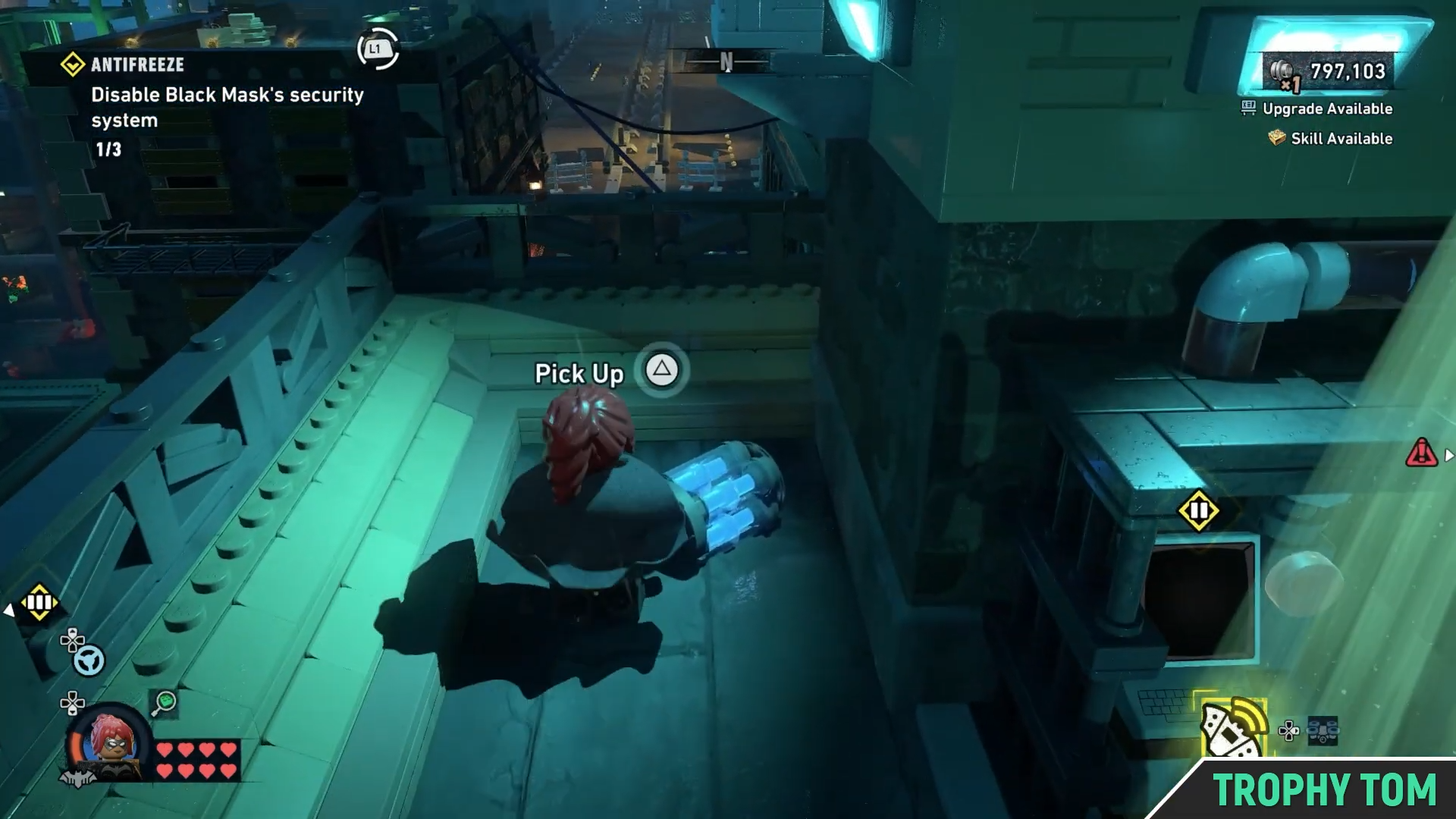
Then, go to the left and pick up the blue object there.
Image credit: TT Games / YouTube – Trophy Tom
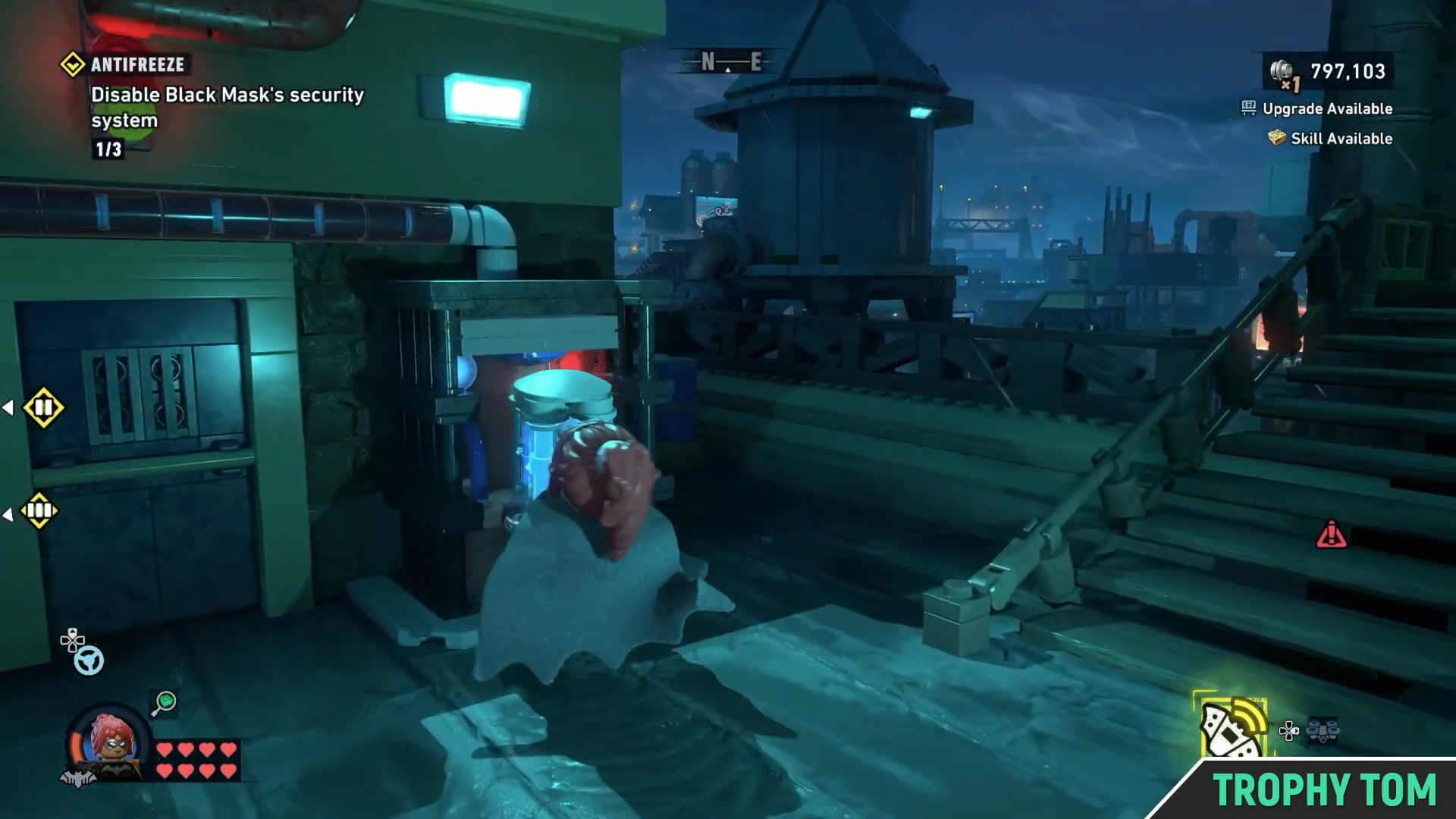
And place it on the right system.
Image credit: TT Games / YouTube – Trophy Tom
Then again hit the button above the door and shift the light.
Image credit: TT Games / YouTube – Trophy Tom
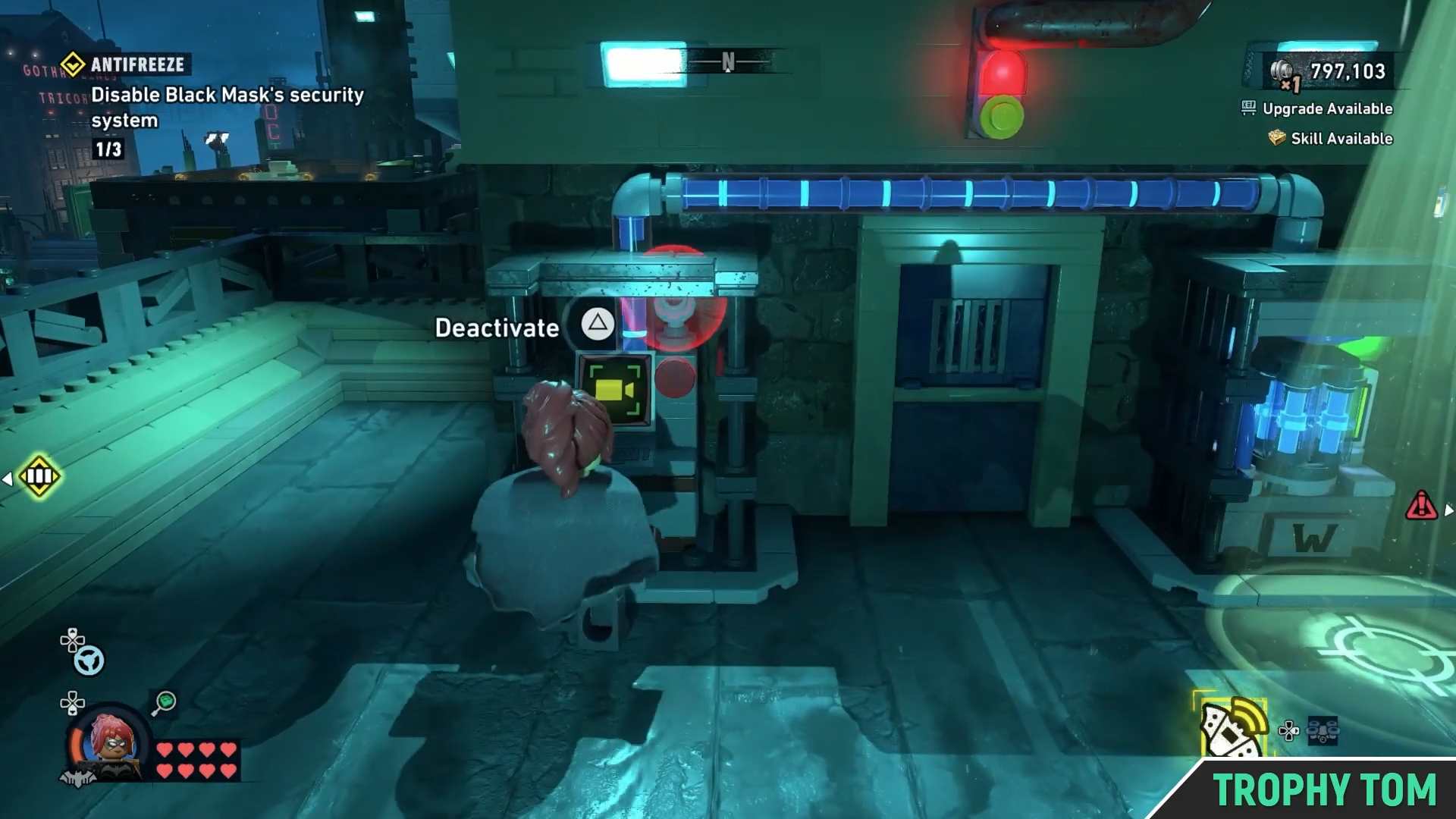
Now go to the left system and deactivate the security terminal.
Image credit: TT Games / YouTube – Trophy Tom
Again, Black Mask will get a little angry.
Deactivate the third security terminal
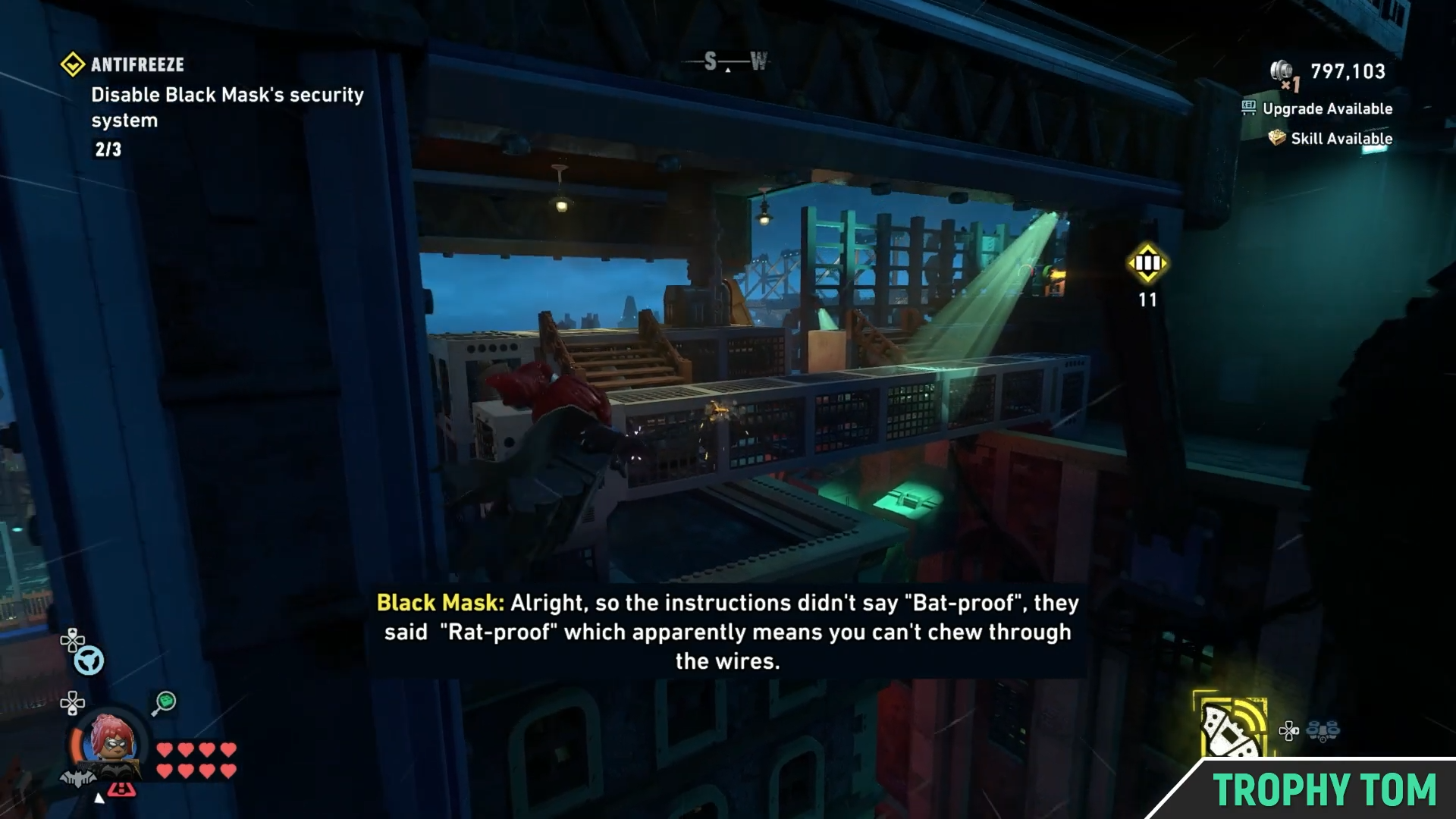
For the third terminal, turn around and grapple your way across.
Image credit: TT Games / YouTube – Trophy Tom
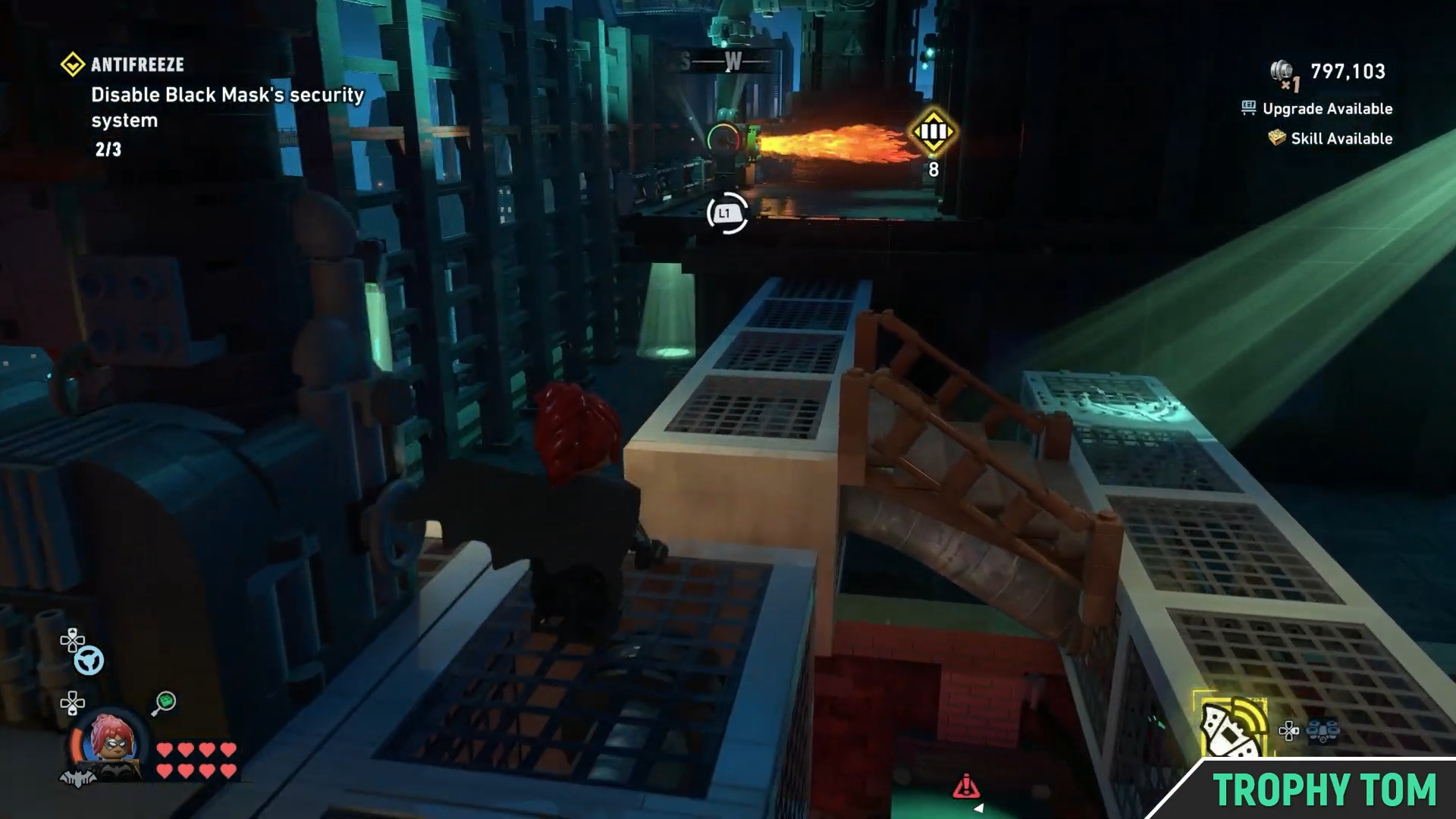
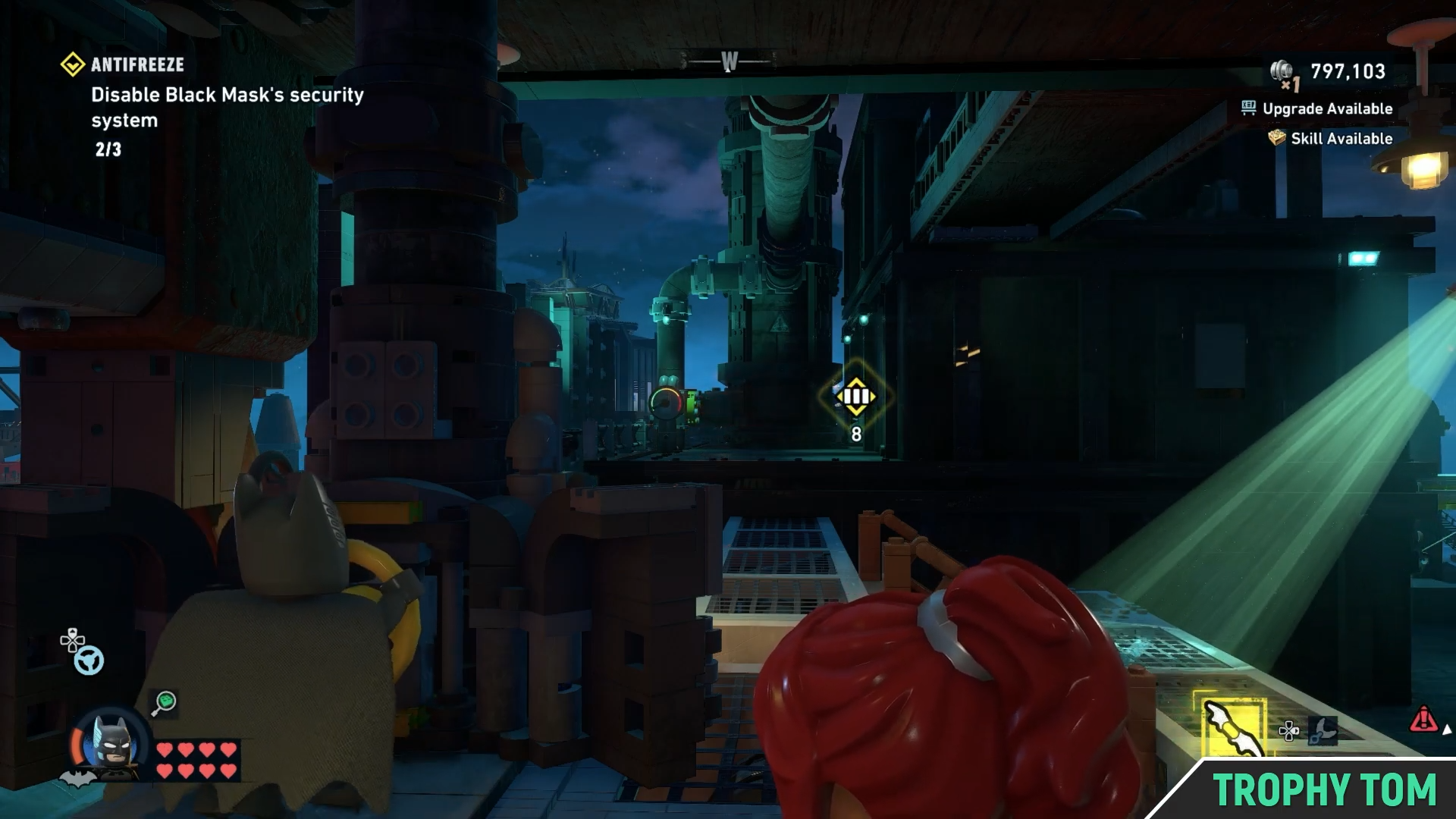
Jump your way to where there’s a barrier of fire.
Image credit: TT Games / YouTube – Trophy Tom
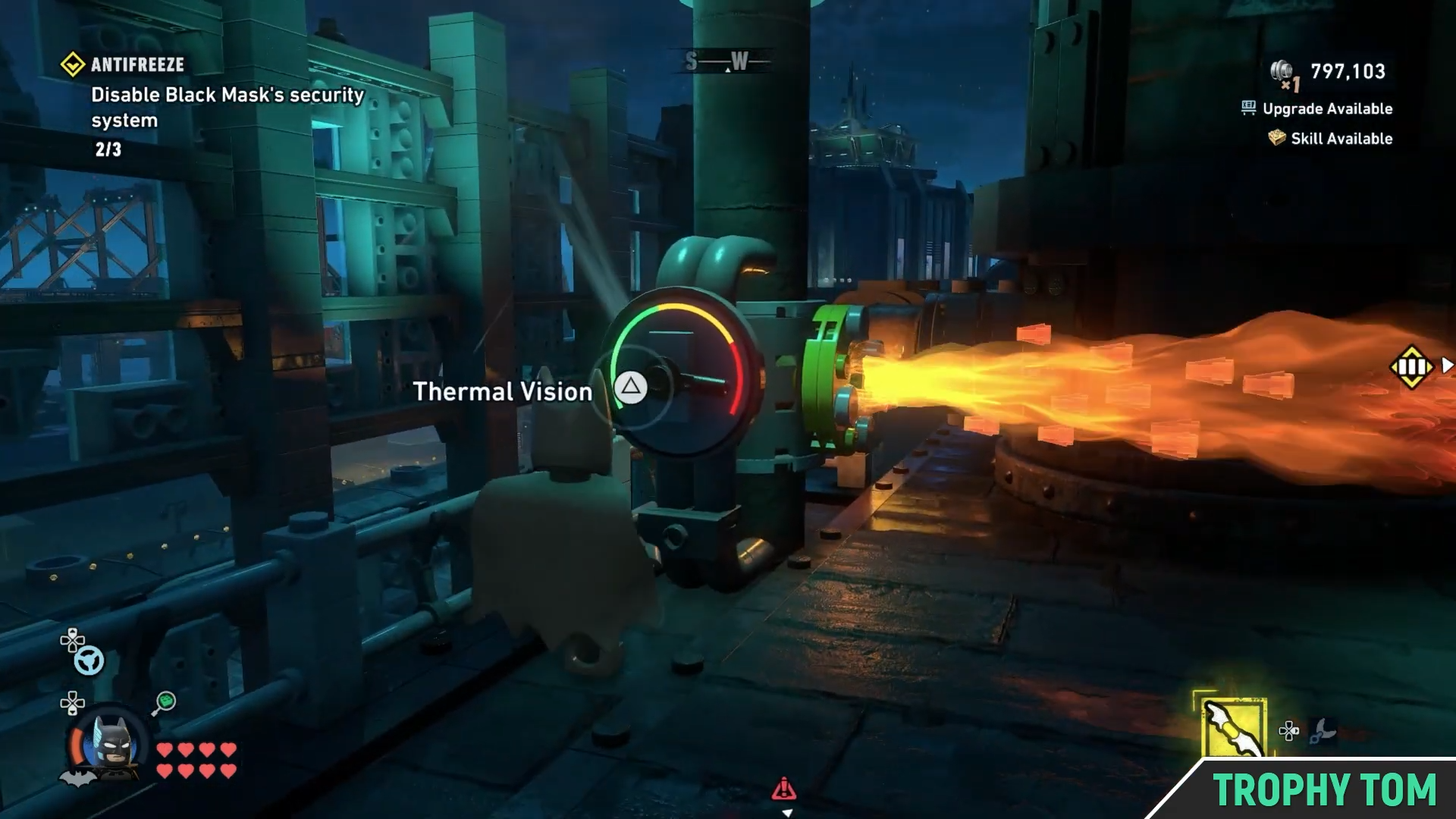
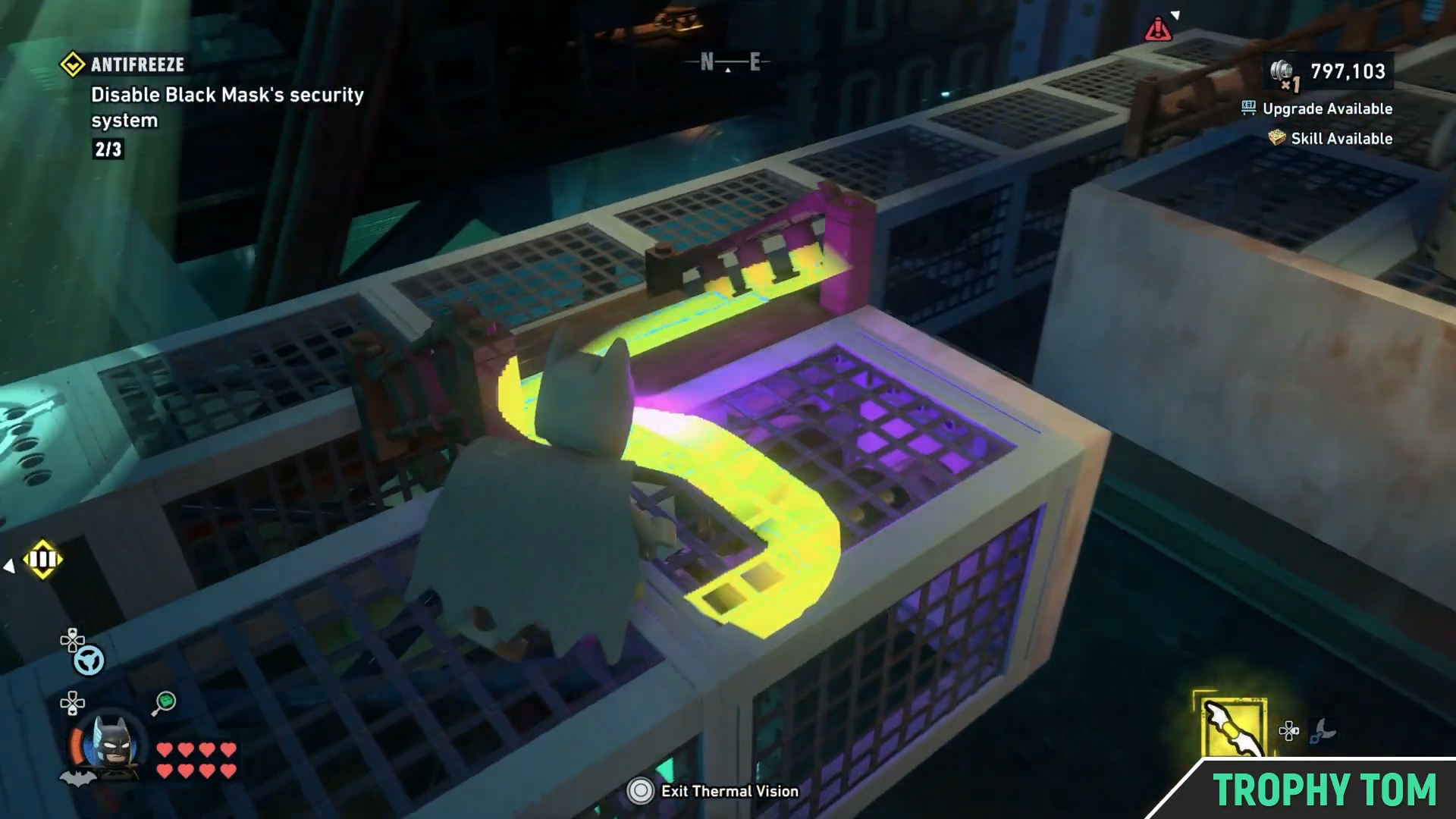
Switch to Batman and use your Thermal Vision.
Image credit: TT Games / YouTube – Trophy Tom
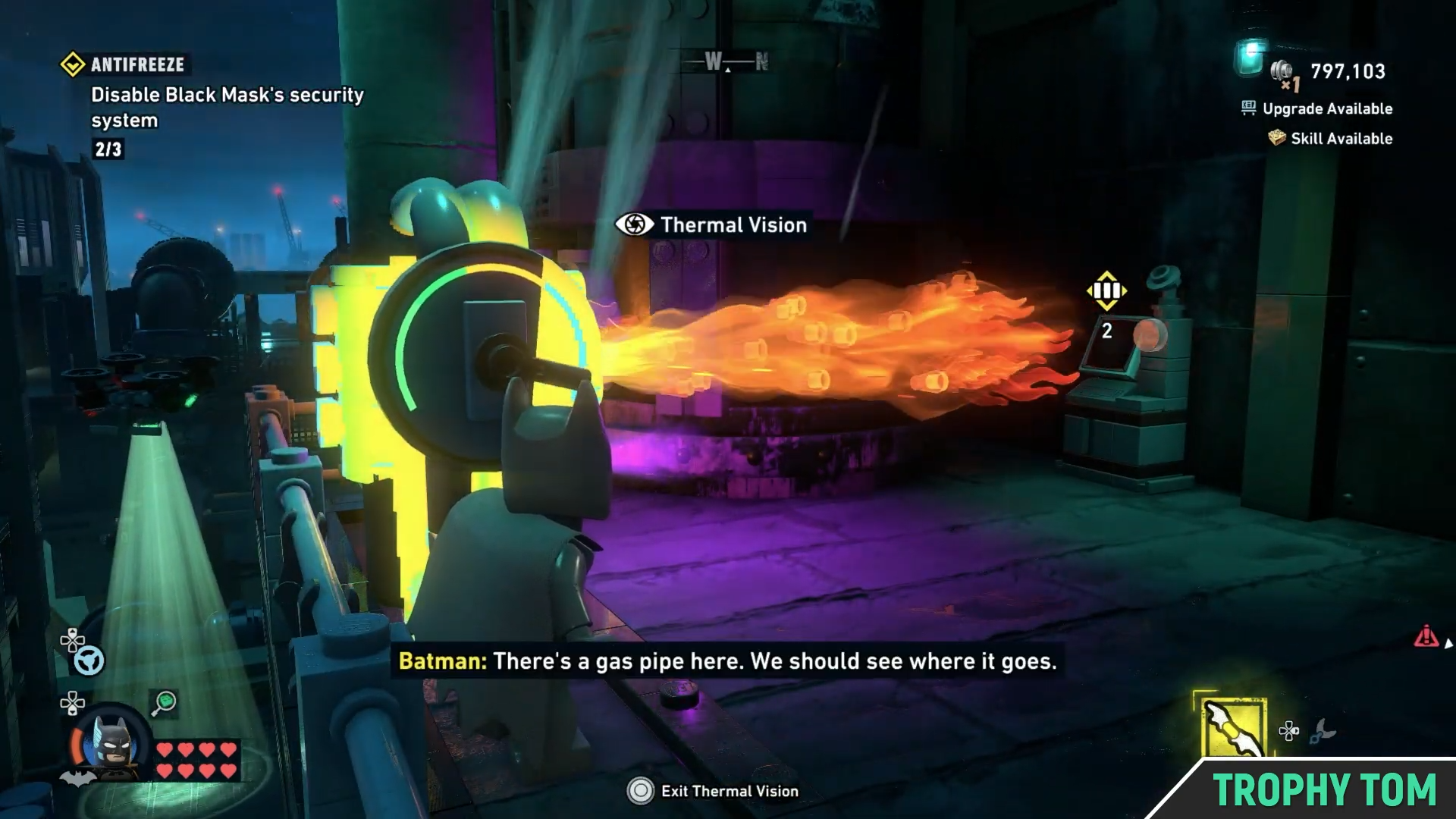
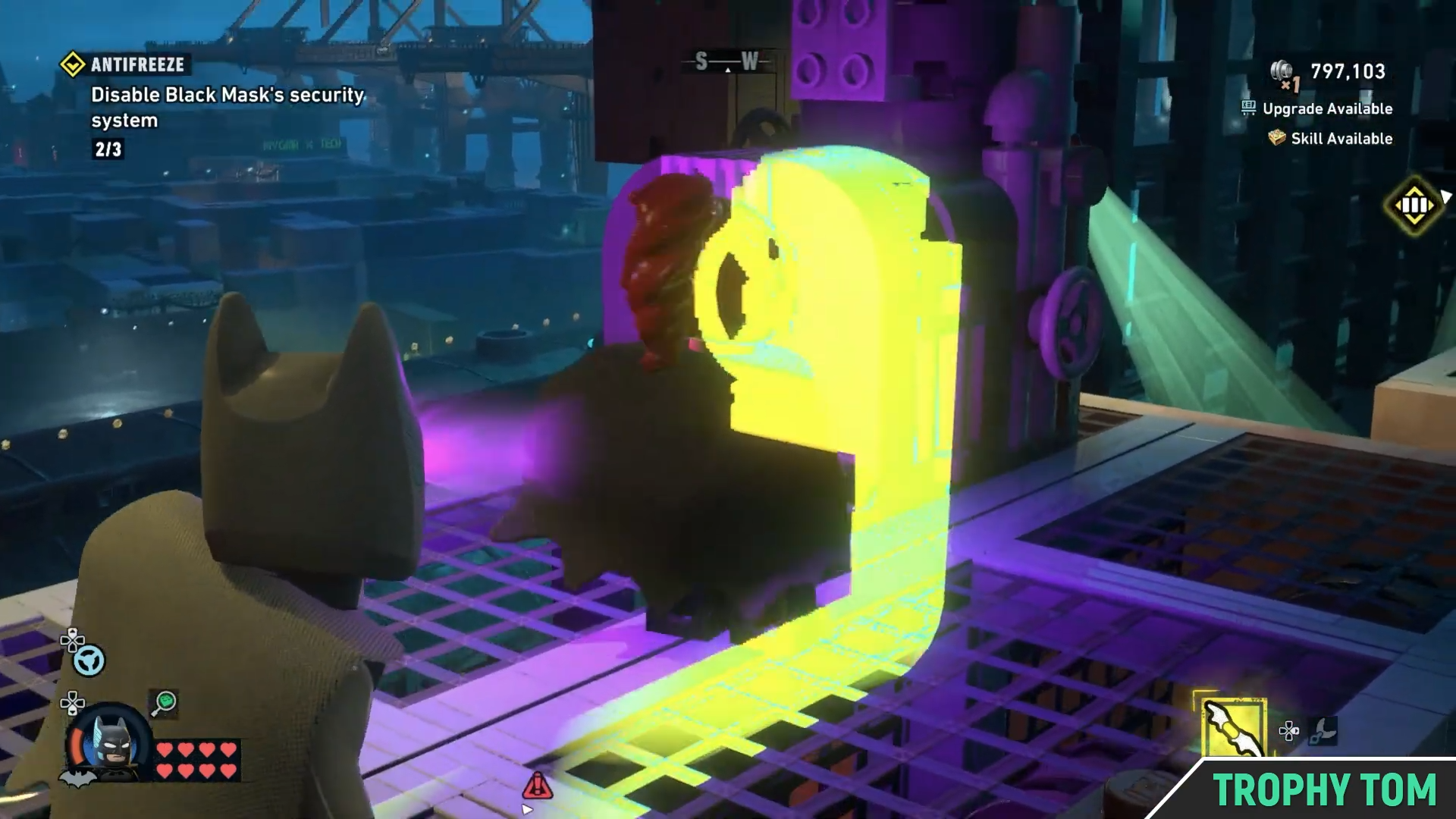
You’ll notice the gas pipe.
Image credit: TT Games / YouTube – Trophy Tom
Follow the gas pipe with your Thermal Vision.
Image credit: TT Games / YouTube – Trophy Tom
Until you come to its control.
Image credit: TT Games / YouTube – Trophy Tom
Turn the gas all the way down (to the left).
Image credit: TT Games / YouTube – Trophy Tom
Then go back to where the flame was.
Image credit: TT Games / YouTube – Trophy Tom
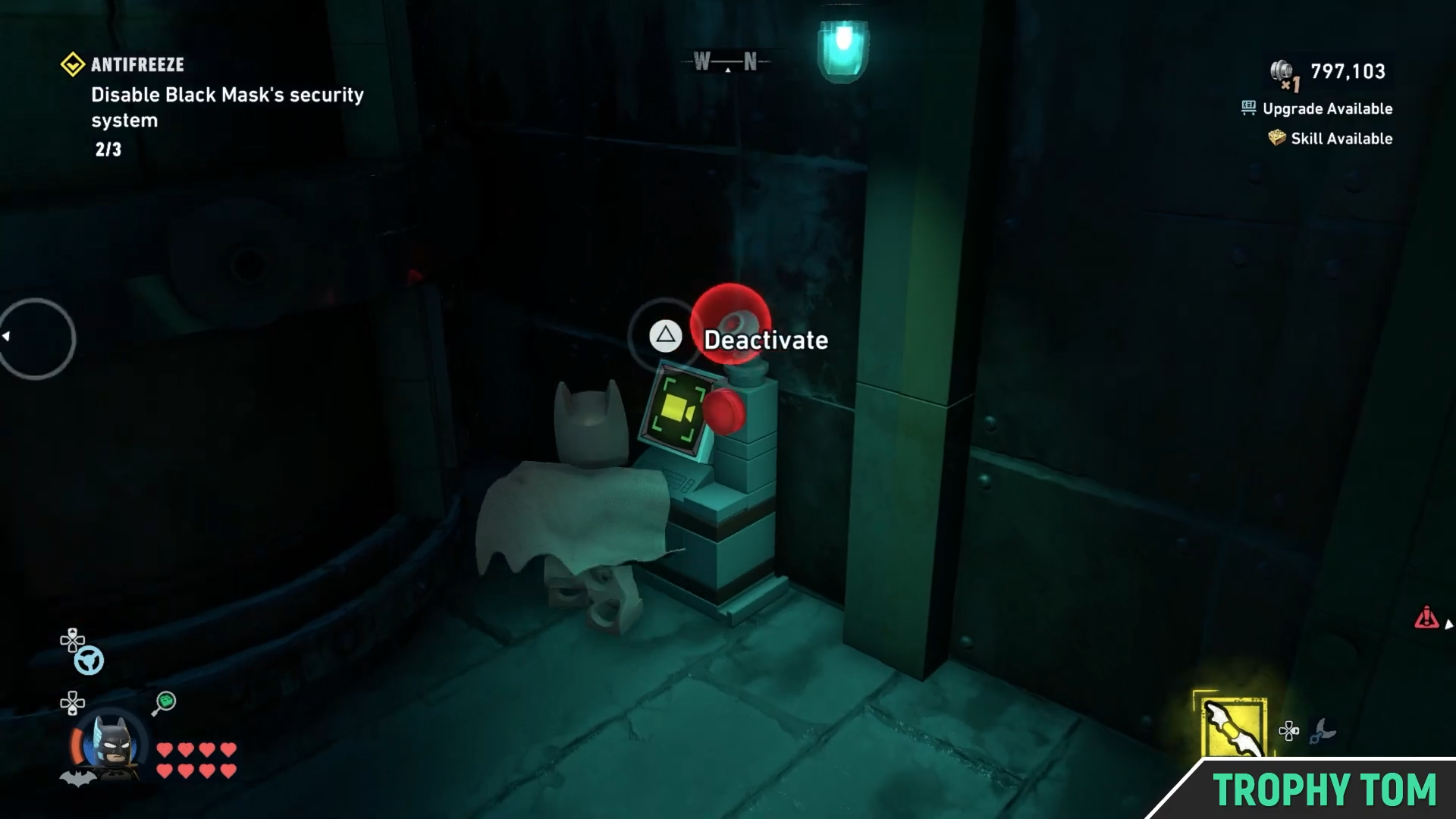
And simply deactivate the third security terminal.
Image credit: TT Games / YouTube – Trophy Tom
And just like that, you would have disabled Black Mask’s security system for good.