- What to know
- Why EventLab is required for weather and time changes
- How to create a custom route for weather control
- How to change weather and time settings
- Why “Fixed” time progression is extremely important
- Validating and starting the session
- Best uses for custom weather sessions
- Common mistakes to avoid
What to know
- You cannot directly change weather or time in standard free roam or story races.
- The only current method is through EventLab custom route creation.
- Setting Time Progression to Fixed is essential to lock weather and lighting conditions.
- You can freely explore the map afterward as long as you avoid crossing the finish line.
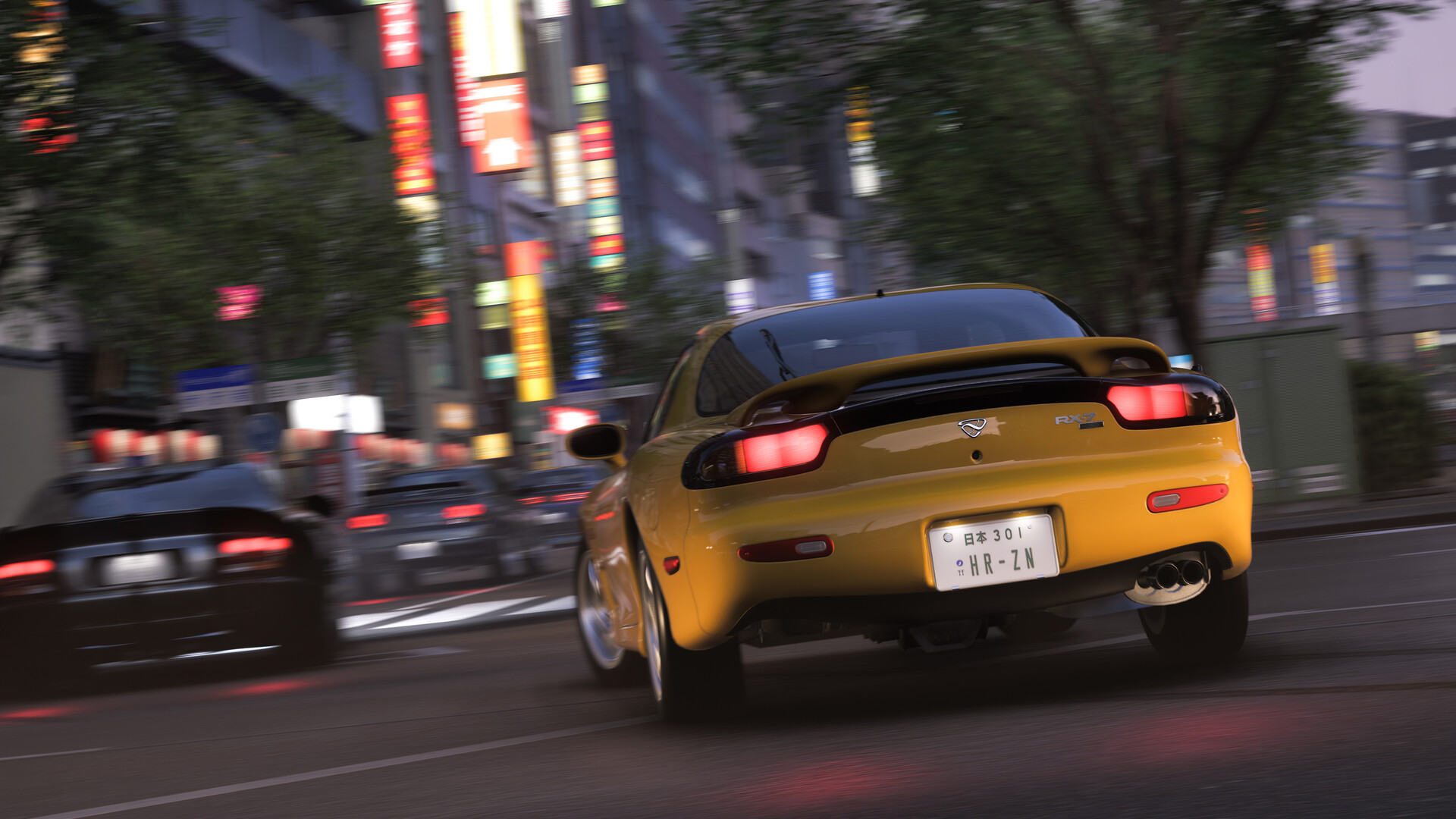
If you want to drive through a foggy night, cruise during sunrise, or test cars in heavy rain, Forza Horizon 6 gives you surprisingly flexible world settings through EventLab. The process is not immediately obvious because the normal free roam mode does not include direct weather or time controls. Instead, you need to create a custom route and modify the world settings manually before launching the session.
Once set up correctly, you can effectively create your own private free roam environment with the exact atmosphere you want.
| Feature | Available in Standard Free Roam | Available in EventLab |
|---|---|---|
| Change Weather | No | Yes |
| Change Time of Day | No | Yes |
| Lock Time Progression | No | Yes |
| Select Season | No | Yes |
| Custom Driving Session | Limited | Full Control |
Why EventLab is required for weather and time changes
At the moment, Forza Horizon 6 does not allow direct weather or time manipulation during normal gameplay sessions. The developers instead tied these settings to EventLab creation tools. This means you must build a simple custom route before accessing environmental controls.
The good news is that the route itself can be extremely short and simple. You are not required to create a full race circuit. In fact, most players create a tiny custom route purely to unlock the environmental settings menu.
Once the event starts, you can ignore the race entirely and simply drive around the map freely.
How to create a custom route for weather control
Step 1
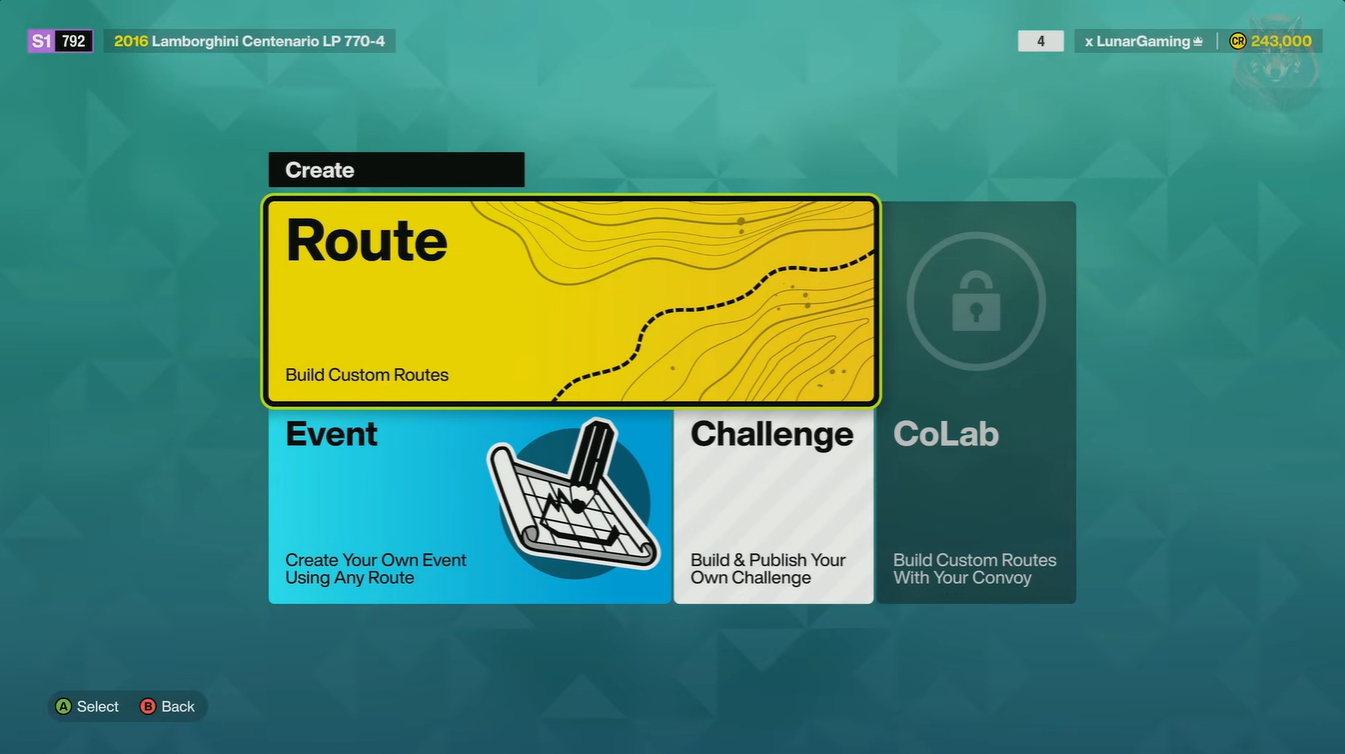
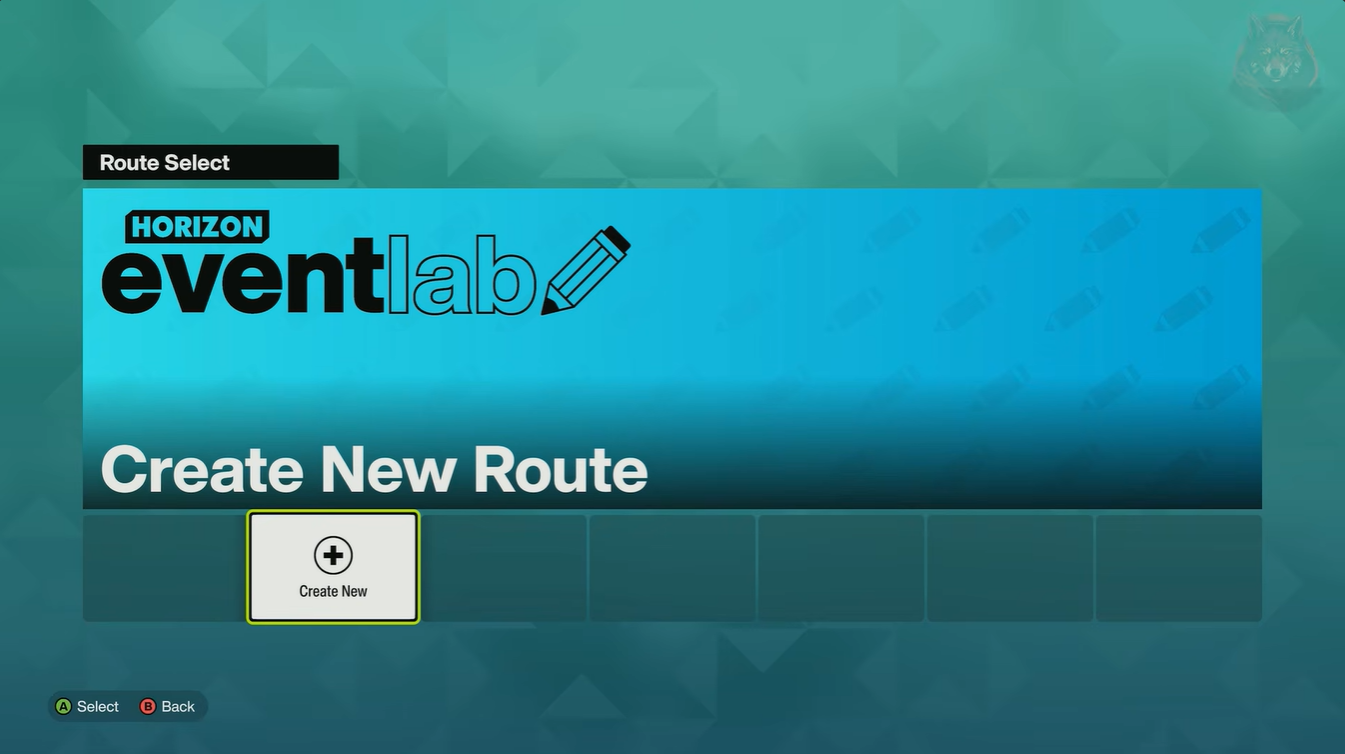
Open the main menu and access Anna’s menu system. From there, go to the World Builder section and select the option to create a new route.
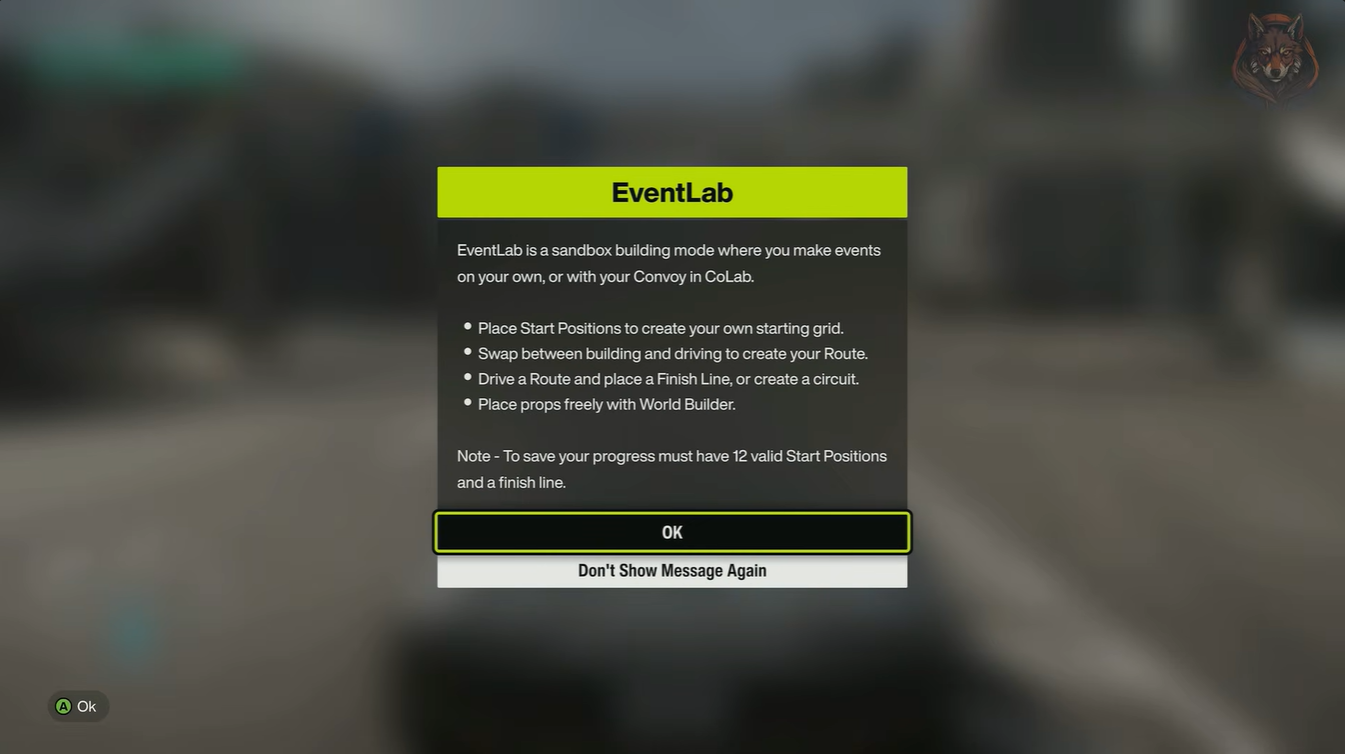
This launches the EventLab route creation mode.
Step 2
After entering the builder, immediately exit the starting checkpoint area and begin driving a short distance away from the road.
It is important to avoid placing the finish line directly on a busy roadway because accidentally crossing it later will instantly end your session.
A small side road or open off-road area works best.
Step 3
Place the finish line after driving a short distance from the starting point. The route can be extremely short because the goal is simply to unlock Event Settings access.
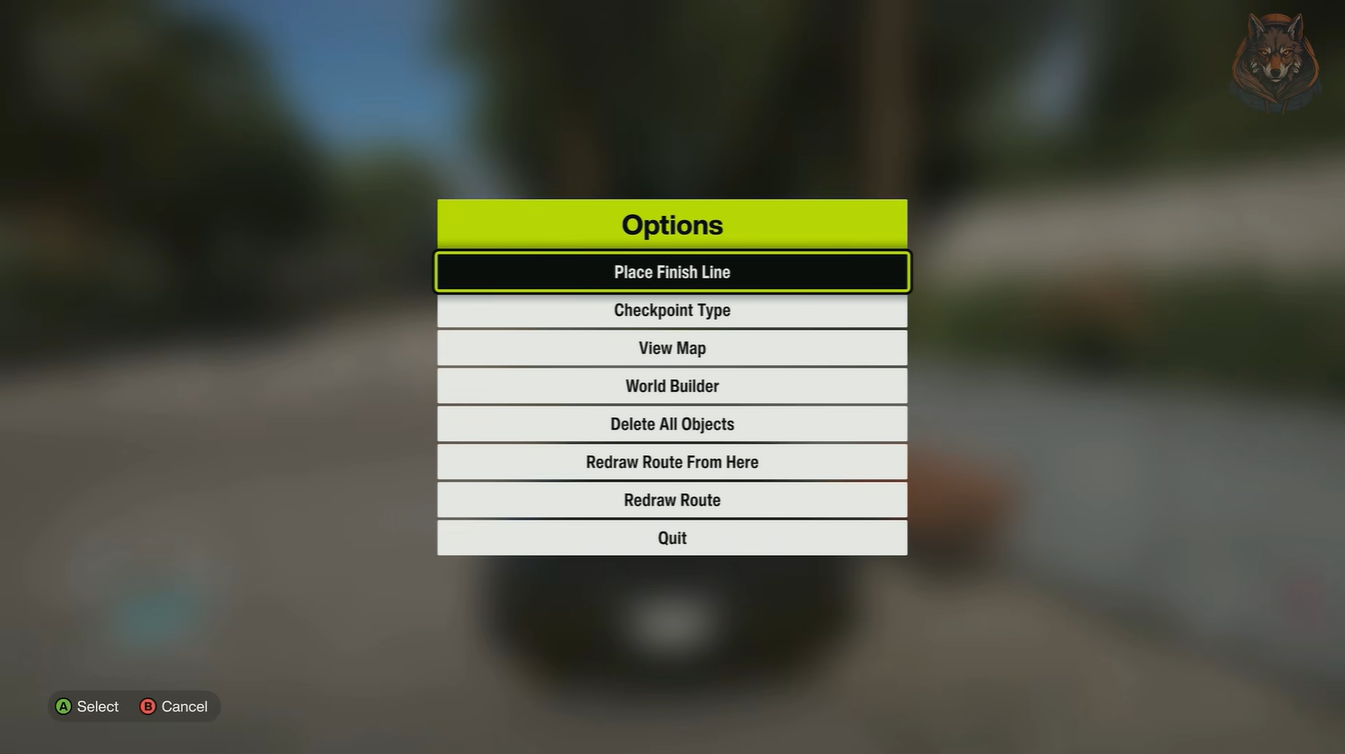
Save the route once finished.
How to change weather and time settings
After saving the route, enter the EventLab settings menu. This is where all world customization options become available.
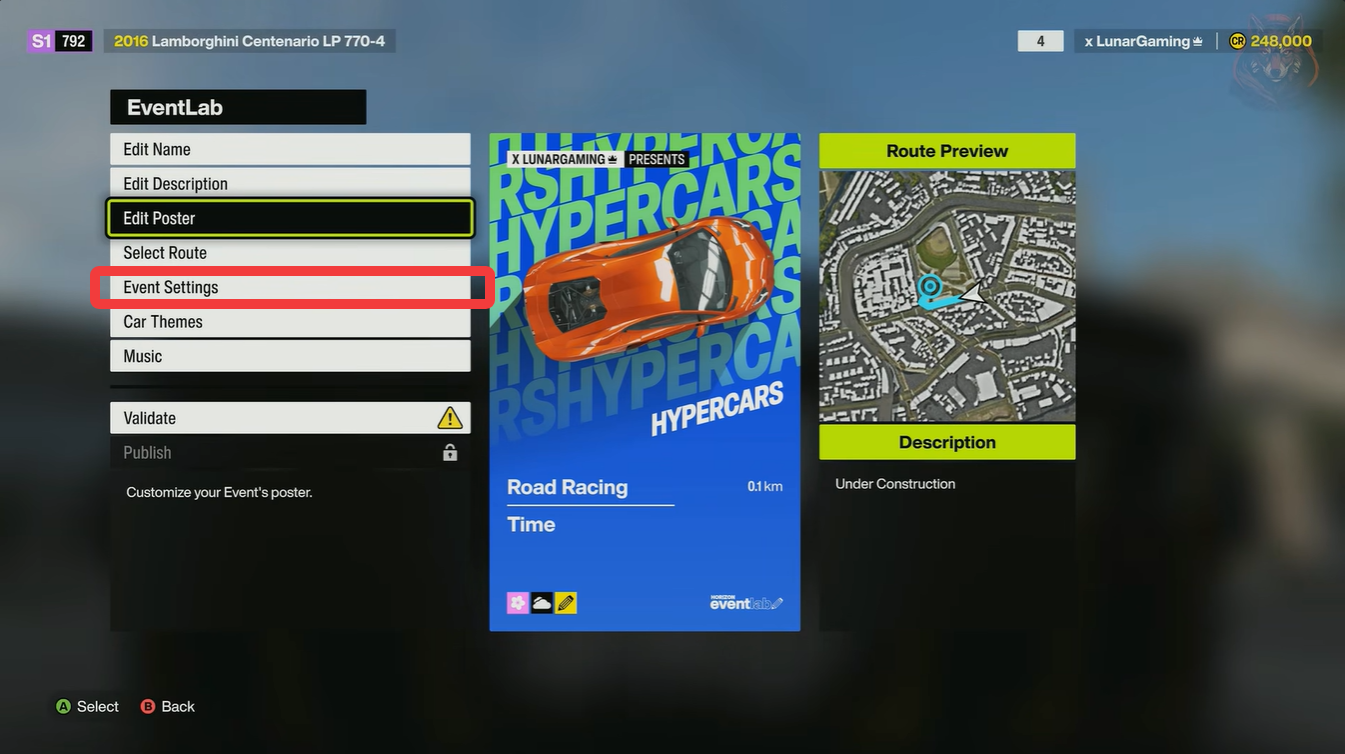
You will now see several important environmental controls.
| Setting | What It Changes |
|---|---|
| Season | Alters seasonal visuals and road conditions |
| Weather | Rain, fog, storms, clear skies, and more |
| Time of Day | Morning, noon, sunset, night |
| Time Progression | Dynamic or fixed world cycling |
| Drivers | AI traffic and racers |
Step 4
Set Drivers to Off if you want a clean solo driving experience without AI racers interfering.
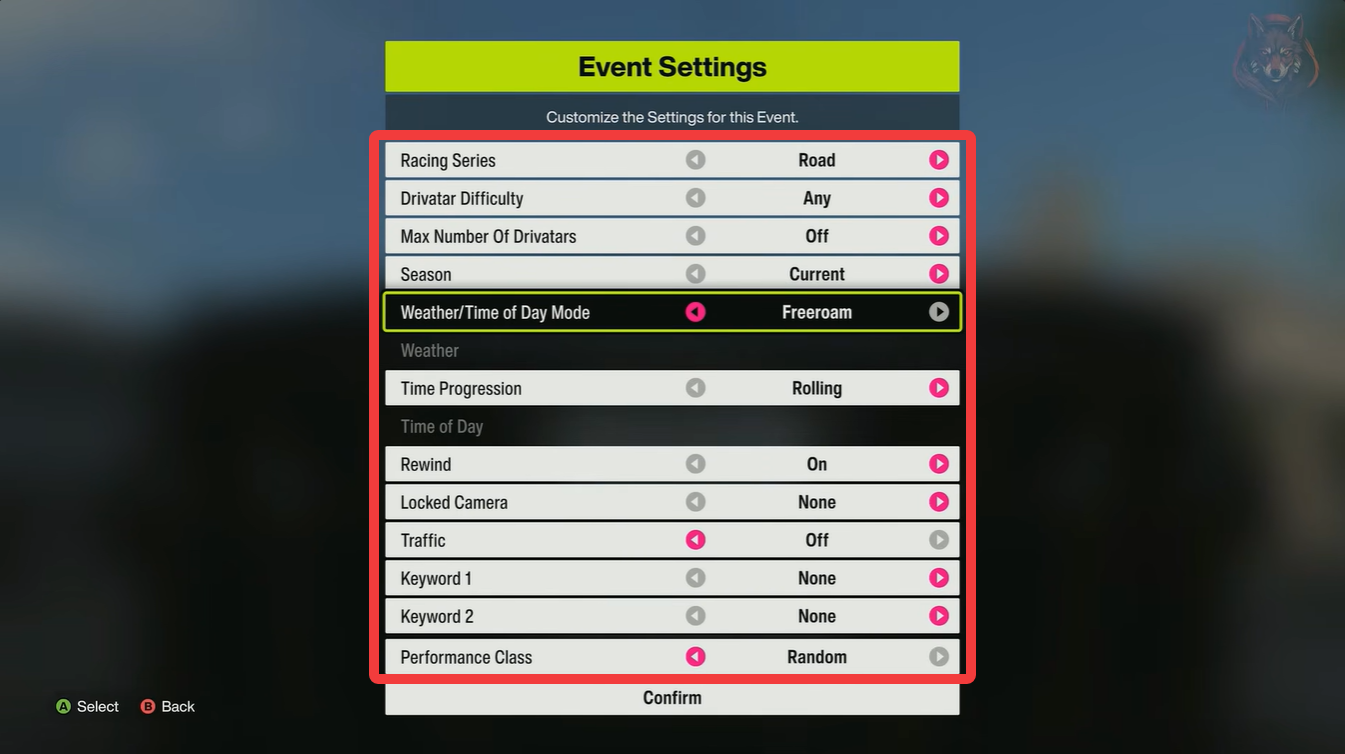
This creates a much calmer exploration session, especially for photography or cinematic driving.
Step 5
Choose your preferred weather condition. Depending on available presets, you can usually select conditions such as:
- Clear skies
- Overcast
- Heavy rain
- Fog
- Storms
- Sunset haze
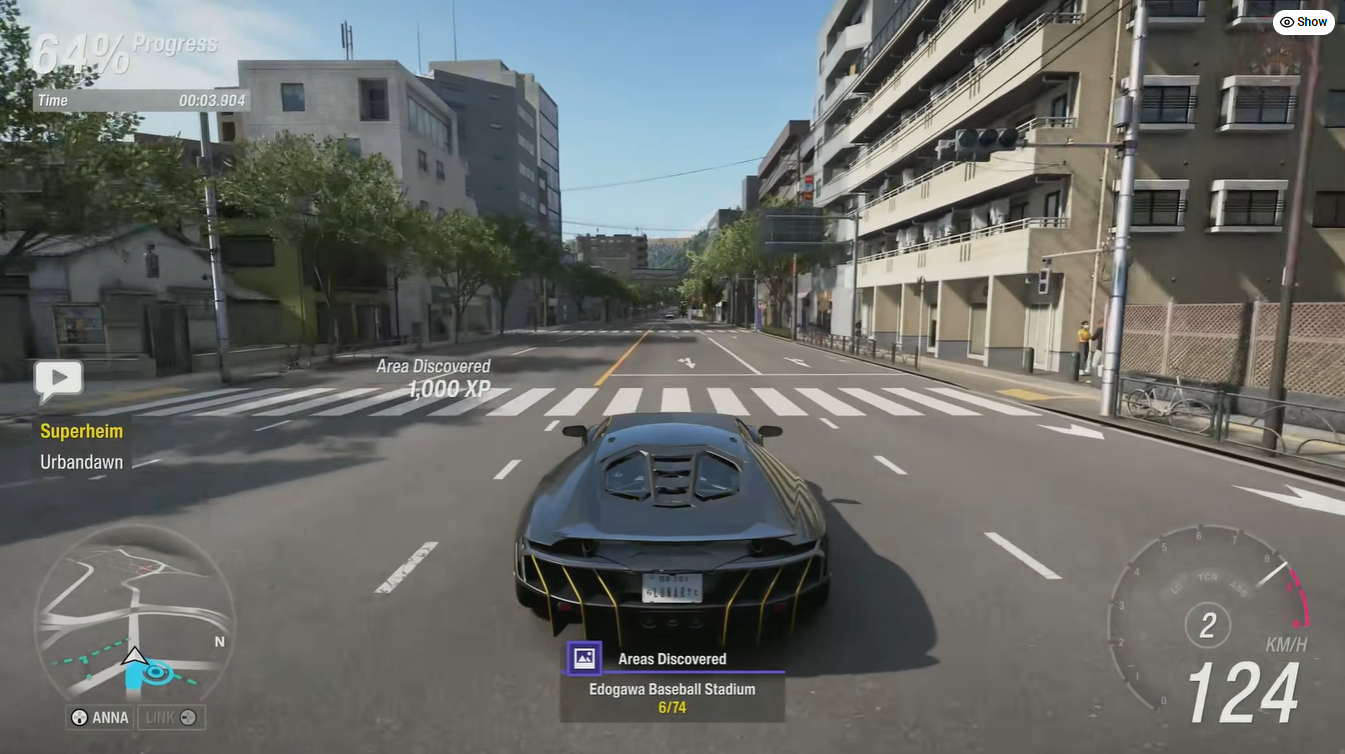
Different combinations dramatically change the mood of the map.
Why “Fixed” time progression is extremely important
The single most important setting is Time Progression.
If you leave progression on Dynamic, the weather and daylight cycle will continue changing naturally during gameplay. Your sunset may become nighttime after several minutes, or your fog could disappear entirely.
To permanently lock your chosen atmosphere:
Step 6
Set Time Progression to Fixed.
This freezes the current lighting and weather state permanently until the event ends.
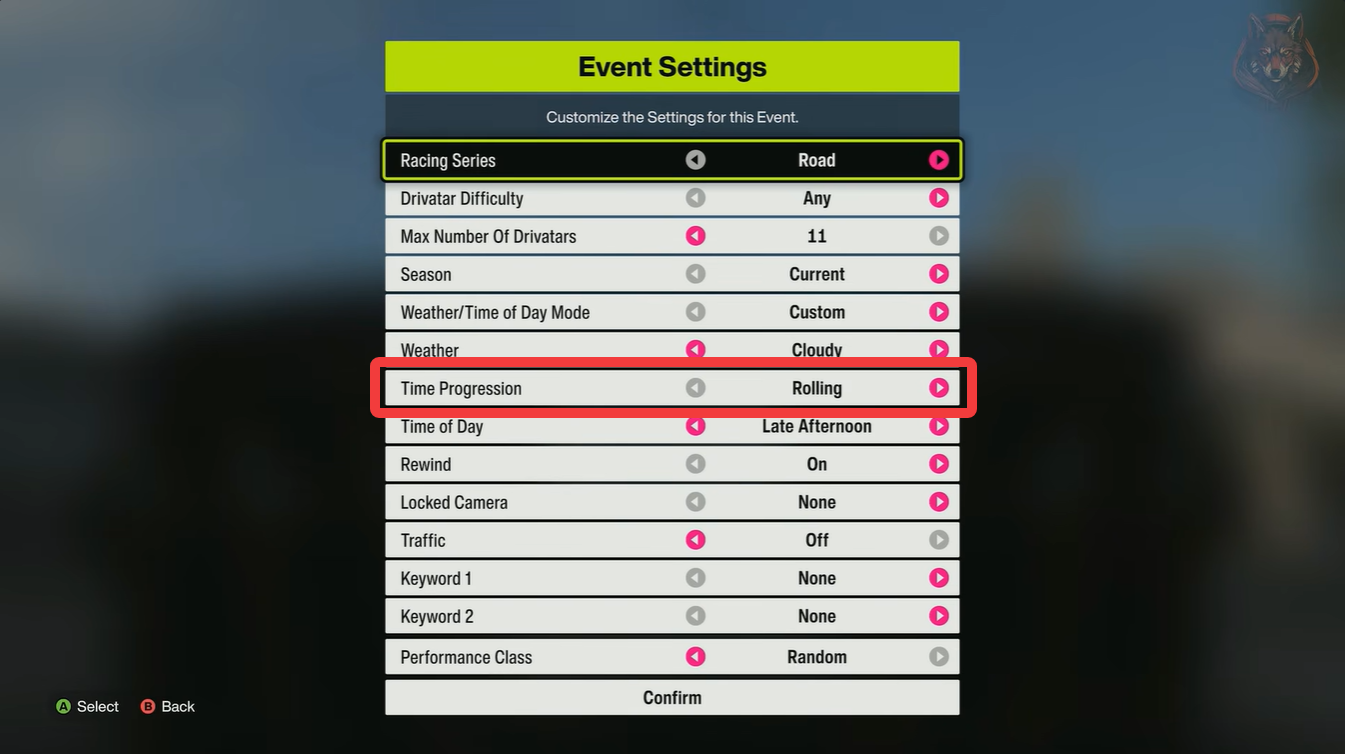
For example:
| Desired Atmosphere | Recommended Settings |
|---|---|
| Endless Sunset Cruise | Sunset + Fixed |
| Permanent Fog Drift Session | Fog + Fixed |
| Midnight Street Racing | Night + Fixed |
| Storm Photography | Thunderstorm + Fixed |
Validating and starting the session
Once all settings are configured, you must validate the route before launching it.
Step 7
Select Validate Event and complete the short route once. After validation finishes, choose your preferred vehicle and start the event normally.
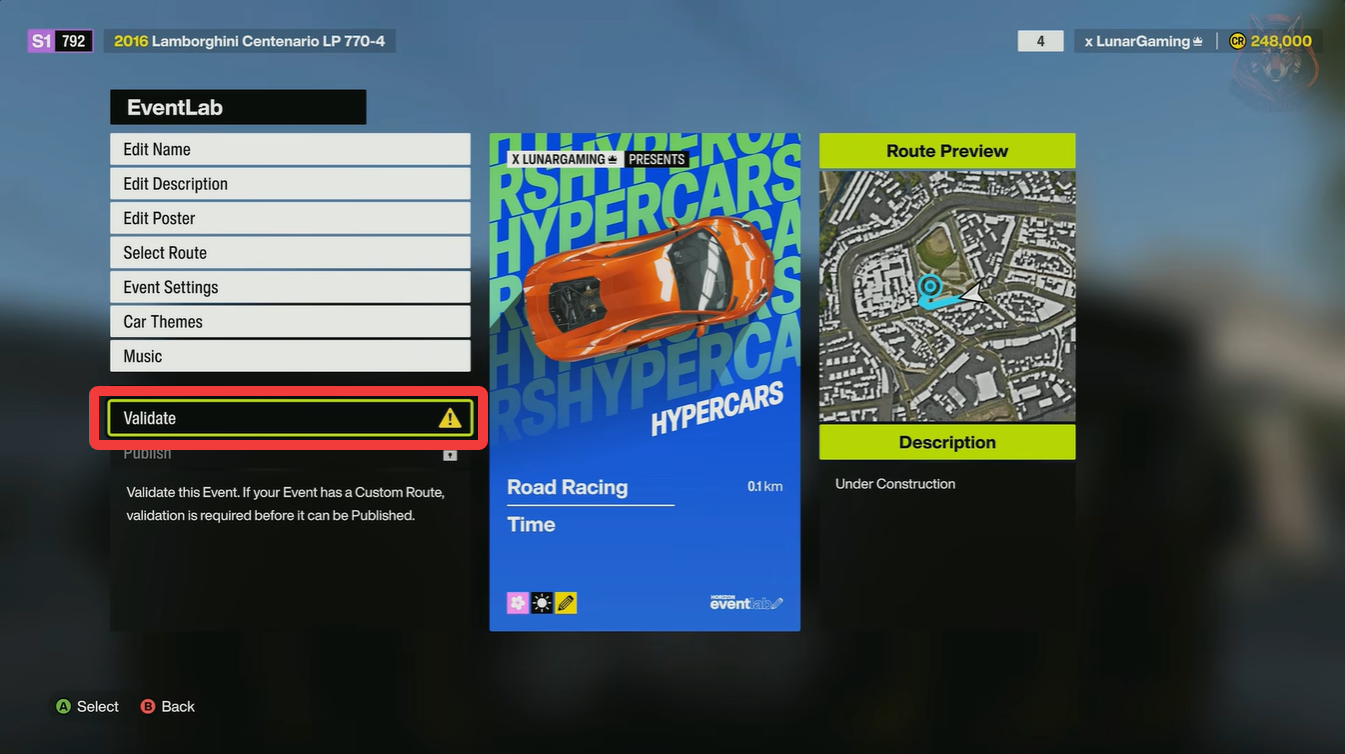
You are now free to drive anywhere on the map under your customized conditions.
As long as you avoid crossing the finish line again, the session will continue indefinitely.
Best uses for custom weather sessions
Changing weather and time is not just cosmetic. Many players use these settings for practical gameplay purposes as well.
Car photography becomes much better
Fog, storms, and sunsets create far more dramatic screenshots than normal daytime conditions. Fixed lighting also helps maintain visual consistency for photo shoots.
Drift tuning feels different in rain
Wet roads significantly alter grip levels, making rain sessions useful for drift practice and vehicle tuning.
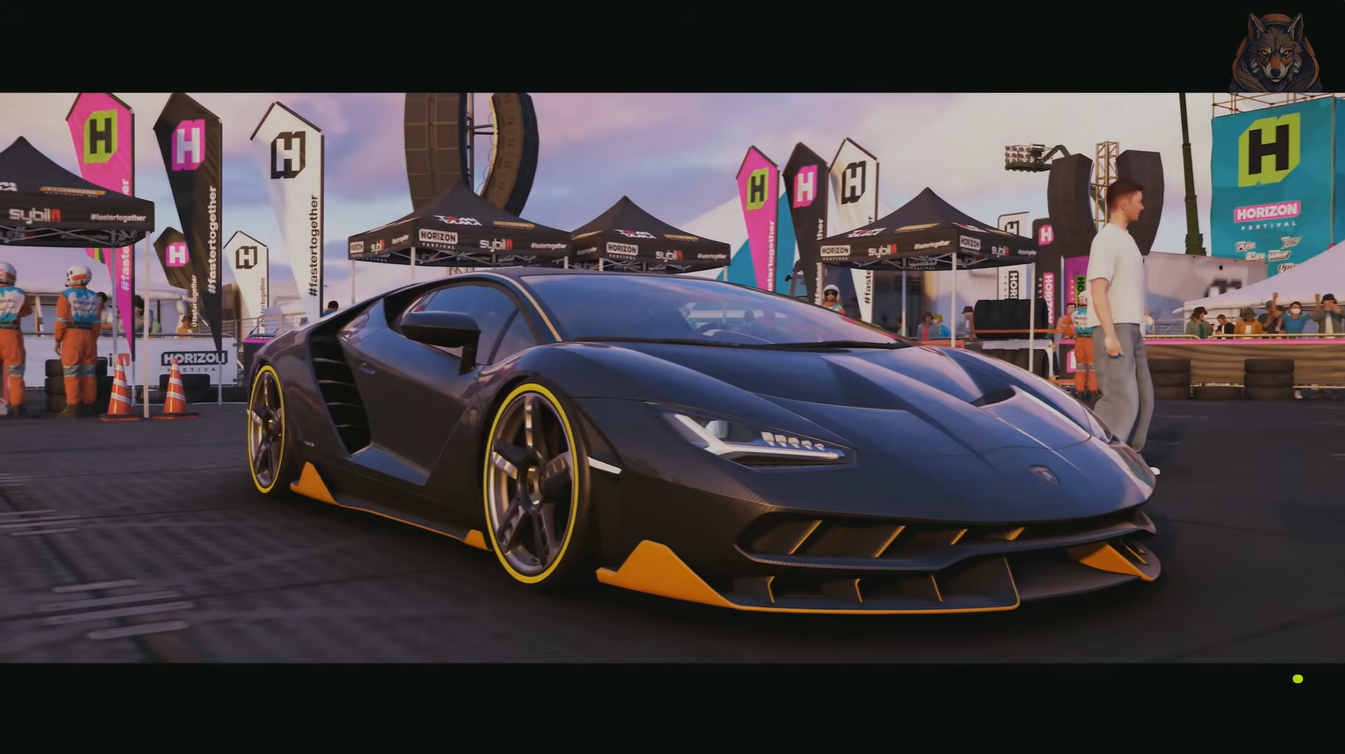
Night driving improves immersion
Street racing builds and neon-heavy cars often look much better during nighttime sessions.
Testing graphics settings
Some players use storms, fog, or sunsets to benchmark performance and test ray tracing or lighting effects.
Common mistakes to avoid
Many players accidentally end their session within minutes because they place the finish line directly on a road they plan to drive across later.
Try placing the finish line somewhere isolated so you can safely ignore it afterward.
Another common issue is forgetting to set Time Progression to Fixed. Without that option enabled, your carefully selected environment will eventually change automatically.
Using EventLab is currently the best way to fully control the atmosphere in Forza Horizon 6. Although the setup process takes a few minutes, it gives you access to custom weather, locked lighting, seasonal changes, and cinematic driving conditions that are unavailable in normal free roam.
Once you understand the process, creating personalized driving sessions becomes one of the most enjoyable ways to experience the game world.