- What to know
- Refund Base is currently the strongest workaround
- Removing distant attachments can suddenly clear the error
- Shrinking rooms gradually sometimes refreshes the structure
- Isolating the bugged structure helps reduce damage
- Terrain clipping creates some of the worst cases
- Why the bug is affecting so many players
What to know
- The bug is linked to invisible attachment tracking and merged room states.
- Expanded rooms, moved lockers, and wall-mounted devices trigger it most often.
- Refund Base is currently the most reliable workaround discovered by players.
- The issue can sometimes spread to nearby structures after remodeling.
Base building in Subnautica 2 is much more flexible than earlier games, but that expanded system has also introduced one of the most frustrating construction bugs currently affecting players. The “cannot dismantle/shrink because of attachments” error appears when the game believes a room still contains attached objects even after everything visible has already been removed.
Players usually encounter the issue while trying to shrink large rooms, remove corridors, or remodel connected bases. Instead of allowing dismantling, the Habitat Builder repeatedly displays an attachment warning despite there being nothing left inside the structure.
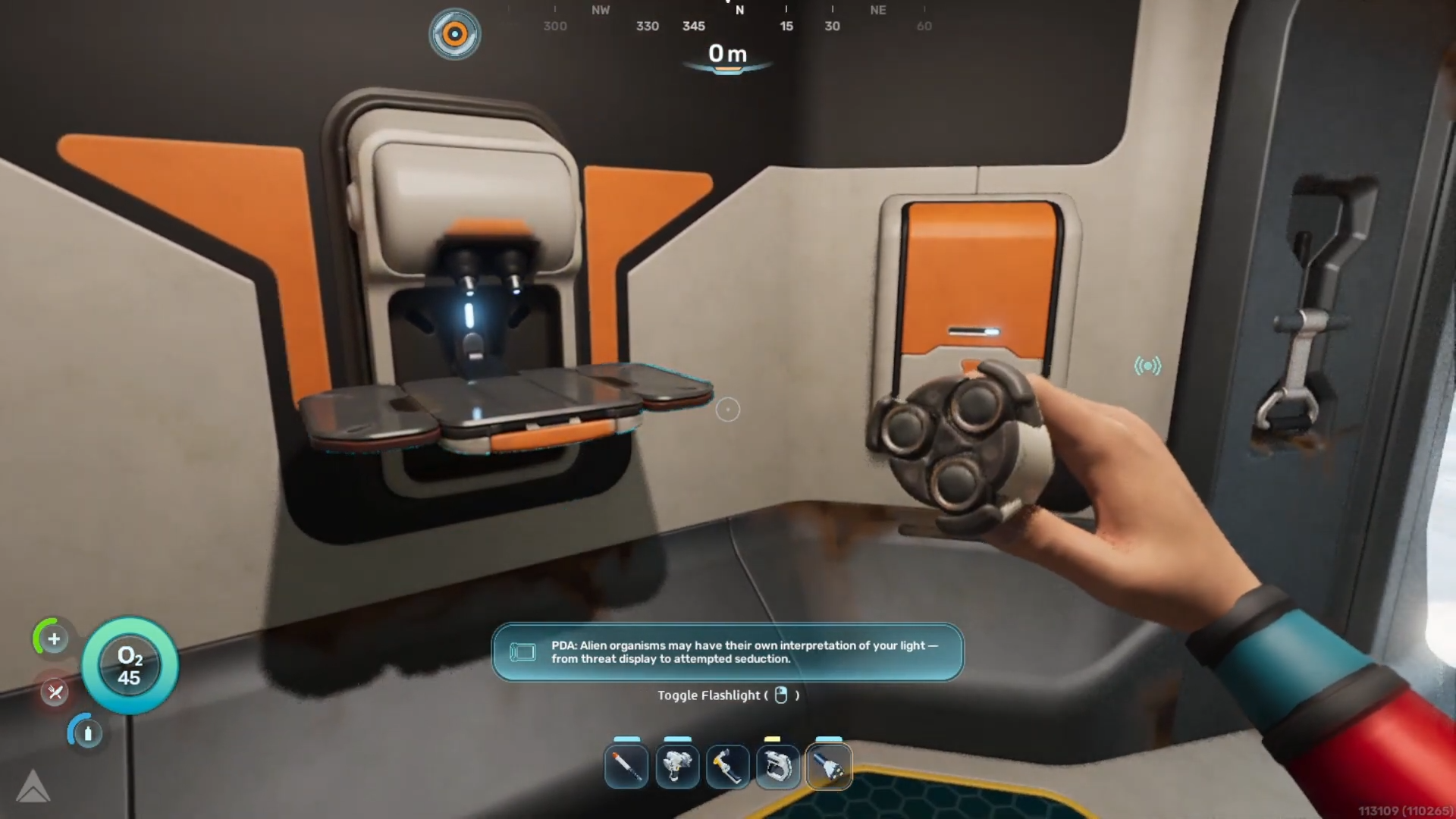
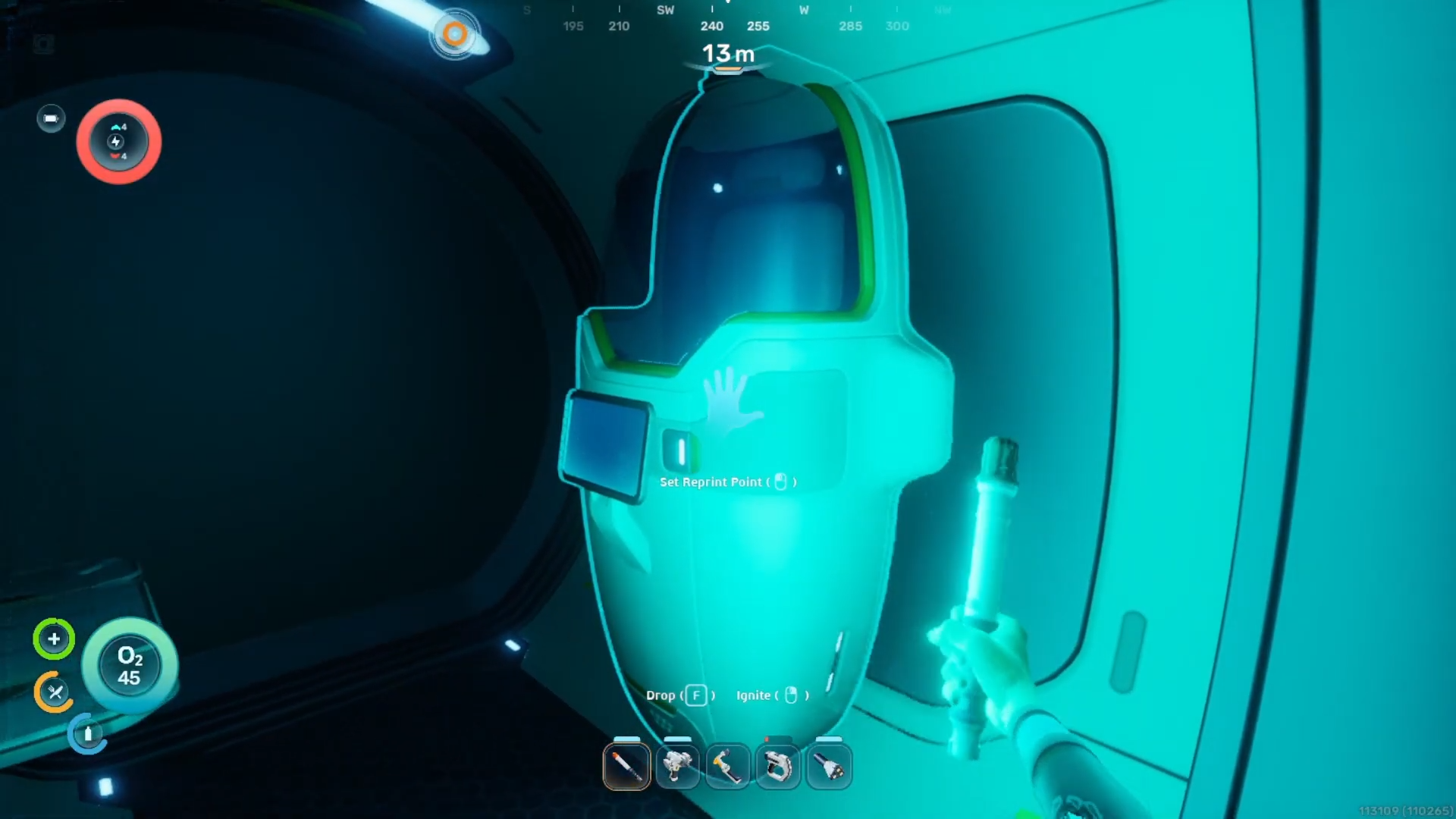
Community testing suggests the bug is connected to the game’s internal room-linking system. Certain objects — especially lockers, fabricators, reinforcements, solar panels, and wall-mounted devices — may remain “ghost linked” to their original structure after being moved elsewhere.
The problem is especially common with:
| Common Trigger | Why It Causes Problems |
|---|---|
| Expanded rooms | Structural merge states can desync |
| Moving lockers repeatedly | Attachment links may persist |
| Shrinking large compartments | Room boundaries fail to update |
| Building near terrain | Collision conflicts create ghost structures |
| Rapid remodeling | Habitat Builder fails to refresh properly |
In some cases, the bug becomes worse over time. Players have reported situations where nearby rooms also become undeconstructable after attempting multiple rebuilds.
Refund Base is currently the strongest workaround
The most widely successful fix reported by the community is the hidden Refund Base option. Players discovered that it can remove bugged structures that the Habitat Builder refuses to dismantle normally.
This workaround is particularly effective for corridors and expanded rooms that become permanently locked by invisible attachments.
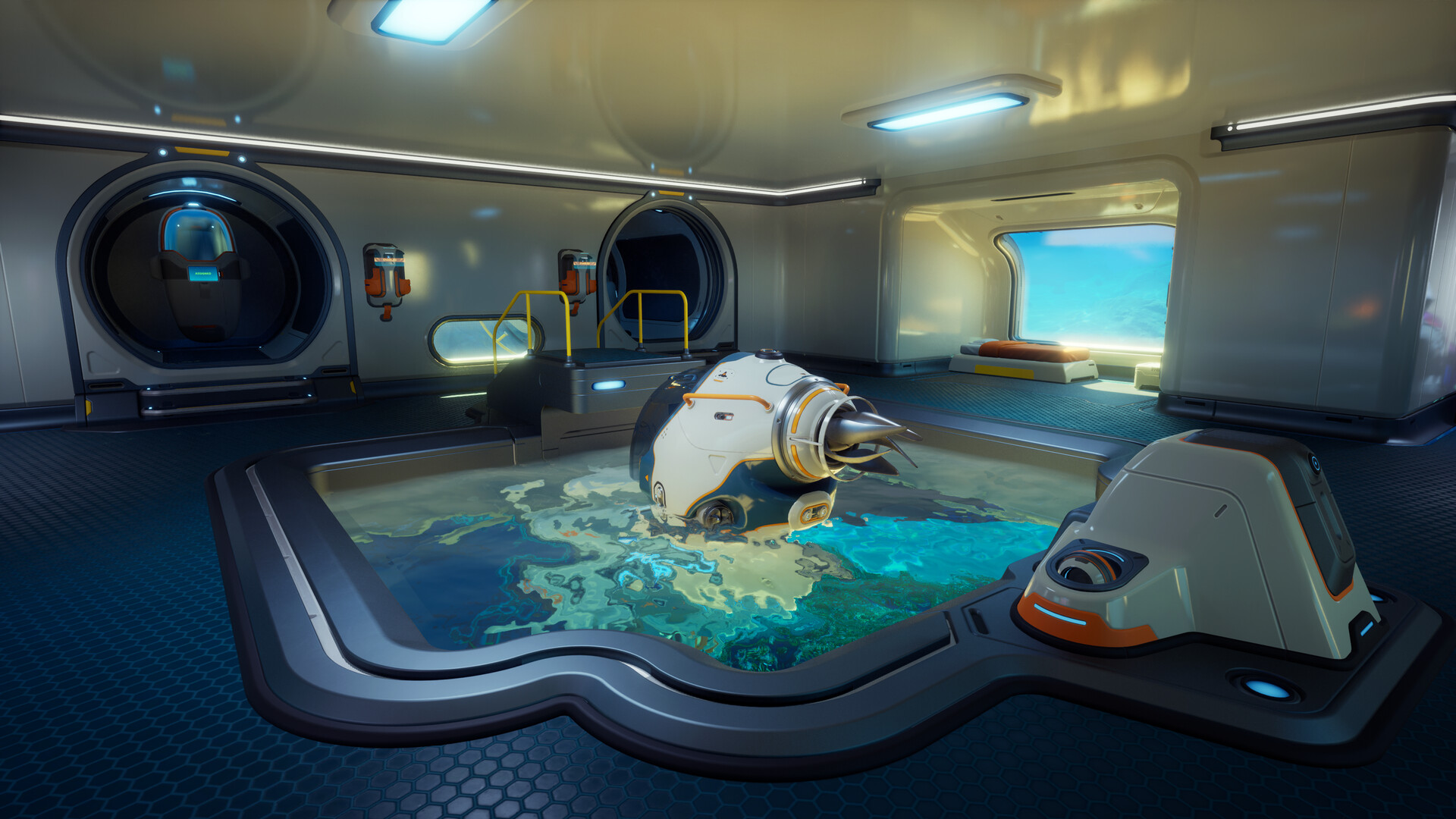
However, there is an important downside. Several players noticed that moved lockers and relocated fabricators were also deleted during the refund because the game still considered them attached to the original room internally.
Because of this, many players recommend:
- Emptying storage containers first
- Removing nearby wall-mounted objects
- Creating backup saves before refunding structures
Removing distant attachments can suddenly clear the error
One unusual aspect of the bug is that the problematic attachment is not always located inside the affected room. Some players fixed the error simply by removing objects elsewhere in the base. The most commonly reported hidden culprits include:
- Wall lockers
- Ceiling lights
- Fabricators
- Solar panels
- Reinforcements
- Base transponders
This strongly suggests the game occasionally assigns attachment data to the wrong room after remodeling or expansion.
Shrinking rooms gradually sometimes refreshes the structure
The new expandable room system appears particularly vulnerable to internal desynchronization. Players found that shrinking oversized rooms segment-by-segment occasionally forces the Habitat Builder to refresh its structural data.
This workaround does not consistently solve the problem, but it has helped some players free stuck corridors and merged room sections.
The method appears most effective when:
| Situation | Success Rate |
|---|---|
| Large merged rooms | Moderate |
| Single corridors | Low |
| Vertical structures | Very inconsistent |
| Recently expanded bases | Higher |

Isolating the bugged structure helps reduce damage
Another community workaround involves disconnecting the affected room from the main base before attempting removal. Players found that isolated structures are easier for the game to process correctly because fewer merged attachment states are involved.
This approach is often combined with Refund Base to avoid accidentally deleting functional sections of a larger base.
Terrain clipping creates some of the worst cases
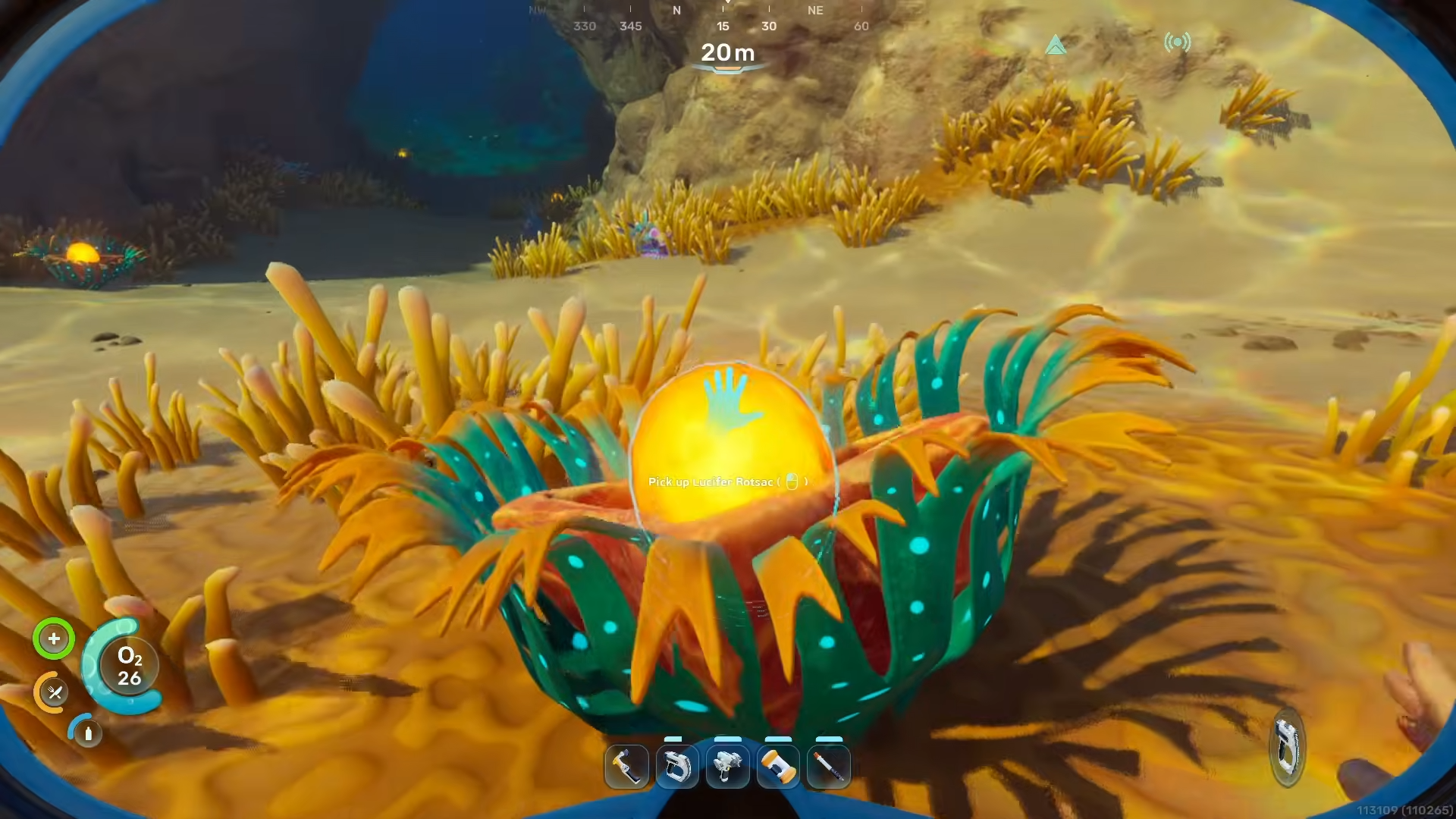
Bases constructed too close to rocks, cave walls, or uneven terrain appear much more likely to develop permanent attachment problems. Community reports suggest terrain collisions can leave invisible structure data behind even after rooms are removed.
Some players also encountered “ghost build zones” afterward where construction became permanently blocked.
| Terrain-Related Problem | Result |
|---|---|
| Building into cave walls | Dismantling stops working |
| Clipped foundations | Hidden collision persists |
| Removing terrain-overlapped rooms | Build zones become invalid |
| Uneven seabed placement | Structural refresh fails |
Why the bug is affecting so many players
Subnautica 2’s new modular construction system is significantly more dynamic than earlier entries. Expanded rooms, shrinkable compartments, and flexible corridor merging all require more complicated structural tracking behind the scenes.
Current player evidence suggests the dismantling bug is not random. Most cases happen after room expansion, attachment relocation, terrain clipping, or rapid remodeling. Since those actions are common during mid-game base upgrades, many players eventually encounter the issue.