What to know
- Resetting deletes your entire island permanently, including all Miis and progress
- You can reset either from the Town Hall or Nintendo Switch system settings
- The game includes multiple confirmations to prevent accidental deletion
- There is no recovery option once the save data is erased
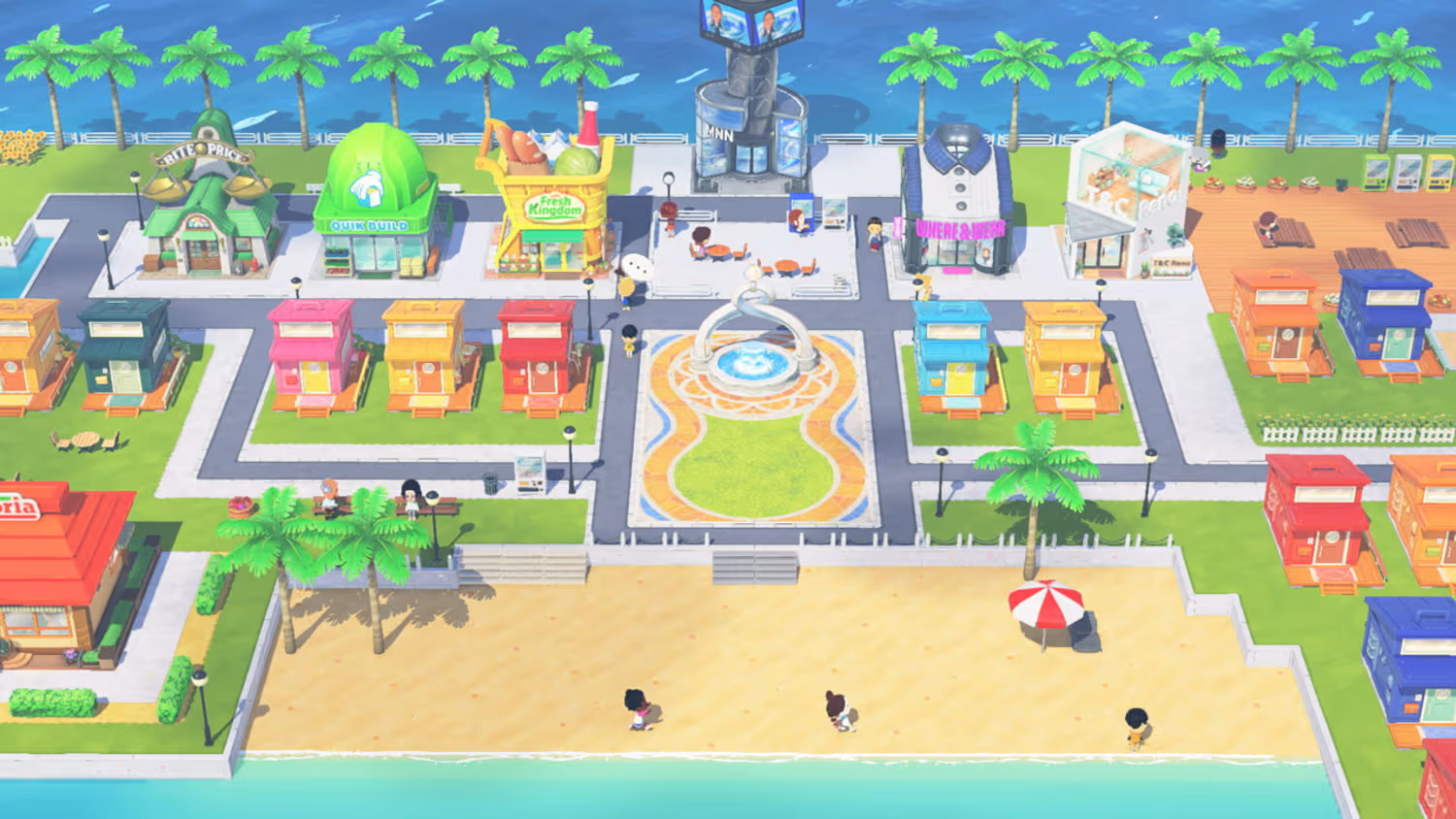
Resetting your island in Tomodachi Life: Living the Dream is a big decision, especially if you’ve spent hours building relationships, unlocking items, and customizing your world. Whether you want a fresh start or simply want to redo your island differently, understanding the correct reset process is essential.
| Method | Where to Access | Difficulty | Recommended For |
|---|---|---|---|
| In-game reset | Town Hall → Options | Easy | Most players |
| System reset | Switch Settings | Moderate | Troubleshooting or full wipe |
| Recovery option | Not available | — | Not possible |
How the reset system works in the game
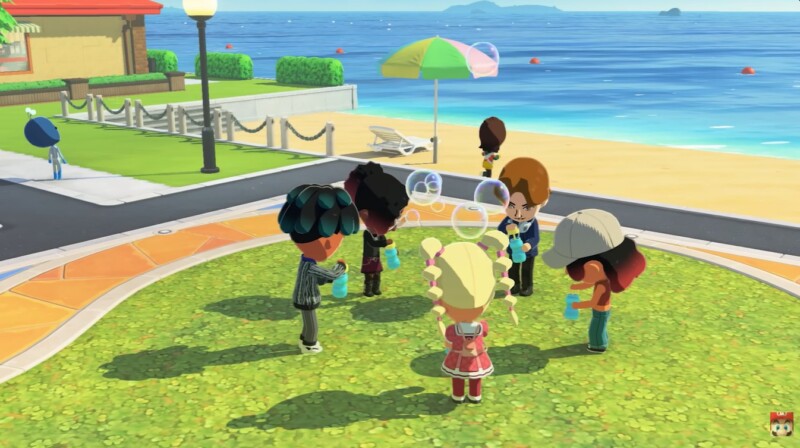
When you reset your game, you are completely wiping your island’s existence. This includes every Mii you created or imported, all friendships and relationships, unlocked buildings, clothing, food, and progression milestones.
The game is designed to make resetting intentional, which is why you’ll encounter multiple confirmation prompts before anything is deleted. In most cases, you’ll even need to type your island name manually to proceed. This extra step ensures that you don’t accidentally erase your progress.
According to available game data and system behavior, once the deletion is confirmed, there is no way to recover your island.
How to reset using the Town Hall (recommended method)
This is the safest and most straightforward way to restart your island, as it is built directly into the game.
Steps to follow
- Step 1: Launch Tomodachi Life: Living the Dream and load your island
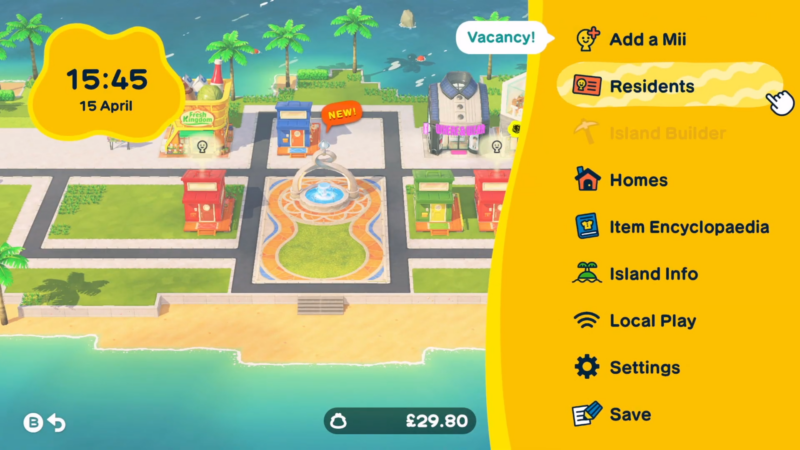
- Step 2: Enter the Town Hall building
- Step 3: Navigate to Options or Settings
- Step 4: Select Delete Save Data
- Step 5: Carefully read the warning messages shown on screen
- Step 6: Confirm your decision multiple times
- Step 7: Enter your island name when prompted
- Step 8: Finalize the deletion
Once completed, your game will restart from the very beginning, prompting you to create a new island and your first Mii.
How to reset using Nintendo Switch system settings
If you cannot access the in-game menu or want a complete external wipe, this method works effectively.
Steps to follow
- Step 1: Go to the HOME menu on your Nintendo Switch
- Step 2: Open System Settings
- Step 3: Scroll down to Data Management
- Step 4: Select Delete Save Data
- Step 5: Choose Tomodachi Life: Living the Dream
- Step 6: Select your user profile (or all users)
- Step 7: Confirm deletion
This removes all saved data tied to the game, ensuring a completely fresh start when you relaunch it.
What you lose after resetting your island
Before you proceed, it’s important to understand exactly what will be erased.
| Category | What gets deleted |
|---|---|
| Miis | All characters and personalities |
| Relationships | Friendships, marriages, and drama |
| Progress | Buildings, unlocks, events |
| Inventory | Clothes, food, items |
| Island identity | Name, layout, customization |
Everything is wiped clean, and you’ll return to the initial setup phase.
Smart precautions before you reset
Before committing to a reset, take a moment to prepare. While the game does not offer a built-in recovery system, you can still preserve some aspects indirectly.
| Precaution | Why it matters |
|---|---|
| Recreate Miis manually | Lets you rebuild favorites later |
| Take screenshots | Helps remember outfits and designs |
| Note relationships | Useful if you want to recreate dynamics |
| Double-check decision | Prevents regret after deletion |
Once the reset is done, there is no going back.
Starting fresh after resetting
After resetting, you’ll begin from scratch with a brand-new island setup. You’ll choose a new island name, create your first Mii, and gradually rebuild your world.
This is your chance to:
- Design better personalities
- Plan relationships more carefully
- Experiment with new island themes
A reset can feel like a completely new game experience, especially if you approach it with a fresh strategy.
We hope this guide offered all the clarity you were looking for and made your experience smoother. If you have any feedback, suggestions, or questions, drop them in the comments below. We actively read and respond, so feel free to reach out whenever you need extra help or guidance.