What to know
- The Creations Store is Starfield’s official mod hub, built directly into the game on PS5.
- Most content is free, but premium Creations require Creation Credits.
- Managing load order is essential to avoid bugs and conflicts.
- Some mods disable trophies, but Bethesda-approved content usually does not.
If you’re playing Starfield on PS5, the Creations Store opens up a completely new layer of gameplay customization. You can tweak visuals, add quests, improve quality-of-life systems, and even reshape core mechanics—all without needing external tools or technical setup.
Here is a quick overview of Starfield Creations Store on PS5:
| Feature | Details |
|---|---|
| Access Point | Main Menu or Pause Menu |
| Content Types | Mods, quests, cosmetics, gameplay tweaks |
| Currency | Creation Credits (premium), Free mods available |
| Internet Requirement | Required |
| Storage Limit | Yes (PS5 mod space cap) |
| Trophy Impact | Some mods disable trophies |
How the Creations Store works on PlayStation 5
The Creations Store is fully integrated into the game interface, meaning you never have to leave Starfield to install or manage mods. Unlike traditional modding on PC, everything is streamlined for console users.
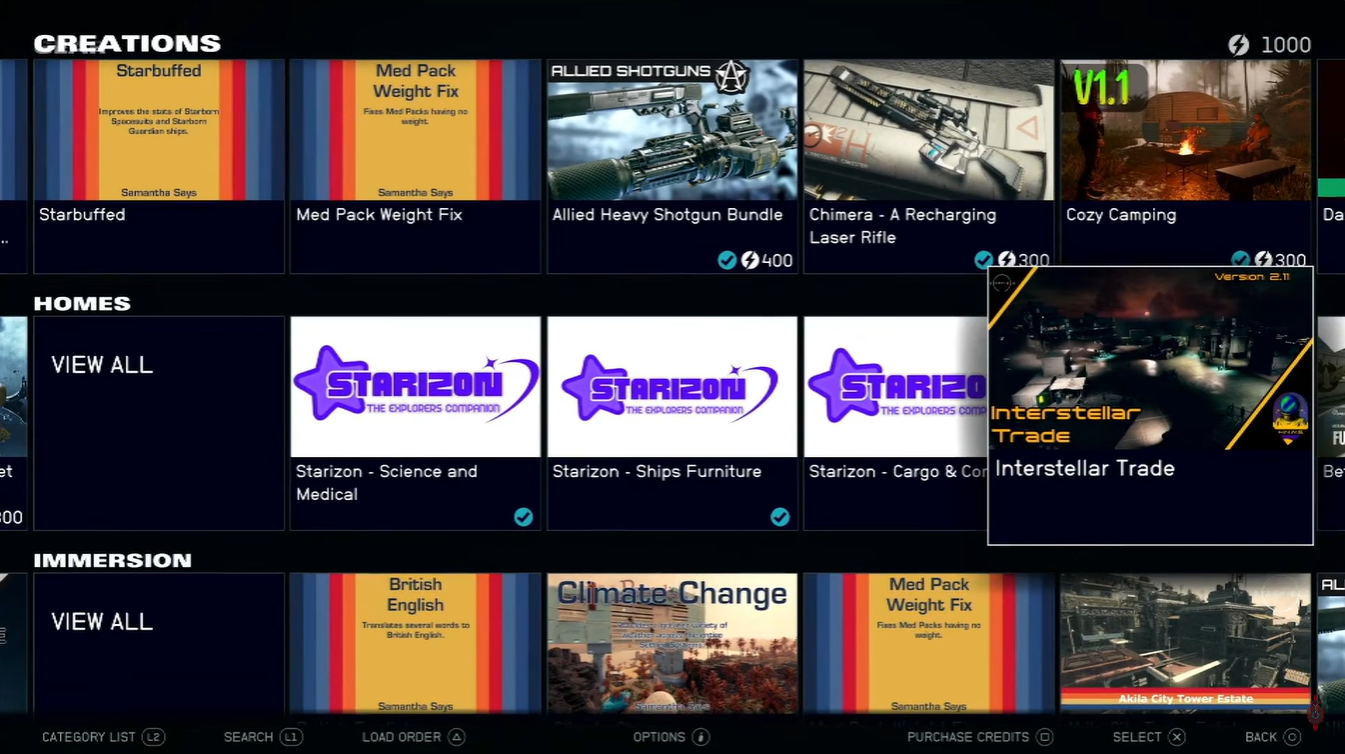
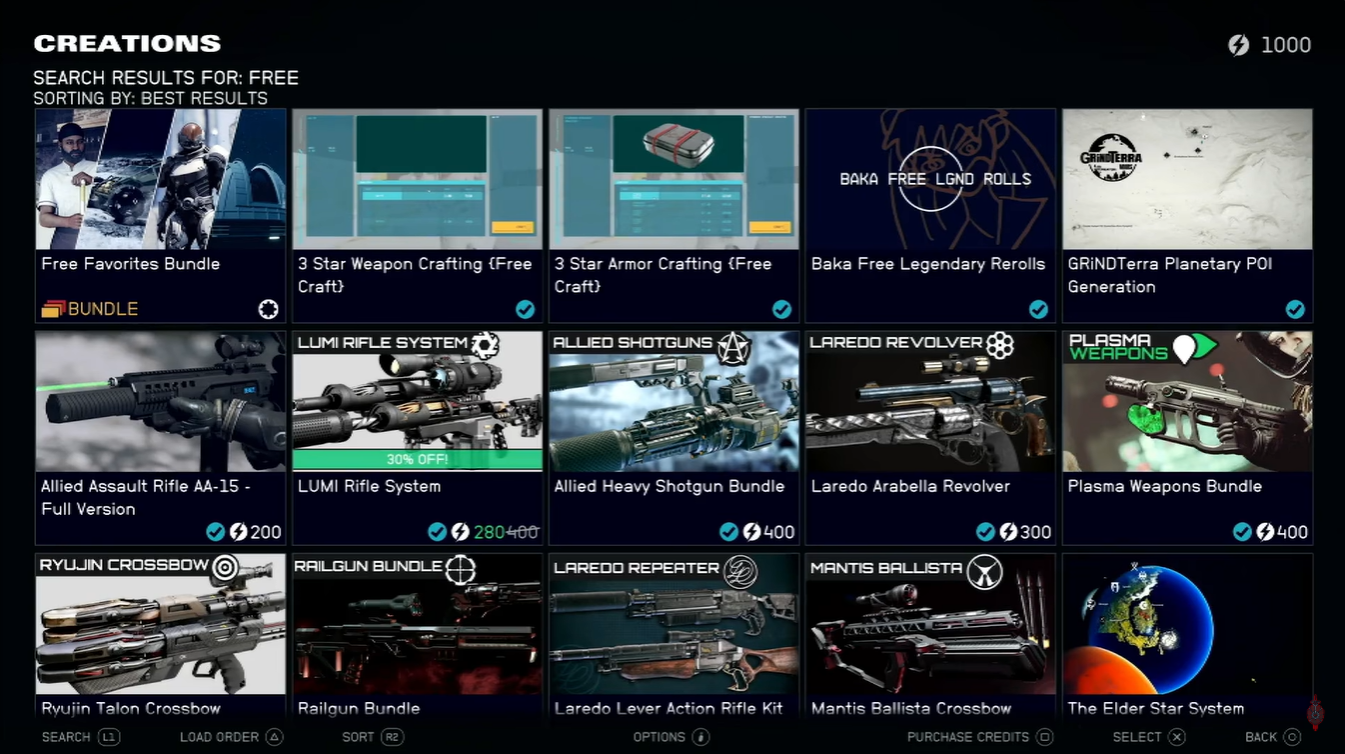
You’ll find categories like gameplay, visuals, quests, and utilities. Each Creation includes a description, file size, compatibility notes, and user ratings, helping you make informed decisions before downloading.
The biggest advantage here is simplicity—you can install mods with just a few button presses, and updates are handled automatically.
How to access, install, and manage Starfield Creations
Step 1
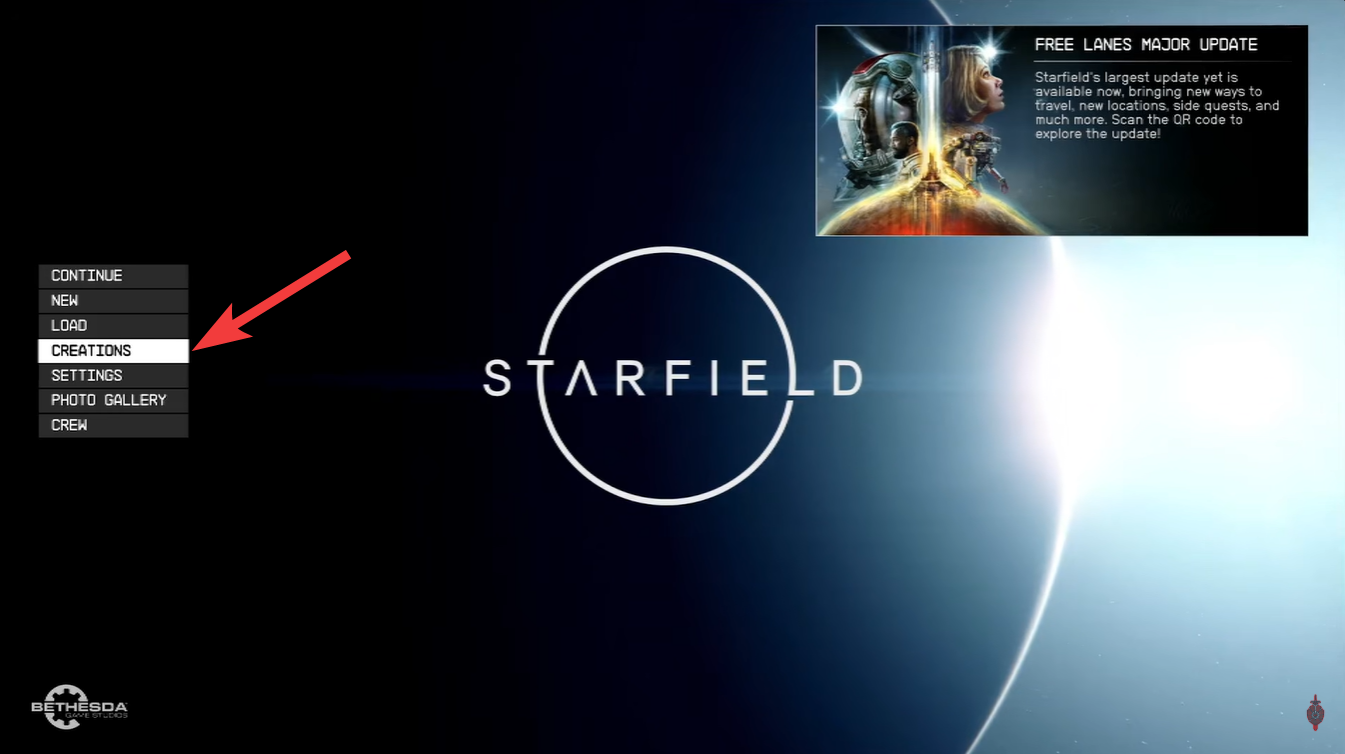
Open Starfield and navigate to the main menu or pause menu during gameplay. Select “Creations” to open the in-game store.
Step 2
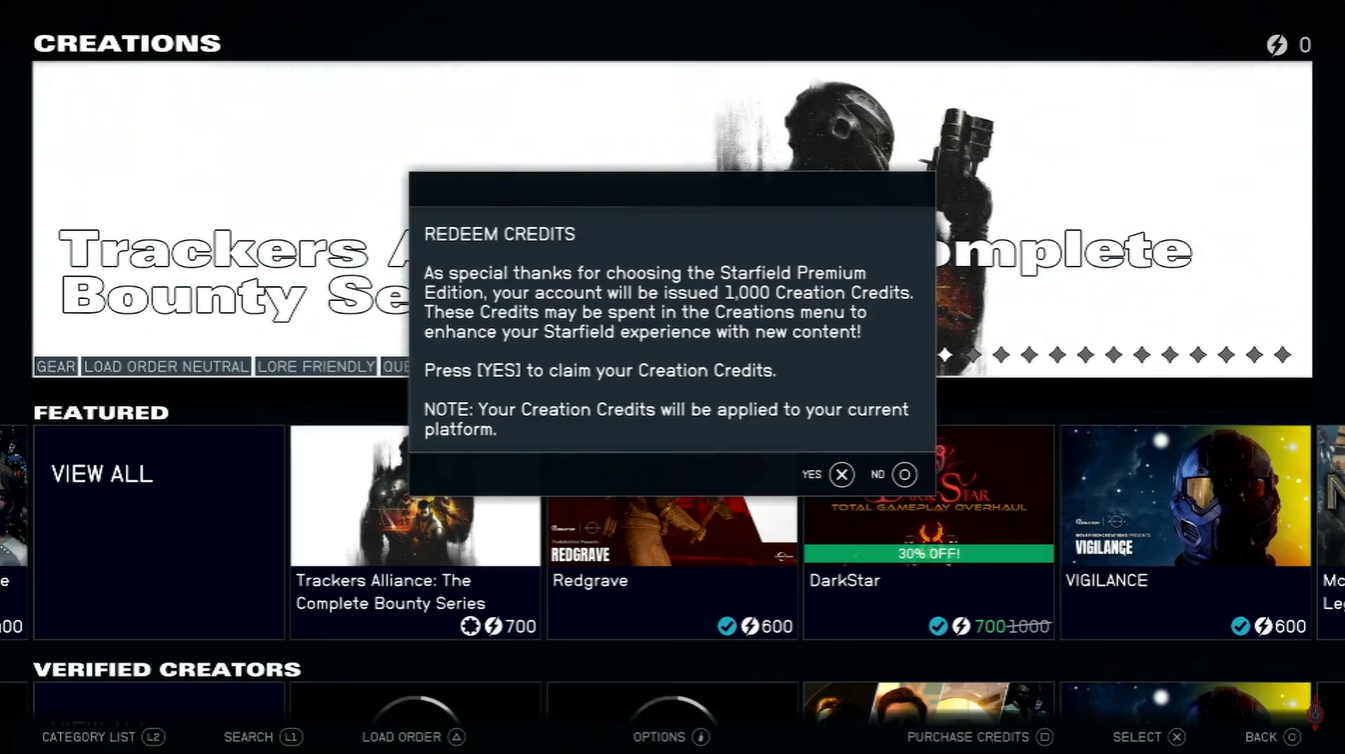
Browse categories or use the search bar to find specific mods you want. Click on a Creation to review details like file size, features, and compatibility notes.
Step 3
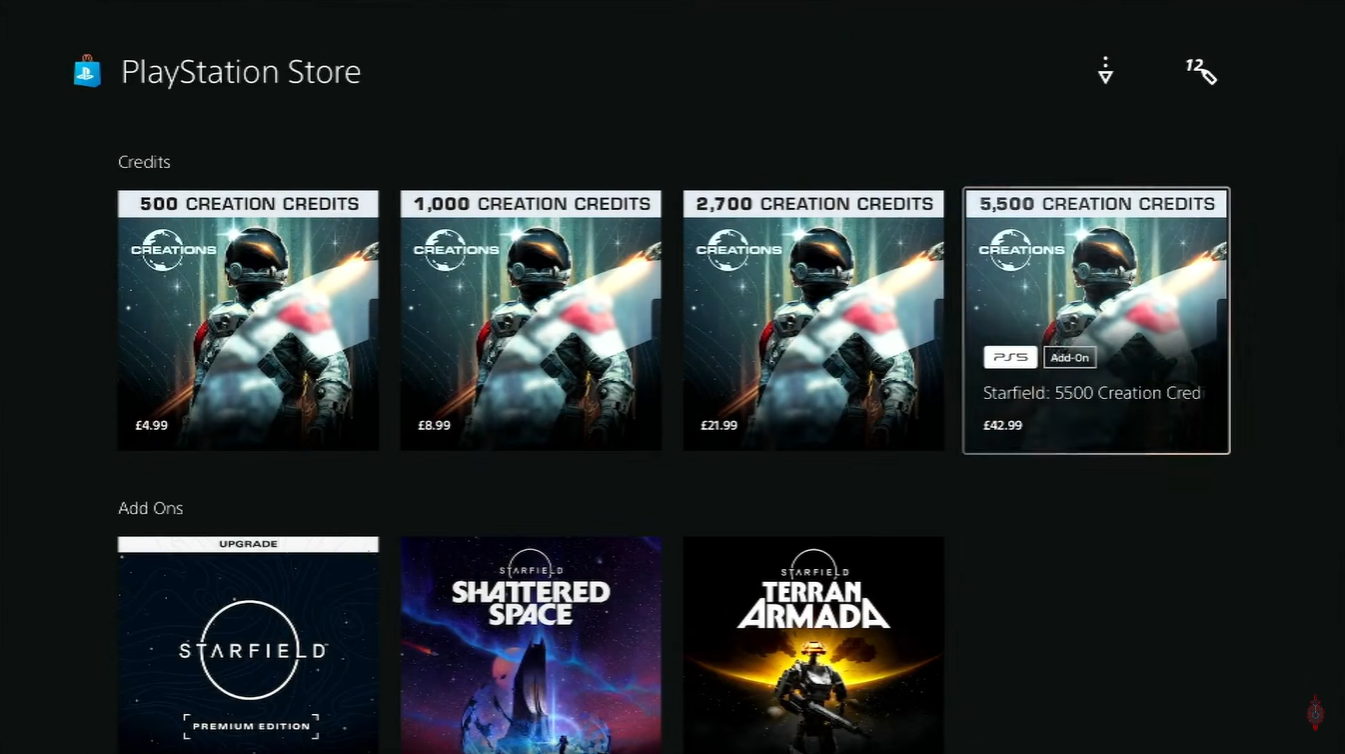
Choose Download or Purchase (if it’s a premium Creation using Credits).
Step 4
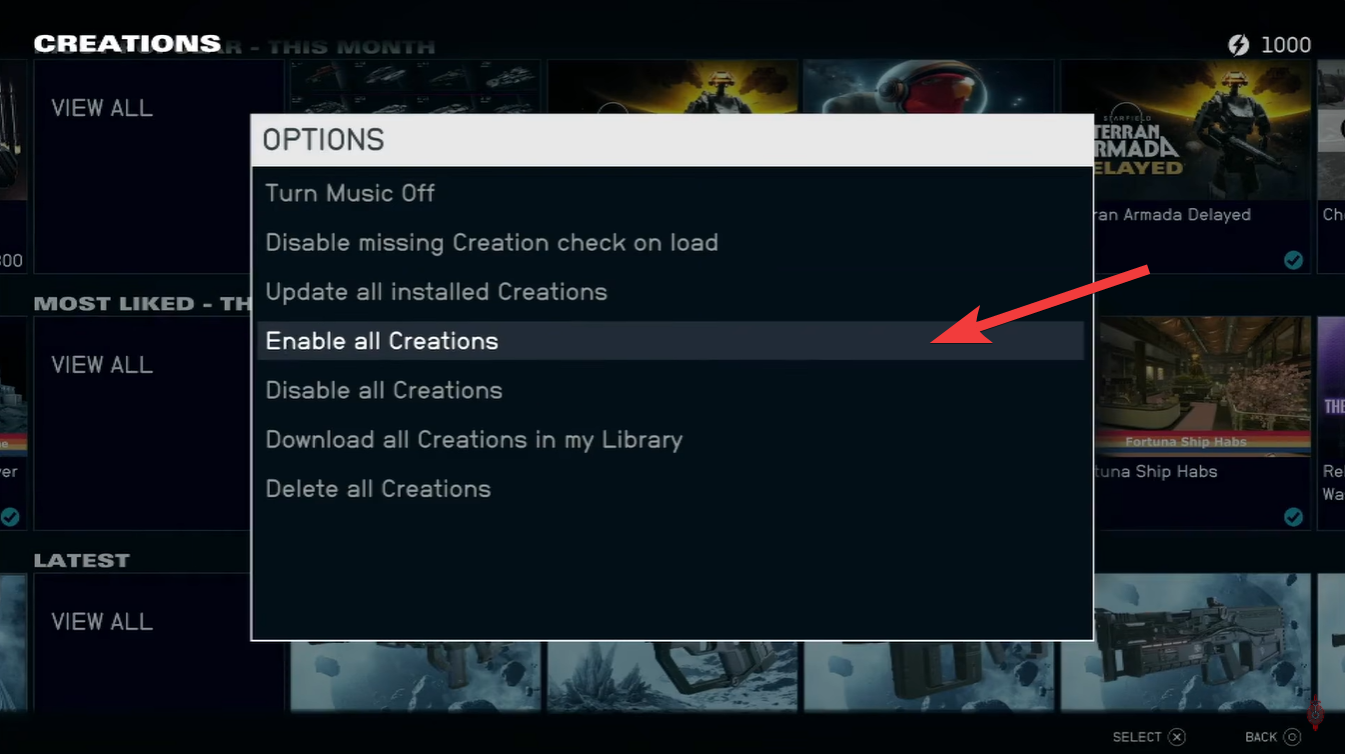
After installation, enable the Creation in your load order menu.
Step 5
Adjust load order if necessary, ensuring major gameplay mods are placed lower for priority.
Step 6
Restart the game if prompted so that all changes apply correctly and safely.
Why load order matters more than you think
Load order determines how mods interact with each other, and getting it wrong can break your game. On PS5, this system is simplified but still critical.
Mods placed lower in the load order override those above them, which means conflicts can occur if two mods change the same system. For example, if two mods alter combat mechanics, only one may function correctly depending on placement.
A stable load order ensures smoother performance, fewer crashes, and a more reliable gameplay experience.
Recommended Creations to enhance your gameplay
Trackers Alliance bounty arc expansion
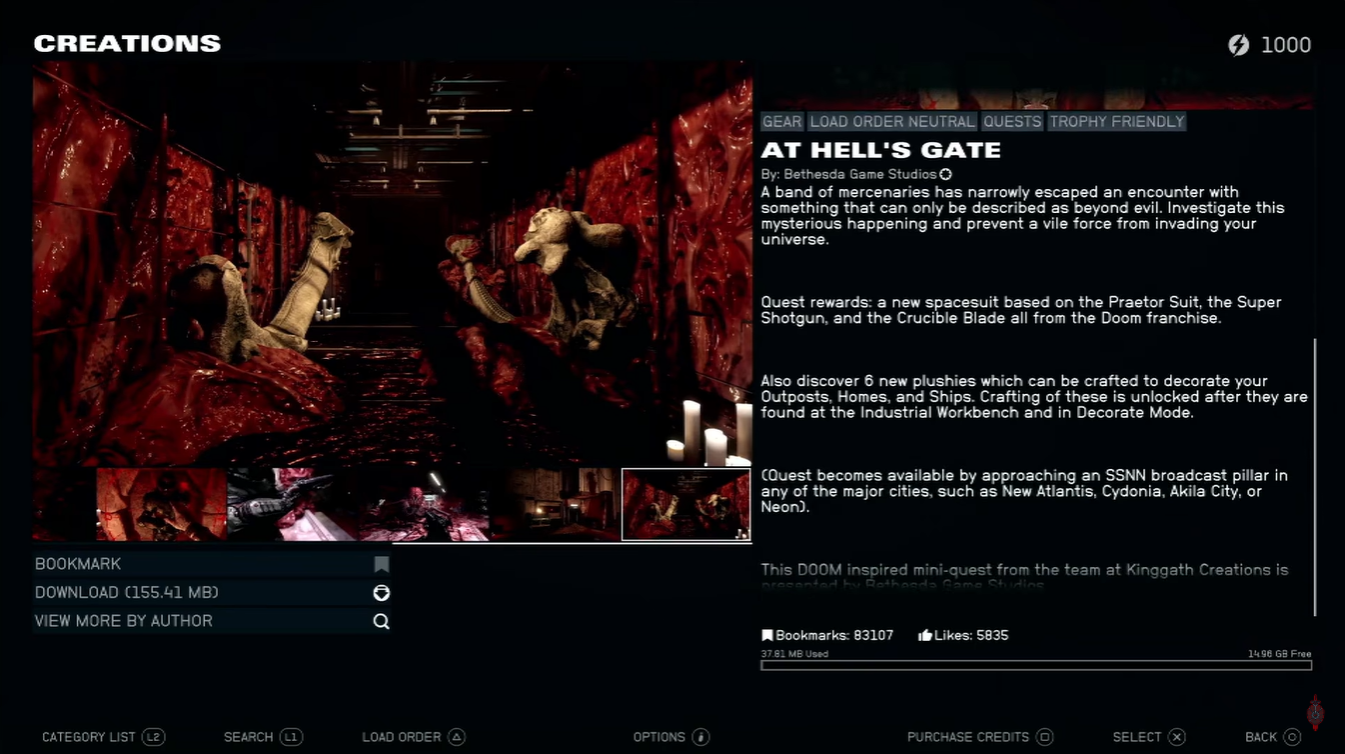
This is one of the most popular premium Creations available. It introduces a new bounty-hunting storyline, complete with missions, rewards, and narrative depth.
If you enjoy structured quests and role-playing opportunities, this is one of the best additions you can install.
Quality-of-life improvements that make a big difference
Many free Creations focus on improving everyday gameplay systems, and these are often the most impactful.
You’ll notice improvements like cleaner UI navigation, better inventory handling, increased carry capacity, and smoother travel mechanics. These changes might seem small at first, but they significantly enhance long-term playability and reduce friction.
Visual and immersion upgrades
If you want Starfield to feel more immersive, visual mods are a great starting point. These can enhance lighting, textures, and environmental detail without affecting gameplay balance.
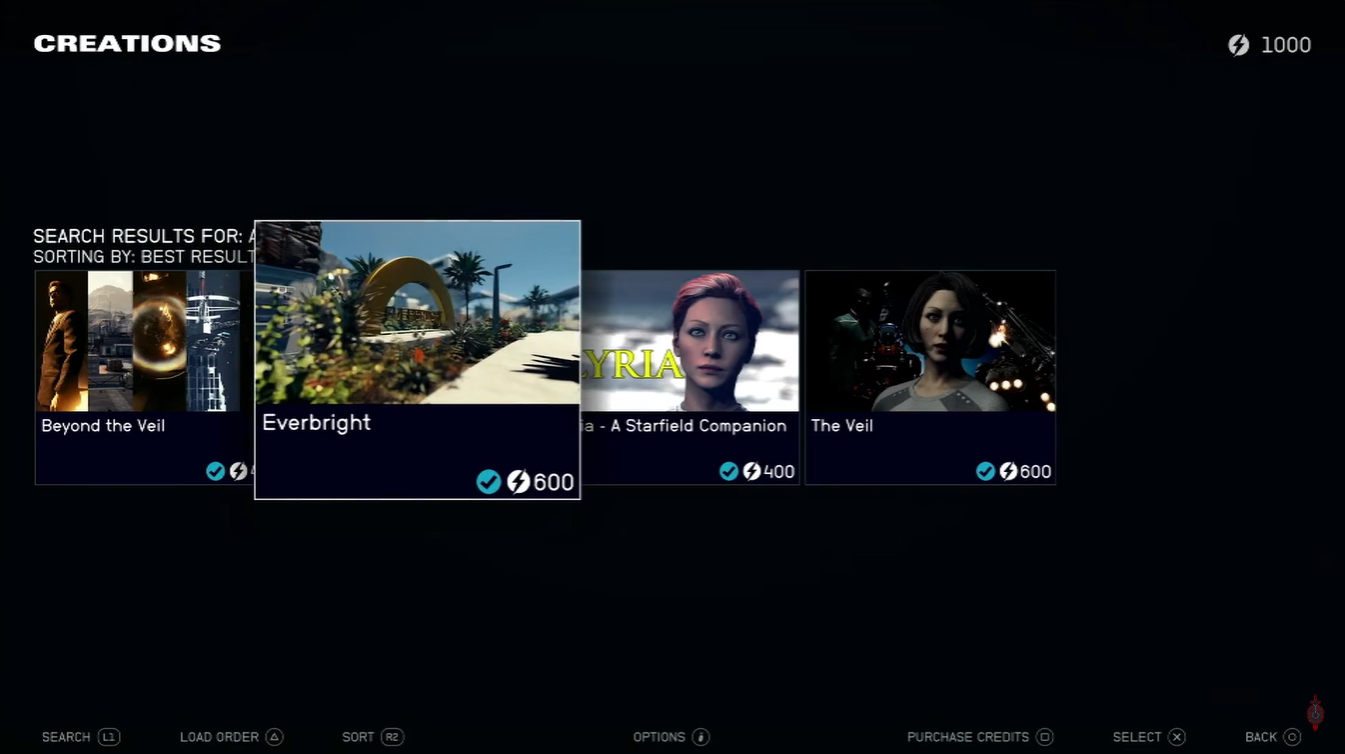
They’re also safer in terms of compatibility, making them ideal for beginners experimenting with mods.
Important limitations and considerations on PS5
Even though the system is user-friendly, there are still a few limitations you need to be aware of.
Storage space is capped, so you can’t install unlimited mods. This means you’ll need to prioritize high-quality Creations and remove unused ones regularly.
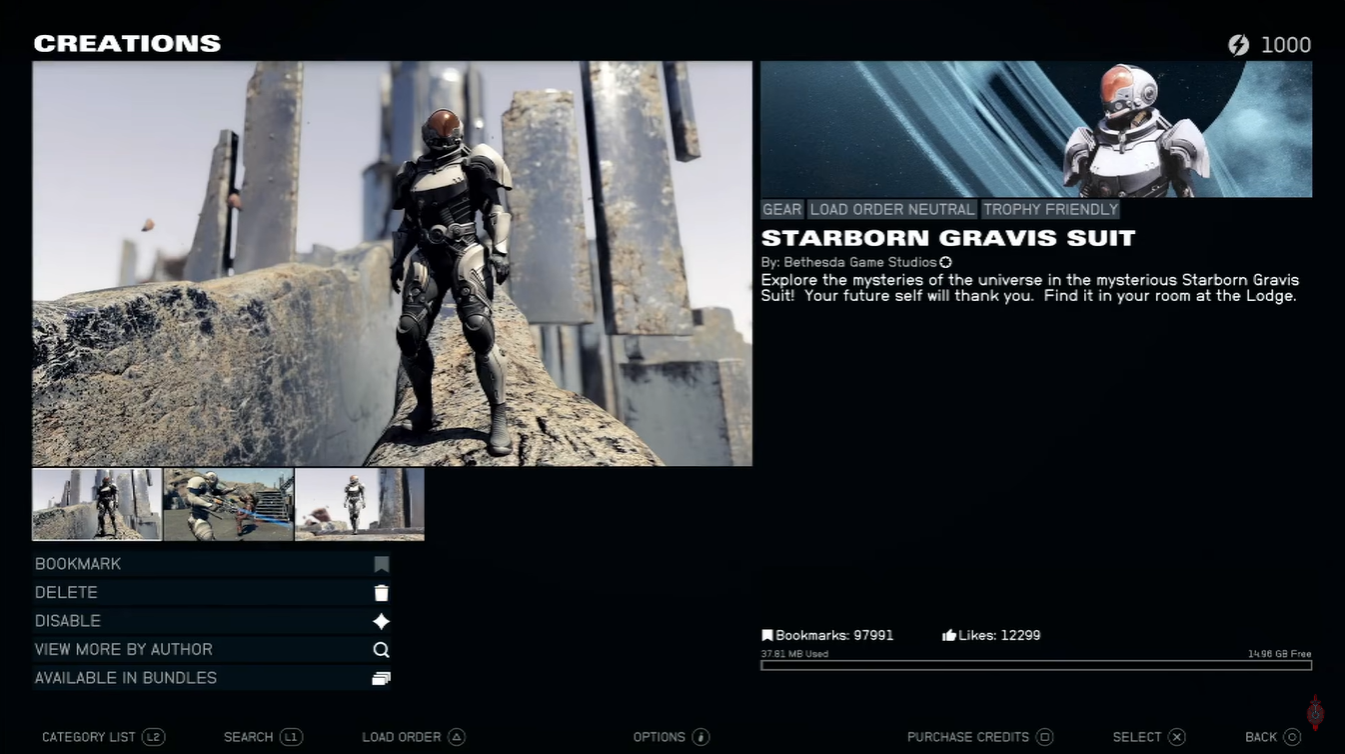
The store requires a constant internet connection, so offline access isn’t possible.
Achievements (trophies) can be disabled by certain mods, especially those that significantly alter gameplay. However, official Bethesda Creations are typically safe and trophy-friendly.
How to get the best experience from Creations
To truly benefit from the Creations Store, you need to approach it with balance and awareness. Installing too many mods at once can lead to instability, while carefully curated selections can dramatically improve your experience.
Start small, test frequently, and build a stable setup over time. This approach ensures that your version of Starfield remains both customized and reliable.