What to know
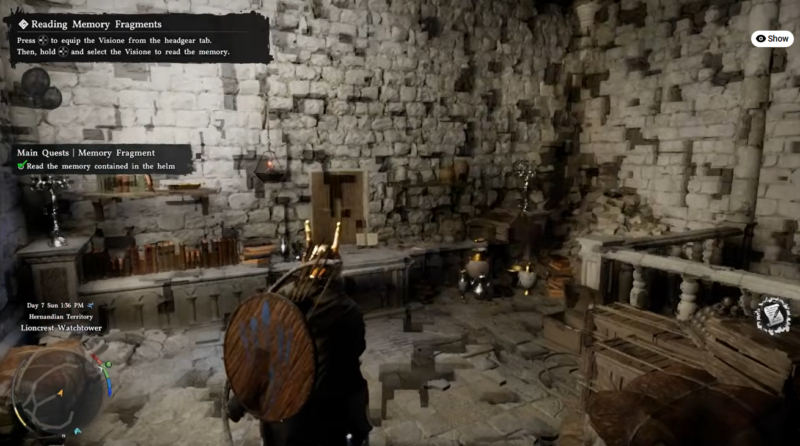
- The Memory Fragment quest revolves around interacting with the Visione helm.
- You must manually access and play stored memories from a hidden submenu.
- The correct fragment is located at the bottom of a long memory list.
- The Physiome device is central to the lore, blending memory and reality.
The Memory Fragment quest in Crimson Desert introduces you to one of the game’s more mysterious mechanics—reliving stored memories through an ancient device. While the process itself is simple once understood, the interface can feel overwhelming at first due to the large number of memory entries available.
| Element | Details |
|---|---|
| Quest Name | Memory Fragment |
| Key Item | Visione (Helm) |
| Main Objective | Read and play a stored memory |
| Device Type | Physiome |
| Difficulty | Easy (UI-based interaction) |
| Reward Type | Story progression |
Understanding how the Visione Helm works
The Visione helm is not just a wearable item—it acts as a gateway to stored memories. When you interact with it, you’re essentially accessing a system that archives fragments of past events. This system is part of a broader technology known as the Physiome, which plays a significant role in the game’s deeper narrative.
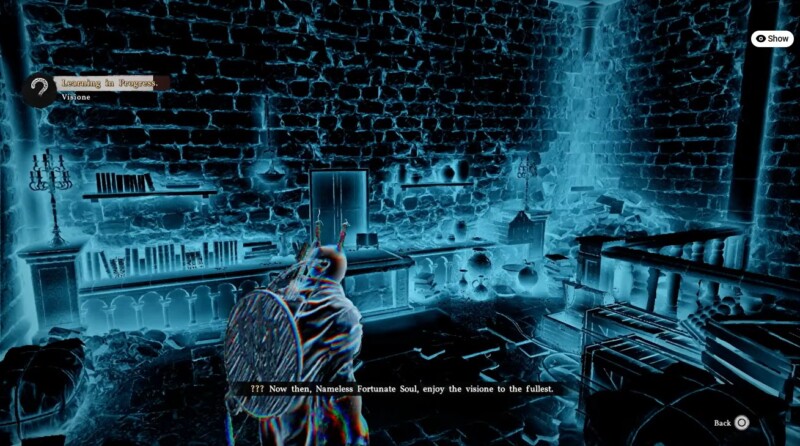
The Physiome is designed to capture real-world experiences and replay them vividly, allowing you to witness events as if you were physically present. However, it’s hinted that prolonged use may blur the line between memory and reality, adding a subtle psychological layer to the quest.
How to read the Memory contained within the Helm
Step 1
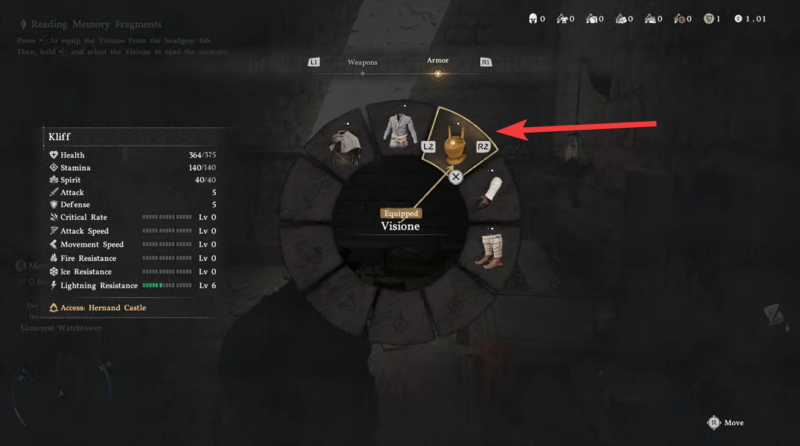
Open your inventory and locate the helm named “Visione.” Select it to bring up its interaction menu instead of equipping it like regular gear.
Step 2
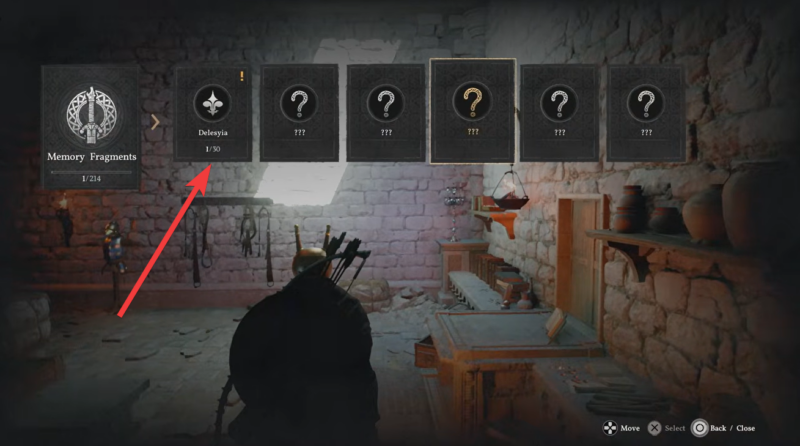
Choose the top option labeled “Play.” This action opens the memory fragment interface, revealing a long list of stored memories—often numbering in the hundreds.
Step 3
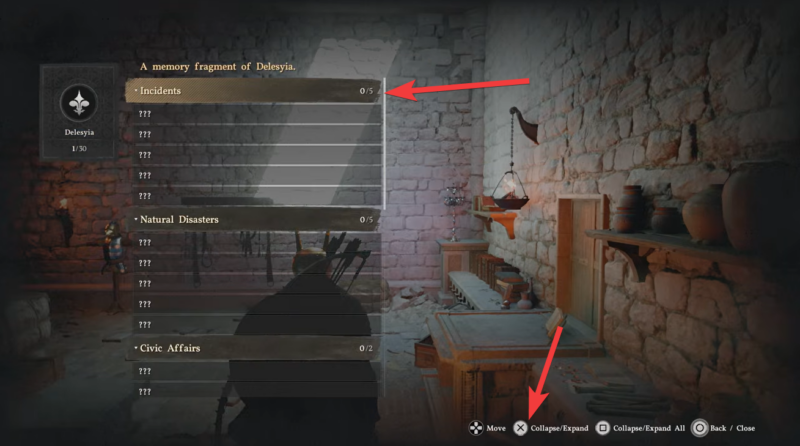
Scroll all the way down to the bottom of the memory list. The correct fragment required for the quest is not highlighted, so you’ll need to manually locate it.
Step 4
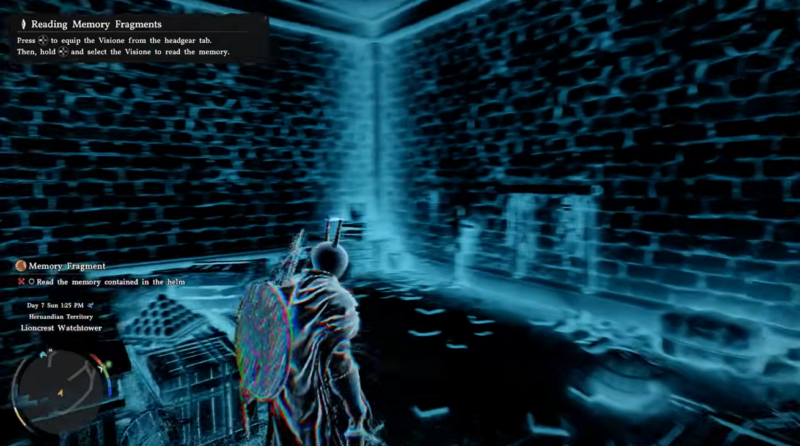
Select the very first memory entry at the bottom of the list. Once selected, the memory sequence will begin automatically, progressing the quest.
What makes the Physiome important to the story
The Memory Fragment quest is more than a simple interaction—it introduces a core narrative concept. The Physiome represents a powerful yet potentially dangerous technology capable of preserving moments in time.
As you engage with these memories, you begin to uncover how past events influence the present world, and how certain characters may be affected by repeated exposure to these projections. This adds depth to the storytelling and hints at future mechanics involving memory manipulation.
Common issues players face and how to avoid them
| Issue | Cause | Solution |
|---|---|---|
| Cannot find correct memory | List is too long | Scroll to bottom and pick first entry |
| “Play” option missing | Wrong item selected | Ensure you selected Visione helm |
| Memory doesn’t trigger | Incorrect fragment chosen | Recheck bottom-most memory |
Completing the Memory Fragment quest is primarily about understanding the interface rather than solving a puzzle. Once you know where to look, the process becomes straightforward. More importantly, this quest sets the foundation for future story elements tied to memory exploration and the mysterious Physiome technology.