What to know
- Privacy Display uses pixel dimming to block side-angle peeking, toggleable via Quick Settings or per-app.
- The S26 Ultra packs a 5,000mAh battery with 60W charging for 75% in 30 minutes, promising 31 hours of video playback.
- Early tests note screen brightness drops with the feature on, potentially trading usability for privacy without confirmed heavy drain.
- Users speculate minimal power use since it deactivates side pixels, possibly even saving energy.
The Privacy Display on the Galaxy S26 Ultra is a marvel of screen engineering that solves an important privacy issue on modern smartphones that are bigger and brighter than ever before. With two sets of pixels that can turn on or off based on your preferences, privacy is built-into the device. But does switching between them come at the expense of an all-day battery? Let’s find out.
Privacy Display mechanics
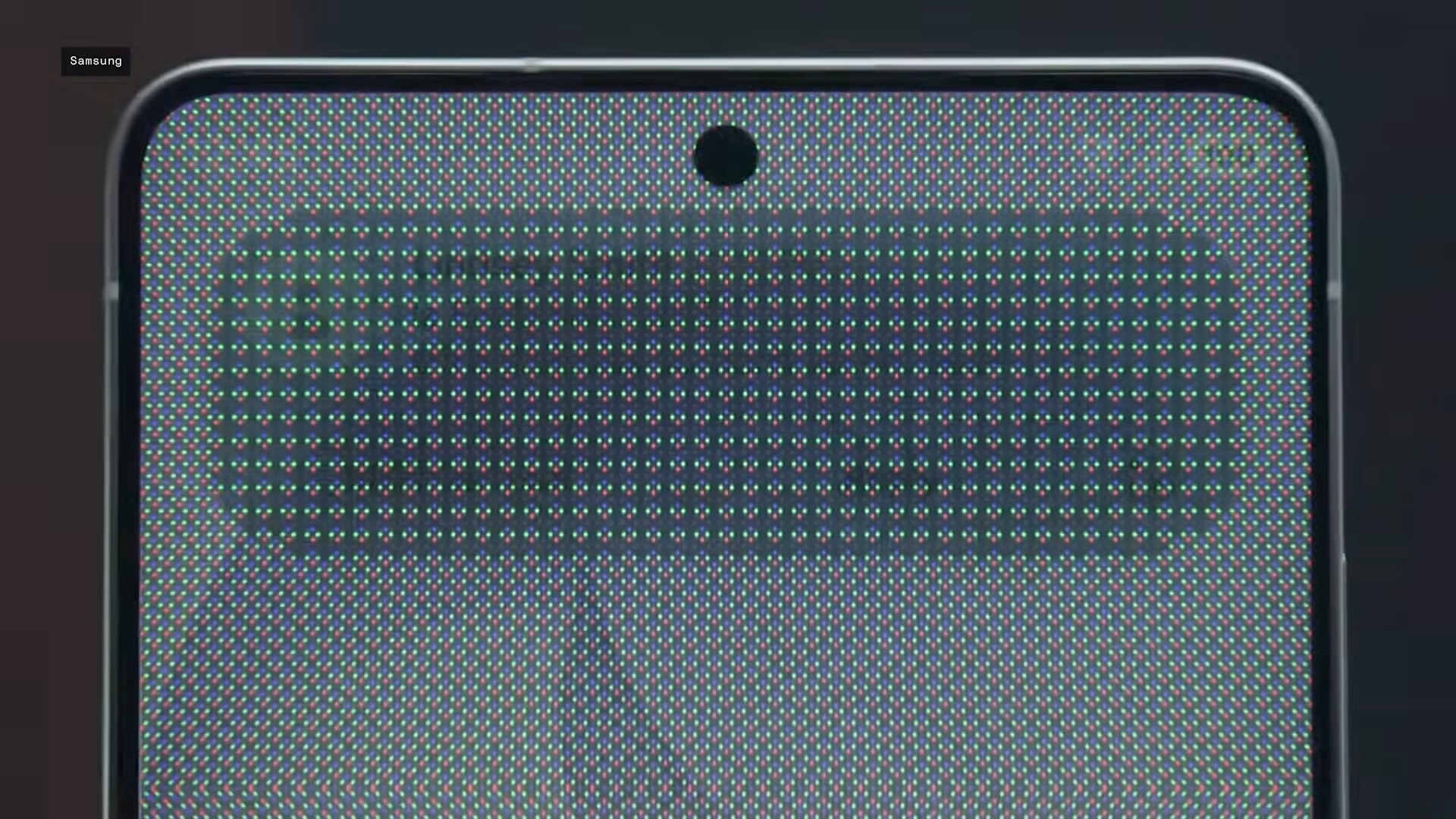
To explain this complex technology simply, the feature dims pixels on screen edges while boosting the center, making content invisible from angles beyond straight-on.
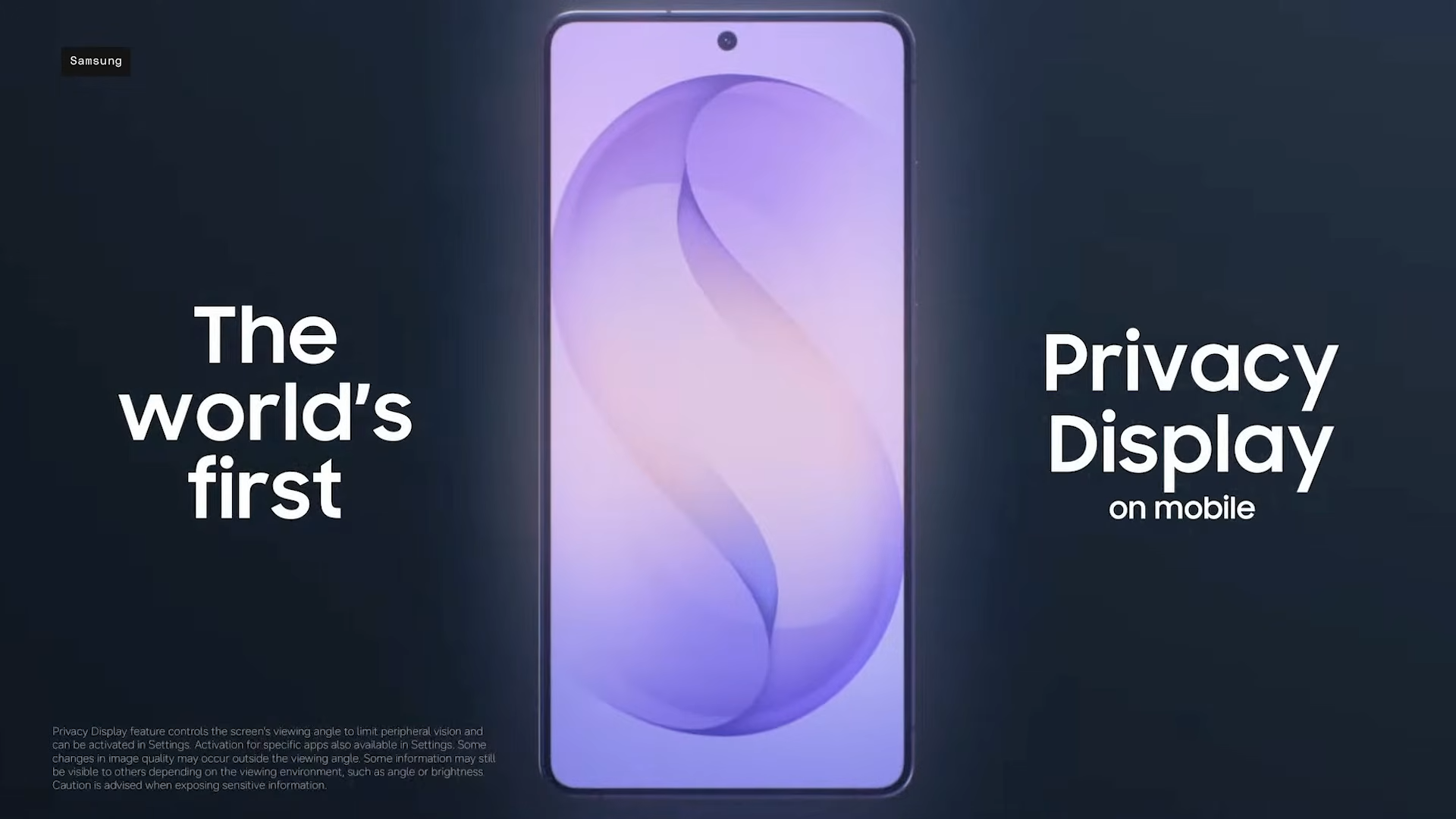
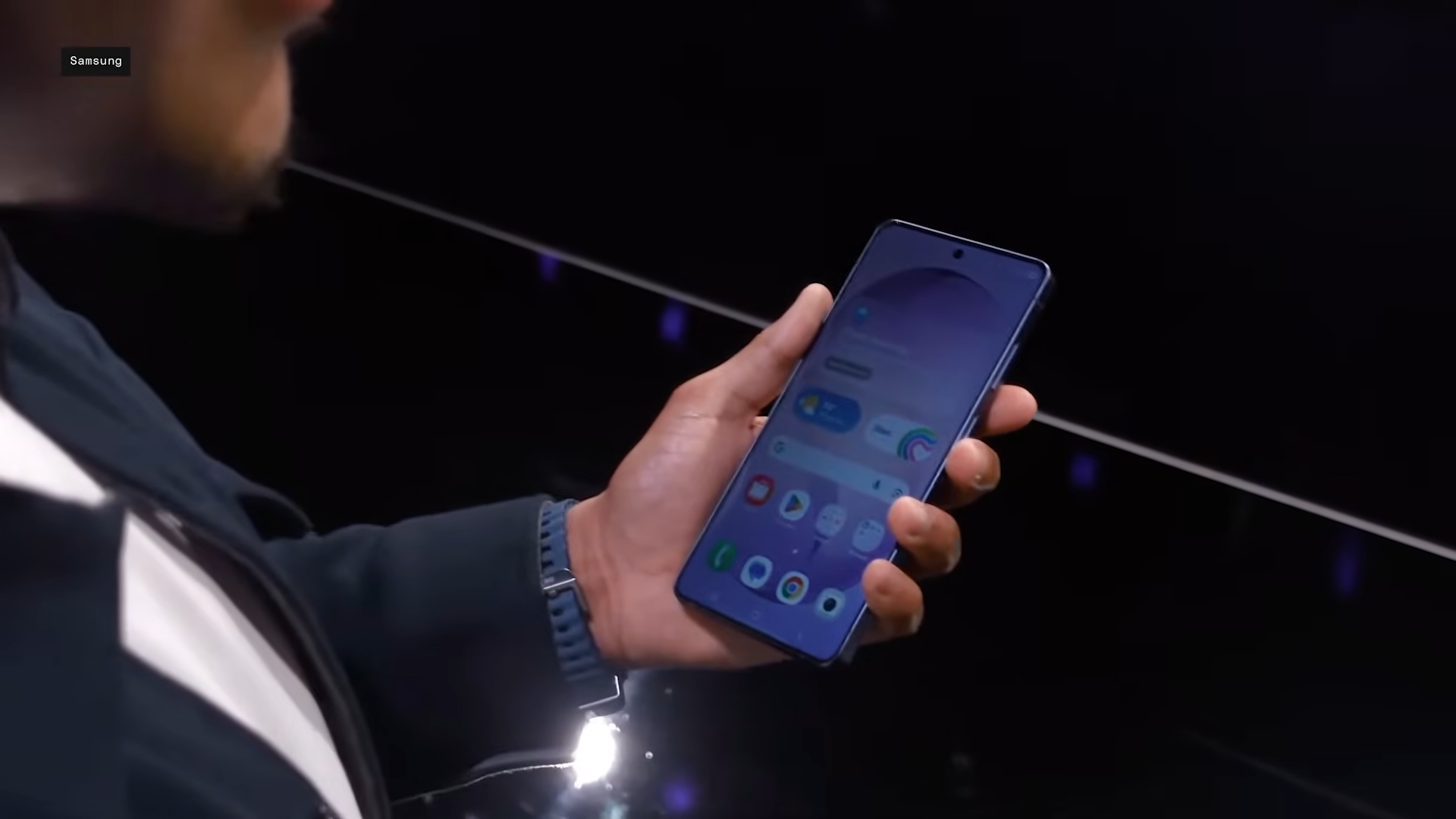
You can activate it manually in Quick Settings, set it for full screen or just notifications, or limit to specific apps like banking ones. It may not look as sharp as the Galaxy S25 Ultra, but it’s a very minor tradeoff for the privacy benefits.
Battery baseline without extras
The S26 Ultra sticks to a 5,000mAh cell, matching predecessors for solid endurance: up to 31 hours video or all-day mixed use. Upgraded 60W Super Fast Charging 3.0 hits 75% in 30 minutes, with 25W wireless as backup—faster than the S25’s 45W.
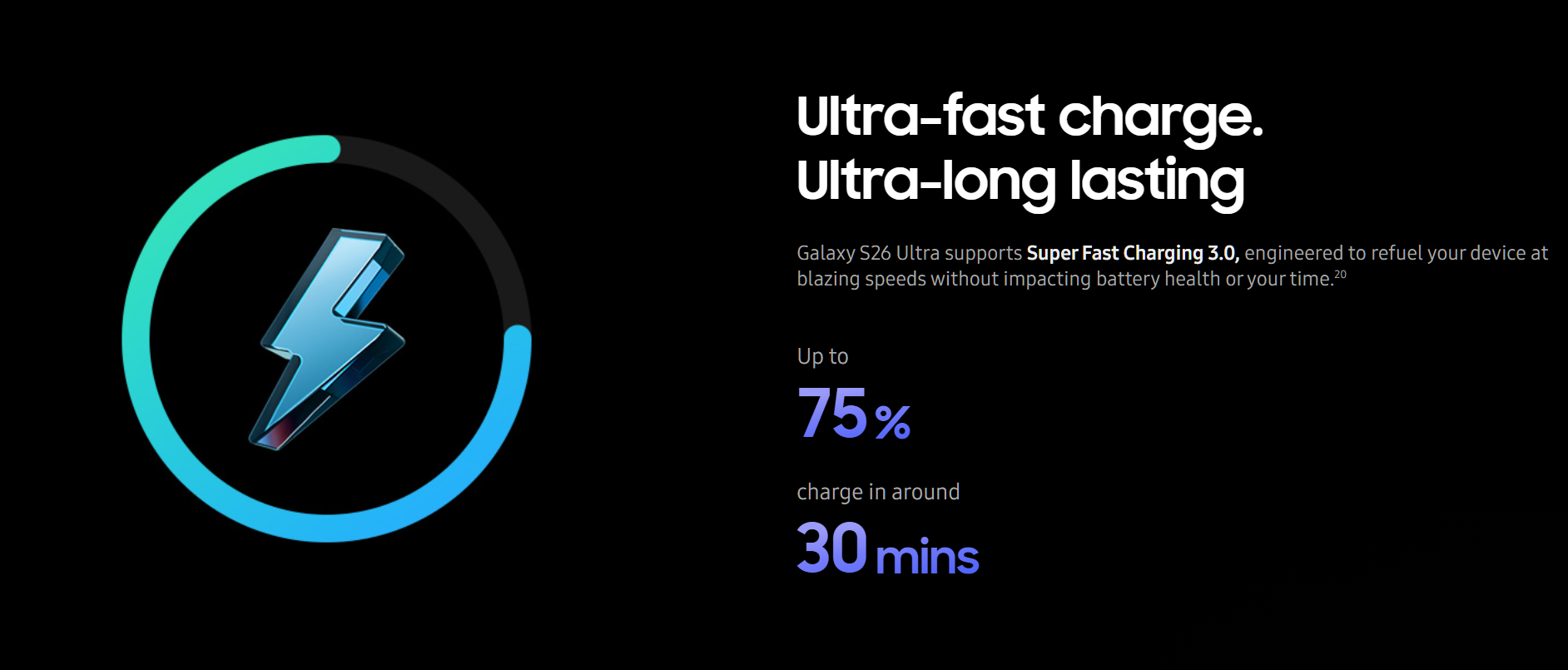
Early battery tests place it competitively, around 7-8 hours screen-on in loops, though real-world varies by habits.
| Aspect | Galaxy S26 Ultra | Galaxy S25 Ultra (prior) |
|---|---|---|
| Battery Capacity | 5,000mAh | 5,000mAh |
| Wired Charging | 60W (75% in 30min) | 45W |
| Video Playback | 31 hours | ~29 hours |
| Processor Efficiency | Snapdragon 8 Elite Gen 5 | Snapdragon 8 Elite |
Does Privacy Display drain battery excessively?
No hard numbers yet from week-one tests pinpoint exact drain, but the pixel-dimming tech has a very low impact—side pixels go dark, akin to partial screen-off, and Samsung hints it might even save power.
And it’s not hard to see why. By limiting the pixels that are turned on, you may save on some juice. But it would be very minor.
The brightness dip is the main con, not battery drain. In any case, toggle wisely for commutes, and it won’t tank your day. Make sure to monitor it as well via battery stats for personal use.
Real-user takes so far
There’s a lot of optimism for the Samsung Galaxy S26 Ultra. The company has managed to bring in something new without breaking anything else. While brightness is a slight hiccup, thankfully battery is not it.
Even If battery paranoia hits, Samsung’s tools do let you track feature usage precisely. Ultimately, you’ll find that Privacy Display adds real value in public without gutting the S26 Ultra’s strong battery foundation.