What to know
- Privacy Display is a hardware feature exclusive to the Galaxy S26 Ultra, using dual pixel types to limit side viewing angles without add-ons.
- The phone’s native display runs at QHD+ (3,120 x 1,440) with full pixel activation in standard mode.
- Enabling privacy mode dims or deactivates wide-angle pixels, causing noticeable drops in perceived sharpness, brightness, and effective resolution.
- Users report mixed experiences: excellent privacy in crowds, but trade-offs like reduced vibrancy make it best for selective use.
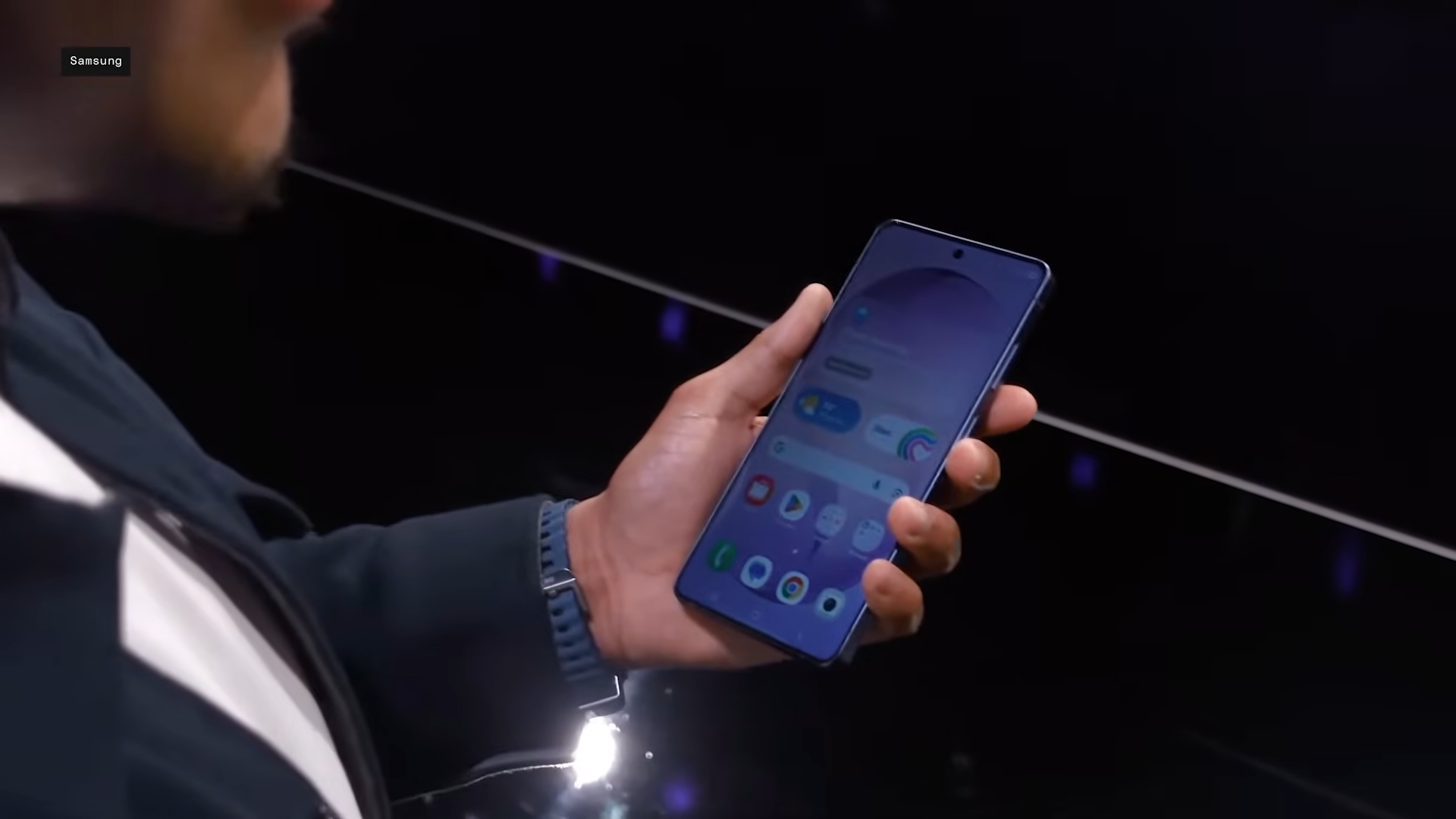
Privacy Display is the Galaxy S26 Ultra’s headline feature that everyone’s talking about. The pixel-level privacy is built into the screen itself, making it the most innovative thing to come out of the industry in years. But if you compare it with the S25 Ultra, the screen doesn’t look as sharp. Is it the lowered native resolution? Or perhaps overall brightness? Let’s unpack the tech, real-world tests, and what it means for your daily scroll.
How Privacy Display works at the pixel level
Samsung engineered the S26 Ultra’s 6.9-inch Dynamic AMOLED 2X panel with two pixel varieties: narrow pixels that beam light straight ahead and wide pixels for broad-angle viewing. In normal use, both fire fully, delivering the full QHD+ resolution of 3,120 x 1,440 pixels at up to 2,600 nits peak brightness and 120Hz refresh.
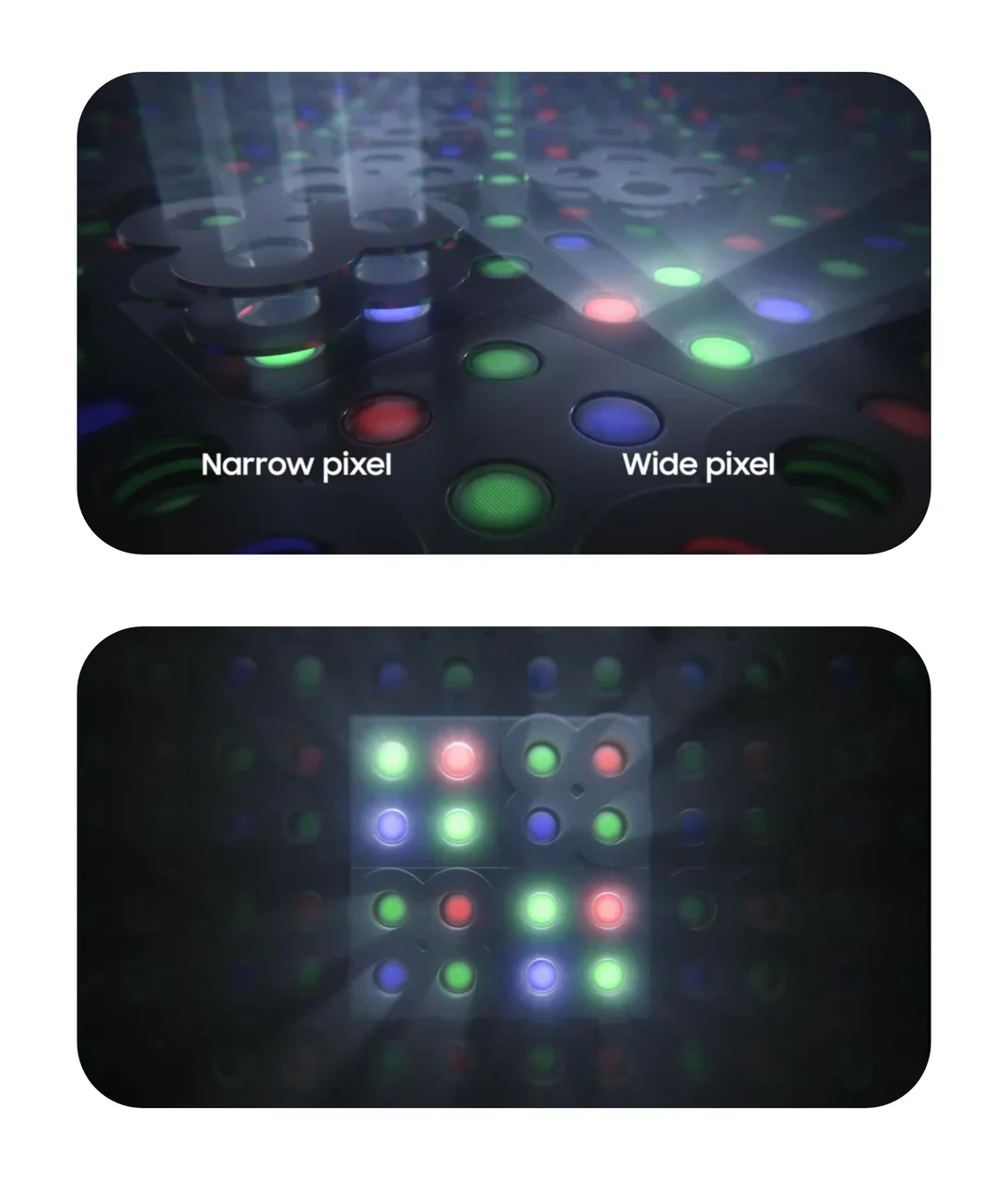
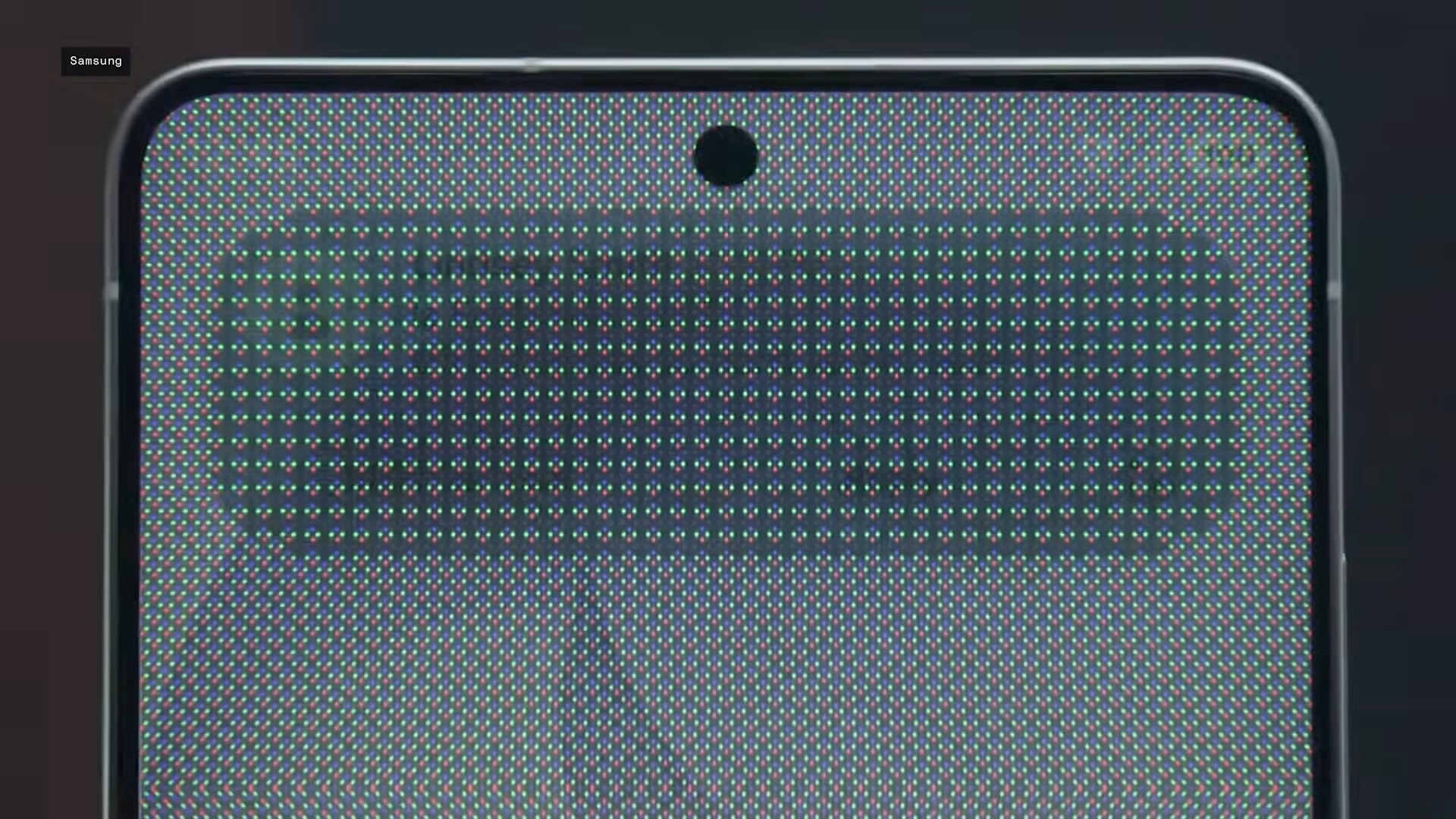
Enable Privacy Display, and the wide pixels dim or deactivate dramatically, prioritizing narrow ones to black out side views—dropping visibility to under 1% at 60-degree angles per UL Solutions tests.
This hardware magic, dubbed Flex Magic Pixel by Samsung Display, means no software hacks or clunky protectors needed.

You get modes like full-screen blackout, partial protection for notifications or PIN entry, and app-specific triggers for banking or email. It excels head-on while rendering off-angles nearly invisible, a leap from typical screens holding 40% brightness sideways.
Does it cut native resolution? Here’s the evidence
Straight answer: There’s no full native resolution loss in the specs sense—the panel stays QHD+ capable. But enable privacy, and yes, you’ll spot a “slight reduction in screen resolution” as normal wide pixels go dormant.
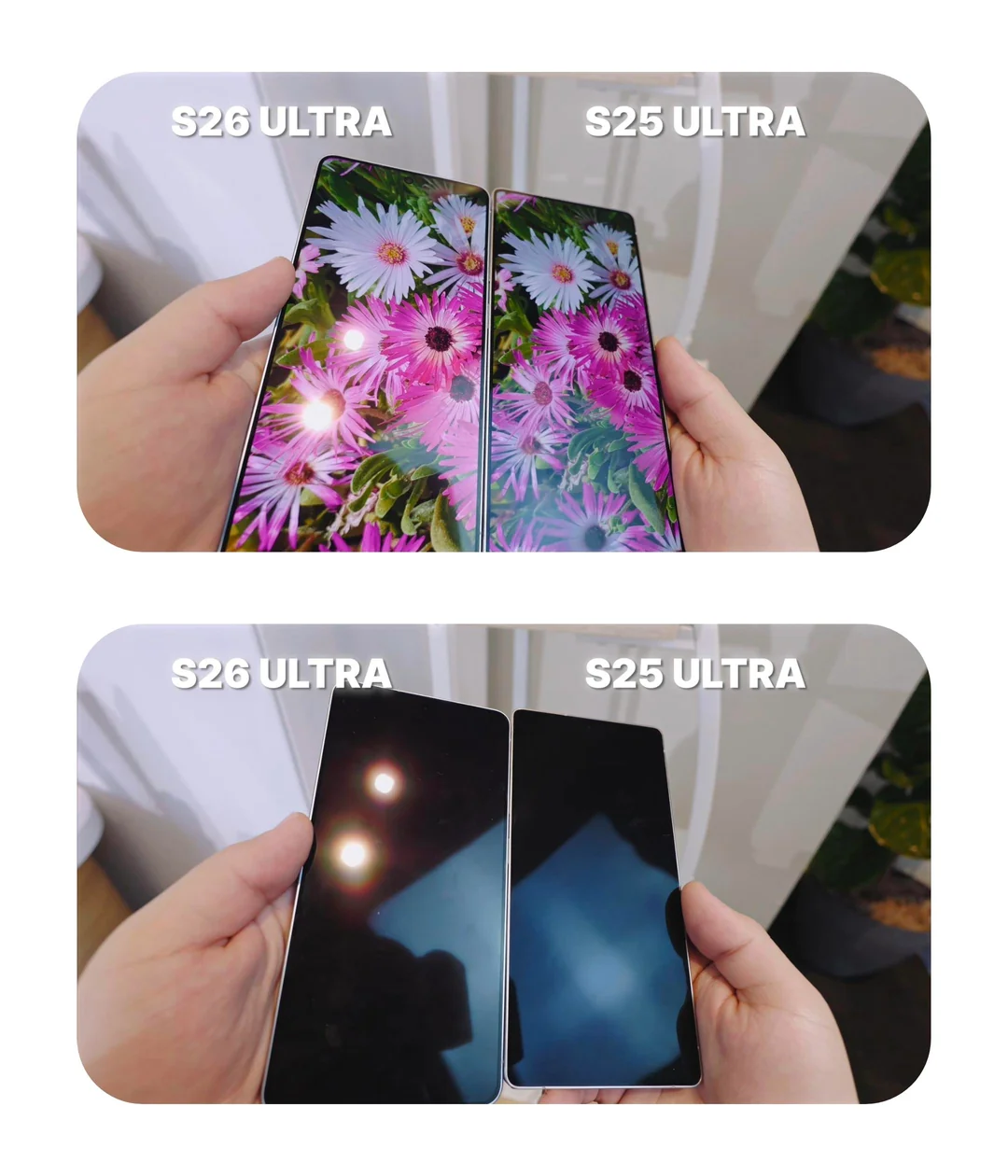
This pixel deactivation softens sharpness and contrast, especially in Maximum Privacy mode, where the screen looks dimmer and less vibrant even straight-on. Reddit users echo this, calling out muted colors and a “drop in peak brightness” since half the pixels aren’t fully operational. Samsung doesn’t advertise it as resolution-locked; it’s a light-control trade-off for security.
| Aspect | Normal Mode | Privacy Mode Active |
|---|---|---|
| Pixel Usage | Narrow + Wide (full output) | Narrow primary; Wide dimmed/off |
| Perceived Resolution/Sharpness | Full QHD+ crispness | Noticeable softening |
| Brightness | Up to 2,600 nits | Reduced (needs slider tweak) |
| Side Visibility | Wide angles clear | <1% at 60° |
Real-world performance and user feedback
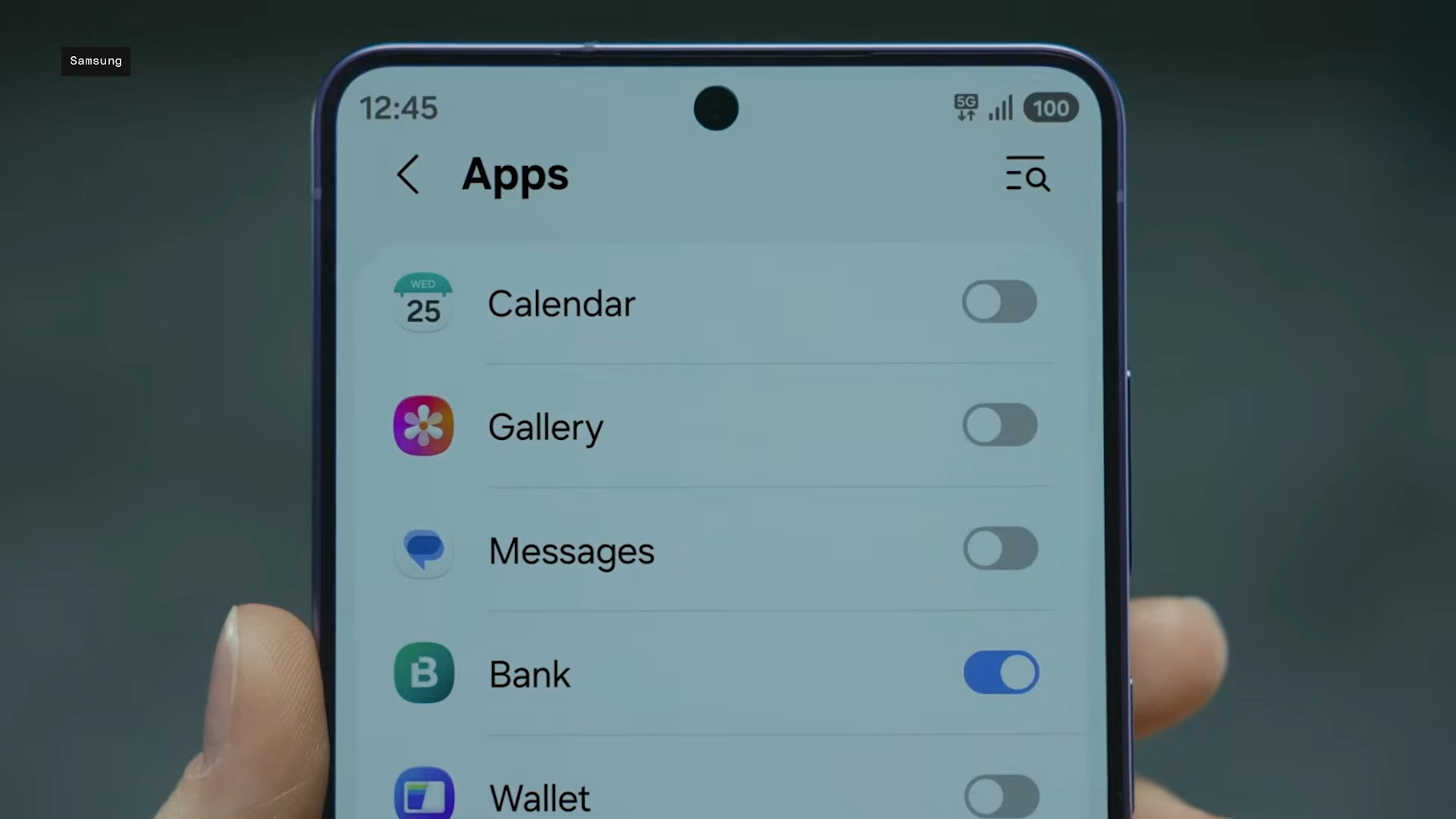
Early Unpacked 2026 hands-ons rave about its effectiveness in subways or offices. But the drawbacks surface in brightness dips and that resolution-like blur, making it less ideal for media binges. In any case, you’ll have to configure it smartly, Auto-activate for sensitive apps via One UI 8.5, keeping everyday use pristine.
Battery impact seems minimal, as it’s pixel-efficient rather than power-hungry. Compared to iPhone or Pixel privacy filters (software-only), this hardware edge wins for seamlessness—no quality hit from films that fog fingerprints.
Balancing privacy perks with display trade-offs
Privacy Display has changed how we look at screen security on smartphones. But the tradeoffs, however small, have big impacts. The dip in overall brightness and sharpness, especially when compared against last year’s S25 Ultra, may turn some users off. But it’s hardly a deal breaker for those who’re more concerned with privacy in today’s crowded world. If you’re media streaming, it’s best to toggle it off for pure QHD+ glory. Enable only partial display dimming for apps and notifications. With the Galaxy S26 Ultra, Samsung has nailed a modern must-have, even if it nudges native perfection for safety.