What to know
- Privacy Display is a built-in hardware feature exclusive to S26 Ultra, using Narrow and Wide pixels to limit side-angle visibility.
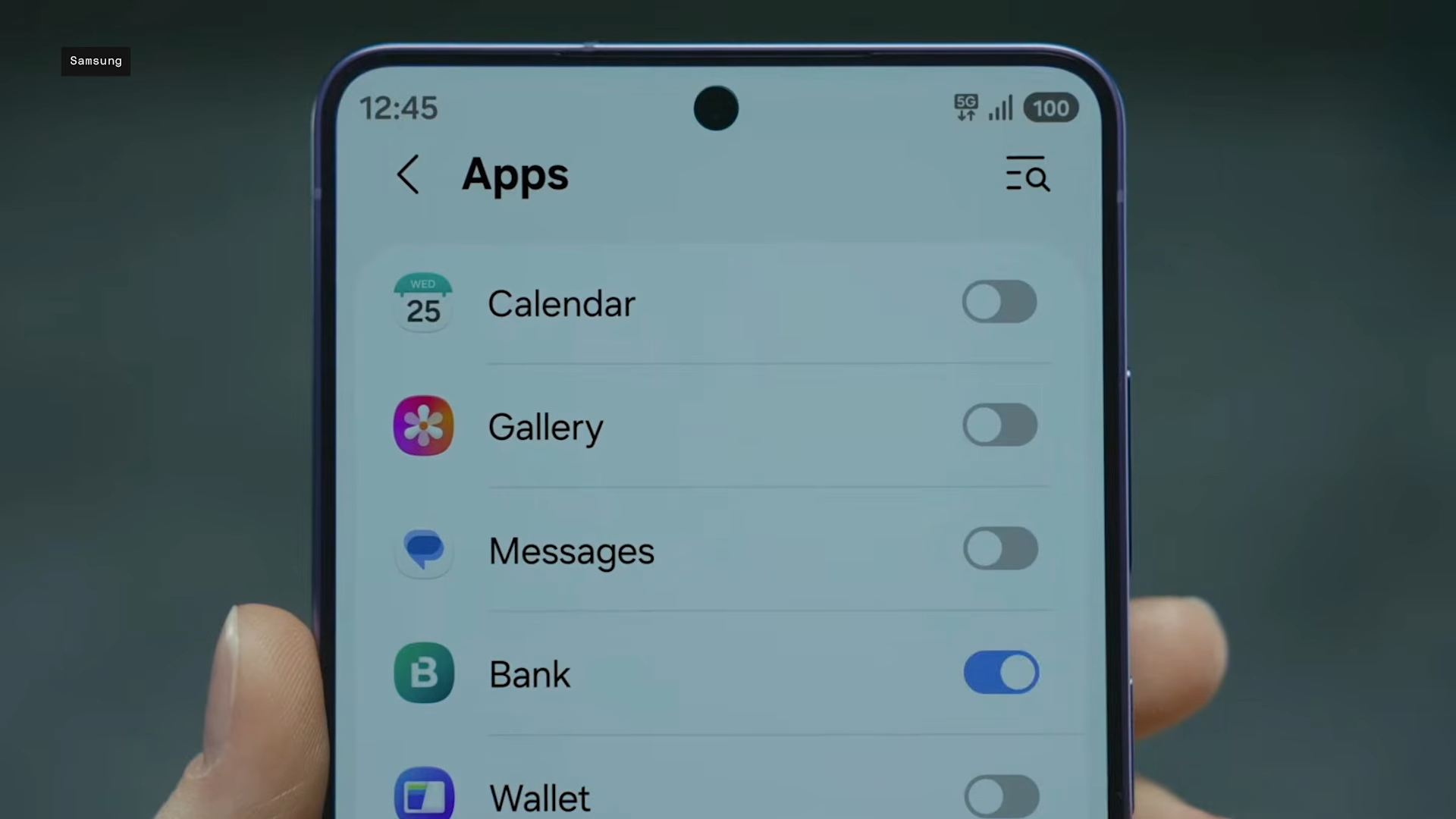
- Privacy Display can be toggled manually via Quick Panel or auto-activate for apps, notifications, or PIN entry without dimming your view.
- Independent tests show side brightness drops to under 1% at 60 degrees, far better than typical screens.
- Unlike sticky screen protectors, it preserves full screen quality when off and works in portrait/landscape.
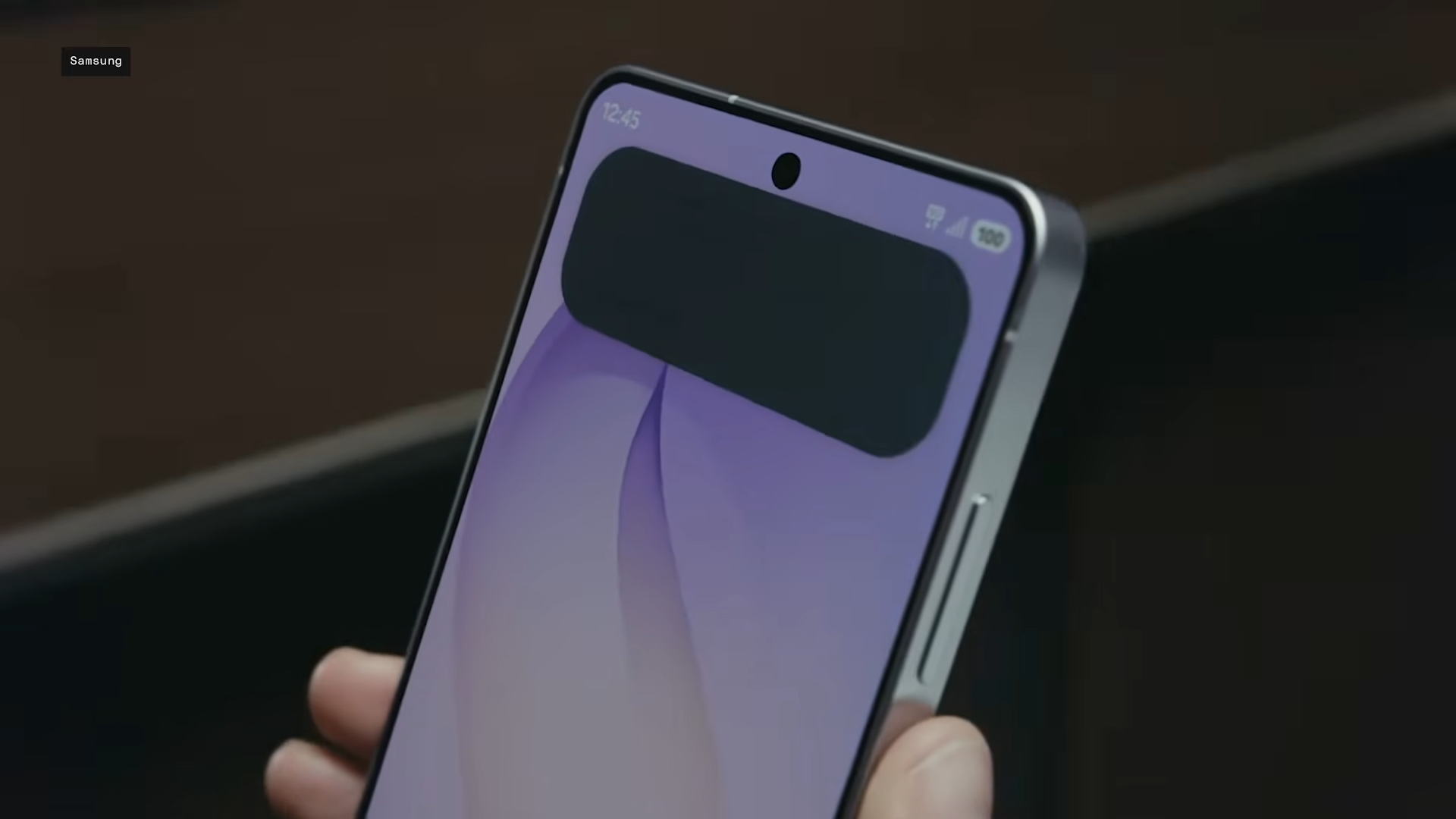
There is no doubt that Samsung Galaxy S26 Ultra’s Privacy Display is the most innovative smartphone feature in recent years. More than battery improvements, camera optimizations, and definitely much more than any AI infusion. And because Privacy Display bakes privacy right into the phone’s pixels itself, you have the flexibility to enable/disable it entirely or only for certain apps, instances, or sections of the screen, so those next to you can’t peek into your phone. But how does it really work? Let’s find out.
Pixels that know their audience
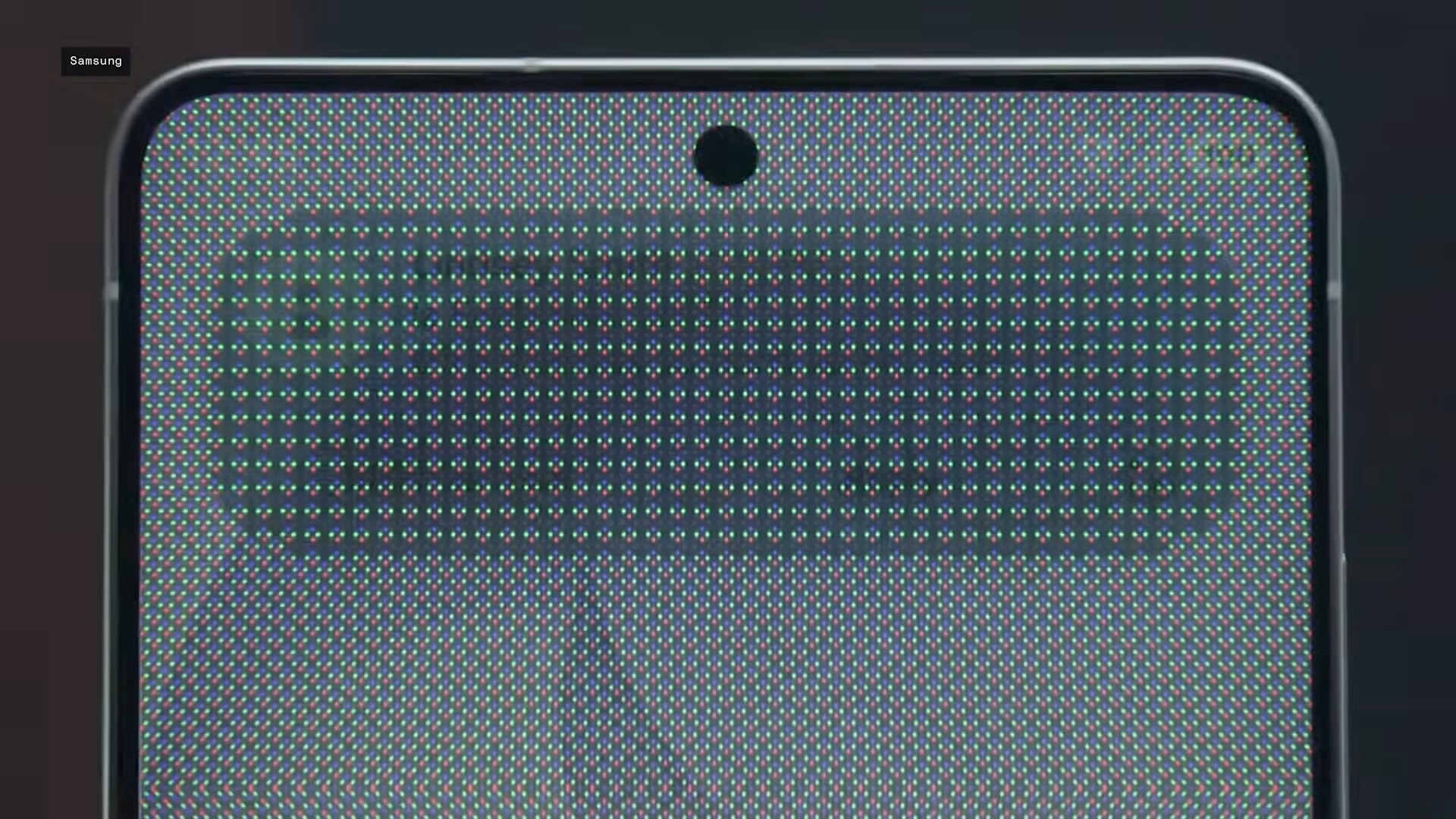
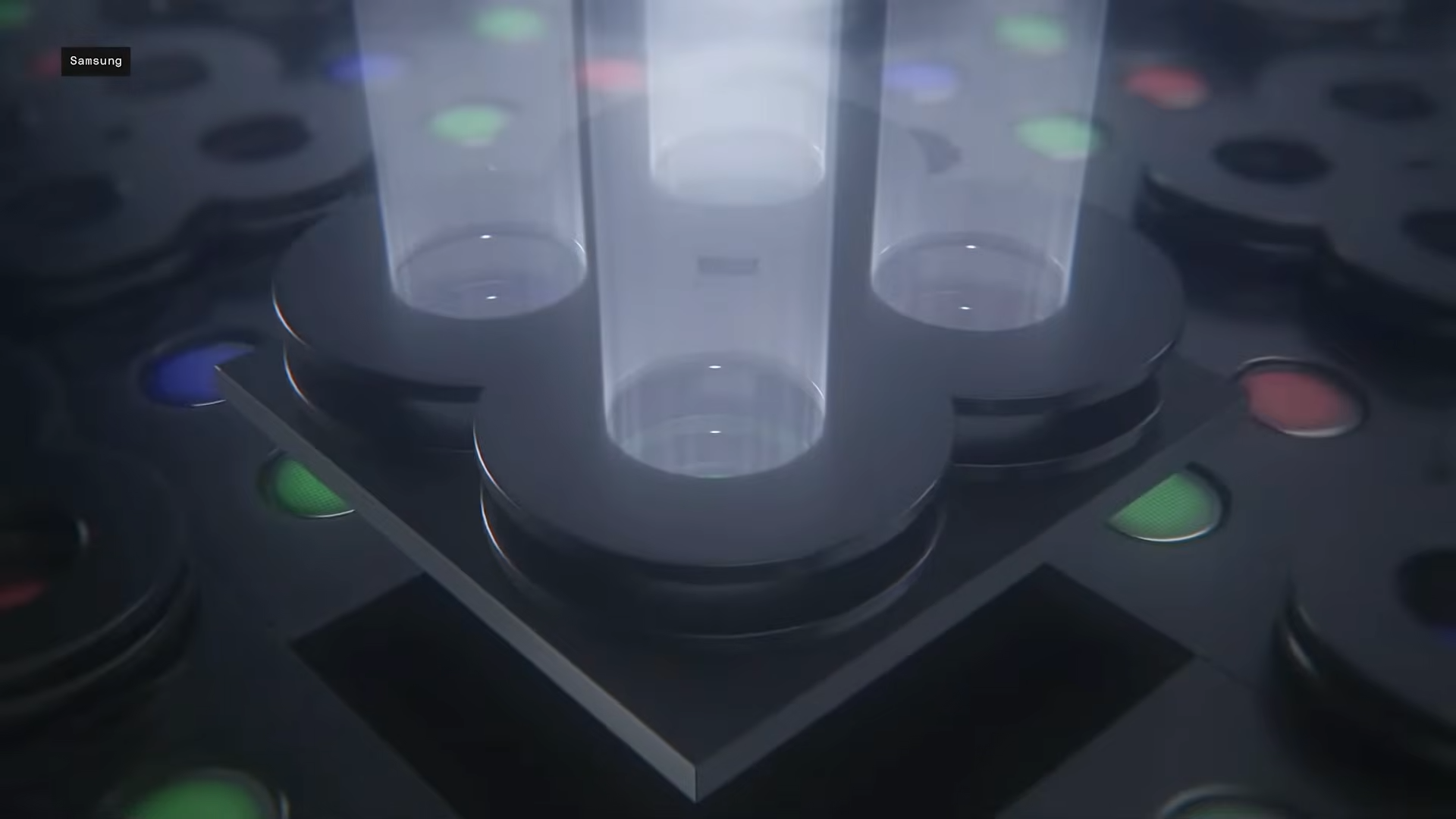
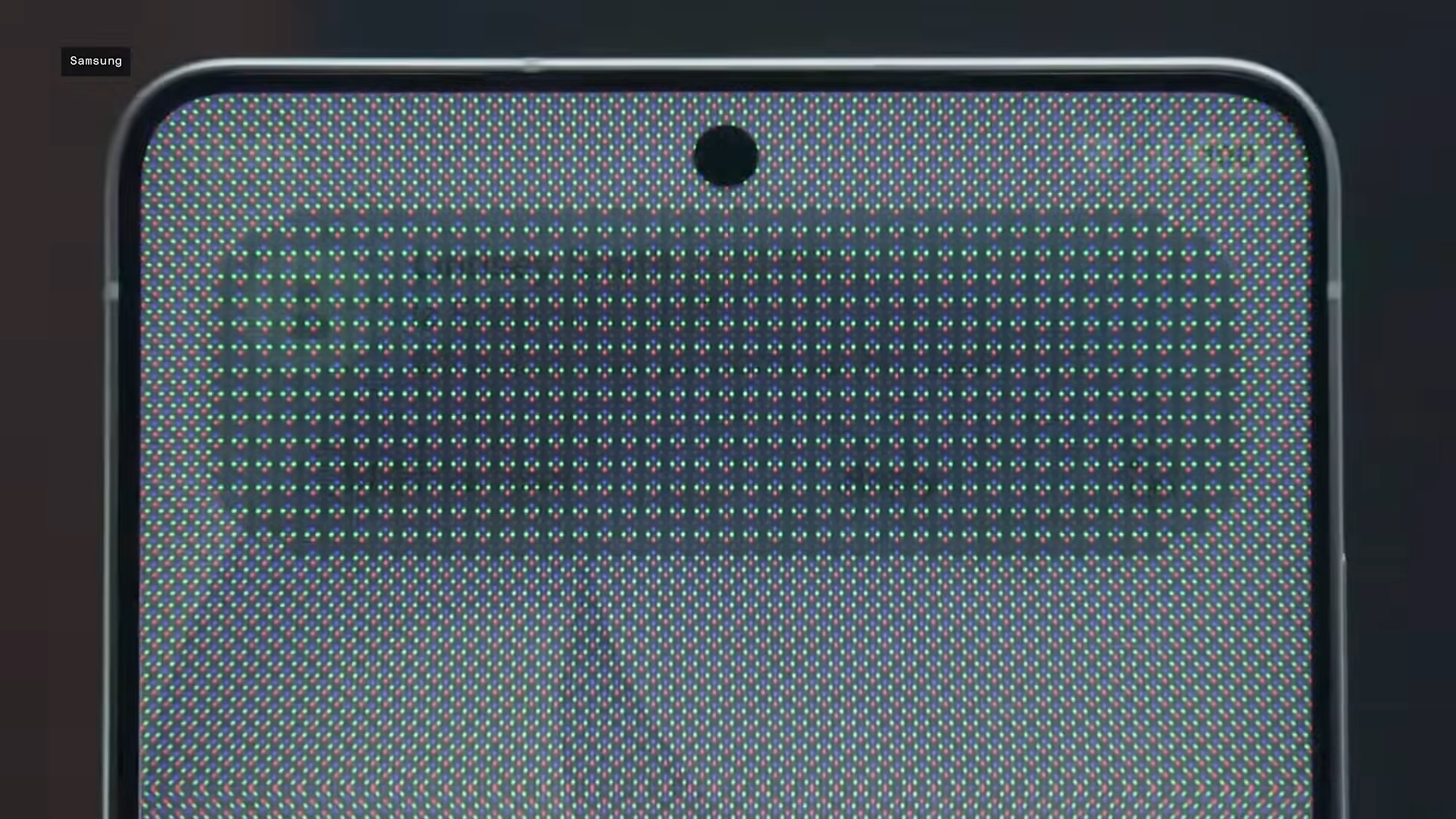
At the heart of Privacy Display lies Samsung Display’s Flex Magic Pixel technology, re-engineering the OLED panel with two pixel types: Narrow pixels and Wide pixels. Narrow pixels funnel light forward in a tight beam via a multi-layer black matrix that blocks lateral spread, while Wide pixels handle broader dispersion when needed.
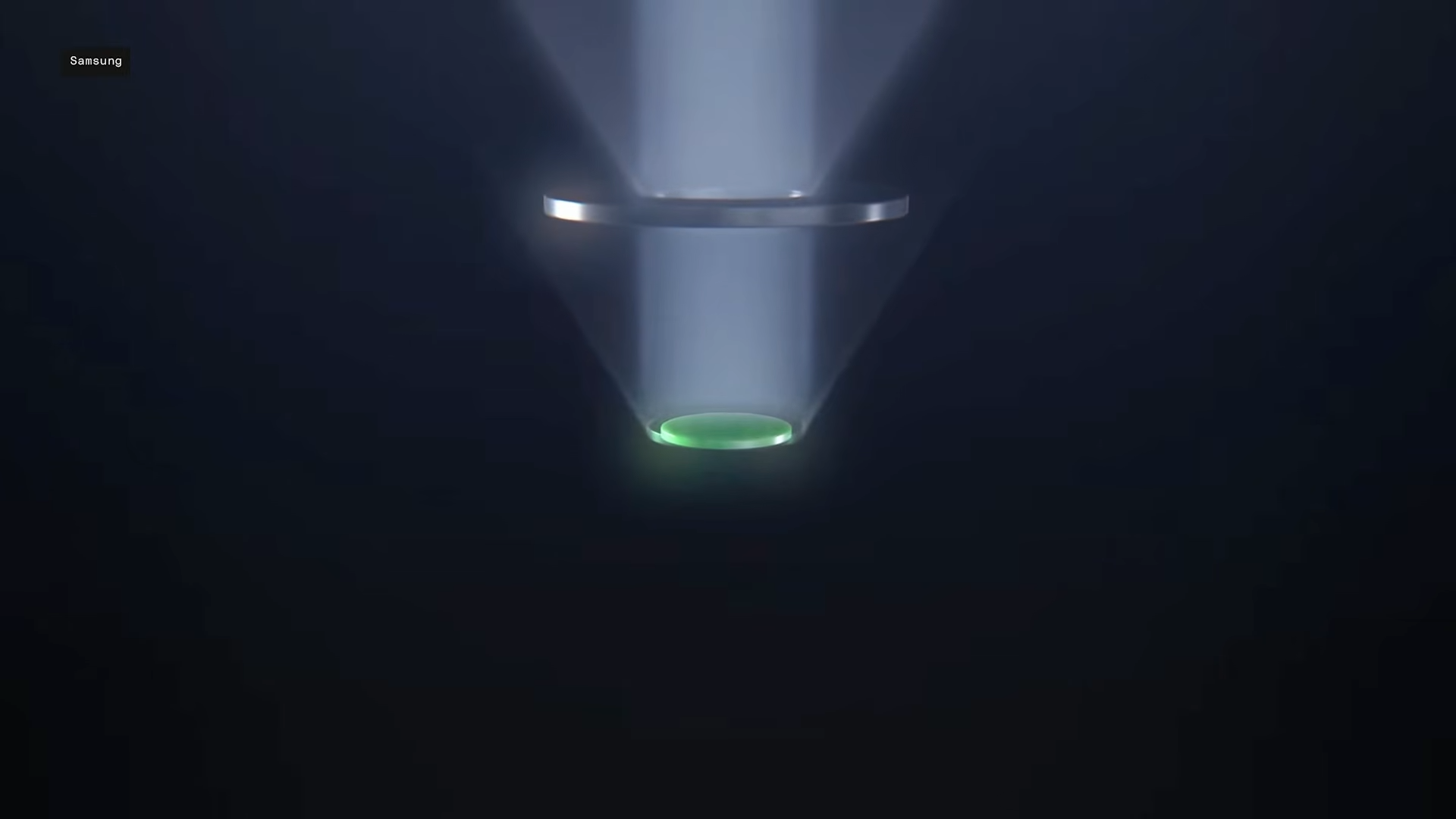
When off, both pixels fire fully, delivering the S26 Ultra’s stunning 6.8-inch QHD+ AMOLED display with wide viewing angles, up to 3,000 nits peak brightness, and Gorilla Glass Armor 2 protection.
Turn it on, and Wide pixels dim dramatically—Narrow ones stay lit—dropping side visibility to just 3.5% brightness at 45 degrees and under 0.9% at 60 degrees, per UL Solutions tests.
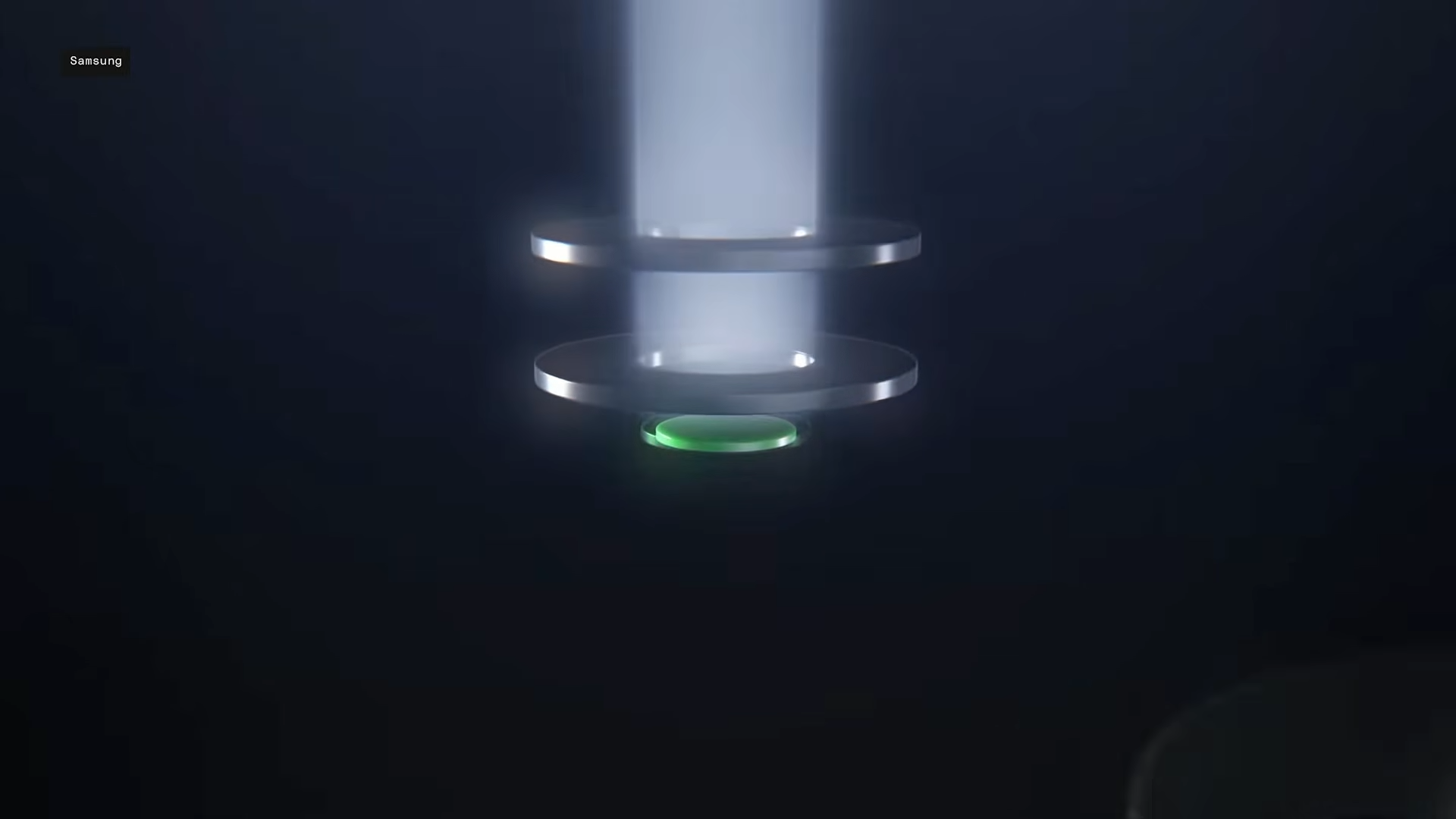
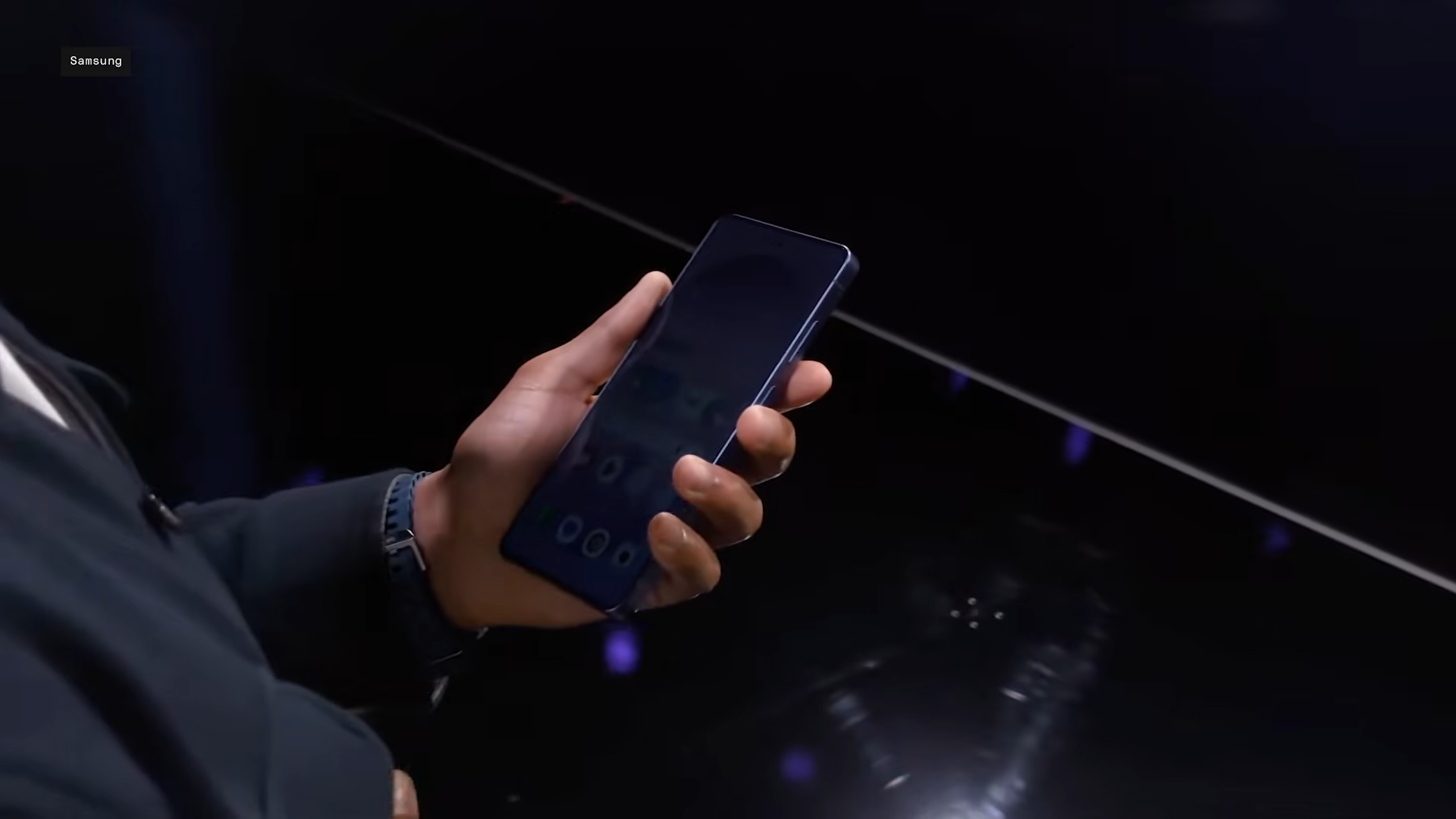
You see crystal-clear content straight-on; snoopers get a dark, washed-out void.
This pixel-level control stems from precise subpixel light management, where the black matrix—now multi-layered—prevents light leakage from red, green, and blue subpixels just micrometers wide.
There are no software tricks here; it’s baked into the hardware, ensuring seamless operation even during orientation changes.
Activating Privacy Display your way
Access it effortlessly from the Quick Panel: swipe down, tap the Privacy Display toggle for full-screen protection. Dive into settings under “Conditions for turning on” to customize—select apps like banking or email for auto-activation, hide notification pop-ups, or shield PIN/password fields.
| Mode | Description | Best For |
|---|---|---|
| Full Screen | Obscures entire display from sides/top/bottom. | General public use, like browsing emails on transit. |
| Partial Screen | Targets notifications or specific areas only. | Quick glances at alerts without exposing content. |
| Maximum Privacy | Adds extra dimming for ultimate side blackout. | High-stakes scenarios, like entering financial data. |
| App-Specific | Triggers per app (e.g., Gmail, Slack). | Routine sensitive tasks without manual toggles. |
Standing tall against screen protectors
Privacy screen films darken your display permanently, add matte texture that hinders swipes, and fail top/bottom angles—plus, they’re a hassle to apply and remove.
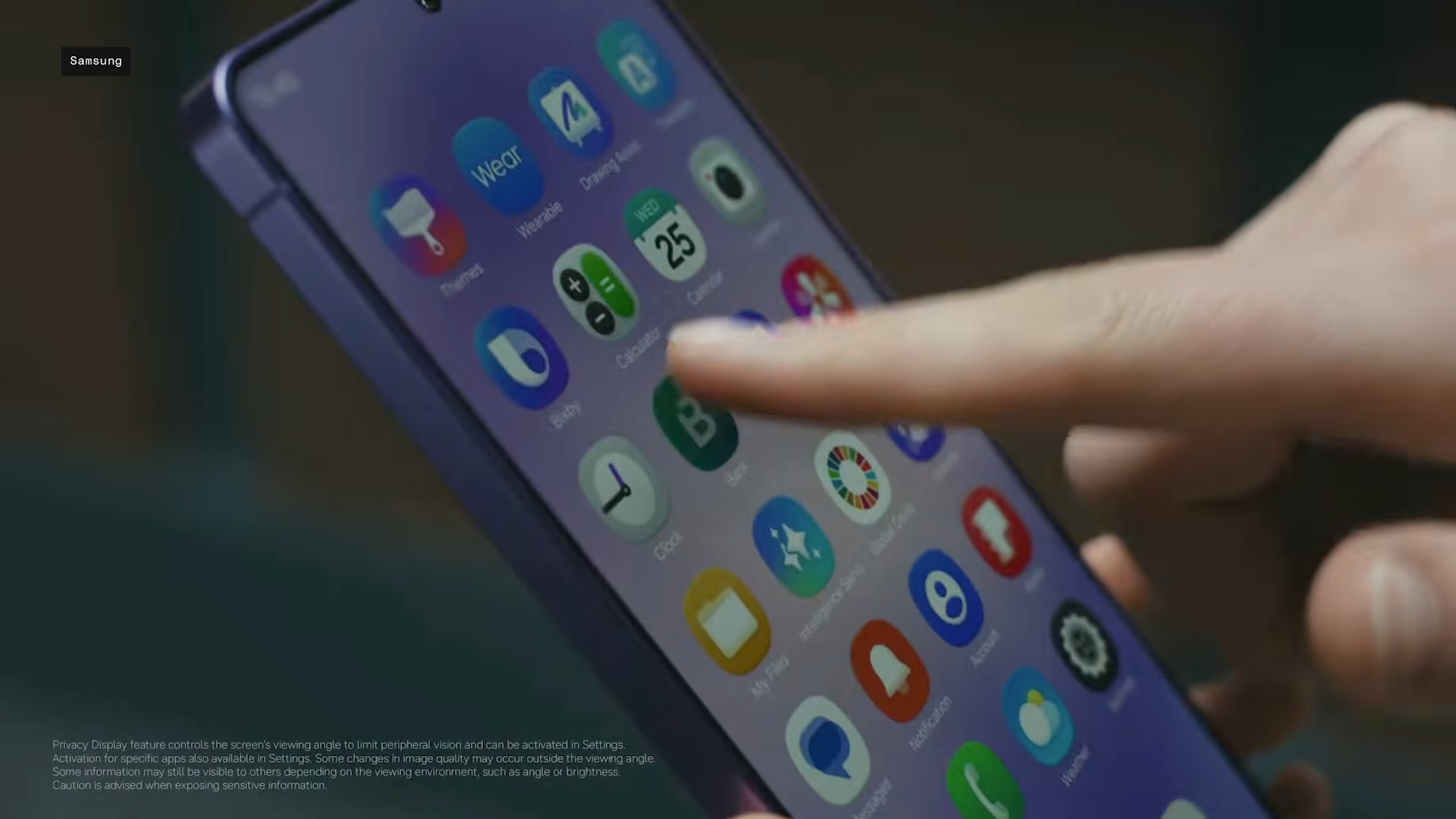
Privacy Display? Toggle-free, no residue, full glass smoothness, and reversible brightness/colors for you. Hands-on tests confirm it dims noticeably when on (to curb light spill), but manual brightness tweaks keep it usable outdoors.
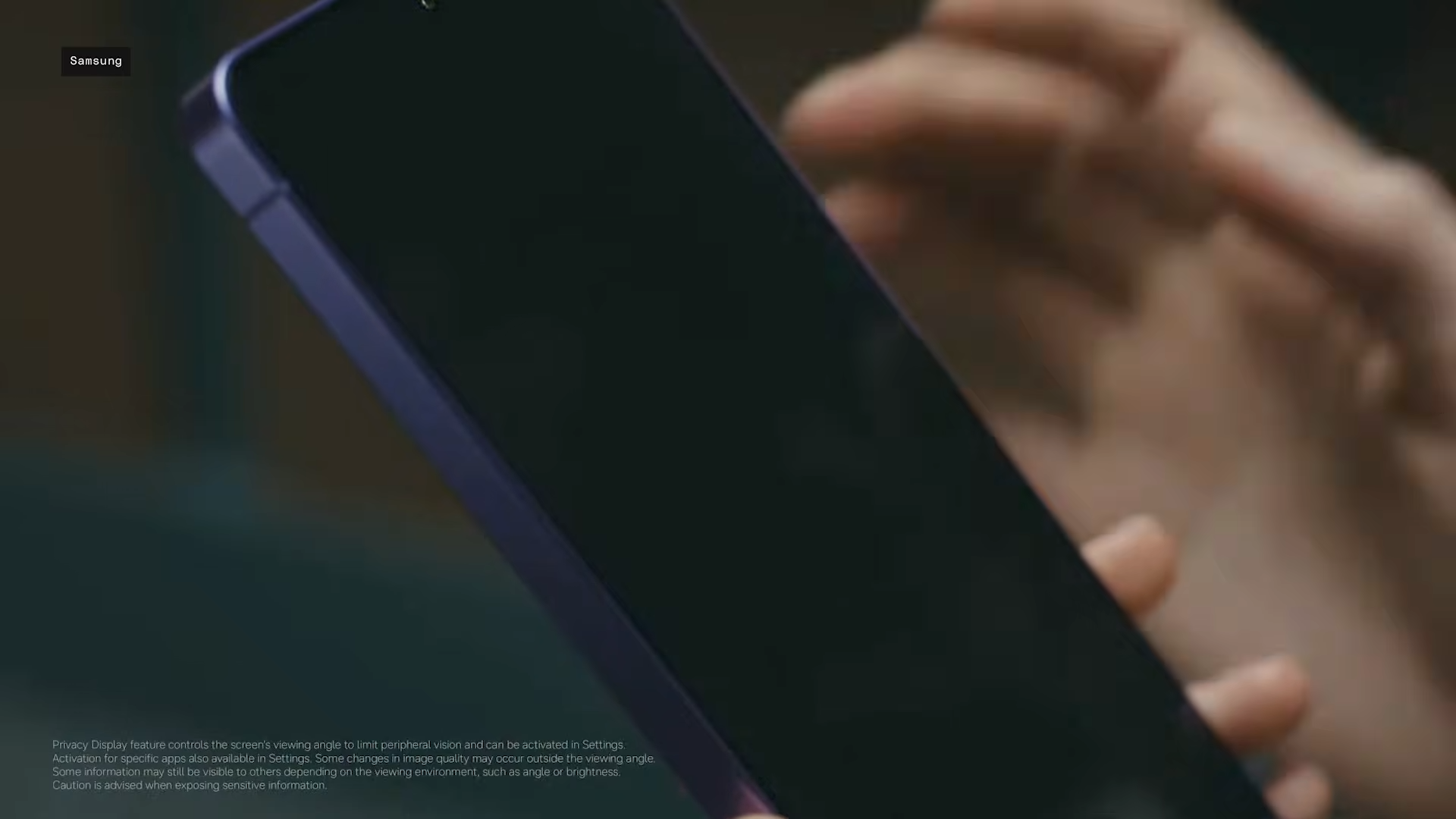
Protectors edge out in absolute blackout, yet Samsung’s flexibility wins for daily life—enable for banking, disable for videos.
Privacy Display is Galaxy S26 Ultra’s USP
Beside the Agentic AI features, the hardware and software upgrades, and all that comes with a new year of smartphone, Privacy Display is really what stands the Galaxy S26 Ultra apart. Ultimately, the device will come to be known as the first one that hosted Privacy Display. It’s not a gimmick in any sense of the word but a thoughtful evolution for privacy-conscious users in shared spaces.
Paired with the Ultra’s ecosystem, it makes the device feel secure without compromise. If shoulder surfing bugs you, the S26 Ultra delivers peace of mind at the pixel level. Expect to see the same technology appear in other phones very quickly. But Samsung, as it’s done several times before, has once again reclaimed its title as industry trailblazer.