What to know
- A free platform hosts community-created themes for Snowsky Echo Mini devices.
- Users upload theme packages and download others directly without technical barriers.
- Themes come as firmware files installed like official updates.
- Always back up data before installing to avoid potential device issues.
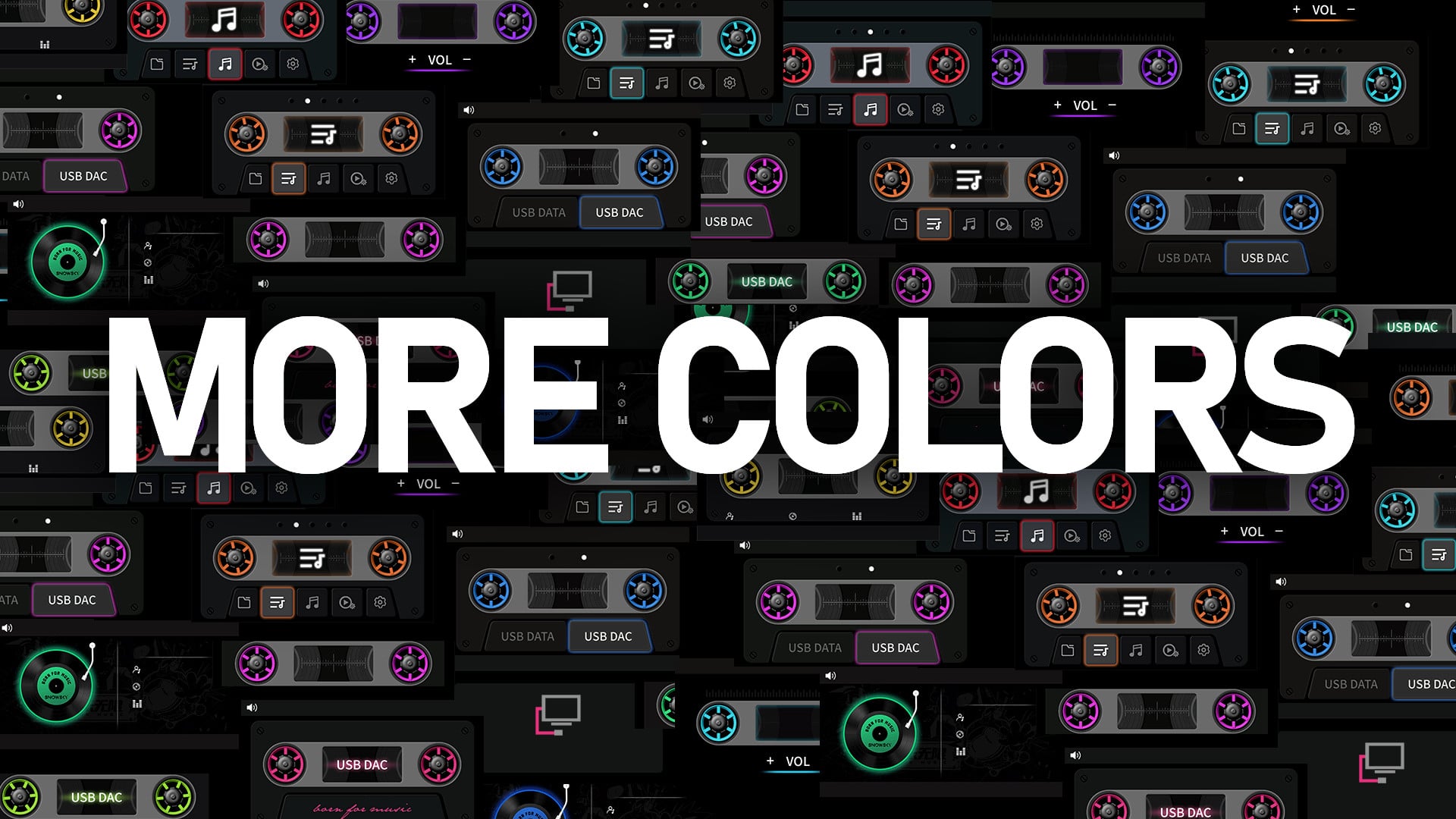
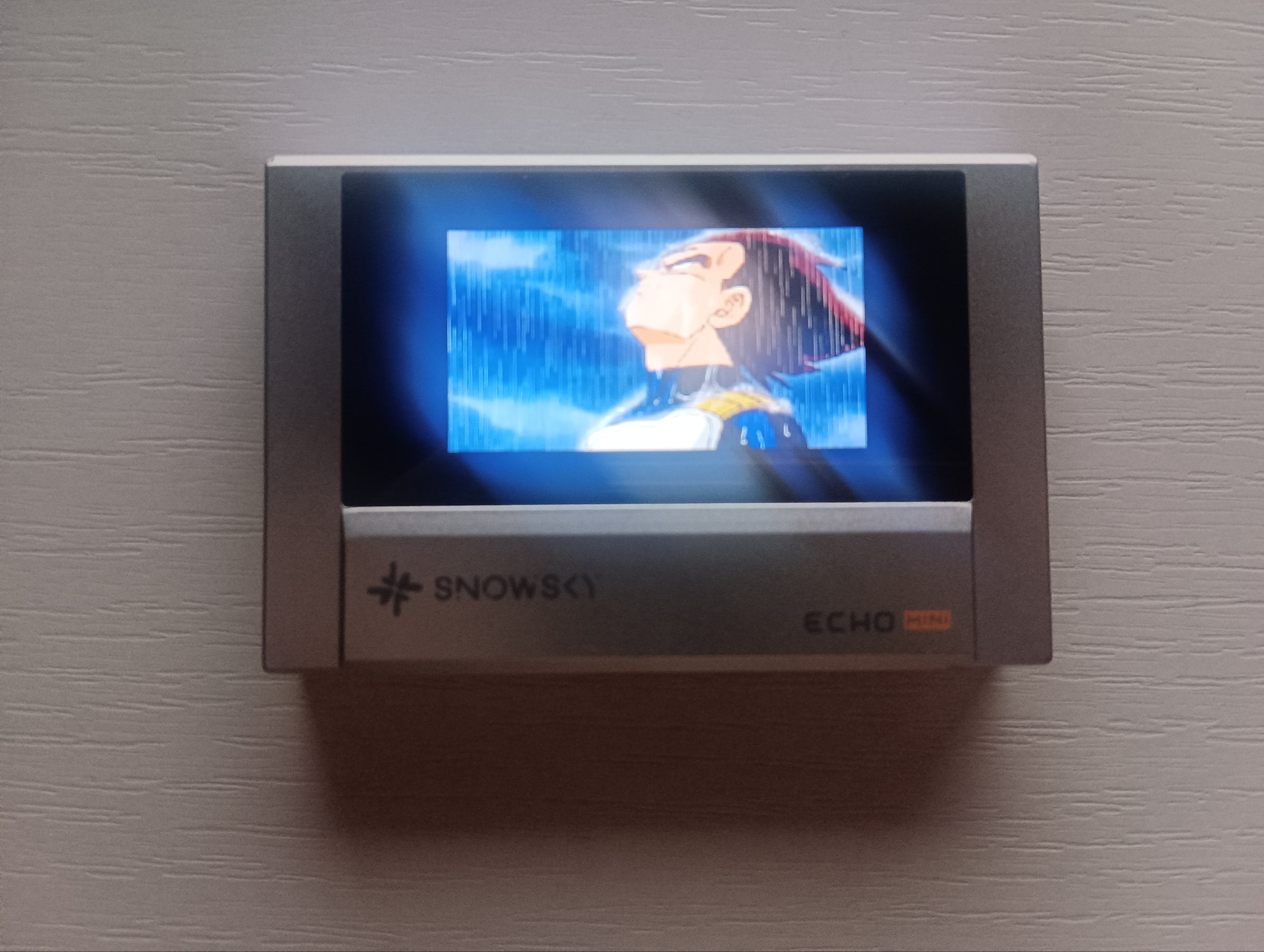
You can easily customize your Snowsky Echo Mini with unique themes using EchoMiniThemes, a hub built for the community. It gathers creations from users, making it simple to browse, share your own designs, and grab new looks for your device. Whether you are new to modding or experienced, the site streamlines the process.
| Aspect | Details |
|---|---|
| Site Purpose | Share and download custom Echo Mini themes |
| Total Themes | 18 available (as of 24th Feb, 2026) |
| Popular Examples | NERV EVA-02, Persona 3 Reload, Retro cassette player |
| Installation Method | Copy firmware file to device root and restart |
| Key Warning | Backup songs; risk of formatting internal memory |
Preparing your device for theme installation
Before you download or install, remove the SD card from your Echo Mini to prevent issues. Back up your songs from the internal memory, as the update process formats it and clears the Favorites list. Connect your device to your computer and ensure it appears as a drive.
How to download a theme
Visit the site and check the Theme Catalog section for options. Select a theme. Click to download the package straight to your device.
How to install a downloaded theme
Step 1: Unzip the file
Unpack the downloaded theme package on your computer.
Step 2: Copy the firmware
Locate the HIFIECxxx.img file inside and copy it to the root directory of your Echo Mini’s internal memory.
Step 3: Eject safely
Safely disconnect the Echo Mini from your computer.
Step 4: Restart the device
Power on or restart your Echo Mini; the firmware upgrade starts automatically.
Create your custom theme using available modding tools, then package it as a firmware file. Upload it directly to EchoMiniThemes, adding a description and tags for visibility. Your creation joins the list for others to enjoy.
Troubleshooting installation problems
If the update fails, format the internal memory of the Echo Mini while keeping the SD card out. Repeat the copy and restart process from the start. Only proceed if you accept the risks of modifying firmware, as issues could affect your device.