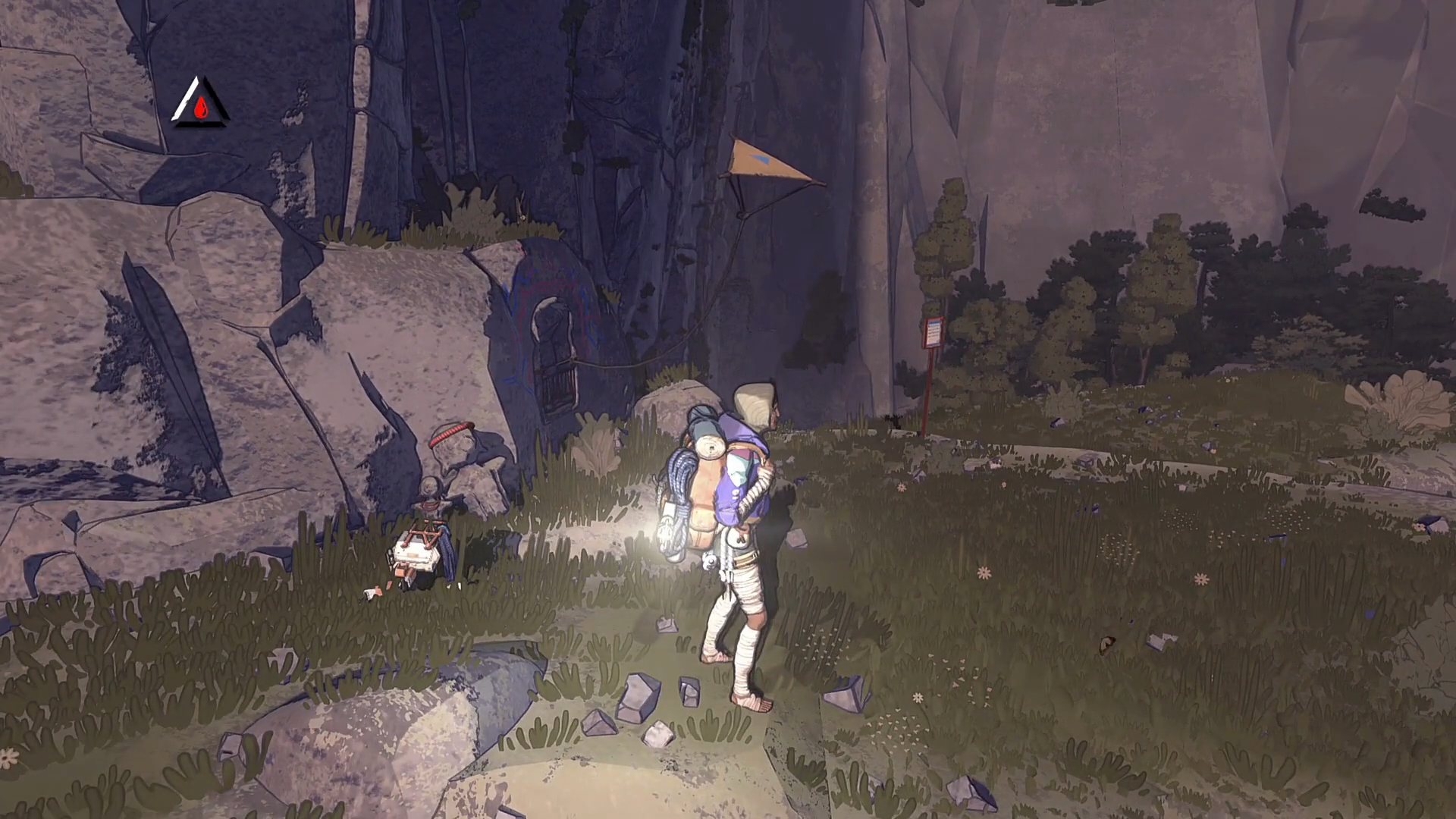
What to know
-
The Light is tied to the Piton, Light quick action slot by default.
-
On controller, access alternate quick actions with LT or L2, then use D-Pad Up for Piton, Light.
-
On keyboard and mouse, the default Piton, Light key is 3, and X toggles alternate quick actions.
-
If you want, Cairn lets you remap its controls in settings.
Cairn keeps the flashlight inside its quick action system, so the trick is using the alternate quick actions modifier first, then triggering the Light from the correct slot.
| Platform | Default input to turn Light on | Where it lives |
|---|---|---|
| PlayStation / Xbox controller | Hold L2 or LT, then press D-Pad Up (Piton, Light) | Alternate quick actions + D-Pad Up slot |
| PC (keyboard and mouse) | Use the Piton, Light slot (3); if you need the alternate quick menu, toggle with X | Quick action slot 3, alternate quick actions toggle is X |
How to turn on the flashlight on controller
Step 1
Get into normal gameplay (walking or climbing) so your quick actions are available.
Step 2
Hold LT on Xbox or L2 on PlayStation to bring up the alternate quick actions.
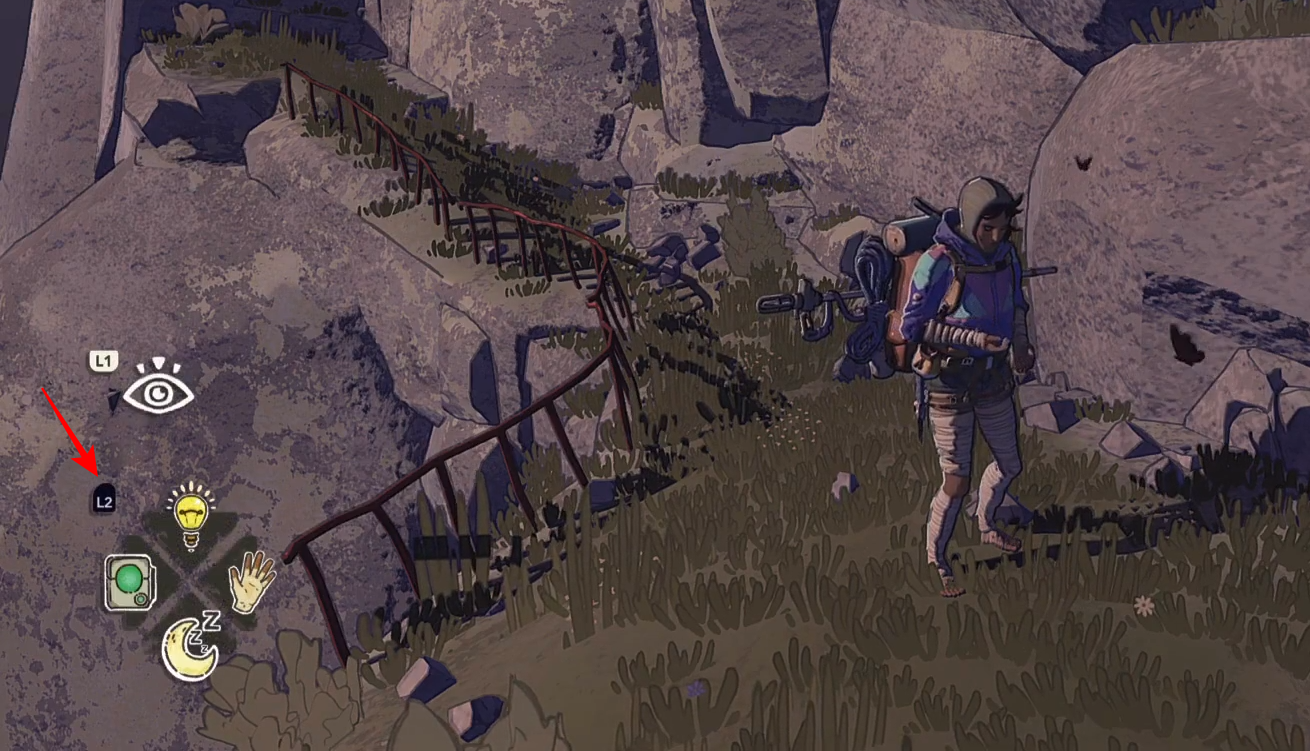
Step 3
While holding LT/L2, press D-Pad Up to trigger Piton, Light and switch the light on.
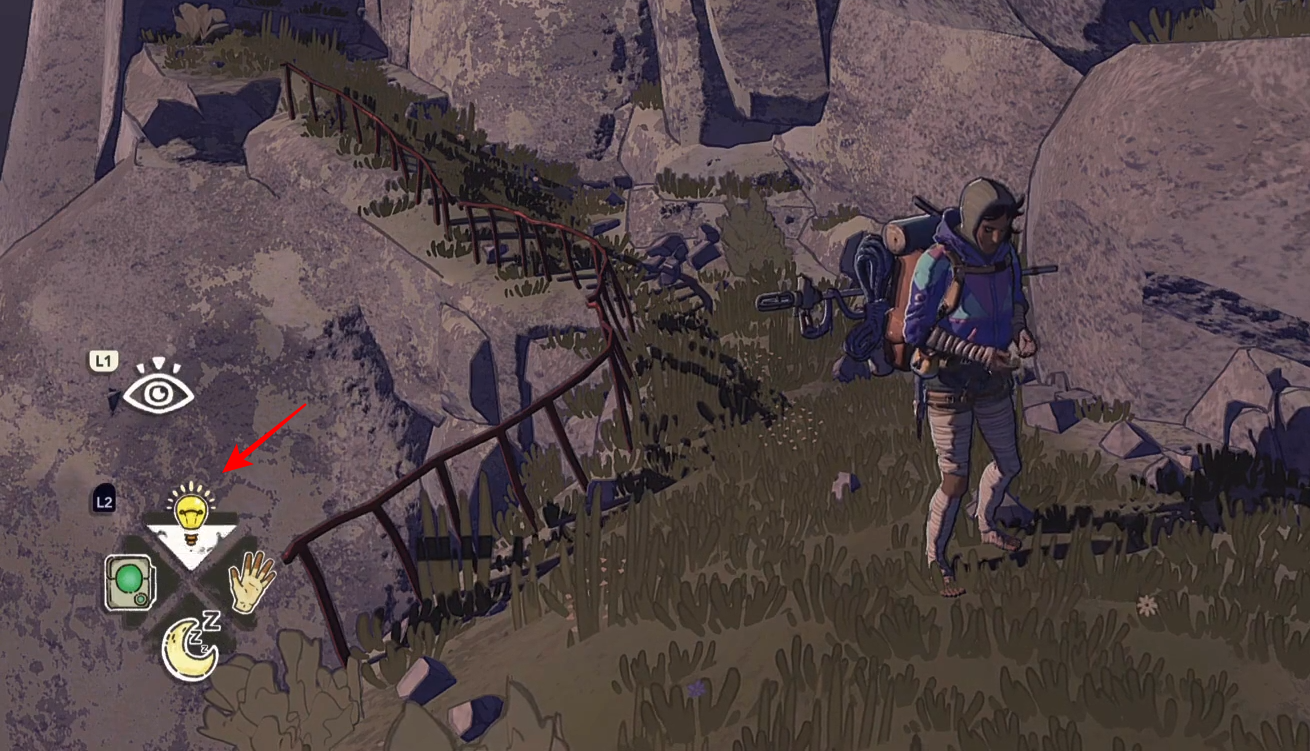
Step 4
Repeat the same input (hold LT/L2 + D-Pad Up) to toggle the light off again.
How to turn on the flashlight on PC
Step 1
Press 3 to use the Piton, Light quick action slot.
Step 2
If 3 is not bringing up the Light you expect, press X to toggle between the quick access menus, then try 3 again.
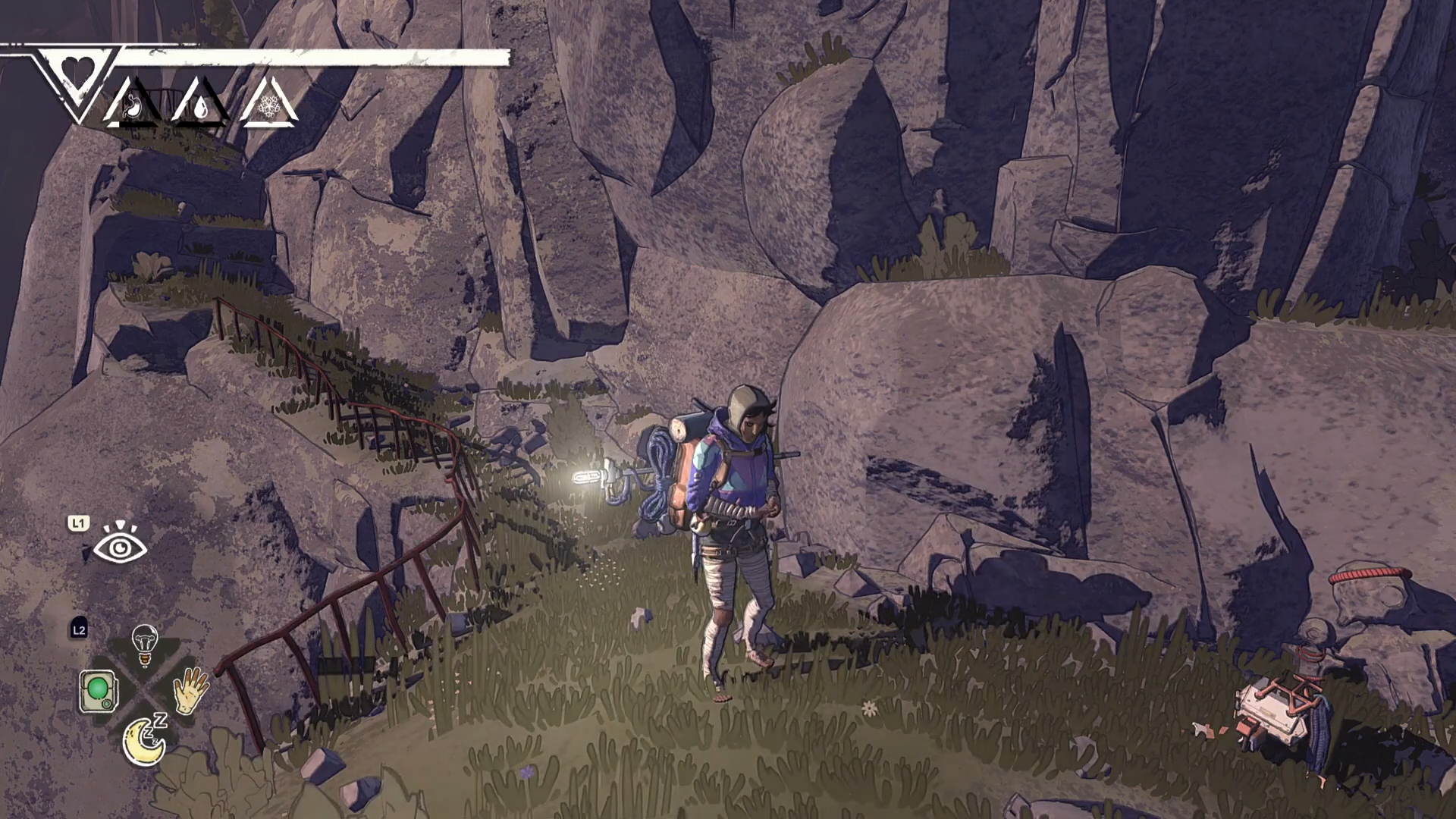
Step 3
If your bindings differ, open settings and remap controls to put Light somewhere comfortable.
Once you treat the flashlight as part of the quick action layer, it becomes consistent: hold the alternate quick action modifier, then trigger the Piton, Light slot to toggle illumination.