What to know
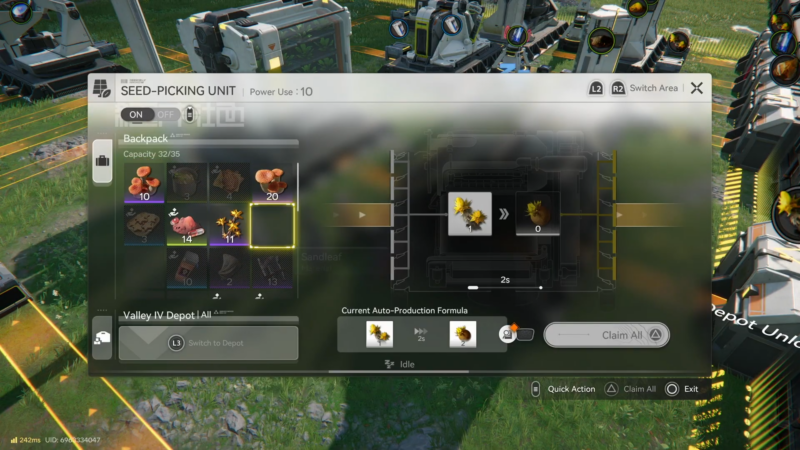
- The core trick is a self-feeding automation loop: Seed-Picking Unit extracts seeds, Planting Unit regrows plants, and outputs are routed to both storage and back into the loop.
- Required facility pieces: Seed-Picking Unit, Planting Unit, Depot Loader, and Depot Unloader (for smoother routing and less space usage).
- After the first plant is inserted, the system continuously duplicates without additional farming runs.
- The correct machine order on the line is Seed-Picking Unit first, then Planting Unit (this is corrected during setup).
In Arknights: Endfield, right after obtaining at least one copy of a desired plant, a compact facility loop can be built to keep producing it automatically with conveyors and depots. The method relies on extracting seeds from the plant and immediately replanting them in a cycle that never runs dry.
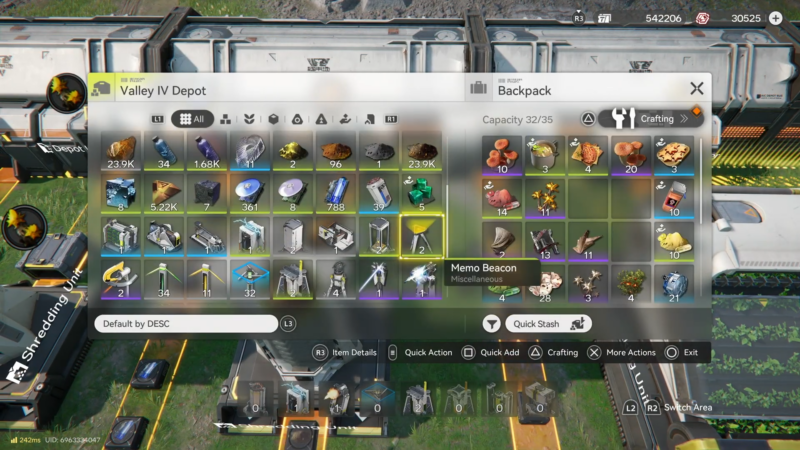
Quick reference layout and requirements
The duplication loop uses two processing buildings and simple belt routing to create a “feed itself + store extras” pattern.
| Element | Purpose in the loop | Notes |
|---|---|---|
| Target plant (1x to start) | The “starter” input that seeds the whole system | Example used: Sand Leaf. |
| Seed-Picking Unit | Converts the plant into seeds | Must be upstream of planting in the final build. |
| Planting Unit | Uses seeds to recreate plants | Produces plants that can be routed to storage and back into the picker. |
| Depot Loader | Sends produced items into the bank/storage | Helps keep the output managed cleanly. |
| Depot Unloader | Pulls a chosen item type out as input | Optional for smoother flow and compactness. |
| Belts/tracks (conveyors) | Moves seeds/plants between machines | One line loops back; another line goes to storage. |
| Power | Runs the machines | Turn power on after connections are complete. |
How to set up the plant and seed duplication loop
This is a facility-based automation build that starts with one plant and becomes a continuous production line.
Step 1: Pick the plant to duplicate
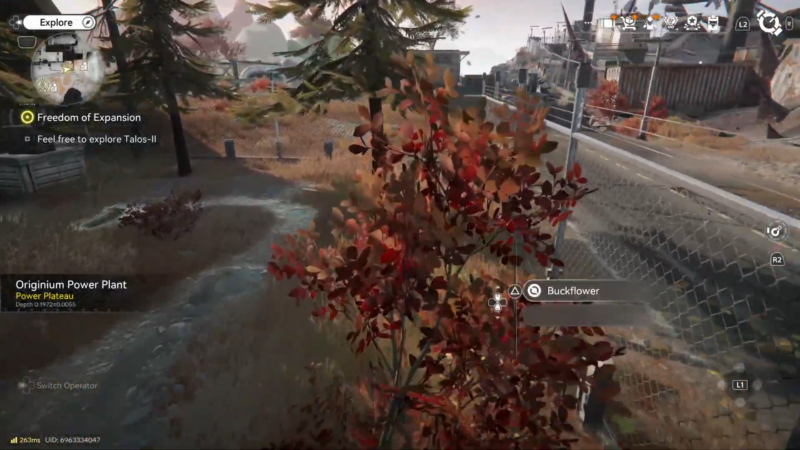
Collect at least one of the plant/flower targeted for duplication, then return to the main facility area to build the automation.
Step 2: Craft the required machines
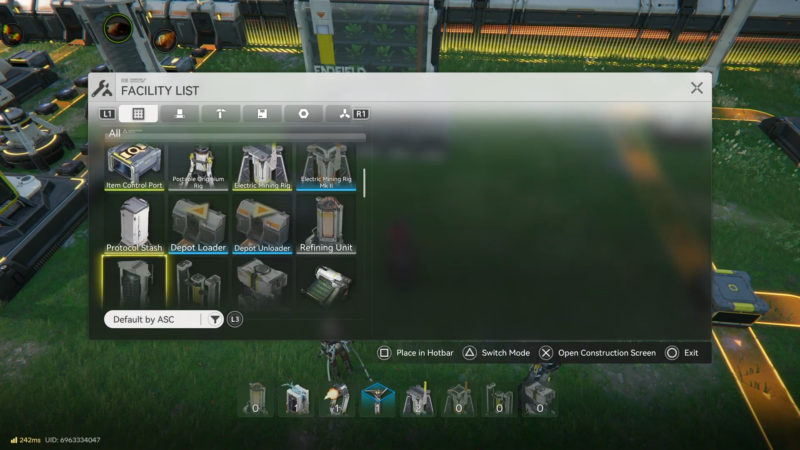
Craft and place the Seed-Picking Unit and the Planting Unit, then add a Depot Loader and a Depot Unloader to make routing more compact and consistent.
Step 3: Place the depot connections on the wall
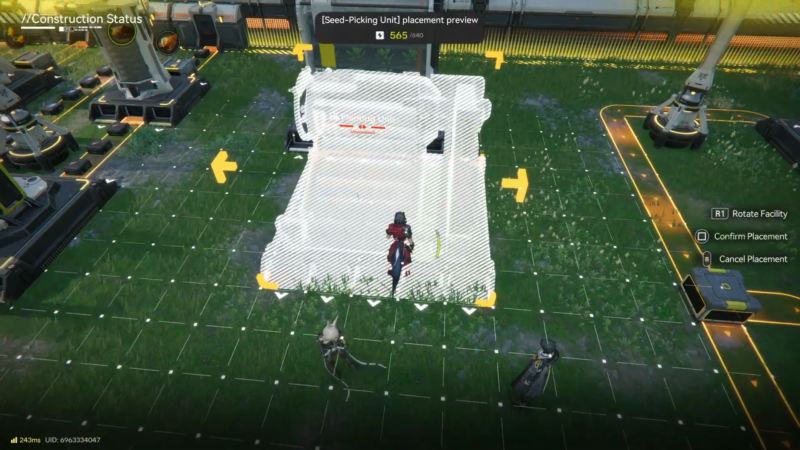
Place the Depot Loader on the wall and place a Depot Unloader as needed, then configure the depot setting to the exact plant being duplicated so the system routes the correct item.
Step 4: Connect belts with the correct machine order
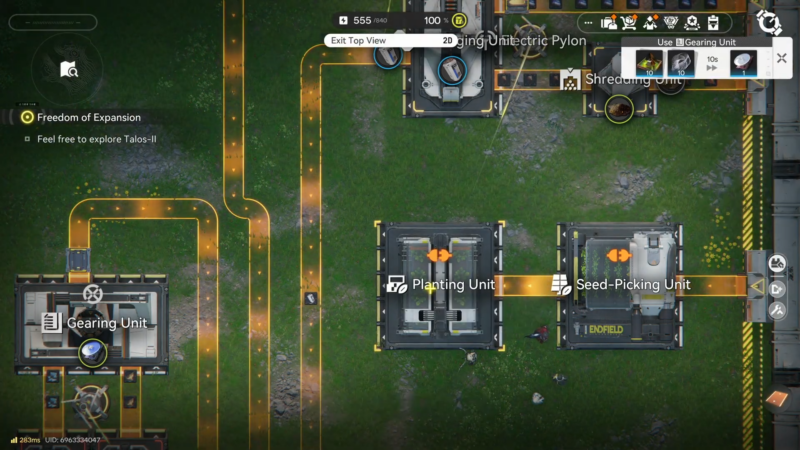
Set the line so the Seed-Picking Unit is positioned before the Planting Unit (the setup is explicitly corrected to this order).
Step 5: Build the self-feeding return line
Route one output line so that the produced plants feed back into the Seed-Picking Unit, creating a continuous “extract → plant → harvest → extract” loop that keeps running.
Step 6: Add a storage line for surplus
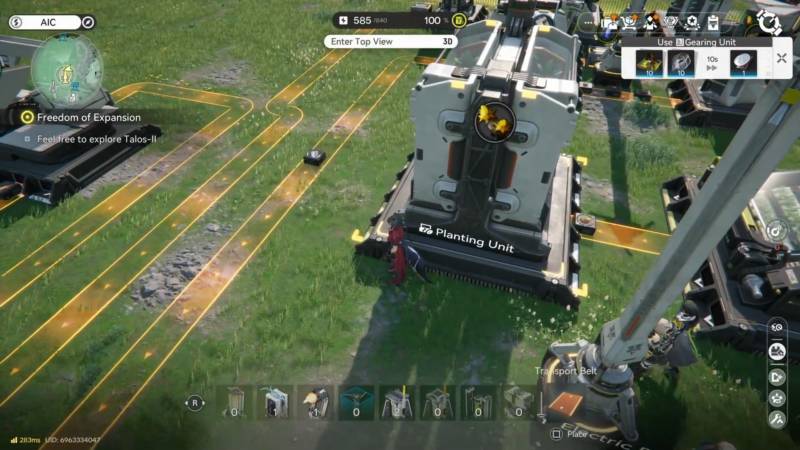
Split the output so the “extra” production goes into the bank via the Depot Loader, while the other path continues feeding the loop to keep it alive.
Step 7: Power on and seed the system once
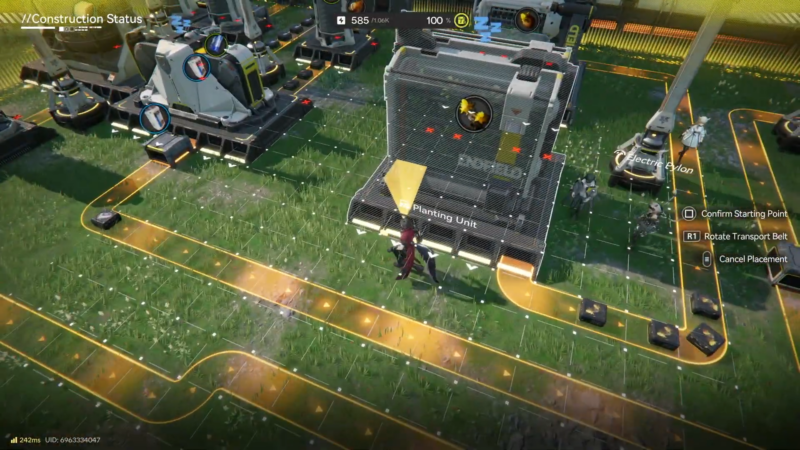
Turn the power on, insert the first plant into the system, and let the machines begin extracting seeds and regrowing plants automatically.
What will be produced and where it goes
Once the loop is running, one path sustains the cycle while another path accumulates extras in storage.
| Output type | How it is generated in the loop | Where it can be routed |
|---|---|---|
| Seeds | Extracted by the Seed-Picking Unit from the input plants | Sent into the Planting Unit to keep regrowing. |
| Plants | Recreated by the Planting Unit from seeds | Split between storage and the return line into the Seed-Picking Unit. |
Common setup mistakes that stop the loop
Small routing errors can prevent the system from duplicating continuously.
- Reversing the machines: the corrected setup places Seed-Picking first and Planting second to keep the process flowing correctly.
- No return belt: without a line feeding output plants back into the Seed-Picking Unit, production will not sustain itself indefinitely.
- No storage route: if everything feeds back and nothing goes to the bank, there will be no visible surplus gain even though the loop runs.
- Forgetting to power on: the system requires power after belts are connected and the starter plant is inserted.
Final notes on keeping the system running smoothly
This loop is intended to reduce repeat harvesting trips by turning rare or annoying-to-farm plants into a renewable facility resource stream. If storage appears not to fill, check whether another connected machine is consuming the plants immediately from the bank, which can make output look “invisible” while still functioning.