

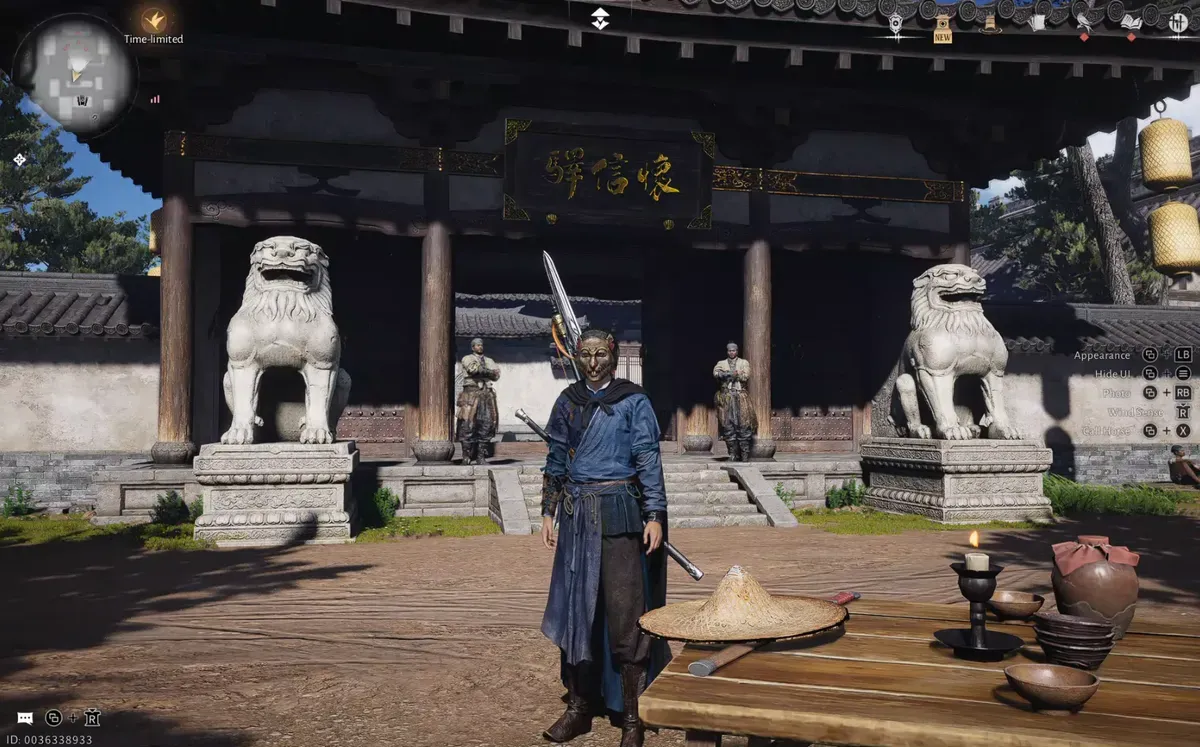
Follow this guide to complete all the event tasks for the Firework Festival event in Where Winds Meet with ease.
The Firework Festival in Where Winds Meet is a quick one‑day event that lets you celebrate with fireworks, chat, and photos. This guide walks you through all three simple tasks, launching a custom firework, speaking in the festival channel, and taking a photo, so you can complete the event fast and claim all rewards, including Echo Jade, Lucky Money, a special 2026 inscription, and extra fireworks.
How to start the event
To start the event, launch the game and look for the Firework Festival popup when you log in. If you’ve already closed it, open the Events menu, go to Thaw of Eons, and find the Firework Festival under the Social Butterfly section. On the event page, you’ll see the three available tasks along with a timer showing how long the event remains active.


Fireworks Festival in Where Winds Meet (Image credit: Everstone Studio) | Via: YouTube – AshShley)
Event Quest 1: Set off a custom firework once
Step 1
Open your Inbox (Mail), find the message titled “Fireworks Festival Invitation,” and claim the rewards to receive 50 Echo Jade and 3 Silver Blossom fireworks.

Step 2
Switch to solo mode, then travel to the Firework Festival area in northeastern Kiang City (Velvet Shade) using the Pearl Glow teleport marked with the fireworks icon.

Step 3
Tap the glowing “Press to Launch” button in the top-right corner, customize your firework (message, signature, and color), then confirm and launch it.


Customize the firework (Image credit: Everstone Studio) | Via: YouTube – AshShley)
Step 4
Watch the firework in the sky to complete the first task.
Event Quest 2: Speak in the Fireworks Channel once
Step 1
Stay in the Firework Festival area in Kiang City in solo mode, then open the chat/text interface and switch to the Nearby channel.

Step 2
Tap the voice (microphone) icon next to the chat input, hold “Press to Speak” to record a short message (for example, “Happy New Year!”), then release and tap “Send Voice.”


Tap the microphone icon, record your message, and send it as voice text (Image credit: Everstone Studio) | Via: YouTube – AshShley)
Step 3
Sending one voice message in this channel completes the second task.

Event Quest 3: Take a photo in the Fireworks Festival scene
Step 1
Make sure you’re in online mode (the game will usually prompt you to switch when you click the task).

Step 2
Stay in the Firework Festival area in northeastern Kiang City, open camera/photo mode, and take a picture of the fireworks scene, you don’t need to upload or share it; just capturing the photo completes the third and final task.

Firework Festival Rewards
- Echo Jade: x20 + x26 (46)
- Lucky Money: x400
- Windtail 2026 Inscription: x1
- Silver Blossom Fireworks: x20
We hope this Fireworks Festival event guide brought clarity and saved you time. Your feedback means a lot, so feel free to comment with suggestions, ideas, or questions. We monitor the comments closely and try to respond quickly to anyone who needs assistance or further explanation.




