

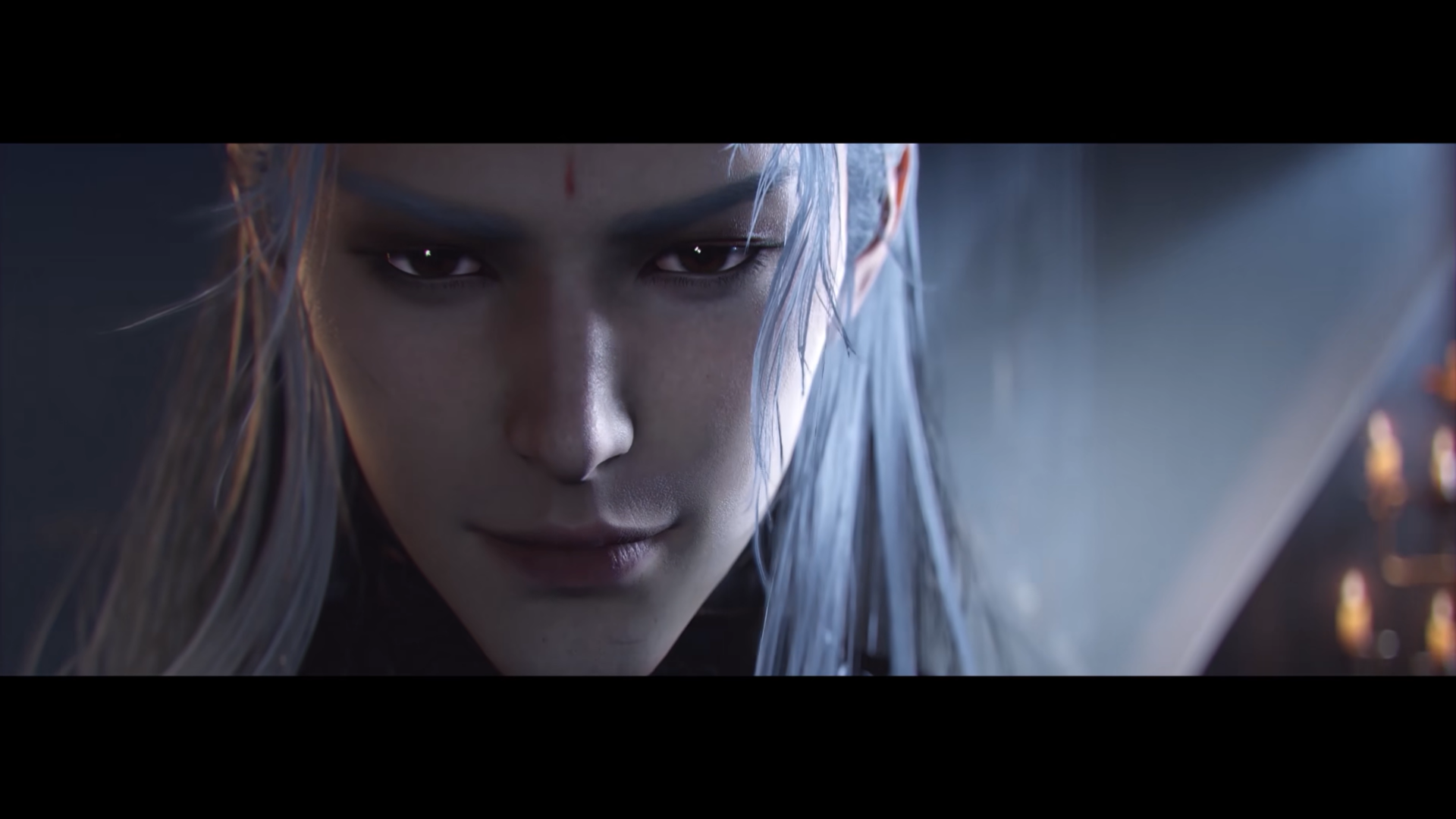
Import appearance presets in seconds using face codes in Where Winds Meet. A quick way to import polished character looks in game using ready-made face codes.
What to know
- Face codes let you instantly import full character-creation presets.
- You can apply them at the start or later through appearance-change options.
- Some presets may rely on cosmetics you might not own.
- You can still fine-tune sliders after importing a code.
Right from the start, Where Winds Meet gives you deep customization options, but manually adjusting every slider can take a while. Using face codes speeds up the process so you can drop into the world with a refined look. Below is a complete guide along with a table of the most popular codes and what style they represent.
WWM Character creation codes: Female
| Code | Gender | Description |
|---|---|---|
| ARTaRfKXmEGDqpfImlO | Female | Soft-featured preset with balanced proportions. |
| ARTaRfbLBC1e6gWHJdj | Female | Refined female look with smooth detailing. |
| ARTaRfGp0PdgeI9N9g7 | Female | Youthful appearance with a clean, natural style. |
| ARTaRfD082Xr73hQrD0 | Female | Polished heroine preset with defined features. |
| ARTaRgtY+W8qAgncPVN | Female | Elegant facial design with wuxia-inspired shaping. |
| ARTaRjrQTTaU18QifbK | Female | Detailed preset featuring subtle makeup emphasis. |
| ARTaRjr0Cv2DdwSfNj | Female | Balanced design with soft, delicate structure. |
| ARTaRhCMy9tdmKFOA56 | Female | Bold look with strong brows and vivid styling. |
| ARTaRghwkSsSFyFTeC+ | Female | Dark-themed preset with refined gothic features. |
| ARTaRfy7utCrflrCZQb | Female | Emo aesthetic with dramatic makeup. |
| ARTaReudBGgqIh5YLSm | Female | Sharp design with intense, striking eyes. |
| ARTaRezVay9rmkXMmy+ | Female | Atmospheric look with mysterious gothic tones. |
WWM Character creation codes: Male
| Code | Gender | Description |
|---|---|---|
| ARTaRhKBbWFM7GOXYKl | Male | Strong preset with sharp, serious features. |
| ARTaRgmJLtmlwYXZvzx | Male | Handsome design with a soft, tidy jawline. |
| ARTaRh8nai7/rslbNJK | Male | Youthful martial style with clean warrior structure. |
| ARTaRfcgK6Hm6grbjx/ | Male | Rugged preset with swordsman-inspired shaping. |
| ARTaRf1y6JePjUfNw6s | Male | Mature appearance with weathered realism. |
| ARTaRfbd4+UI7QkH7f | Male | Adventurer style with rugged but clean features. |
| ARTaRhXhcsHsEQUfX87 | Male | Heroic look with light, golden-toned detailing. |
| ARTaRiItQVKzU9bbsaX | Male | Striking design with mythic “blue god” structure. |
| ARTaRetTeW8qN0mSn9u | Male | Charismatic preset with bright, blonde styling. |
| ARTaRewLdEv6VGCS+gV | Male | Dark aesthetic with vampiric, dramatic lines. |
How to use a face code in Where Winds Meet
Here is a step-by-step guide to use face codes and change faces in Where Winds Meet:
Step 1
Open the Character Creation screen when starting a new character or accessing appearance customization.
Step 2
Find the Import Customization Data or Enter Customization Code option.
Step3
Paste the exact code into the input field. These strings are case-sensitive.
Step 4
Apply the preset. Your model will change instantly to match the look.
Step 5
Adjust any sliders you want to personalize—eye size, jawline, makeup intensity, and more.
Changing your appearance later in the game
As you progress, the game unlocks ways to rework your appearance without starting over. You can revisit facial structure, makeup, hair, and more using cosmetic-change items. If you want a full transformation such as a gender change, you will need the premium Transformation Pill. Everything else can be freely adjusted once the feature becomes available.




