

What to know
- Action Slot lets you bind and trigger frequent-use items without opening menus, reducing combat interruptions.
- Activate via Alt+C keybind (PC default, customizable in settings).
- Part of broader QoL changes like controller cursor support and auto-recycle.
- Ideal for healers or explorers grabbing loot/potions on the fly.
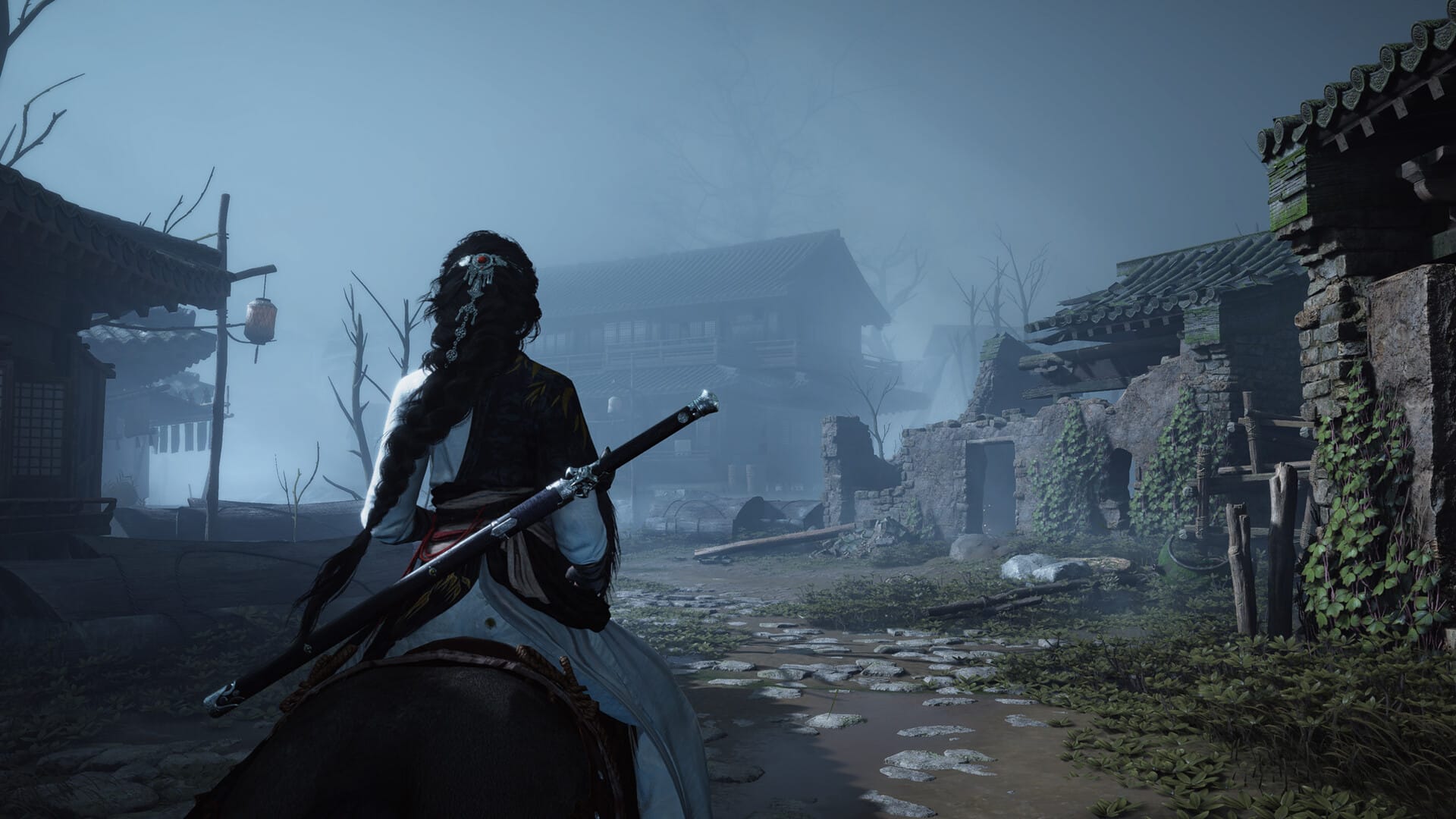
Where Winds Meet‘s version 1.2 update has graced players with several QoL improvements. One of them is a new Action Slot that streamlines quick access to consumables, emotes, or utility items. Here’s everything you need to know about it.
How to trigger Action Slot
Open settings via Esc > Keyboard & Mouse > Button Settings. Scroll to Action Slot or Mystic Skills section for remapping.
Step 1: Access menu
Press Esc, select Settings, then Keyboard & Mouse. Click the arrow icon for full keybinds.
Step 2: Locate Action Slot
Find “Action Slot” or “Cast Skill” under Combat/Build tabs.
Default: Alt+C toggles the wheel.
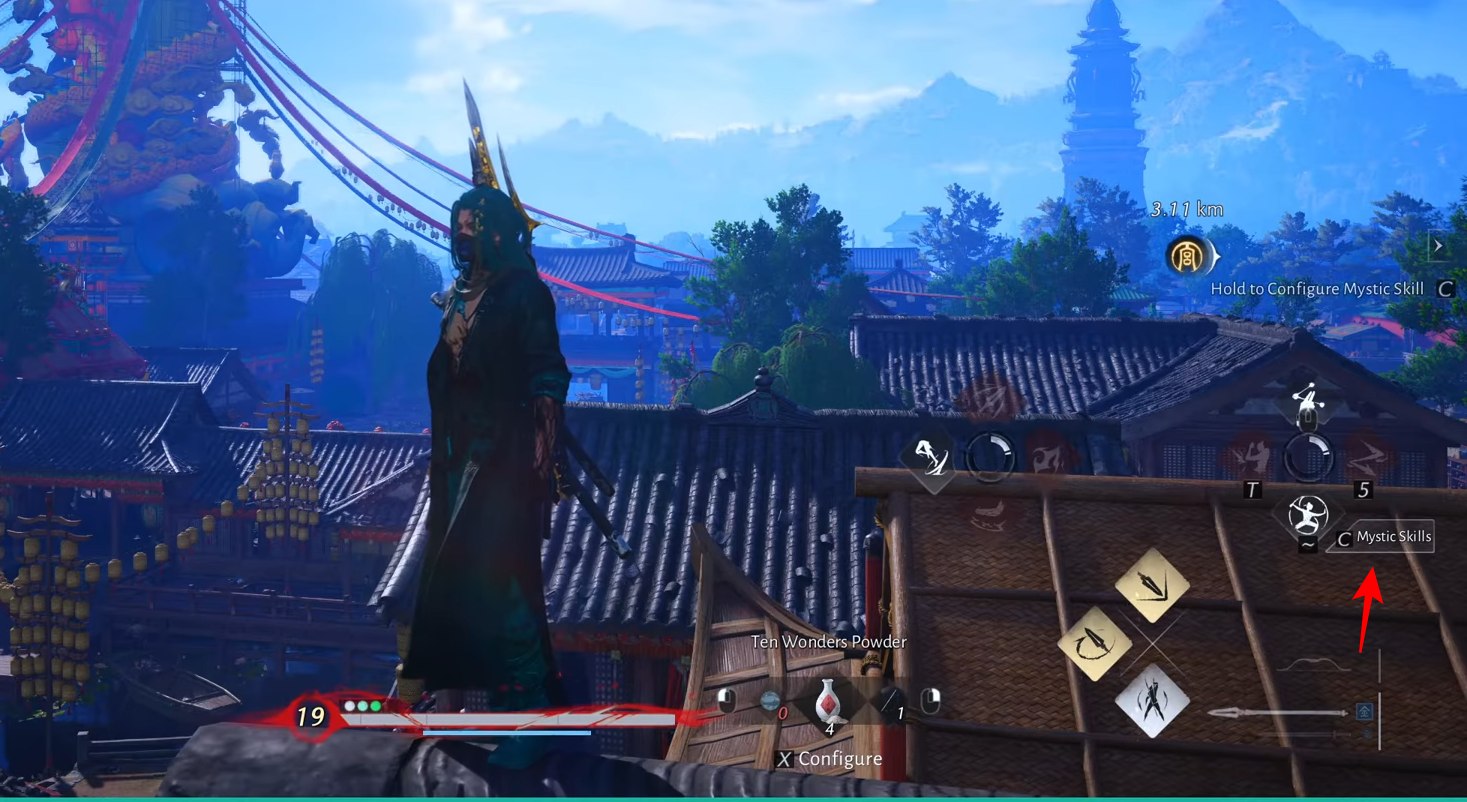
Step 3: Assign items
Hold Alt+C to open radial menu. Drag potions, emotes, or gear from inventory to slots 1-8.
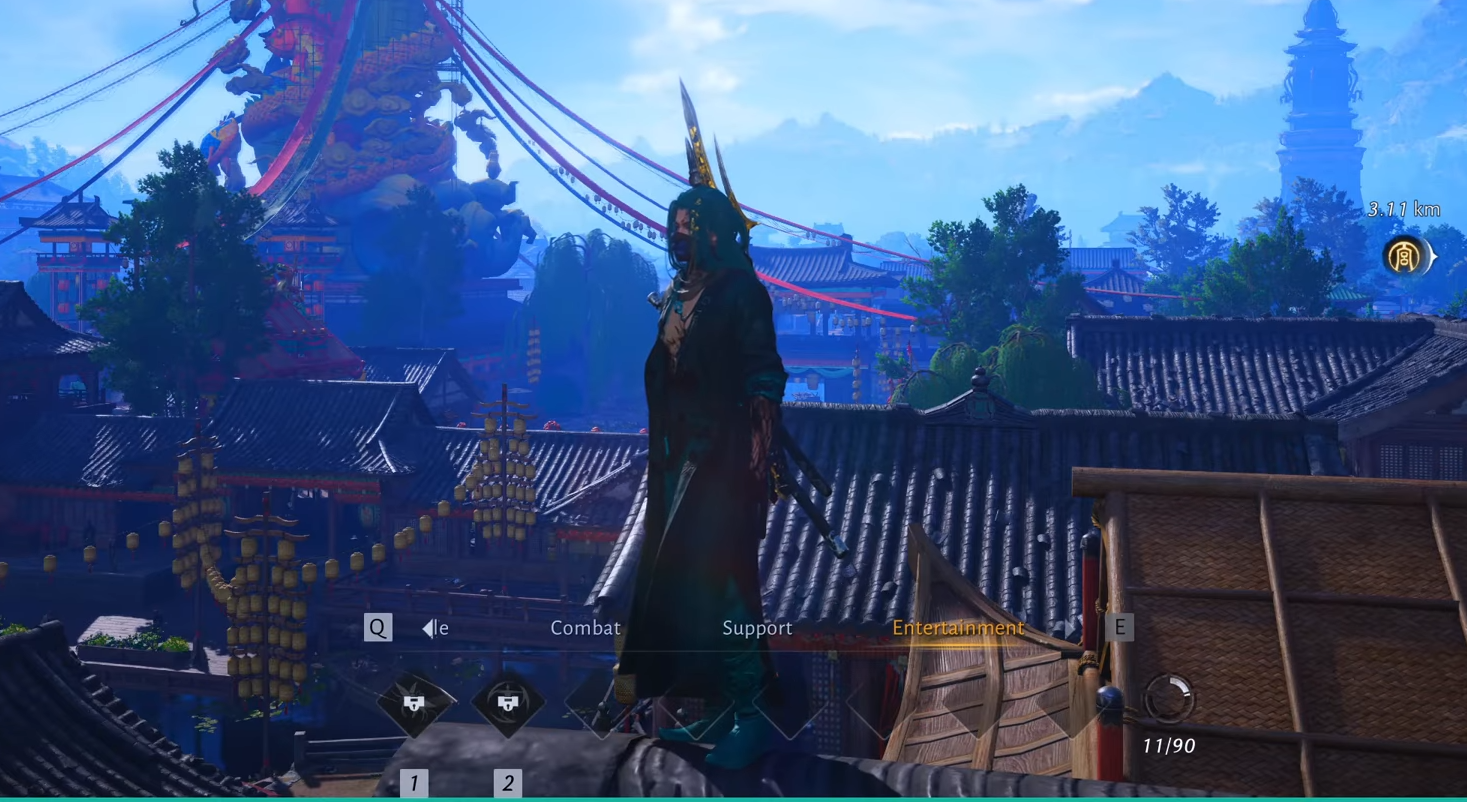
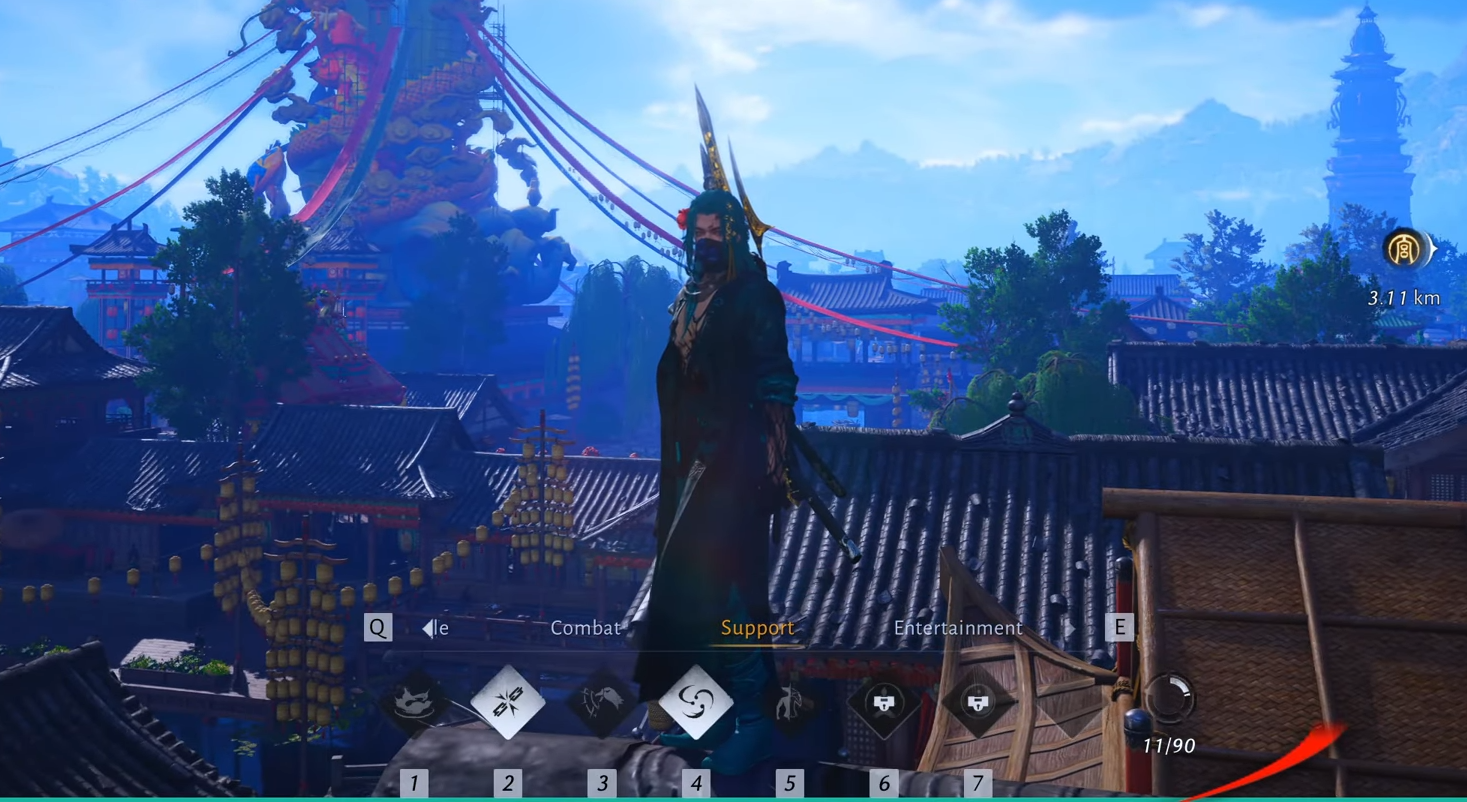
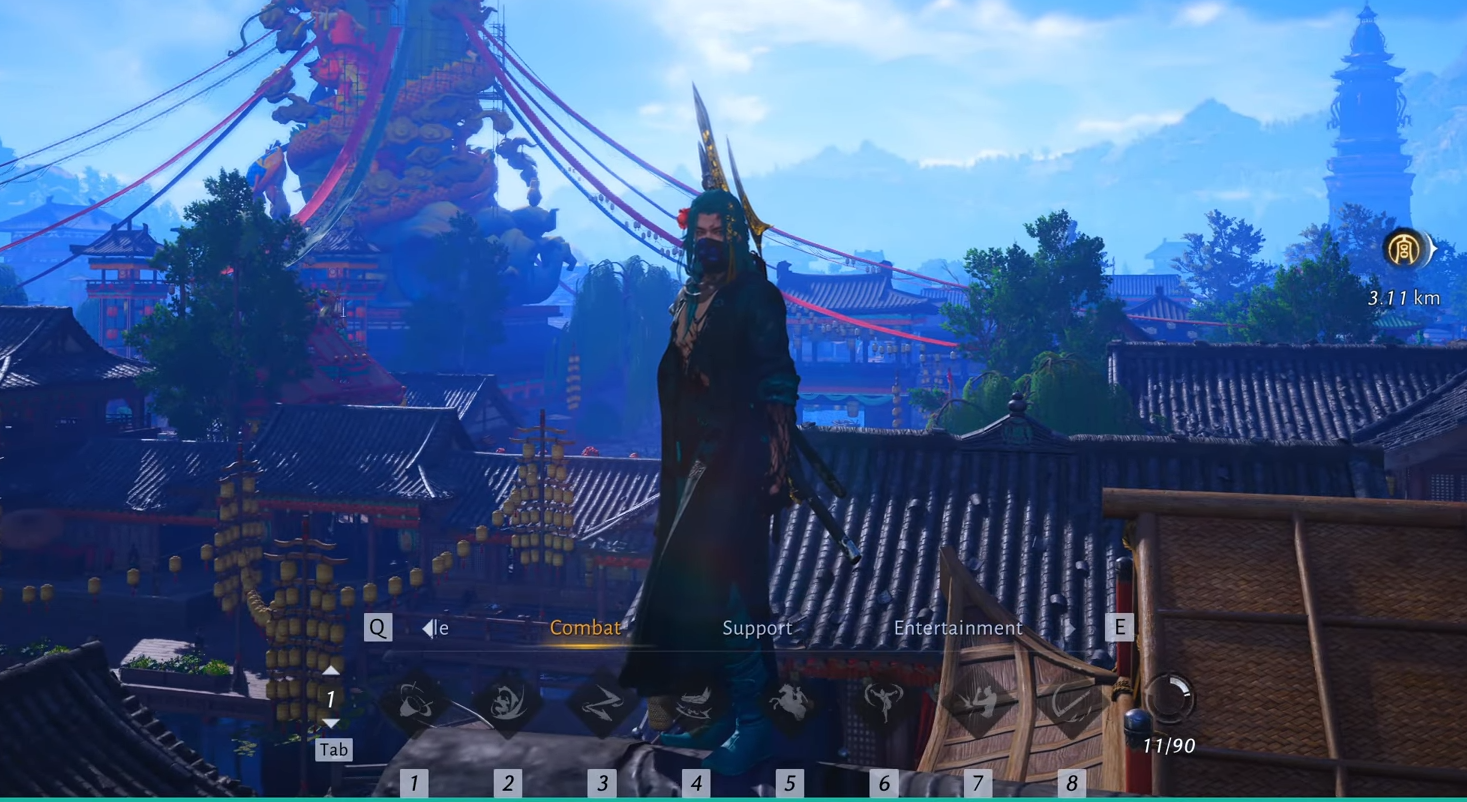
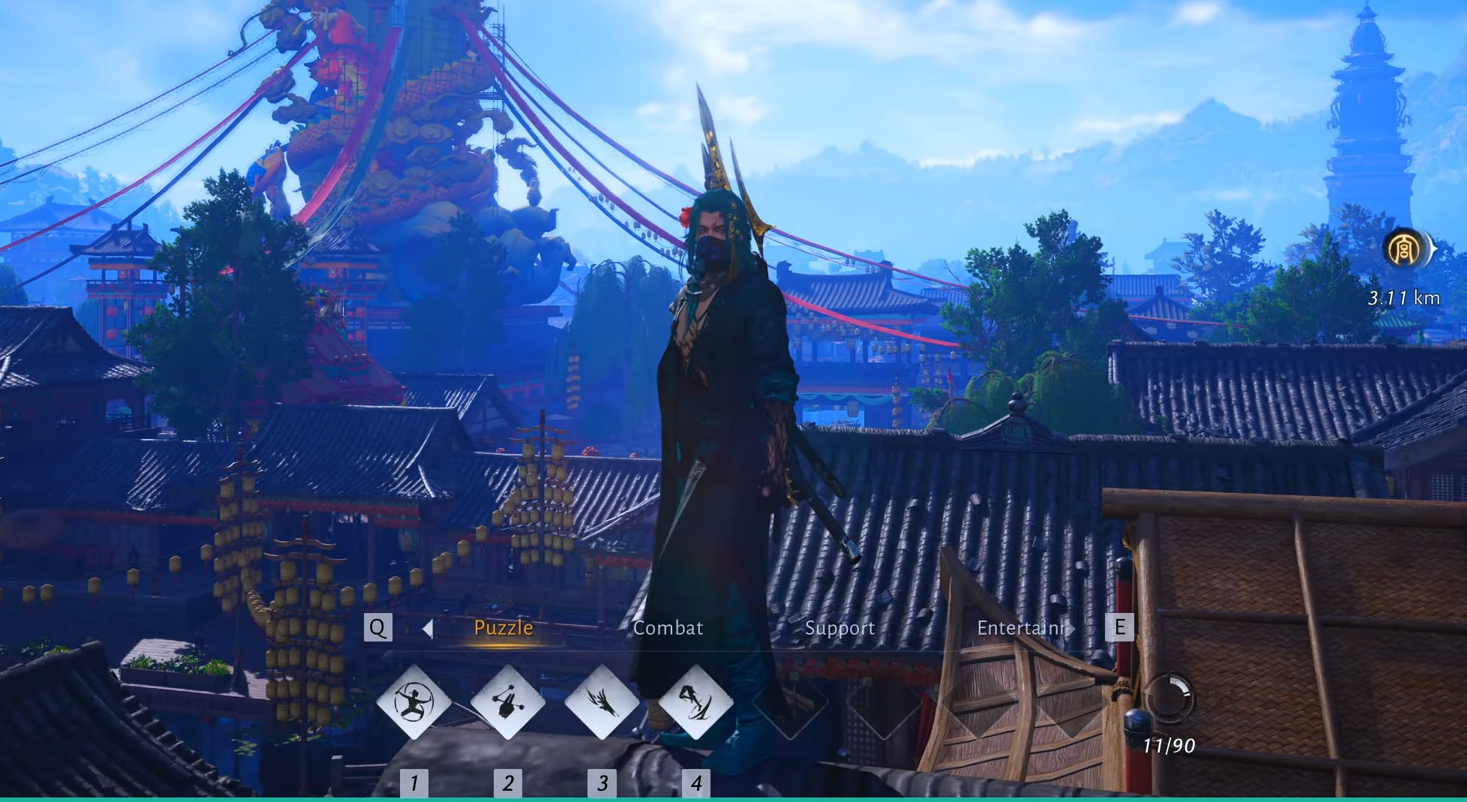
Image credit: Everstone Studio / YouTube: ZakWylder MMORPG
Select from Entertainment, Support, Combat, and Puzzle.
Step 4: Test in-game
Equip in non-combat area. Trigger with Alt + number (1-8) or mouse select for instant use.
Customize for your playstyle
Remap if Alt feels awkward—game allows most keys except core Ctrl/Alt conflicts. Pairs well with Arsenal for loadouts. Test in Boss Dummy mode (new in 1.2) for combos.
Integrate it into hybrids or PvE for edge in Guild Battles. Experiment during Fledgling events for free buffs.




