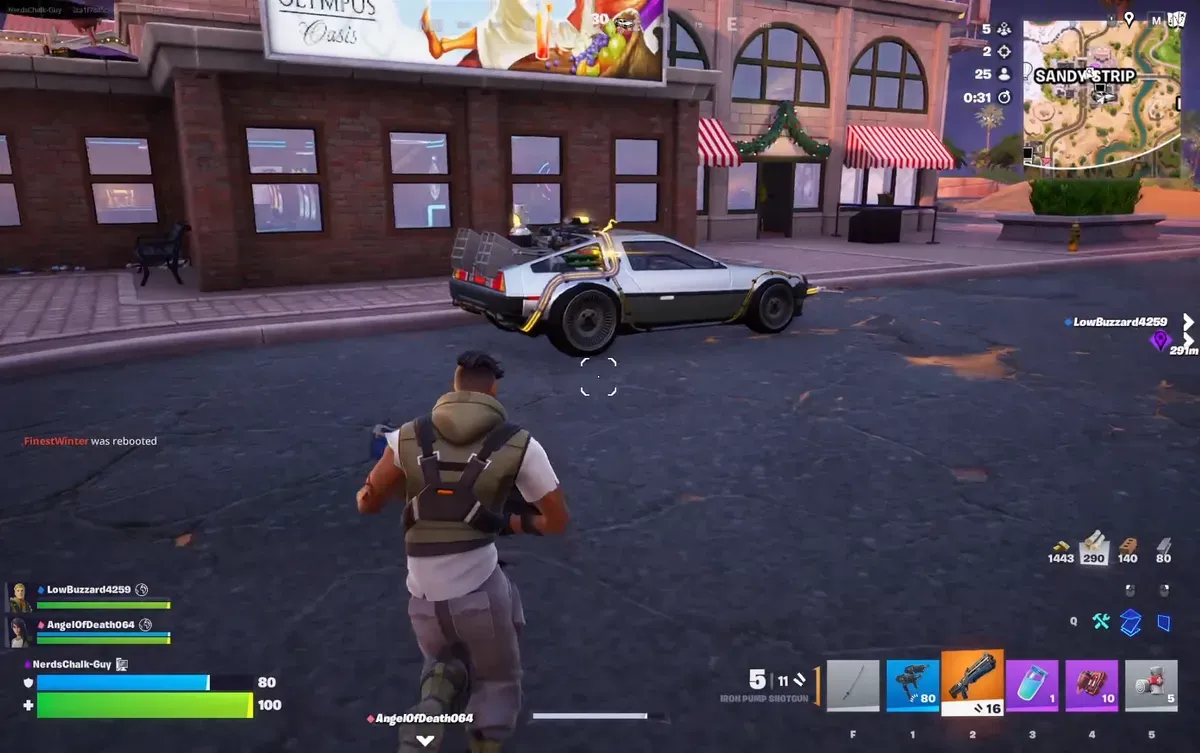
Discover the best controller settings and sensitivity for Fortnite Chapter 7 Season 1 to sharpen your aim and mechanics on console or PC.
What to know
- Linear sensitivity around 40% look with 2.1x build/edit gives steady tracking and faster mechanics.
- 120 FPS mode ON and VSYNC OFF reduces input delay, especially on PS5/Xbox.
- Low deadzones (~7%) improve stick precision; they raise slightly only if you get drift.
- Aim Assist at 100% feels strongest for the current hitscan-heavy loot pool.
Chapter 7’s new map, mobility tools, and weapon pool reward smooth tracking and low latency. The most impactful controller setups use linear input curves for consistent stick response and prioritize system-level tweaks that reduce delay so every build and edit feels instant.
Performance tweaks that improve feel
Latency drops when your system isn’t busy running extra features. Fullscreen on PC and 120 FPS on console create the cleanest input experience. Turning off sync and heavy background features (like replays or highlights) makes tracking and building feel more direct. Visualize Sound Effects paired with Tritanope color mode (strength 4) helps you read fights and footsteps clearly without clutter.

Sensitivity values linear players rely on
Linear removes aim acceleration quirks and keeps micro-adjustments predictable. Many fast editors run 2.1x build/edit sens, 40% look, 7% ADS, and a 90% scoped multiplier for balanced long-range control. Stick deadzones near 7% and trigger deadzones around 12% keep movement snappy and firing responsive without overreacting. These values offer strong tracking without sacrificing build or edit speed.
Modern keybind philosophy (works for any grip)
Good binds let you move, edit, reset, and enter build mode without losing control of your camera or character:
- PS5/PS4: Touchpad or stick click for edit, stick click for build mode, and fast hold times (~0.1s).
- Xbox: Use a comfortable face button or stick click for edit; paddles are a strong alternative if available.
- Use Builder Pro, Turbo Building, Edit on Release, and Auto-Confirm to reduce friction between actions.
- Keep slide/duck on stick click or an easy button so movement never stops during mechanics.
Graphics, audio, and UI fine-tuning
A clean game feed helps mechanics and awareness without distracting you:
| Category | Key Tweak | Benefit |
|---|---|---|
| Graphics (PC) | View Distance: Far • Textures: Low • Mesh: High | Spot enemies, keep FPS stable |
| Console | 120 FPS prioritized | Lowest input delay |
| Audio | Voice chat OFF, Visualized audio ON | Clear footsteps + fight reads |
| UI | Damage numbers: 125% • HUD: 70% | Cleaner screen clarity |
| Controls | Gyro OFF (if unused), Sprint toggle ON | More consistent movement |
Tips to dominate with controller in C7
Warm up in creative or 1v1 maps to lock in muscle memory. Play solos or mechanics-heavy modes (zone wars, reloads) to refine your sensitivity in real fights. With 120 FPS active on PS5/Xbox and a tuned linear sens, you’ll track smoother, edit cleaner, and build faster than most lobbies.