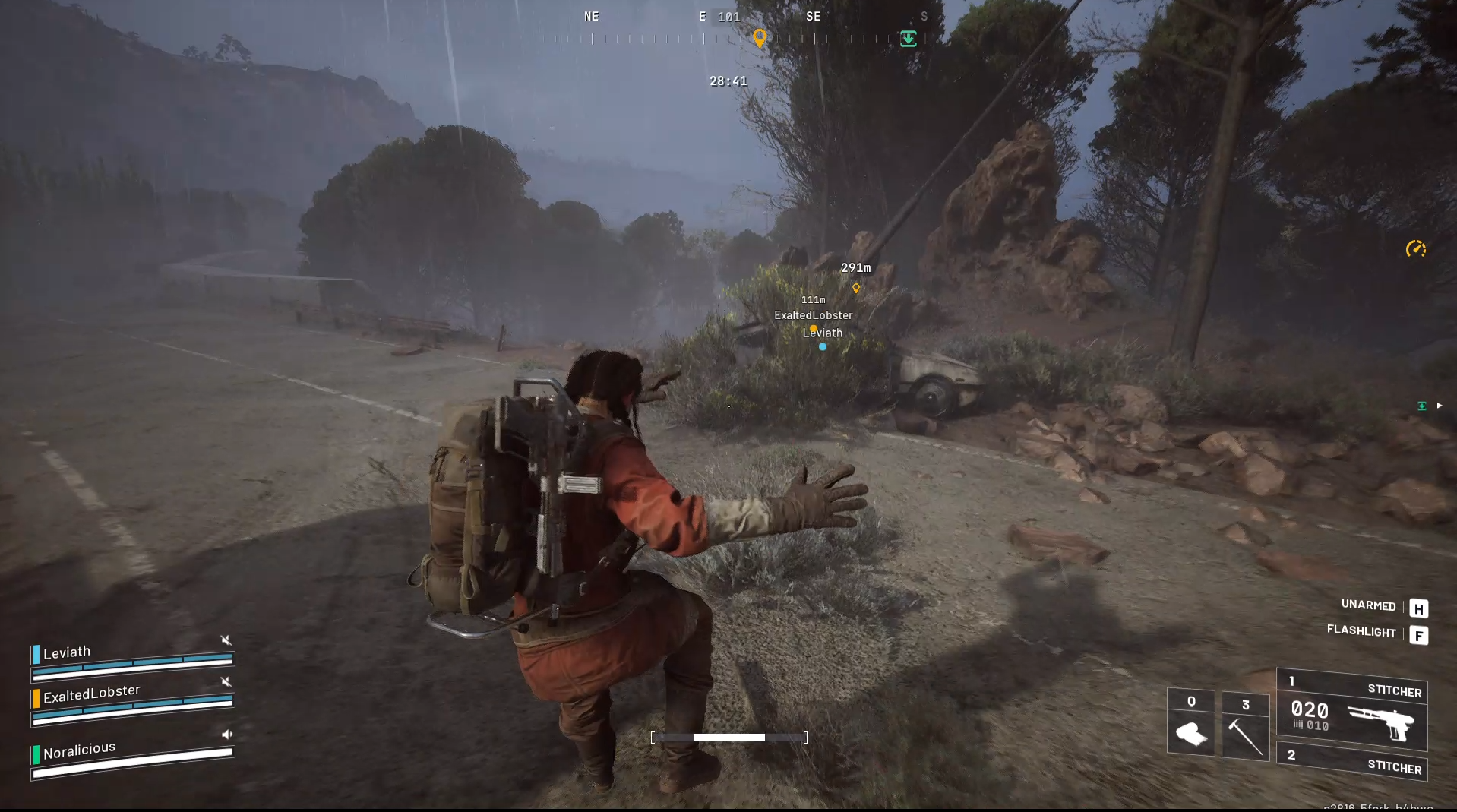
Arc Raiders occasionally suffers from a purple sky bug where the sky appears with purple squares or turns fully purple when looking around. This visual glitch is triggered by having the “Effects” graphics setting on Medium. To fix this:
The purple sky bug in Arc Raiders is caused by the “Effects” graphics setting being set to Medium. A common fix for the Arc Raiders purple sky bug is to adjust the game’s graphics settings by changing the “Effects” option from Medium to either High or Low.
This simple switch resolves the purple sky glitch for many players, restoring normal sky visuals. Additionally, keeping your graphics drivers updated and performing a clean reinstall of the drivers and game helps prevent related graphical issues.
How to fix the purple sky bug by adjusting graphics settings
Step 1
Launch Arc Raiders and go to the Options menu. Navigate to the Graphics or Video settings.
Step 2
Find the “Effects” setting within the graphics options.
Step 3
Change “Effects” from Medium to either High or Low.
Step 4
Apply the settings and restart the game if needed.
After completing these steps, the sky visuals should revert to normal. This fix works because the rendering issue happens specifically at the Medium Effects setting level.
Update Your Graphics Drivers to Avoid Bugs
Identify your GPU brand (NVIDIA, AMD, or Intel), visit the official website, download and clean install the latest graphics driver, then restart your PC for the update to take effect. Updating drivers ensures compatibility and stability, potentially preventing or fixing graphical bugs like the purple sky.

Additional tips
- If adjusting settings and updating drivers don’t fully resolve the issue, consider verifying the integrity of game files through Steam or the game launcher.
- Perform a clean reinstall of your graphics drivers (removing all old driver files) before installing the latest version.
- Keep the game updated, as patches often address graphical and performance problems. The latest Arc Raiders patch in October 2025 brought several bug fixes improving game stability.