

- What to know
- How to prioritize what stays in your backpack
- How to place storage where it actually matters
- How to categorize and label your storage boxes
- How to use in‑menu box cycling and sorting efficiently
- How to plan storage around upgrades and progression
- How to maintain a daily storage routine
- How to get the most from advanced or special storage
- Starsand Island storage rewards and benefits
What to know
- Use your backpack mainly for active tools and current objectives, and move everything else into storage boxes.
- Group storage by category and place boxes where you actually use those items.
- Take advantage of in‑menu sorting and cycling features to move items quickly between boxes.
- Plan your upgrades and long‑term storage early so you never have to throw away valuable materials.
Once you start expanding your farm and exploring Starsand Island more, item clutter grows fast. A clear storage strategy helps you avoid constant backtracking, keeps crafting simple, and lets you focus on quests and progression instead of sorting chaos.
| Aspect | Key idea |
|---|---|
| Backpack use | Keep only essentials and current task items |
| Box placement | Put boxes near workstations and resource sources |
| Box organization | Categorize by item type (ores, crops, gear, etc.) |
| Movement of items | Use cycling and sorting features to shift items |
| Upgrade priorities | Expand bag and storage capacity over cosmetics |
| Long‑term storage | Reserve space for rare and late‑game materials |
| Daily habits | Regular dump‑and‑sort before sleeping or outings |
How to prioritize what stays in your backpack
You want your backpack to stay flexible so you can pick up loot and quest items without hitting full capacity mid‑run.
- Reserve backpack slots for tools you use constantly: weapon, gathering tools, farming tools, and any utility items tied to your current plan that day.
- Keep only the materials directly needed for the task you are doing right now, like seeds for a planting session or specific ores for a crafting goal.
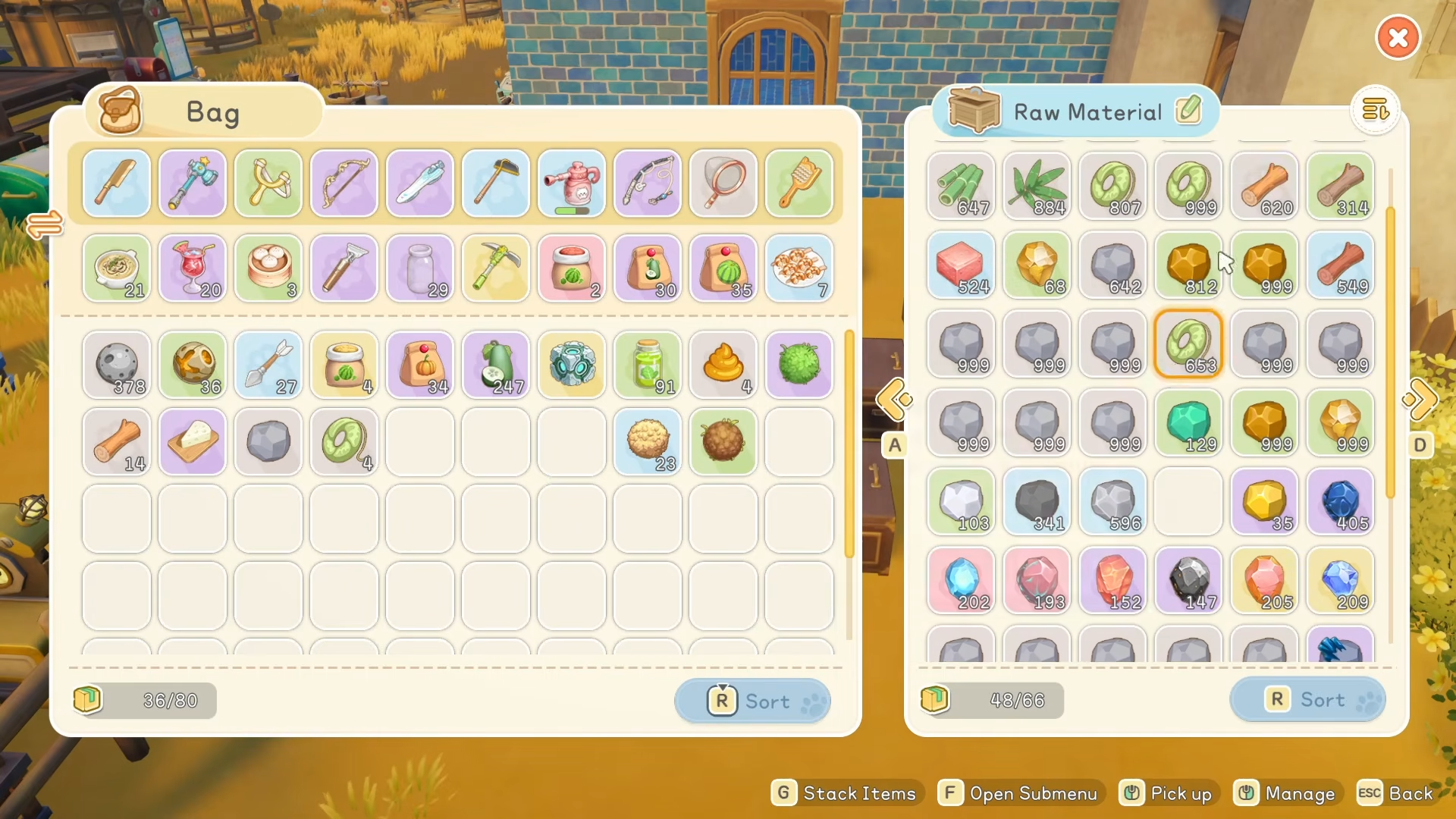
- Move bulky, non‑urgent items into boxes as soon as you return home, especially common materials that stack up quickly.
- Leave at least a small buffer of empty slots before leaving base so you can collect unexpected drops and treasure without juggling items on the spot.
How to place storage where it actually matters
Thoughtful placement saves you a surprising amount of time over a long playthrough.
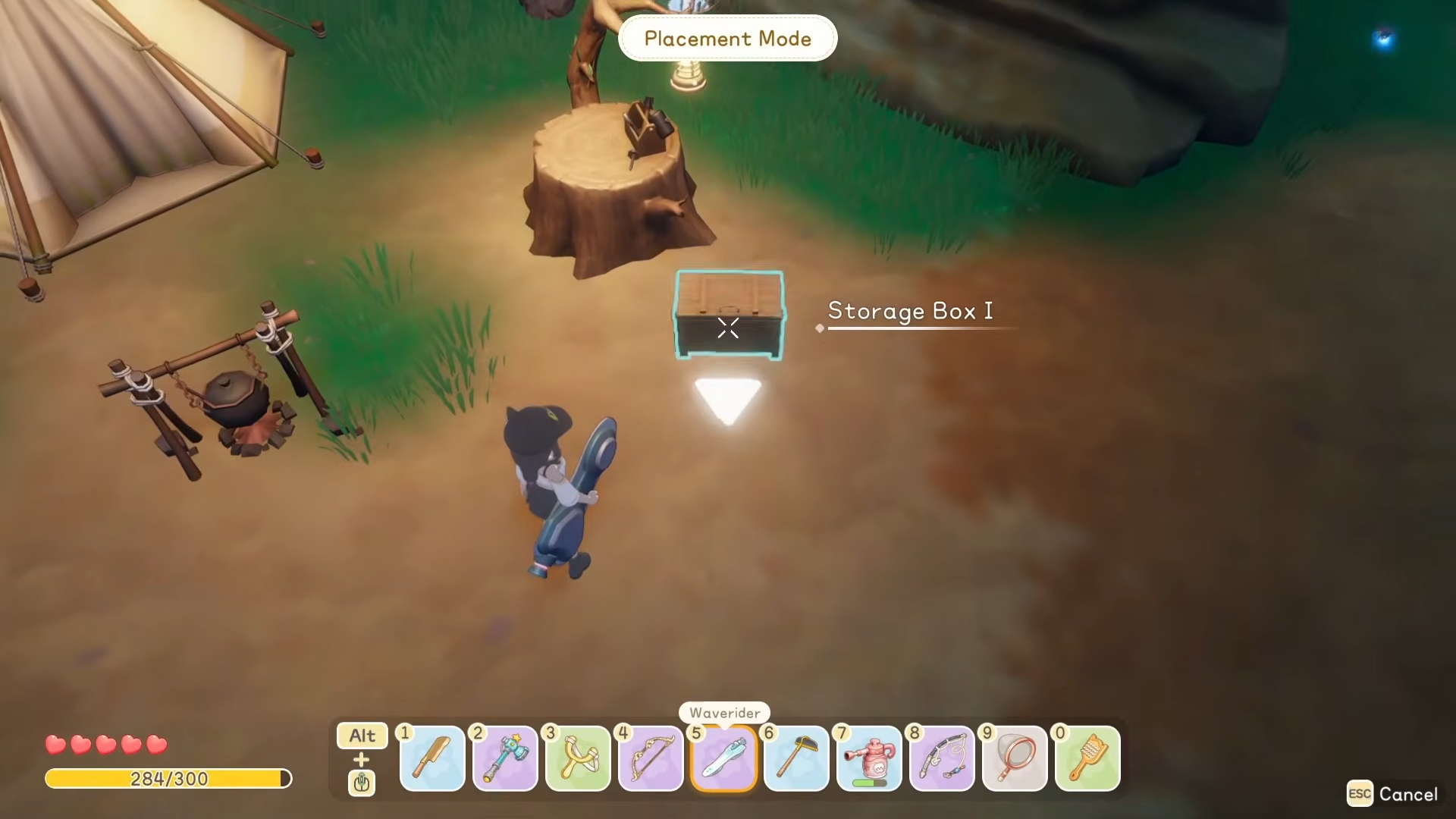
- Put general‑purpose storage near your main house or farm, since this is the hub you return to most often.
- Add small, specialized storage clusters next to workstations: for example, ore and ingot boxes near smelters, crops and cooking ingredients near your kitchen area.
- If the game lets you place boxes outdoors near fields or resource nodes, drop a couple there for temporary storage during heavy gathering trips.
- Keep pathways clear: arrange boxes along walls or in logical rows so you can move through your base and reach everything without getting stuck.
How to categorize and label your storage boxes
Clear categories make it much easier to find things at a glance and to dump items quickly after long resource runs.
- Assign each box a clear role: ores and ingots, wood and planks, crops and seeds, animal products, cooking ingredients, crafted parts, gear and tools, and quest or rare items.
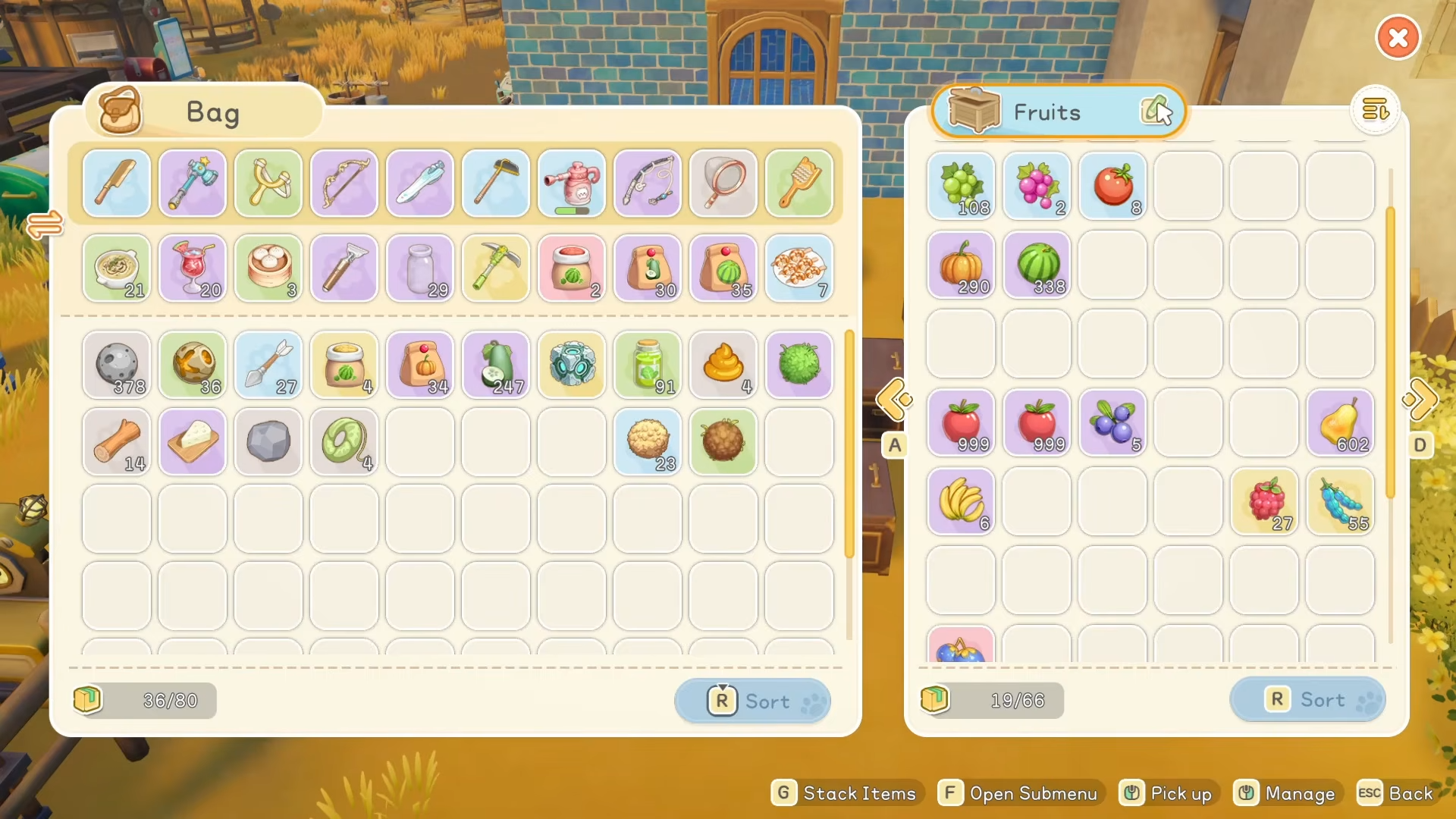
- Keep related categories close together, like putting all crafting‑material boxes in one corner and all farm‑related boxes in another.
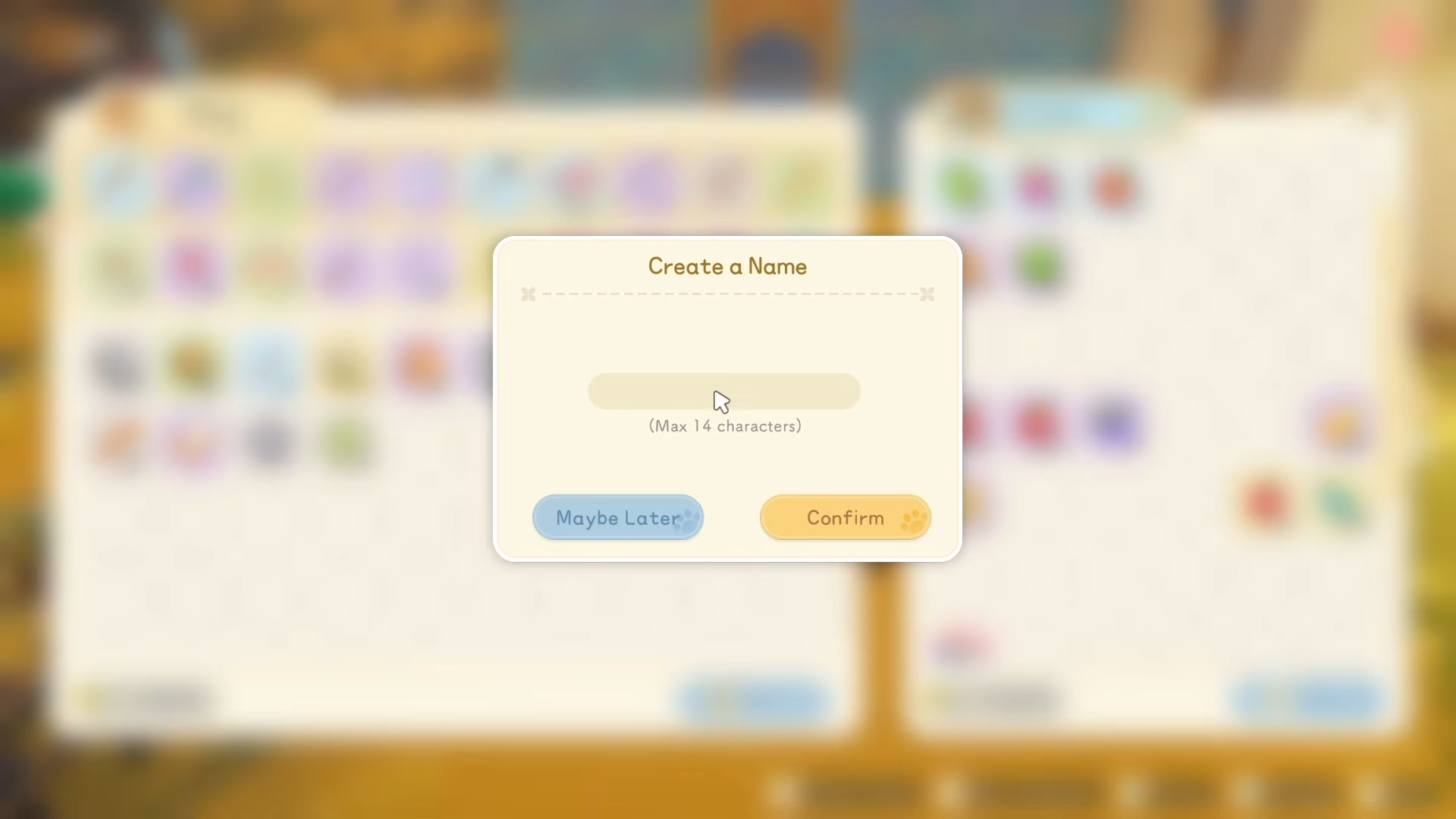
- When you unload after a trip, work through your inventory top‑to‑bottom, dropping items into the relevant box instead of mixing everything into a single container.
- If the game supports renaming or visual distinction, use it to mark boxes so you do not have to open each one to remember what is inside.
Many of the game’s quality‑of‑life features only save time if you train yourself to use them consistently.
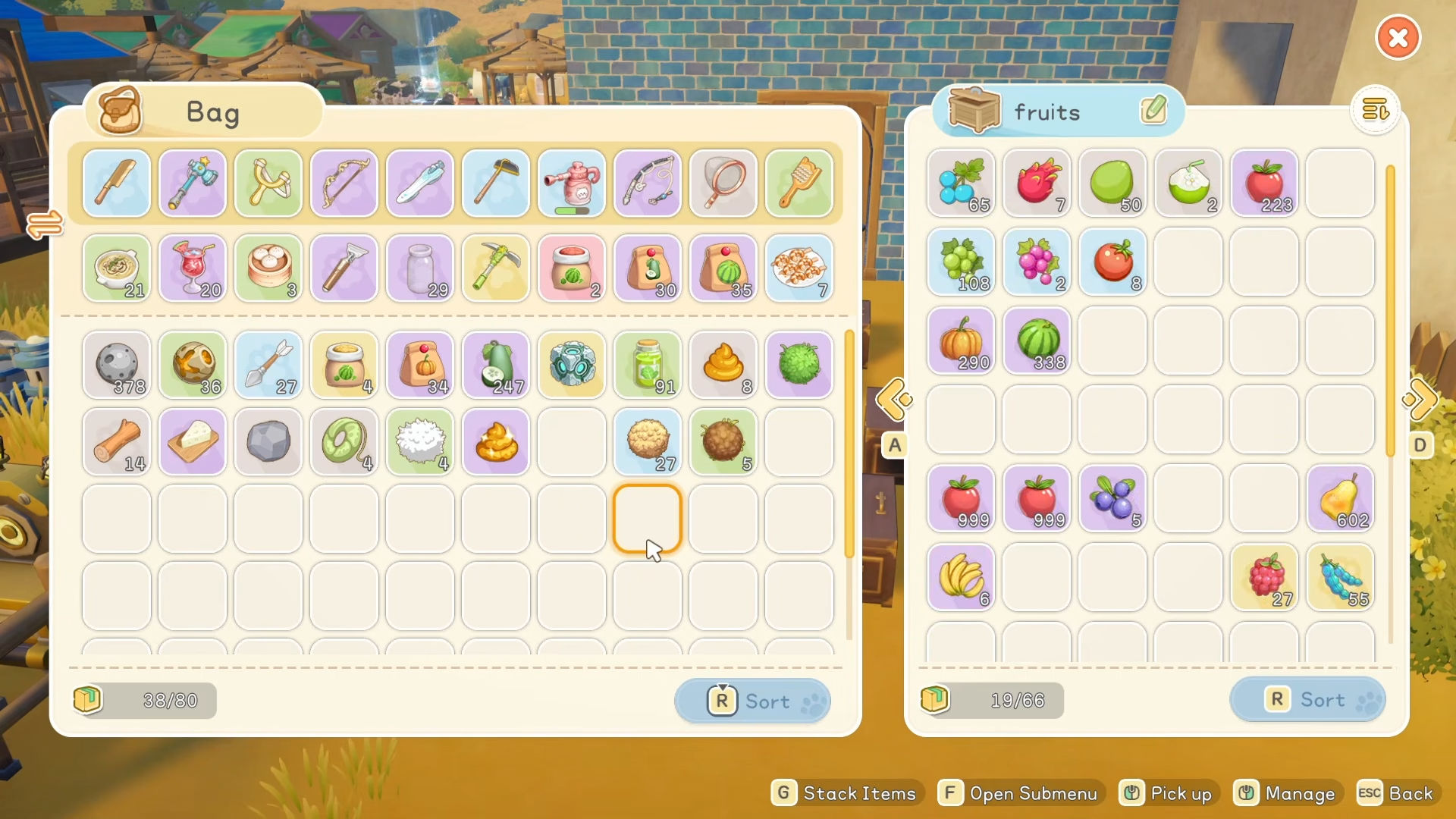
- When you have a box open, use any cycling keys or controls the game offers to flip between nearby boxes from the same menu instead of walking from chest to chest.
- Use sorting buttons regularly to keep both your backpack and boxes tidy, grouping similar items together and exposing empty space where you can add new stacks.
- When upgrading or replacing a storage box, temporarily move items into your backpack, swap to the new box using the cycling feature, and then drop everything in without leaving the screen.
- Take a moment after big crafting or farming sessions to sort both your inventory and the most used boxes so clutter does not snowball over multiple in‑game days.
How to plan storage around upgrades and progression
Your storage needs change as you unlock new systems, recipes, and regions, so plan with the future in mind.
- Assume you will eventually handle much larger volumes of ore, wood, crops, and crafted parts, and leave extra room in those categories from the start.
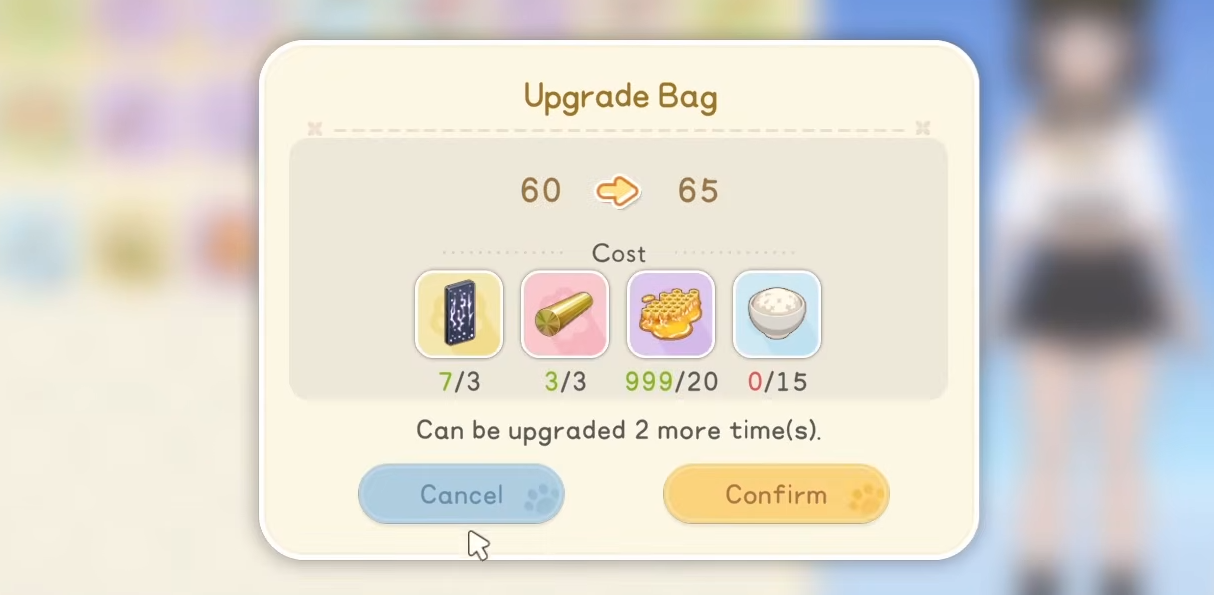
- When you unlock new storage tiers or special containers, phase them into your main base first, then move older, smaller boxes to secondary areas where you need less capacity.
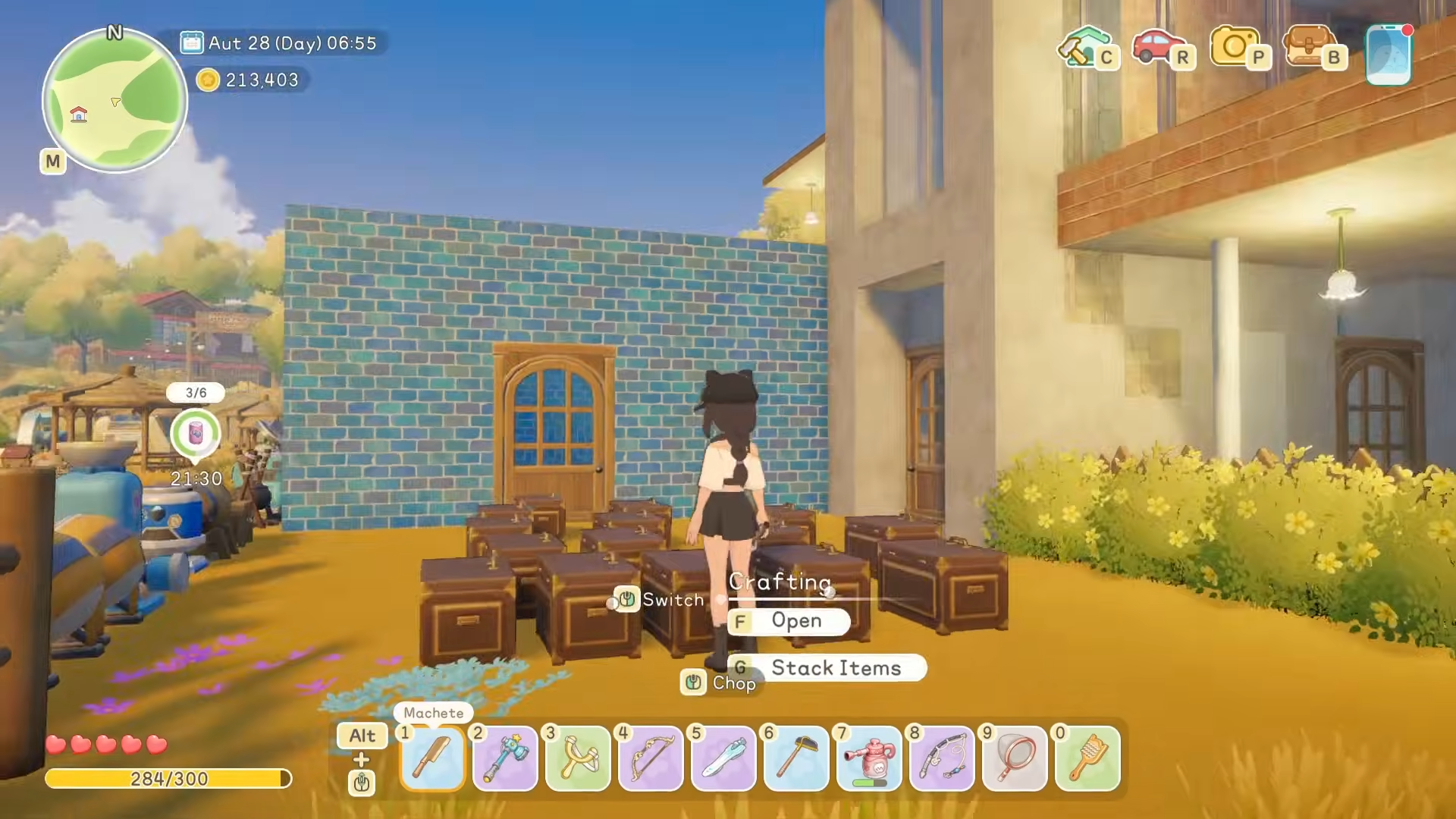
- Keep at least one dedicated box for rare or late‑game materials so they never get lost among common items or accidentally sold or discarded.
- Before committing resources to decorative builds, ask whether a bag or storage upgrade would relieve more daily friction and make your runs smoother.
How to maintain a daily storage routine
A simple, consistent routine keeps your inventory under control with minimal effort.
- At the end of each in‑game day, make a quick pass through your boxes to unload everything that does not belong in your backpack.
- Before starting a new activity, do a short check: clear junk, bring only what that activity demands, and confirm you have free slots for loot.
- When you return from a long gathering or quest run, unload first, sort second, then queue up any crafting that uses the materials you just brought home.
- If you notice a box filling up regularly, consider splitting that category into two containers or upgrading storage in that area to match your current pace.
How to get the most from advanced or special storage
Once you unlock higher‑tier or more specialized storage options, they can transform how you manage space.
- Use high‑capacity boxes for your most frequently used materials, such as base building components, common crafting parts, and staple farm goods.
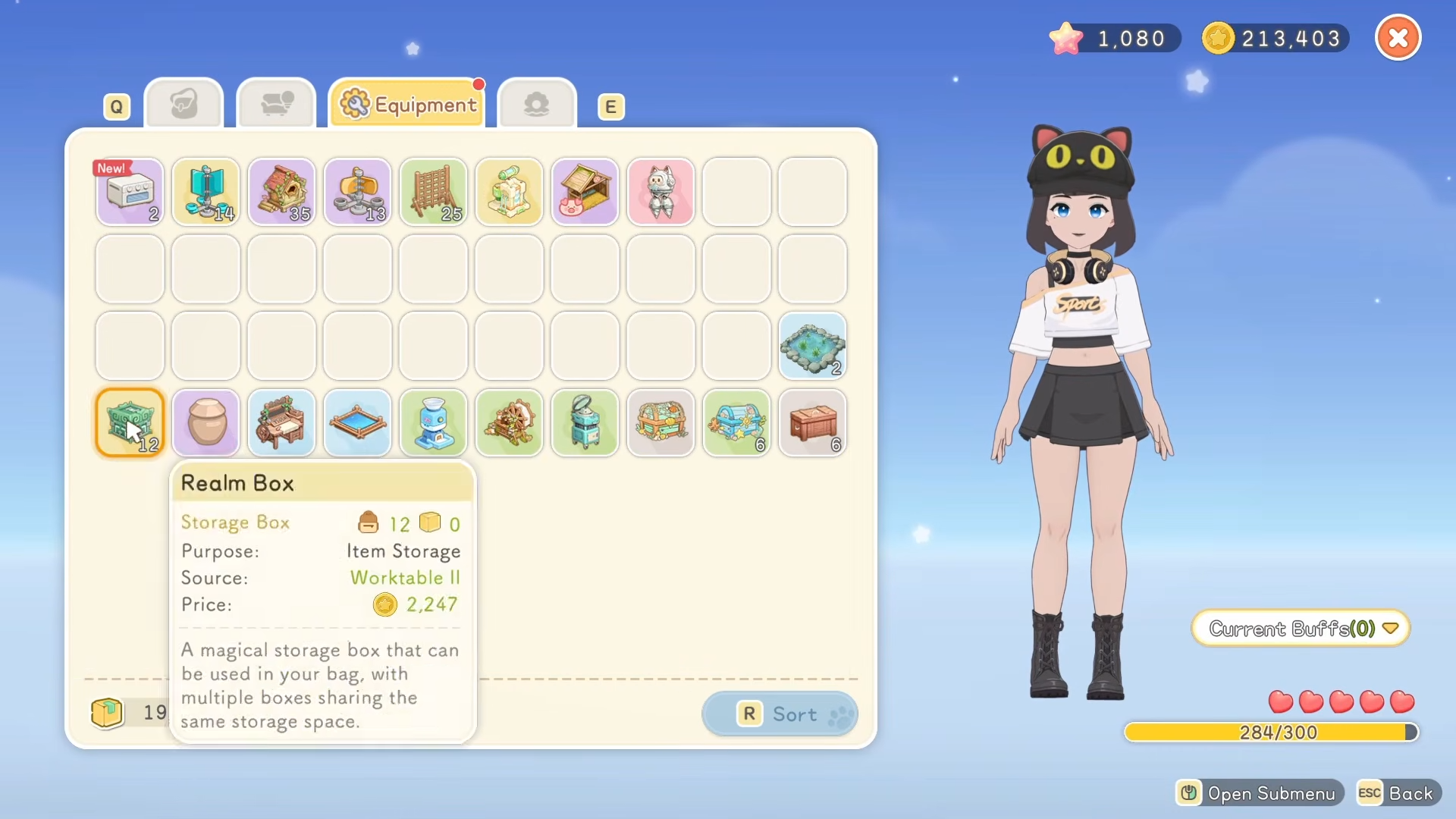
- Place special long‑range or linked storage options in your main hub and near key farming or mining routes so you can drop loot and still access it back home when crafting.
- Treat these advanced containers as your backbone network, and use regular boxes around them for overflow or hyper‑specific categories like event items or collections.
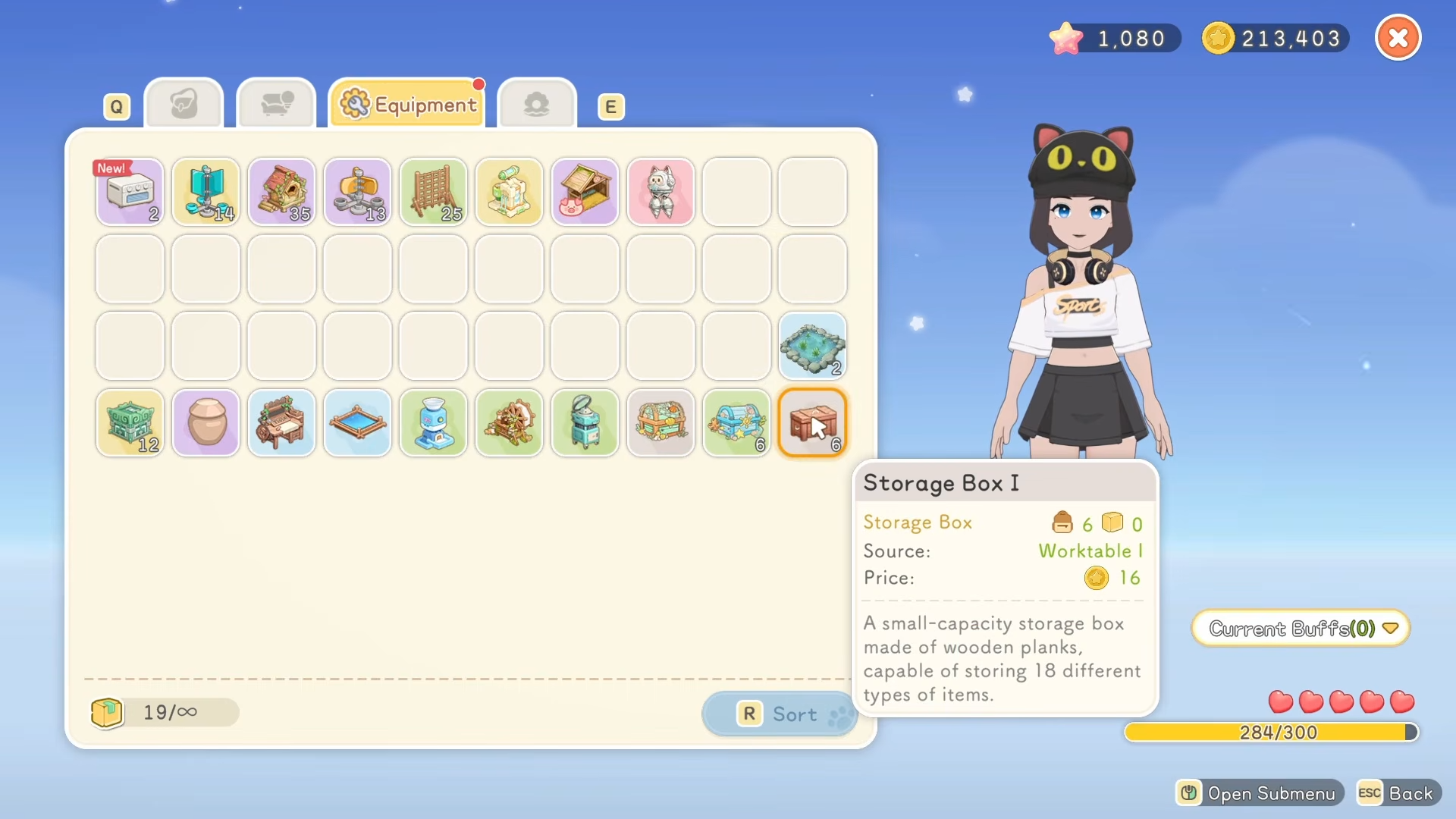
- When planning new outposts or fields, always include at least one advanced storage option to reduce your need to travel back to your original base.
Starsand Island storage rewards and benefits
While not a loot table in the traditional sense, a good storage setup pays off in very practical ways.
| Storage habit | Benefit you gain |
|---|---|
| Keeping backpack lean | Fewer full‑inventory interruptions |
| Categorized boxes | Faster item retrieval and crafting prep |
| Smart placement near workstations | Less walking, more time progressing |
| Using cycling and sorting tools | Quicker unloads and reorganizations |
| Planning around upgrades | Smooth scaling into mid‑ and late‑game needs |
| Daily unload and sort routine | Minimal clutter and confusion over time |
| Using advanced storage smartly | Easy access to key materials across locations |
If you keep your backpack focused on active tasks, place boxes where you actually work, and build a simple habit of unloading and sorting every day, your storage will stay efficient without feeling like a chore. Over time, your base will feel like a well‑organized workshop where every material has a home and every crafting session runs smoothly.




