

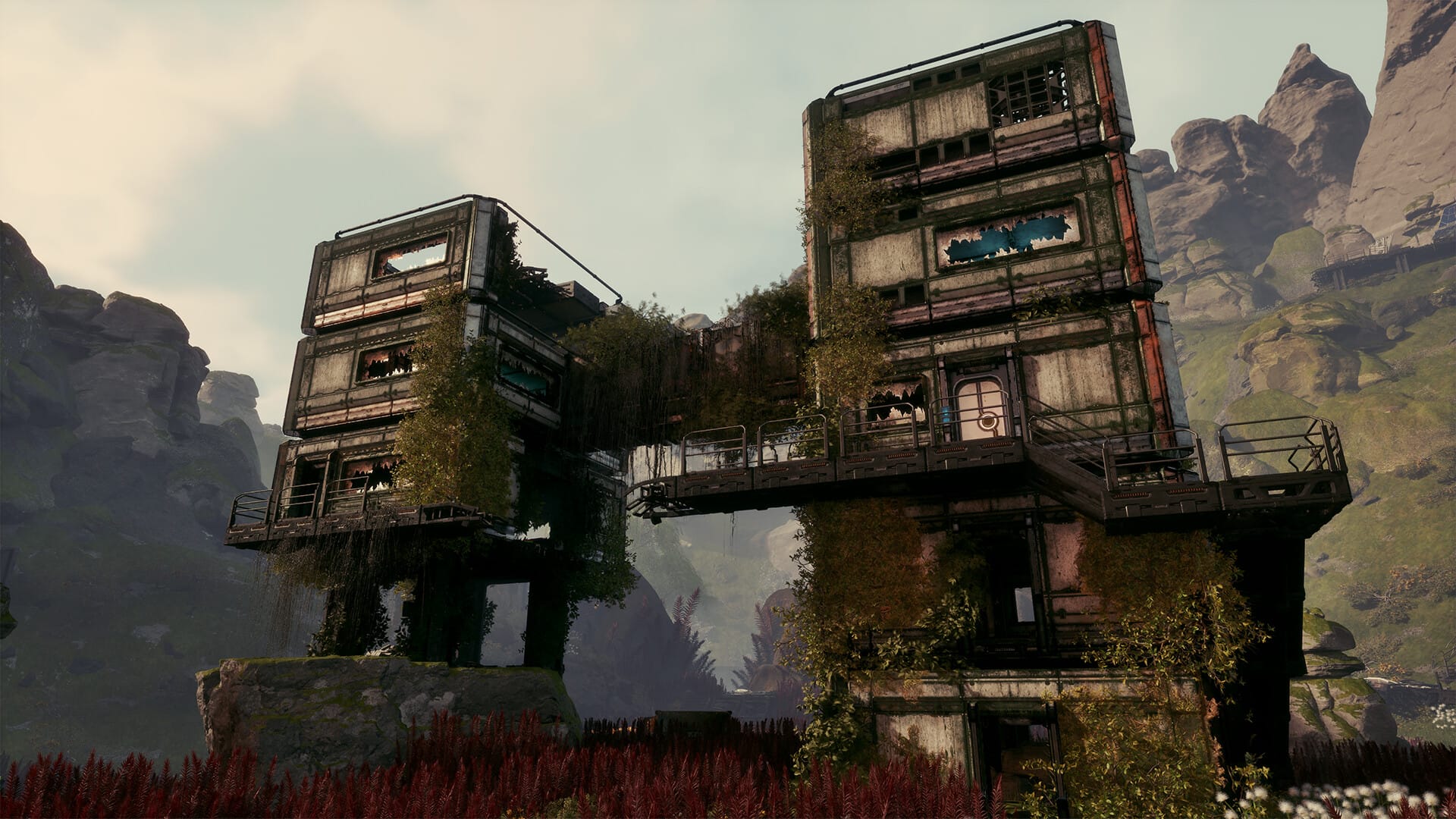
What to know
- The building drone is unlocked automatically; no crafting or blueprint is needed.
- To activate it, open the build menu, pick any structure, and press C.
- It gives a clear overhead view for precise placement, but you still place each building manually.
- Use it for large factories and power grids; early small bases can be built on foot if preferred.
The building drone is one of the most useful quality‑of‑life tools in StarRupture once your base grows beyond a few platforms. It doesn’t build for you, but it lets you float above your base and place structures with a clear, top‑down perspective, making alignment and spacing much easier than running around on foot.
How to activate the building drone
Step 1
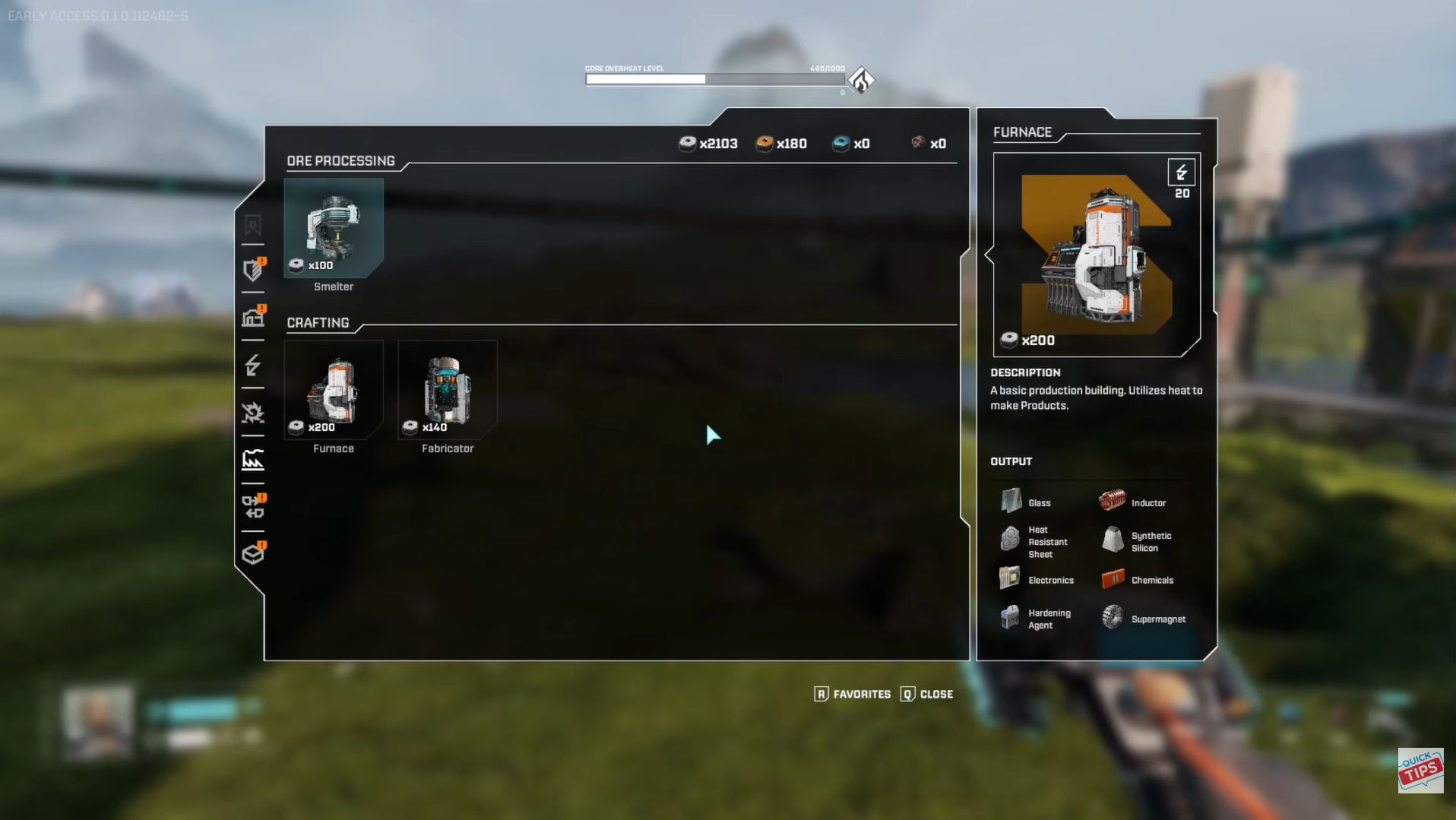
Open the build menu by pressing your build key (usually B by default).
Step 2
In the build menu, select any structure (platform, machine, wall, etc.) — it doesn’t matter which one.
Step 3
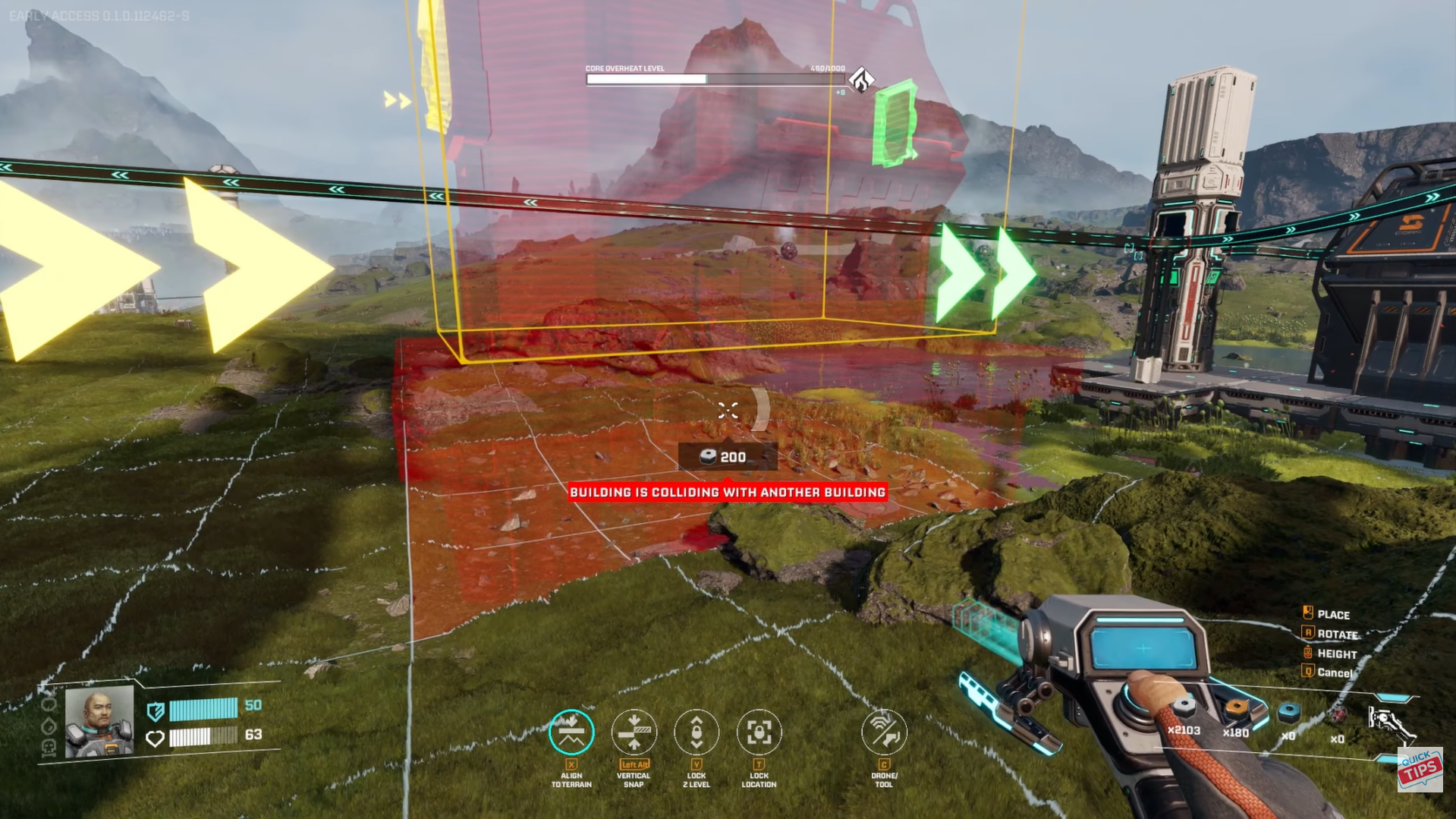
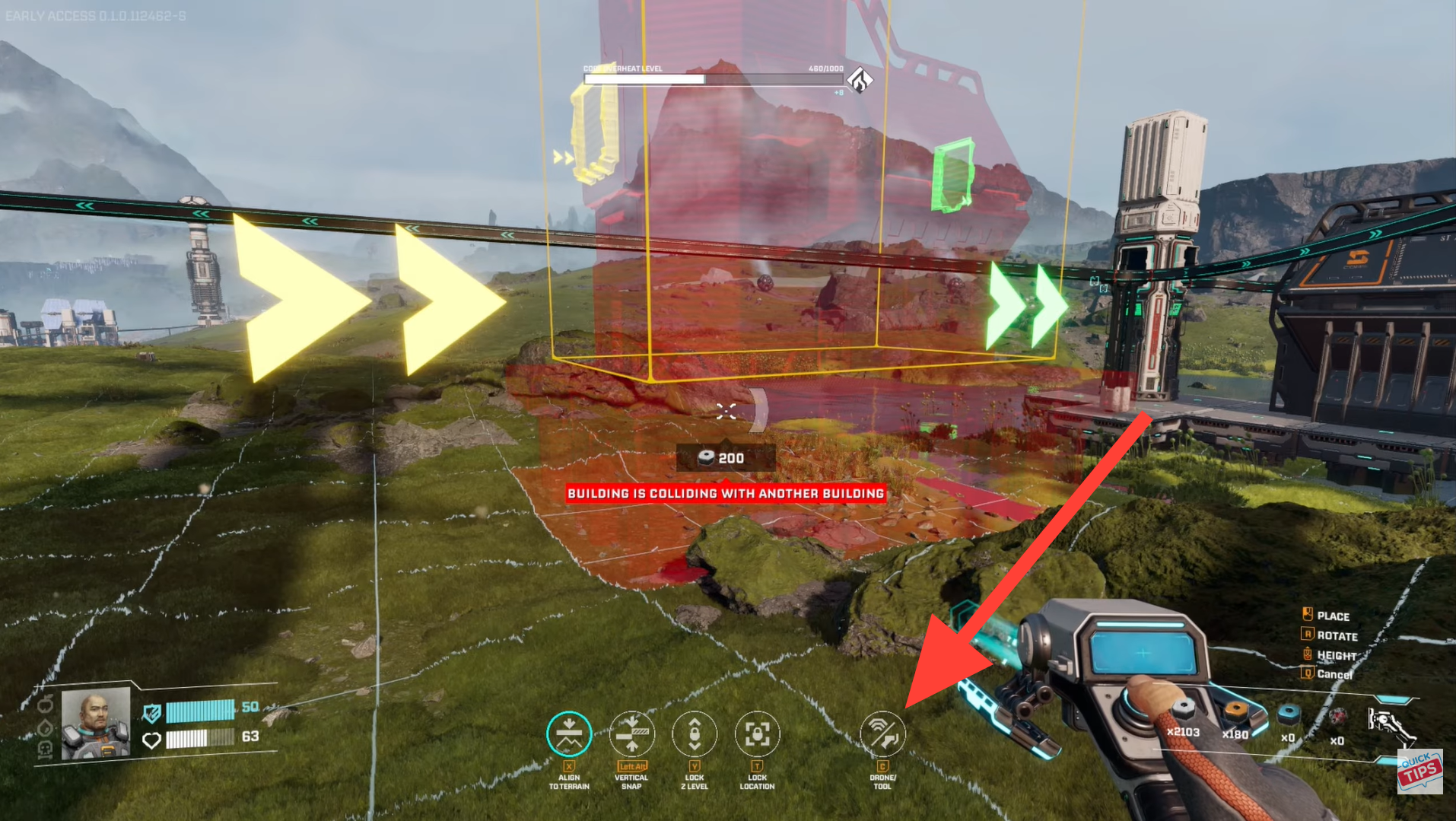
With a structure selected, press C on your keyboard.
- A small hint on the right side of the screen usually shows “C – Drone Tool” to remind you.
Step 4
You’ll instantly switch to the building drone view: a floating, top‑down camera that lets you move freely above your base.
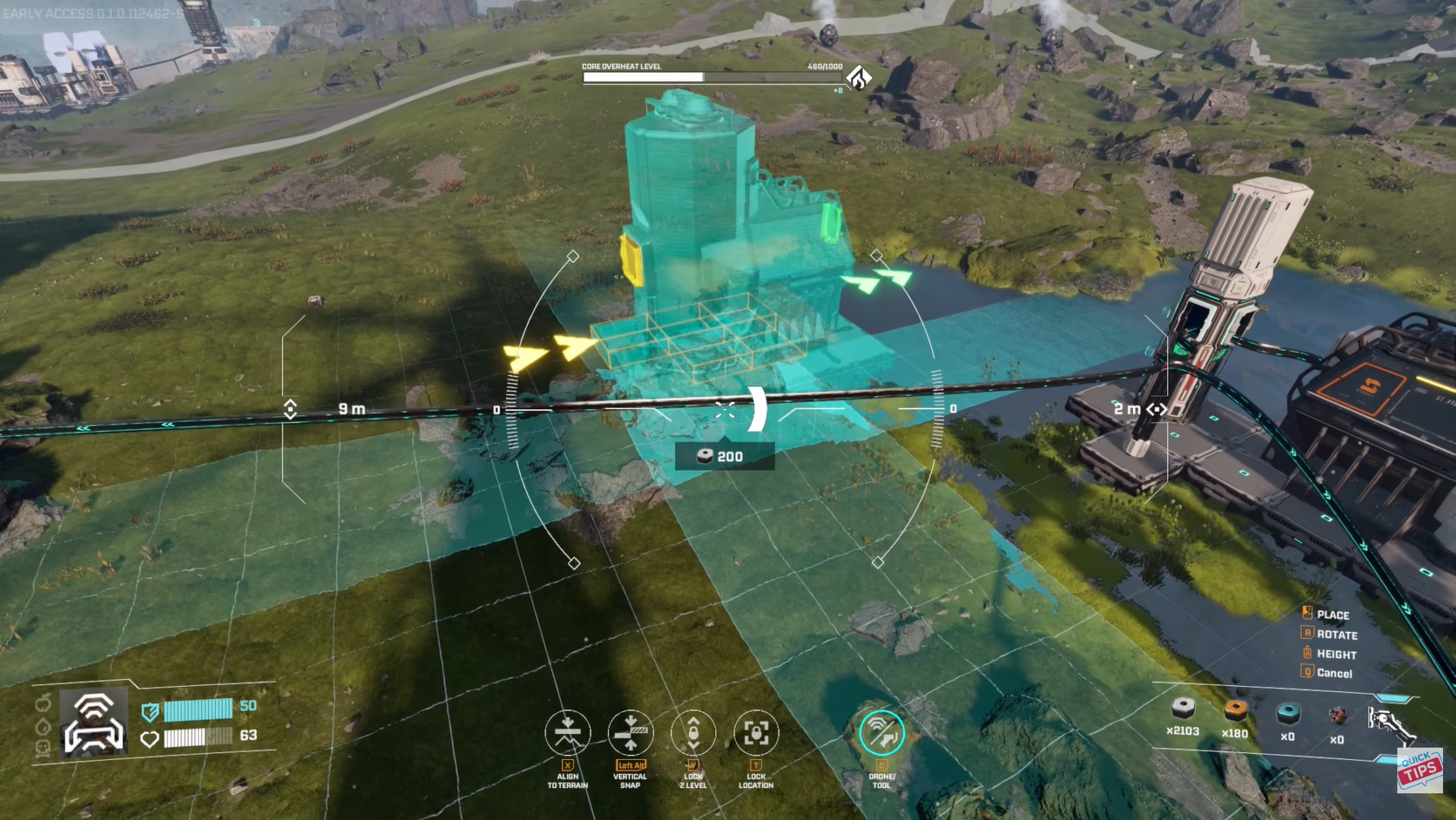
How to control the drone
Once in drone mode, you can:
- Move up: Space (like jumping).
- Move down: Ctrl (like crouching).
- Move forward/backward/left/right: WASD keys.
- Rotate and pan the camera: move the mouse.
You can still switch between different structures in the build menu while the drone is active, so you can place platforms, machines, power lines, and walls without leaving the overhead view.
What the drone can and can’t do
The building drone is a placement aid, not an auto‑builder.
What it can do:
- Give a clear overhead view so you can line up rows of machines, platforms, and power lines precisely.
- Let you place structures from any height and angle, making it easier to build multi‑level factories.
- Save time when expanding large bases, since you don’t have to run back and forth on foot.
What it cannot do:
- Move or delete existing buildings; you still need to dismantle them manually.
- Automatically place structures; every block must still be placed by hand.
- Work outside of build mode; you must be in the build menu to use it.
When to build on foot vs use the drone
- Early game: Build on foot for small starter bases—everything’s close, fast to place, and good for experimenting.
- Mid-game and beyond: Switch to the drone for large factories. It’s essential for expanding layouts, reorganizing production, and placing long power lines or conveyors efficiently.
Most players move to near full-time drone building once their base grows past a few platforms.
Using the drone view
The building drone in StarRupture is a straightforward but game-changing tool. Press C in build mode to lift into a top-down view that makes placing structures, power lines, and conveyors far easier. While it doesn’t automate building, it dramatically improves speed and precision for larger bases. Once your factory starts growing, the drone quickly becomes the most comfortable and efficient way to build.
Hope this answered your major questions. Drop your comments for feedback or support—we’re actively responding and always ready to help you further.




