

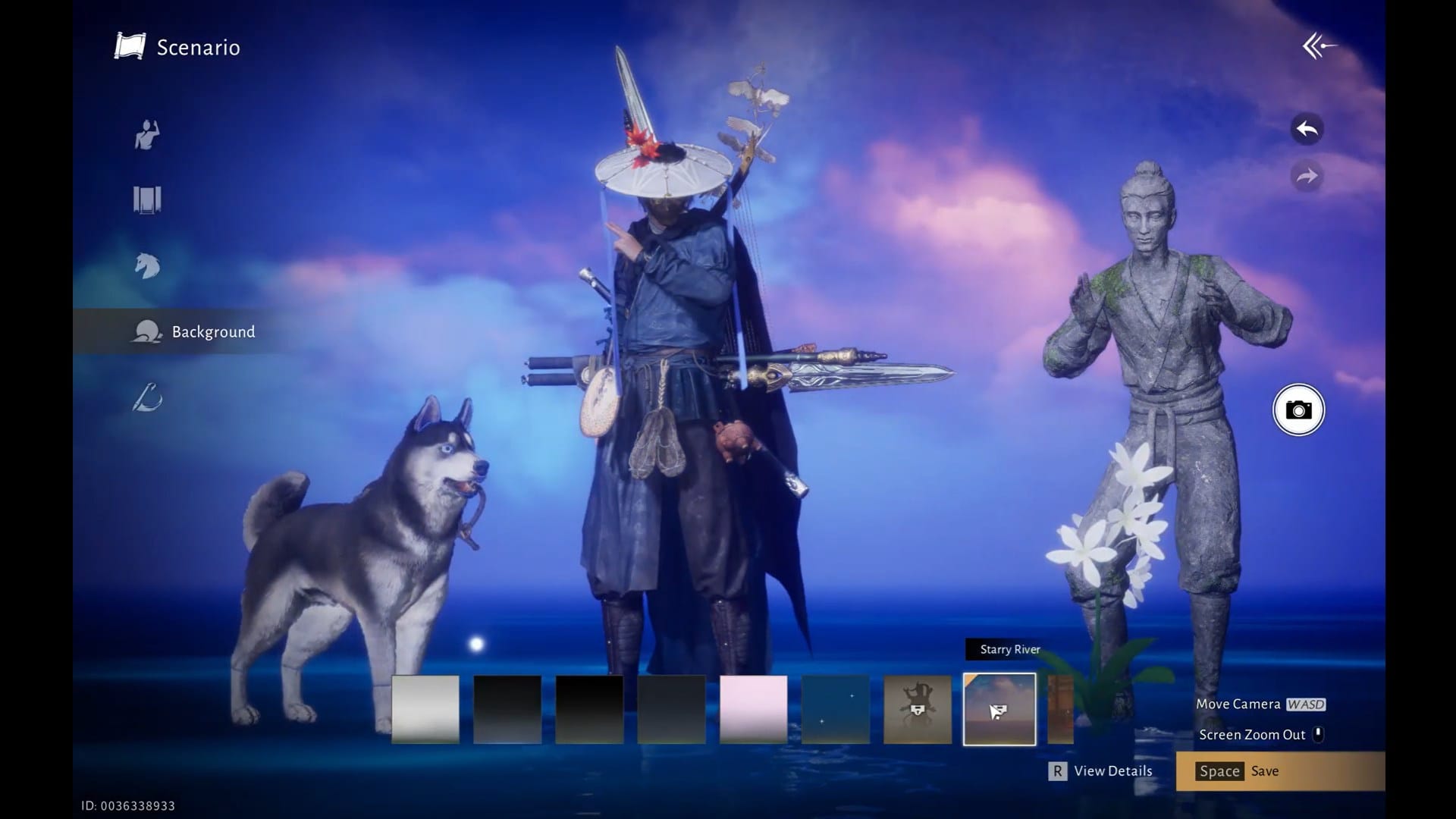
Learn to customize your character in Where Winds Meet using Scenario in the appearance menu.
Scenario is a section within the appearance menu in Where Winds Meet. It allows you to customize your character. You can choose from five options for customization.
You can save the changes in a plan. You can create many plans for your character to quickly switch between them. This guide will teach you how to customize your character in Where Winds Meet.
How to use Scenario
Here is how you can use Scenario in Where Winds Meet:
Step 1
Select Appearance from the menu and then click the scenario tab to enter it.

Step 2
In the Scenario tab, select New Plan. New Plan costs 100 Echo Jade.

Explore different poses like meditation, leisure, side stand and more. Similarly, you can also change the background and other items.
You can also select an already existing plan to apply it or make changes to it.

Scenario allows you to give your personal touch to the character, making it unique and exclusive. It allows you to change the outfit, cosmetic presets, poses and more, making your character distinct.
It lets you quickly view, select, check and change/ remove between looks for your character in the game.
Thanks for reading through! If this Scenario guide helped you, share your thoughts or doubts in the comments section. We reply regularly and would love to help if you’re stuck anywhere.



