


What to know
-
Sandwalker Set is a cosmetic set introduced alongside the Headwinds update content drop.
-
It’s positioned as a stealth-and-skill themed look (flavor text), not a gameplay advantage.
-
You can obtain it via the in-game store.
Arc Raiders‘ Headwinds update brings a new cosmetic set to the game – The Sandwalker Set. If you like grounded “survival raider” styling, it’s one of the more talked-about additions from this drop.
| Point | Details |
|---|---|
| Type | Cosmetic set (appearance-only). |
| Added in | Headwinds update (released Jan 27, 2026). |
| How you get it | Buy via the in-game store (not described as a mission/quest unlock). |
| Theme | “Outmaneuver… with stealth and skill” (official flavor framing). |
The Sandwalker Set (In-Game Preview)
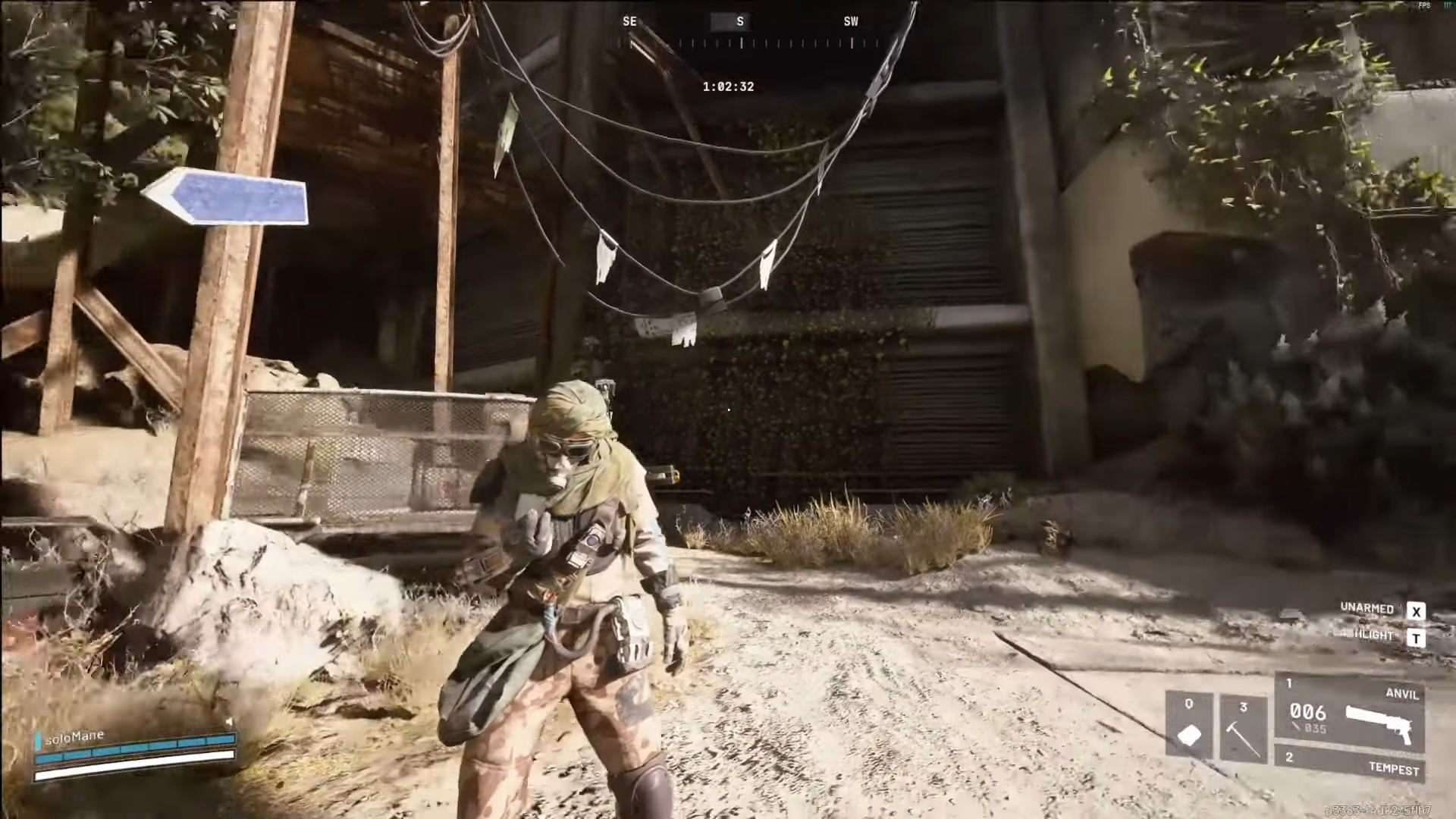
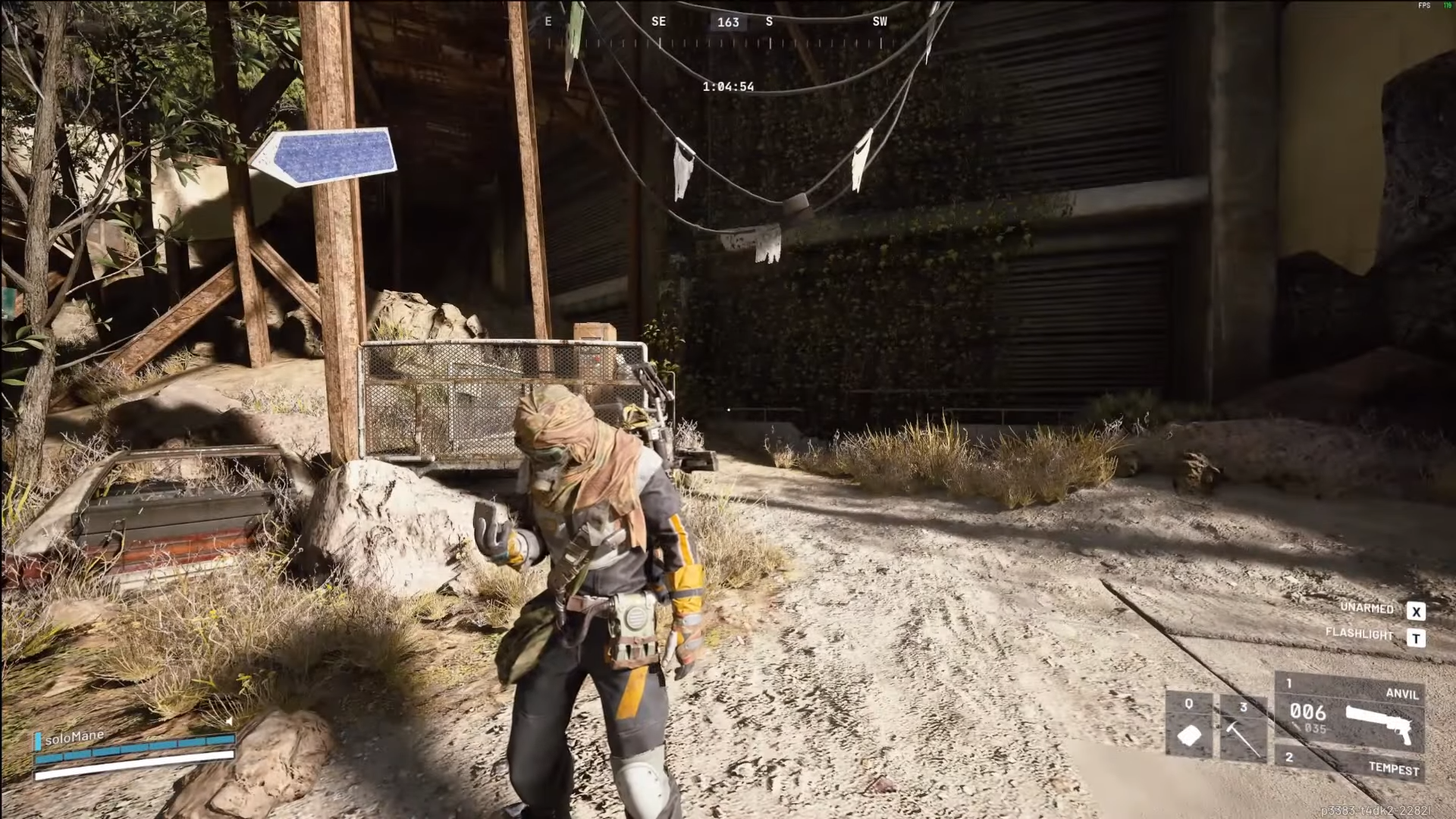
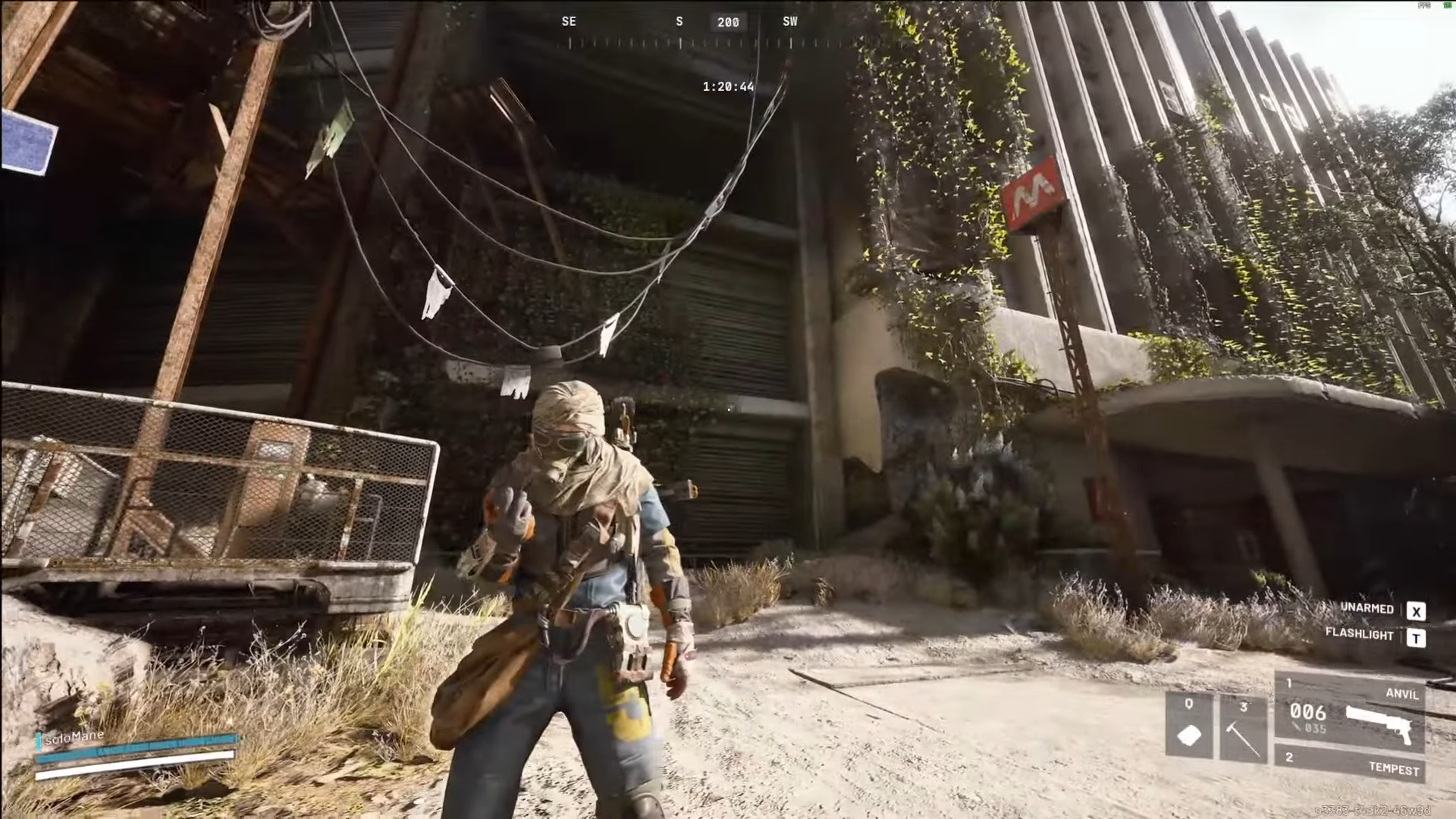
The Sandwalker Set comes in three different color variations –
Beige
Black
Blue
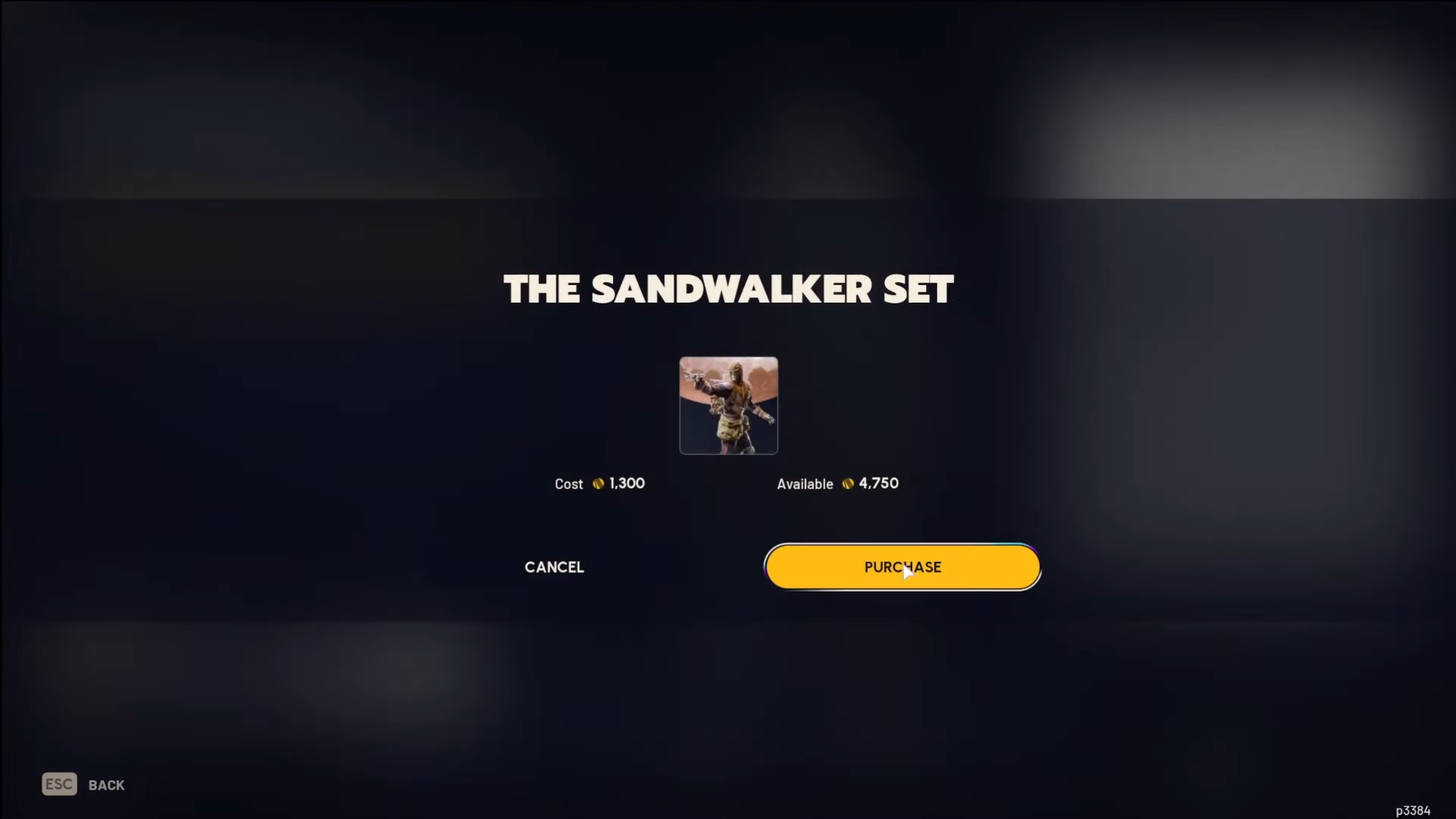
How to get the Sandwalker Set from the in-game store
Step 1
Boot up ARC Raiders after updating to the Headwinds build, since the Sandwalker Set is part of that update’s cosmetic additions.
Step 2
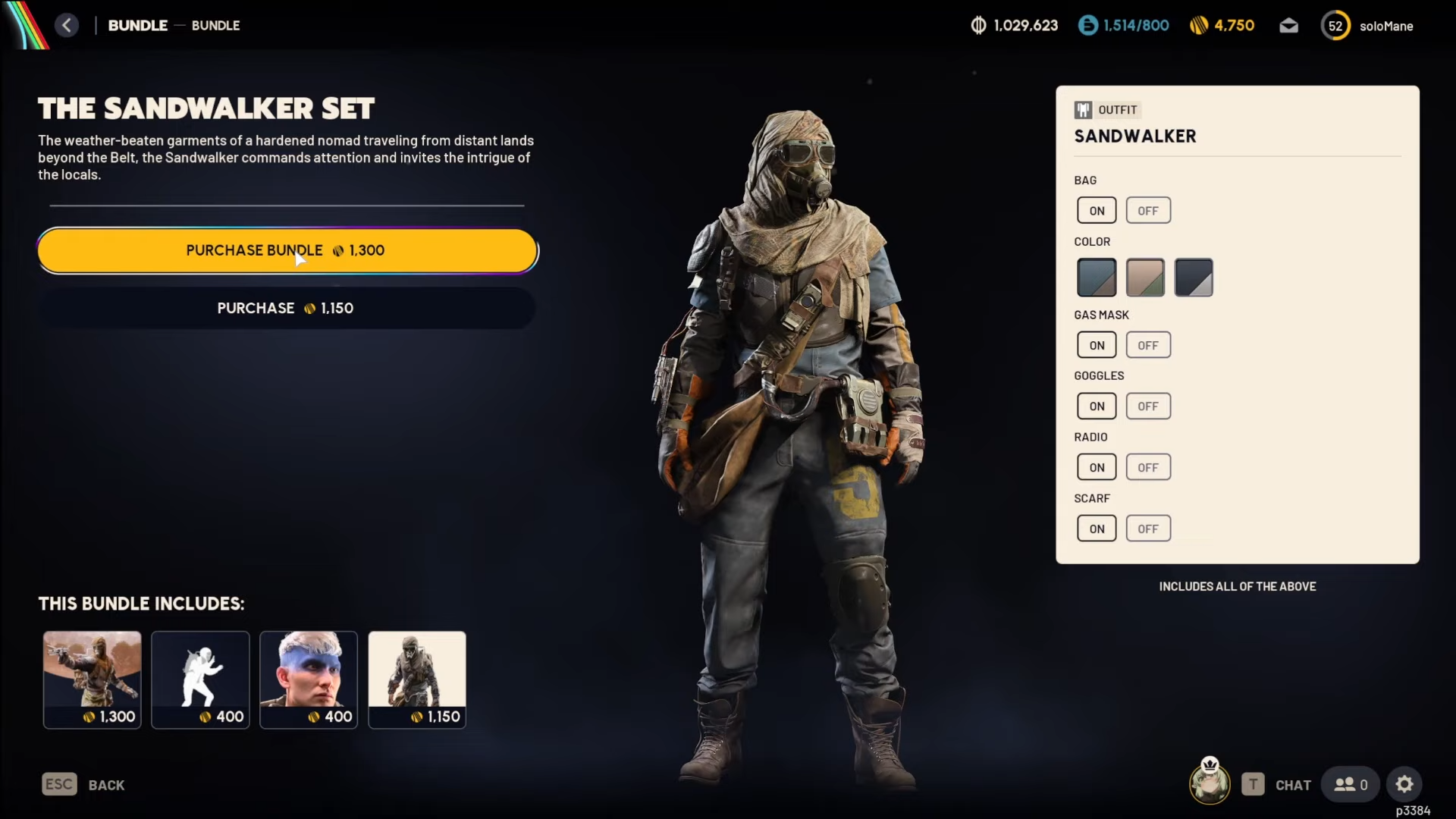
Open the in-game store section where cosmetic sets are sold, as Headwinds explicitly introduces new cosmetic sets (including Sandwalker).
Step 3
Locate the Sandwalker Set listing and confirm what’s included in the bundle before you purchase, because it’s introduced as a “set”.
Step 4
Purchase and equip the set from your cosmetics/customization menu so your Raider appears with the Sandwalker look in matches.
If you’re looking for a Headwinds-era cosmetic that leans into stealthy scavenger style, Sandwalker Set is one of the headline store sets from this update and is meant to be equipped for looks, not power.




