What to know
-
Galaxy S26’s Call Screening expands Galaxy AI’s Call Assist, automatically handling suspicious calls with a digital assistant that asks for the caller’s name and purpose.
-
It provides live transcripts on your screen, allowing you to monitor, respond via text-to-speech, or join the call anytime.
-
Supports 13 languages including English, Hindi, and Spanish; available on S26 series out-of-box, expanding via One UI 8.5.
-
Inspired by Pixel features, it filters spam/scams proactively, with customizable aggression levels for unknown or all risky calls.
Amongst the several AI features revealed for Samsung Galaxy phones during the Galaxy Unpacked 2026 event, perhaps none is as practical and beneficial in everyday life as Call Screening. It aims to solve the pernicious and highly frustrating issue of spam calls that are clearly on the rise. With Call Screening, Samsung Galaxy users will have a personal receptionist in their pocket, fighting the surge of AI spam calls with AI.
Call Screening debuts at Galaxy Unpacked 2026
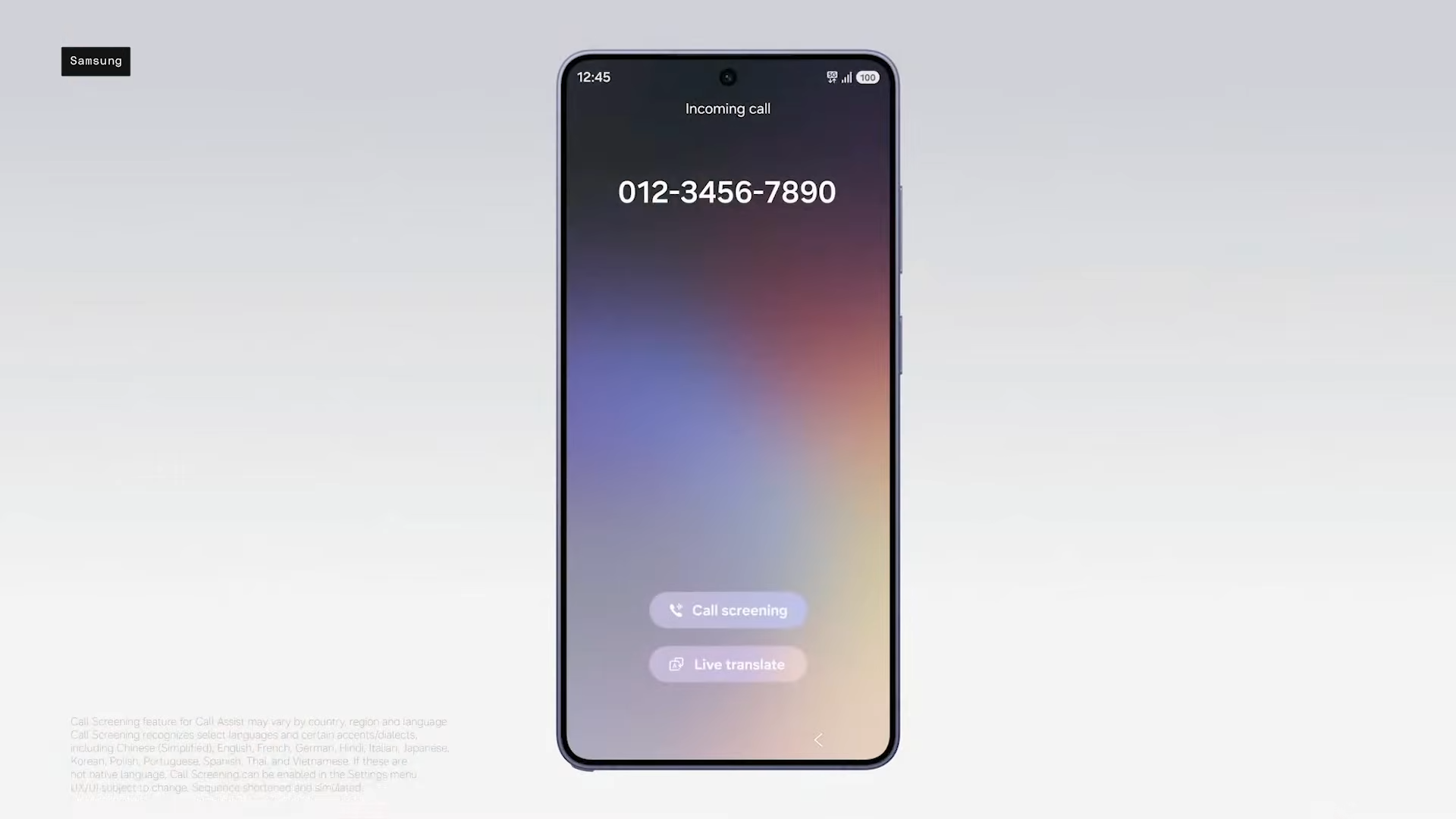
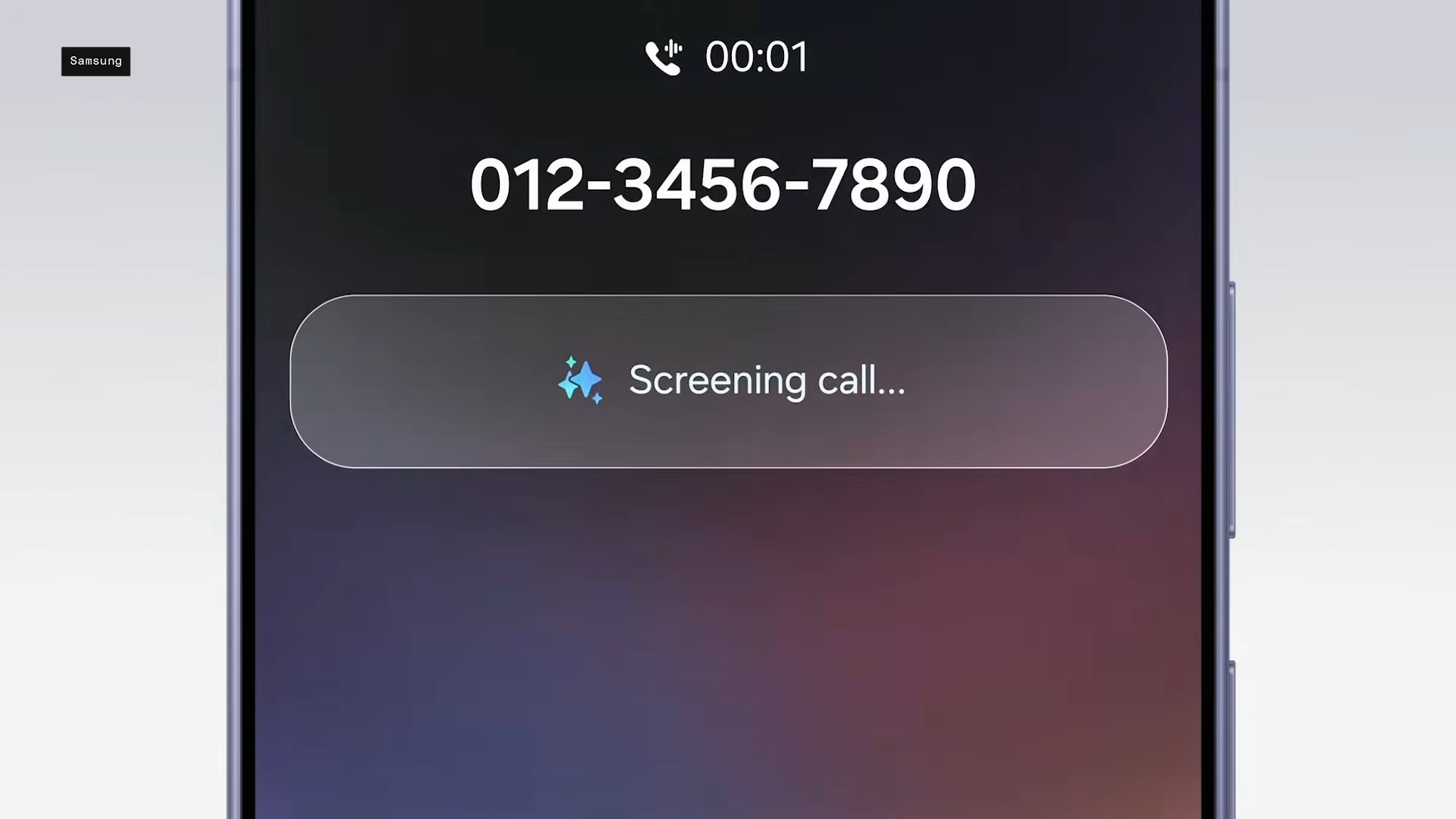
The Galaxy Unpacked 2026 keynote highlighted Call Screening as part of “agentic AI,” where intelligence acts independently to handle real-world annoyances. The feature intercepts incoming unknown call on the Galaxy S26 Ultra, with the AI voice prompting the caller for a reason for their call.
It usually goes something like this – “Hi, the person you’re calling isn’t available right now. Can you please tell me what this is regarding?” Real-time transcriptions scroll across the screen, summarizing the intent—like a delivery confirmation—letting the user swipe to join or decline seamlessly.
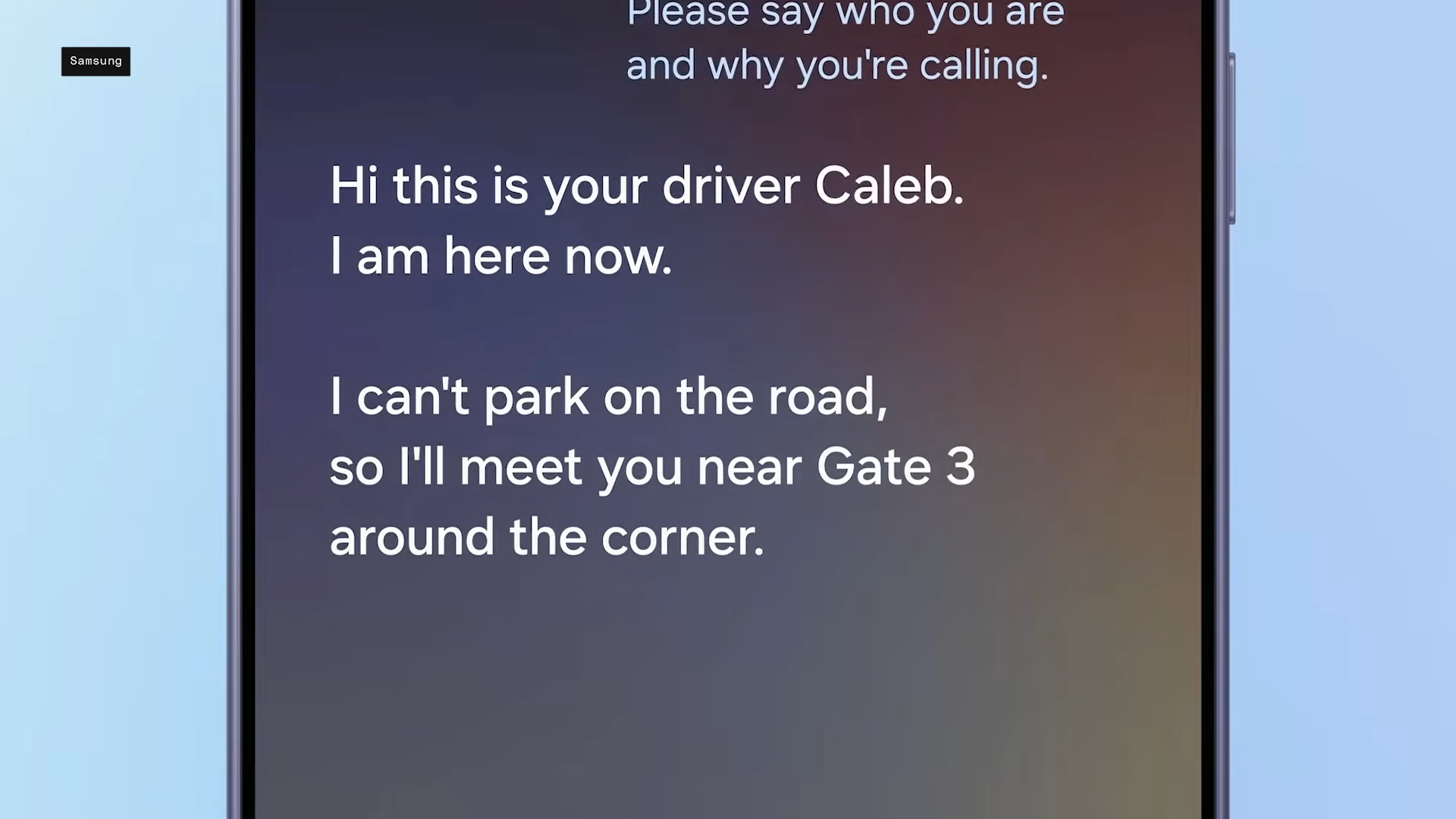
Samsung emphasized its on-device processing via the S26’s enhanced NPU, ensuring privacy without cloud dependency for core functions.
Core features of Call Screening
Call Screening builds on Samsung’s Call Assist suite, previously focused on Live Translate, by adding proactive spam defense. When enabled, it detects risky calls via patterns like private numbers or scam signals, answering with a polite AI voice that gathers details.
Key capabilities include live transcription in your chosen language, text-to-speech replies (e.g., “Ask them to text instead”), and instant summaries identifying caller and purpose. You stay in control—tap to answer, send pre-canned responses, or end it—while the phone holds the line.
| Feature | Description | Benefit |
|---|---|---|
| Auto-Screening | Triggers on spam/unknown calls based on customizable levels (e.g., all unknown or high-risk only) | Saves time dodging robocalls |
| Real-Time Transcript | Full conversation text appears on incoming call screen | Monitor without speaking; supports 13 languages like Hindi, English |
| Text-to-Speech Replies | Type responses for AI to voice aloud | Stay silent yet engaged, ideal for busy moments |
| Call Summary | Quick “who and why” recap post-screen | Decide faster than checking voicemails |
Step-by-step setup process
Getting Call Screening running takes moments on your Galaxy S26. Head to Settings > Galaxy AI > Call Assist, then toggle it on and pick your screening mode: off, manual, unknown callers, or full auto for suspected spam.
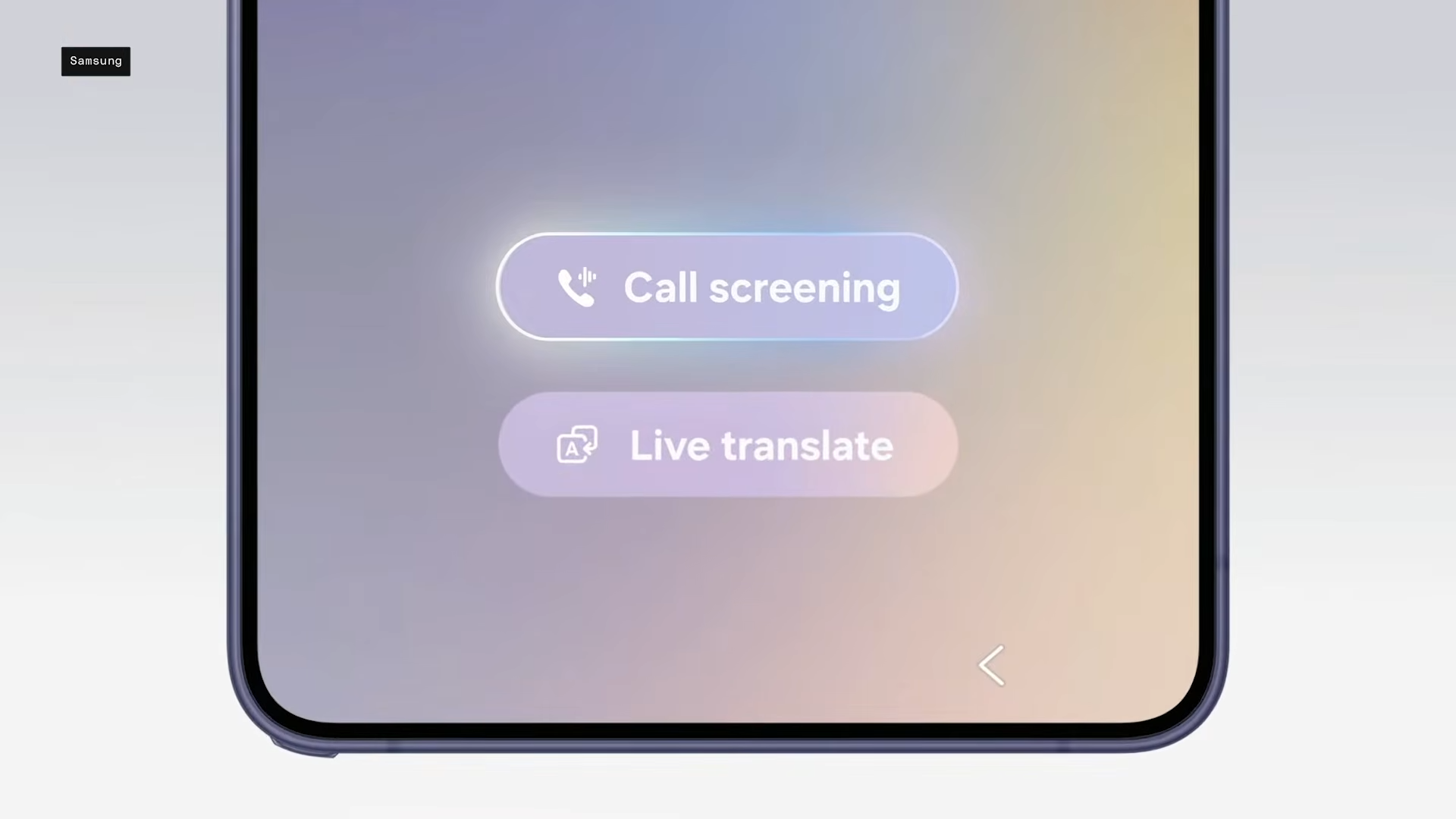
During a call, tap the Call Screening button on the incoming screen. The AI takes over instantly. For finer control, adjust voice settings or language in the same menu; it pulls from your system preferences.
| Setup Step | Action | Notes |
|---|---|---|
| 1. Enable | Settings > Galaxy AI > Call Assist > Call Screening | Choose aggression: Manual, Unknown, Auto-spam |
| 2. Incoming Call | Tap Call Assist > Screen Call | AI asks name/reason; transcript live |
| 3. Interact | Type reply or tap Answer/Decline | Text-to-speech reads your input aloud |
| 4. Customize | Language picker in settings | 13 options; region-dependent rollout |
How it stacks against rivals
Samsung’s version draws clear inspiration from Google’s Pixel Call Screen, which has screened billions of calls since 2020. Both use AI voices and transcripts, but Galaxy adds deeper One UI integration—like nudging summaries into notifications—and ties into Knox for secure on-device AI.
Pixel edges in global spam databases via Google Phone app, while Samsung shines in multilingual support (13 vs. Pixel’s fewer).
| Aspect | Galaxy S26 Call Screening | Google Pixel Call Screen |
|---|---|---|
| Trigger | Custom levels (spam/unknown) | Auto for spam/verified fraud |
| Languages | 13 (incl. Hindi, Thai) | Primarily English variants |
| Replies | Text-to-speech from you | Limited pre-sets |
| Rollout | One UI 8.5 to older Galaxies | Pixel-exclusive mostly |
| Privacy | Knox Vault on-device | On-device with Google cloud opt |
Real-world performance and limits
Early hands-on reports praise its speed—transcripts update in seconds with 95% accuracy in English demos. Users in noisy environments appreciated the buffer, especially for scam calls peddling fake insurance or Medicare frauds plaguing 2026.
Limitations persist: the feature seems to be region-locked in some areas (e.g., full auto-spam may skip carrier-heavy markets), no support for all dialects yet, and it skips verified contacts. Battery impact is minimal thanks to S26’s 39% NPU boost, but heavy use might nudge 5-10% daily drain. Samsung promises One UI 8.5 expansions to S25/S24 soon.
Rollout and future updates
Call Screening launches pre-installed on Galaxy S26, S26+, and S26 Ultra with One UI 8.5. Expect wider device support via updates, plus Gemini 3 integration for smarter summaries. Samsung’s roadmap hints at expansions like email scam alerts, aligning with telecom pushes against AI-voiced frauds.
With Samsung Galaxy’s Call Screening, you can now fight spam calls that have risen considerably in recent years. Like a personal receptionist, the feature works quietly in the background, allowing you to remain focused on the task at hand, giving you the choice of picking up it up or letting the call be attended to by the AI itself.