

What to know
-
Amethyst Parts are made in your AIC by processing Amethyst Ore into Amethyst Fiber, then converting Fiber into Parts in the Fitting Unit.
-
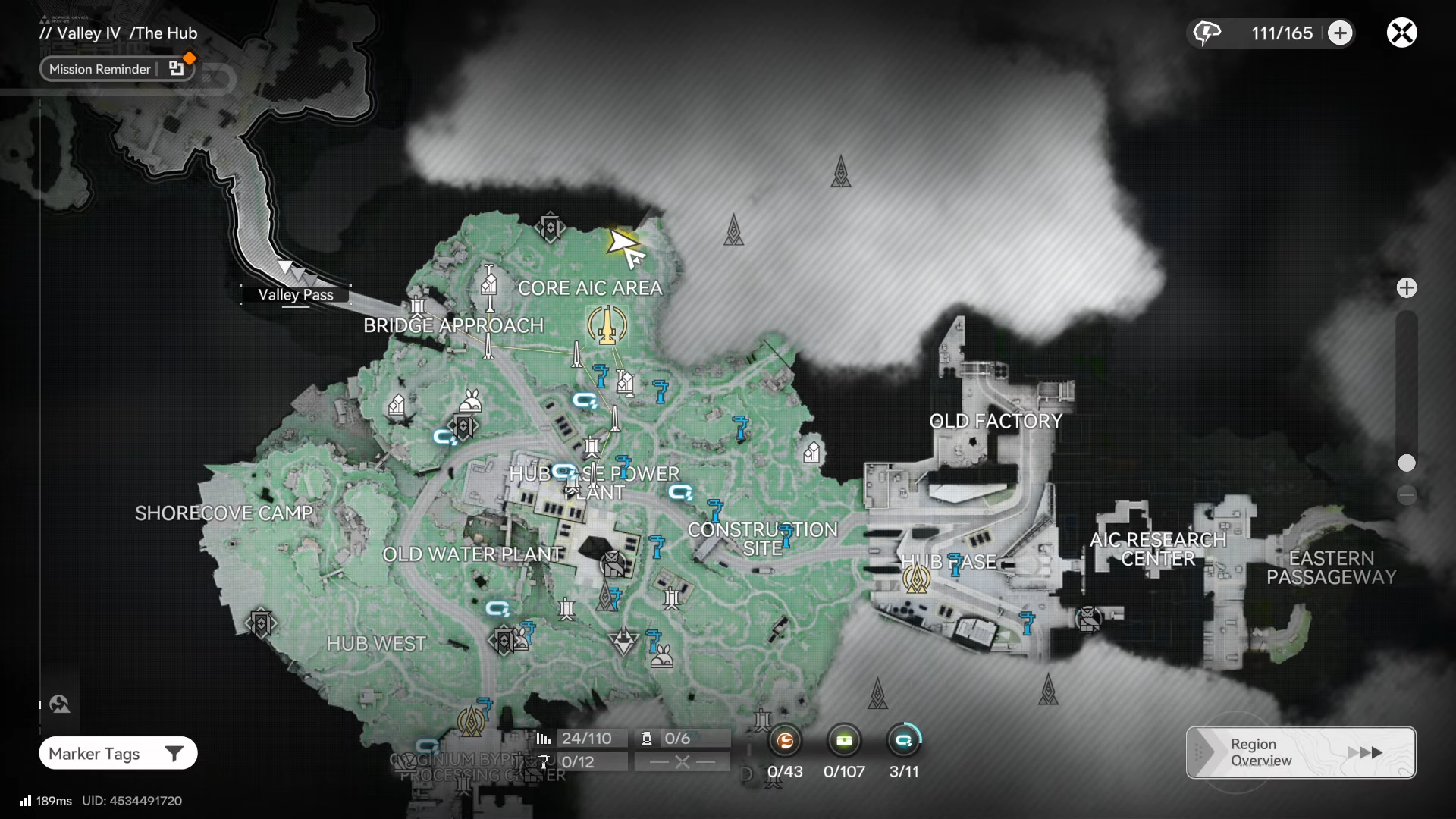
A common early mining area for Amethyst Ore is around the Hub region, including spots near Bridge Approach.
-
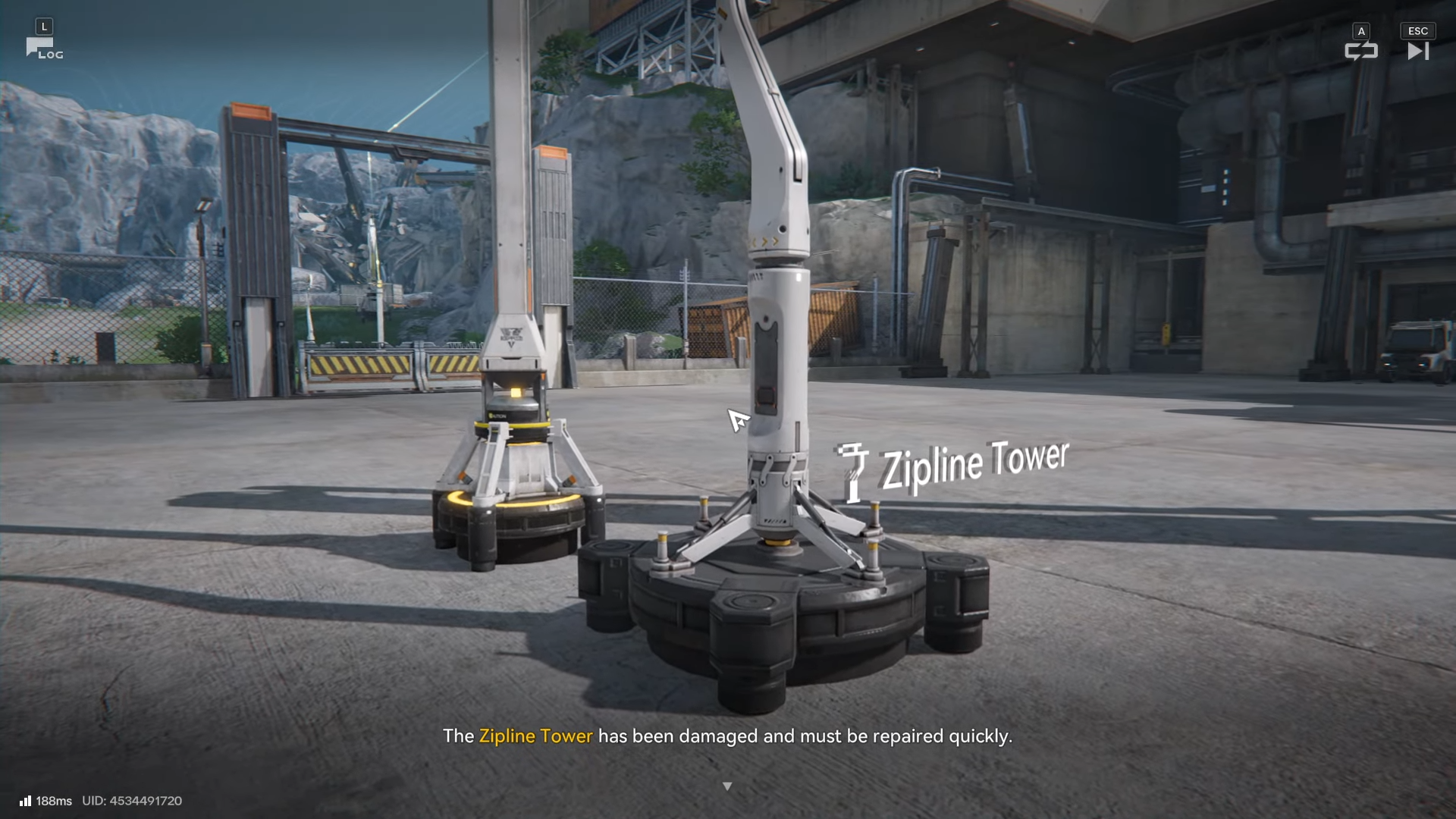
Zipline Tower repairs typically work like other world-object repairs: have the required Parts in inventory, interact with the structure, and confirm the spend.
-
Keeping a small, continuous Amethyst Parts production line prevents future quests (and crafting) from stalling.
After you unlock ziplines, Arknights: Endfield starts nudging you to treat your base like a real production pipeline. This Zipline Tower repair is one of the first moments where you’ll feel that shift, because the obstacle isn’t combat difficulty – it’s whether your AIC can supply the right materials on demand.
| Item | Quick details |
|---|---|
| Objective | Repair a damaged Zipline Tower using Amethyst Parts. |
| Core requirement | Amethyst Parts in your inventory (crafted via AIC). |
| Craft chain | Amethyst Ore → Amethyst Fiber (Refining Unit) → Amethyst Parts (Fitting Unit). |
| Why it matters | Restores a traversal shortcut and reduces backtracking time. |
| Common blocker | No Fitting Unit unlocked yet, or not enough Amethyst Fiber/Parts stockpiled. |
Locations involved
You’ll generally mine Amethyst Ore in early Hub/Valley-adjacent routes (with a commonly referenced area being near Bridge Approach), then return to your Core AIC area where the processing facilities cluster, and finally travel back out to the Zipline Tower to perform the repair interaction.
How to produce Amethyst Parts in your AIC
Before you can repair anything, you need the Parts ready—meaning your Ore-to-Parts pipeline must be functioning.
Step 1: Reach the Hub and unlock basic industry
Progress the main story until you’re established around the Hub and the game has introduced mining and core AIC infrastructure.
Step 2: Mine Amethyst Ore
Farm Amethyst Ore from mineable nodes in the Hub/early Valley areas; one reliable early route is around Bridge Approach where Amethyst-related objectives often point you.
Step 3: Refine Amethyst Ore into Amethyst Fiber
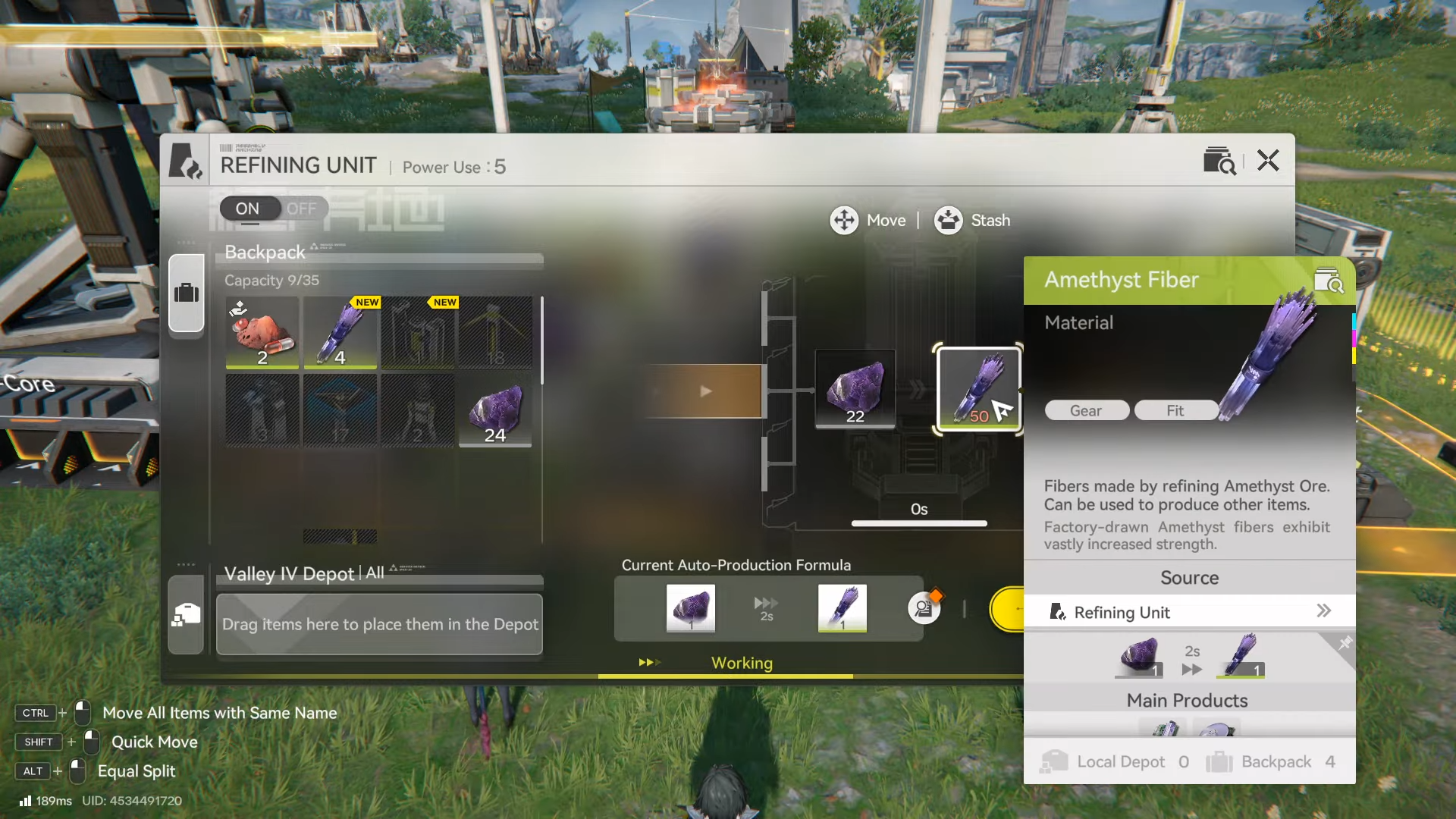
At your AIC, feed Amethyst Ore into the Refining Unit to convert it into Amethyst Fiber.
Step 4: Convert Amethyst Fiber into Amethyst Parts
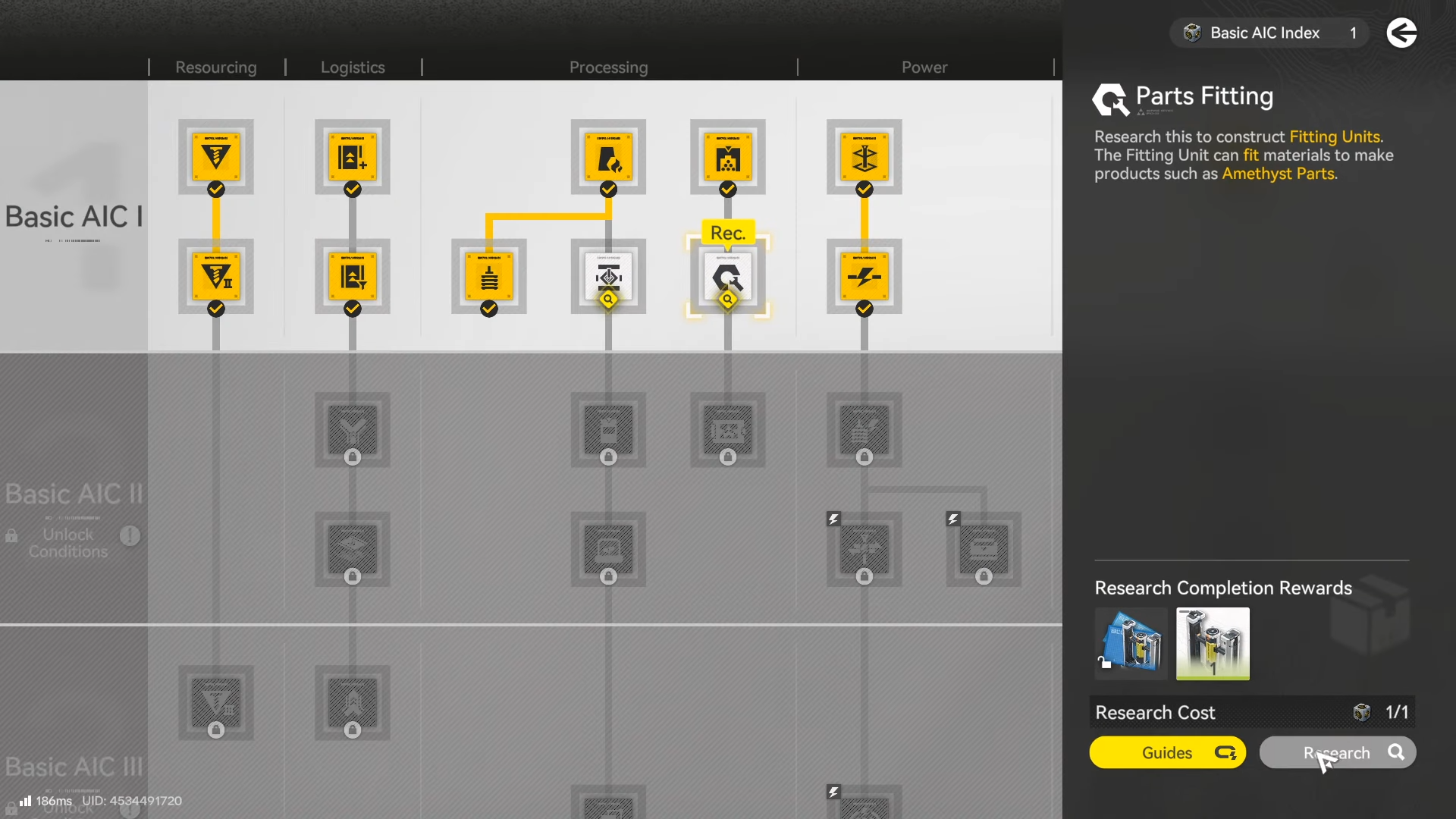
Use the Fitting Unit (near the Core AIC cluster) and select the recipe that turns Amethyst Fiber into Amethyst Parts, queue the amount you need, and collect the output once processing completes.
Step 5: Maintain a baseline Parts line
If you expect more repairs or crafting soon, keep a small continuous order running so you don’t repeatedly stop exploration to restart production.
How to repair the Zipline Tower with Amethyst Parts
Once the Parts are crafted, the actual repair is quick, but it’s easy to miss one key preparation: making sure the Parts are on you, not just sitting in storage.
Step 1: Move Amethyst Parts into your usable inventory
Confirm the Amethyst Parts are available to your character for field use (not only sitting in AIC buffers/storage screens).
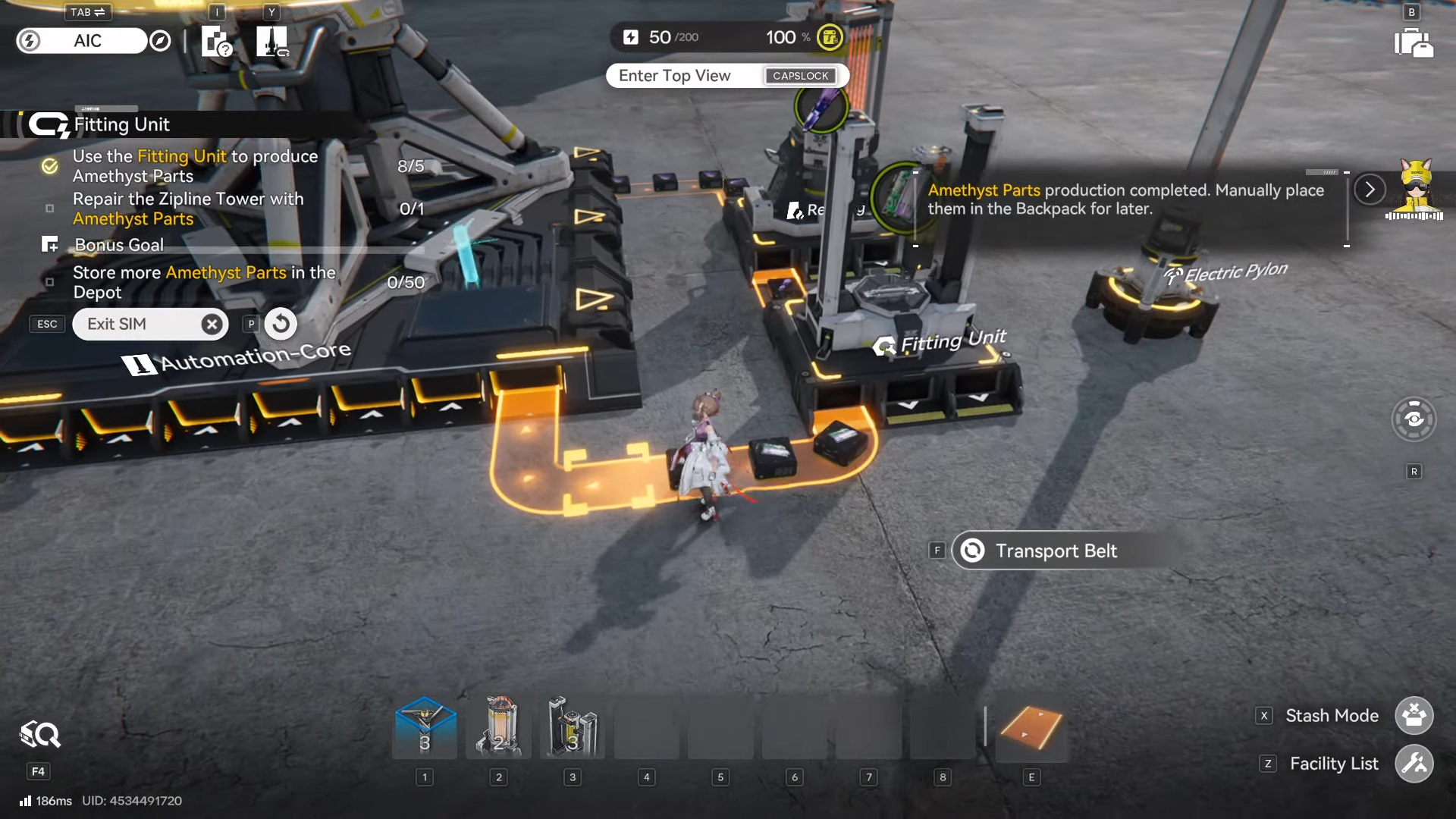
Step 2: Travel to the damaged Zipline Tower
Go to the quest marker or the specific tower you’re trying to restore, and approach its interaction point.
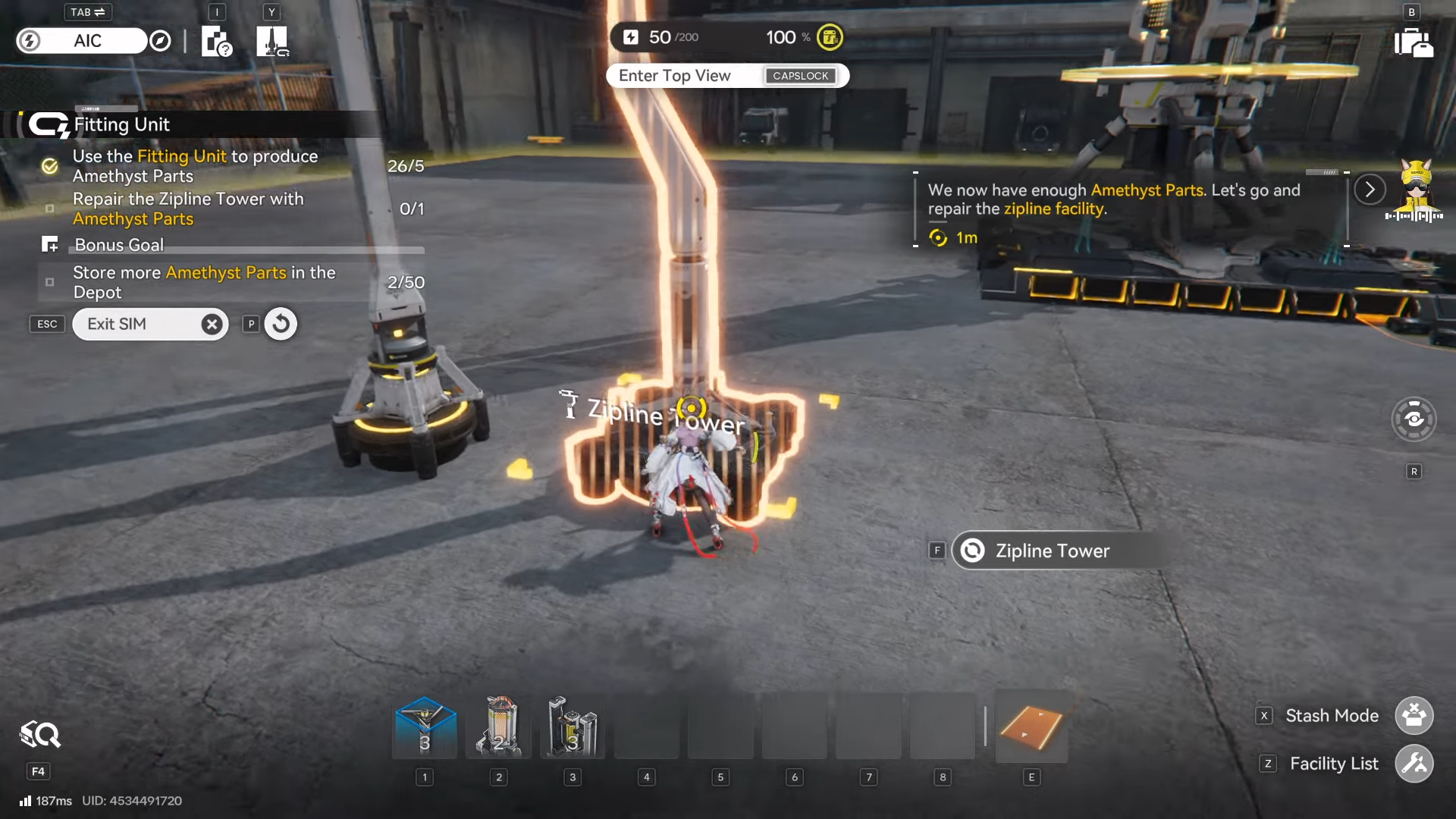
Step 3: Interact and confirm the repair spend
Use the interaction prompt on the Zipline Tower and spend the required Amethyst Parts when the repair requirement appears.
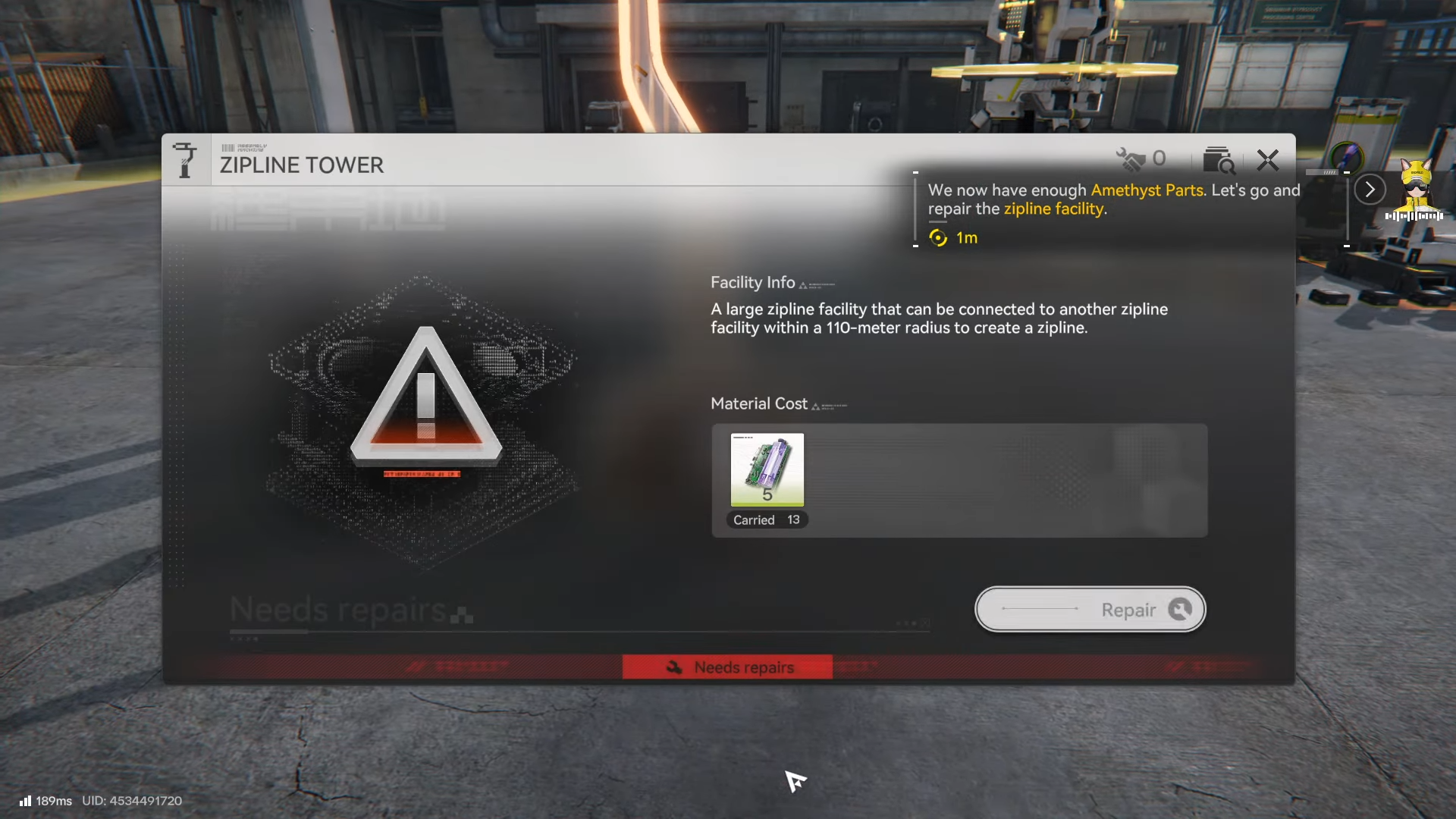
Step 4: Verify the shortcut is active
After the repair completes, test the traversal (or check the tower’s state) so you know the route is now usable for faster movement.
Common problems that stop the repair
Even if you understand the objective, a few predictable bottlenecks can make it feel “bugged” when it isn’t.
-
Fitting Unit not available: If you can’t find the Fitting Unit, continue story/industry objectives until the building and recipe path unlocks.
-
Not enough Amethyst Fiber: If your Refining Unit hasn’t produced enough Fiber, mine more Ore and keep refining until Fiber stock is healthy.
-
Parts made but not carried: If the tower interaction still shows you’re missing materials, double-check the Parts are actually in your character’s inventory for the field repair.
-
Production throughput too slow: If you’re waiting on batches, reduce bottlenecks by keeping Refining running while you explore, then collect and convert Fiber into Parts in larger queues.
To repair the Zipline Tower, focus on production first: mine Amethyst Ore, refine it into Fiber, fit it into Amethyst Parts, then bring those Parts to the tower and repair it through the interaction prompt. Once the tower is active, maintaining a baseline Parts line will keep future repairs and crafting from slowing your exploration pace.




