

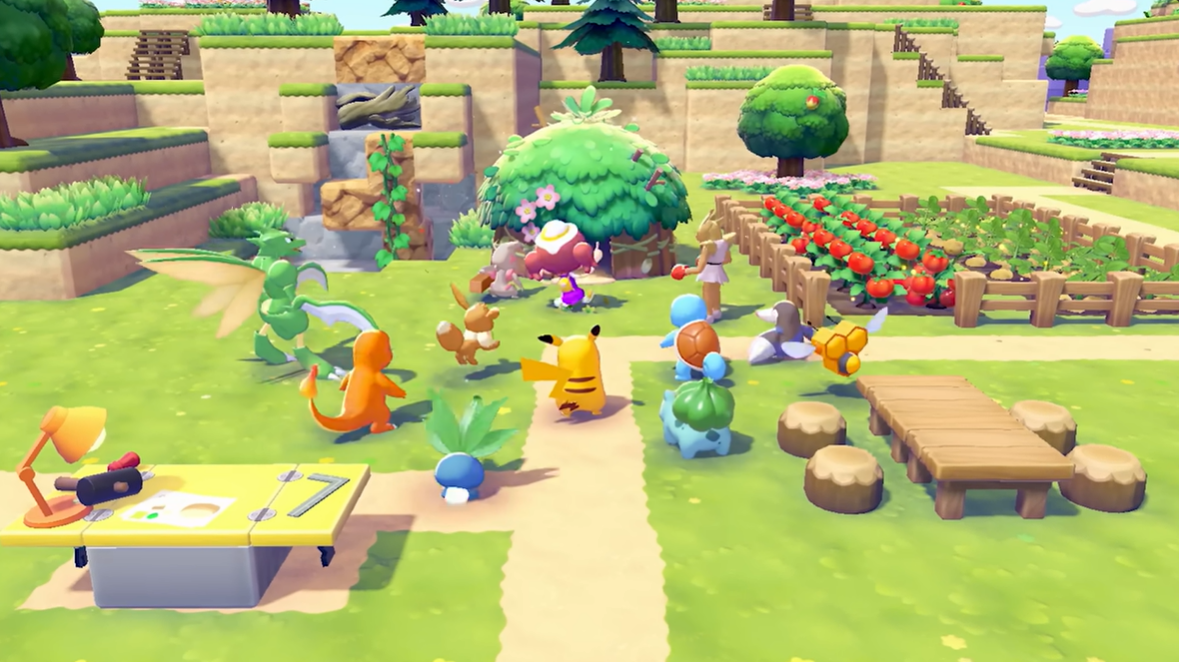
- What to know
- Quick overview of multiplayer and Cloud Islands
- Multiplayer unlock conditions in the early story
- How to invite friends using link play
- How to join a friend’s world using a code
- Cloud islands explained and how they work
- How to create a Cloud Island for multiplayer
- Multiplayer activities you can do with friends
- Playing Pokémon Pokopia together online
What to know
- Multiplayer unlocks early in the story after building your house.
- Online and local co-op are accessed through Link Play at the PC near the ruined Pokémon Center.
- Friends join using a unique link code or by entering one you share.
- Cloud Islands are persistent shared worlds created with a seed or random magic number.
Multiplayer in Pokémon Pokopia allows you to explore habitats, build structures, and progress together with friends through a cooperative online system. The feature becomes available fairly early in the story progression, meaning you do not need to reach the endgame before playing together.
Once unlocked, you can invite players directly to your world using a link code system, or visit their worlds using the same method. The game also includes a unique shared multiplayer mode called Cloud Islands, which functions like a persistent online server where multiple players can collaborate over time.
Quick overview of multiplayer and Cloud Islands
| Feature | Description | Requirement | Access Location |
|---|---|---|---|
| Online Co-op | Invite friends to your world using link codes | Build your house in early story | PC near destroyed Pokémon Center |
| Local Co-op | Play with nearby players on the same network | Same unlock conditions | Same Link Play PC |
| Join Friend’s World | Enter their link code to visit their island | Friend must host a session | Link Play menu |
| Cloud Islands | Persistent shared islands for multiple players | Multiplayer unlocked | Cloud Islands menu |
| Magic Number Seed | Generates identical islands for players | Optional during island creation | Cloud Island setup |
Multiplayer unlock conditions in the early story
Pokémon Pokopia introduces multiplayer shortly after the opening tutorial and early base-building mechanics. As you progress through the initial quests, you eventually construct your first house.
Building your house is the key milestone that unlocks online connectivity features. Once this step is complete, the game activates the Link Play functionality that allows communication with other players.
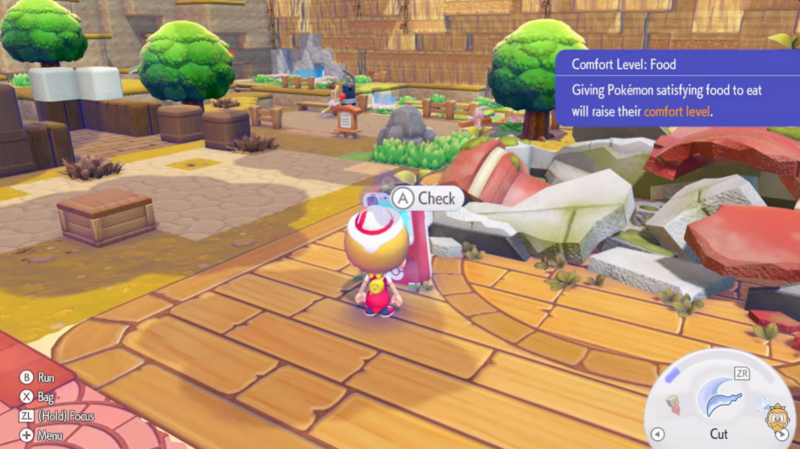
Near the destroyed Pokémon Center in the starting settlement, you will find a computer terminal that serves as the multiplayer hub. This PC is where all online and local connections are managed.
From this point onward, you can begin inviting players or visiting their worlds.
How to invite friends using link play
Step 1
Progress through the early story until you complete the house construction objective. Multiplayer features are locked until this requirement is finished.
Step 2
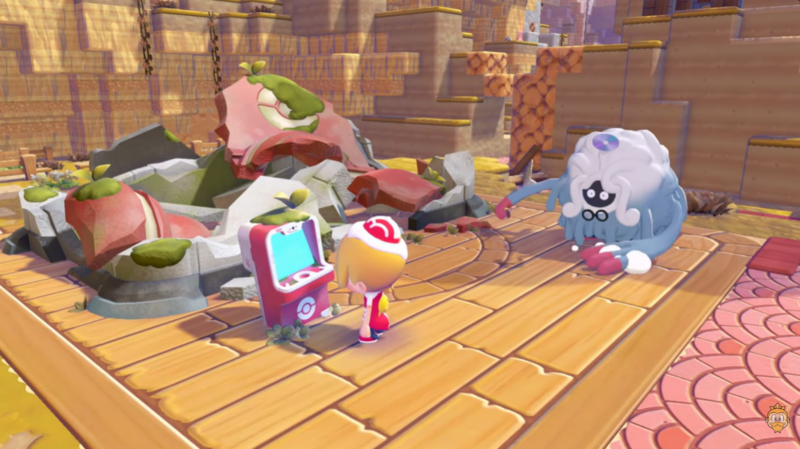
Travel to the starting area where the ruined Pokémon Center is located. Next to it you will find a computer terminal that controls multiplayer connectivity.
Step 3
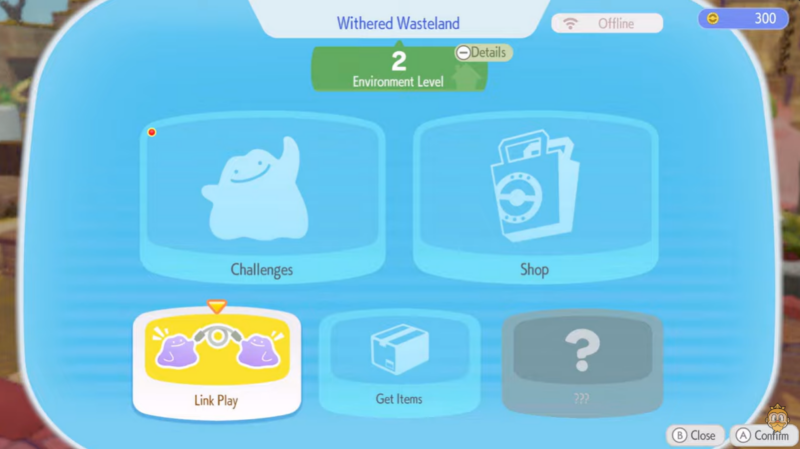
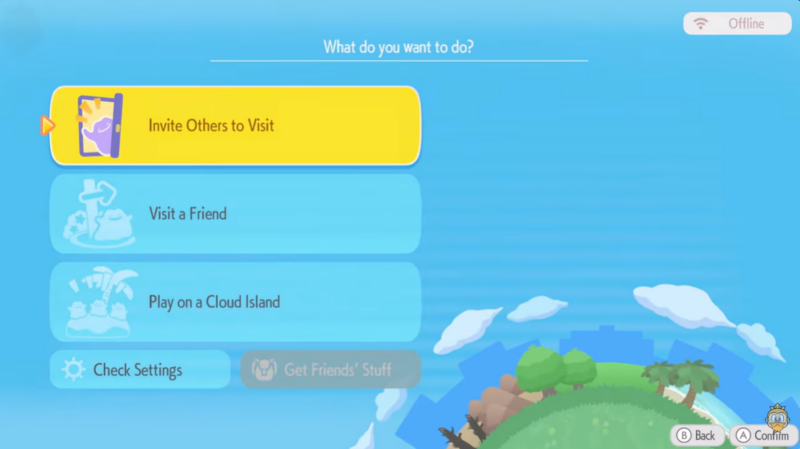
Interact with the PC to open the Link Play menu. This menu contains options for both online and local multiplayer sessions.
Step 4
Choose the option to host or invite players. The game will generate a link code that other players can enter to join your world.
Step 5
Share this code with your friends. Once they enter the code in their Link Play menu, they will connect directly to your island.
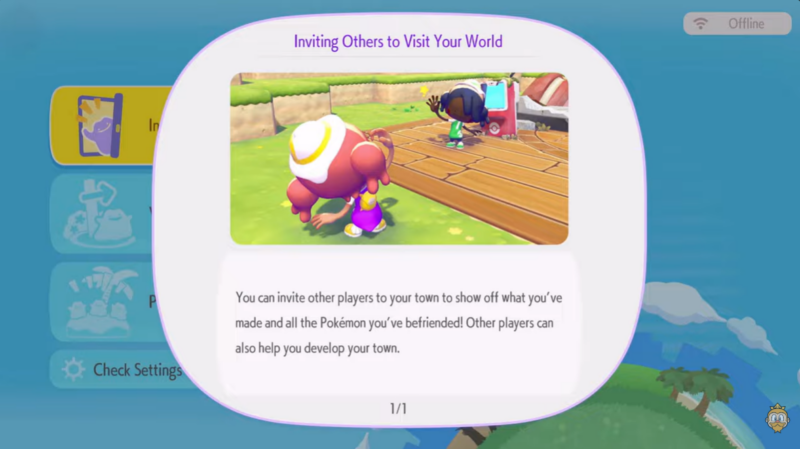
After joining, players can explore the environment together, assist with building tasks, gather resources, and participate in cooperative progression.
How to join a friend’s world using a code
Step 1
Go to the same Link Play PC located near the destroyed Pokémon Center.
Step 2
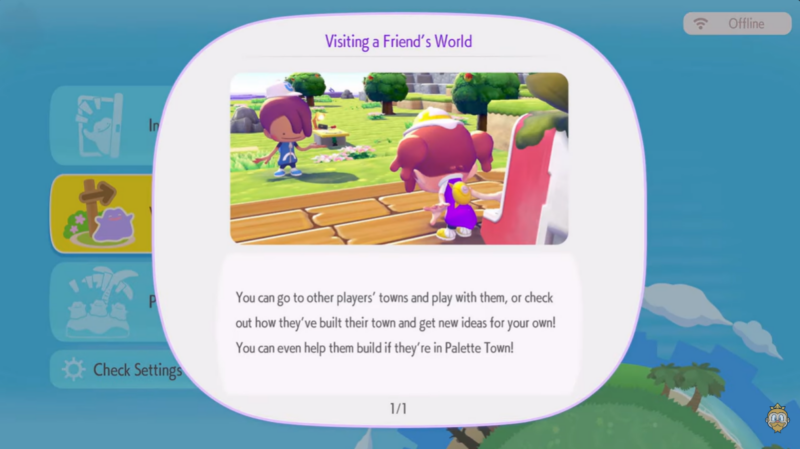
Open the Link Play menu and select the Join Session option.
Step 3
Enter the link code provided by your friend.
Step 4
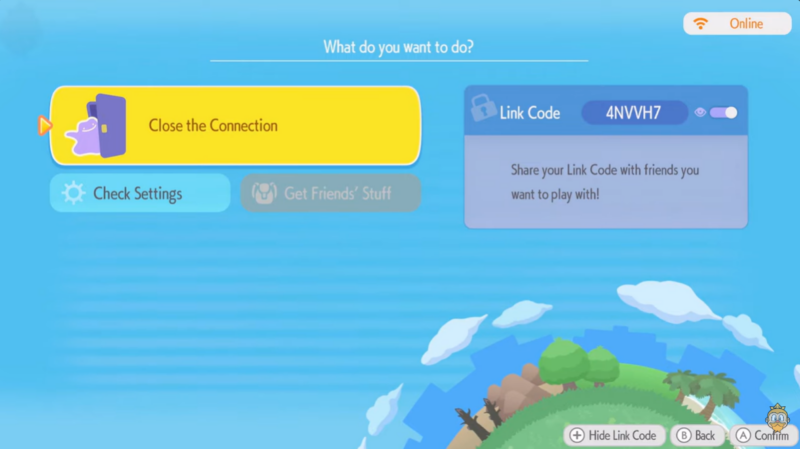
Confirm the connection and wait while the game loads their world.
After the connection is established, you will spawn on your friend’s island and can freely interact with their environment and cooperative systems.
Cloud islands explained and how they work
Cloud Islands introduce a different multiplayer experience compared to standard hosted sessions. Instead of temporary connections where a host controls the world, Cloud Islands function as persistent shared environments.
Players can create these islands and keep them online for friends to visit whenever they want.
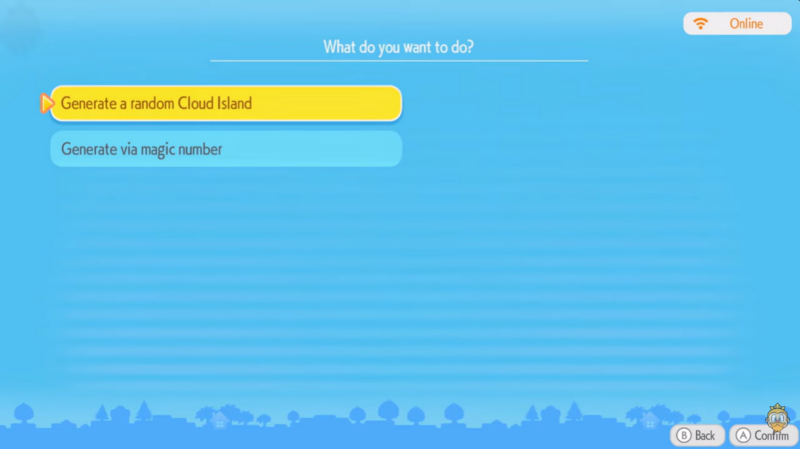
When creating a Cloud Island, you can generate it in two ways:
| Creation Method | How it Works | Result |
|---|---|---|
| Magic Number Seed | Enter a specific number | Creates a predictable island layout |
| Random Generation | Leave seed blank | Produces a unique island |
The magic number system works like a world seed, meaning that anyone who uses the same number will generate the same island structure.
After generating the island, you can assign it a custom name and invite players to join.
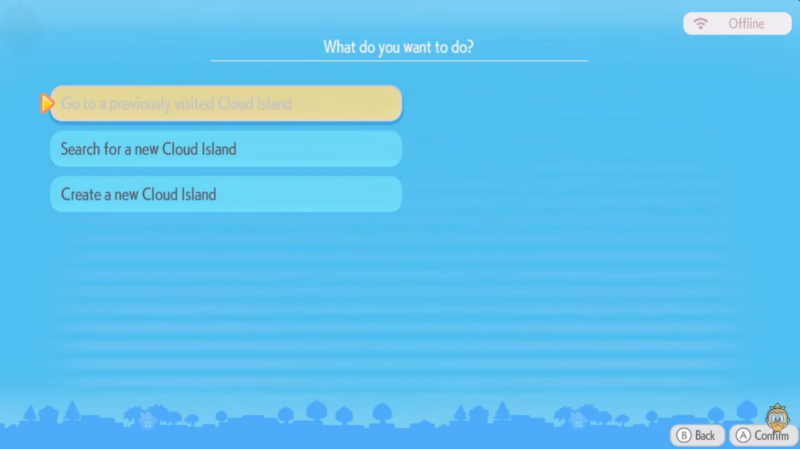
These islands remain accessible for cooperative exploration, resource gathering, and collaborative building projects.
How to create a Cloud Island for multiplayer
Step 1
Open the multiplayer interface from the Link Play PC.
Step 2
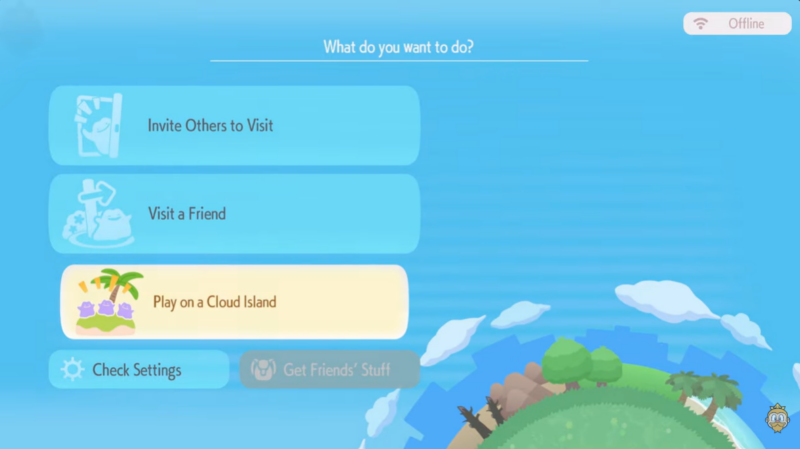
Select the Cloud Islands option from the menu.
Step 3
Choose whether to generate a random island or enter a magic number seed.
Step 4
Assign a name to your Cloud Island so it is easily recognizable by invited players.
Step 5
Invite friends to join the island and begin exploring together.
Once created, the island acts as a shared multiplayer environment where players can return repeatedly, making it ideal for long-term cooperative gameplay.
Multiplayer activities you can do with friends
When players join your world or Cloud Island, several cooperative gameplay systems become available. You can explore new habitats together, gather crafting materials faster, and work together on construction projects.
Multiplayer also makes habitat restoration and Pokémon discovery easier since multiple players can investigate traces, gather environmental resources, and complete tasks simultaneously.
Because Pokopia includes building mechanics and Pokémon habitat systems, co-op gameplay often speeds up progression significantly compared to playing alone.
Playing Pokémon Pokopia together online
Multiplayer in Pokémon Pokopia is designed to be accessible early in the story while supporting long-term cooperative play through Cloud Islands. After constructing your house and unlocking the Link Play PC, connecting with friends becomes straightforward using simple link codes.
Standard sessions allow players to visit each other’s worlds temporarily, while Cloud Islands provide a persistent shared space that multiple players can return to whenever they want. Together, these systems create a flexible multiplayer experience where exploration, building, and Pokémon discovery become collaborative adventures.




